











Test configuration:
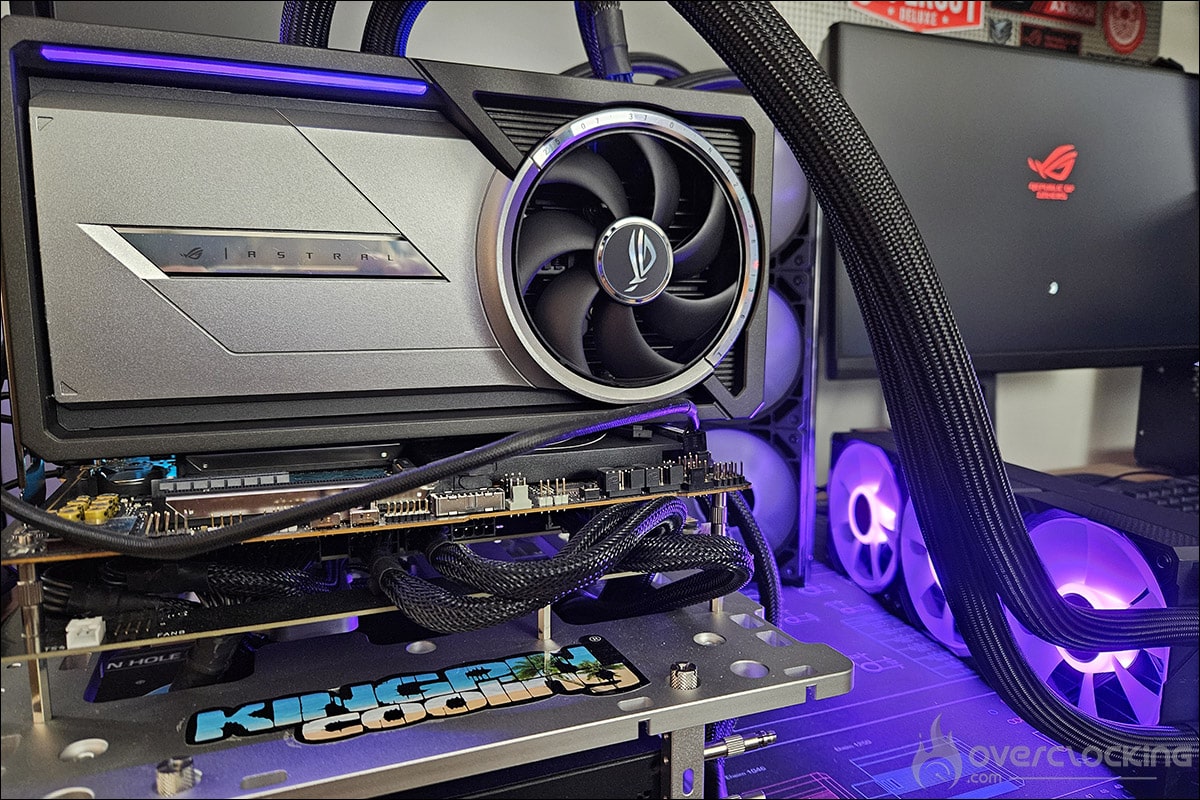
As we said in the introduction, we’ve updated all our graphics using the latest drivers from NVIDIA, AMD and, of course, Intel. We also took the opportunity to slightly modify our test configuration and add new games to our protocol. So here we go again, with a new series of tests and graphics on this slightly modified configuration:
- Motherboard: ROG Maximus Z790 APEX Encore
- Processor : Intel Raptor Lake i9-14900K delid
- Cooling system: EK-Nucleus AIO CR360 Direct Die D-RGB – 1700
- Memory: 48 GB Corsair Dominator Titanium 8000 MT/s CL38
- Graphics card: ROG Astral LC RTX 5090, NVIDIA RTX 5090 FE, ASUS RTX 4090 TUF OC, NVIDIA RTX 4080 Super FE, NVIDIA RTX 4080 FE, AMD RX 7900 XTX and AMD RX 7900 XT
- SSD: Western Digital Black SN750 2 TB radiator EKWB
- Power supply: Corsair AX1600i
- Operating system: Windows 11 64-bit 24H2 (26100.2894)
For this test, we used a fairly high-end configuration based on a delided i9-14900K processor and DDR5 memory. Depending on the definition tested, we’re using either an MSI Oculux NXG253R or a ROG Strix XG27UCS on loan from ASUS France.
Our test protocol :
All cards are tested at stock frequencies and without any optimization. For the various benchmarks, whether synthetics or games, we’ll opt for 1080p, 1440p and 2160p resolutions, depending on the card’s performance.
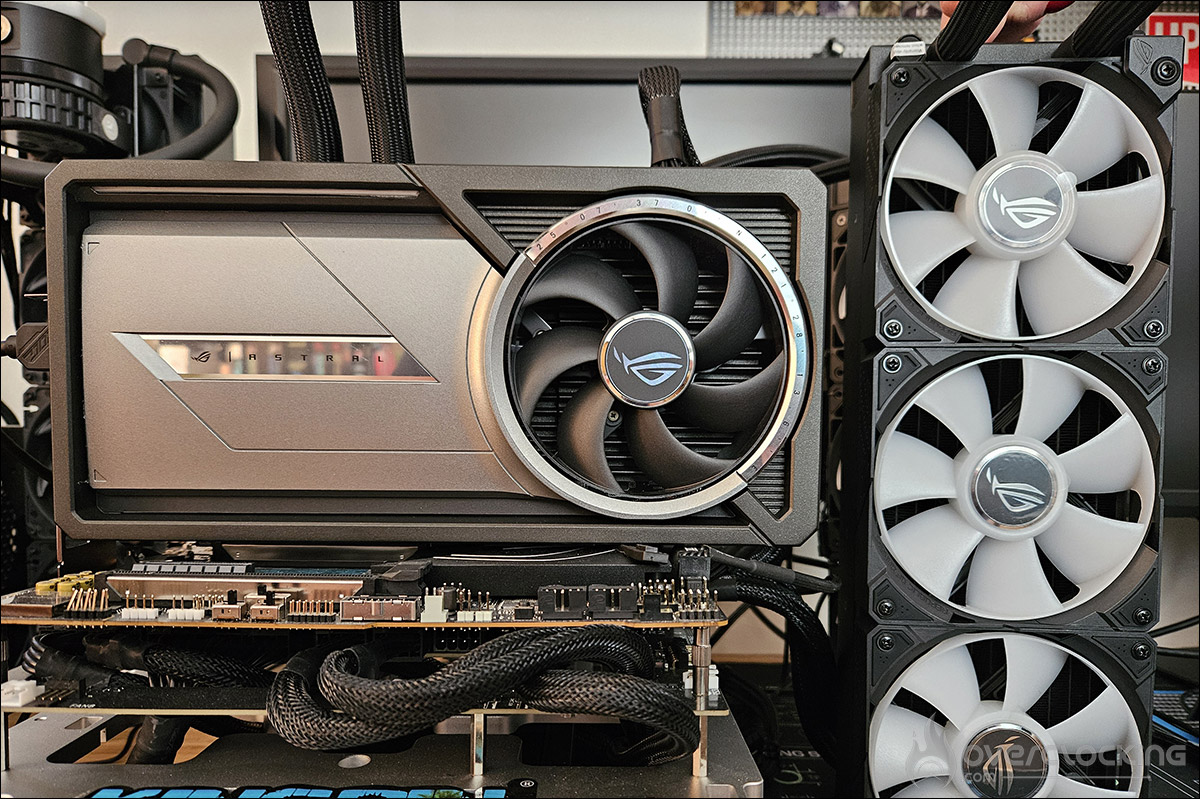
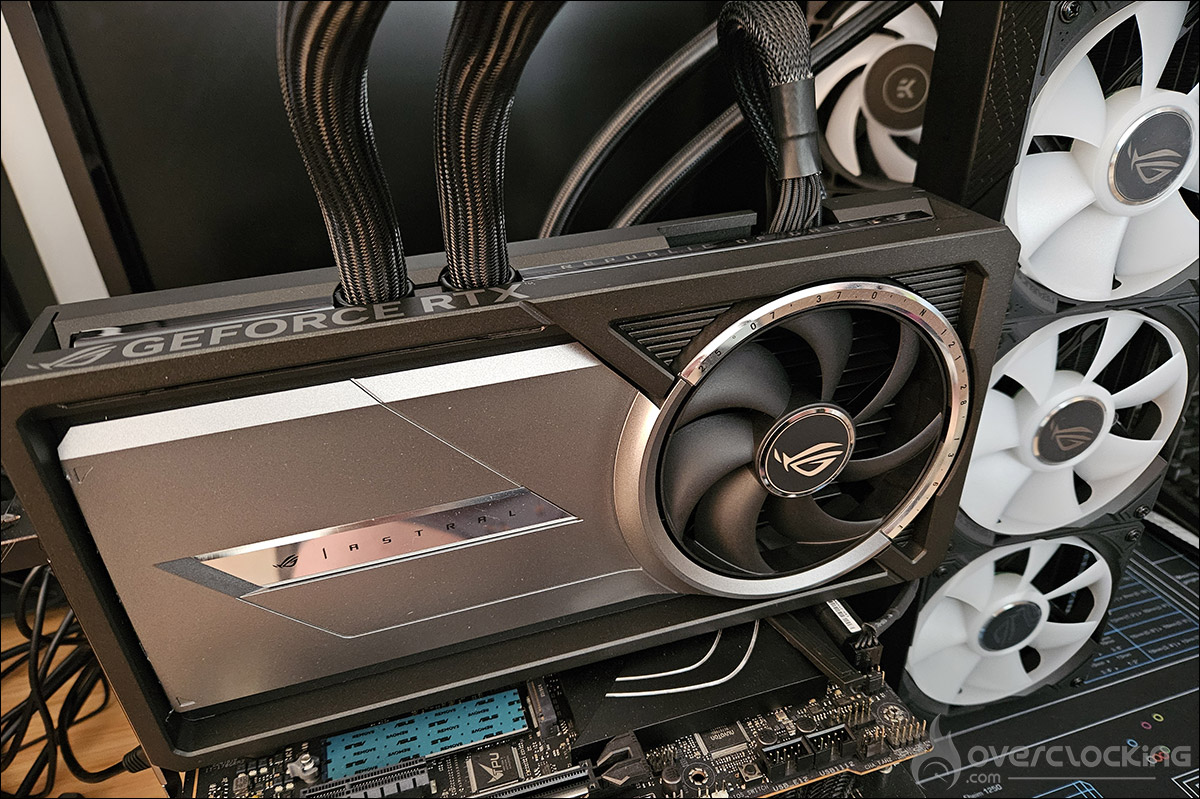
Here, with this ROG Astral LC RTX 5090 model, there’s no doubt about the definition: it’s 2160p! We’ll be using DLSS Super Resolution in Performance mode, with image generation and ray tracing where available.
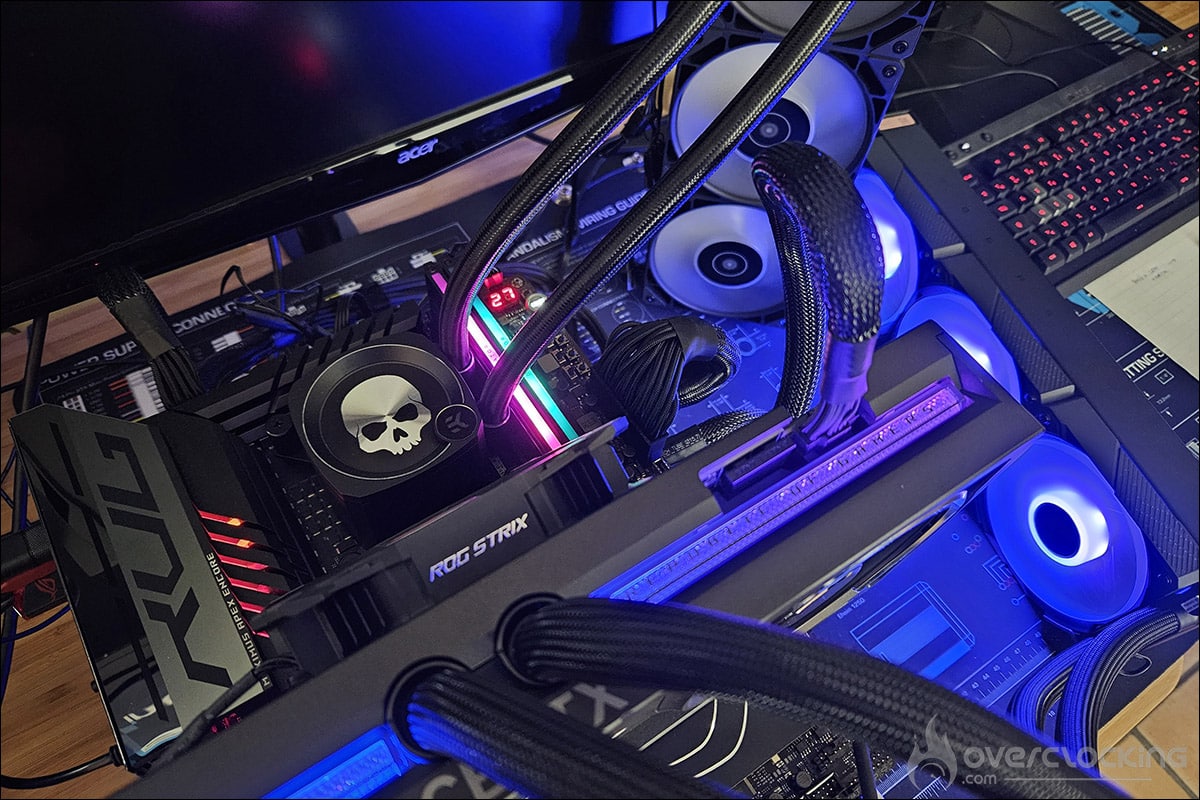
As you can see, we’re now running Windows 11 and we’ve activated the ReSize BAR in the BIOS, which can be seen in GPU-Z. Now that you know everything about our test configuration, it’s time to get started!
Remarks:
Before we begin our tests, we wanted to highlight two remarks we read in NVIDIA’s reviewer guide. NVIDIA recommends using AMD’s Ryzen 7 9800X3D processor for the best experience. Indeed, after our tests, this processor proves to be the best choice for gaming. As our protocol is built around the i9 14900K, it’s impossible to retest all our cards with this processor. But we’ll be bringing you the performance of the RTX 5090 with a 9800X3D CPU in the coming weeks.
Finally, NVIDIA recommends using a display with a high refresh rate and high resolution, i.e. 4K at 240 Hz. The idea is to ensure that you can enjoy optimal game fluidity and clarity of movement.