











The MEG AI1600T PCIE5
Presentation of the MSI MEG Ai1600T PCIe5 power supply box
MSI is clearly playing at the very top end of the market with this MEG AI1600T PCIE 5 power supply. From the first glance at the box, you can see the attention to detail and premium positioning of this power supply.
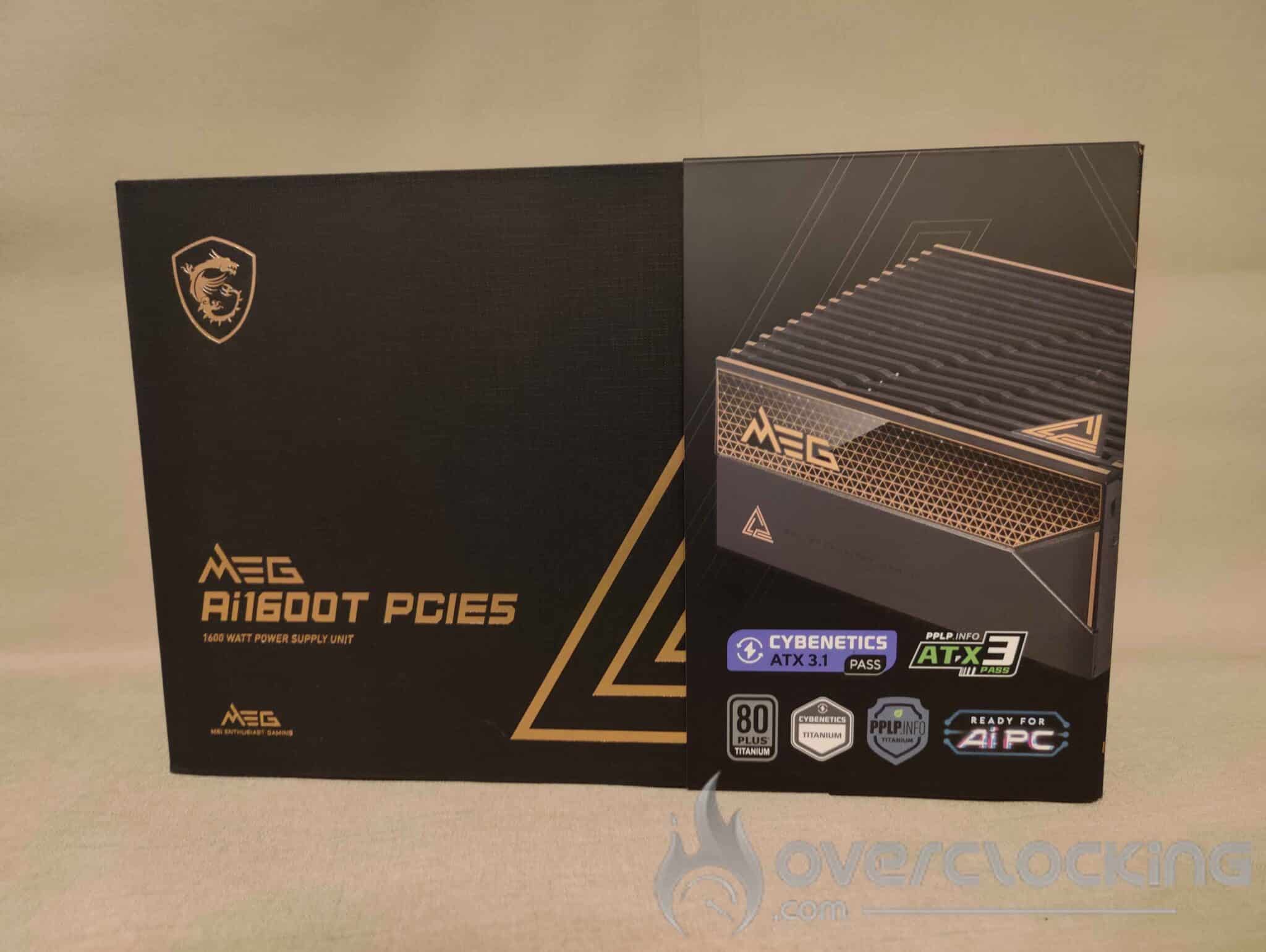
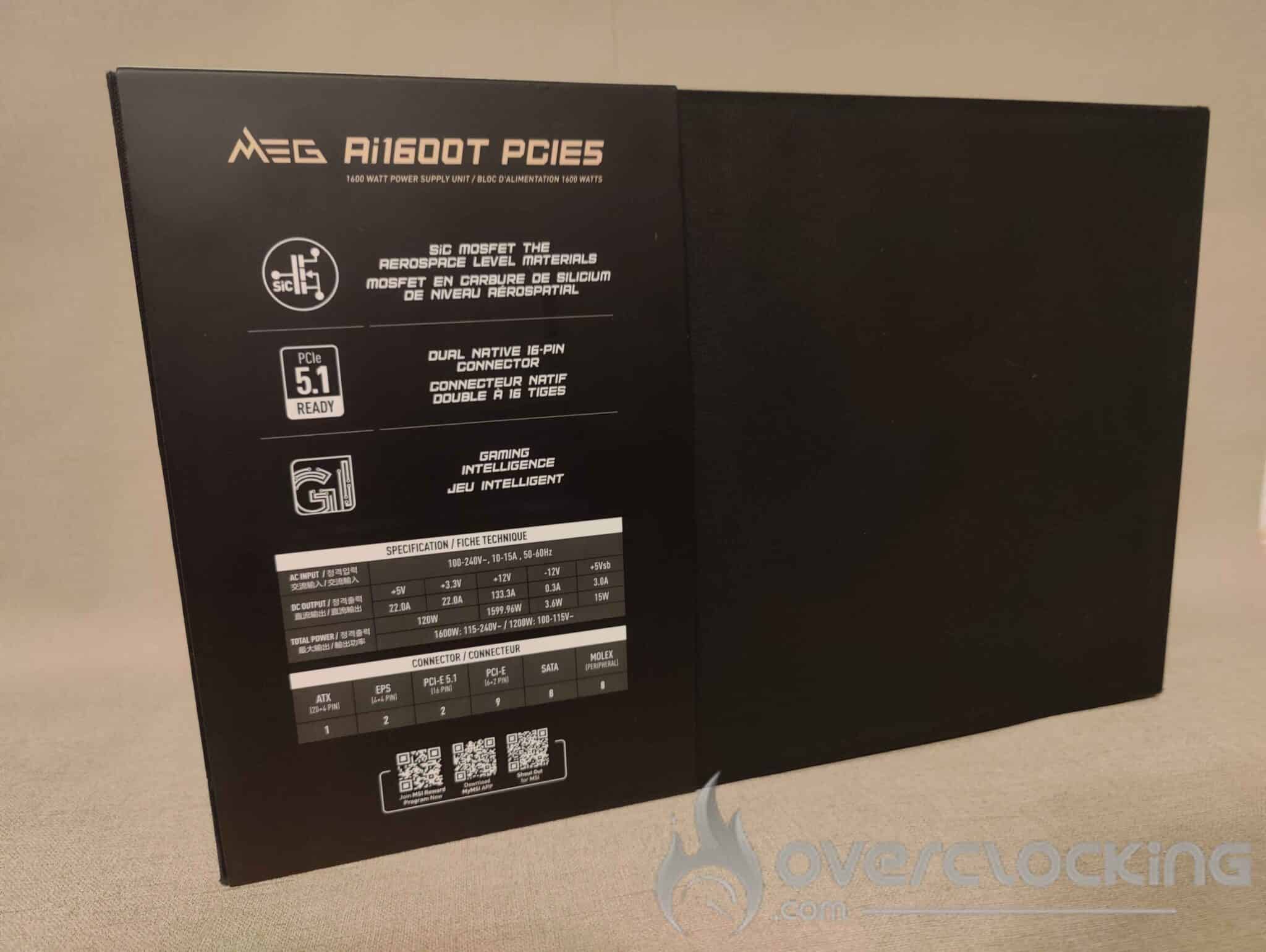
MSI has opted for a refined design, with a black box embellished with gold accents, giving it a sleek, luxurious look. This is the first time I’ve seen this ‘box effect’ on a power supply, a choice usually reserved for ultra high-end products, such as certain graphics cards.
Right from the front, MSI highlights its certifications and integrated technologies, with three certification bodies: 80 PLUS Titanium, Cybernetics Titanium and PPLP Titanium. We also find the latest standards, with Cybernetics ATX 3.1 Pass certification and PCIe 5.1 Ready. Finally, the mention of AI PC Ready seems to refer to the software integration that links the power supply to the motherboard via MSI Center, offering detailed monitoring of energy consumption and power management.
Inside the case :
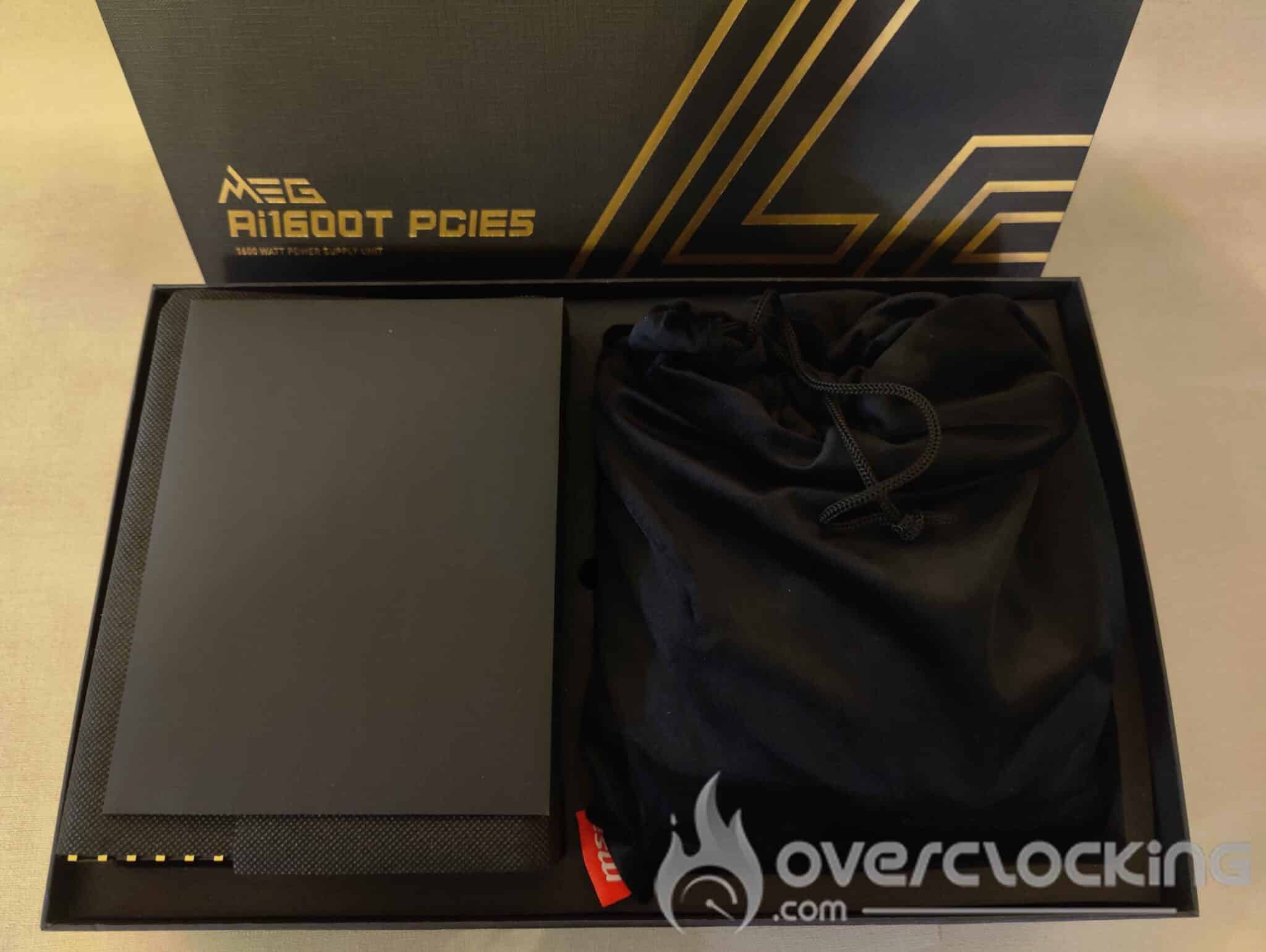
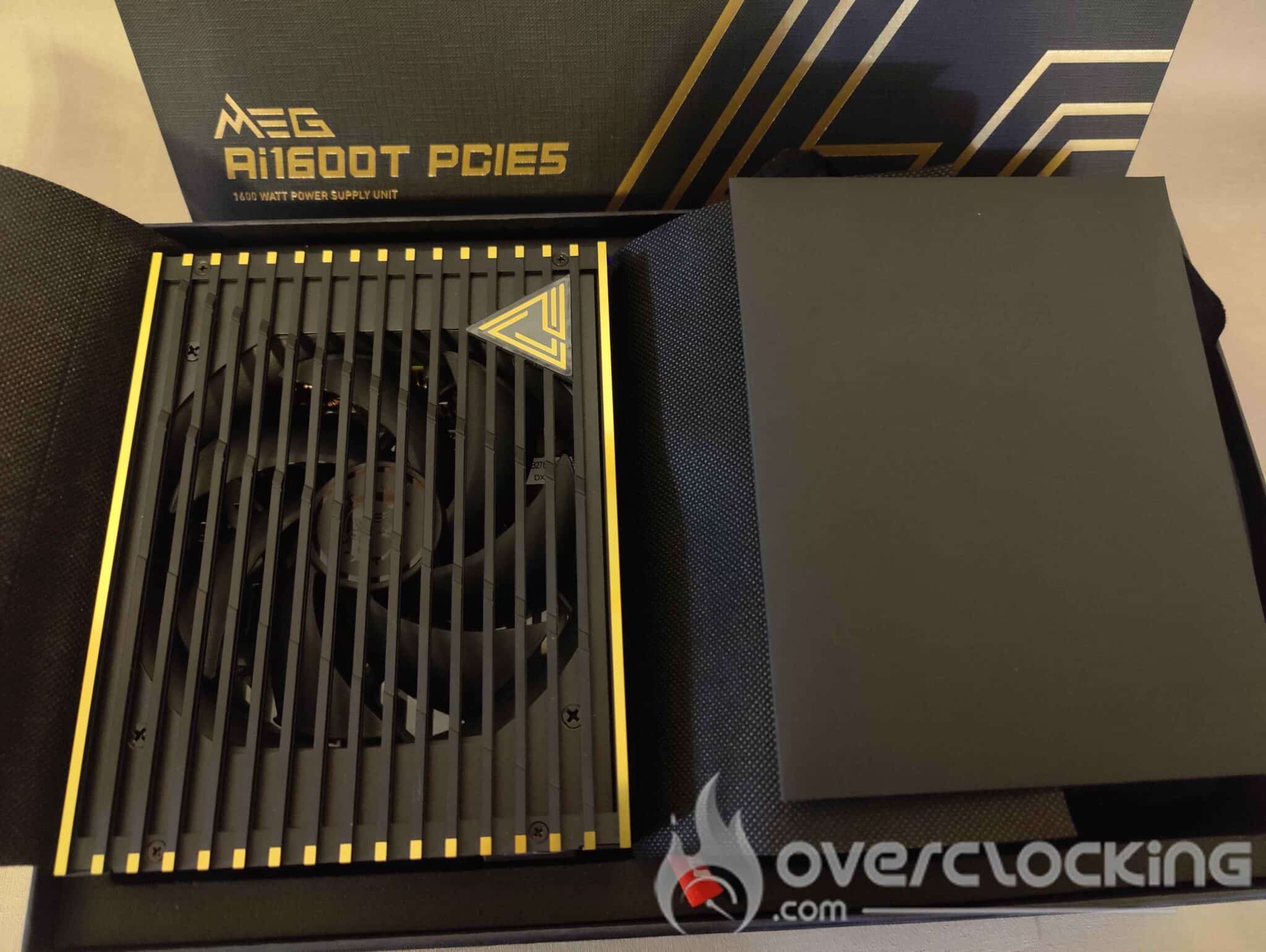
The ultra-premium experience continues when you open the box and unpack the power supply. As soon as the box is opened, MSI continues to assert its premium positioning with a neat, elegant presentation. The power supply rests neatly in its compartment, protected by an elaborate design that reinforces its high-end appearance. In the second compartment, a premium fabric bag houses all the modular cables, adding a touch of refinement rarely seen for this type of component.
To my knowledge, MSI offers the best unboxing experience for a power supply, with a level of care and detail usually reserved for high-end graphics cards or motherboards. It’s amazing to see a manufacturer attach so much importance to a power supply, a component often relegated to second place in terms of packaging and showcasing. With this approach, MSI is demonstrating that a power supply can also be an exceptional product.
The power supply :
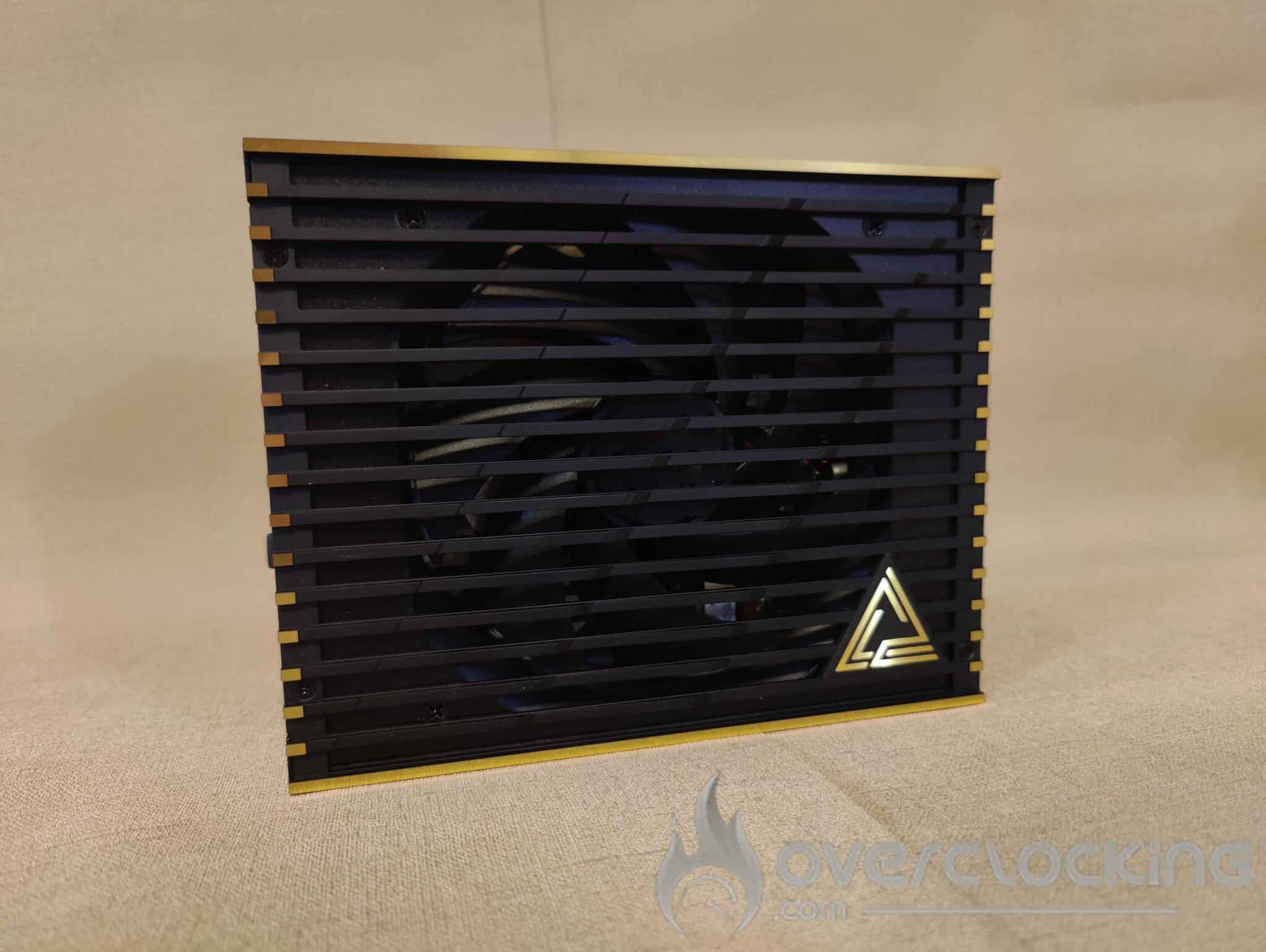
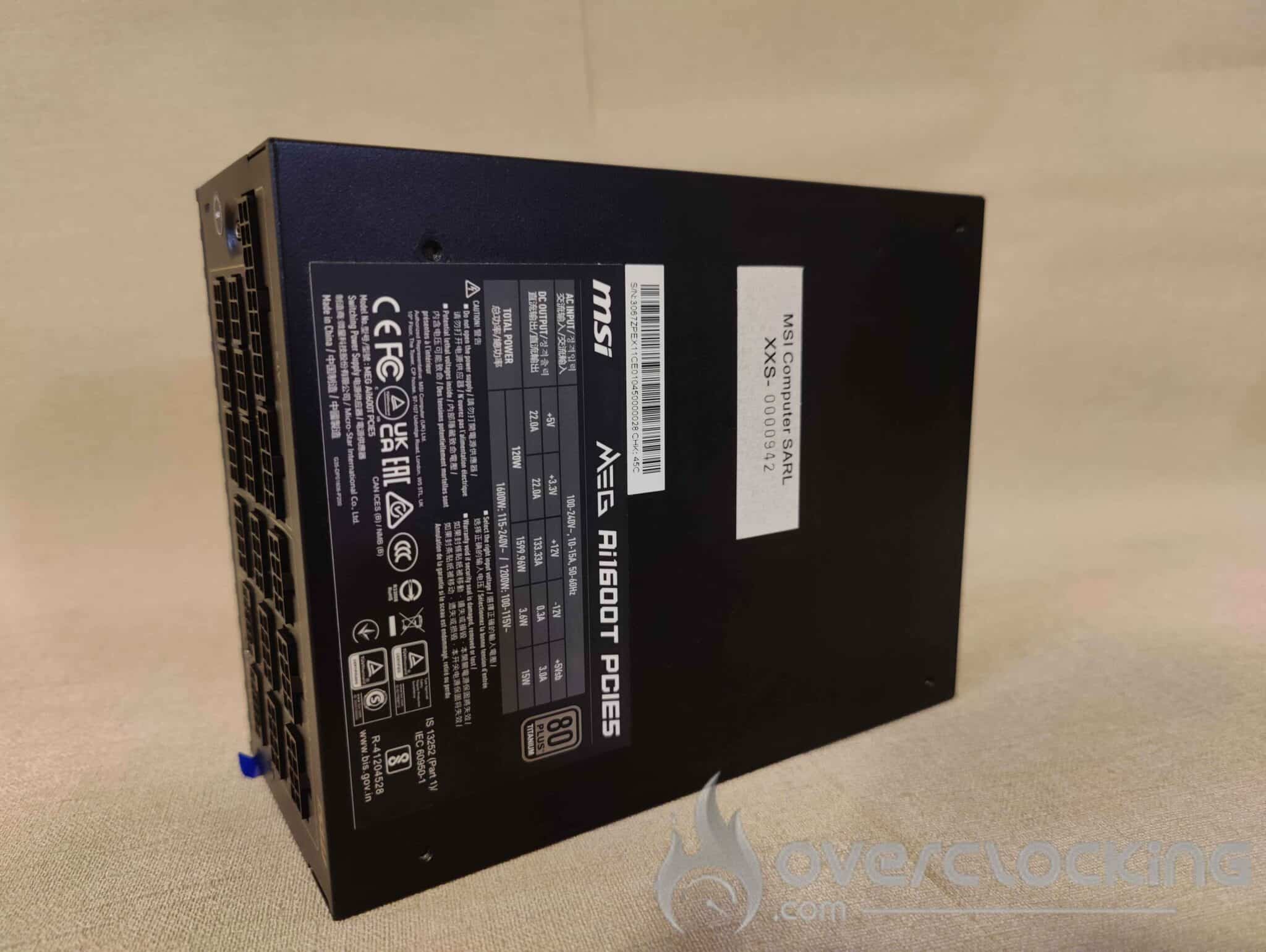
The MEG AI1600T PCIE 5 has a sober, elegant design, with a matt black finish enhanced by gold accents reminiscent of the appearance of the box. The power supply measures 150 mm x 85 mm x 190 mm, making it relatively compact for a 1600 watt power supply. It has a 135 mm fan and weighs 2.52 kg.


The front panel features an ON/OFF button, as well as a Zero Fan button, which activates the zero dB mode, enabling the fan to be switched off when the load is low, for totally silent operation.
The rear of the power supply features 17 ports, including two 12V-2×6 connectors. There’s also a USB Type-C port, so you can connect the PSU to your motherboard and monitor and control its operation via MSI Center, which I’ll talk about later in the article. This software, which I find rather interesting, turns out to be much more than just a gadget.
Cables:
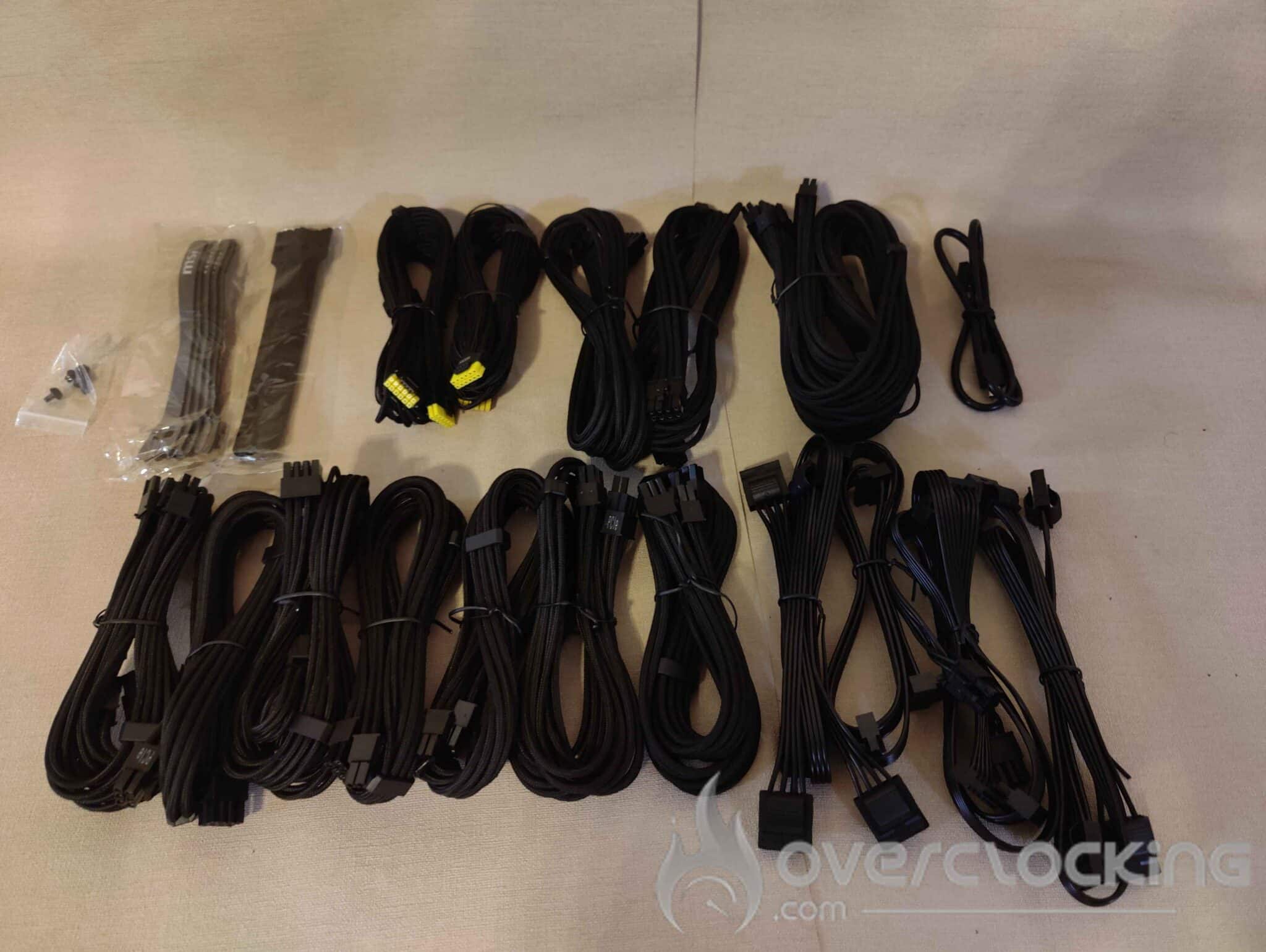
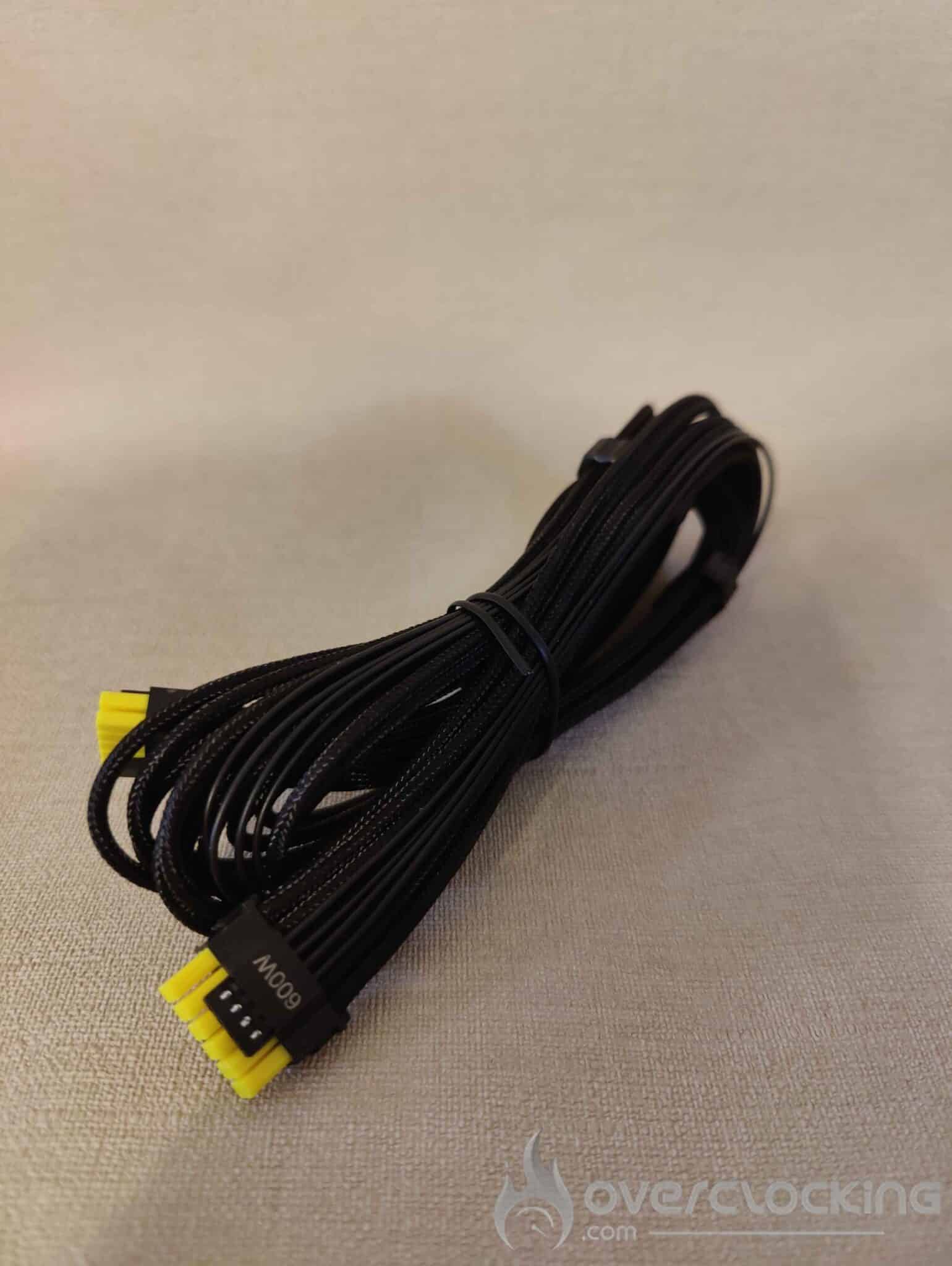
The sheathed cables are very well finished, with excellent build quality. But their real strength lies in their exceptional flexibility.
This is the first time I’ve seen cables that are so flexible, which is a radical change from the usual cables, which are generally rather rigid, often more like concrete than anything else, and which usually have to be pushed through a PC case with difficulty. This flexibility greatly facilitates installation and cable management, making assembly so much more enjoyable.
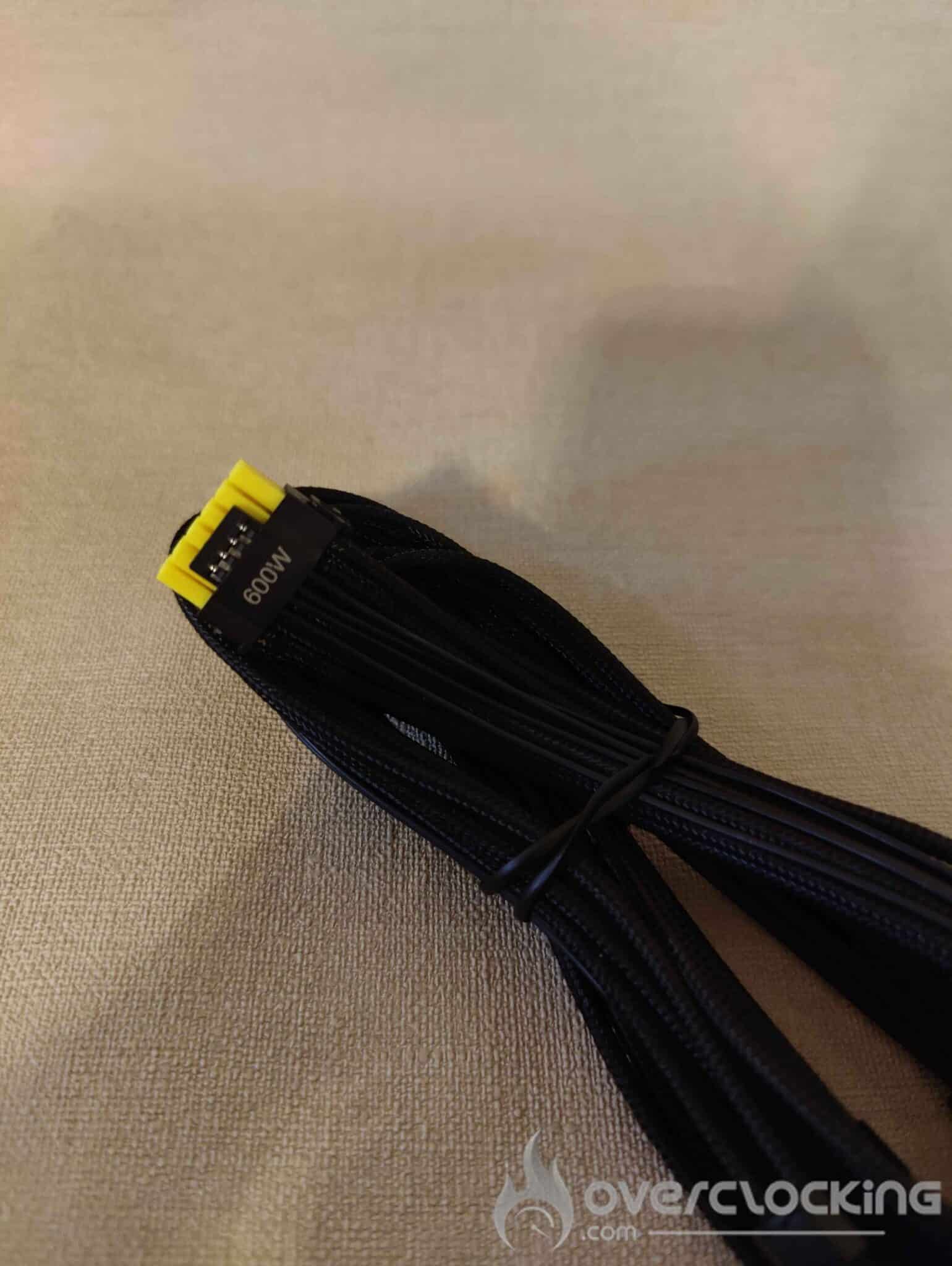
Another advantage of the cables is the yellow colour of the two 12VHPWR cables. With this ingenious detail, MSI makes it possible to visually check whether the cable is correctly inserted in the power port of your RTX 4000 or RTX 5000. If you can no longer see the yellow part of the cable, this means that it is properly connected, thus avoiding any incorrect connections that could lead to problems…