











The software
Let’s move on to the MSI software: the MSI Center.
This is a fairly comprehensive software suite, with a wide range of functions. But today we’re going to concentrate on the power supply section.
But before we go any further, I’d like to make one point: many people regard this type of software as a mere gadget, especially for a power supply. However, I’m going to share my experience with you and show you why, in my opinion, it’s much more useful and practical than you might think.
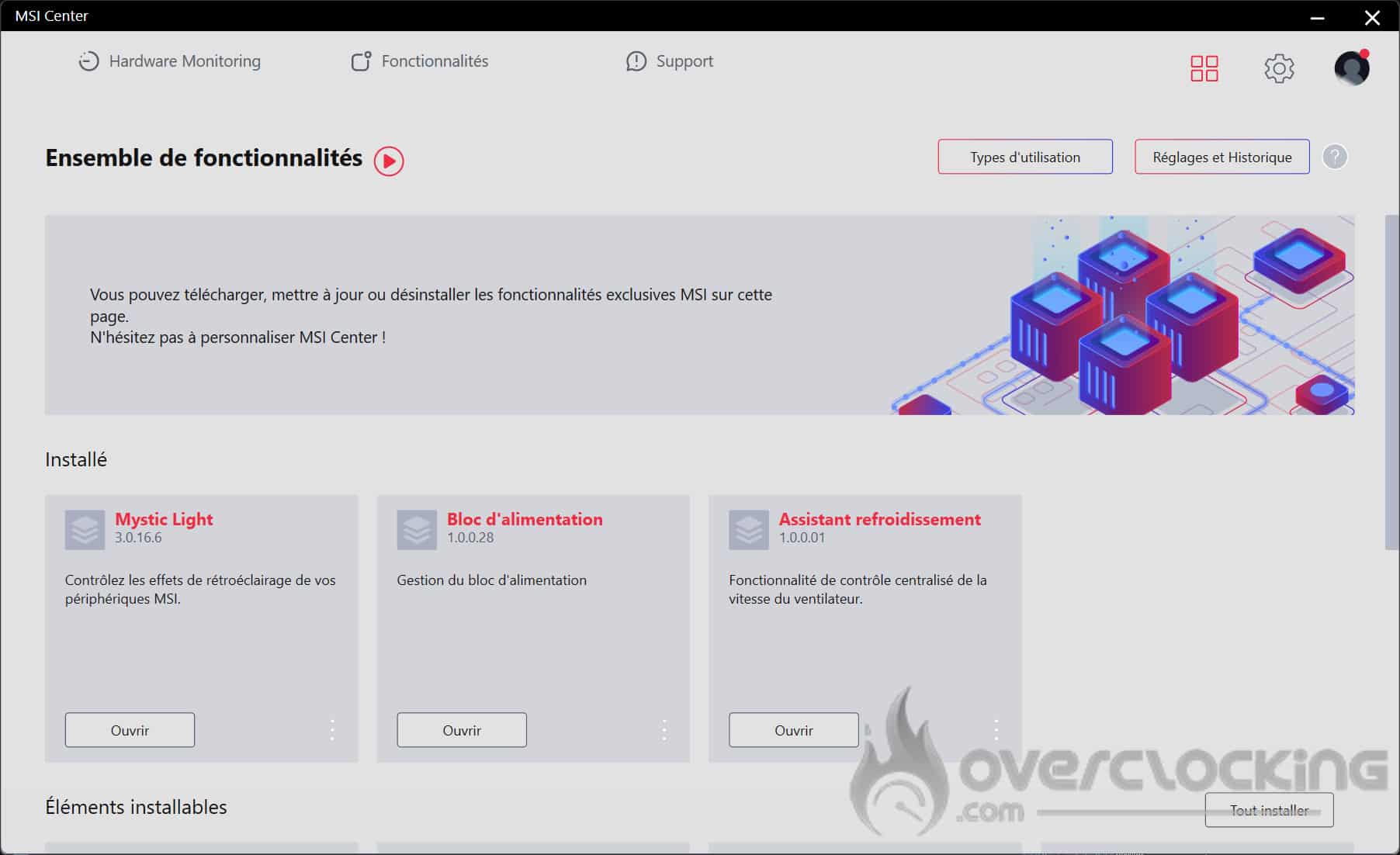
You’ll find 3 options for this Mystic Light power supply: because yes, this power supply is RGB, the Power Supply option for monitoring it, and the Cooling Wizard, which will allow you to manage the ventilation speed of your MSI power supply in addition to the GPU.
Functionality: power supply
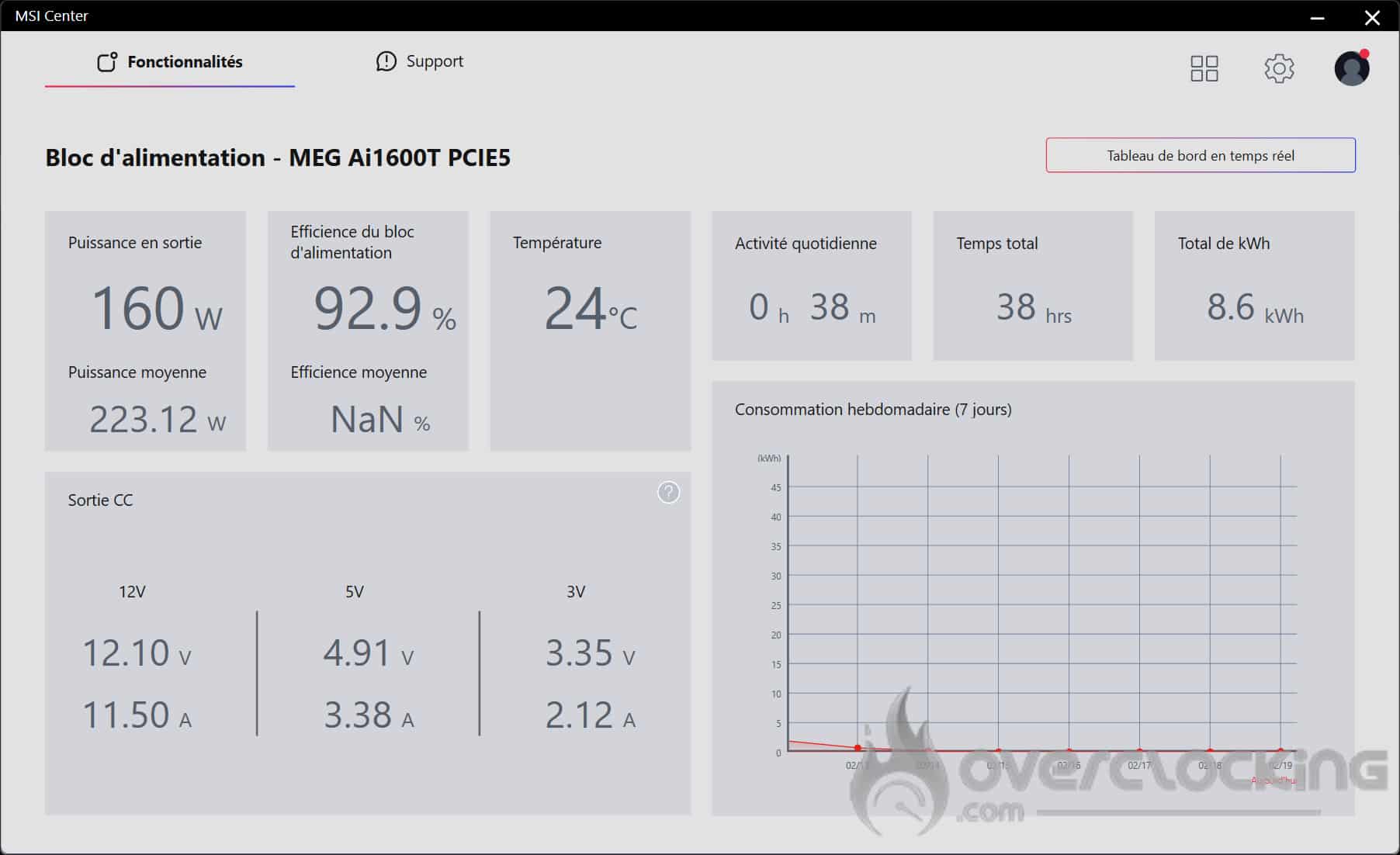
With the PSU feature, you can monitor your PSU’s wattage consumption, energy efficiency and temperature in real time. You’ll also have access to information on the voltages delivered.
This type of monitoring is particularly useful for analysing the behaviour of the power supply and detecting any problems, in particular by checking the temperature and the correct operation of the fan. In addition, it allows you to accurately assess your system’s energy demand, providing a clear overview of its overall consumption.
What I find particularly well thought-out is the section dedicated to your computer’s daily activity. It displays the total running time as well as consumption in kWh.
Thanks to the consumption graph, you can see how long your PC is used each day, as well as its consumption in kWh. This is the kind of information I personally appreciate, especially as with the current cost of electricity, monitoring your consumption is more relevant than ever.
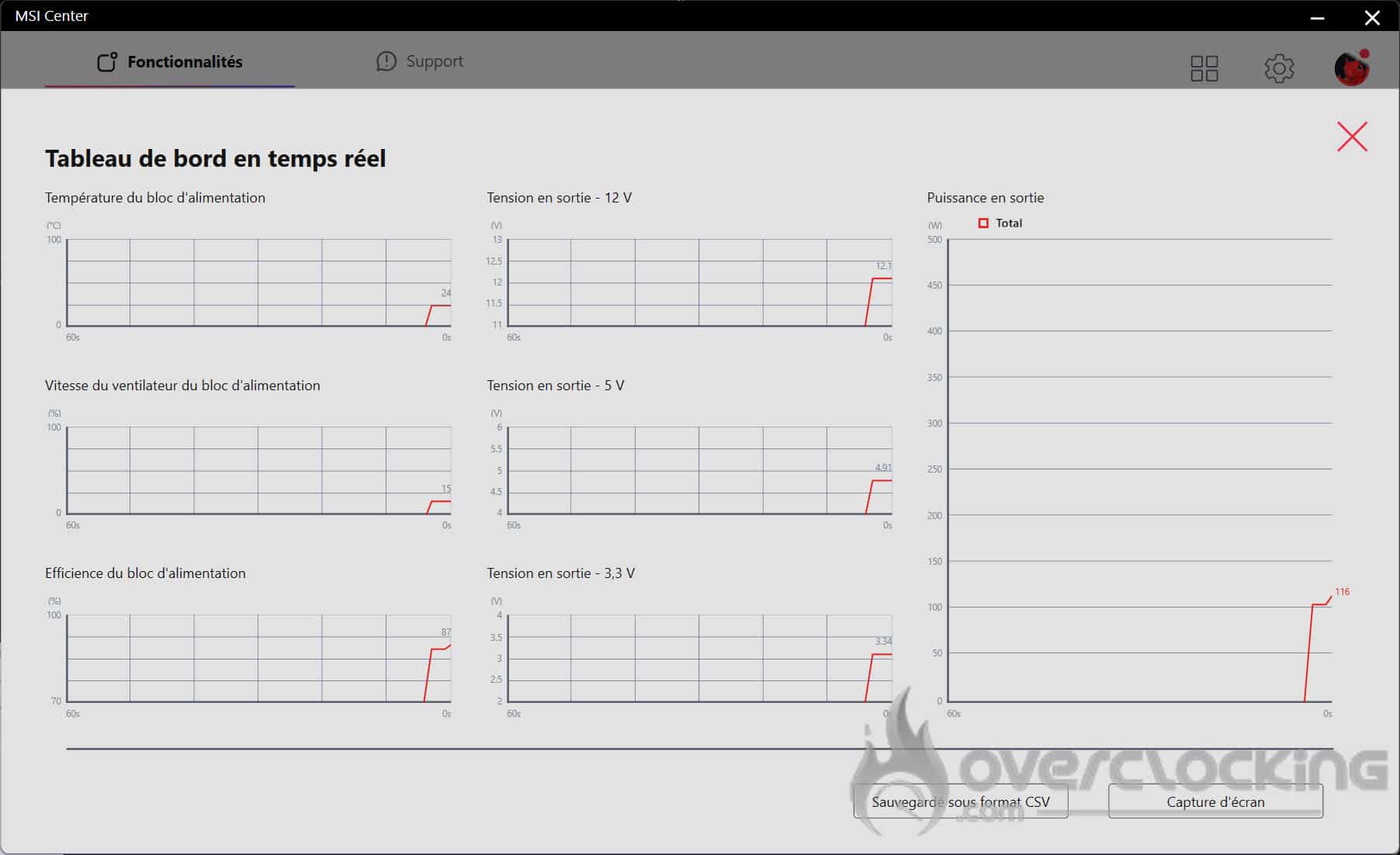
Here you’ll find a real-time table summarising the monitoring information. You can also save it in CSV format.
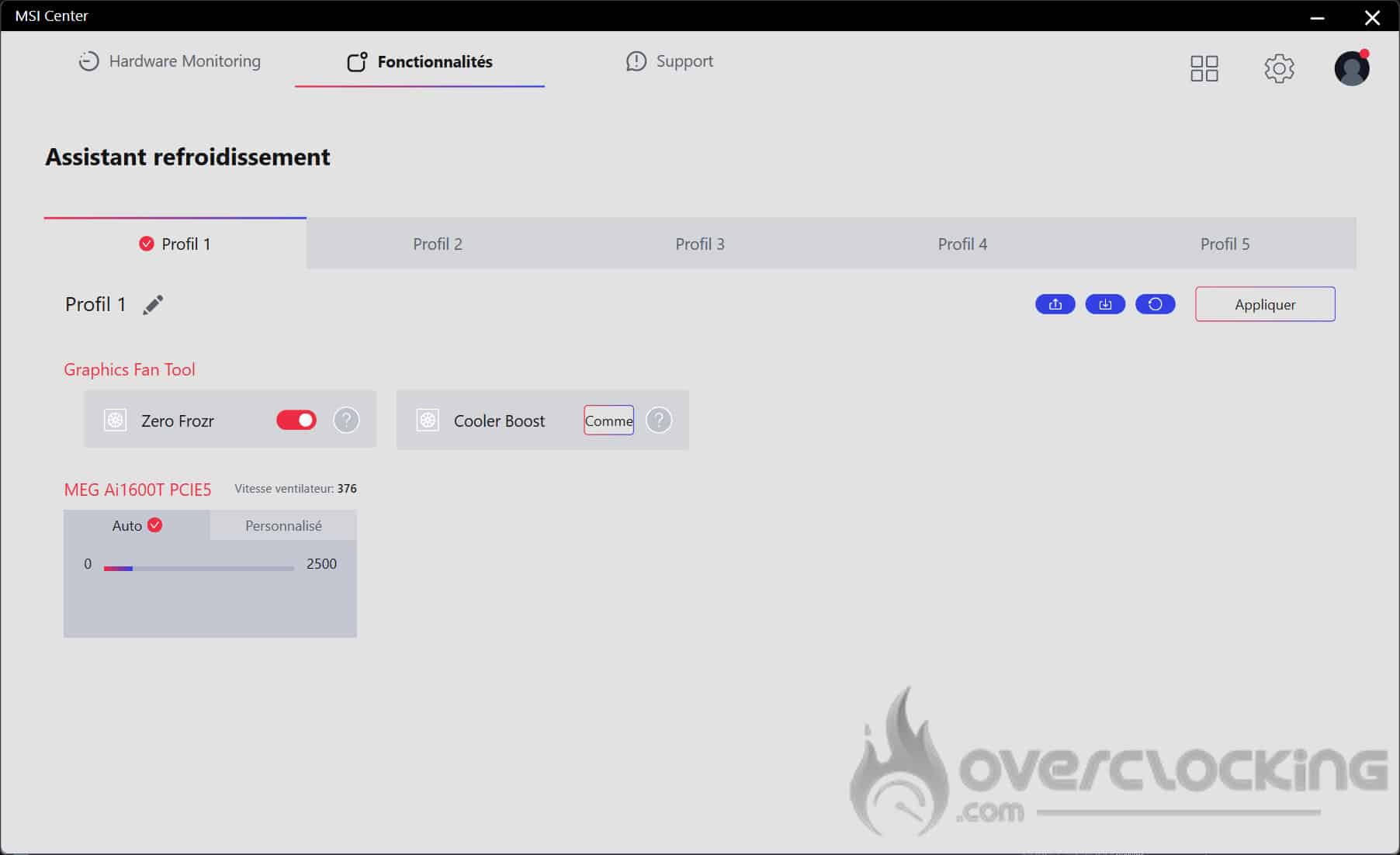
In the cooling wizard, you can manage the ventilation of your MSI MEG AI1600T PCIE 5 power supply. By default, the power supply is set to automatic mode, but you can customise the speed of your power supply fan in custom mode.
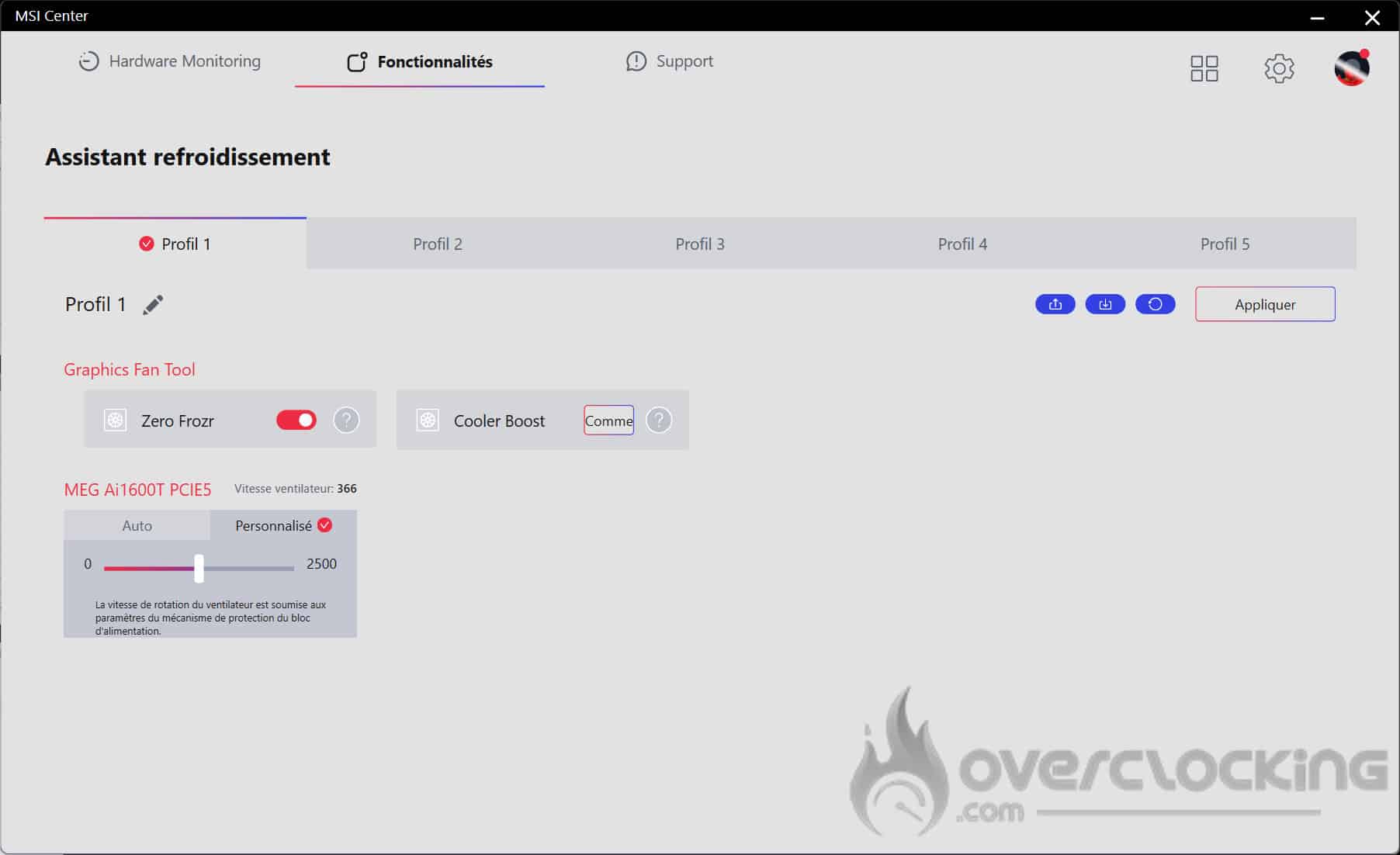
I find the software quite comprehensive and easy to use. For some it may seem like a gimmick, but personally I appreciate this kind of information to check that my power supply is cooling properly and that I’m using the right amount of energy.