











The changes
Before talking about the changes, I’d like to talk about what hasn’t changed.
What hasn’t changed :
Screen :
The Ally X retains its 7-inch, 120Hz touch-sensitive 1080p IPS screen. It’s a good screen with more than enough resolution for its size. Often, brands choose to increase the resolution, like Lenovo with its Legion Go, which uses a 2560×1600 IPS screen. This may look good on paper, but it doesn’t offer any visual benefits on this size of screen, and it will have a major impact on battery consumption. I think that Asus’ decision to keep this screen is a wise one, even if I would have liked to see an OLED screen on this second version.
The chip :
Let’s move on to the processor. To put it simply, when it comes to APUs of this type for portable consoles, AMD is currently only offering the Z1 Extreme chip, as there are no announcements or new models on the market from AMD. As for Intel’s chip offering, it’s disappointing and underperforming compared to AMD’s. So it was logical that Asus should stick with the Z1 Extreme for this second-generation console.
The changes :
Battery:
Let’s put our foot in it. The big problem with the first-generation ROG Ally was the 40Wh battery, which was too weak to be viable for a handheld console.
Asus, having listened to feedback from the community, has gone from a 40Wh to an 80Wh battery, which changes the game in terms of battery life during gaming use. Obviously, power consumption varies depending on the mode used to operate the console. On the other hand, it’s worth noting that the increase in battery weight means that the console now weighs 678g, up from 608g. But this weight gain is still acceptable compared with the competition.
I managed to get a ROG Ally for 2 days to compare with the ROG Ally X. What I can see is that in turbo mode (25 watt mode), when gaming on average, the Ally runs out of battery in around 1 hour 15 minutes to 1 hour 30 minutes, whereas the Ally X runs for around 2 hours 30 minutes. And in performance mode (17 watt mode), the basic Ally has a battery life of around 2 hours 15 minutes, while the Ally X has a battery life of just under 5 hours.
But on certain games that require a lot of power, like Cyberpunk for example, the basic Ally lasts less than an hour, while the Ally X lasts just over 2 hours.
The battery gain in games is clearly massive in most scenarios. And that’s a game-changer in terms of what it’s designed for: portable use.
Handling:
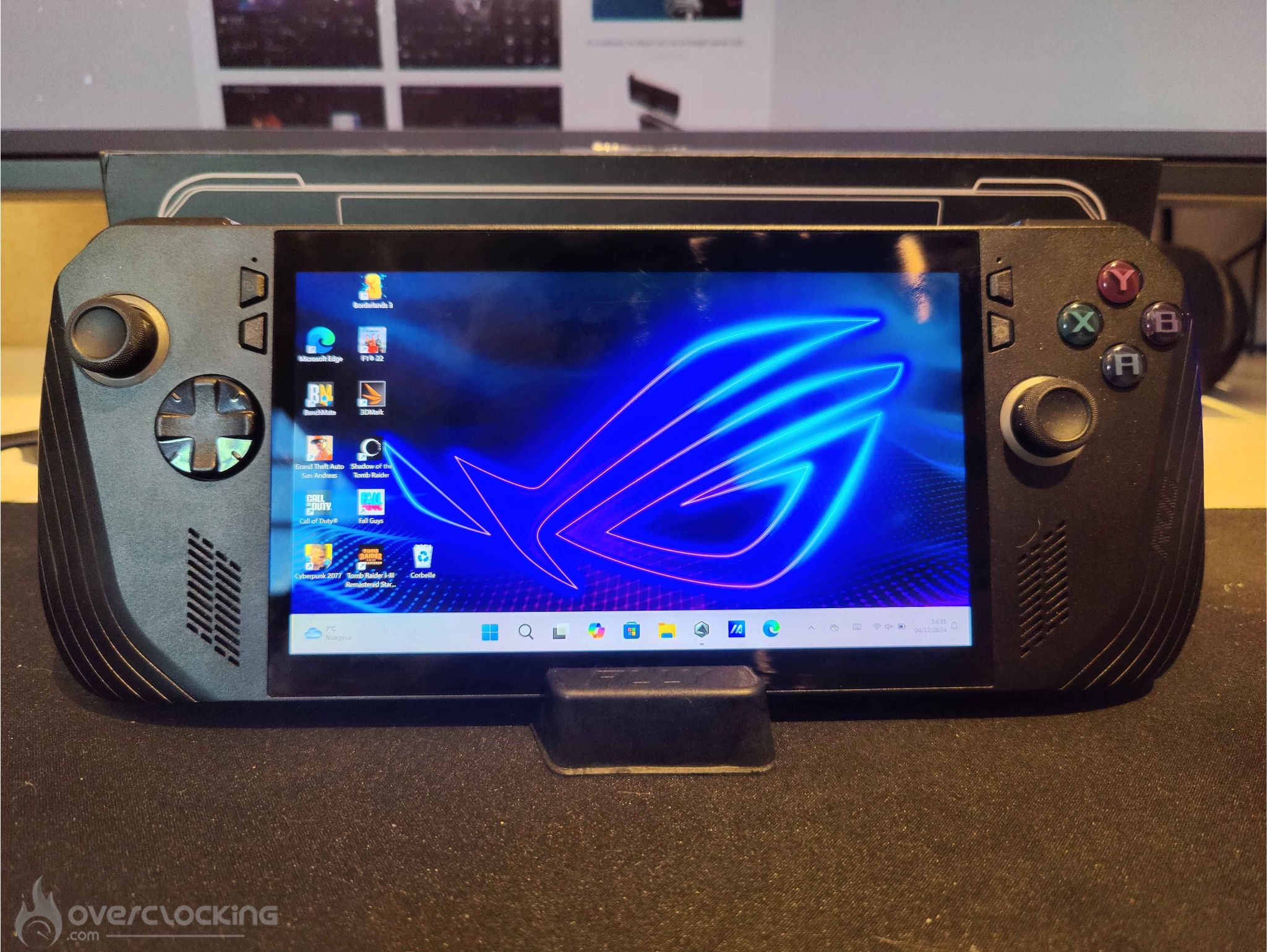

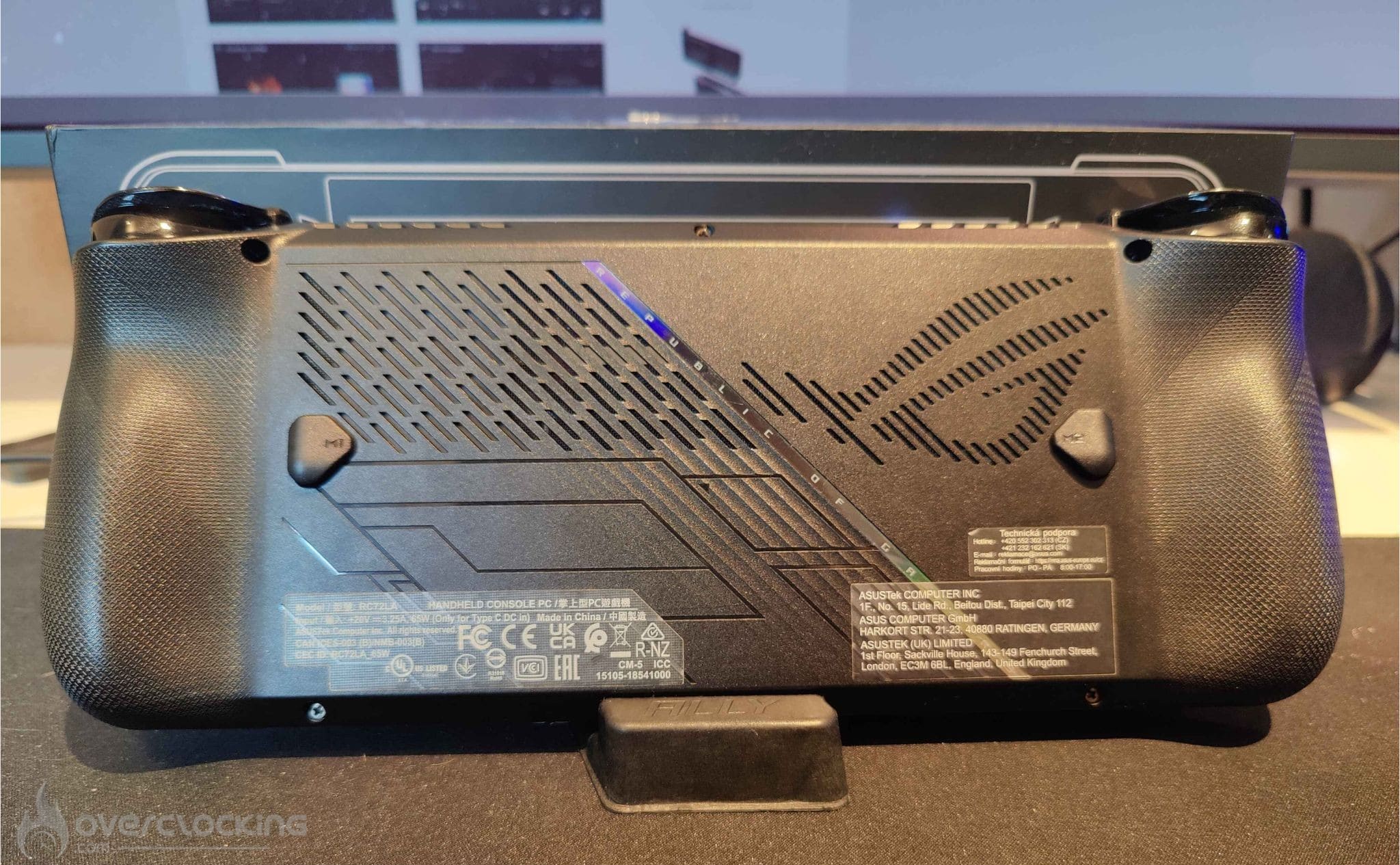
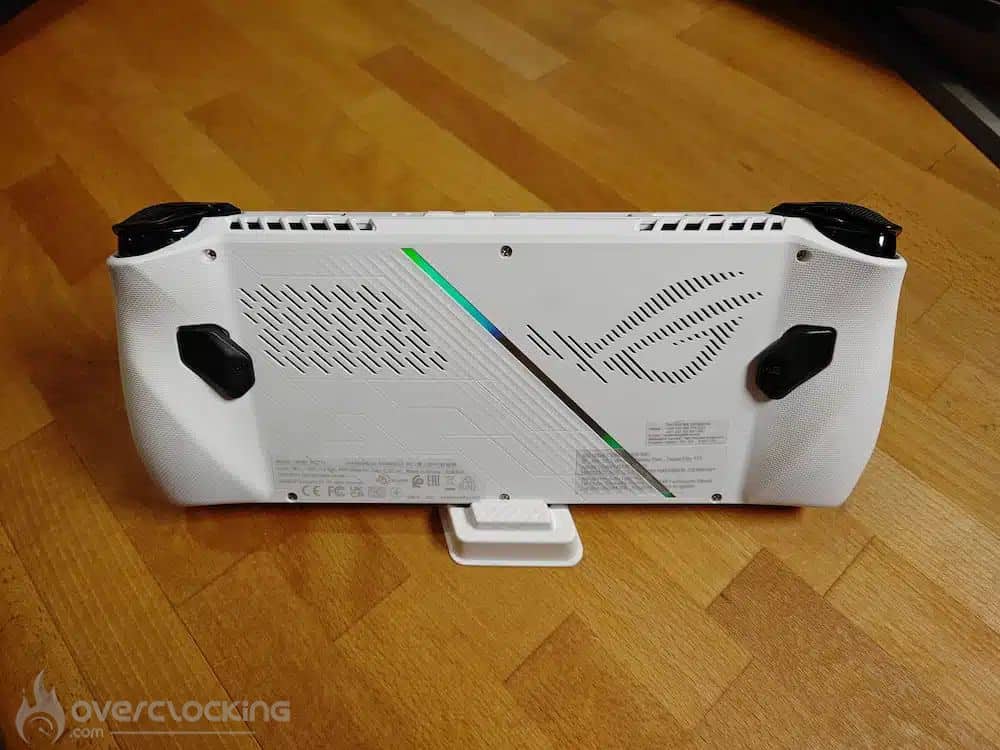
To put it simply, the Ally X’s grip has been completely redesigned. The angular handles have been replaced by more rounded shapes with a textured surface, almost like an Xbox controller. The real pleasure of having a controller in your hand is back, and I think this was necessary to improve user ergonomics.
As for the macro buttons, they’ve been reduced in size and relocated for better positioning and an optimised grip. The triggers have also been refreshed, as have the A, B, Y and X buttons, which now offer a more present sound and a better feel. The joysticks, meanwhile, are firmer and feel better, and their lifespan has been doubled.
The D-Pad (Directional Cross) has been enlarged, with a better feel, making it more comfortable than the previous version.
Storage:
The Ally X has been upgraded to 1TB compared with the previous model, to be more in line with the new releases of ever more storage-intensive games. But one of the problems with the first-generation Ally was the non-standard NVMe 2230 format, which made it harder to change storage. This has now been changed to a 2280 format, which is standard and used by virtually all NVMe devices on the market.
Memory :
The standard ROG Ally is equipped with 16 GB of LPDDR5 RAM running at 6400 MT/s. The ROG Ally X, on the other hand, benefits from an increase in memory with 24 GB of LPDDR5X RAM running at 7500 MT/s. This increase is useful for improving the amount of VRAM available for the graphics, making the console more future-proof. As a reminder, an APU shares its graphics memory with RAM, which means, for example, that you can have 16GB of RAM with 8GB allocated to VRAM. What’s more, increasing the frequency of the RAM offers a slight performance boost.
Cooling :
There’s also a change to the cooling system, which, according to Asus, reduces console temperatures with better airflow and prevents the screen from heating up. I didn’t notice any difference from the old model. The Ally X is silent and I didn’t feel any heating on the console or through the ventilation.
Others :
It’s now possible to change the joysticks on this new version. For some, this may not be important, but for others, it’s essential to have an easy repair option. With the old model, you had to dismantle almost the entire console and remove the motherboard. This problem is now solved: simply remove the rear cover to gain direct access to the joysticks and replace them.