

Is the ASUS ROG Ally X a revolution?
Today we present the new ROG Ally X, the replacement for the ROG Ally. What does this evolution offer in the face of increasingly numerous and aggressive competitors?

It’s true that the Steam Deck set the trend for portable consoles, but ASUS with the Ally X, MSI with the Claw, and Lenovo with the Legion Go have all added their own Windows-based portable consoles to the market. Each brings its own innovations, but ASUS is consolidating its first model with improvements in ergonomics, battery and performance.
With improved optimisation and redesigned functions, the ROG Ally X is set to become the benchmark for this fierce competition.
In this article, I’m obviously going to talk to you about the gaming performance and developments of this second version, but that’s not all. With Windows on board and a high-performance chip, this console can be a real adversary to gaming laptops.
Table of differences between the ROG Ally and the ROG Ally X :
| Rog Ally | Rog Ally X |
| Processor : | AMD Ryzen Z1 Extreme | AMD Ryzen Z1 Extreme |
| Ram : | 16 GB LPDDR5-6400 | 24 GB LPDDR5X-7500 |
| Storage : | 512 GB PCIe 4.0 NVMe (2230) | 1 TB PCIe 4.0 NVMe (2280) |
| Battery : | 40 Wh | 80 Wh |
| Display : | 7-inch, 1080p, 120 Hz, 500 nits | 7-inch, 1080p, 120 Hz, 500 nits |
| Chassis colour: | White | Black |
| I/O (connectivity) : |
|
|
| Joysticks : | 2 million cycles | 5 million cycles |
| Maximum charging speed : | 65 Watt | 100 W (65 W charger included) |
| Price | 499 euros | 849 euros |
[nextpage title=”The changes”]
Before talking about the changes, I’d like to talk about what hasn’t changed.
What hasn’t changed :
Screen :
The Ally X retains its 7-inch, 120Hz touch-sensitive 1080p IPS screen. It’s a good screen with more than enough resolution for its size. Often, brands choose to increase the resolution, like Lenovo with its Legion Go, which uses a 2560×1600 IPS screen. This may look good on paper, but it doesn’t offer any visual benefits on this size of screen, and it will have a major impact on battery consumption. I think that Asus’ decision to keep this screen is a wise one, even if I would have liked to see an OLED screen on this second version.
The chip :
Let’s move on to the processor. To put it simply, when it comes to APUs of this type for portable consoles, AMD is currently only offering the Z1 Extreme chip, as there are no announcements or new models on the market from AMD. As for Intel’s chip offering, it’s disappointing and underperforming compared to AMD’s. So it was logical that Asus should stick with the Z1 Extreme for this second-generation console.
The changes :
Battery:
Let’s put our foot in it. The big problem with the first-generation ROG Ally was the 40Wh battery, which was too weak to be viable for a handheld console.
Asus, having listened to feedback from the community, has gone from a 40Wh to an 80Wh battery, which changes the game in terms of battery life during gaming use. Obviously, power consumption varies depending on the mode used to operate the console. On the other hand, it’s worth noting that the increase in battery weight means that the console now weighs 678g, up from 608g. But this weight gain is still acceptable compared with the competition.
I managed to get a ROG Ally for 2 days to compare with the ROG Ally X. What I can see is that in turbo mode (25 watt mode), when gaming on average, the Ally runs out of battery in around 1 hour 15 minutes to 1 hour 30 minutes, whereas the Ally X runs for around 2 hours 30 minutes. And in performance mode (17 watt mode), the basic Ally has a battery life of around 2 hours 15 minutes, while the Ally X has a battery life of just under 5 hours.
But on certain games that require a lot of power, like Cyberpunk for example, the basic Ally lasts less than an hour, while the Ally X lasts just over 2 hours.
The battery gain in games is clearly massive in most scenarios. And that’s a game-changer in terms of what it’s designed for: portable use.
Handling:
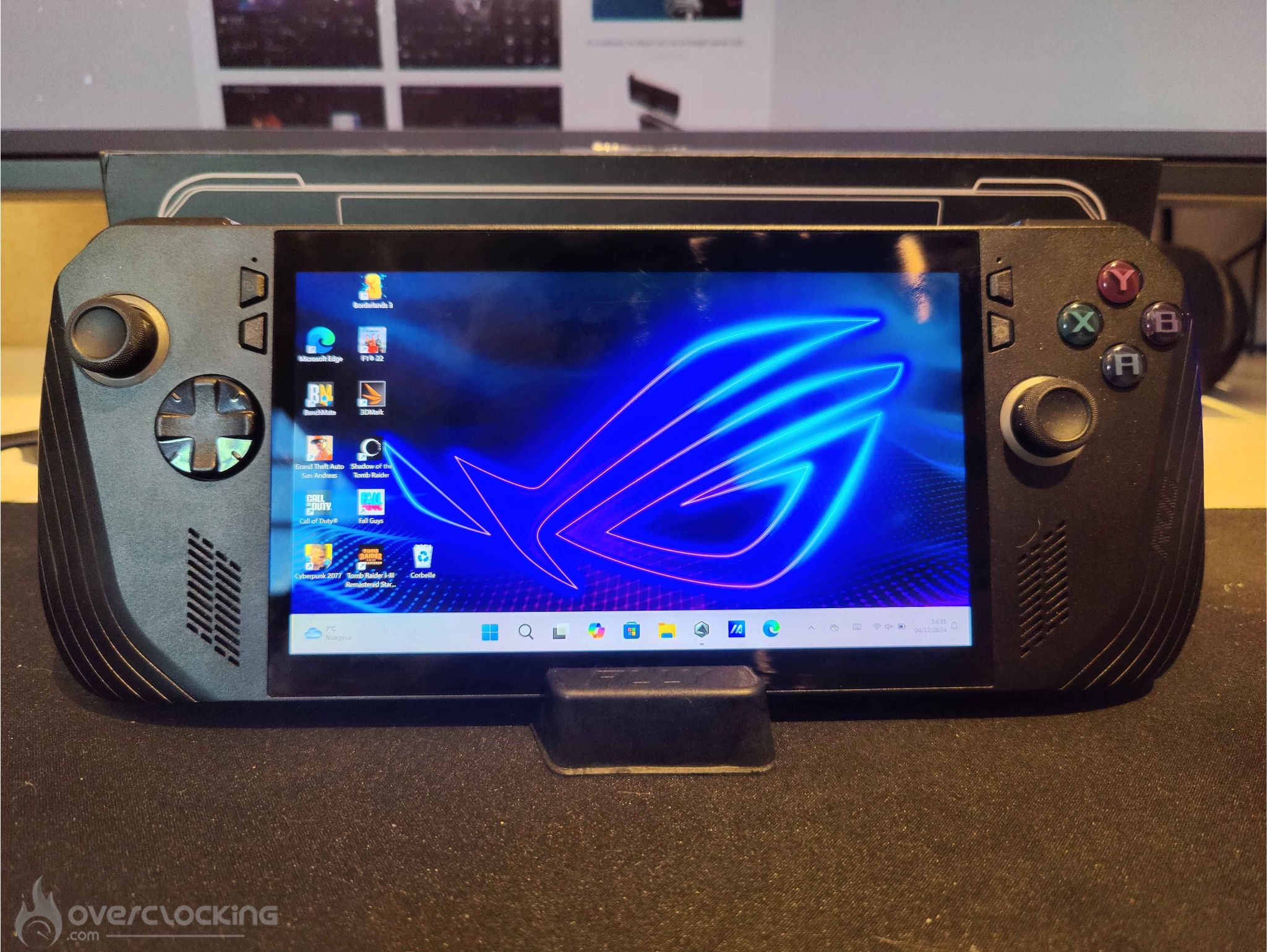

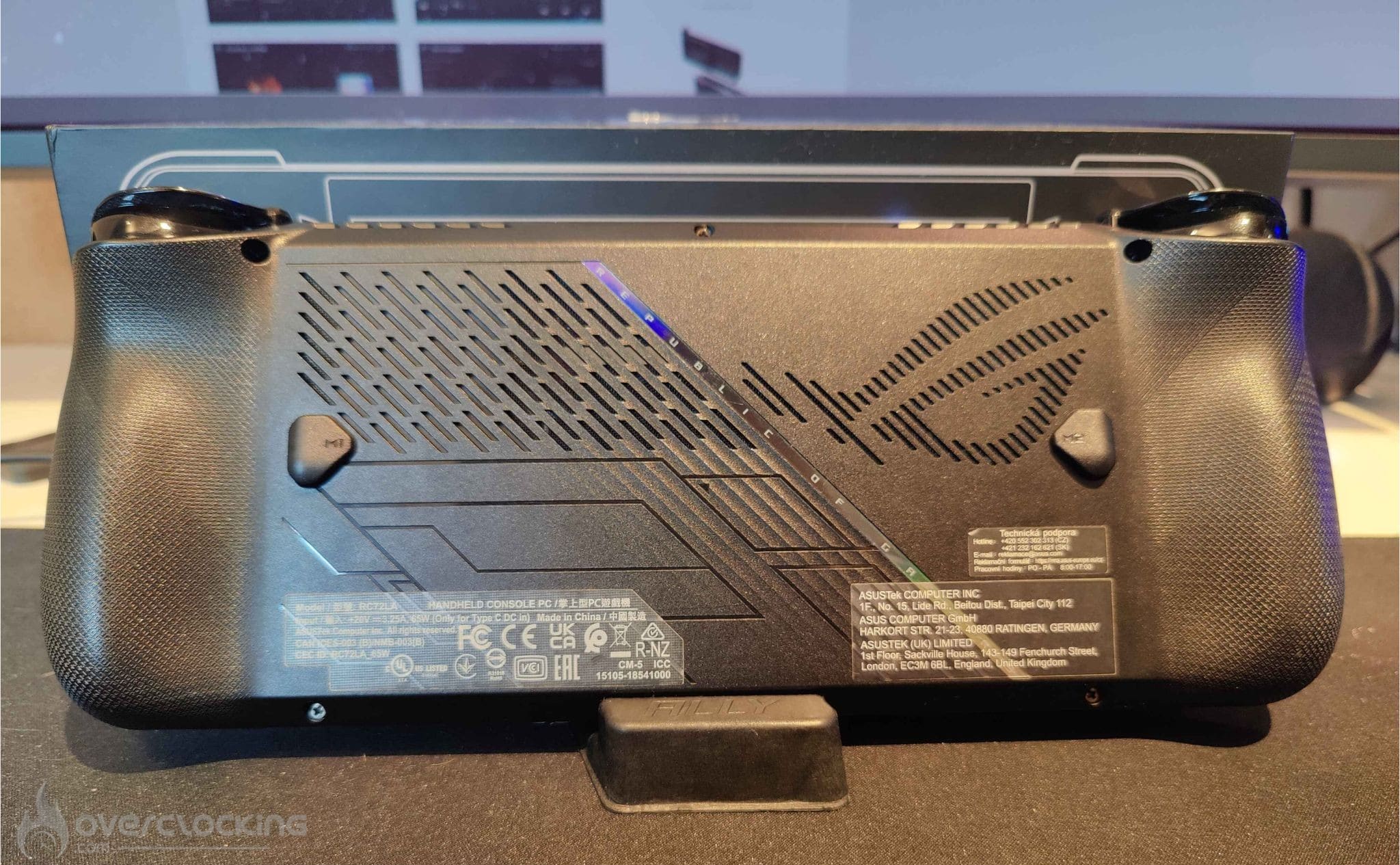
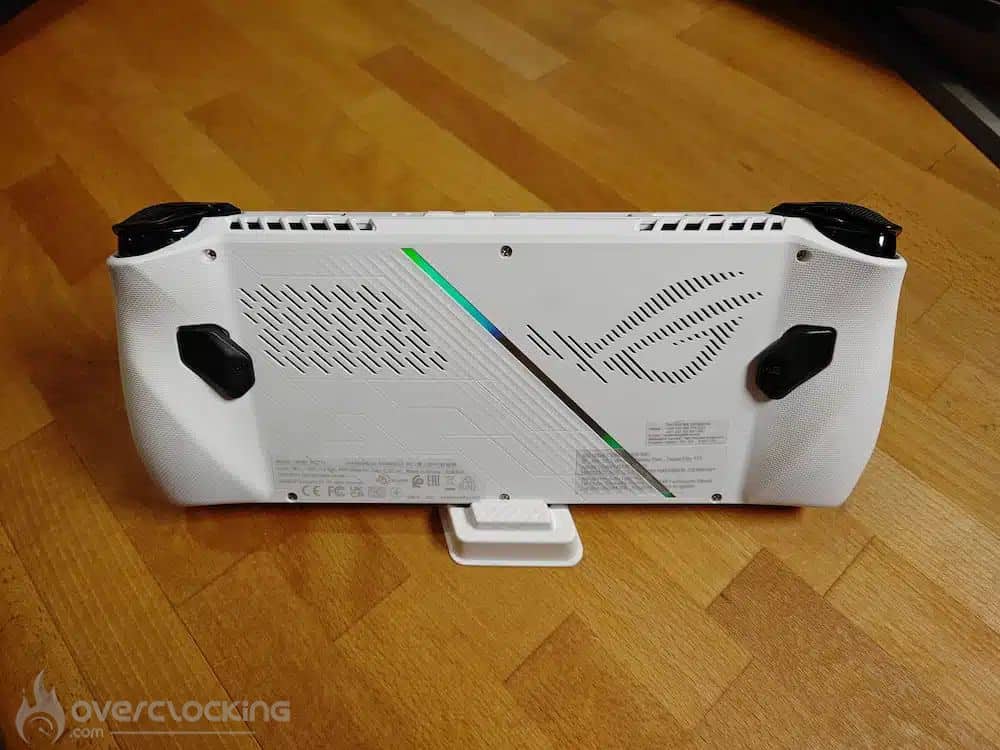
To put it simply, the Ally X’s grip has been completely redesigned. The angular handles have been replaced by more rounded shapes with a textured surface, almost like an Xbox controller. The real pleasure of having a controller in your hand is back, and I think this was necessary to improve user ergonomics.
As for the macro buttons, they’ve been reduced in size and relocated for better positioning and an optimised grip. The triggers have also been refreshed, as have the A, B, Y and X buttons, which now offer a more present sound and a better feel. The joysticks, meanwhile, are firmer and feel better, and their lifespan has been doubled.
The D-Pad (Directional Cross) has been enlarged, with a better feel, making it more comfortable than the previous version.
Storage:
The Ally X has been upgraded to 1TB compared with the previous model, to be more in line with the new releases of ever more storage-intensive games. But one of the problems with the first-generation Ally was the non-standard NVMe 2230 format, which made it harder to change storage. This has now been changed to a 2280 format, which is standard and used by virtually all NVMe devices on the market.
Memory :
The standard ROG Ally is equipped with 16 GB of LPDDR5 RAM running at 6400 MT/s. The ROG Ally X, on the other hand, benefits from an increase in memory with 24 GB of LPDDR5X RAM running at 7500 MT/s. This increase is useful for improving the amount of VRAM available for the graphics, making the console more future-proof. As a reminder, an APU shares its graphics memory with RAM, which means, for example, that you can have 16GB of RAM with 8GB allocated to VRAM. What’s more, increasing the frequency of the RAM offers a slight performance boost.
Cooling :
There’s also a change to the cooling system, which, according to Asus, reduces console temperatures with better airflow and prevents the screen from heating up. I didn’t notice any difference from the old model. The Ally X is silent and I didn’t feel any heating on the console or through the ventilation.
Others :
It’s now possible to change the joysticks on this new version. For some, this may not be important, but for others, it’s essential to have an easy repair option. With the old model, you had to dismantle almost the entire console and remove the motherboard. This problem is now solved: simply remove the rear cover to gain direct access to the joysticks and replace them.
[nextpage title=”Armory Crate and Windows”]
Let’s move on to the ROG Ally X’s on-board software. Unsurprisingly, it runs under Windows 11. What really catches the eye is its in-house software, Armory Crate. Well-known to desktop PC users, it has been perfectly adapted to the console.
Armoury Crate :
I found Armory Crate to be rather well designed. This software offers total control over the console, whether it’s for key mapping, managing power consumption modes or accessing APU driver settings. As the Ally X’s true command centre, it stands out for its ease of use. Whether you’re used to a home console or a desktop PC, it’s easy to get to grips with.
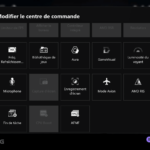
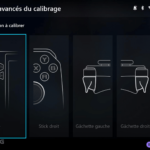
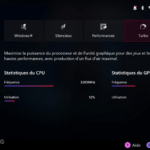
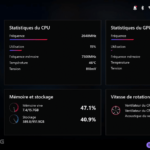
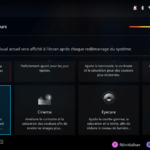
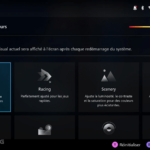
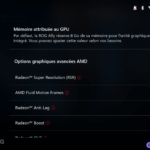
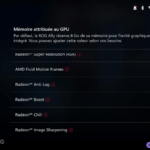
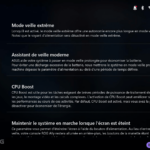
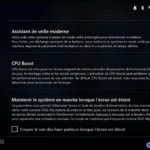
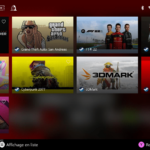
The idea of a control centre, like a smartphone, with shortcuts to access certain settings or options, is really practical to use. It avoids having to go straight into the software to activate or deactivate a feature. You can also switch easily from one consumption mode to another.
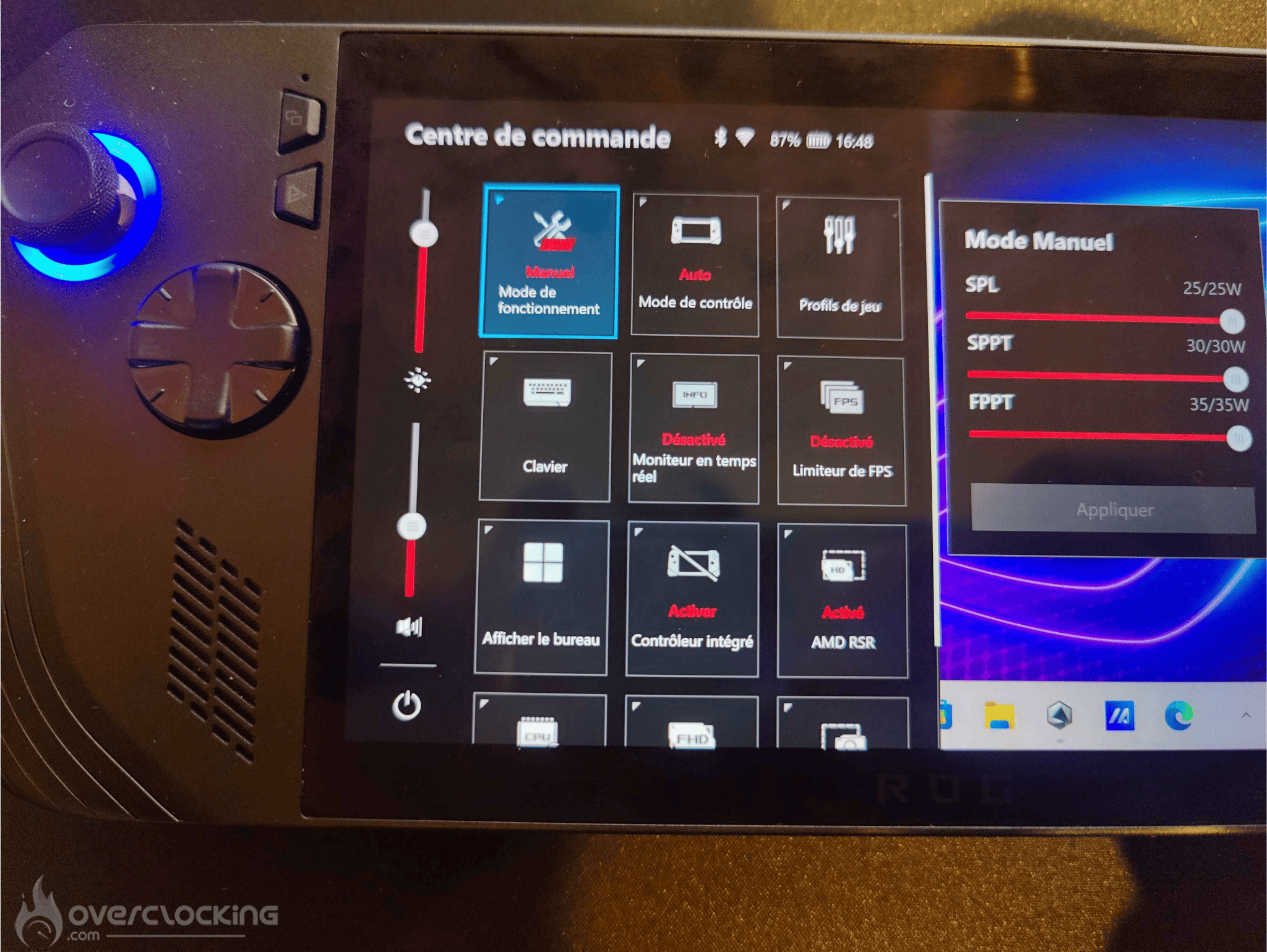
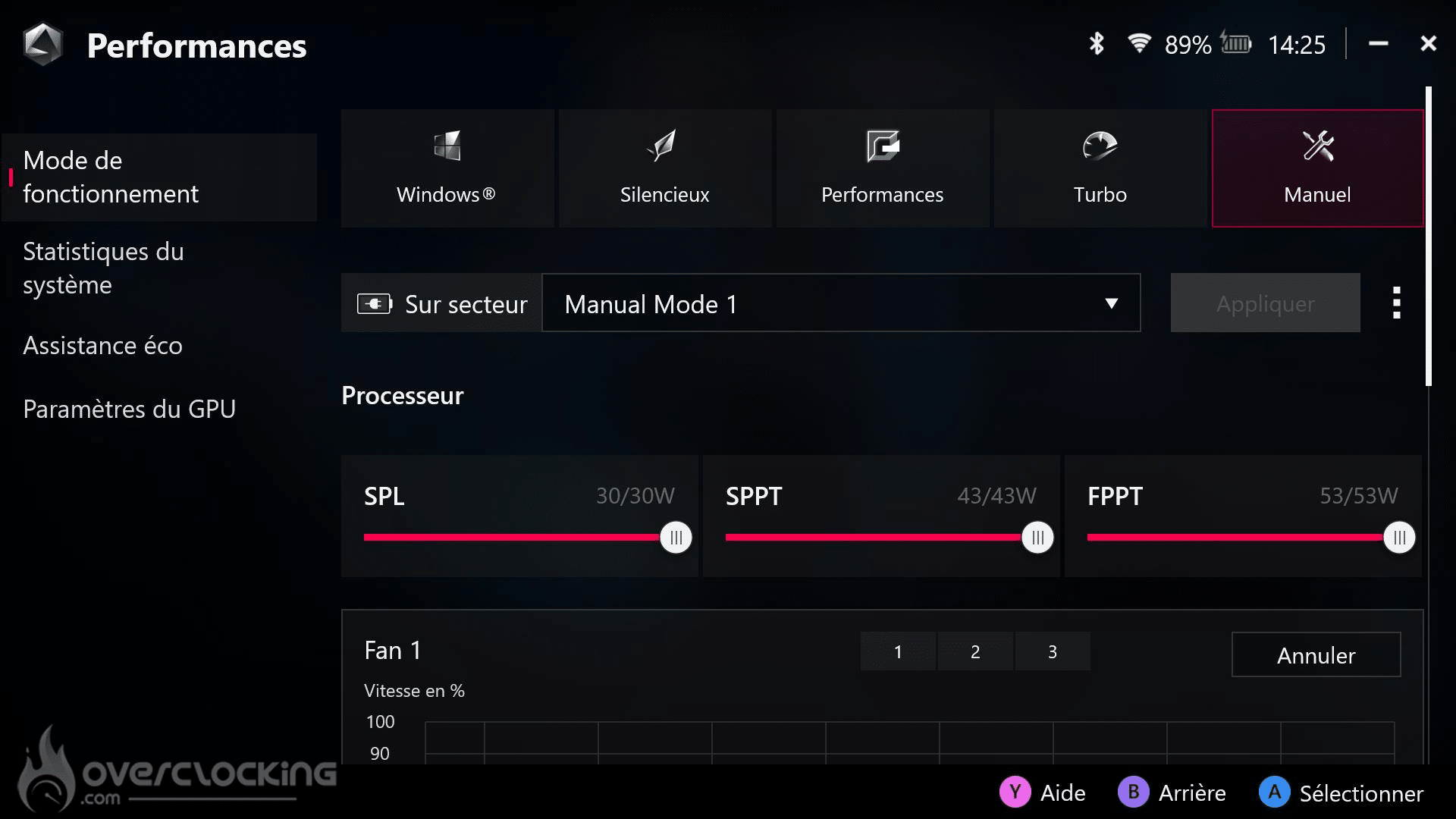
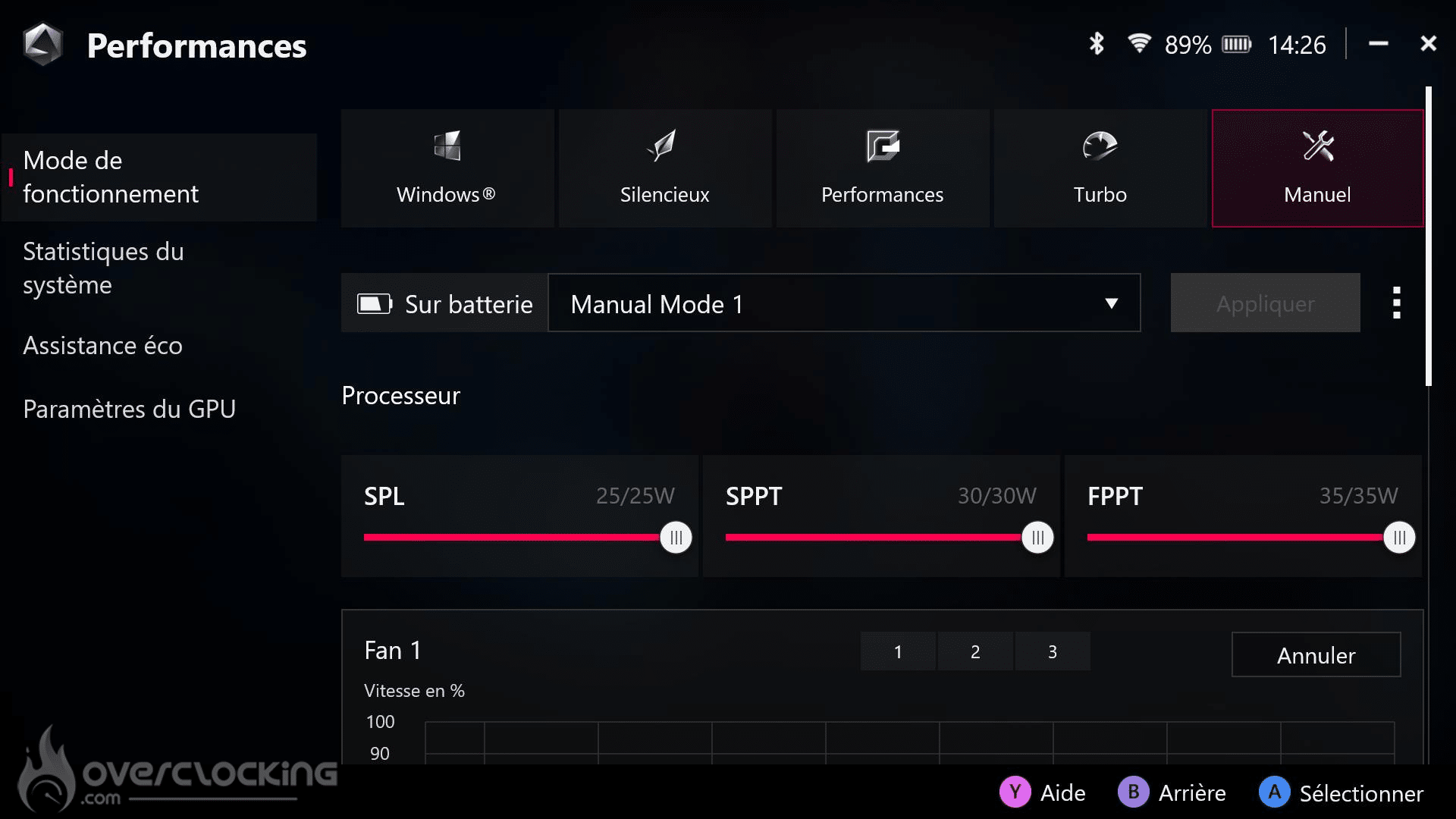
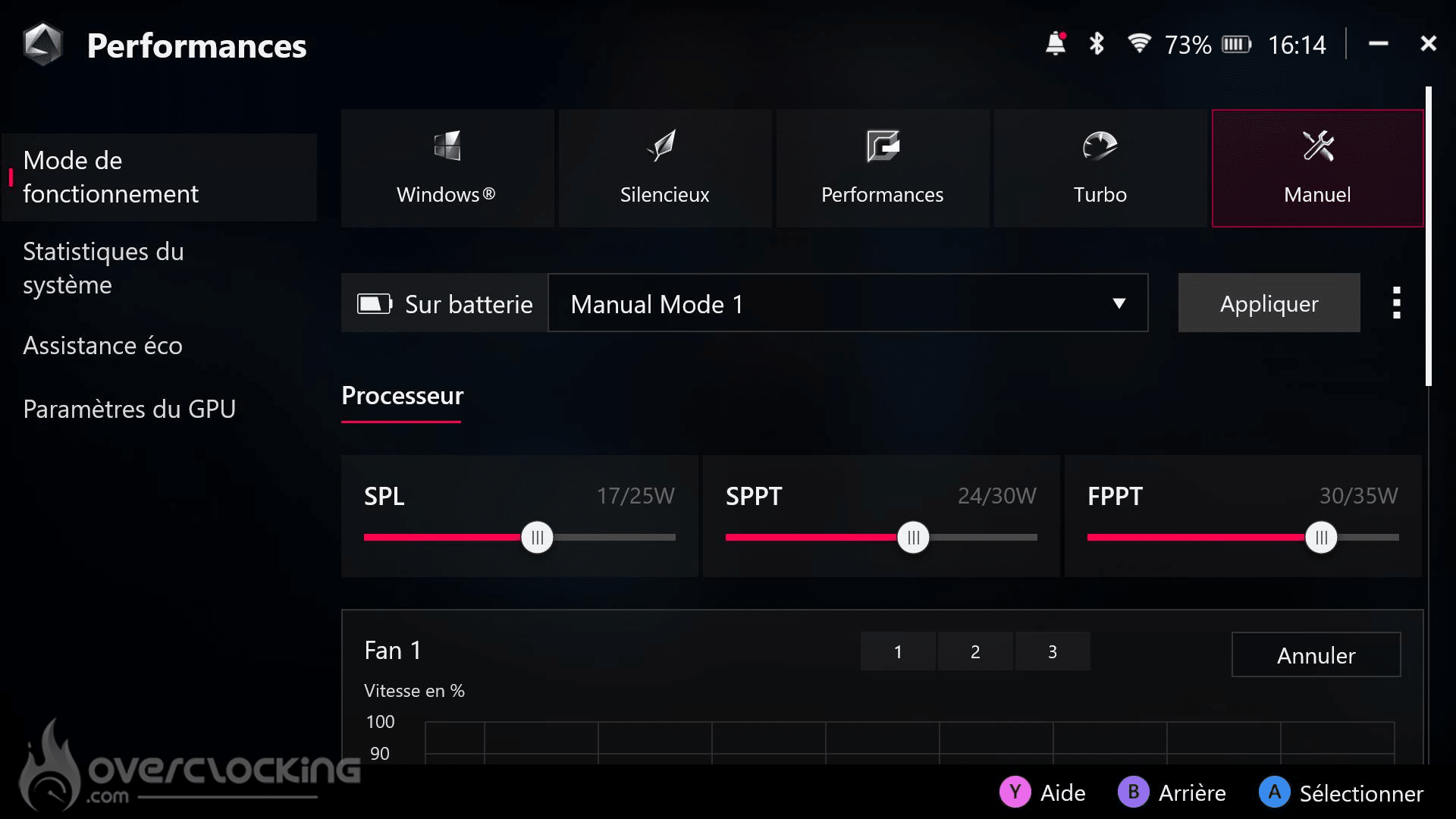
There are also five consumption modes in the software:
- Windows mode, for classic use.
- Silent mode, limited to 13 watts, ideal for watching videos or office use.
- Performance mode, which consumes 17 watts for a balance between power and battery life.
- Turbo mode, at 25 watts, which increases to 30 watts when the console is plugged into the mains.
- Manual OC mode, which is limited on battery power, but unlocks when connected to the mains to offer greater overclocking flexibility.
Windows :
You’ll find a Windows identical to that of a laptop or desktop PC, simply adapted to the console. Coupled with the touch screen, the experience is not bad. However, Windows is still showing its limitations in terms of optimisation for this type of device. Some bugs, slowdowns, or even background tasks that consume the battery inexplicably at rest can occur.
The choice of Windows, while offering great freedom and versatility to the console, can sometimes be a burden. This flexibility comes at a cost, and this can be felt in the management of battery life and the overall fluidity of the system at times.
[nextpage title=”Benchmark and Games “]
Benchmark :
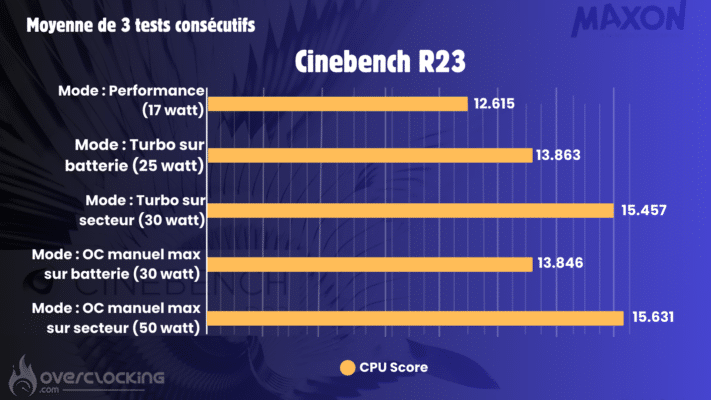
The performance in Turbo mode obtained in the benchmarks is comparable to that of a Ryzen 7 7435HS on the CPU side, a processor widely used in many gaming PCs. The Ally X is positioned in a performance category equivalent to that of portable gaming processors. It offers an excellent gaming experience thanks to its 8 Zen 4 cores, while performing surprisingly well for a wide variety of application tasks.
The Z1 Extreme chip really impressed me with its balance between power and energy efficiency. Don’t forget that this chip is both a processor and a graphics card in a single component. Quite frankly, the performance it delivers is simply amazing for a device of this size.

Gaming benchmark :
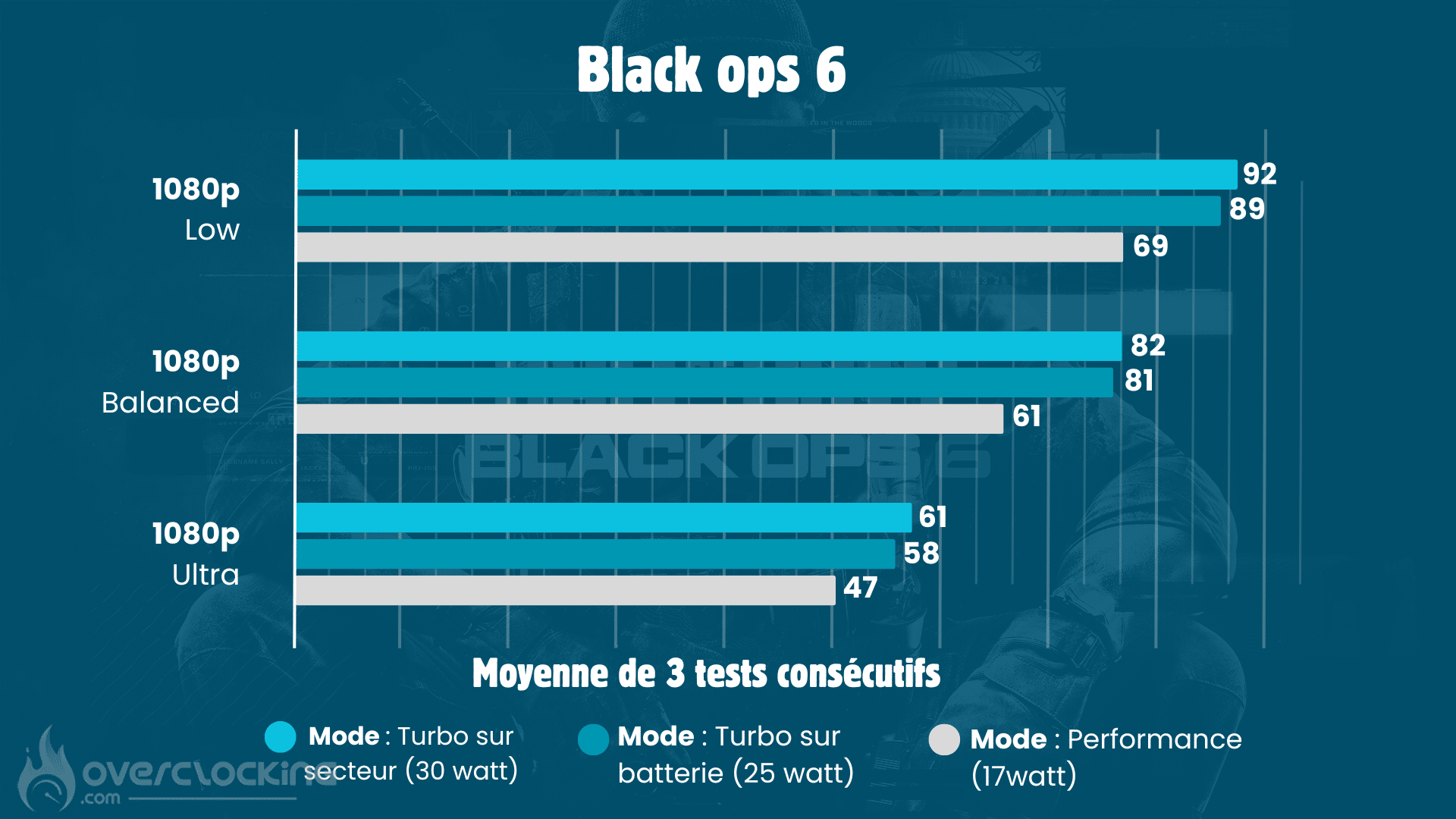
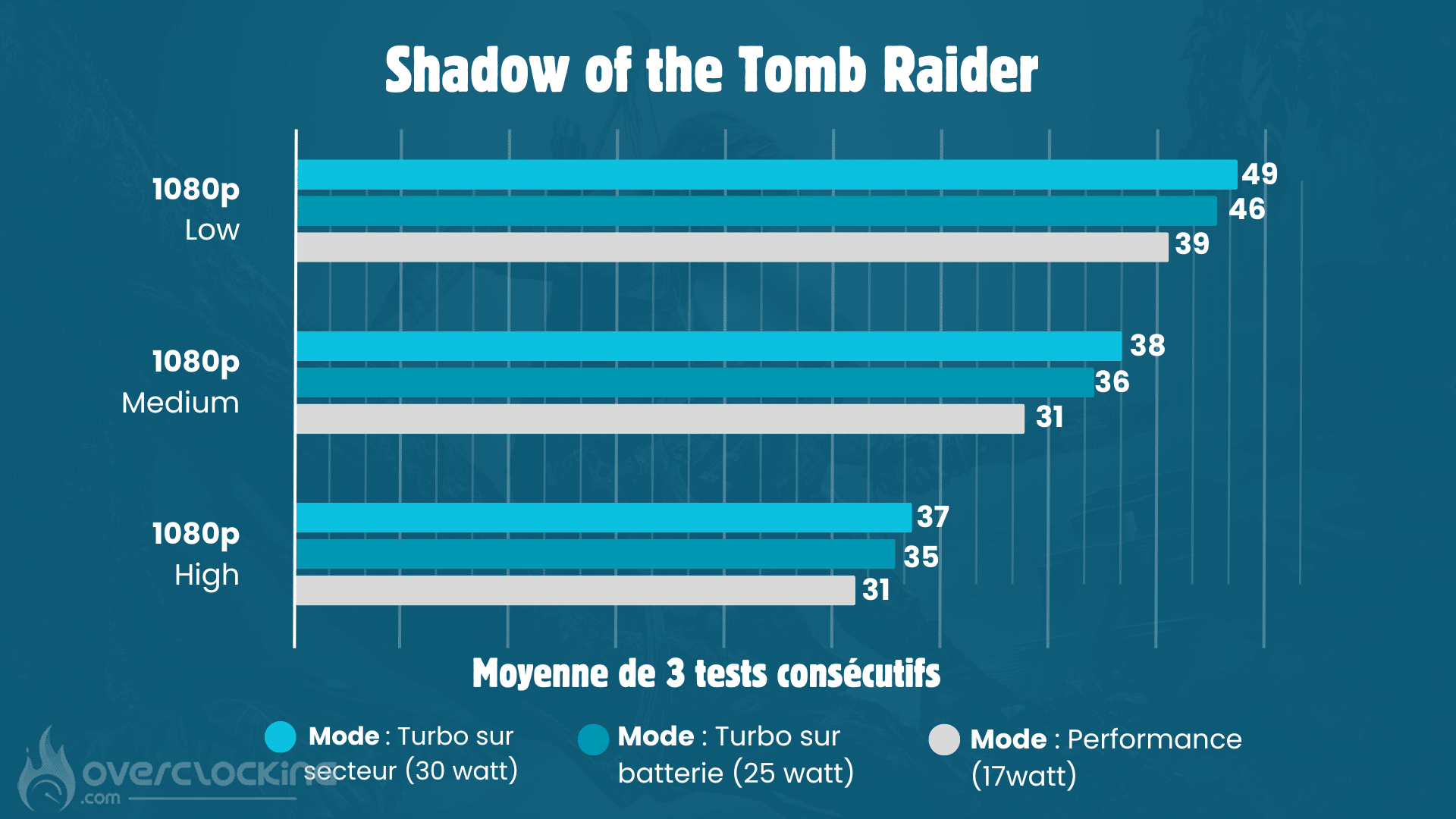
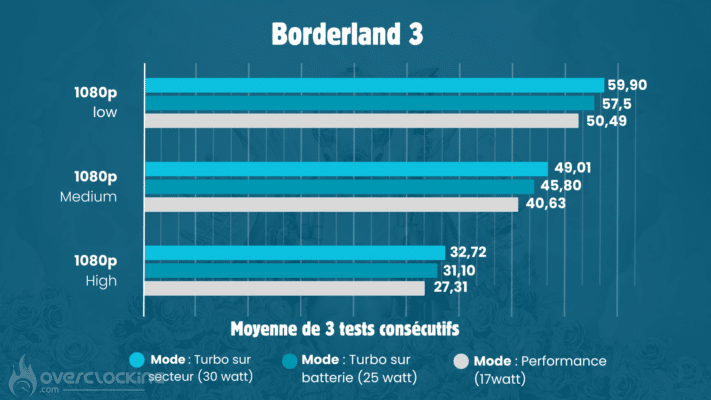
During the tests, I was surprised by the small difference in performance between Turbo mode, limited to 25 watts on battery, and Turbo mode at 30 watts when plugged into the mains. Although the power is increased, the difference in performance remains very small.
What really surprised me was the fluidity felt in games with a framerate of 30 fps. It almost feels like 60 fps, thanks to the size of the screen and the optimisation of the gaming experience.
In Tomb Raider, for example, playing at 30 fps is surprisingly satisfying. The joystick control , similar to that of a home console controller, makes the game feel much smoother. If you’d been playing with a keyboard and mouse, the lack of fps would have been much more noticeable.

[nextpage title=”Who is the ROG Ally X aimed at?”]I think this is an important subject: “But who is this kind of console aimed at?” I see two for me.
Student:
The first, and most obvious for me, is the student. It’s certainly a Windows-based console, but that’s not all. For me, it’s still a laptop in disguise. What does that mean? In practical terms, you can use it as a computer outside of gaming sessions. You can use it for applications, because the Z1 Extreme may not be at the level of a big desktop processor, but it holds its own against a good laptop processor.
Doubling the size of the battery means it’s more transportable than ever, and viable unplugged. For me, it’s not just an accessory, but it can be an alternative to a laptop. It weighs just 678g, so it’s much lighter and its size makes it much more portable.
All you need is a USB hub with an HDMI port. So with the hub, you can plug in a keyboard, mouse and screen, and turn your Ally X into a fixed PC at home. And you can unplug it when you’re off to class and use it as a tablet to take notes in your lectures at university.
And on top of that, you’ve got a real games console so you can play games. For me, you’ve got a real all-in-one: a console and a high-performance portable PC in one.
The enthusiast’s accessory:
It’s a console that’s not necessarily accessible to everyone and remains a niche product. But for video game enthusiasts looking to extend their gaming experience beyond the office, the ROG Ally X could well be the solution. Whether it’s for comfortable gaming in the living room, on the move or elsewhere, it can be adapted to a wide range of uses. Just a few years ago, this type of product suffered from many limitations: insufficient autonomy, disappointing performance… Today, this is no longer the case.
The portable console market is evolving rapidly, with a growing choice of models, and even giants like Microsoft and Sony preparing their own models to make sure they don’t miss out.
There is a real demand from gamers to reinvent the way they consume video games and continue their experience outside the living room and the office. Gaming is constantly evolving, and we may be witnessing a return to the golden age of portable consoles, as in the days of the PSP or the first Nintendo consoles, for those who remember. The handheld console may not be dying out, quite the contrary.
[nextpage title=”Conclusion”]
The return of the handheld console, but not only
The Ally X is part of the revival and resurgence of portable consoles, which began with the Nintendo Switch and the Steam Deck. Initially, I was rather sceptical about the idea of this Ally X, which I considered to be too gimmicky, especially after testing the first generation of Ally, which left me wanting more, with quite a few shortcomings. However, I was pleasantly surprised by this second generation of consoles from Asus. With notable improvements, such as redesigned ergonomics and doubled battery life, my opinion has changed radically. To my great surprise, I literally fell in love with this console.
It has huge potential, not least because it runs on Windows, which makes it far more open than alternatives like the Steam Deck, which is often confined to its own ecosystem, allowing you to play Steam games only. With a price tag of €849, compared with €499 for the Ally with Z1 Extreme, the Ally X is a tad overpriced. Admittedly, it offers some notable improvements, but the price is still a little too high for my liking.
ASUS ROG Ally X
We liked :
- Excellent performance
- Still lightweight in the hand
- Excellent grip
- The screen
- The freedom of Windows
- Double the battery life
What we didn’t like :
- Windows optimisation, which can consume too much battery power at times
- The price, which is a little high
 We’re giving the Gold Award to this ROG Ally X, which stands out as the best portable Windows console in terms of battery management. Already excellent, the original ROG Ally has been revisited and improved in every aspect to reach near-perfection with this Ally X. Its potential and the power offered by this format really impressed us.
It’s not just a portable console: it rivals a real laptop in many scenarios.