











Armory Crate and Windows
Let’s move on to the ROG Ally X’s on-board software. Unsurprisingly, it runs under Windows 11. What really catches the eye is its in-house software, Armory Crate. Well-known to desktop PC users, it has been perfectly adapted to the console.
Armoury Crate :
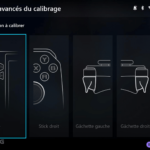
I found Armory Crate to be rather well designed. This software offers total control over the console, whether it’s for key mapping, managing power consumption modes or accessing APU driver settings. As the Ally X’s true command centre, it stands out for its ease of use. Whether you’re used to a home console or a desktop PC, it’s easy to get to grips with.
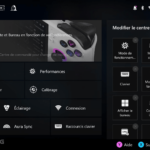
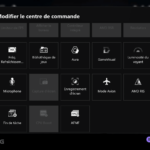
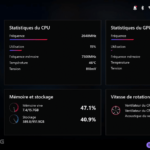
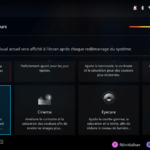
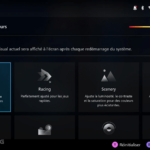
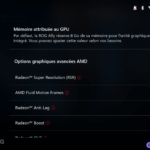
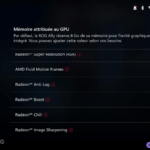
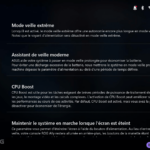
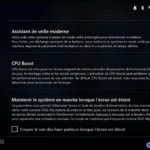
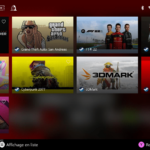
The idea of a control centre, like a smartphone, with shortcuts to access certain settings or options, is really practical to use. It avoids having to go straight into the software to activate or deactivate a feature. You can also switch easily from one consumption mode to another.
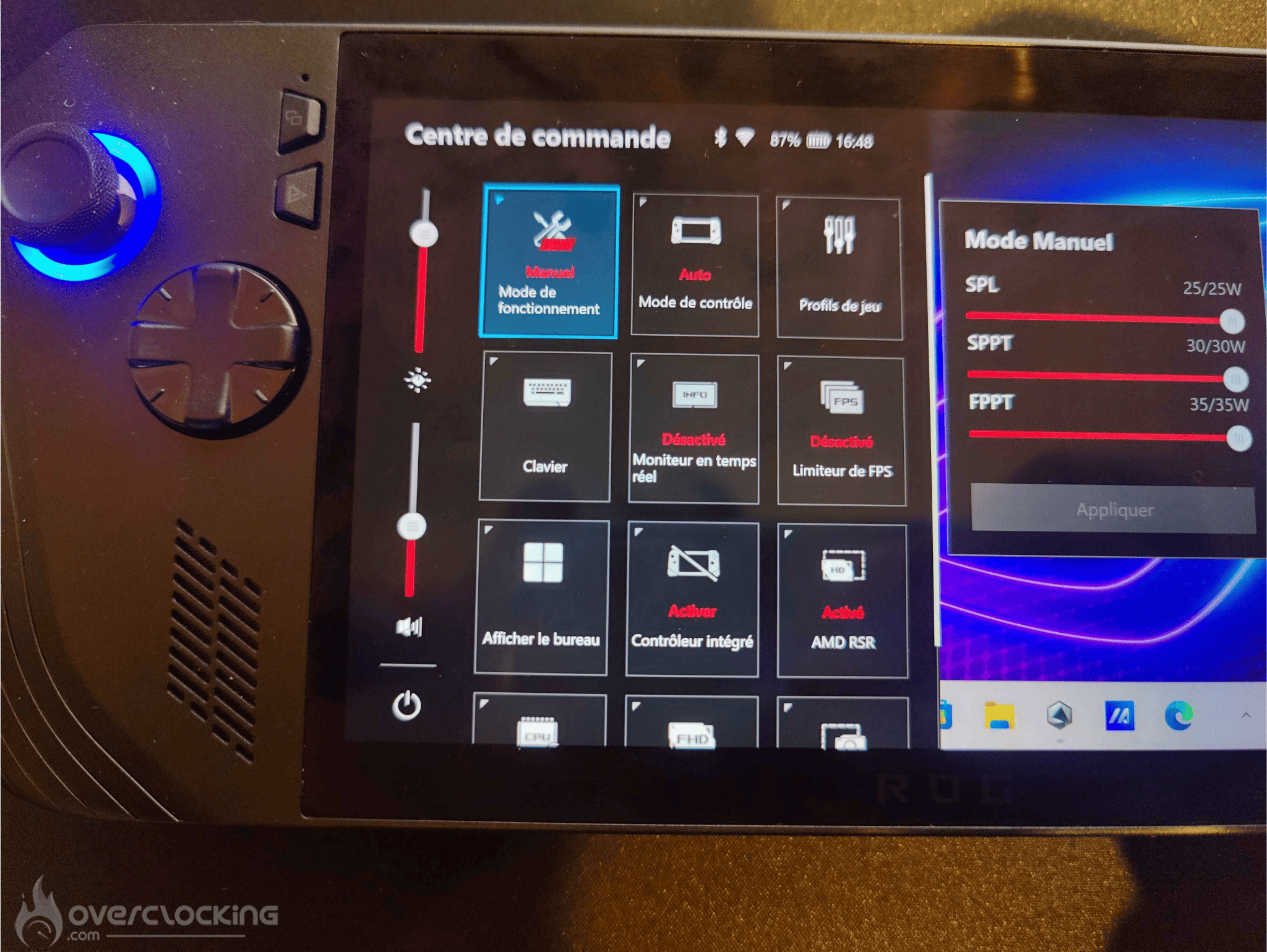
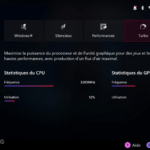
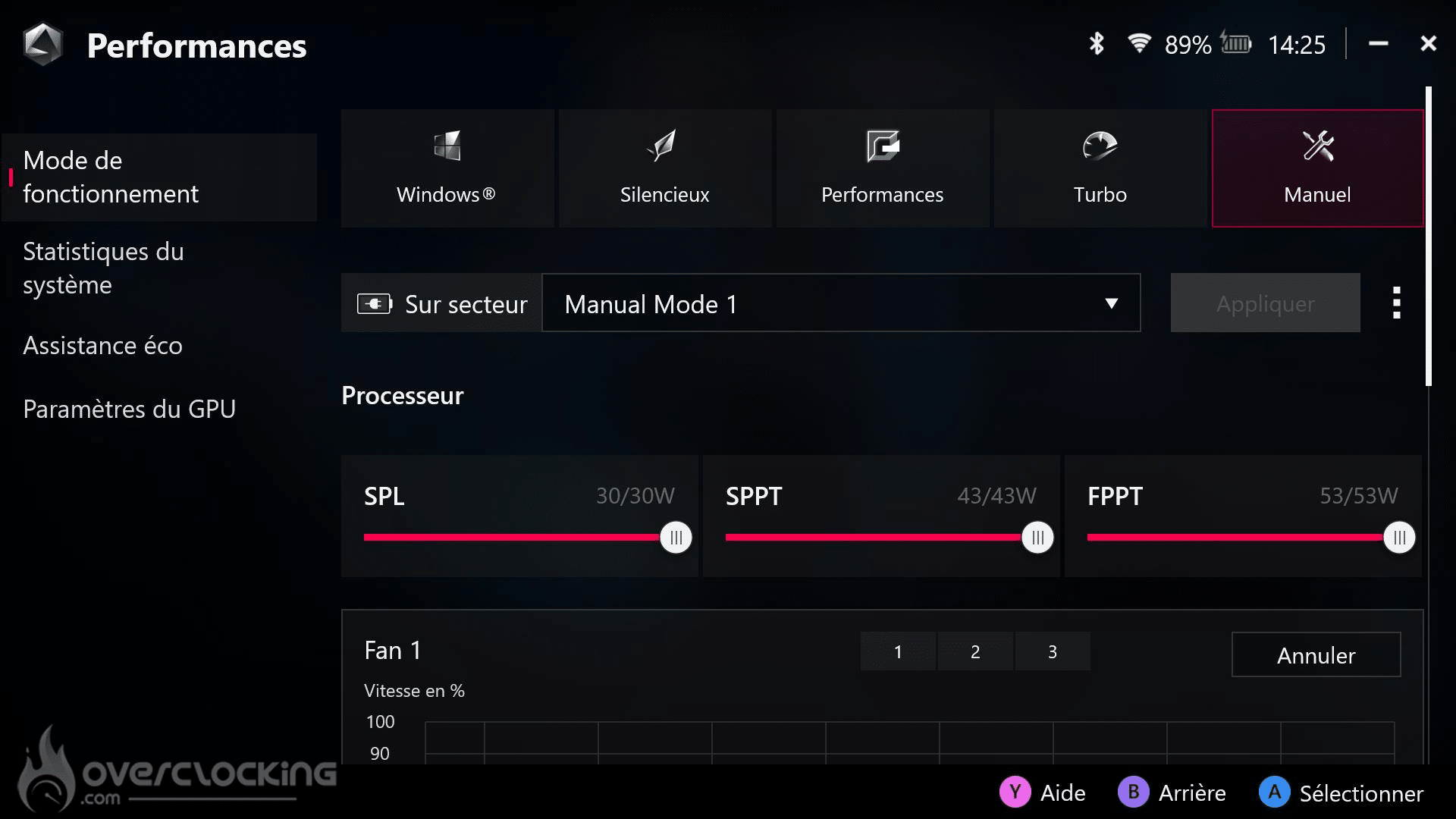
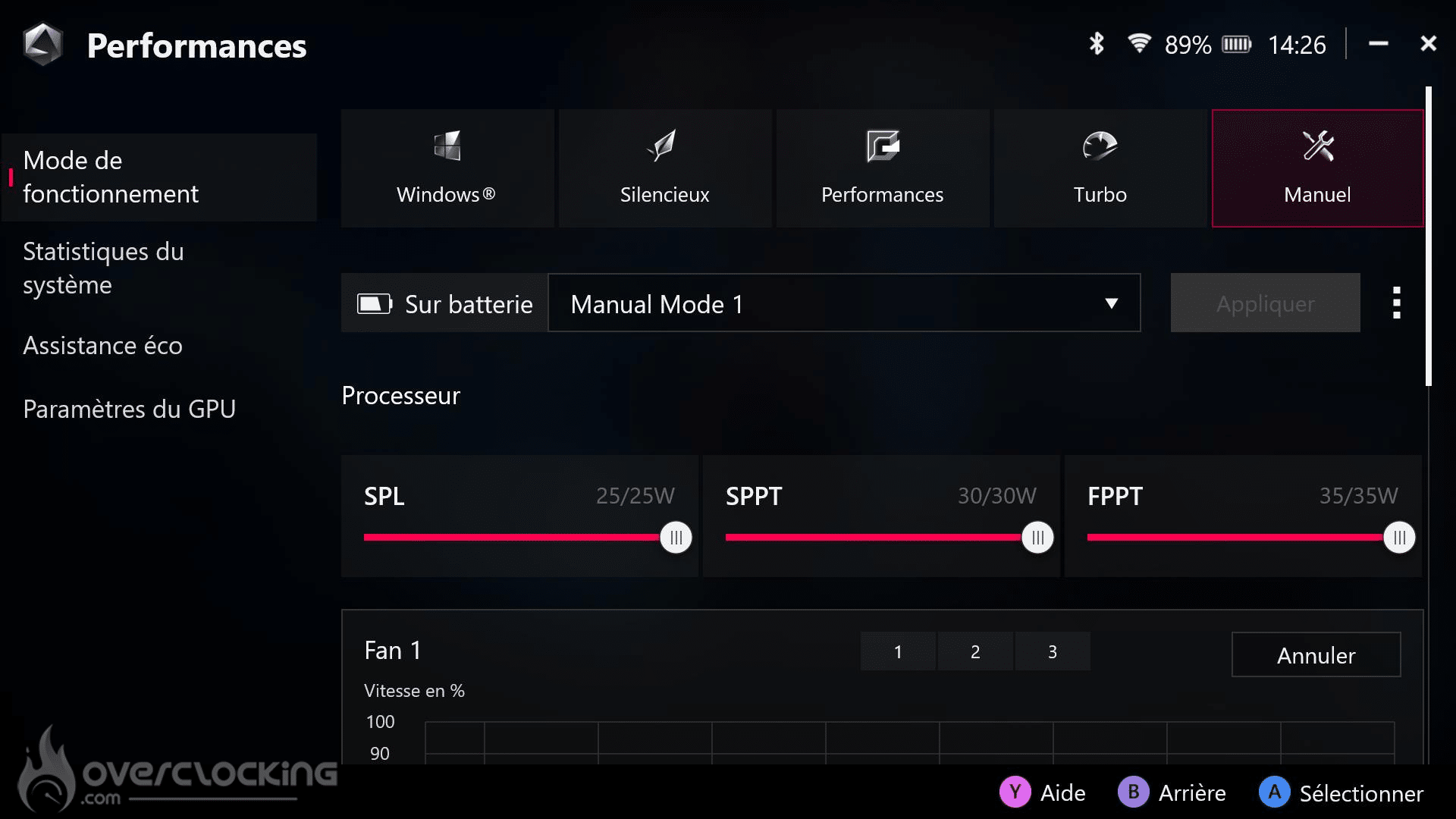
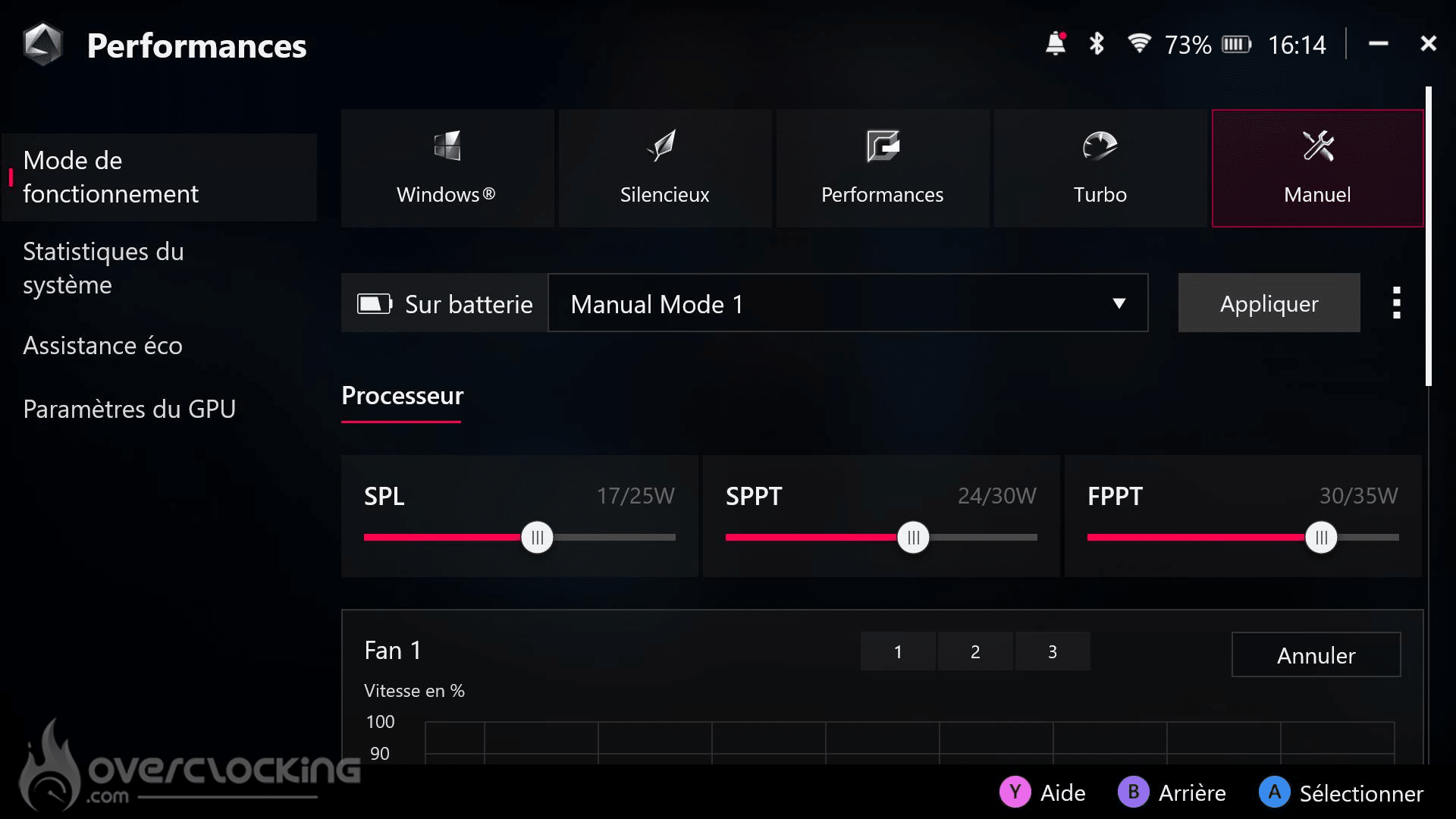
There are also five consumption modes in the software:
- Windows mode, for classic use.
- Silent mode, limited to 13 watts, ideal for watching videos or office use.
- Performance mode, which consumes 17 watts for a balance between power and battery life.
- Turbo mode, at 25 watts, which increases to 30 watts when the console is plugged into the mains.
- Manual OC mode, which is limited on battery power, but unlocks when connected to the mains to offer greater overclocking flexibility.
Windows :
You’ll find a Windows identical to that of a laptop or desktop PC, simply adapted to the console. Coupled with the touch screen, the experience is not bad. However, Windows is still showing its limitations in terms of optimisation for this type of device. Some bugs, slowdowns, or even background tasks that consume the battery inexplicably at rest can occur.
The choice of Windows, while offering great freedom and versatility to the console, can sometimes be a burden. This flexibility comes at a cost, and this can be felt in the management of battery life and the overall fluidity of the system at times.