
This is the first time we are testing a Razer product on Overclocking. Until now, we hadn’t had the opportunity to get our hands on a Razer peripheral. That problem has now been solved, as we welcome the Huntsman V3 Pro keyboard to our editorial team. This is a 100% format keyboard with optical and analog switches . It’s also equipped with premium components such as aluminum. In short, it has everything, in theory, to satisfy us.
So, what is this Huntsman V3 Pro from Razer worth? Find out in our full review!
Technical specifications :
Razer’s Huntsman V3 Pro keyboard measures 445 x 139 x 39 mm without wrist rest and weighs 880 g. This is lighter than Corsair’s latest K70 Core (934 g) and the previously tested Vulcan II (1.14 kg). Here, with Razer’s keyboard, we’re dealing with optical and analog switches, while the keycaps are made of double-injection PBT.
Of course, it’s also equipped with RGB LEDs that can be customized via the brand’s software. In addition, this model features a magnetic leatherette wrist rest and a sheathed cable.
Nevertheless, the Huntsman V3 Pro also has an internal memory, enabling it to store up to 6 different profiles. Like any self-respecting keyboard, this one features N-Key Rollover technology with Anti-Ghosting and a 1 GHz polling rate .
Recommended system:
To use the Huntsman V3 Pro, you’ll need at least a USB-A port and a Windows 10 64-bit or higher operating system. As you’d expect, it also requires an Internet connection to download the brand’s management software.
[nextpage title=”Unpacking”]
The box:
The Huntsman V3 Pro arrives in a large box in the Razer colors of black and green. On the front, we find a representation of the keyboard, illuminated by its RGB LEDs. We’re also treated to all the brand’s logos and a few technical details about the keyboard. For example, it features analog switches. These enable the switch activation height to be set. This can be set between 0.1 mm and 4 mm. The brand also highlights the rapid trigger mode, as well as the possibility of quick on-the-fly adjustments.
Moving on to the back of our box, once again the keyboard is shown in the center, still illuminated by its LEDs. Razer once again highlights its optical switches and a few additional features.


Let’s open the box and discover the Huntsman V3 Pro. It’s protected in a plastic bag and secured with cardboard protectors. Overall, this did the trick, as it arrived in excellent condition.

Alongside the keyboard, don’t expect any little “gifts”, as you’ll find only the bare essentials! That is, two manuals and the Huntsman V3 Pro power cable.

The Huntsman V3 Pro:
The Huntsman V3 Pro comes out of the box. We’re dealing here with a 100% format keyboard, very aesthetic from the outset. It’s a relatively “simple”, sober keyboard that won’t look out of place on a desk. On top of that, we’re treated to double-injected PBT keys. These are higher-quality keycaps , which won’t take on a smooth, shiny appearance as they age. Beneath the keys, this reference features a black anodized aluminum cover plate.
On the right-hand side of the keyboard, there are a few LEDs to indicate whether the shift key or numeric keypad is engaged, for example. And let’s not forget the presence of a few multimedia buttons, such as the thumbwheel for sound management.
The Huntsman V3 Pro also features a magnetic wrist rest. It’s covered in leatherette. However, it’s a far cry from the softness of some brands’ wrist rests. This model is very rigid and flat. On the other hand, it looks good and complements the keyboard.


How does it look from the back?
The back of Razer’s keyboard is also well designed. We notice small characters repeating the words ” for gamers ” and ” by gamers “. It’s nice enough, but let’s be honest, it’s not very useful. Few people will spend time looking at the back of their keyboard. Nonetheless, it’s there to dress up our reference of the day.
Otherwise, in the center, we’re treated to a label with all the recycling information and serial numbers. In addition to this, the Huntsman V3 Pro has 5 rubber pads, providing a better grip on any type of surface. Last but not least, the keyboard is equipped with single-level elevating feet.
The same “features” can be found on the magnetic wrist rest.


[nextpage title=”Razer Synapse software”]
Our keyboard of the day also has its own dedicated software. It’s called Synapse from Razer. To find it, go to their website and download it.
Then run the executable to download and install the brand’s management software.
Dashboard :
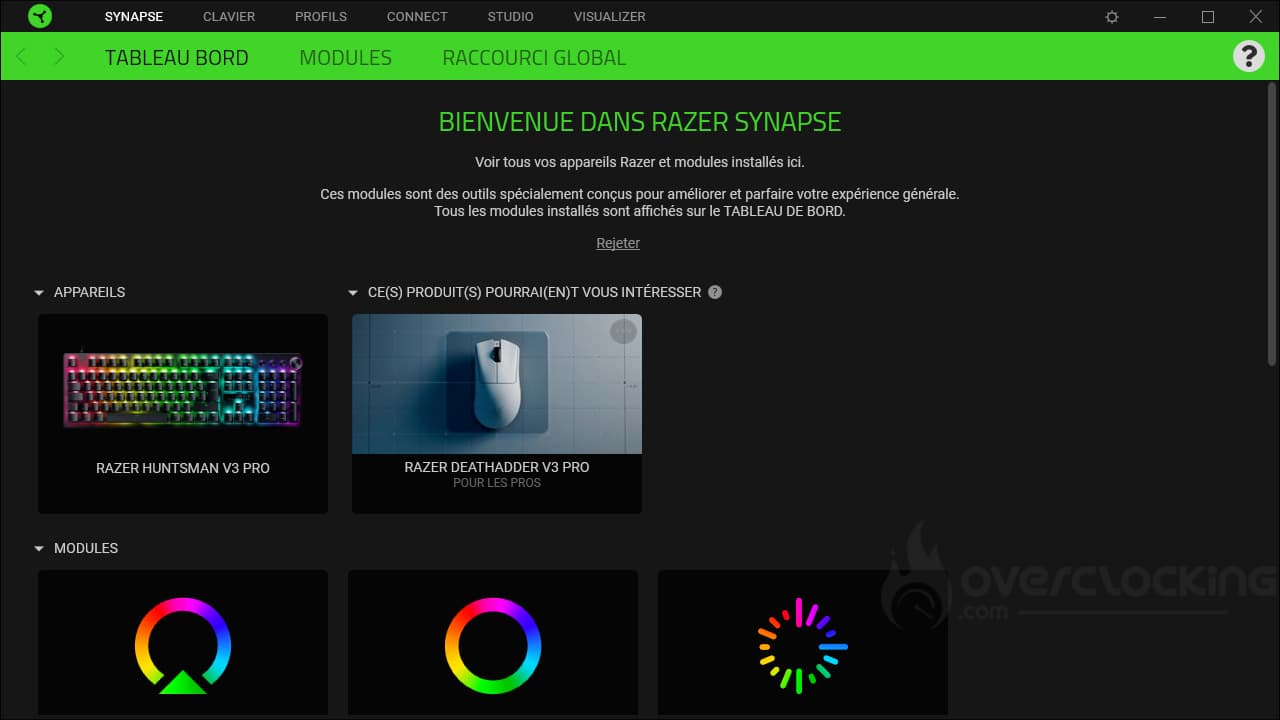
On first launch, we go straight to the dashboard with a summary of your compatible devices and a suggestion of products that might interest you. Further down, we see the various modules available and the brand’s online services.
Modules :
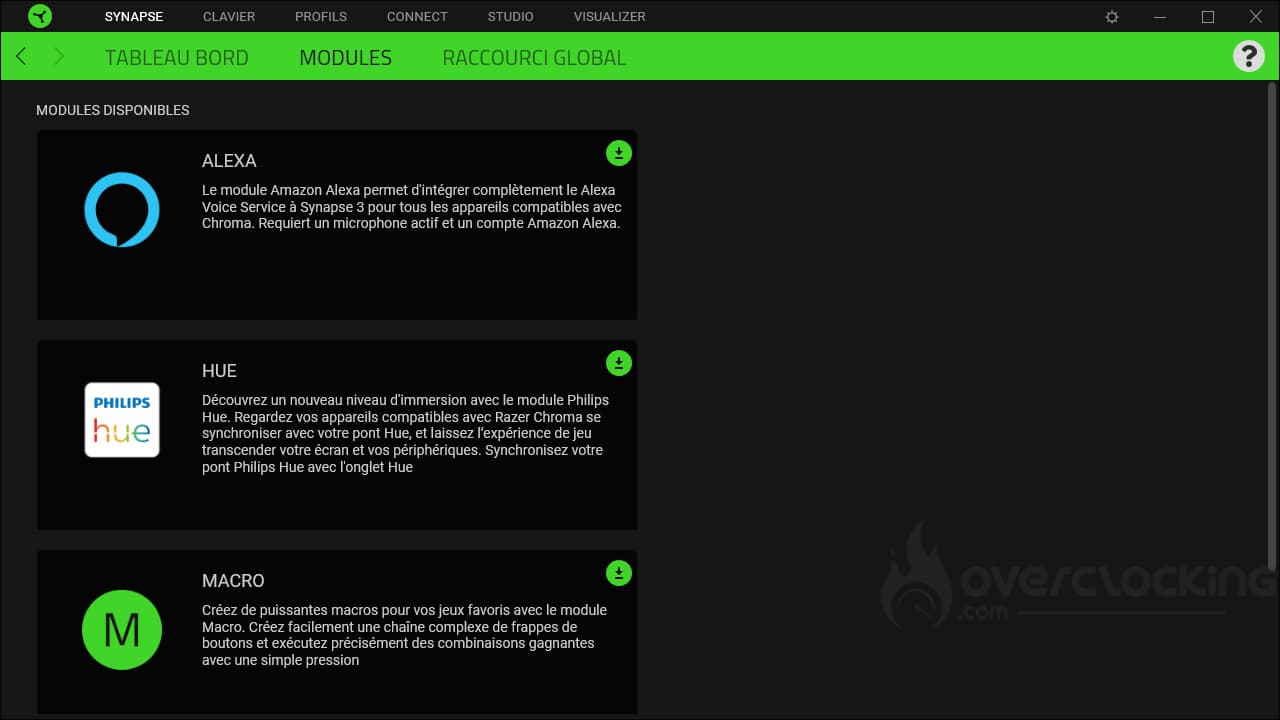
In the “modules” tab, you’ll find a summary of the modules available for Synapse. These include Alexa and Hue, for example.
Global shortcut :
This menu is simply used to set up shortcuts on our keyboard. For example, by clicking on the “add shortcut” button, you can use a combination of keys to control keyboard lighting, launch programs, change profiles, etc.

Keyboard :
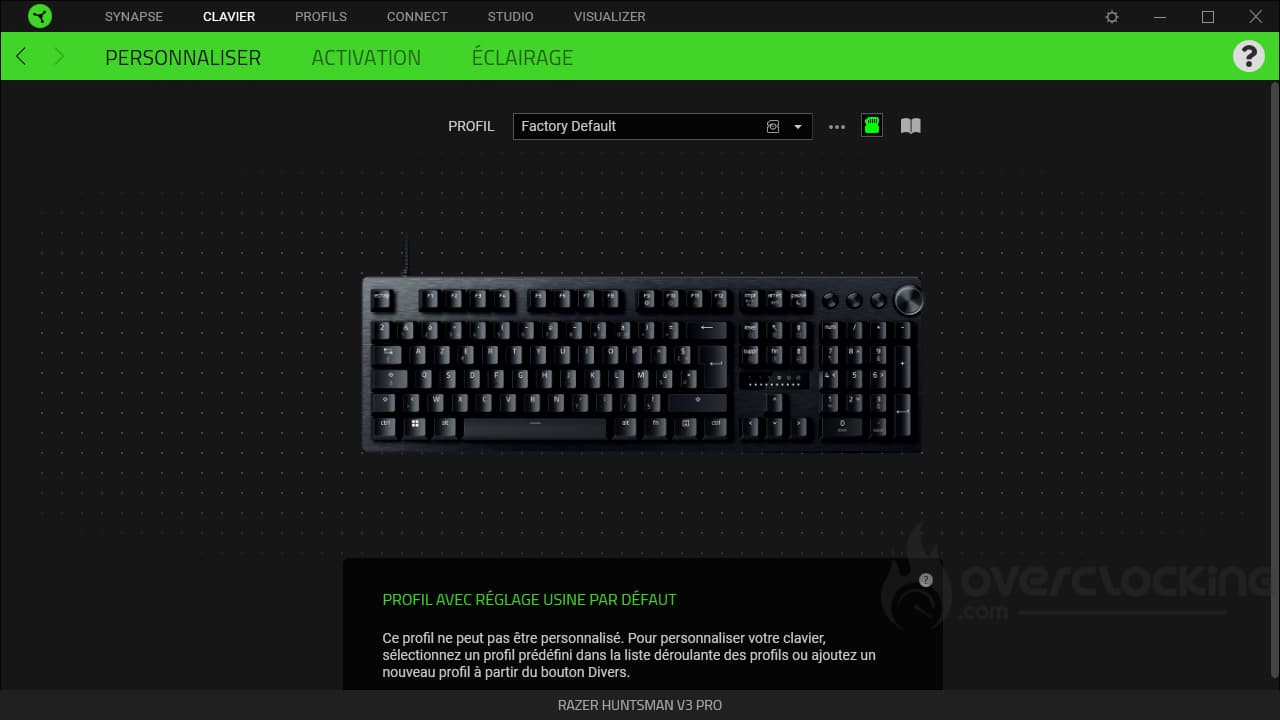
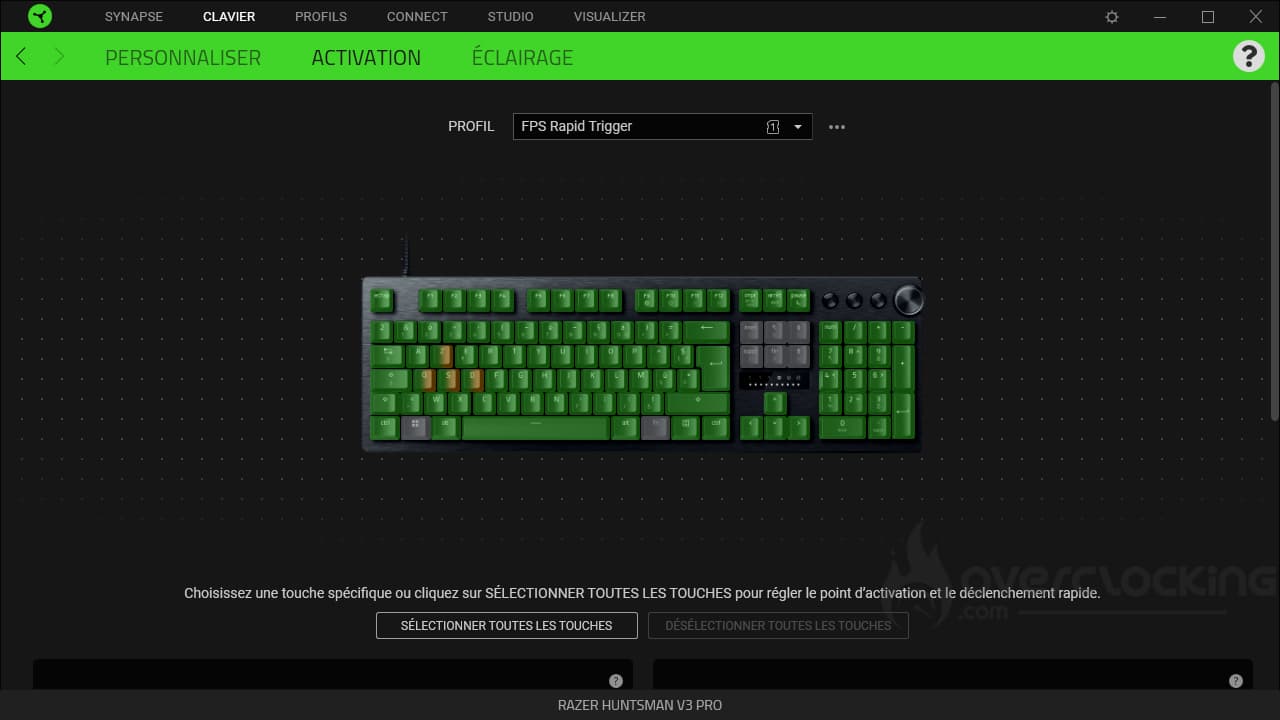
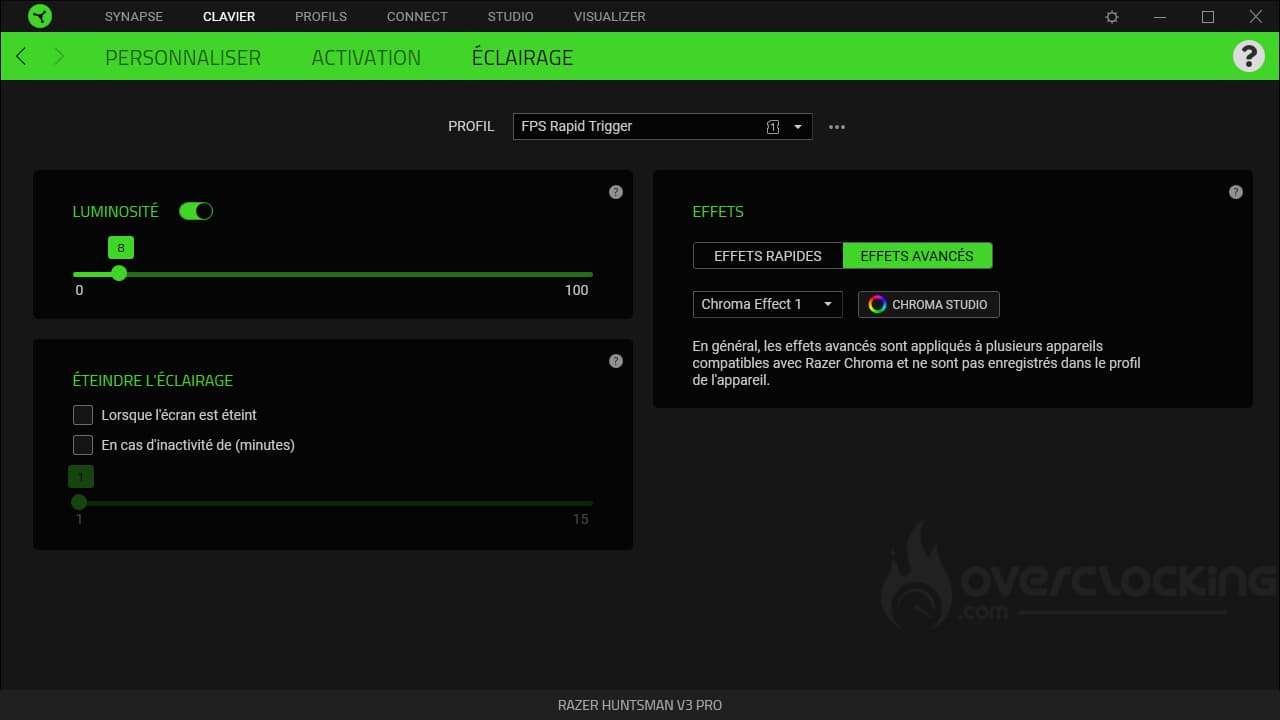
In the “Keyboard” tab, you can of course manage everything to do with the keyboard. It will be possible to manage profiles, set the activation point of keys/quick release. Finally, the “Lighting” tab lets you customize the lighting effects on your keyboard.
Profiles :
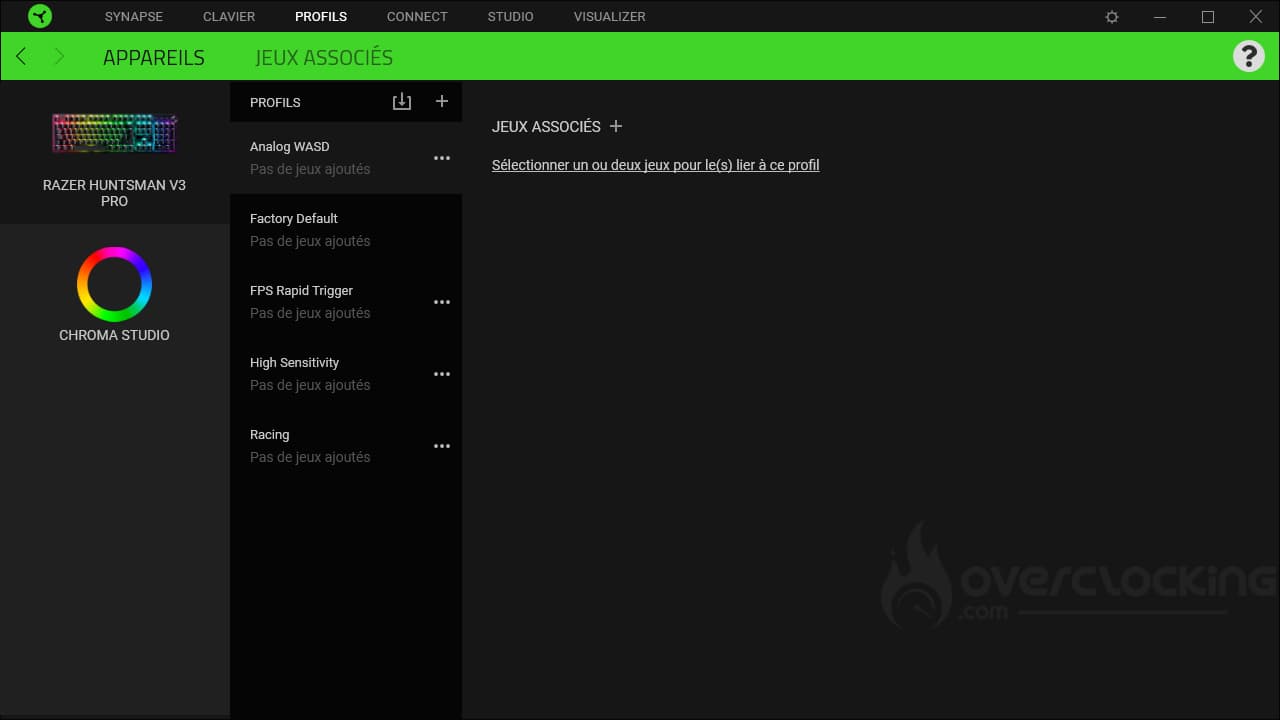
We continue with the next tab: “profiles”, which lets you set up games associated with certain devices. You can also set color effects for certain games, for example.
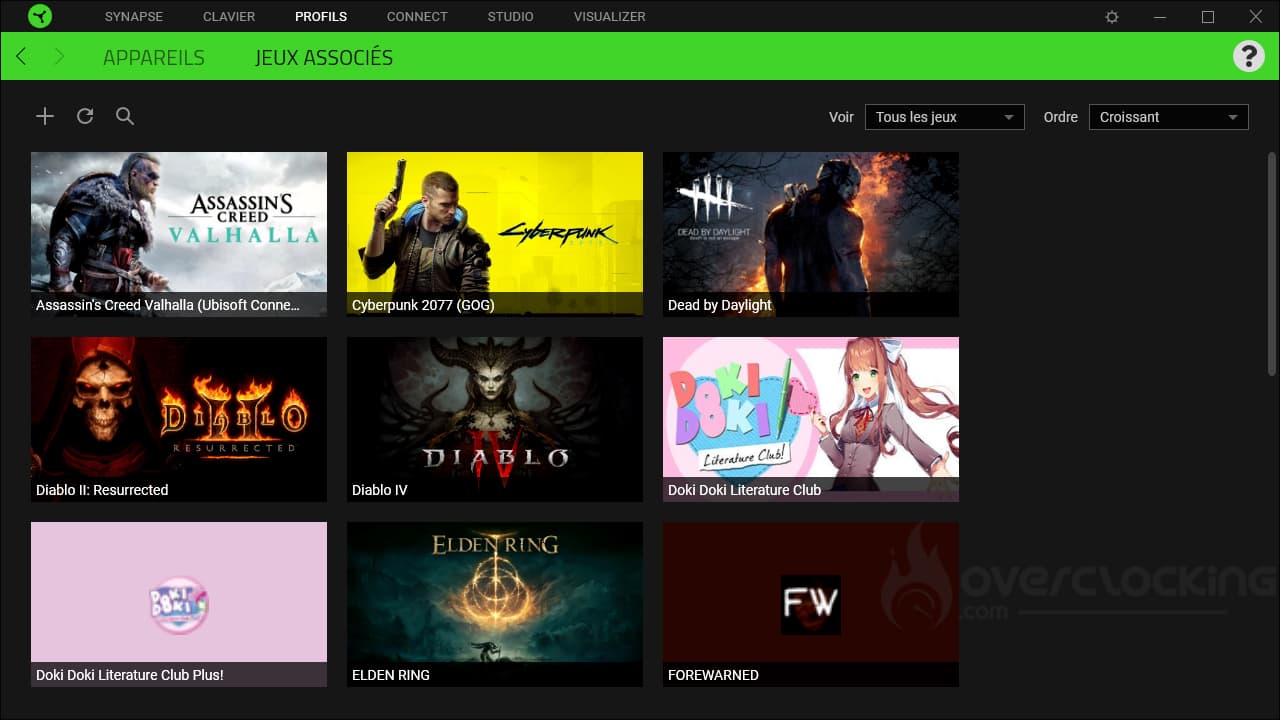
The second tab, Associated Games, lets you add games to the list of pre-configured games. The software scans the PC and adds them if it finds them. However, you can also add games manually, using the small ” “.
Connect :
Studio :
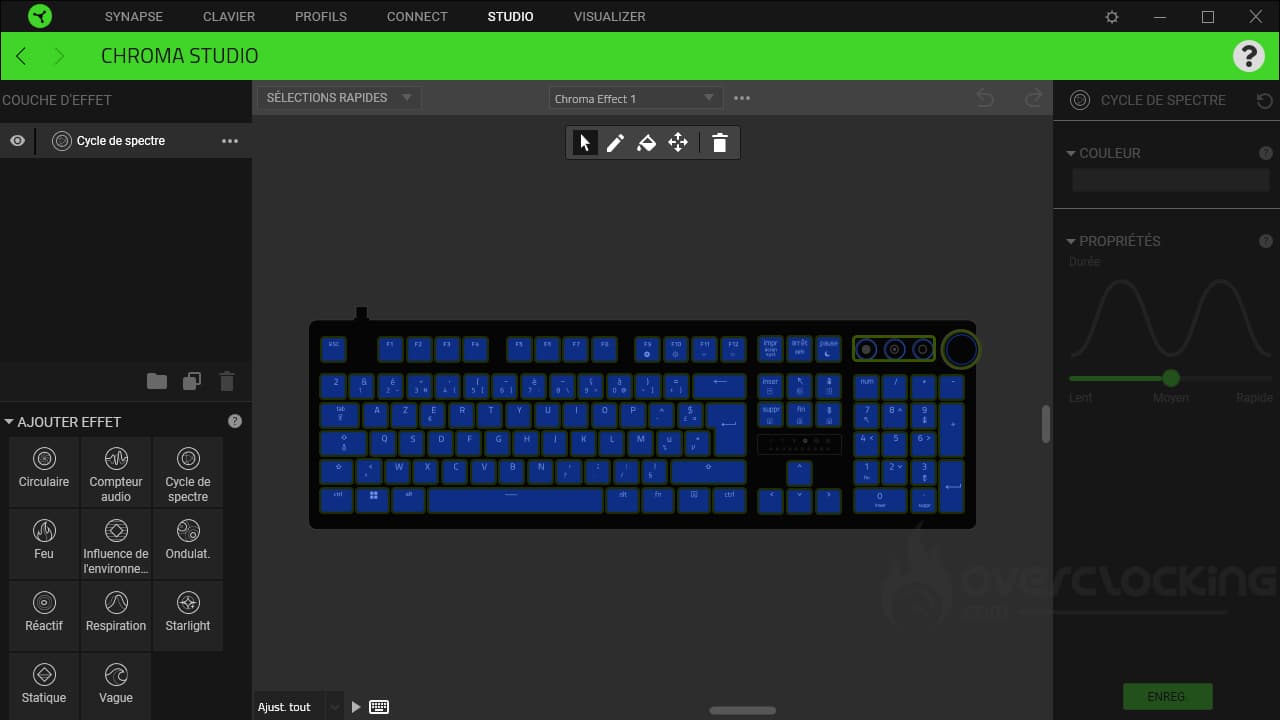
As you may have guessed, this is where you’ll be able to set up all the lighting effects and colors for our keyboard du jour. Ideally, you’ll be able to set different effects and colors for almost every key.
Visualizer :
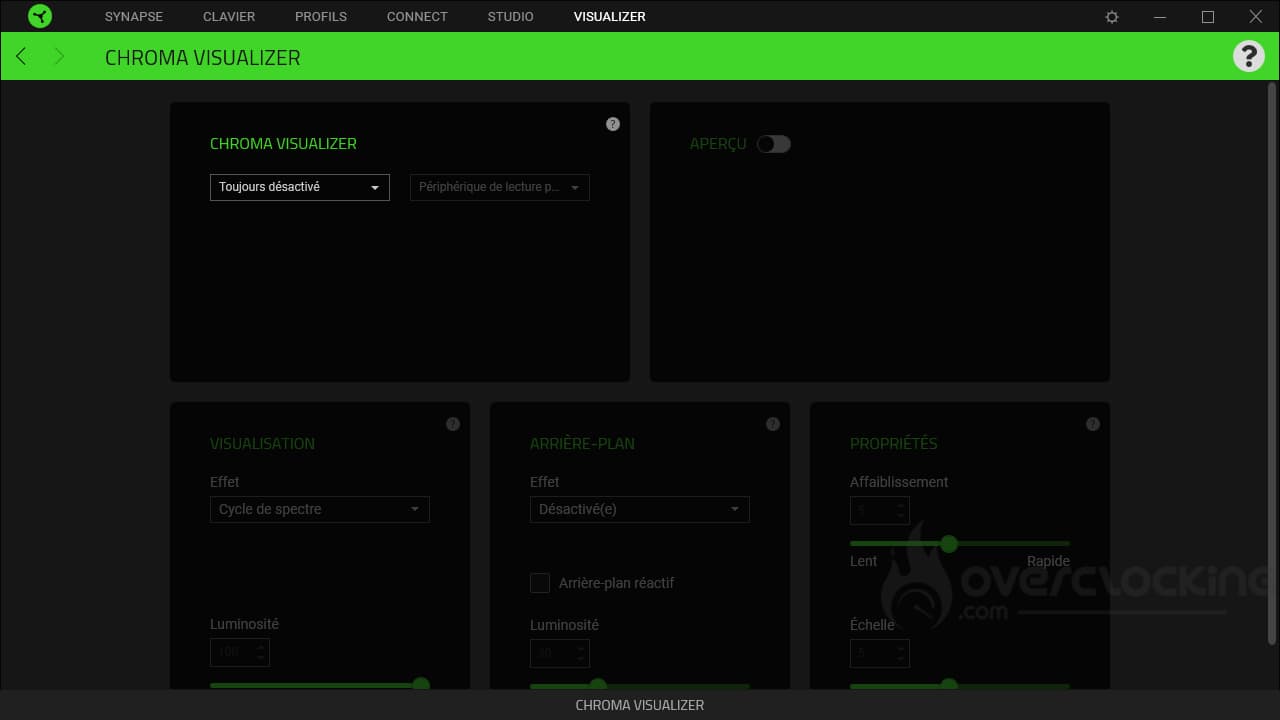
In this menu, you can set up other effects for your keyboard. For example, lighting effects depending on the music playing on your PC and the sound device selected.
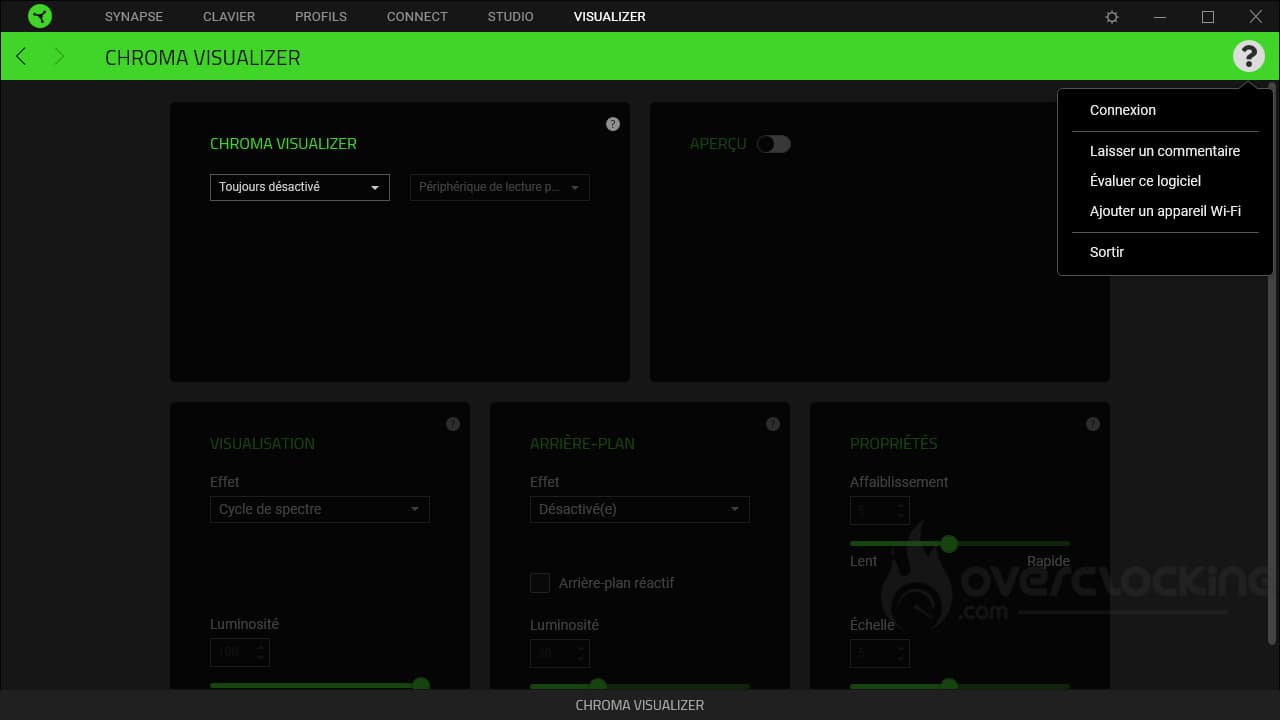
On the right, you may have noticed a small question mark. This gives us access to the software’s log-in function, as well as the option to leave a comment, rate the software, etc…
Parameters :
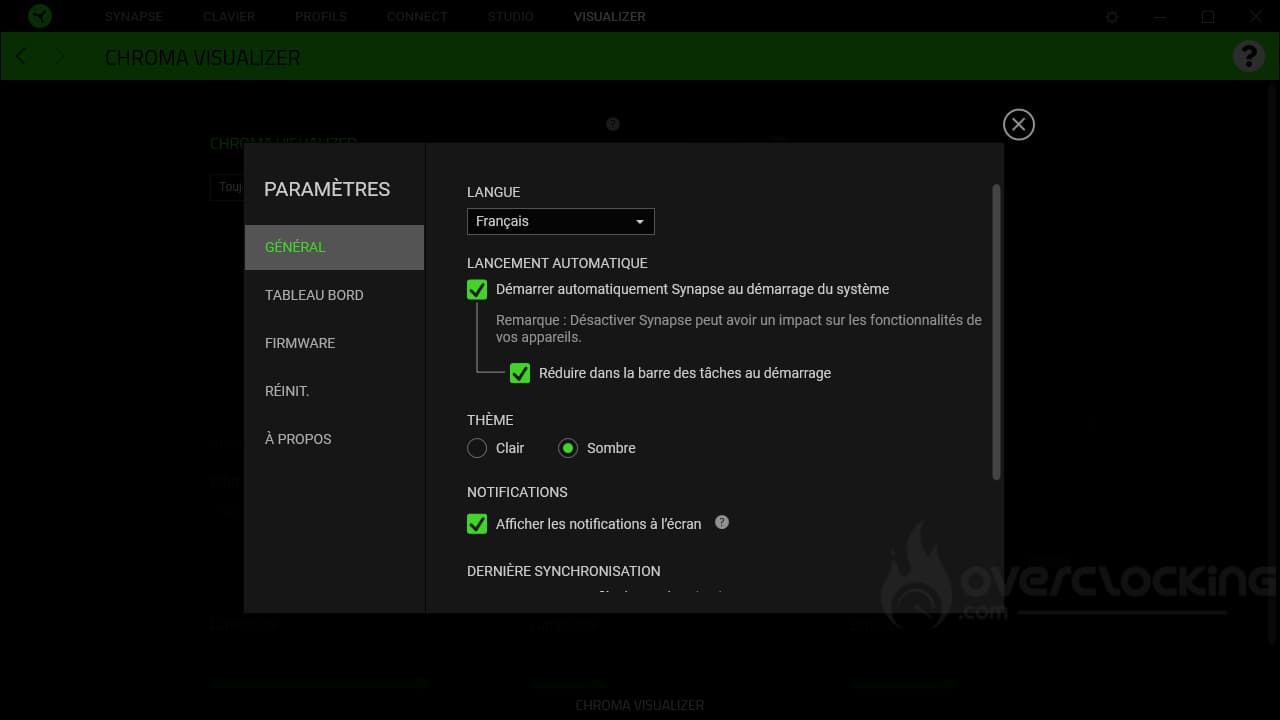
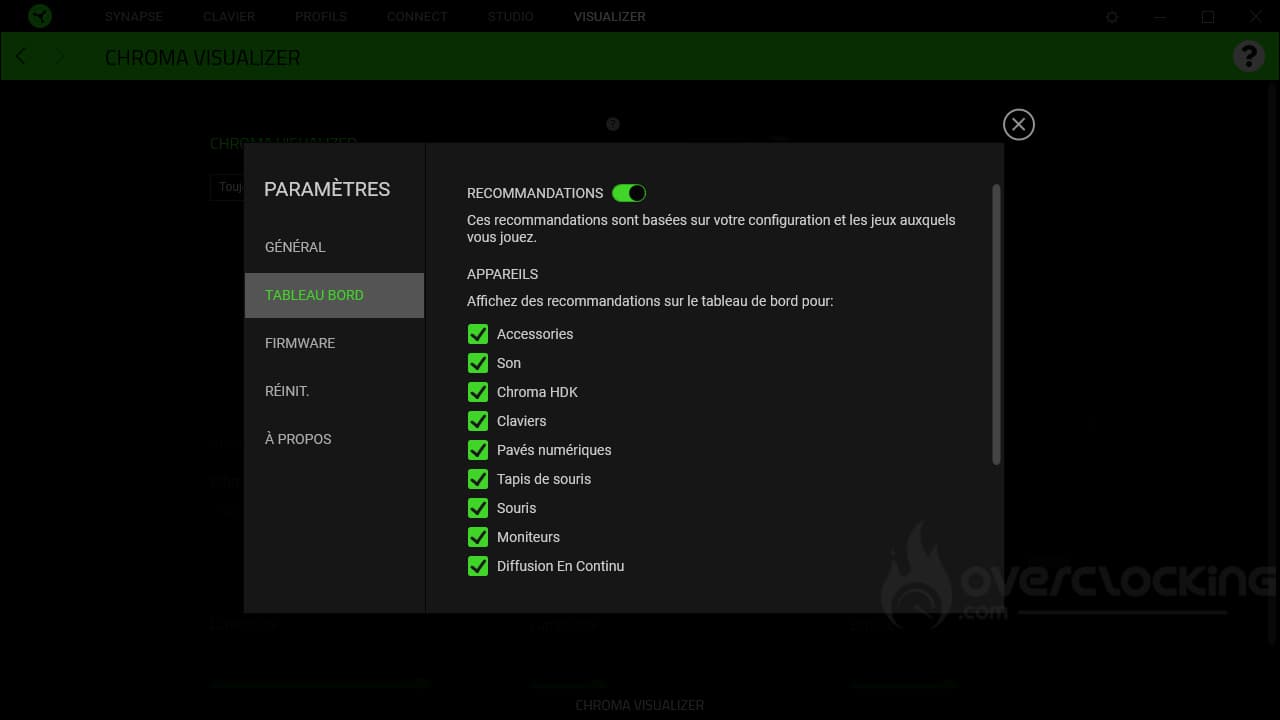
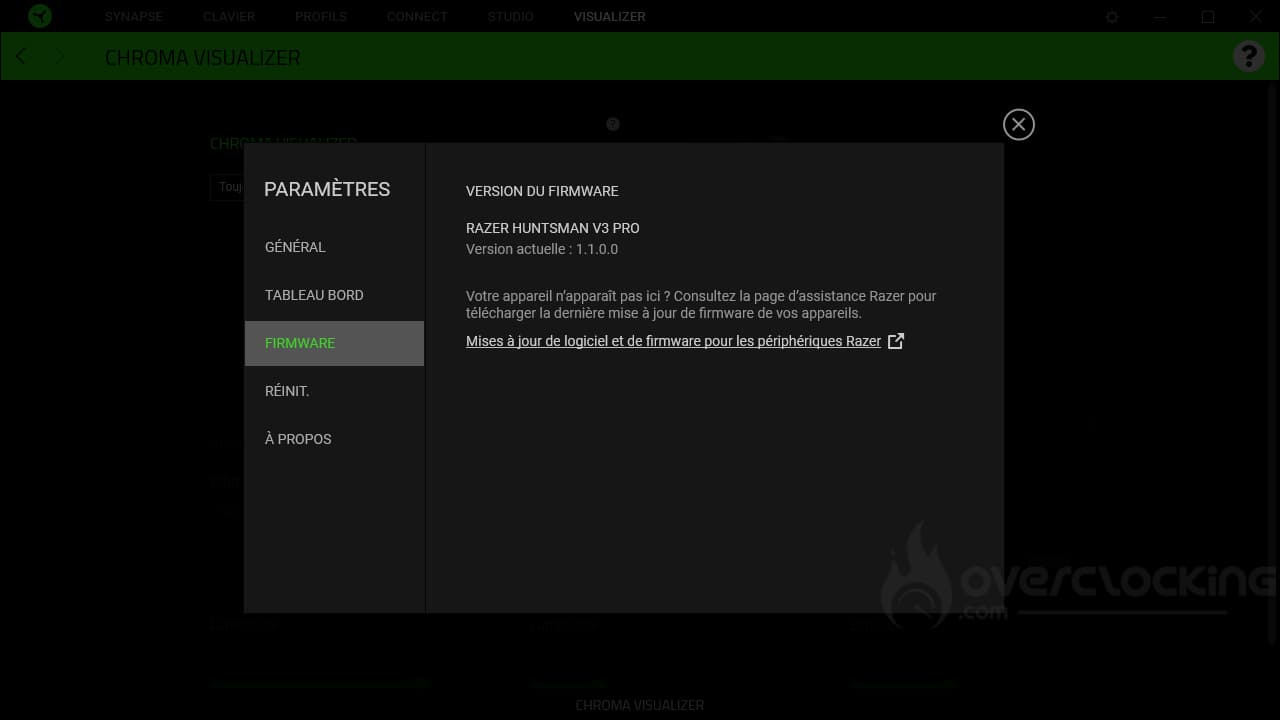
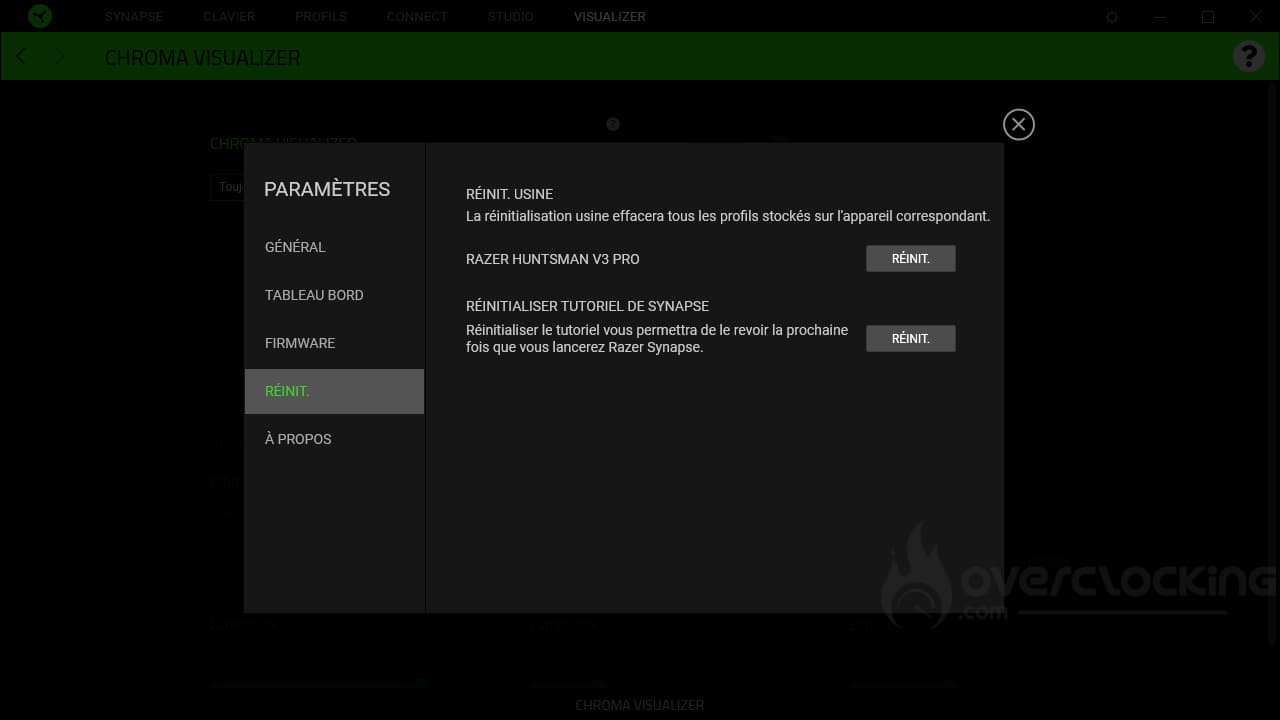
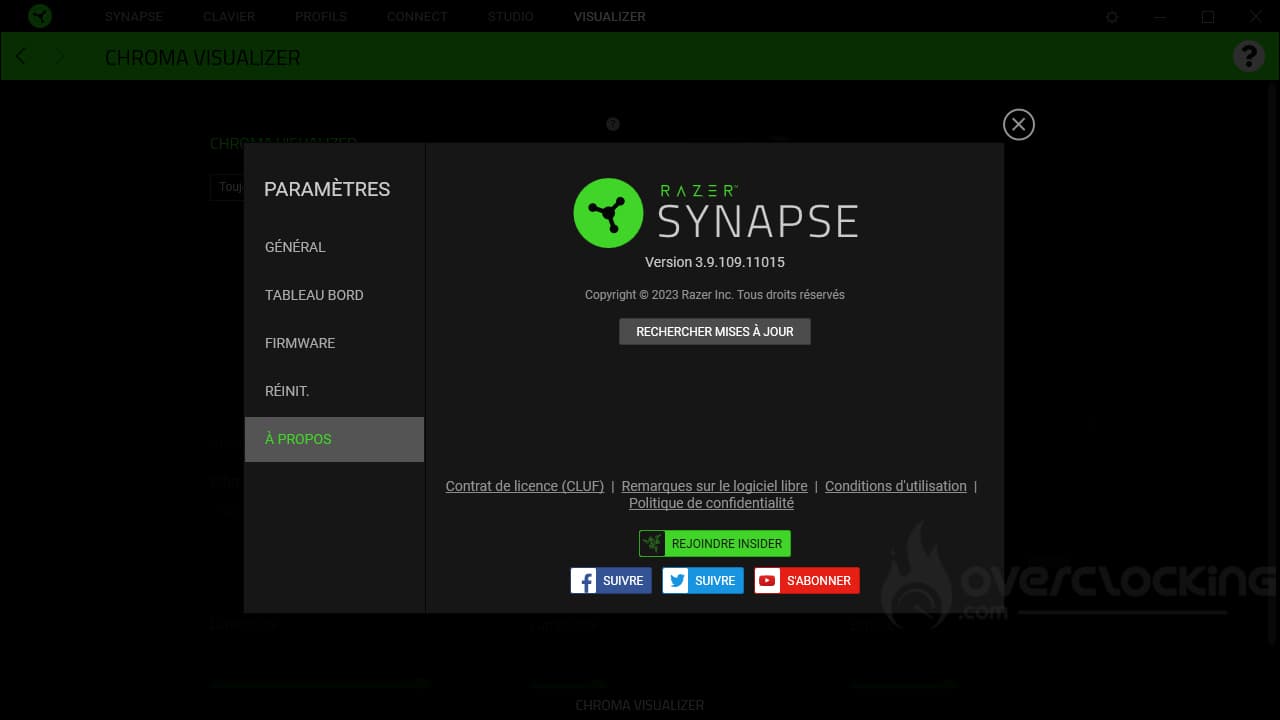
Let’s take a look at the general settings for Razer’s Synapse software. As you’d expect, this is where you access the software’s language, theme (light or dark) or autostart.
From this menu, you can also update or reset the software.
[nextpage title=”Test”]
Let’s move on to the Huntsman V3 Pro test. We’ve put it to the test in just about every scenario: video games, office automation, etc…
Handling:
Clearly, you get used to small keyboards, and switching to a full-size 104-key model is like having a surfboard on your desk. At least, that’s how we feel when we switch from the Vulcan II Mini Air to this Huntsman V3 Pro. In fact, it’s so much more imposing that we sometimes have to tap it with the mouse. On the other hand, you also have to know what you want: space on a desk = mini keyboard or a keyboard with all its keys and numeric keypad = 104 keys.
What’s more, once you’re out of the format, there’s not much more to do. It’s a high-profile keyboard with a classic layout. In itself, there’s nothing special about this model to get used to… Well, there is: the keyboard status LEDs migrate between the navigation keys and the arrow keys, which is no mean feat.


Nevertheless, you’ll find a few comfort-enhancing features, such as elevating legs allowing several levels of inclination: 0°, 6° and 9°. Otherwise, a wrist rest is also part of the package, but it’s not on a par with the rest of the keyboard. Admittedly, Razer boasts of the presence of a PU coating, but this is applied directly to a plastic plate. Unlike the K70 Max RGB, therefore, it will be rigid rather than flexible, which is far less pleasant in use.
Of course, the construction seems solid, at least for a mainstream keyboard. The base is covered in brushed, anodized aluminum, while the keys are made of double-injected PBT. In other words, the lettering is molded directly, in this case with transparent plastic, so that the RGB lighting shows through.

With this, the keyboard benefits from a thumbwheel for sound management and three additional buttons. By default, the first will be used to open the Windows Game Bar. The second will be used to display the various tasks in progress, while the third will simply serve as a play/pause button. Finally, pressing the sound wheel simply changes the volume.

Finally, a word about the USB type C cable, which is indeed detachable. However, the conduit leading to the connector is very narrow, and not all cables will fit into it. Once again, on paper, having universal connectivity is a good idea… provided you can plug in any cable, which is not the case here. For example, a Corsair cable won’t fit in the housing, and neither will an NZXT cable. Roccat, on the other hand, fits without a hitch, thanks to the slim sleeve!
Switches :
As far as switches are concerned, Razer offers us its second-generation in-house optical analog switches. Clearly, this means a linear typing feel. With this type of switch, there’s no choice.
In terms of their characteristics, these are switches whose accent point height can be adjusted via Synapse, Razer’s software suite, from 0.1 mm in height to 4 mm in depth. Finally, they require 40g to activate. In fact, the technical specifications are quite similar to those of Cherry’s MX Red… except for the point of emphasis, which is adjustable here.
Nevertheless, the behavior of the switches is very similar to that of SteelSeries OmniPoint. As a result, typing is particularly pleasant, with little or no friction.
As we said, you can adjust the height of the accentuation point on the fly, using keyboard shortcuts. It goes without saying that at 0.1 mm in height, typing will be extremely sensitive, whereas at 4 mm, you’ll have to go all the way down to the bottom of the switch for the keystroke to be taken into account. It’s up to you to find the right setting.
Alternatively, the analog switches can be used to set the rapid trigger. Rather than waiting until you’ve passed the reset point before being reset, the reset occurs as soon as the key goes up. This means you can make a rapid succession of keystrokes.

Noise :
When typing, the keyboard is surprisingly quiet, as you can hear. Yet the switches aren’t particularly designed for silence or anything. In the end, what explains this silence, in our opinion, is the absence of spring noise. Unlike the MSI Vigor GK41 and its Kailh Red switches, there’s no metallic resonance here. What’s more, the base of the keyboard doesn’t amplify the sound enormously either, so it won’t act as a sounding board!
RGB:
Despite the fact that the keyboard is equipped with PBT keycaps, the lettering remains transparent and is therefore perfectly well lit. What’s more, the colors are shimmering and the lighting is powerful.
However, we have our doubts about the illumination of the special characters on the second line. Razer has chosen to illuminate only certain characters, rather than all of them, as is the case with other models. As a result, you may have to look twice to find the right key.


[nextpage title=”Conclusion”]
It’s high time we came to a conclusion about the Huntsman V3 Pro. So, what did we think of it?
A great keyboard with lots of features!
With its Huntsman V3 Pro, Razer offers us a very handsome keyboard, very sober for the brand and qualitative. After all, we’ve got a black-anodized, brushed aluminum faceplate, not to mention double-injection PBT keycaps . What’s more, the brand has equipped its reference with linear analog switches that are very pleasant to use. What’s more, it’s not particularly noisy in use and will fit into most offices, professional or otherwise, thanks to its sobriety and relatively compact format compared to the competition.
Despite this, the RGB lighting is also of high quality, with numerous visual effects and colors available in the brand’s Synapse software. Be warned, however, that this software is ultra-complete and may be a little unsettling for some (especially computer neophytes, for example).
With its model, Razer offers an attractive thumbwheel, which is pleasant to use and well integrated into the overall design.

However, we found that the wrist rest wasn’t up to scratch. It’s not very pleasant, being both thin and hard. We’d have preferred something softer, like the K100 RGB or K70 Max RGB.
Also, be careful not to lose the detachable USB cable, as its thin housing makes it difficult to replace with another.
How much does the Huntsman V3 Pro cost?
As you’d expect, the main drawback of the Huntsman V3 Pro is its price. You’ll find it for around 290 euros on average. This is particularly expensive for a mechanical keyboard, despite all its interesting features. Despite this, our competitors manage to offer equivalents for at least 60 euros less (K70 Max RGB). Even the K100 was cheaper when it came out, priced at 250 euros, as was the Steelseries Apex Pro in its day at 230/250 euros.
Razer Huntsman V3 Pro
We liked:
- Super-pleasant linear analog switches
- Double-injection PBT keycaps
- The keyboard’s discreet, sober and elegant design
- Brushed aluminum and black anodized faceplate
- High-quality backlighting and number of different lighting effects available
- Sound wheel well integrated into the keyboard
- Ultra-complete software, which can be confusing for beginners
- Its unobtrusive size, despite its 100% format
We didn’t like :
- The wrist rest, which is a little flat and not very pleasant to use
- The thin USB cable slot, which makes it impossible to plug in another one
- The price: close to 300 euros!

With the Huntsman V3 Pro, Razer offers a high-quality, sober and elegant model. The keyboard is equipped with linear analog switches that are superbly pleasant to use. On top of that, we’re treated to a high-quality, black-anodized, brushed aluminum faceplate. Not to mention the bright, highly visible backlighting. Nevertheless, the wrist rest is a little flat and not really pleasant to use, but what bothers us most here is its price tag of almost 300 euros. For us, it will be a silver award!
Thanks to Razer !

