
Corsair has just unveiled a brand new mouse for gamers who want to get rid of a wire. For the occasion, they decided to update the old Katar model (wired). In the past, a first Katar with batteries had also been announced in 2020. Today, let’s discover together this Katar Elite Wireless signed Corsair.
Technical specifications:
As far as its technical characteristics are concerned, this is a very light little mouse. Indeed, it weighs 69 g and has a small size of 115.8 x 64.2 x 37.8 mm. In addition, this is a wireless mouse that works with a USB dongle (2.4 GHz) or Bluetooth. The new Katar is equipped with a small internal lithium polymer battery that is rechargeable. The brand specifies that it will last up to 110 hours.
This reference is equipped with a Corsair Marksman sensor that can reach 26,000 DPI, an acceleration of 50G and a polling rate of 2 GHz. In addition, 6 programmable buttons are also included. The buttons are designed to work for a long time since they are given a life of 60M clicks. Moreover Corsair is always supplied by Omron for the latter. There are also two classic PTFE pads to improve the glide of the mouse.
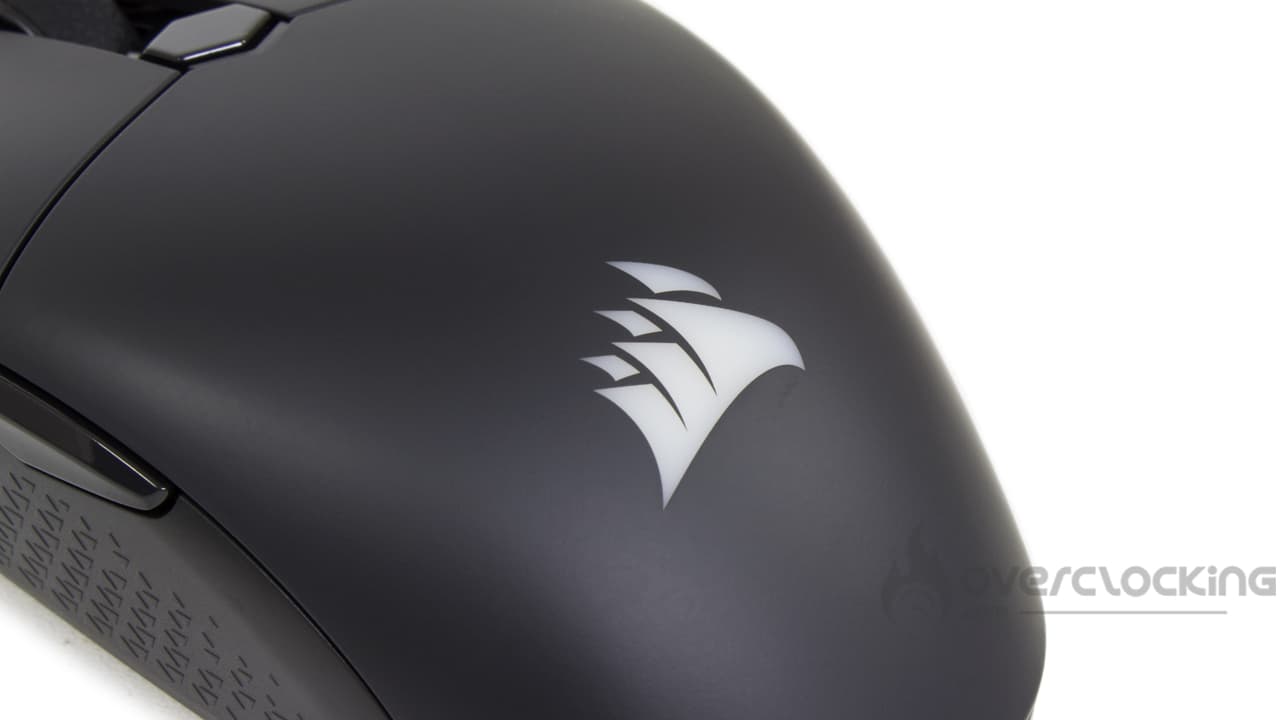
A small RGB area is available on the logo on the back of the mouse. Moreover, a small additional LED is also present to indicate the remaining battery level.
System Requirements:
In order to operate the Katar Elite Wireless, a Windows 10, Windows 11 or macOS 10.15+ system is required. The PC must also have a USB 2.0 port to connect the dongle. Nevertheless, Corsair’s new mouse is also compatible with Bluetooth 4+.
Of course, an internet connection is required to download the management software Corsair Utility Engine (iCUE). [nextpage title=”Unpacking”]
The Box:
As usual, our mouse arrived in a box with the Corsair logo. That is to say in its black and yellow colors. On its front, we find the classic representation of the product in addition to the logo and the name of this mouse. We also learn that the Katar Elite Wireless is hyper responsive (1 ms) despite being wireless. In addition, it is indicated that it weighs only 69g and can go up to 26,000 DPI.
At the back, we learn more about its connectivity (Bluetooth or via USB dongle). There is a reminder of its light weight, its 26,000 DPI, its battery announced for 110 hours and also the patented Corsair Quickstrike buttons without gaps.


When you open this box, the mouse is protected under a rather thick black cardboard. In any case, it does its job well since it arrived in excellent condition. 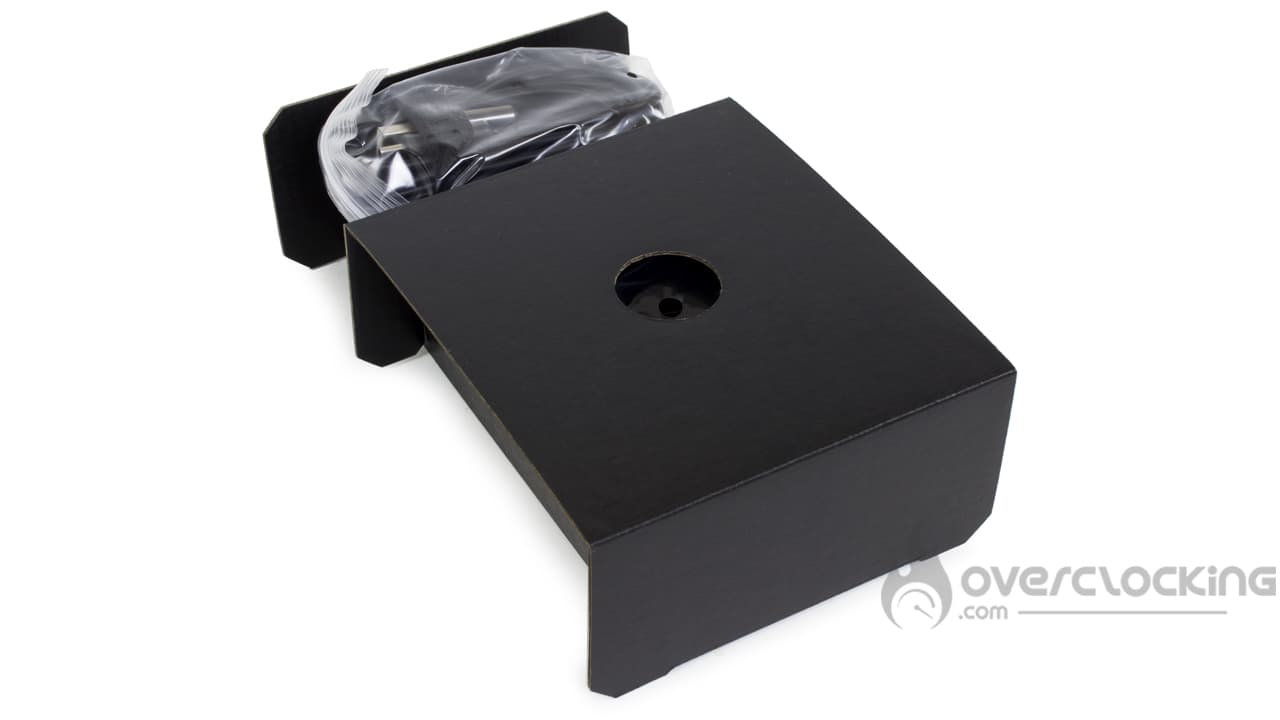
Bundle:
Unfortunately, this is the adage of almost all brands… From now on, you can’t count on small “extras” in bundles. A few years ago, we used to find little “gifts” like stickers or carrying cases. Today, we have to forget those good old days and be satisfied with the bare necessities, i.e. two documentations and the charging cable. 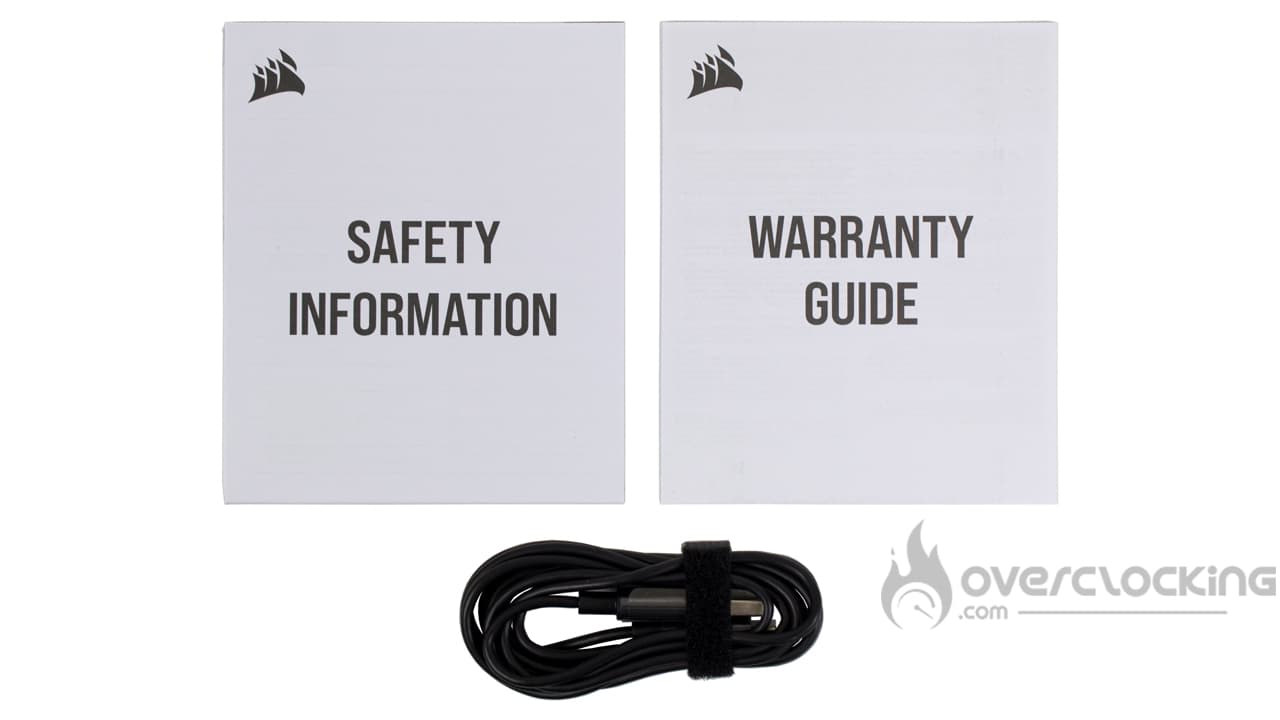
Top:
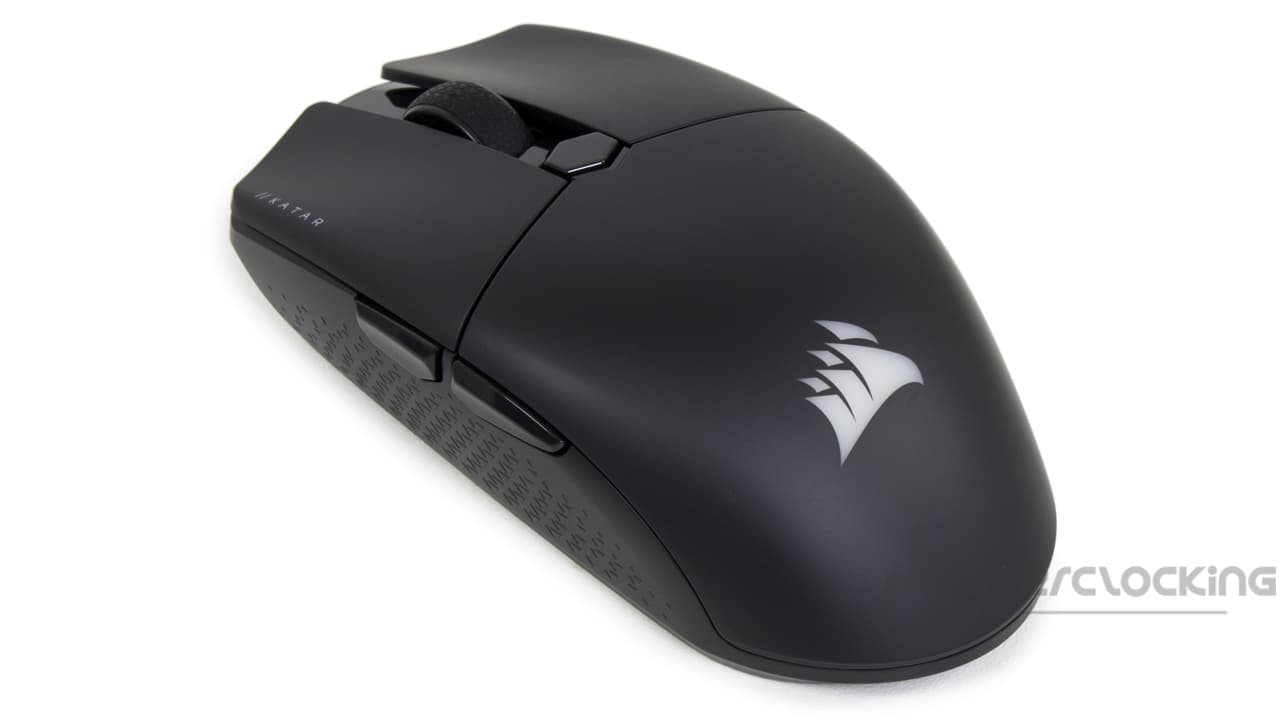
Now let’s take a look at the new Katar from Corsair. In itself, it hasn’t changed much visually since the Pro XT version. On the left side of the mouse, we find a coating for a better grip of this reference. Above, two buttons (previous, next by default) are available. Of course, we will find the two clicks with the little “note” // Katar to remind us of the name of our mouse. In the center, the scroll wheel is present, and also has a small rubberized coating to grip the finger. As on the Katar Pro Wireless, the small LED for battery life is visible under the DPI button. Further down, the brand’s logo will light up in colors when turned on. Finally, on the right side of the Katar Elite Wireless, we have the same coating for the grip.
The Bottom :
Once again, the Katar Elite Wireless has not changed much from before. Except that under the mouse, we have a small compartment to store the dongle in case of travel. It’s pretty handy, we must admit!
Otherwise, we find the classic serial numbers, recycling information and the optical sensor which is surrounded by a PTFE pad to improve the glide. Two other pads are available in the top and bottom of the mouse. In addition, there is a small button to turn it off, switch it to Bluetooth or connect via the dongle.


[nextpage title=”Test”]
It’s time to take the Corsair Katar Elite Wireless in hand and give you our impressions about it. We used it during video games, as well as for browsing and more traditional office work. What did we think? Answer now!
The grip :
This new Katar signed Corsair, remains in the vein of the former mice of the brand. Indeed, it remains small and light. You’ll have to appreciate mice of this size to be comfortable. As for its handling, it is rather malleable since several ways are possible. This will probably satisfy most users. However, the Katar Elite Wireless will probably be more suitable for small hands or those using the “Claw/Fingertip grip” technique. It will fit better in the hand this way. For fans of larger wireless mice, such as the Dark Core RGB Pro, it will be more complicated. It’s really tiny compared to the Dark Core RGB Pro, not to mention its light weight. As far as weight and size are concerned, it will compete directly with the Burst Pro from Roccat or the Model O Wireless from Glorious. We are indeed on a more or less similar size. The Katar Elite Wireless is quite thin in use, slightly thinner than the Model O from Glorious.
Weight comparison of the last tested mice
- Roccat Kone Pro: 66 g
- MSI Clutch GM41: 74 g
- Corsair Sabre Pro: 69 g
- Corsair Katar Pro XT: 73 g
- Glorious Model O Wireless: 69 g
- Roccat Burst Pro: 68 g
- Endgame Gear XM1: 70 g
- Cooler Master MM730: 49 g
- Roccat Kone XP: 104 g
- NZXT Lift: 67 g
- Corsair Katar Elite Wireless: 69 g


On the right side of the mouse, there is no groove for the little finger. The finger is therefore not guided at all. This is a good point in my opinion, it avoids unpleasant positioning of the finger.
In itself, the Katar Elite Wireless is not covered with soft-touch or anything else. This is actually an advantage, as it will hardly leave any fingerprints. It is completely covered with its original plastic. This can be a bit slippery. Nevertheless, compared to other unbalanced mice (the first one comes to mind because of the battery), it doesn’t move backwards when you lift it up.
About the scroll wheel, it is well serrated and its coating does its job well. It doesn’t slip or anything like that when you use it.
Katar Elite Wireless button noise:
The new Corsair mouse is somewhat different from the old Katar in terms of noise. Nevertheless, it remains discreet even for the noisiest users. It is a far cry from the loud noise of the little Harpoon at the time. The brand has improved in this respect!
The sensor and glide:
Corsair has changed some things since the first Katar. Indeed, at the time, we were dealing with a PixArt PMW3391 sensor that could “only” reach 10,000 DPI and 18,000 DPI on the Pro XT version. Today, with Corsair’s optical sensor, we are entitled to nearly 26,000 DPI. That’s a lot, clearly. Nevertheless… Who among you actually uses 26,000 DPI on a daily basis? It’s not manageable at all.
Otherwise, thanks to the PTFE pads, the Corsair mouse glides very smoothly. And this is true whether it’s on a wooden desk, cloth mouse pad. Although the glide is even smoother on a rigid mat such as the MM1000 Qi from Corsair or the one from Thermaltake. The glide on a fabric mouse pad is slightly slowed down by the textile but it is not annoying to use. However, be careful if you use a rigid mat on a daily basis, as the pads may be damaged more quickly than on other surfaces. This is where we would appreciate additional pads in the Katar Elite Wireless bundle, for example. 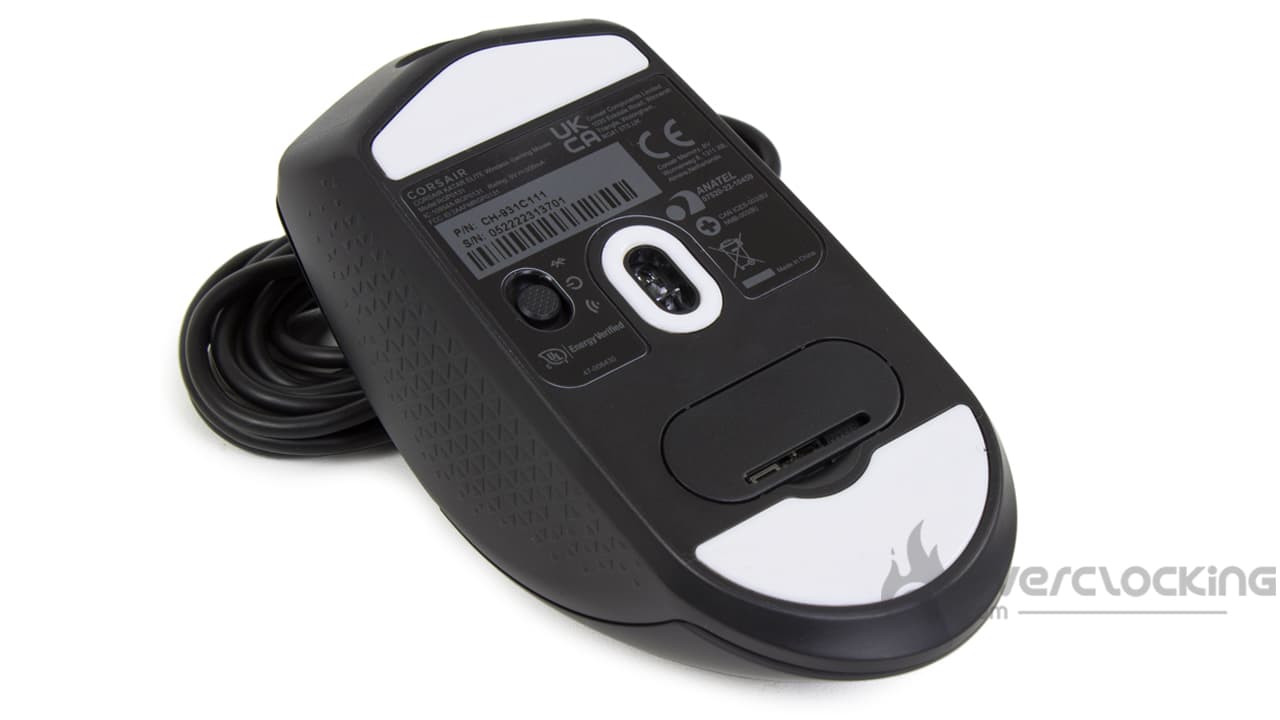
A quick word on the RGB and visuals:
The RGB of this new mouse signed Corsair is discreet on the logo on the back of the mouse. The colors are not very bright, we have seen much more intense. I am thinking in particular of the Roccat mice or the MSI Clutch GM41 Lightweight Wireless. Regarding its visual, its design, this Corsair mouse is quite sad. There is absolutely nothing fun about it. It really doesn’t have any specificity that makes it stand out. For example, if I think about the mice from Roccat, especially the Burst Pro Air they really have an identity, something that makes you remember them. Here… It’s basic as possible for a premium price. And that’s a shame, I think. As much, to have such a sober and uncluttered design, for a Katar Pro Wireless at 50 euros, it does not shock me too much… But for nearly 80…, it is still more complicated to swallow.  [nextpage title=”Conclusion”]
We are now at the end of this Katar Elite Wireless test. So, what did we think of it?
A (too?) premium mouse that doesn’t take risks
In the end, the new reference from Corsair is a good reference mouse. It benefits from quite honorable performances, and classic for its price range. We are thinking in particular of its in-house optical sensor that can reach 26,000 DPI, but also its 2 GHz polling rate and its multiple connections (wired, dongle, Bluetooth). Moreover, its autonomy of nearly 110 hours is quite interesting for a wireless mouse. In addition, we are dealing with a small, compact and light mouse that should suit most users… Provided, that is, that they do not have too big hands. Nevertheless, I personally find this Katar Elite Wireless to be a little too sober and classic for a mouse of this price. In fact, it will be available for around $80 and the same in euros when it is released. Unfortunately, it has no little eccentricity that would make it a wireless mouse reference. For the same price range, you can find the Roccat Burst Pro Air with a beautiful RGB or the MSI Clutch GM41 Lightweight Wireless with its integrated charging base. To be much more interesting on the market, it should, for me, be offered cheaper.
Corsair Katar Elite Wireless :
We liked:
- Corsair’s simple and intuitive software
- Its plastic very pleasant under the fingers..
- No fingerprints on the plastic
- Its light weight of 69 g
- Its very good glide on all supports (but more precisely on rigid support)
- Its versatile grip
- Its notched wheel
- That it is relatively silent in use
We liked less :
- A more complete bundle with spare pads, or carrying case ..
- Its premium price
- Its lack of “eccentricity”
 With its new Katar, Corsair offers us a mouse with good performance. We will find a weight and a size contained. But also, a 110 hours battery, a sensor that can reach 26 000 DPI or a polling rate of 2 GHz. Unfortunately, it will also lack eccentricity and will remain too classic for me, too basic to be totally interesting against the competition which is very tough on this price range. So it will be the money.
A big thank you to Corsair!

