











Specification
Technical specifications
The Acer Predator PH315-55-766X is a 17.3 inch laptop with a 1440p IPS panel with a refresh rate of 165 Hz. The processor used is a 12700H which is coupled with an RTX 3070 Ti from NVIDIA. The whole is accompanied by 32 GB of DDR5-4800 and a 1 TB NVMe SSD in PCIe 4.0. The laptop is powered by a 90 Wh battery.
| Model | Acer Predator PH315-55-766X |
| Processors | Intel Core i7-12700H 45W |
| Graphics card | NVIDIA RTX 3070 Ti 8GB 115W (150W max) |
| Ram memory | 2×16 GB DDR5-48000 (2 slots) |
| Screen | 2560*1440 16:9, 17,3″, 165 Hz, IPS |
| Storage | 1 TB NVMe (1 PCIe 4.0 slot) |
| Connectivity | x1 USB C 3.2 Gen 2, x2 USB A 3.2 Gen 1, x2 USB A 3.2 Gen 2, 1 Mini DisplayPort, 1 HDMI, 1 RJ-45 |
| Battery | 90 Wh |
| Network | Wifi 6 (ax), Bluetooth 5.2 |
| Dimension | 399.3×295.5×27.65mm |
| Weight | 3 Kg |
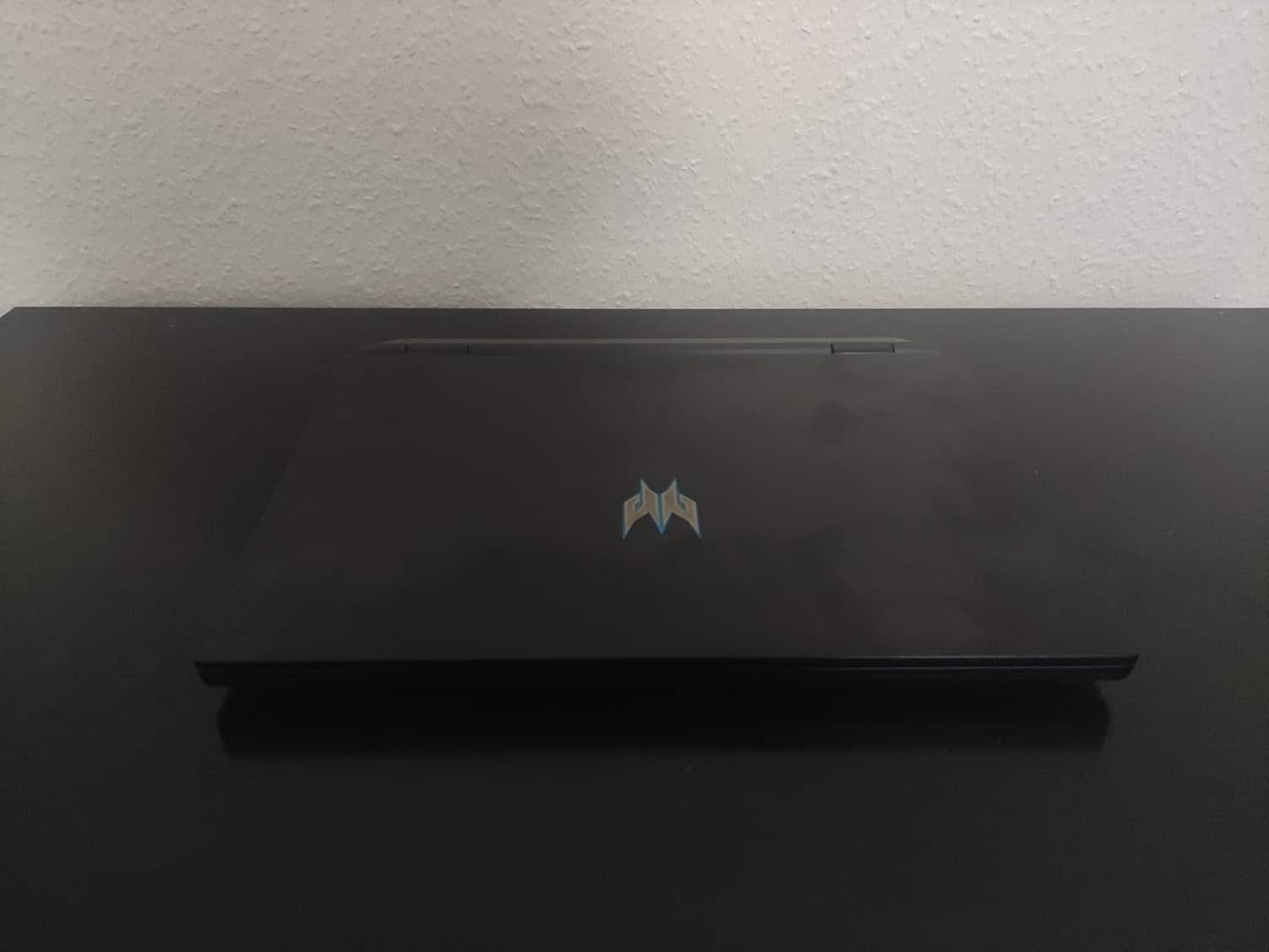
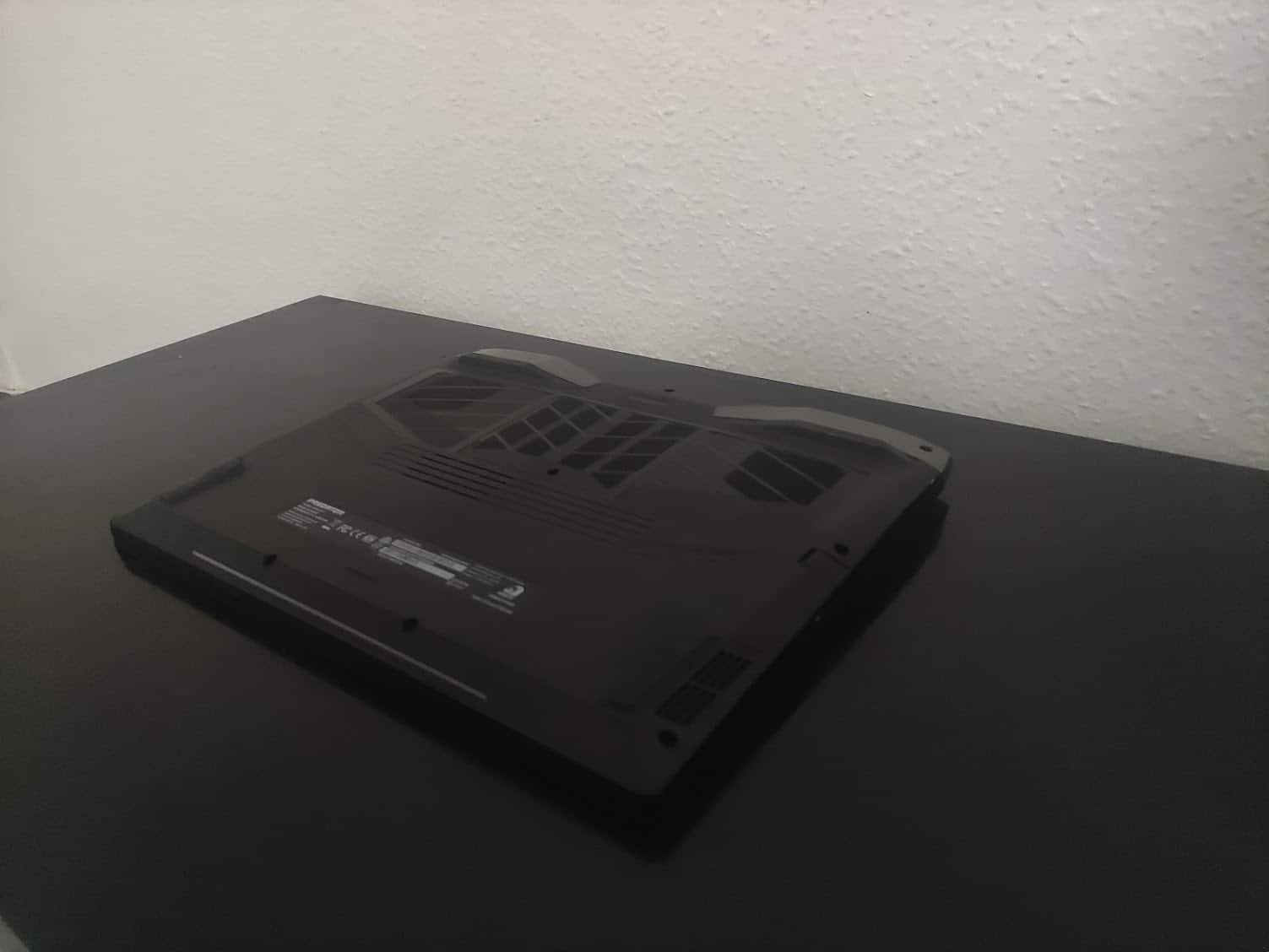
The Acer Predator comes in an aluminum and plastic chassis with an illuminated logo on the back, nothing more classic. Underneath, we find a ventilation grid covering half of the panel for the ventilation system.
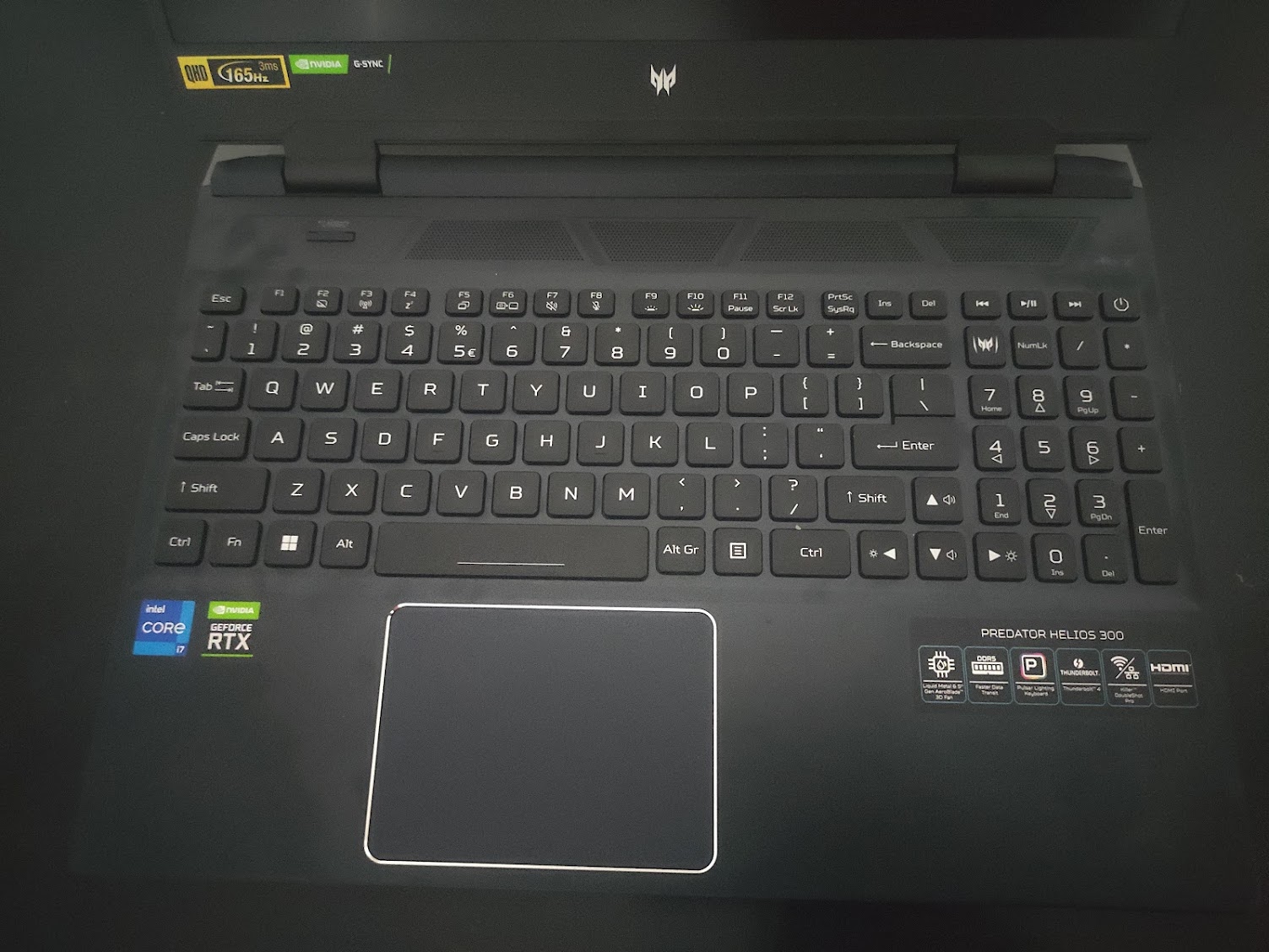
Our example uses an RGB keyboard in QWERTY layout, with a numeric keypad, the keys are however large enough for a quick use without slipping on another key. The trackpad is also in good proportions and pleasant to use.

The screen uses an IPS panel with a QHD resolution (2560×1440) and a refresh rate reaching 165 Hz allowing a pleasant fluidity with a good brightness and bright color, the screen was a real pleasure to use.
On the connectivity side, the thickness of the computer allows us to have a complete equipment with 4 USB A ports and 1 USB C port. It is also equipped with a mini DisplayPort and HDMI output, allowing to connect 2 screens directly. We have the presence of an RJ45 port and the 280W charger whose size will not leave indifferent…