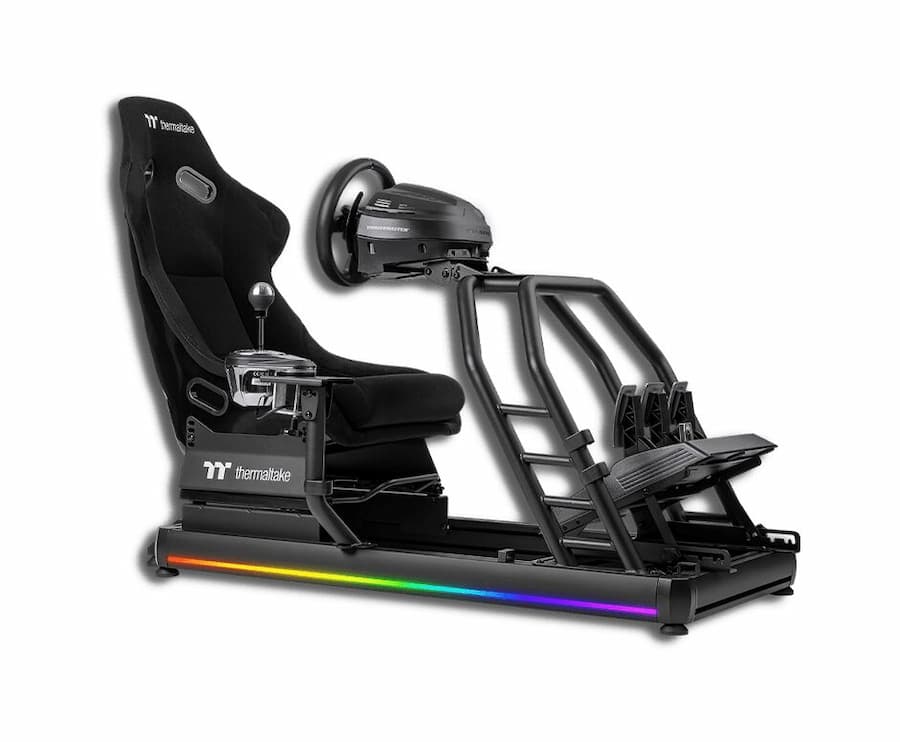
Thermaltake launches into Sim Racing with the GR500, a complete structure capable of accommodating peripherals from a variety of brands. This is a mixed steel/aluminium structure incorporating a bucket seat. Both the bucket seat and the support for the steering wheel and pedals can be adjusted to suit the end-user’s body size. The brand’s arrival, combined with recent news, confirms that there’s something going on, commercially speaking, around Sim Racing.
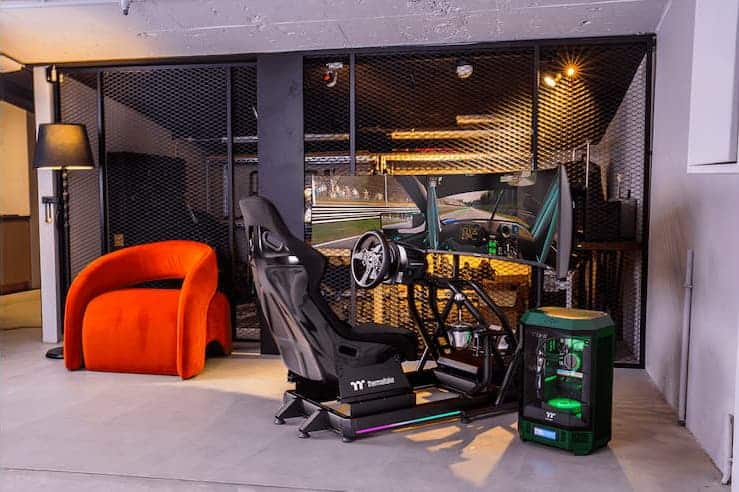
Sim Racing accessories from leading brands are supported by the Thermaltake GR500. The brand has made available a list of validated accessories, and it’s worth noting that the must-have Fanatec, Logitech and Thrustmaster accessories are supported. Prior to purchase, you need to choose the type of accessory (such as the steering wheel, for example) to receive the appropriate brackets. This means that if you change brands, you’ll have to change brackets and buy a new one. In the illustrations published here, you’ll notice the presence of a monitor stand. This “Triple Racing Monitor Stand” is an optional extra, so you’ll need to pay extra for the complete solution.
Thermaltake GR500: a complete solution that seems to be scalable.
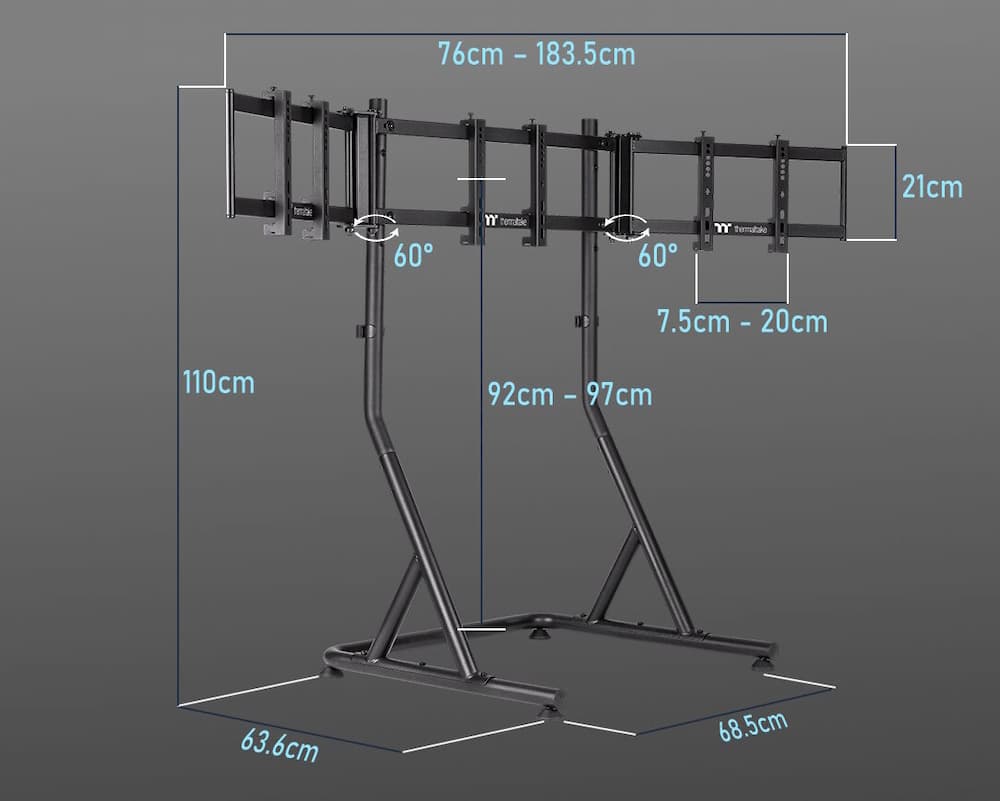
For the moment, the price of the screen mount has not been announced; only the “bucket” kit is listed at €830 on the brand’s official website. The special feature of this stand is its ability to support up to three 32″ monitors. To do this, you’ll need to ensure compliance with VESA mounting standards, notably 75 x 75 mm, 100 x 100 mm, 200 x 100 mm and 200 x 200 mm, ensuring broad compatibility with monitors on the market. It features adjustable height settings and allows screen rotation up to 60 degrees, offering flexibility in viewing angles. What’s more, the stand’s rear-folding design facilitates efficient use of space, especially when it’s time to “tidy up” the setup.

Last but not least, you may have noticed that the GR500 features RGB lighting under its base, with several possible settings such as a standard mode and a Rhythm Pickup mode, which adjusts the lights in response to ambient music…