The PCSpecialist Lafité 14 AI AMD
The Lafité 14 AI AMD PCSpecialist is a 14-inch laptop with a 2880 x 1800p IPS panel and a 120Hz refresh rate. The processor is an AMD Ryzen 7 8845HS, powered by a 72 Wh battery. The rest of the components are à la carte, with a minimum of 8 Gb DDR5-4800 and 256 Gb SSD. At best, we’ll have Corsair 5600CL48 memory and 2 Soldigdim P44 SSDs.
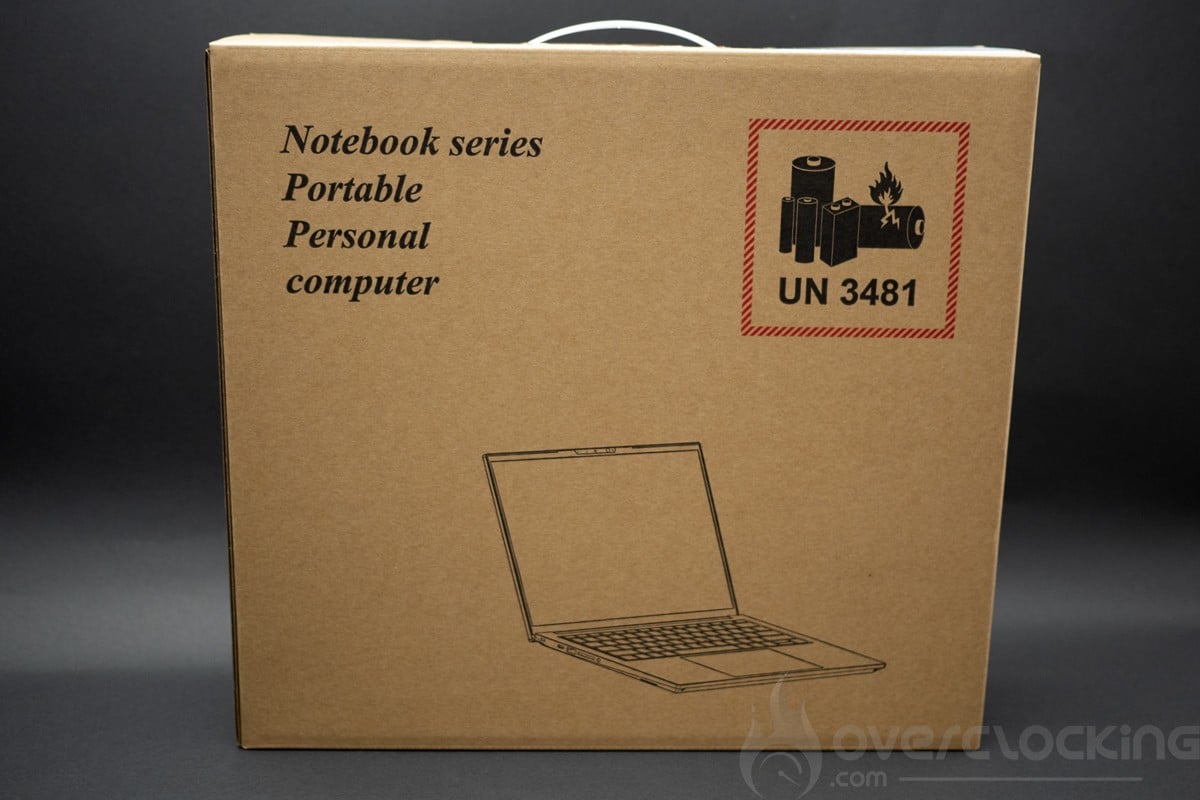
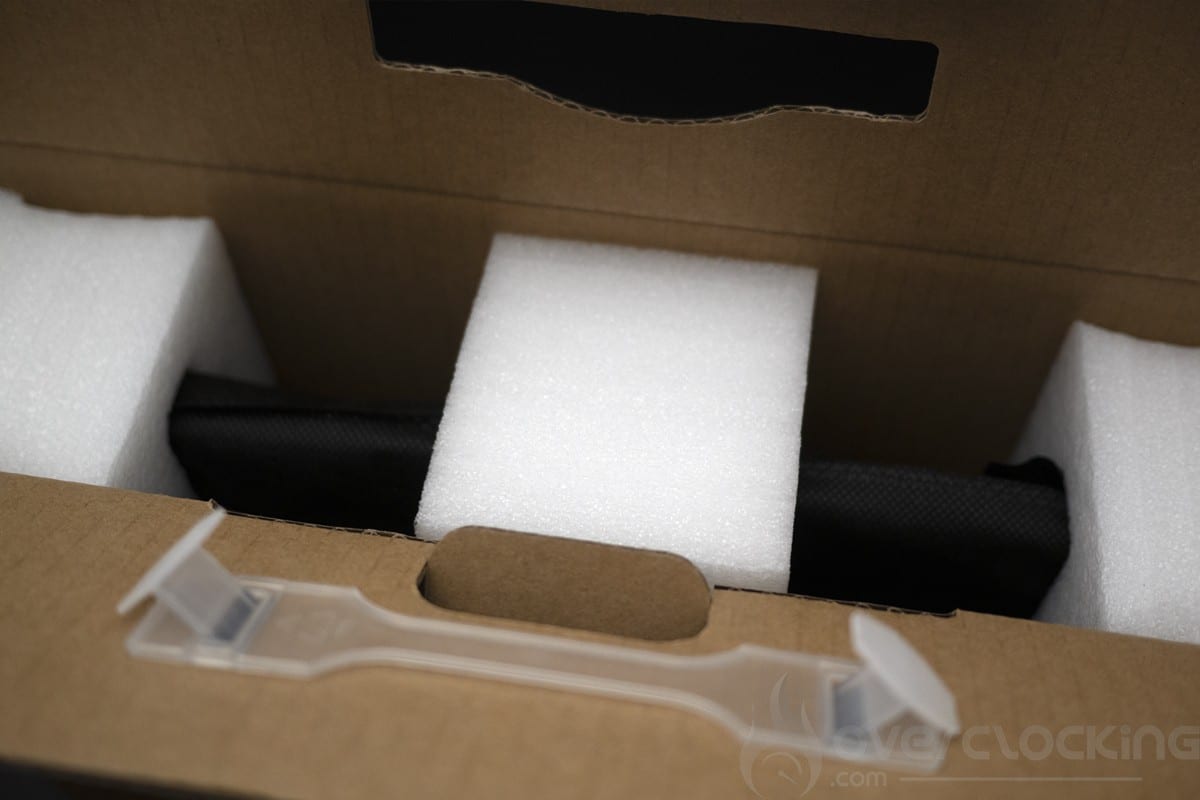
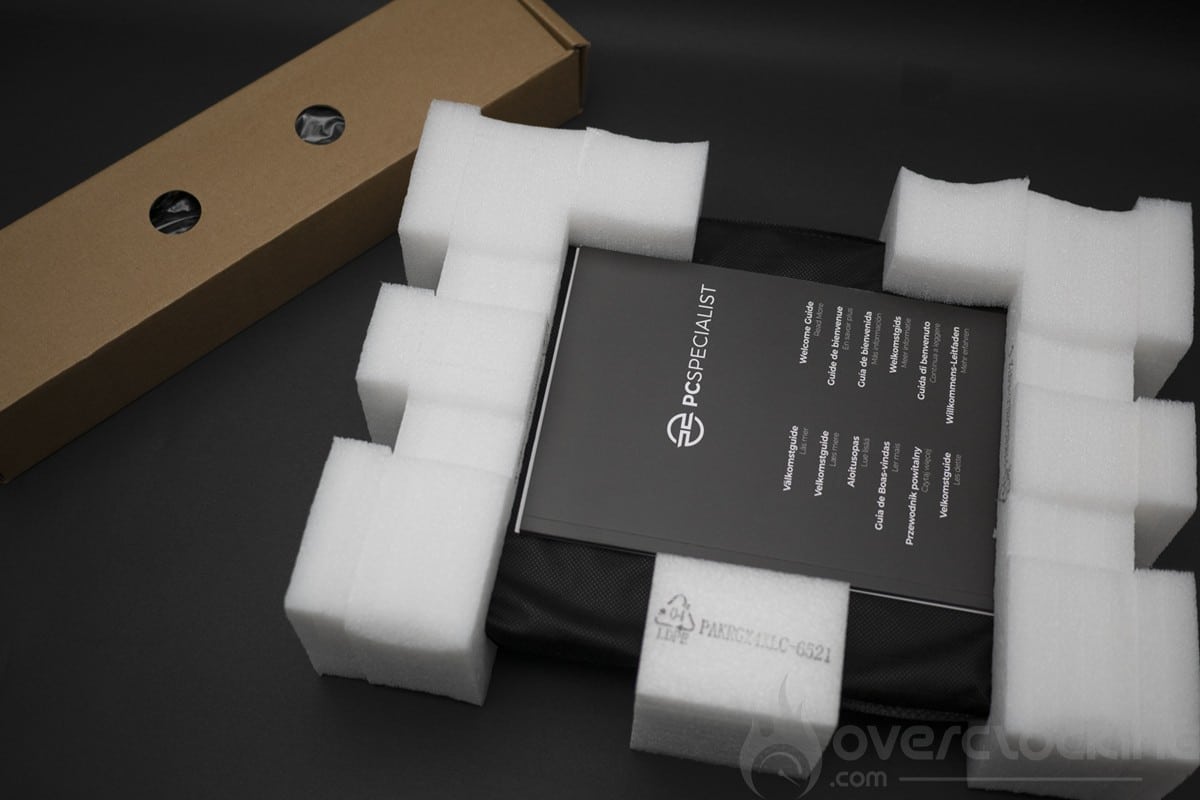
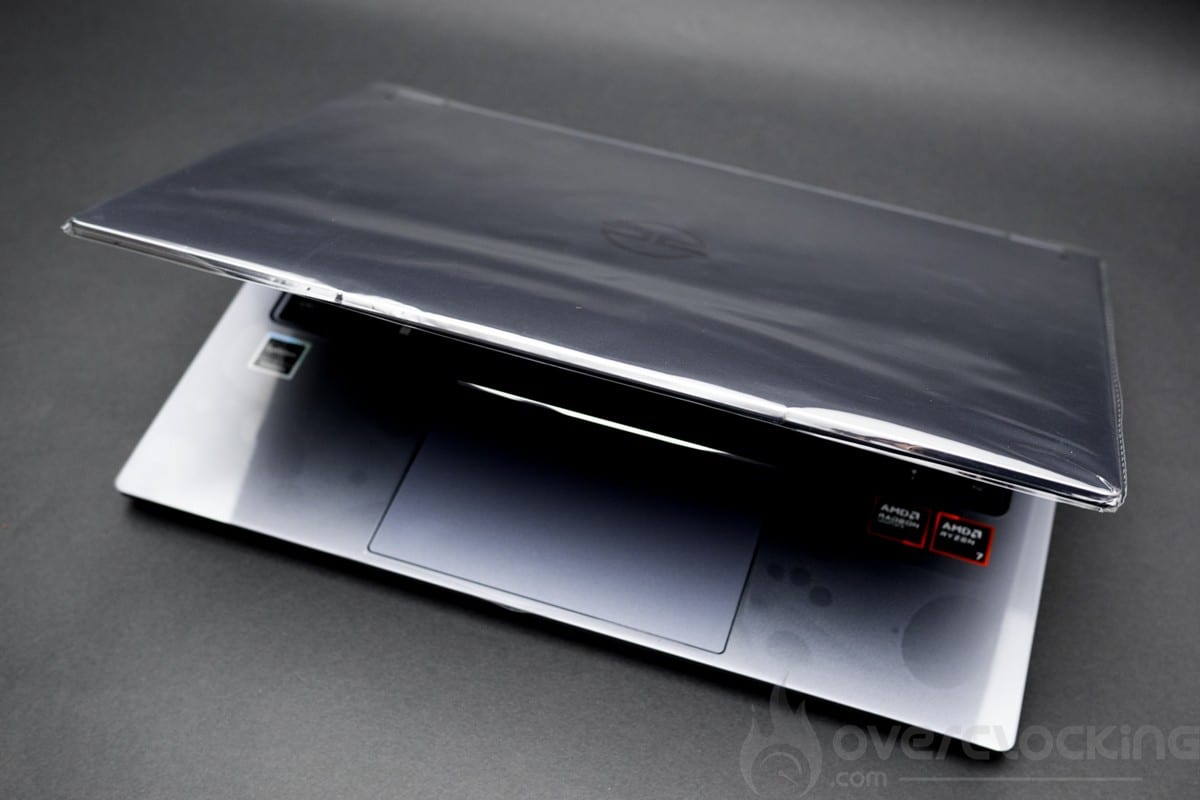
We start by unpacking the device, which comes in a rather plain box. Inside, there are compartments for accessories and the laptop. The laptop is very well protected with foam and plastic protectors on the chassis and screen.
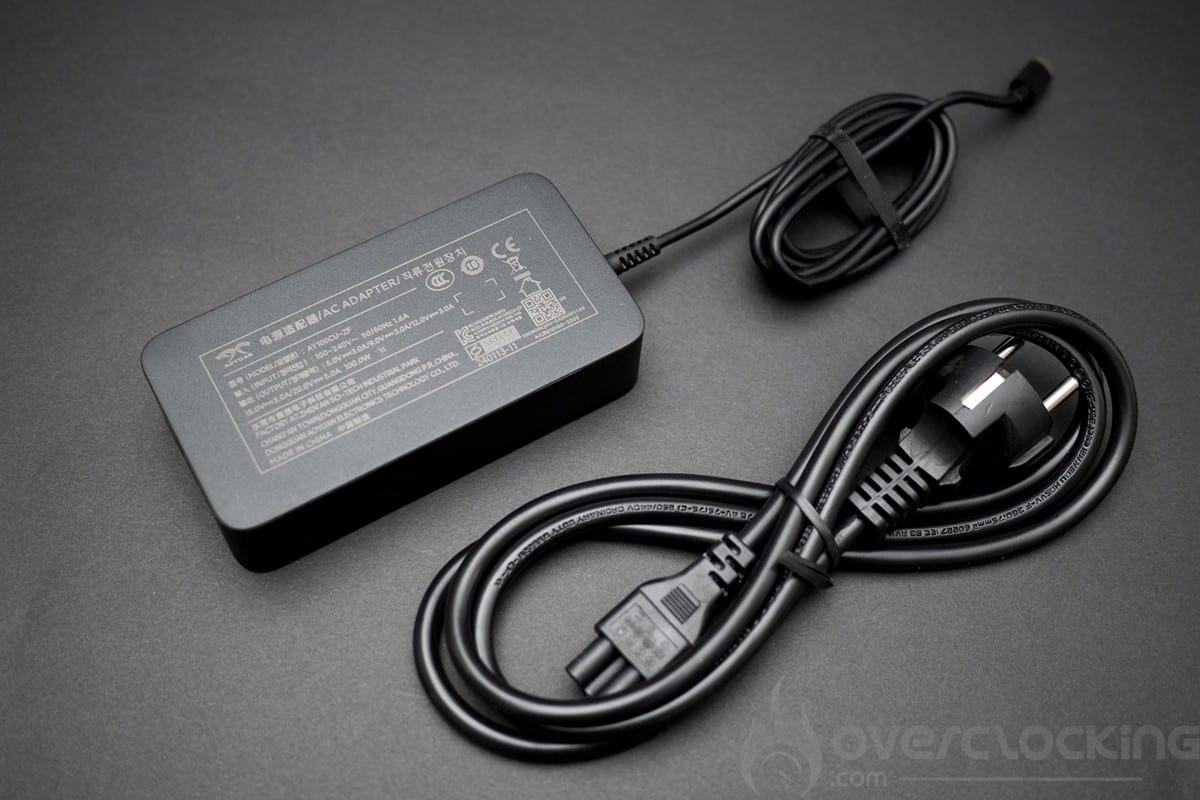
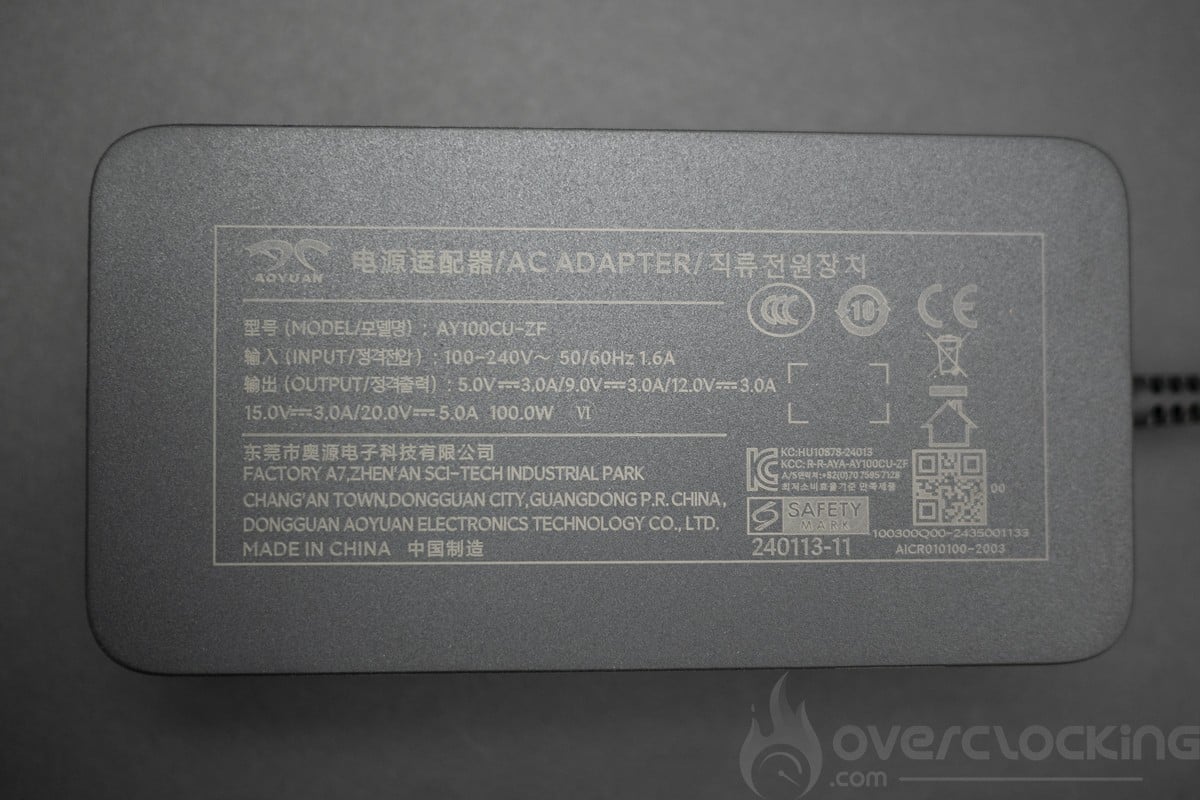
The charger is a 100W power supply using a fairly basic USB type C connector. Note that this laptop charges perfectly with a Ugreen Gan 100W charger (65W output).
Presentation
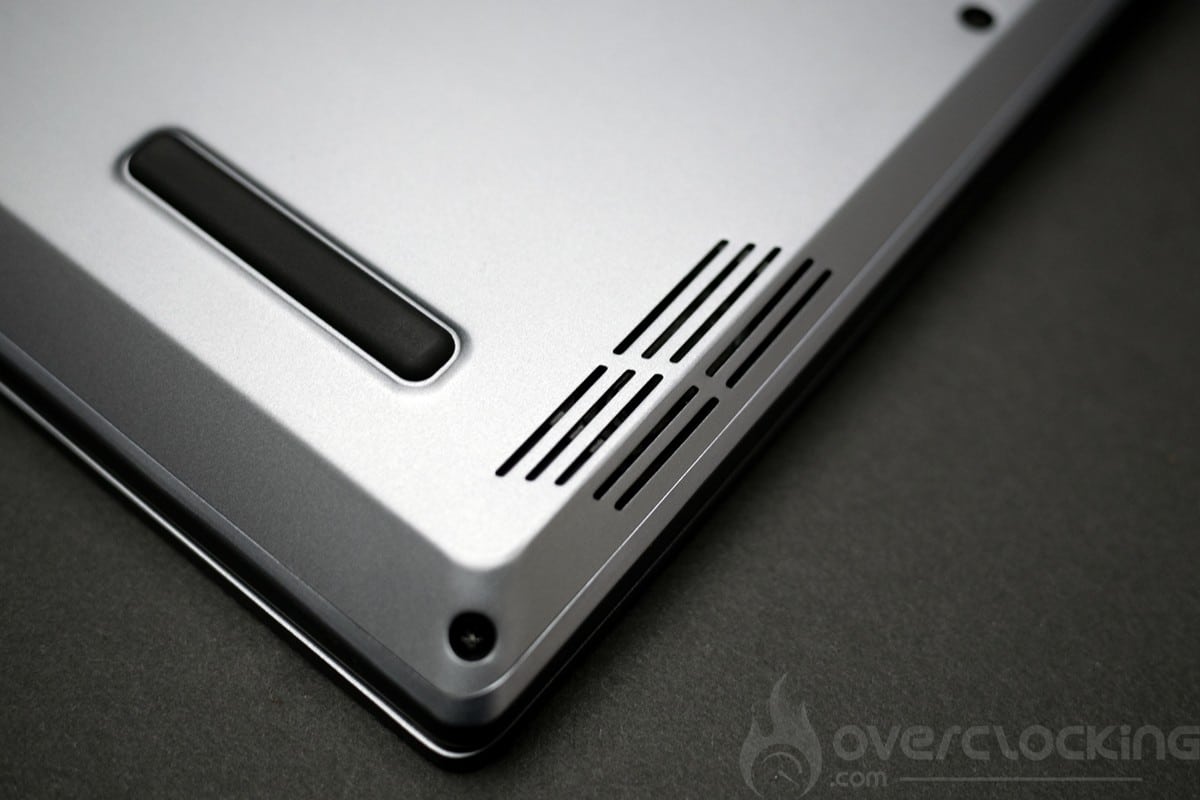
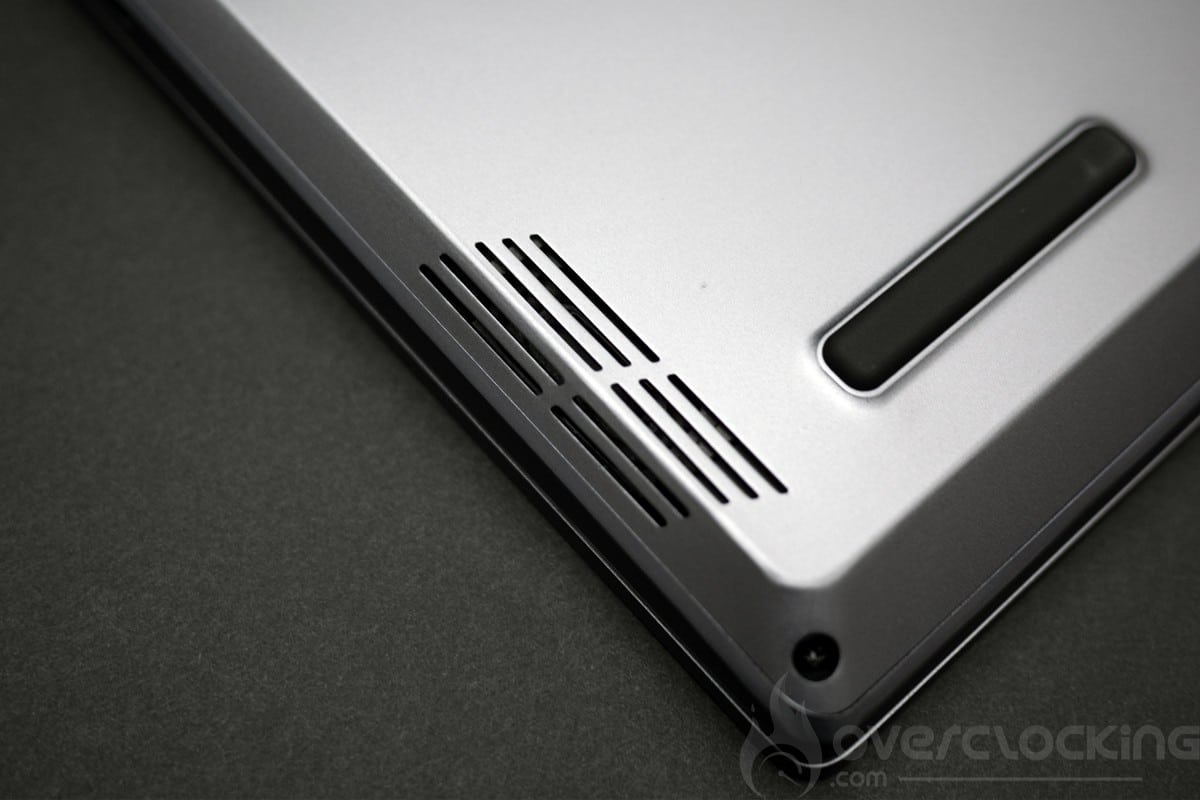
To start with, we have the weight with less than 1.4 kg on the scales, it fits perfectly in place and the screen can be opened with a single finger even if we note a hard spot at the beginning which disappears with use. The overall design is entirely aluminium with a plastic panel. Plastic is used on the RGB 45 socket and the hinges. Overall, this PCSpecialist Lafité 14 AI AMD is of very good quality.
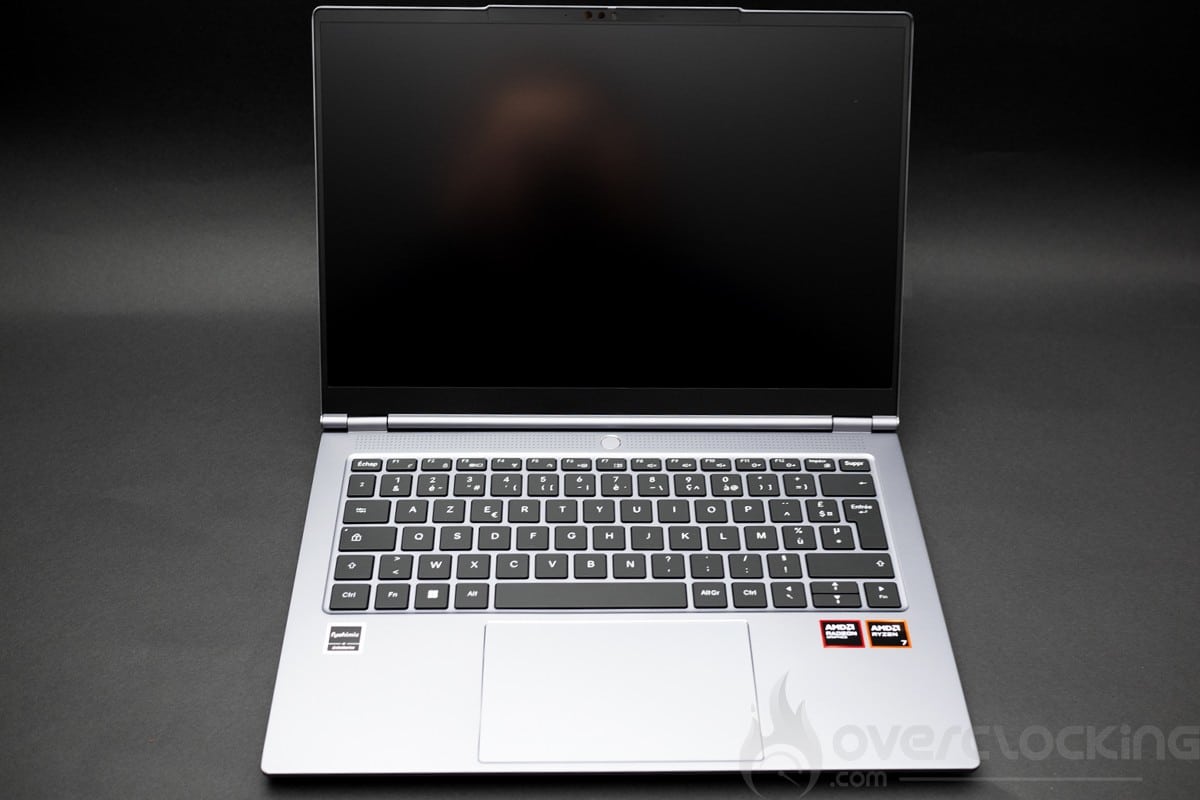
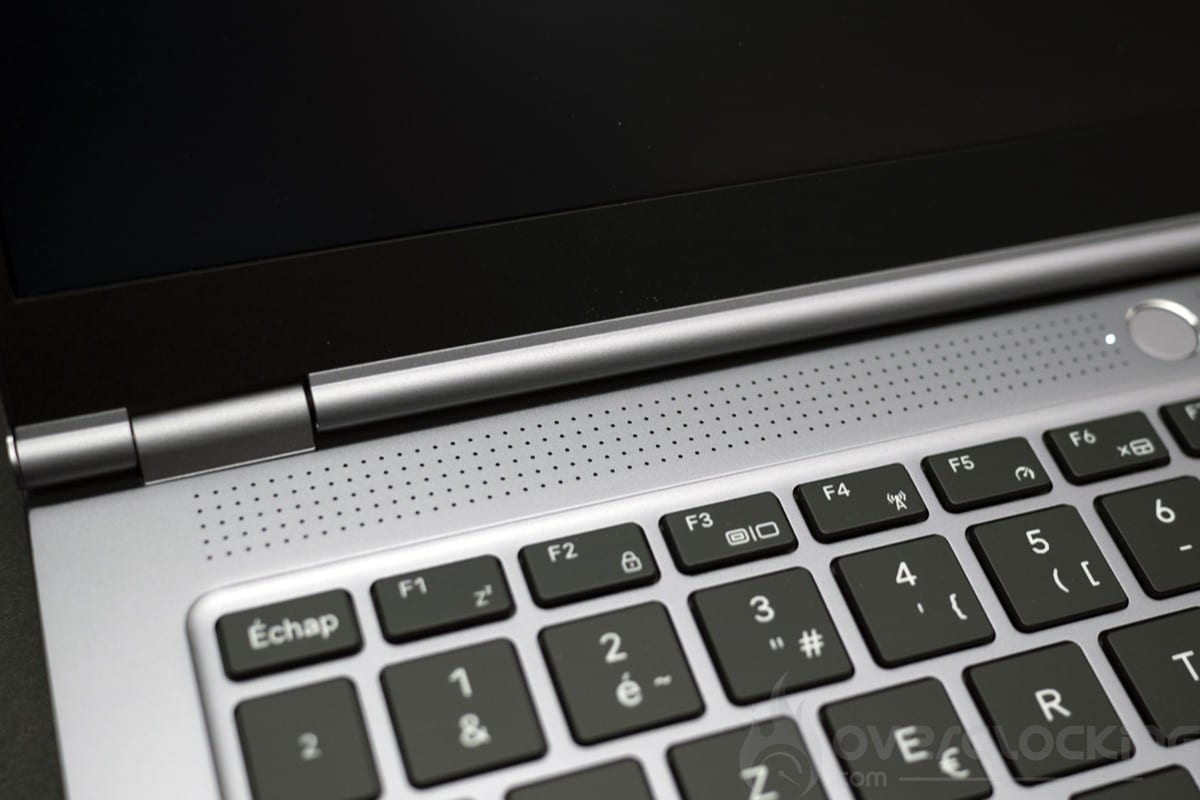
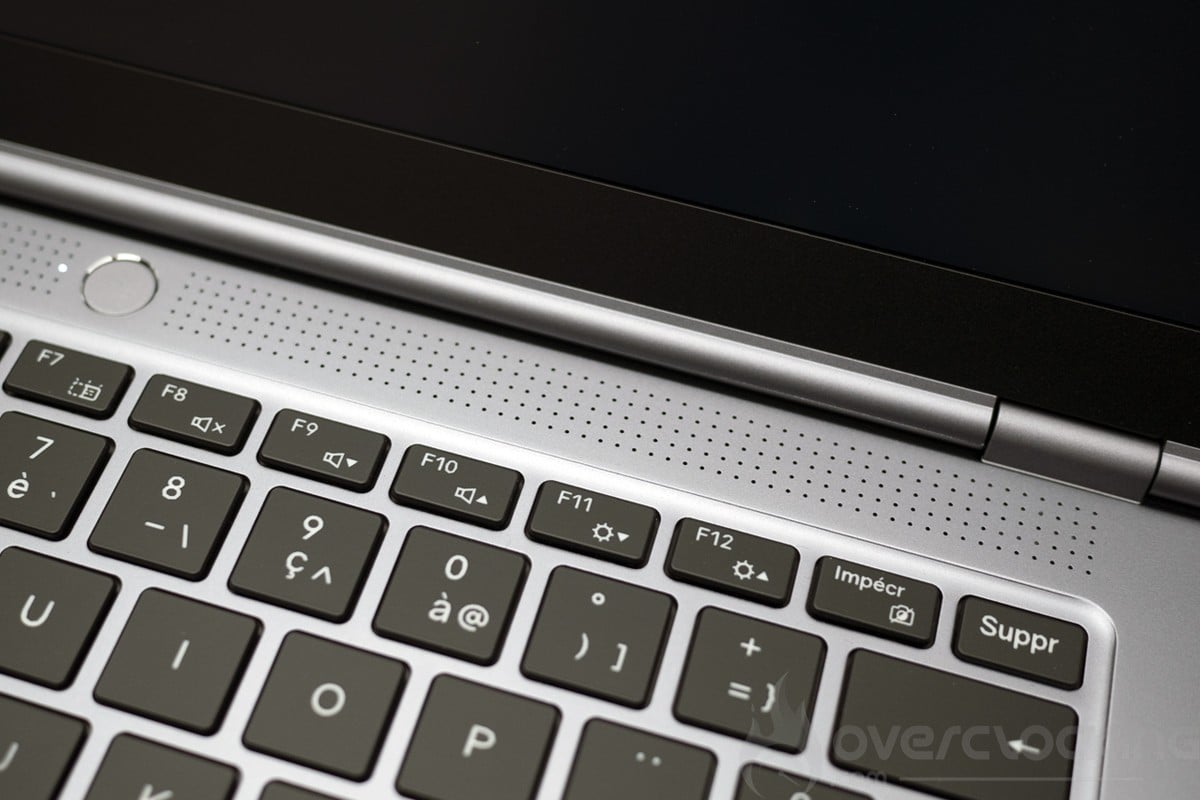
We start our tour with the keyboard, which is quite pleasant to use. Coupled with the rigidity of the chassis, we have a very quiet keyboard with well-balanced keys. At the top centre is the power button. This is a good point for this keyboard, although it’s still not up to the level of the best keyboards such as the Asus Zenbook S14.
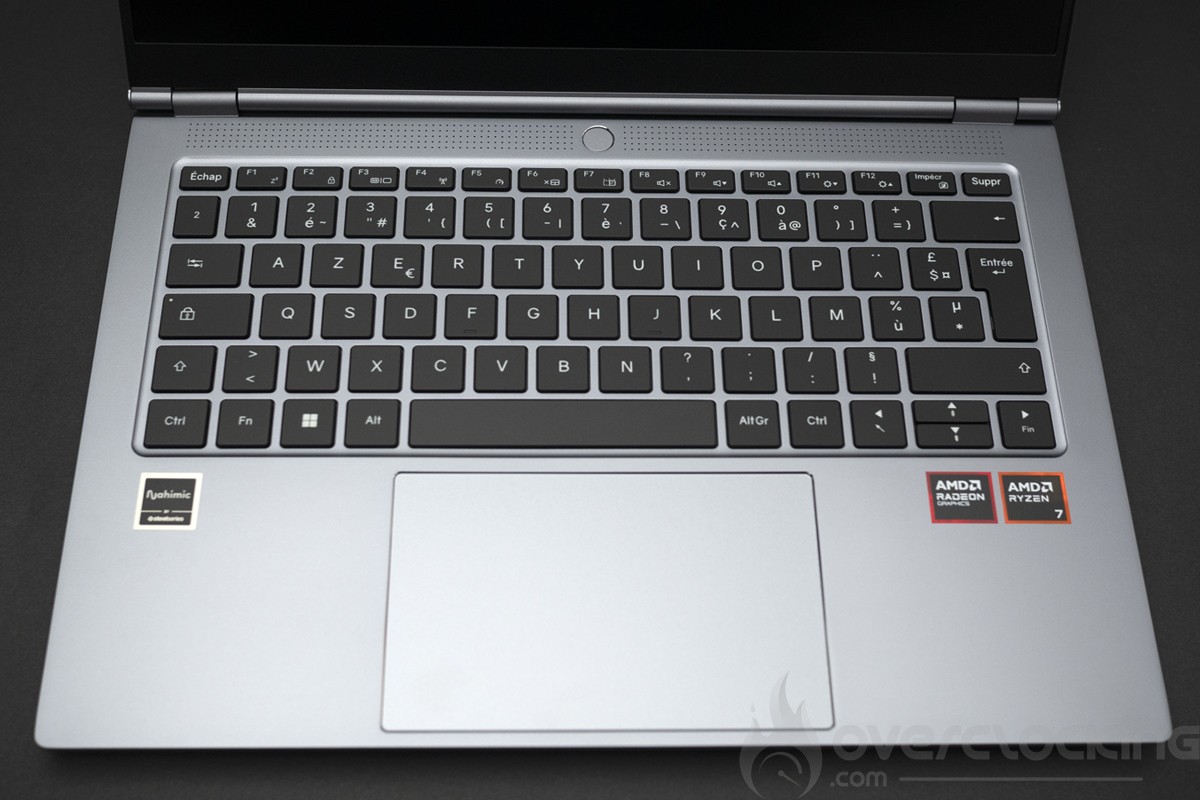
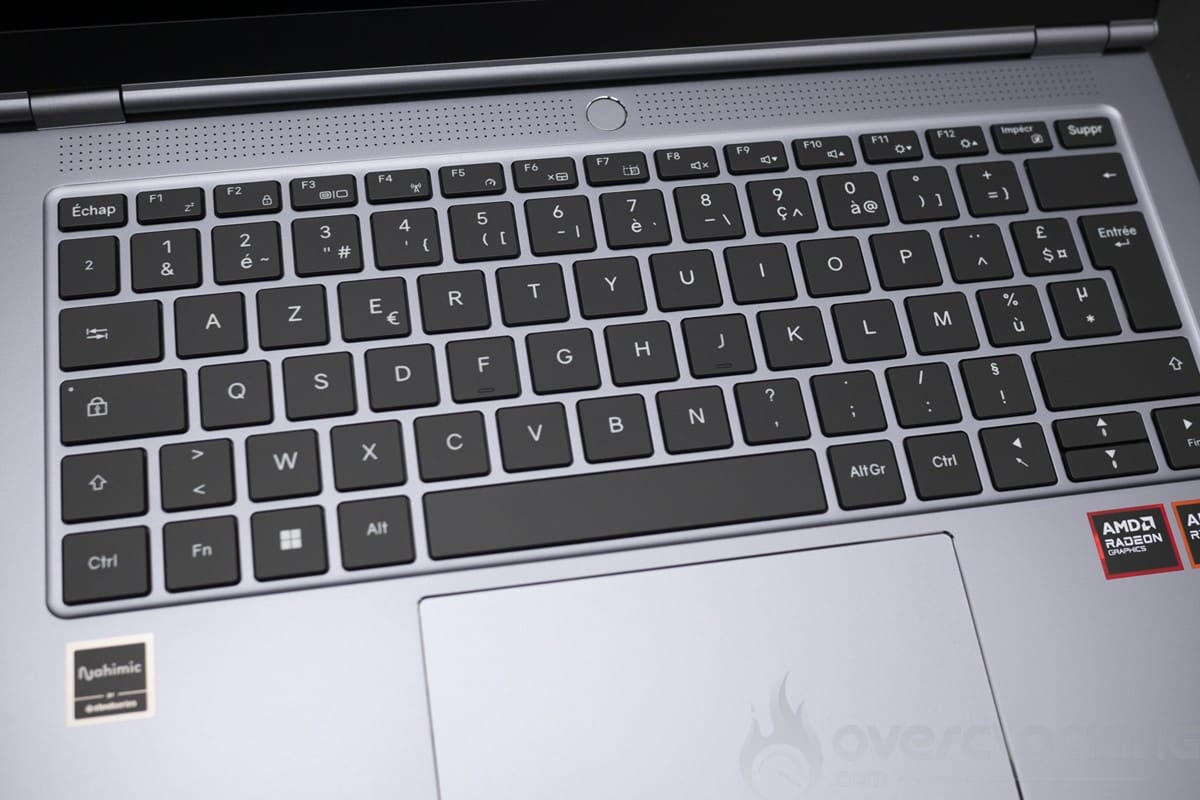
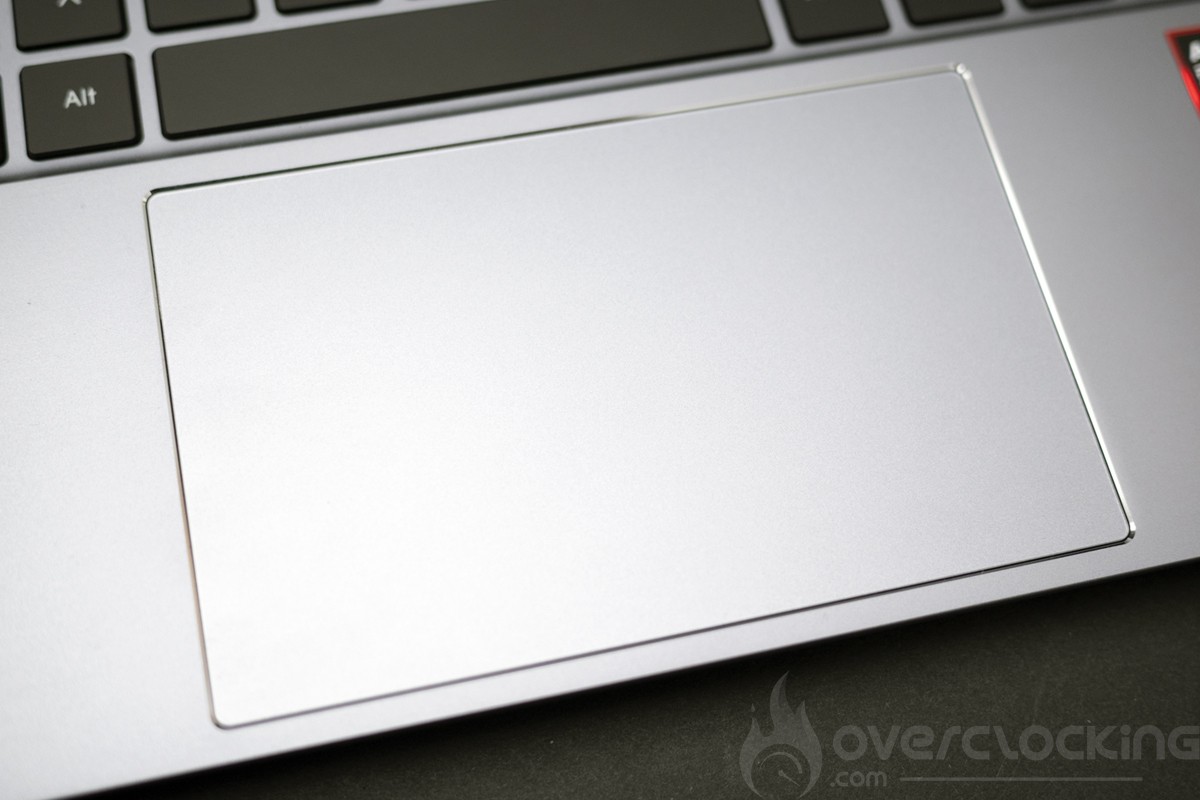
We’ll now move on to the trackpad, which is extremely smooth and really pleasant to use thanks to its large size. There is no fingerprint reader here. The PC will be secured by password or via the infrared camera.
Let’s move on to the audio. Here we have a zone under the screen and two zones at the rear of the laptop, the sound is of very poor basic quality, the Nahimic software is badly adjusted and you’ll have to deactivate the surround and adjust certain parameters to get a decent sound. Out of the box, it’s one of the worst laptops we’ve tested in this respect.
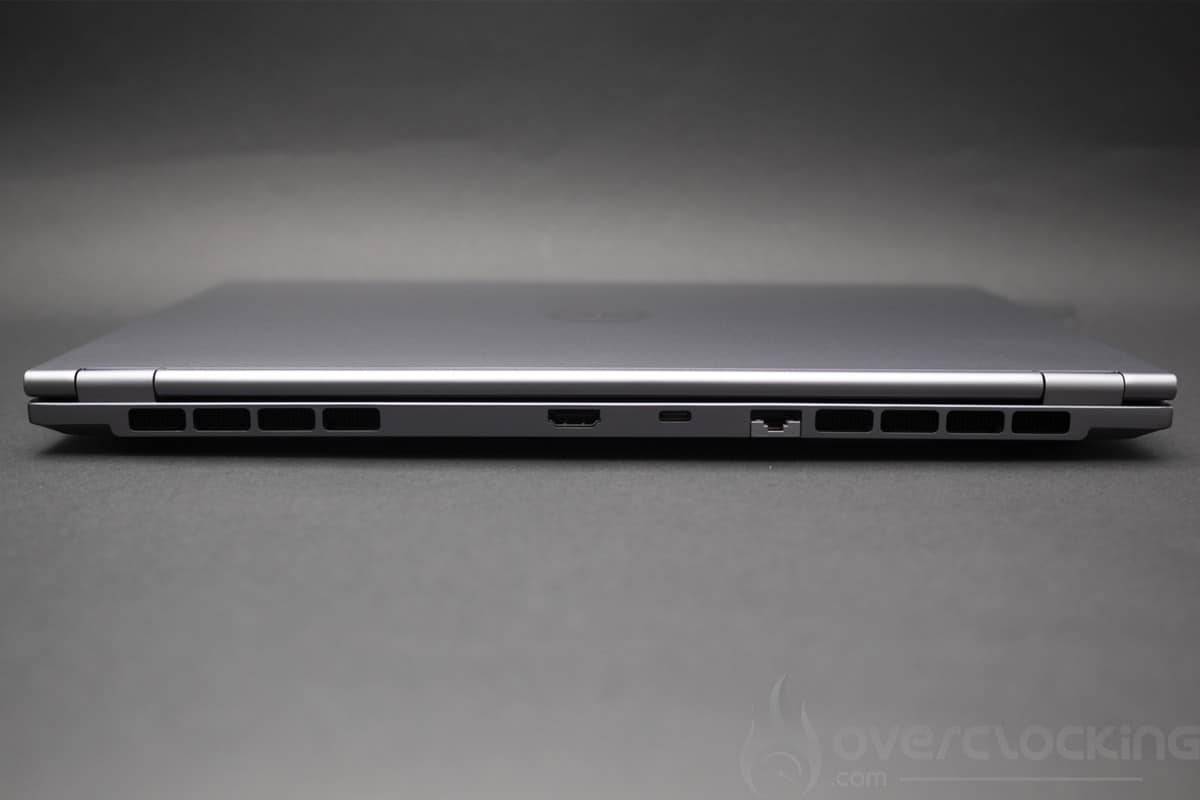
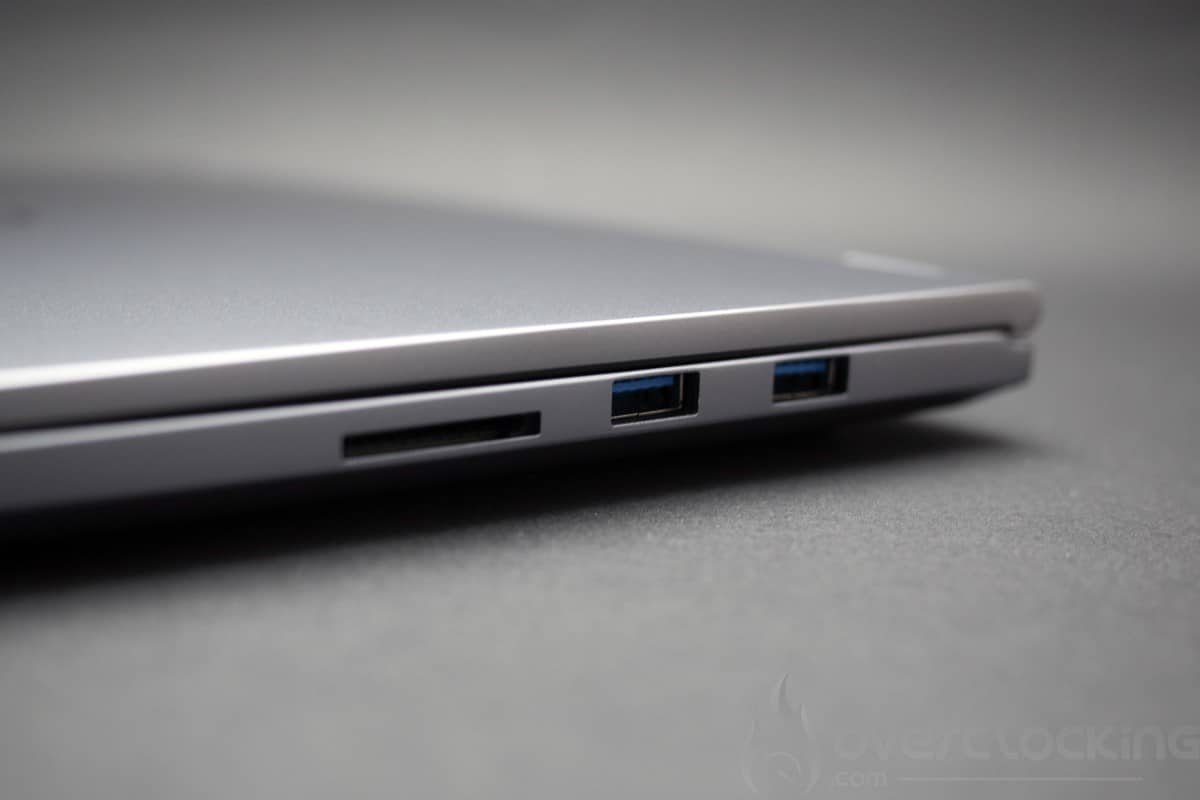
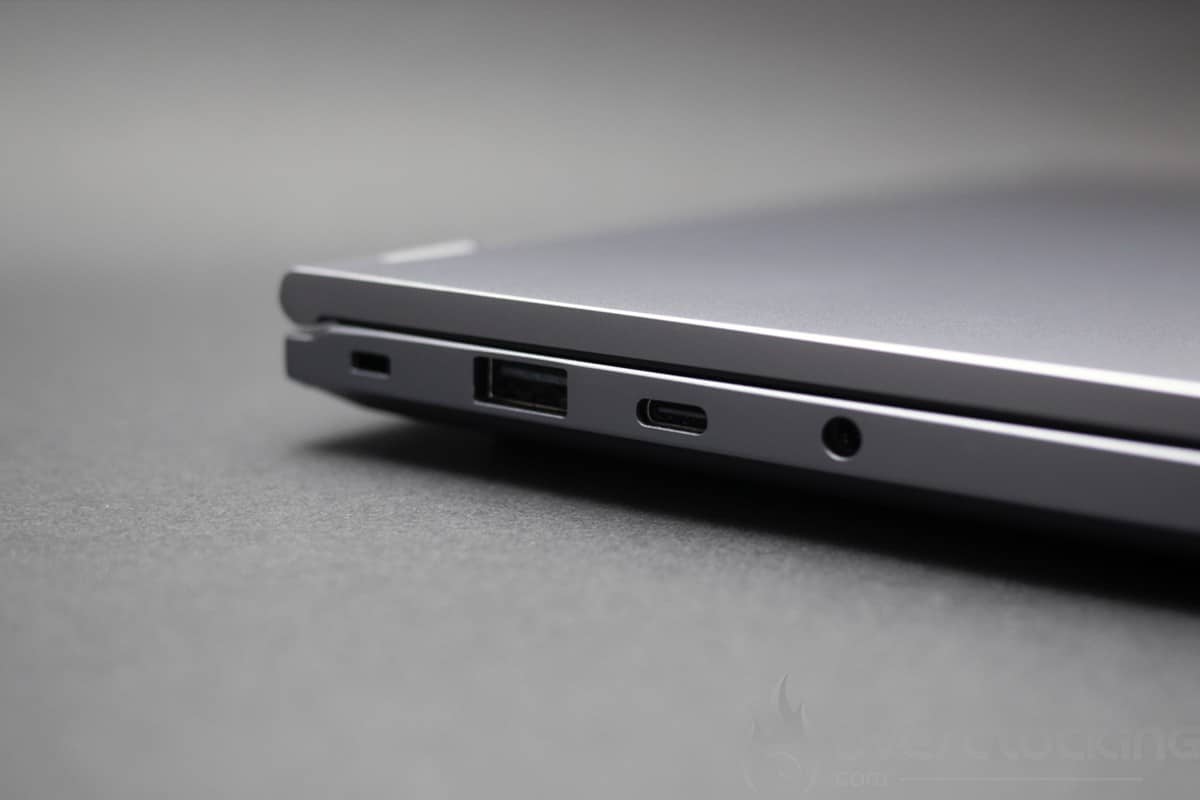
Then there are the connectors, and here we have a very complete solution for the format. On the left of the laptop, there are two USB ports, one USB A and one USB C, and a headphone socket. On the right-hand side of the laptop, there are two USB Type-A ports and a full-size SD card slot. The rear of the laptop has an HDMI socket, an Ethernet socket and a USB 4.0 type C socket.
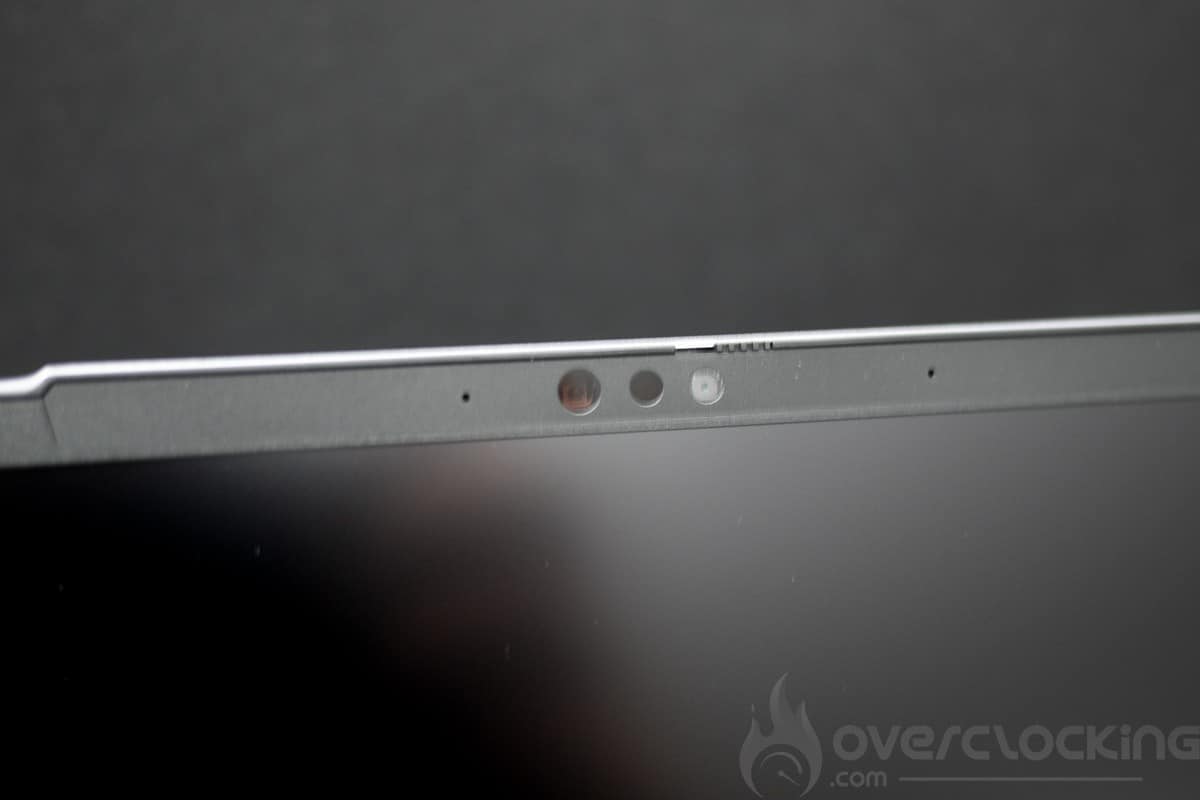
The camera, meanwhile, is FHD (30 fps @ 1080p) with infrared and is rather disappointing. Windows 11 supports background blur, eye contact and subject tracking thanks to the NPU built into the Ryzen 7 8845HS.