

A little over a week ago, Yoichi Ochiai, the owner of an Inno3D RTX 5090, shared the mishap involving his graphics card. The card, installed in a pre-built PC —an Alienware Aurora—caught fire. However, the incident did not involve the power connector, as is usually the case with this type of card. No, the problem appears to be related to one of the memory power circuits.
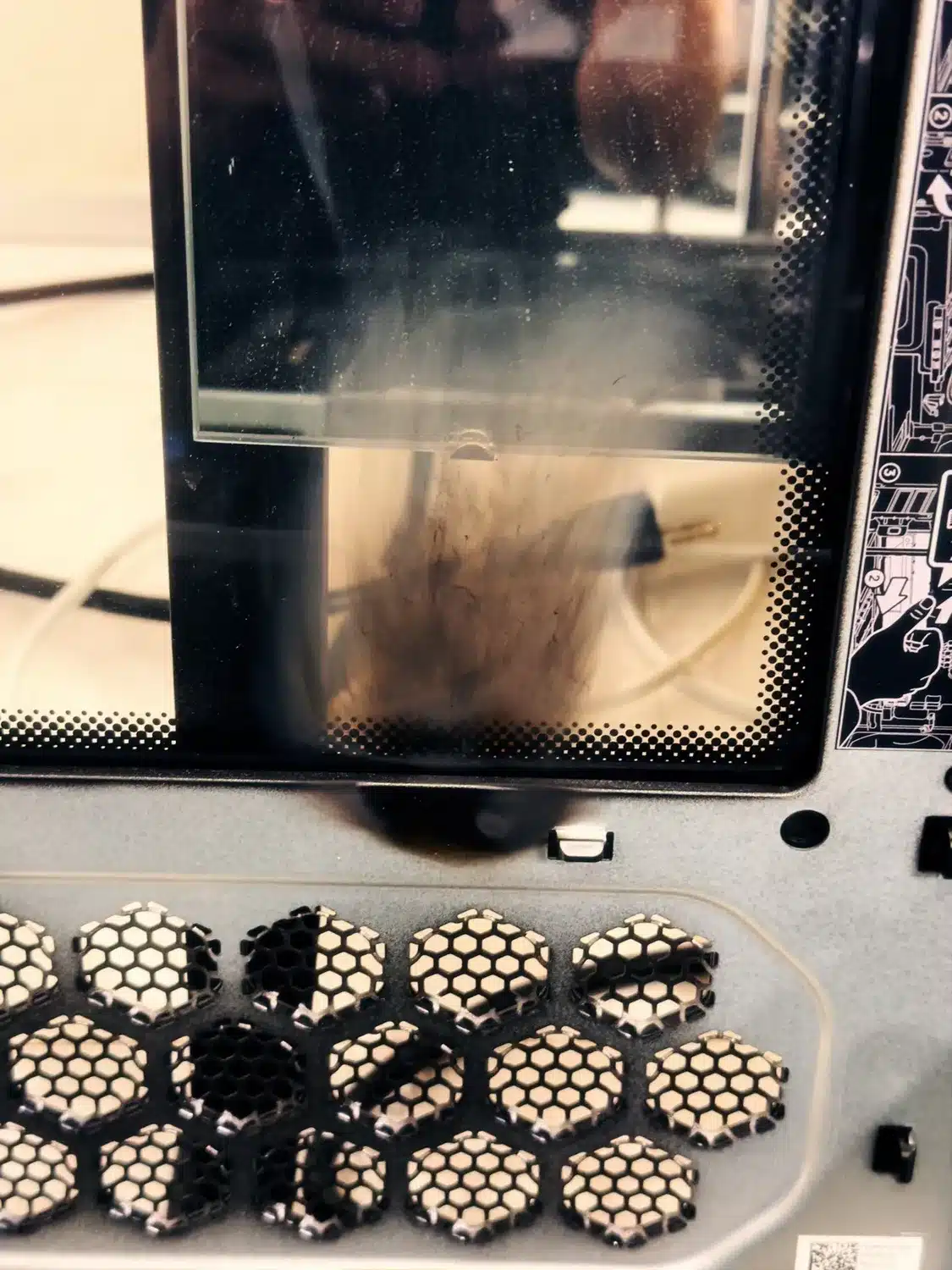
A localized failure on the GDDR7 memory circuit
Upon closer inspection, it quickly becomes clear that the burned area is not actually the card’s power connector, but another section of its printed circuit board. In fact, Uniko’s Hardware took a look at the shared photos and appears to have concluded that the problem involves the FBVDDQ trace, a circuit responsible for powering the card’s VRAM. However, from what we can see, the incident was severe, as there’s a distinct burn mark on the side panel of the case with soot deposits, while the card’s PCB literally burned up! On the other hand, the power connector—which is usually prone to failure—appears intact.
However, this Inno3D card does not appear to be the only model affected by this issue, as our colleague also mentions the case of an AX Gaming RTX 5080 that reportedly caught fire, with damage located in a similar area. It appears that the two cards share equivalent circuitry, but with differences in the cooling system. These similarities can simply be explained by the fact that AX Gaming is a brand of the Inno3D group.
Design flaw or statistical failure?
Now, we might wonder about the source of the problem. Is it a design flaw in the card or simply a “statistical” incident? It’s hard to say; in the meantime, two reported cases (this one and the AX Gaming case) seem too few to draw any conclusions. Especially since, given a certain sales volume, it’s certain that some cards will have problems while others won’t. So all we can do is keep an eye on customer feedback to see if this situation recurs.