

[nextpage title=”Introduction:”]
After reviewing Thermal Grizzly’s tools for delidding our AMD Ryzen 9900X processor, today we’re going to take a look at the der8enchtable. Unveiled at Computex 2025, behind this rather unusual name, der8enchtable, lies a benchmarking table designed by the famous German overclocker and YouTuber, Der8auer, who is also CEO of the Thermal Grizzly brand. This product is the result of a collaboration between Der8auer and Elmor from ElmorLabs, which we shouldn’t need to introduce if you’re a regular visitor to our site!
This bench table is aimed at a very specific audience. It will appeal to enthusiasts, testers, and overclockers who change their hardware and configuration very frequently. Its main selling points are its small footprint and the ease of use offered by the active PCB. Let’s take a closer look.

Thank you to Thermal Grizzly for providing us with a sample of this der8enchtable, available on the brand’s website for €229.90.
[nextpage title=”Unboxing:”]
Let’s start by unpacking this rather imposing box. As you will have understood, this bench table comes in kit form, and it is up to you to assemble it. The first item we find when opening the box is the user manual. This is available in 10 languages, including, of course, English. It is extremely detailed and perfectly clear, so that assembly can be carried out without any problems.
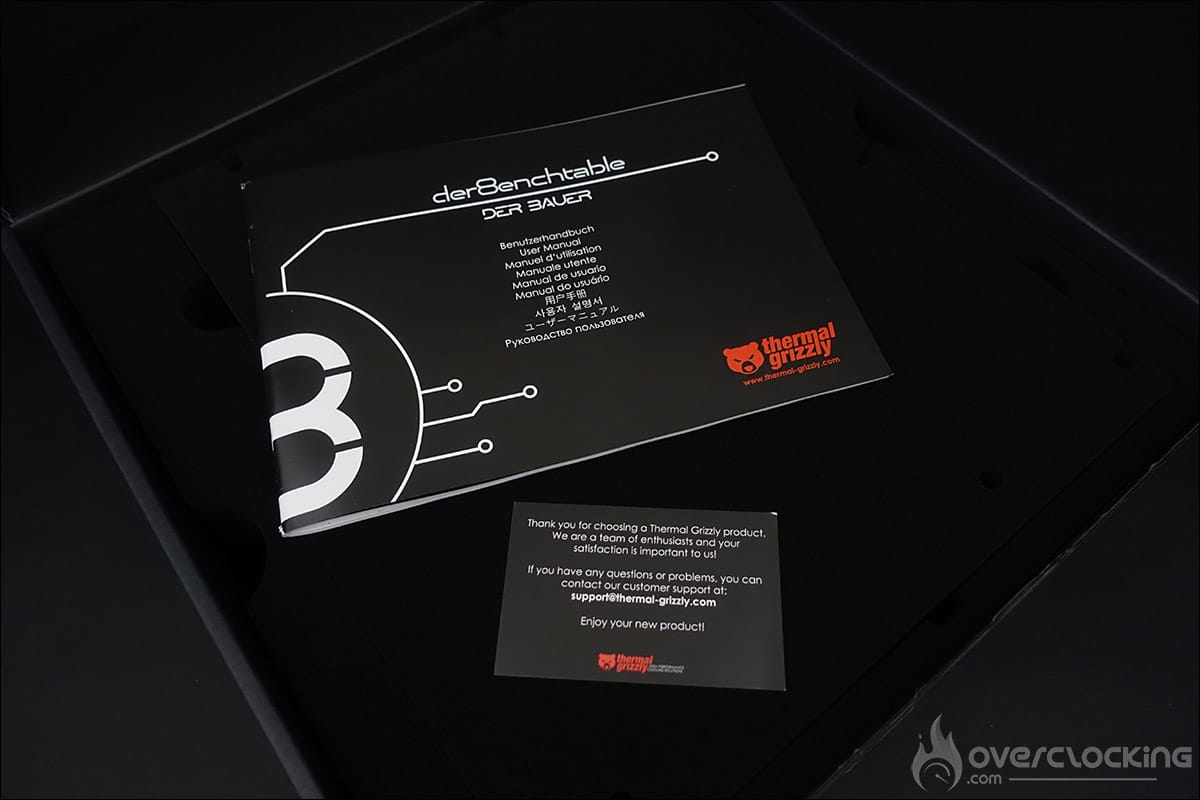

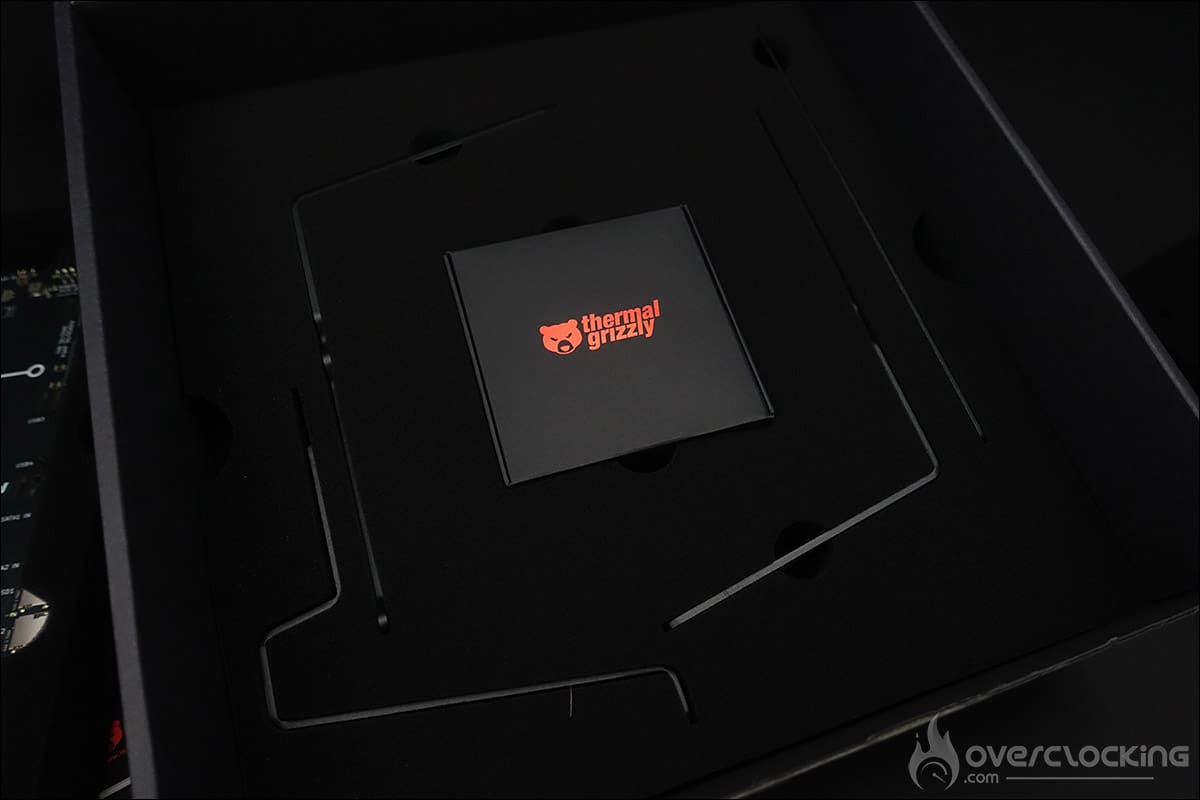
Once the first foam block has been removed, you will find the large PCB. Underneath this is a box containing the various screws. Note that all the screws are assembled using Allen keys of three different sizes. The various components are protected by pre-molded foam blocks to ensure that your der8enchtable arrives at your home in perfect condition.

The Thermal Grizzly der8enchtable can be placed directly on a flat surface, but there is also a set of feet included in the bundle. A bracket is also provided, which can accommodate a water cooling radiator up to 420 mm.
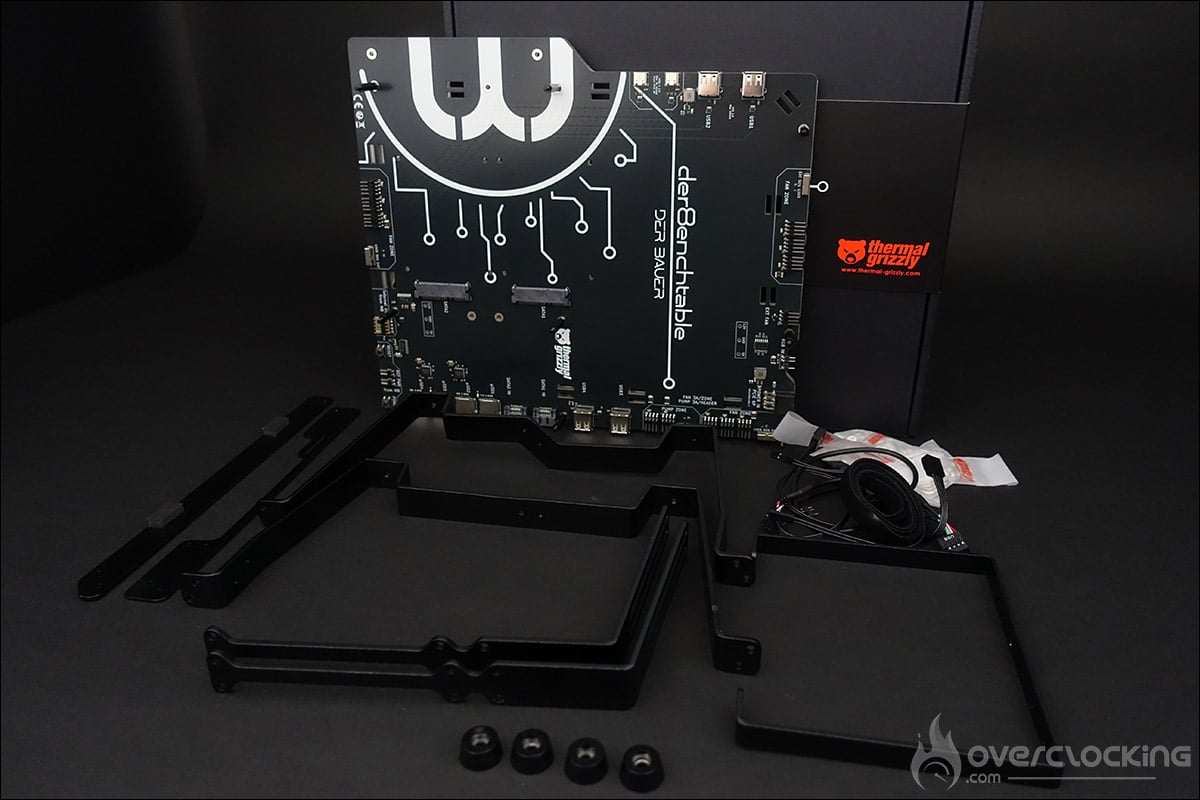

Now that you’ve seen the entire bundle, let’s take a closer look at this PCB.
The “active” PCB in detail:
This bench table does more than just hold your configuration. It also has an active printed circuit board, powered by a 6-pin connector. But it also has additional features, such as: multiple fan controllers, USB ports, and SATA and microSD storage ports. Your motherboard is connected to the der8Enchtable test table via a 9-pin USB connector, and the table is powered by a 6-pin connector.


As you can see, just like the ElmorLabs Benchtable we used to test graphics cards, this der8enchtable is intended for journalists who mainly test motherboards. The idea is to be able to change motherboards easily, without having to reconnect and reinstall everything.


This means that if you connect your fans and cooling systems, you can maintain a consistent protocol. And you can do this with every motherboard you test. Basically, all you have to do is switch from one motherboard to another, and you’re good to go! There are four USB 2.0 ports and two USB-C 2.0 ports. It’s a good idea to have USB ports on both the left and right sides.
The PCB also has three ” Fan Zones,” each equipped with a switch, allowing you to either select external fan management (PWM signal from the motherboard) or set its speed to 50 or 100% of its maximum speed. The idea is to maintain the same test conditions without necessarily having to make adjustments via the motherboard’s BIOS.


The PCB can directly accommodate two SATA hard drives, but also has two additional SATA connectors. In terms of storage, the der8enchtable also offers four MicroSD ports. The idea is to provide storage space where you can save your protocols or have your games pre-installed.
An added bonus on this der8enchtable is the RGB backlighting that runs around the bench table. An adapter included in the bundle allows you to connect it to your motherboard to synchronize it with your other peripherals.
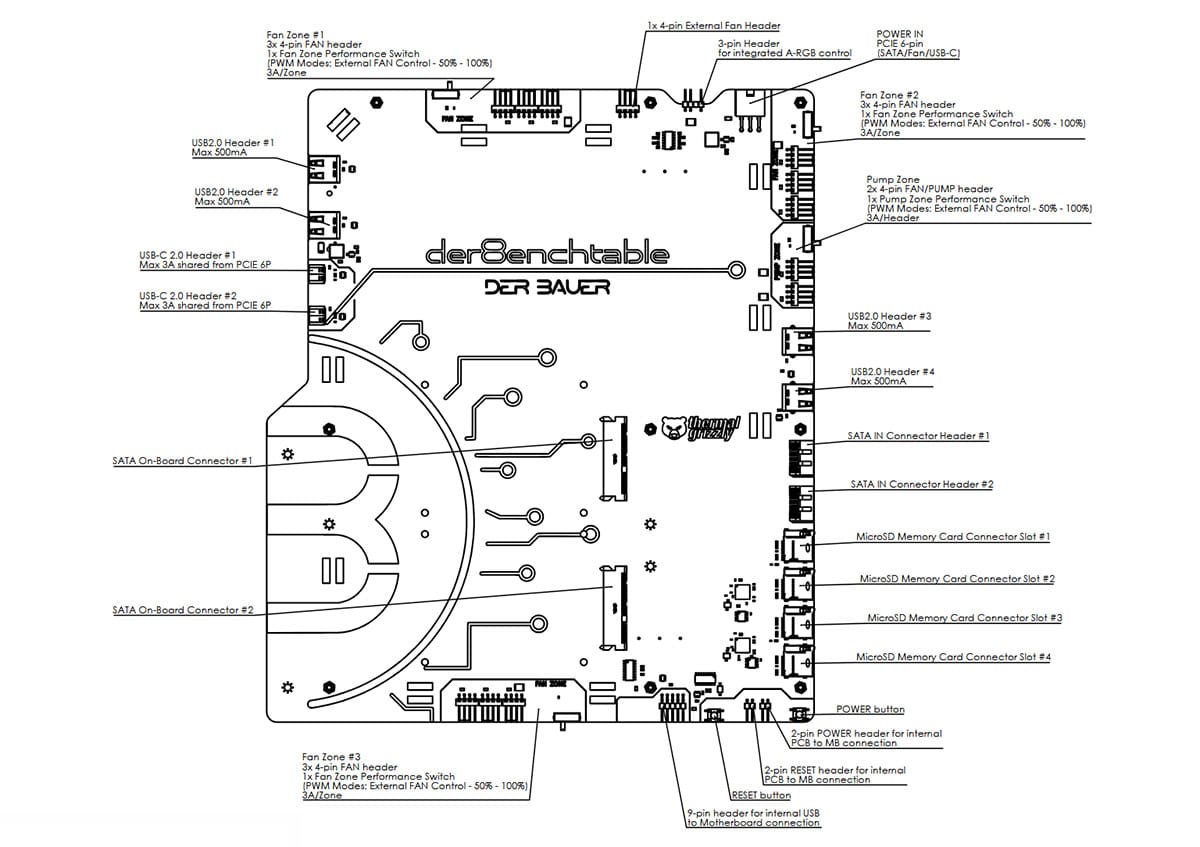
The screenshot above shows all the features available on this PCB. Finally, it’s worth noting that there is also a power button and a reset button.
[nextpage title=”Assembling the der8enchtable:”]
Let’s move on to assembling this Thermal Grizzly der8enchtable. In itself, the installation is within everyone’s reach. But it’s not always straightforward. In particular, the fan switches protrude, which means that it cannot be placed vertically, for example, during assembly. Another point is that, personally, I find using an Allen key much less straightforward than a Phillips screwdriver. But maybe that’s just a matter of habit.
The first component we are going to install is the mounting bracket for the graphics cards. This is secured with two screws and two nuts. In the photo, we have placed it upside down; the three screws should be on the inside of the PCB. If you need them, you can add two water cooling radiator brackets . Please note that depending on the size of the fans (120 or 140 mm), their locations are slightly different. Having tested the installation of a 480 mm EK radiator, be careful about stability if the power supply is not yet in place, as this is what will stabilize the whole unit.
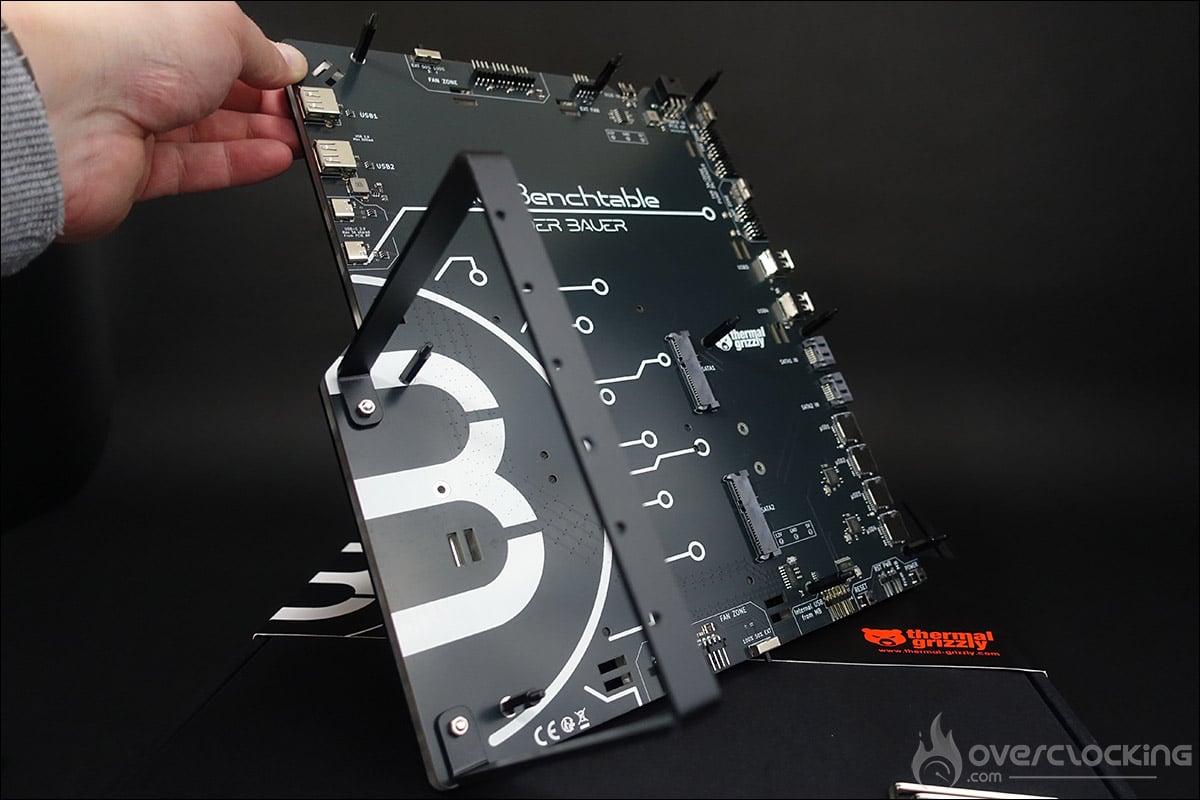
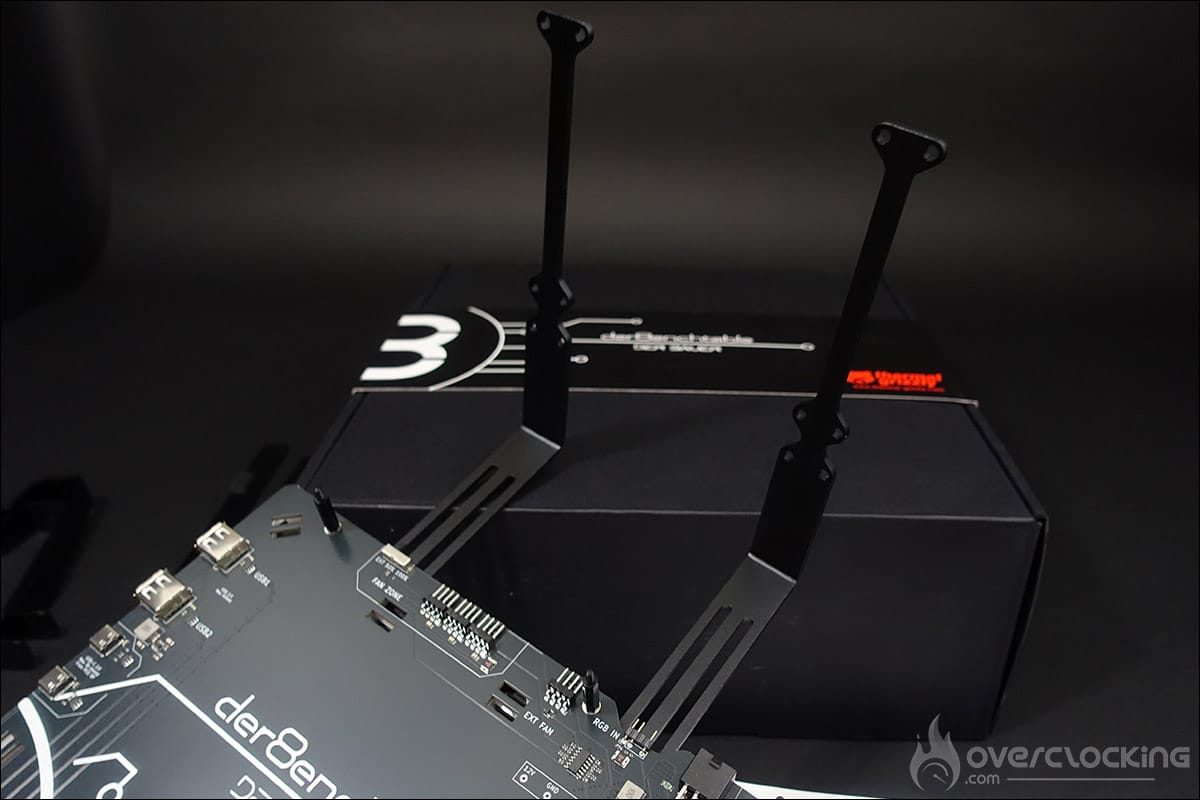
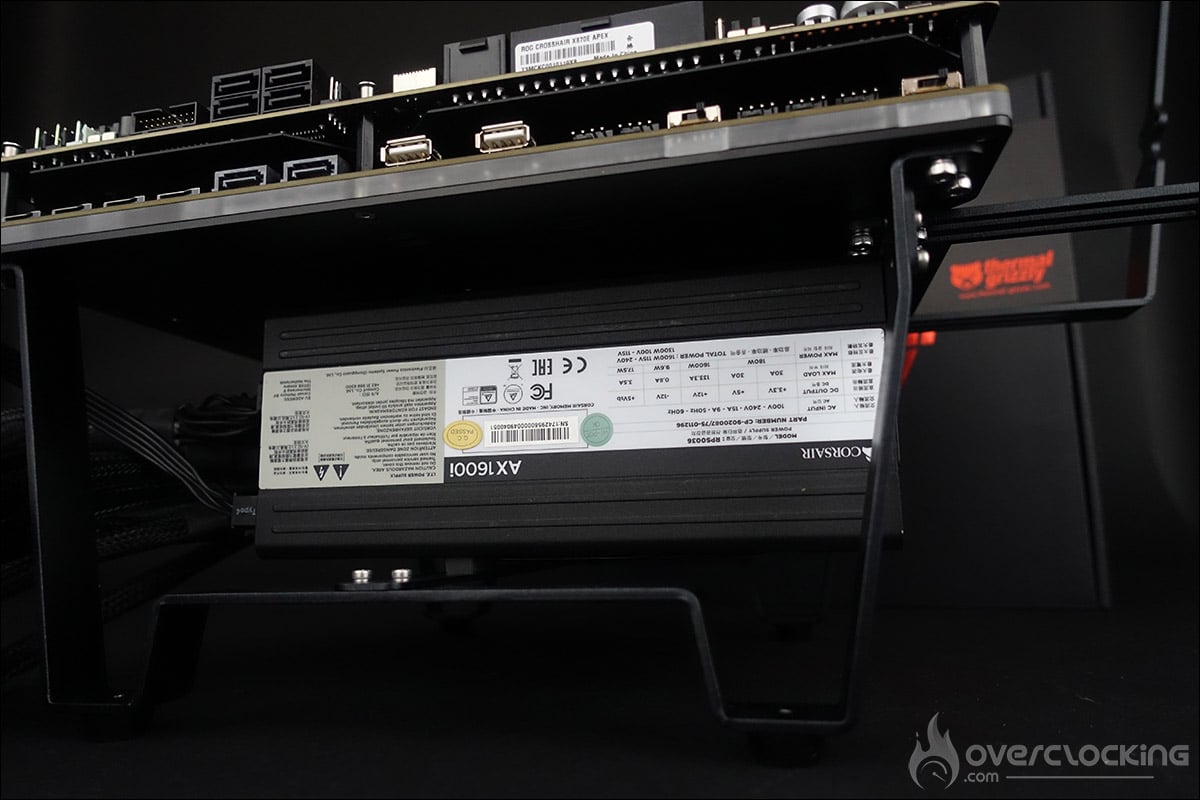
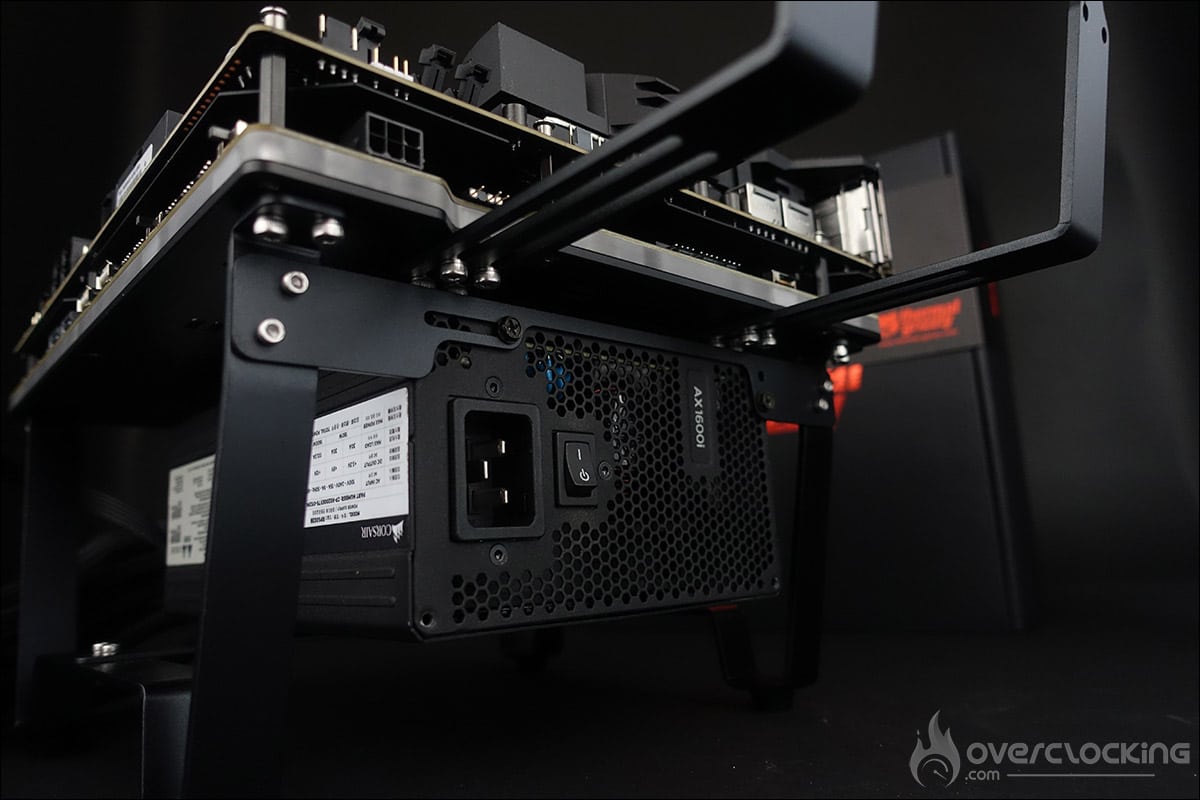
As we mentioned on the previous page, installing the feet is not mandatory, but personally, I find them more useful. The two legs have four rubber shock absorbers. You will also need to install the two supports for holding and securing the power supply.
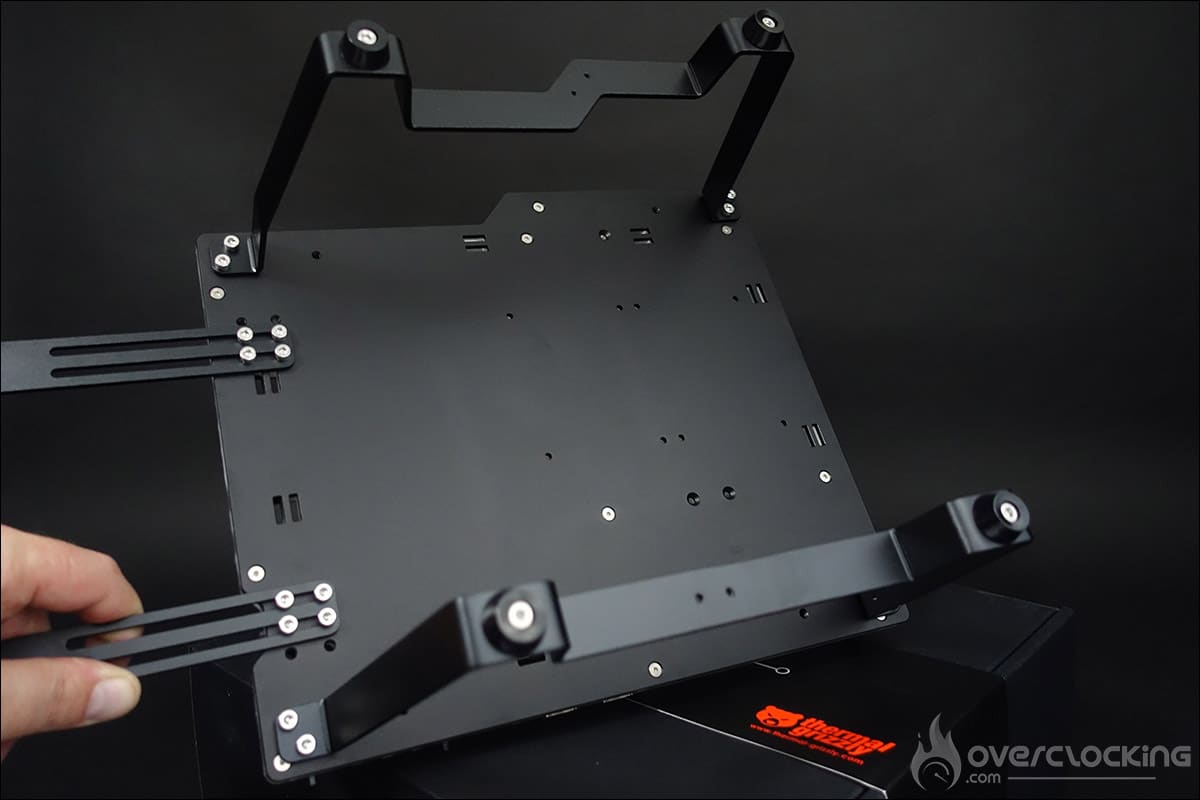
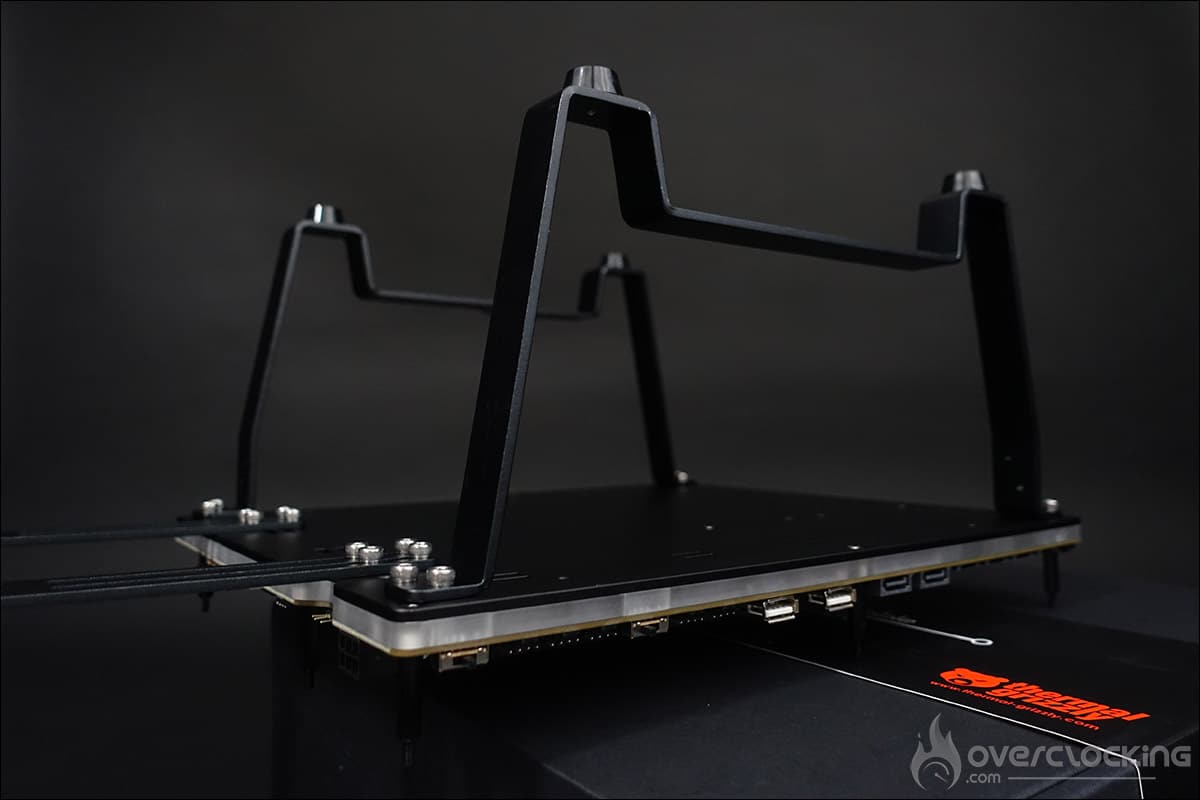
This is a very good point in favor of this der8enchtable. Usually, on this type of bench table, the power supply just slides underneath. Here, it rests on a support and is secured. This allows you to move your bench table very easily without worrying about the power supply.
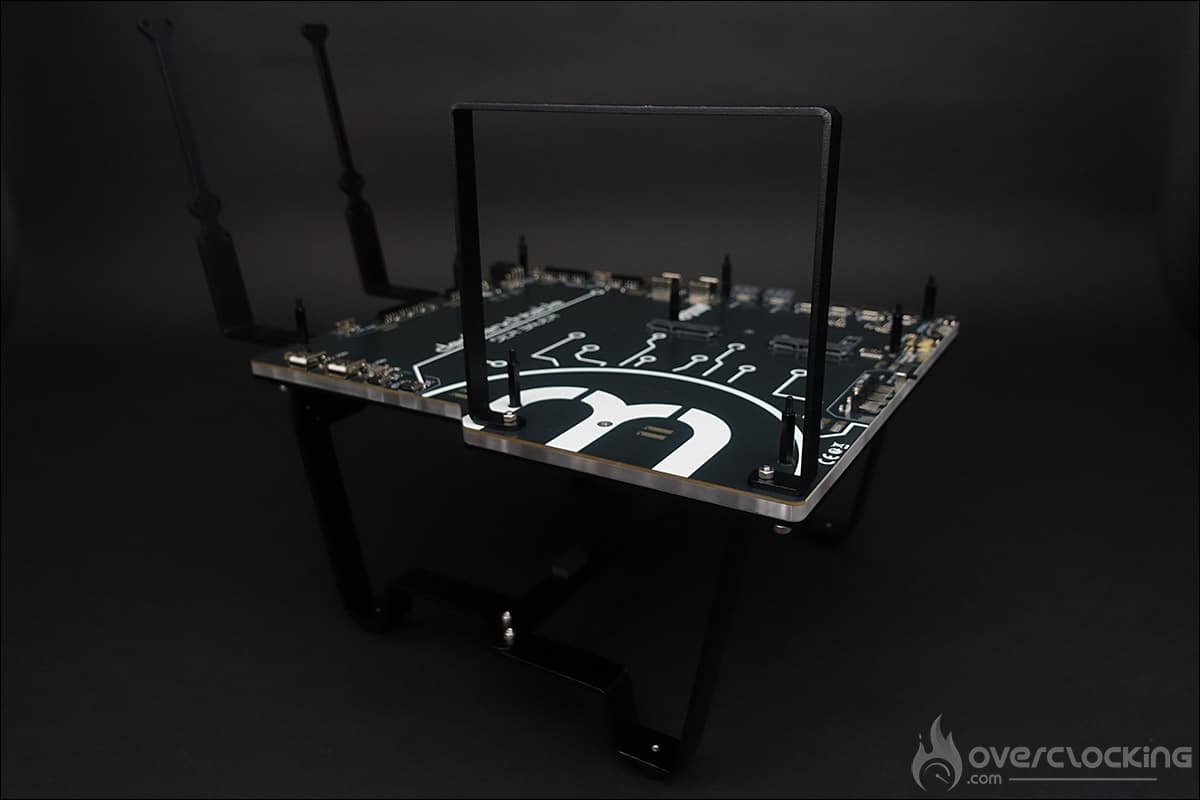
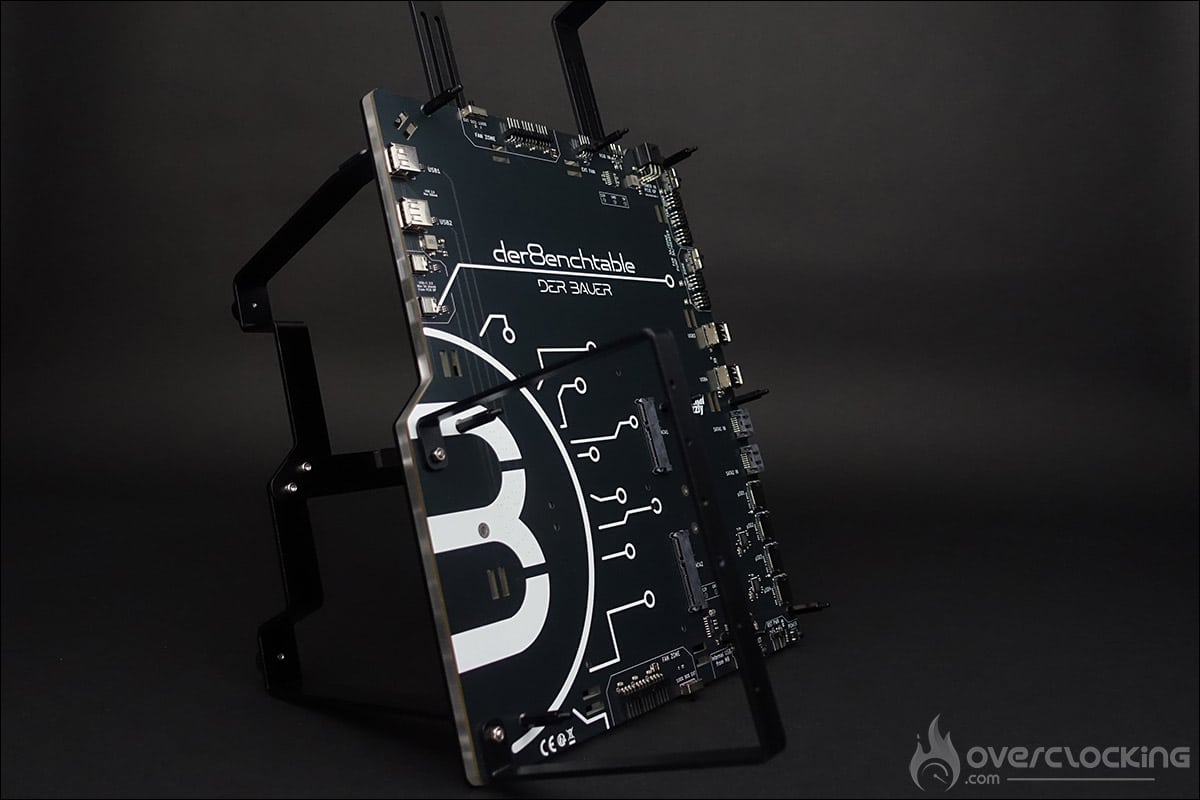
There is also a series of 100 mm Velcro strips to slide through the slots provided for this purpose in the der8enchtable. The idea is to facilitate cable management, as in a case.
Assembling our configuration:
We began the installation by setting up two SATA drives. All you have to do is connect them and then secure them from below using M3 screws to ensure they are firmly attached.
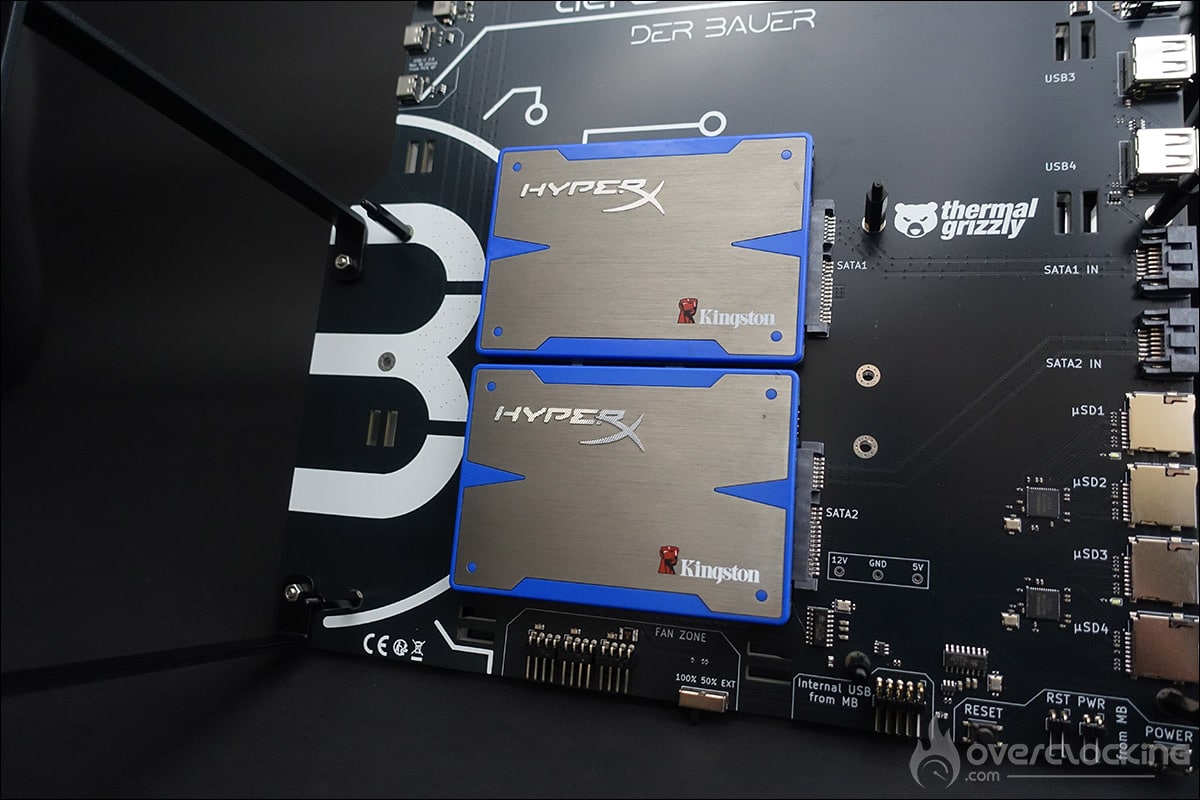
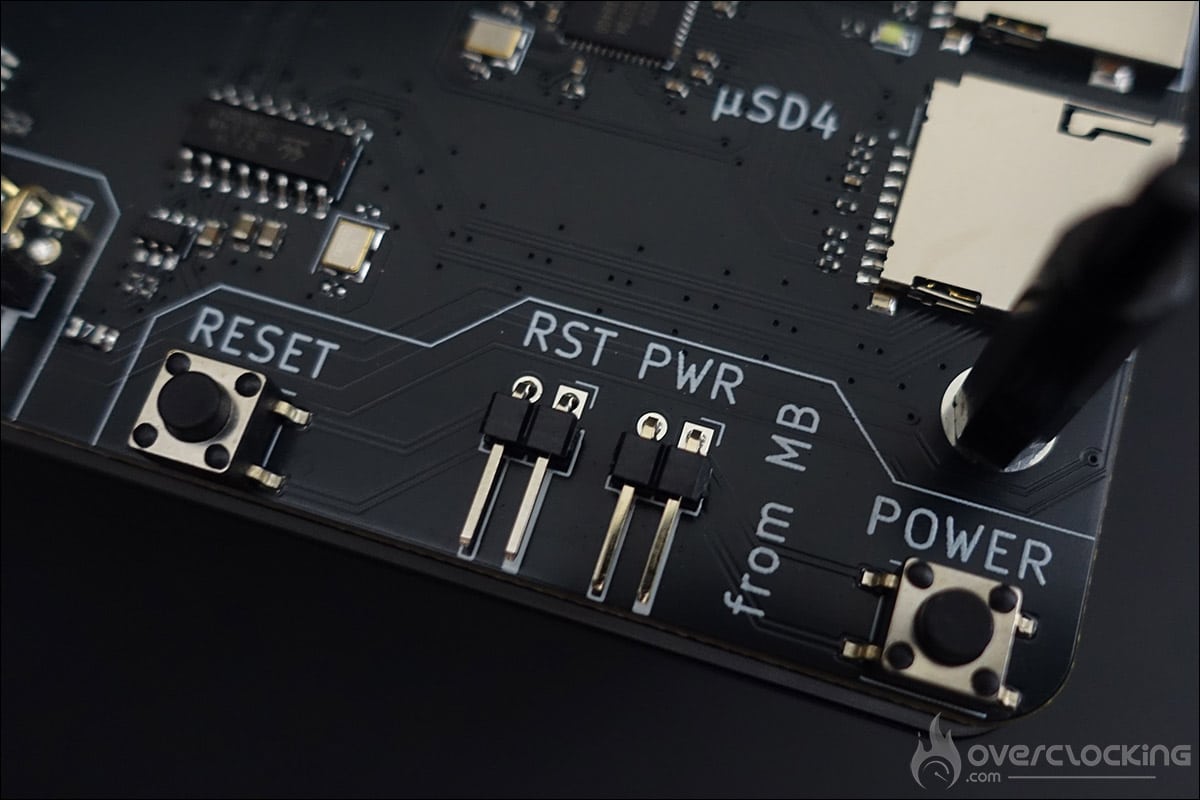
Next, it’s time to place the motherboard on the bench table by placing it on the spacers. It will be held in place with barrel nuts, which, let’s face it, are not the easiest to install. Thermal Grizzly recommends performing cable management before installing your motherboard.
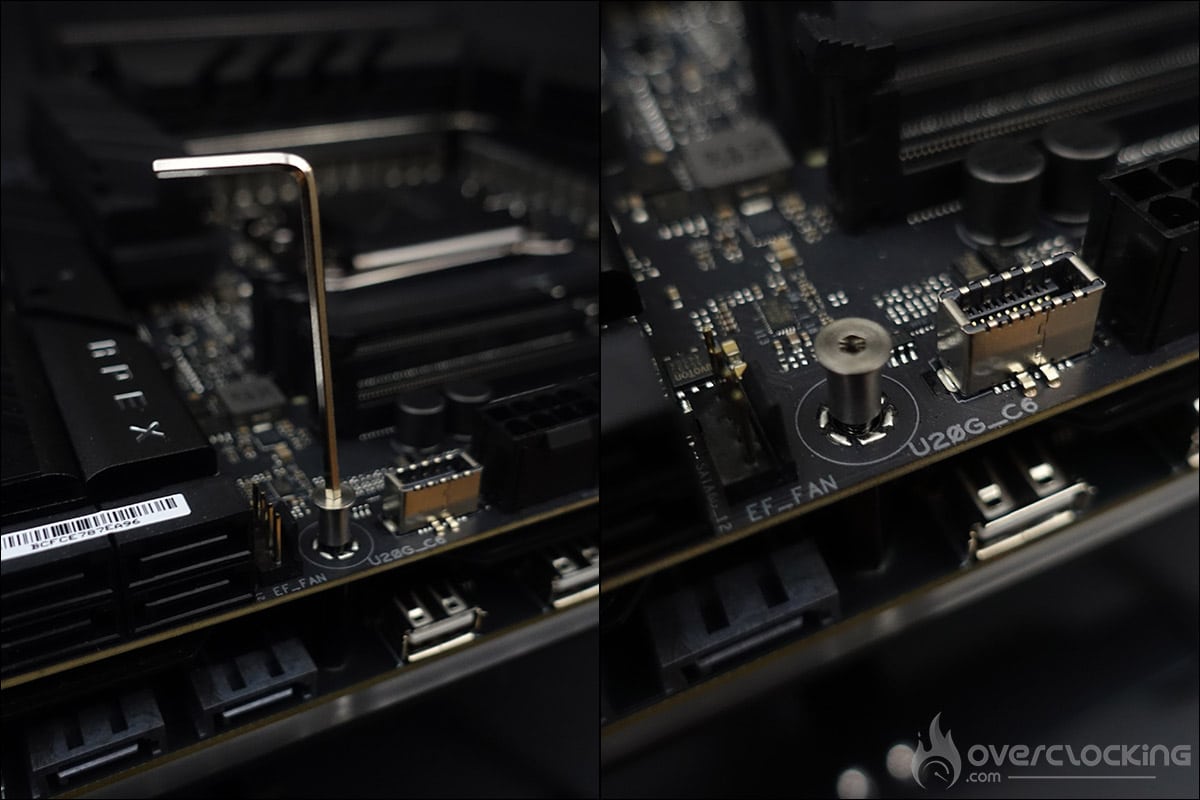
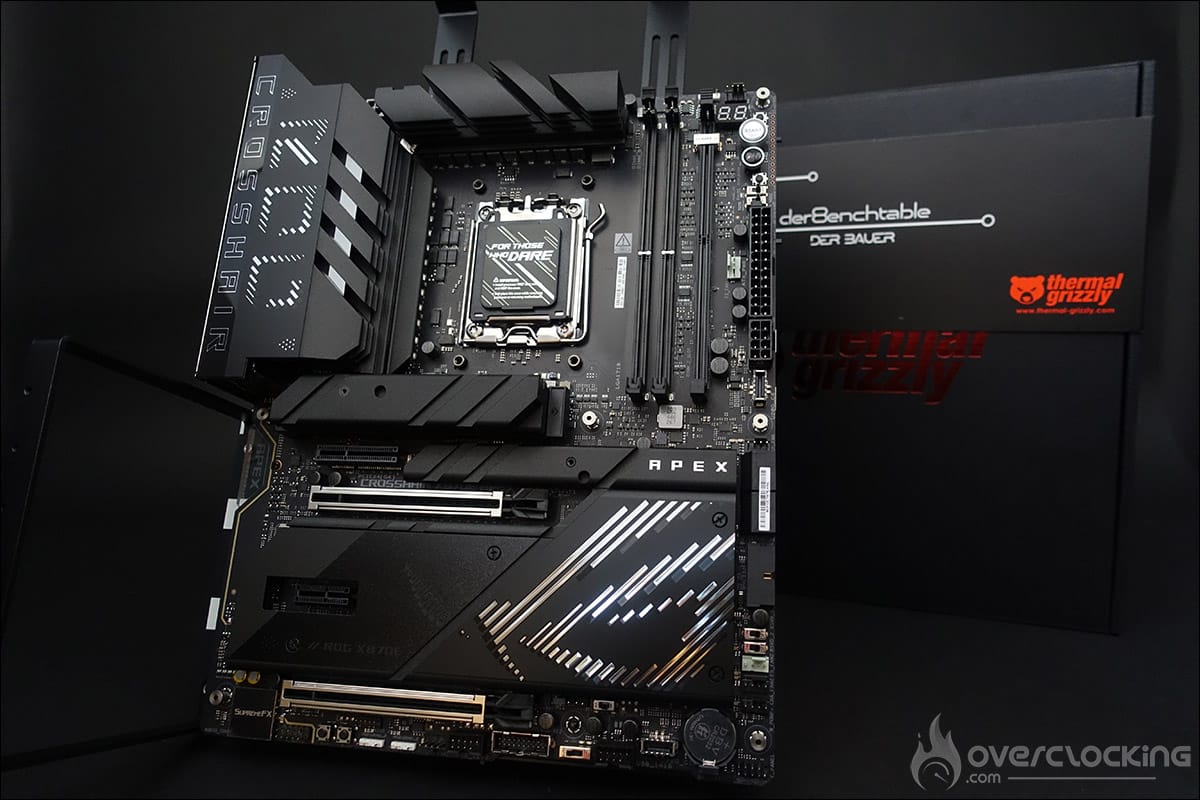
As you can see, the various connectors are easily accessible. Don’t forget to power the der8enchtable via a 6-pin power connector, as well as connect it to your motherboard using the 150 mm 9-pin USB 2.0 cable.
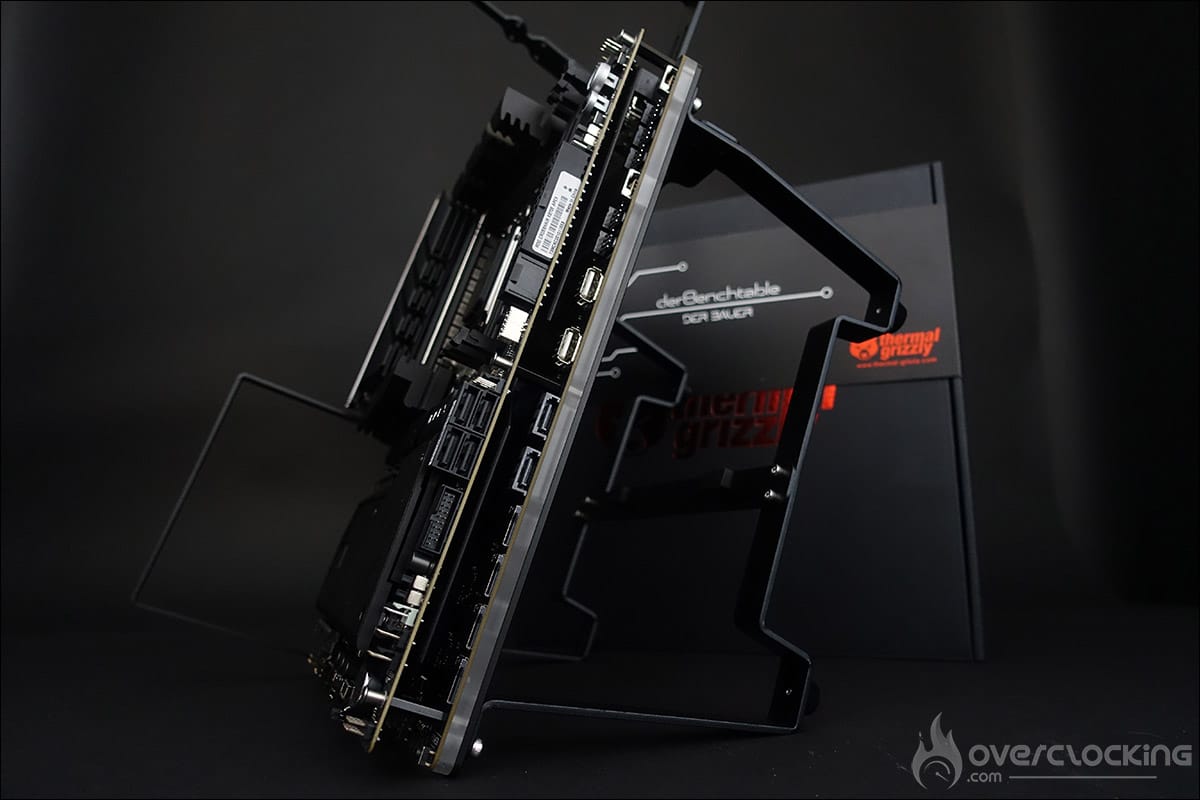
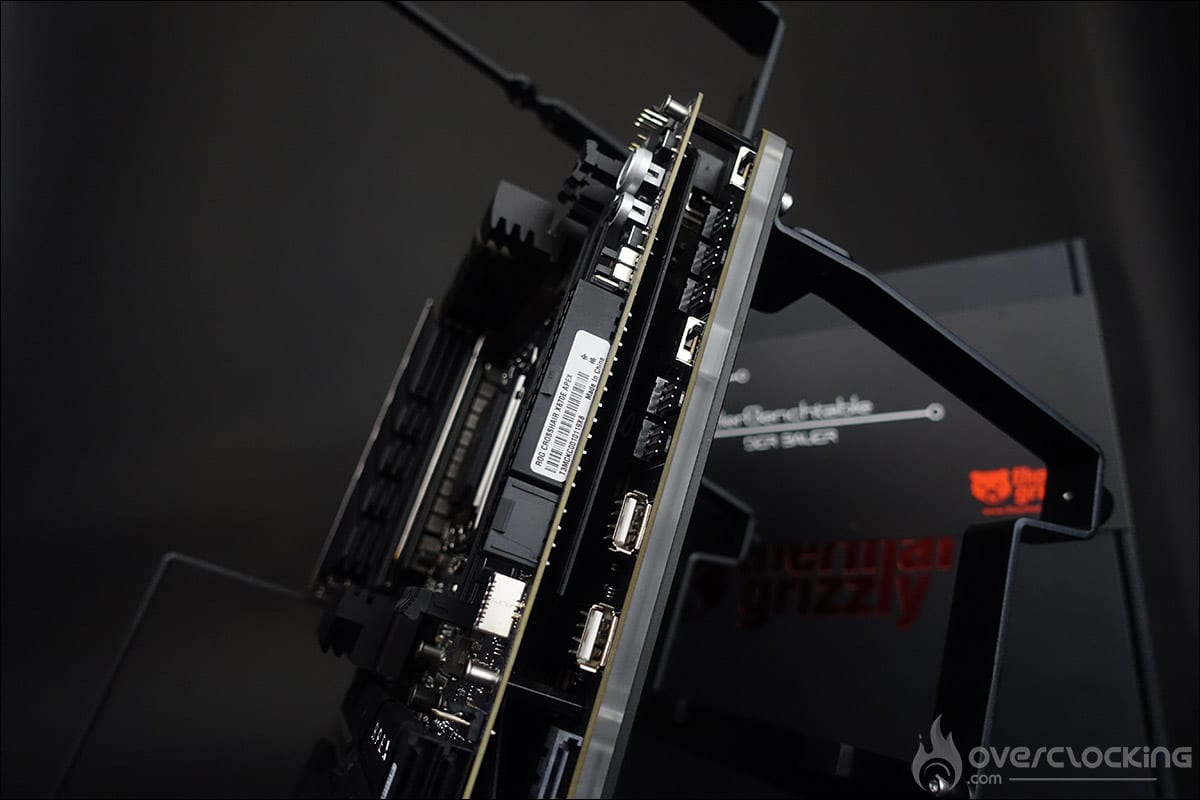
You will also need to use the 300 mm 3-pin A-RGB cable to control the bench table’s backlighting, as well as the Dupont cables for the POWER and RESET buttons, if your motherboard does not have them.
Let’s turn it on!
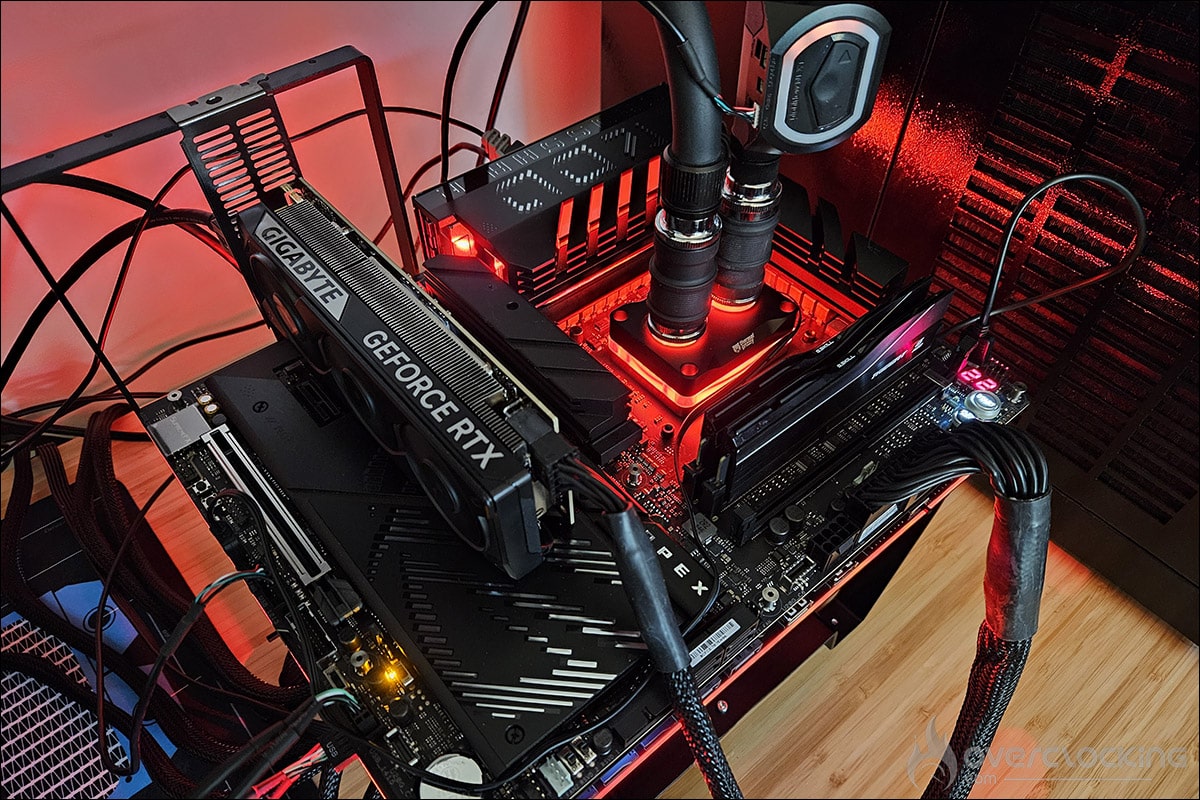
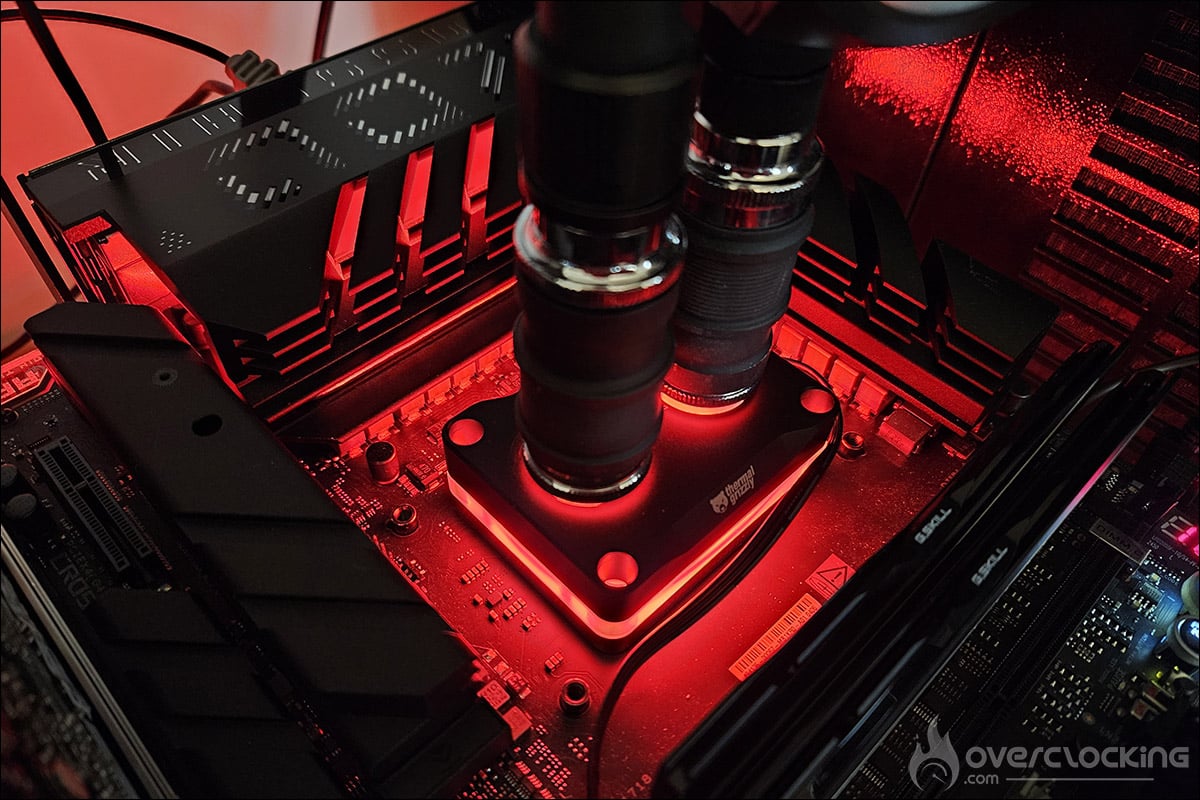
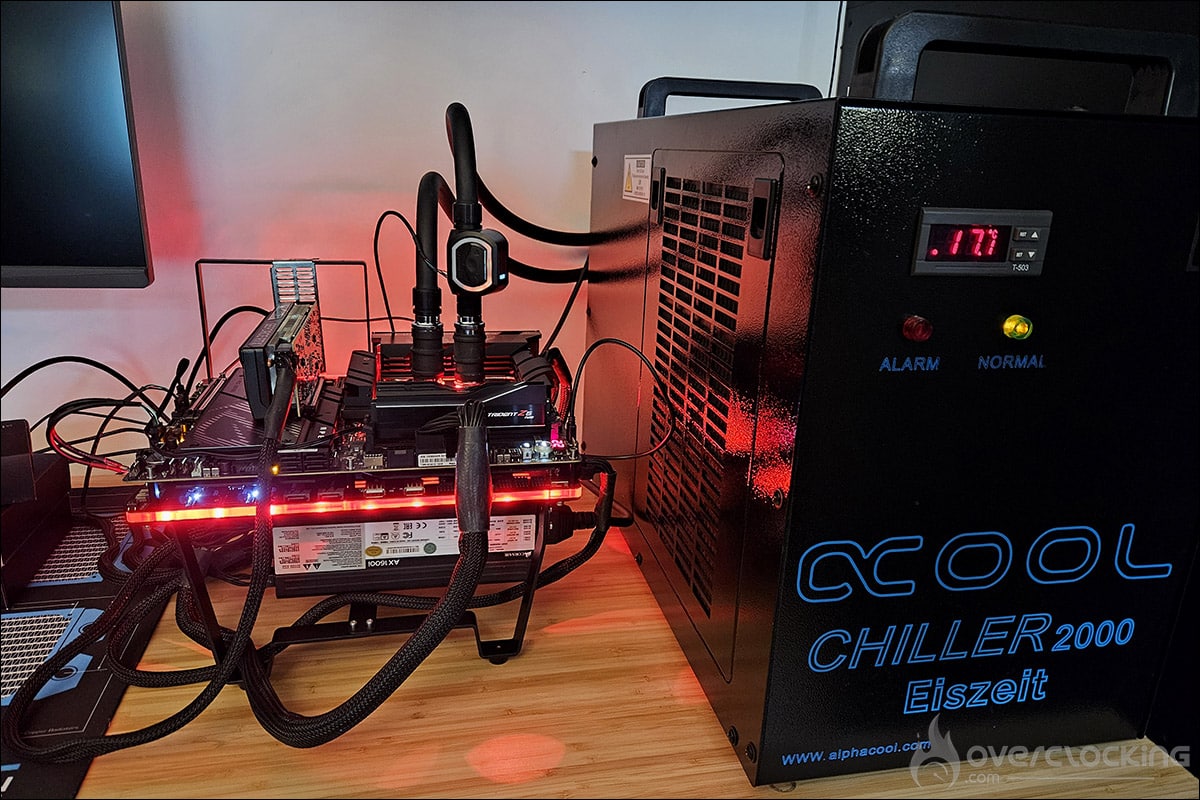
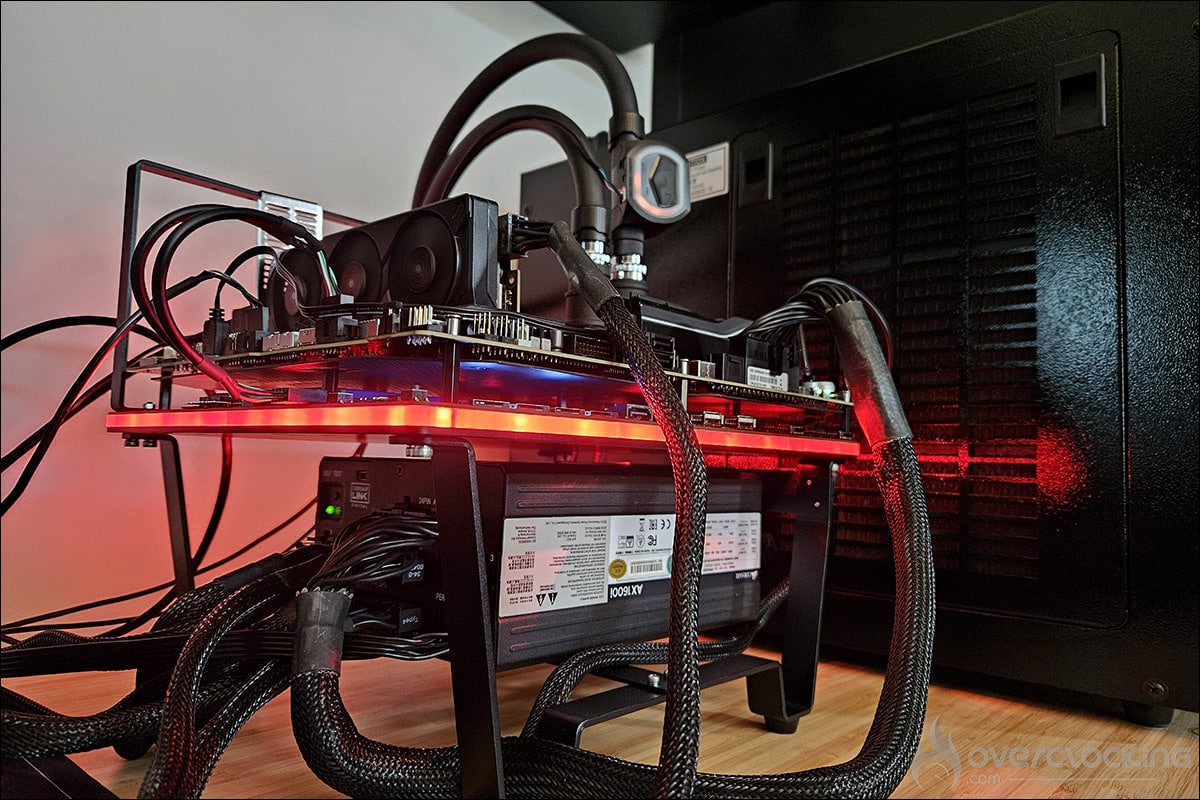
[nextpage title=”Final thoughts:”]
We’ve been using this Thermal Grizzly der8enchtable for several weeks now, and we’re going to give you our impressions. Let’s start with the positives of this bench table, which comes with an active PCB. First of all, the finish is perfect, both on the PCB and on the various parts that need to be assembled. The screws and nuts fit together without any difficulty. The various parts are perfectly machined. This is a very high-quality product.
The manual provided in the bundle is very clear, and assembling the der8enchtable is child’s play that anyone can do. One of the features we particularly like is the location of the power supply. It’s not just slipped under the bench table. It’s raised and held in place, so you can easily move your der8enchtable wherever you want. While we’re on the subject of how easy it is to move, let’s also highlight its compact size, especially if you’re not using a liquid cooling system. In fact, it’s the most compact bench table in our lab.
The active PCB is no slouch either, with fan management, plenty of storage space, and USB ports on both sides being a real plus. The supports for holding a water cooling radiator do the job perfectly, allowing you to keep your cooling system permanently installed and within reach. While I’m not a fan of RGB backlighting, the one on the der8enchtable isn’t distracting and can be turned off if desired.
So what are the positives? Nothing. Even though there are plenty of storage options, many of us already have M.2 SSDs. Overclockers often have numerous 2.5″ SATA drives containing different Windows ISOs depending on the processor or benchmarks to be tested. It’s also a shame that the USB ports only support 2.0.
The motherboard mounting system, with barrel nuts, is definitely what we liked the least. It’s far from easy to screw and unscrew, where simple Phillips screws would have been more effective. Finally, the price of €229.90 is not the most affordable for this type of product.
 But even if we won’t ultimately use all the features offered by this der8enchtable’s active PCB, we greatly appreciate this innovation from Der8auer. It’s a segment where we didn’t think we’d see any more developments, but this der8enchtable proves otherwise. Thank you to Thermal Grizzly for giving us the opportunity to share our opinion on this der8enchtable! We should also be bringing you a review of the Thermal Grizzly WireView Pro II shortly.