
We had previously tested two Epomaker keyboards that greatly impressed us with their meticulous finish and, above all, their excellent value for money: the HE68 Lite and the Magcore 87. These were high-performance, well-built models that were consistent in their positioning. But this time, Epomaker has radically changed tack.
Epomaker surprises us again with the Glyph!
The brand has unveiled a keyboard that is sure to turn heads and, without a doubt, get people talking. It is focusing on originality where many other brands remain in their comfort zone. Epomaker’s idea? To revisit the modern keyboard, taking inspiration directly from the world of typewriters. A bold move that has given rise to the Glyph.

Originality: the strength of Epomaker?
Upon receiving the Glyph, the question naturally arises. This isn’t the first time Epomaker has attempted to go a step further than what the competition has to offer.
In a market that is often very formulaic, this approach brings a breath of fresh air. Not everyone will like everything, but the brand deserves credit for trying out different concepts and exploring new directions.
Thanks to Epomaker for providing the Glyph.
[nextpage title=”Technical specifications:”]
Technical specifications:
The Glyph from Epomaker is a 75% mechanical keyboard with a very distinctive design. Unlike many gaming keyboards that focus purely on performance, the Glyph places greater emphasis on the visual experience, with distinctive round keycaps reminiscent of old typewriters. The design of the chassis and the integration of the screen also adopt a vintage style that reinforces this inspiration.
| Features | EPOMAKER Glyph |
|---|---|
| Retail price | Approximately $119 |
| Format | 75 |
| Number of keys | 83 |
| Switch | 3/5-pin mechanical switches |
| PCB | Hot-swappable |
| Polling rate | Up to 1000 Hz |
| Anti-ghosting / NKRO | Yes |
| Backlight | RGB per key |
| Keycaps | PBT dye-sublimation, typewriter style |
| Display | 2.79-inch TFT |
| Control | Programmable rotary knob |
| Lever | Mechanical lever (Enter/Backspace) |
| Chassis | ABS |
| Plate | ABS Aluminum |
| Mount | Top-Mount |
| Damping | 5 layers of dampening |
| Connectivity | Tri-mode: USB-C / 2.4 GHz / Bluetooth |
| Battery | 8000 mAh |
| Compatibility | Windows / Mac / Android |
| Dimensions | 347 × 207 × 57 mm |
| Weight | 1178 g |
[nextpage title=”The Bundle:”]
The Glyph bundle:
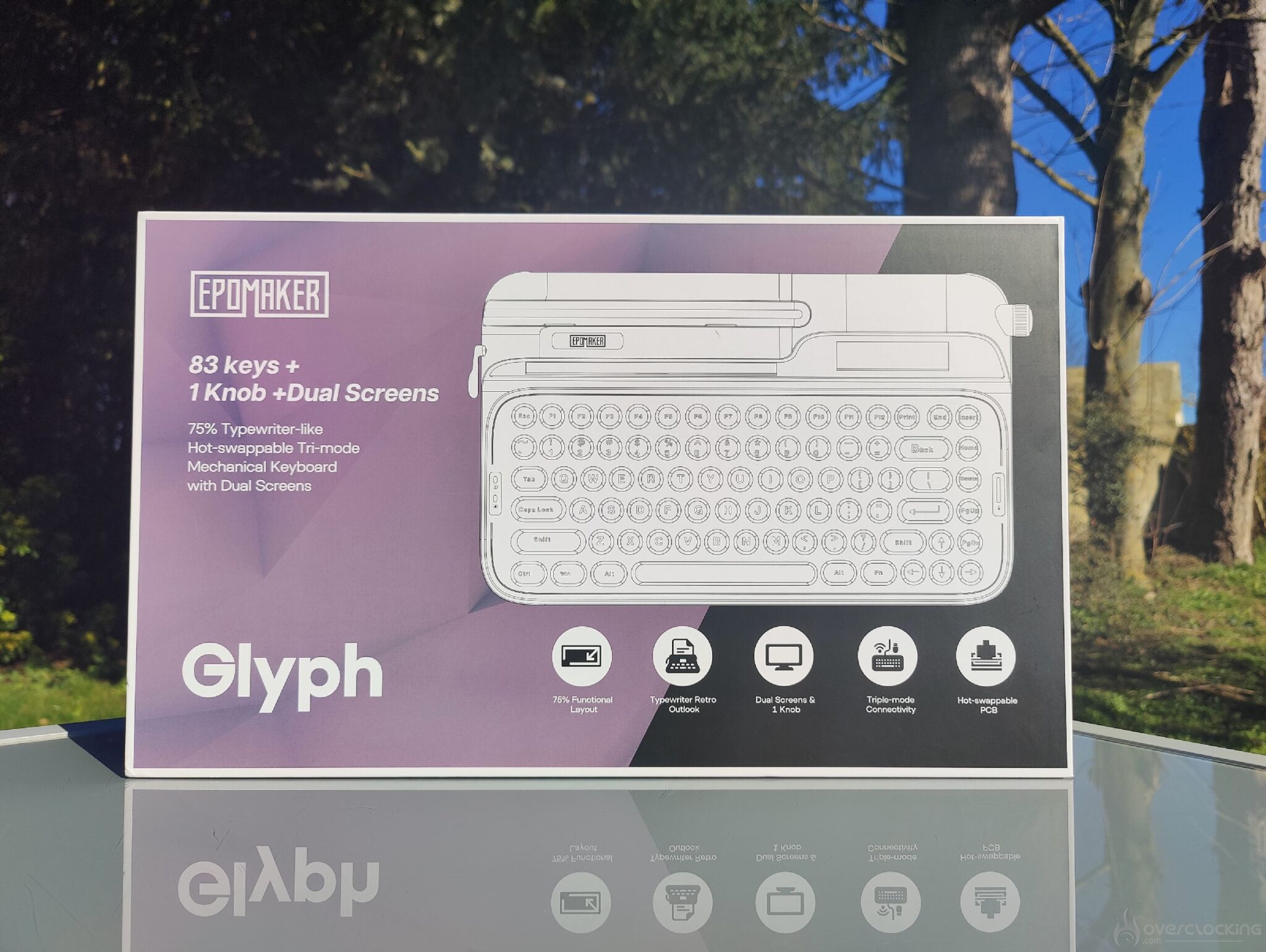
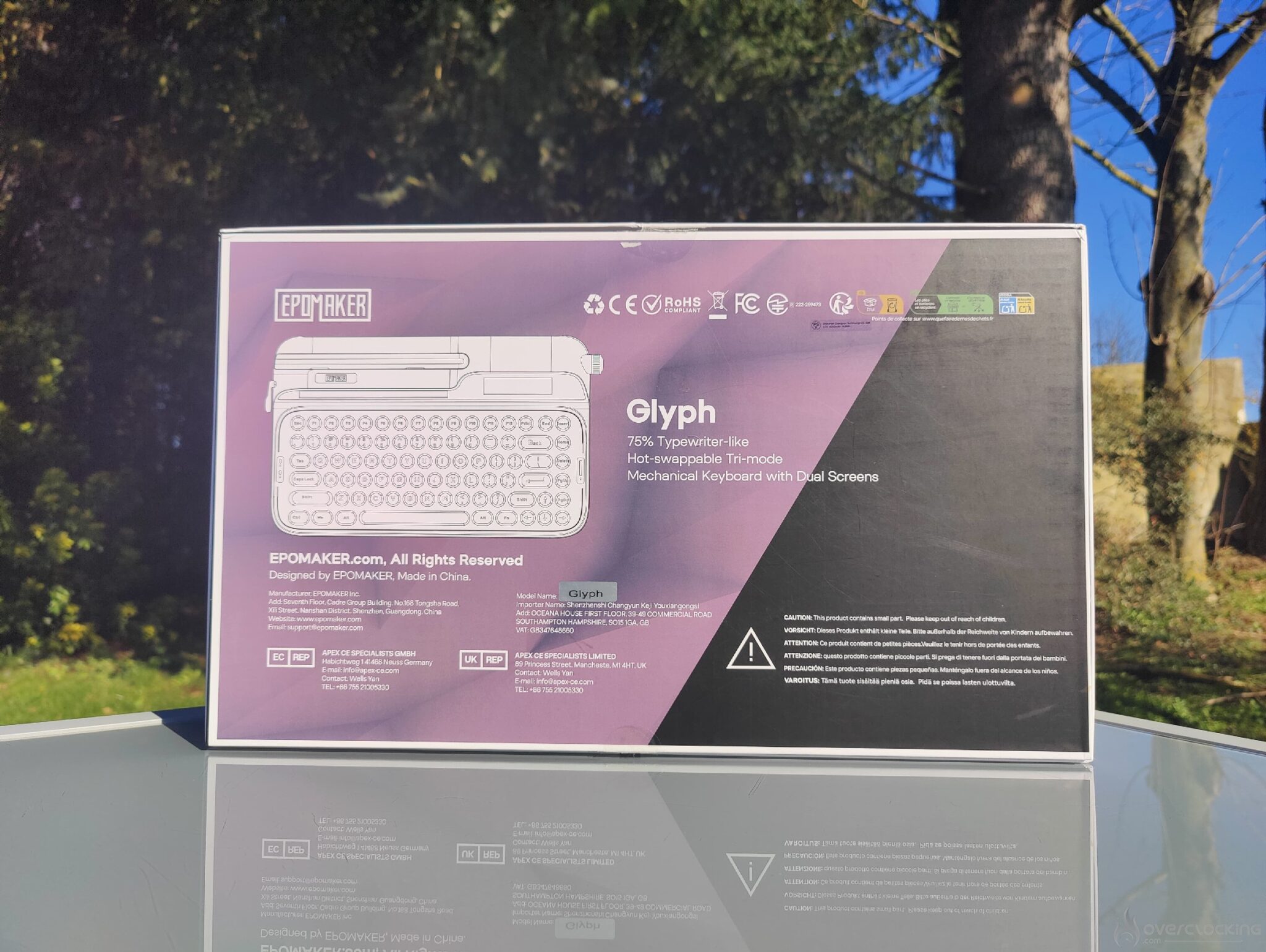
The bundle comes in Epomaker’s usual box style, with the keyboard design in white and a two-tone visual on the packaging. The colors chosen are pink and black, with the model name Glyph, a reminder of the number of keys (83), and its 75% format. The box also mentions the presence of two screens.
The keyboard is, of course, hotswappable and has three connection modes: via the 2.4 GHz dongle, Bluetooth, or wired.
The box gives a premium look, which is important. I like to talk about the bundle and packaging because they are part of the product experience and should not be overlooked. Here, we have something understated and clean, without going overboard, which fits well with the keyboard’s high-end positioning.
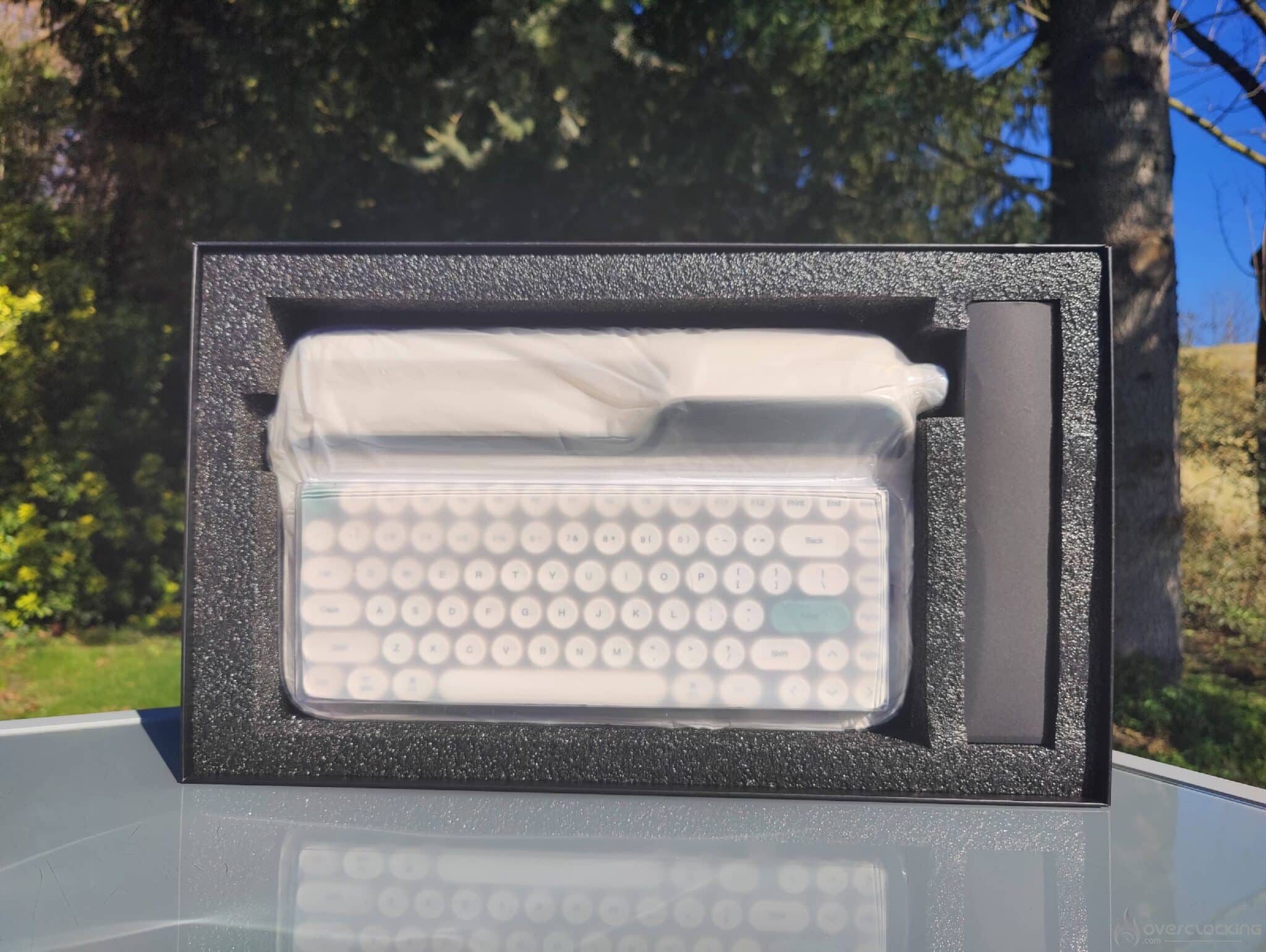
When you open the box, you’ll find the keyboard wrapped in protective plastic film, which is more than enough to protect it during shipping. The Glyph manual is located under the keyboard.
There is also a small card with a QR code that provides direct access to the product driver download page.
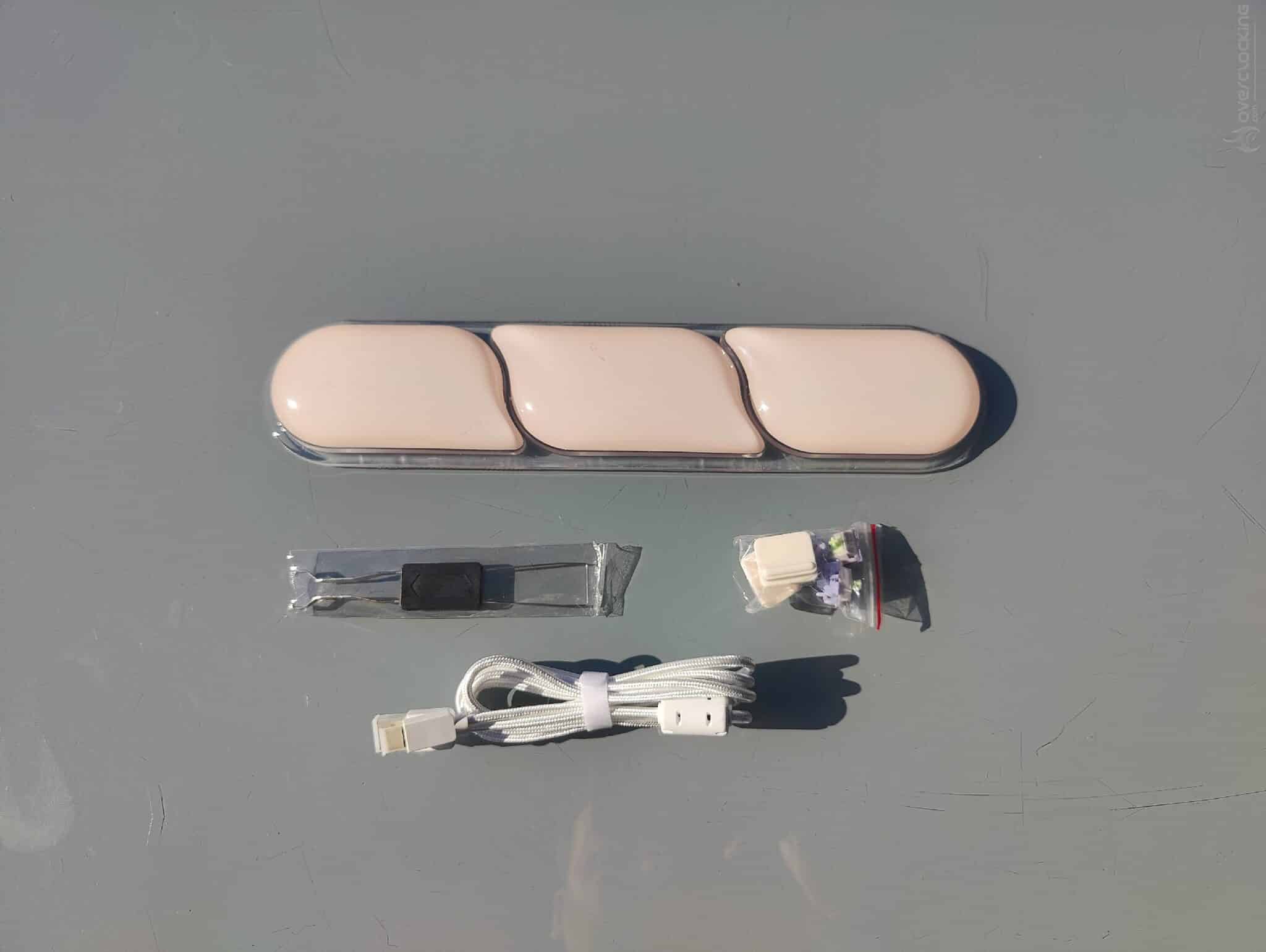
The keyboard also comes with an ergonomic wrist rest with three curved zones, in light beige, included in the box.
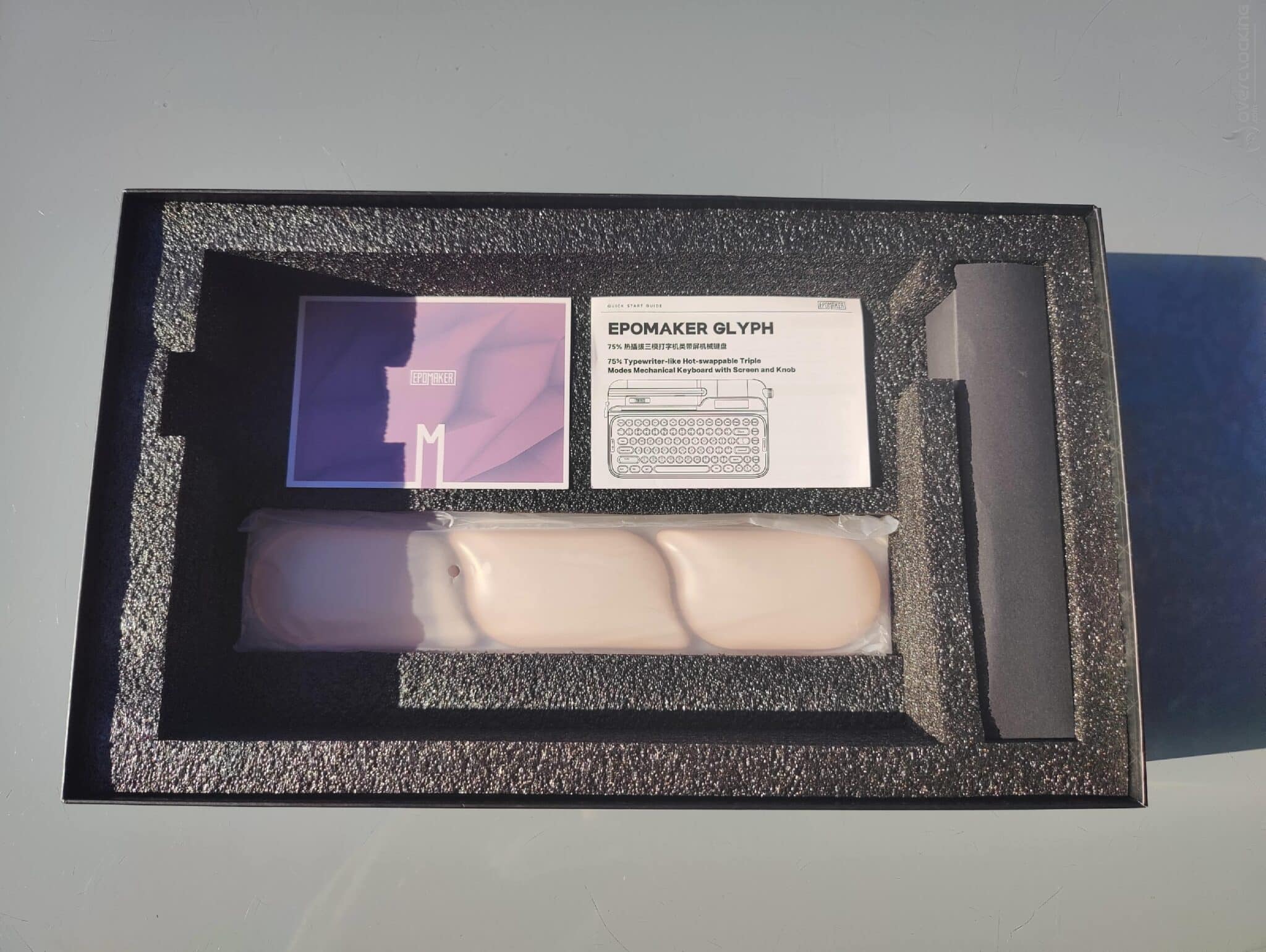
Inside the box, on the side, you will find a small black box that you simply pull out. It contains all the accessories in the bundle.
First, there are three additional switches, as well as a set of two replacement soft plastic keyboard risers, a keycap and switch puller, and a white braided USB-C to USB-A cable.
Remember, the keyboard works and can be used wirelessly thanks to a built-in 8000 mAh battery.
 Out of the box, you’ll find a keyboard with a design inspired by a typewriter. It has an ABS chassis, which gives the keyboard a weight of around 1.2 kg.
There is also a set of white keycaps, with the Enter and Esc keys in green.
The plate on which the switches are installed is white, not beige like the rest of the chassis.
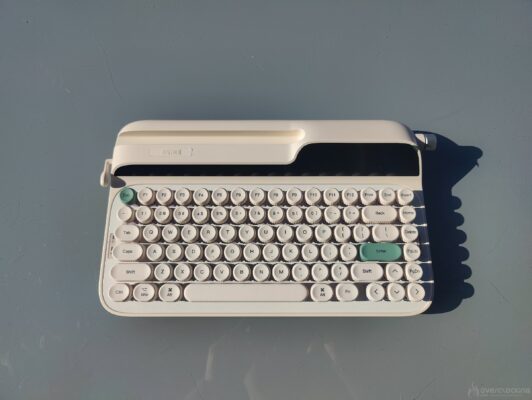
The “wow” effect when you take it out of the box is impressive, and although I had some reservations about the design at first, I was immediately won over by the finish and style of the keyboard.
[nextpage title=”The Test:”]
The Glyph is a keyboard priced at $139. The keyboard is aimed at the high end of the market with its own unique style.
Personally, I don’t find its price exorbitant given what EPOMAKER has to offer.
To confirm all this, let’s move on to testing the Glyph.
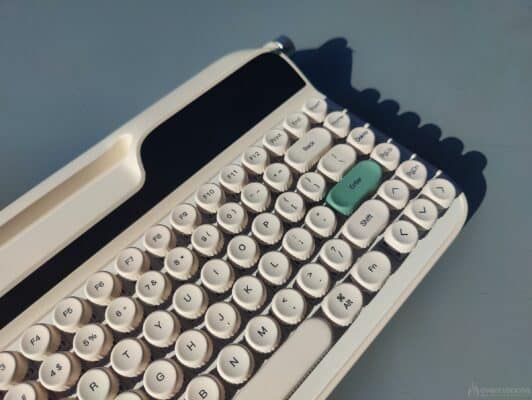 The Glyph’s format and chassis:
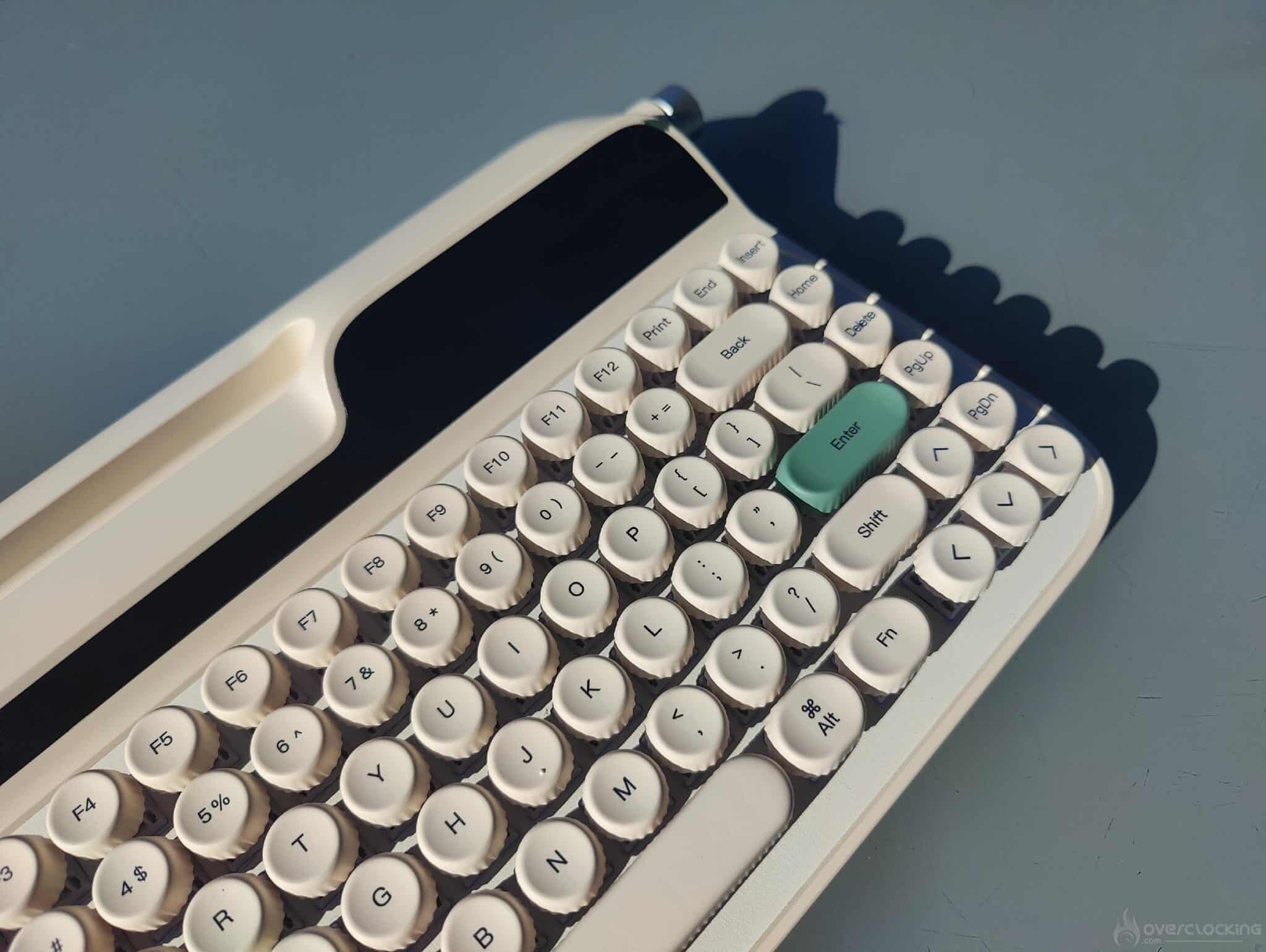
In terms of format, we’re looking at a 75% format, which is surely one of the most complete formats while remaining compact and pleasant for hybrid use. The rounded shape of the chassis and the space between the edges of the keyboard and the keys are not at all bothersome to use. On the contrary, the result is quite ergonomic.
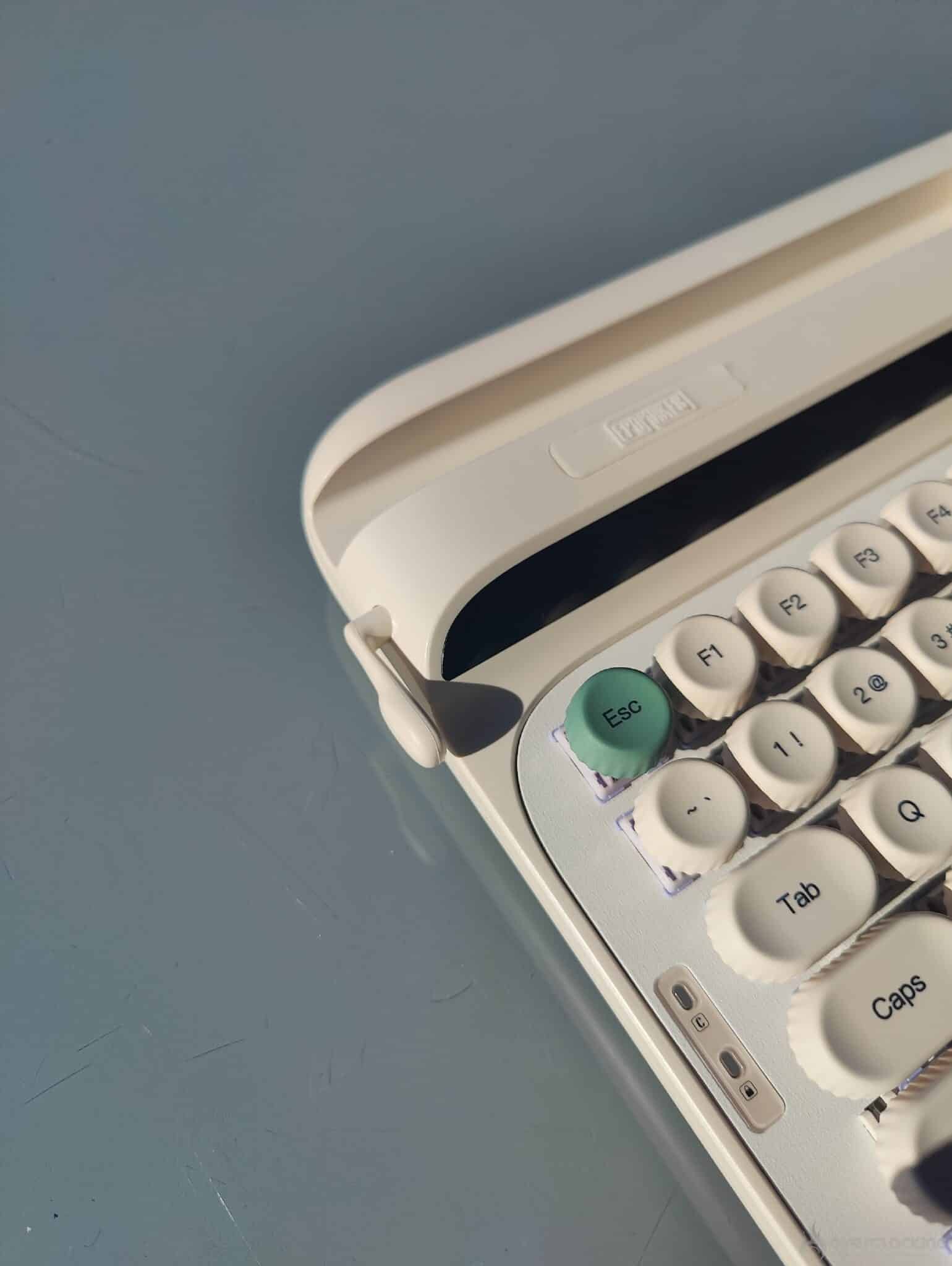
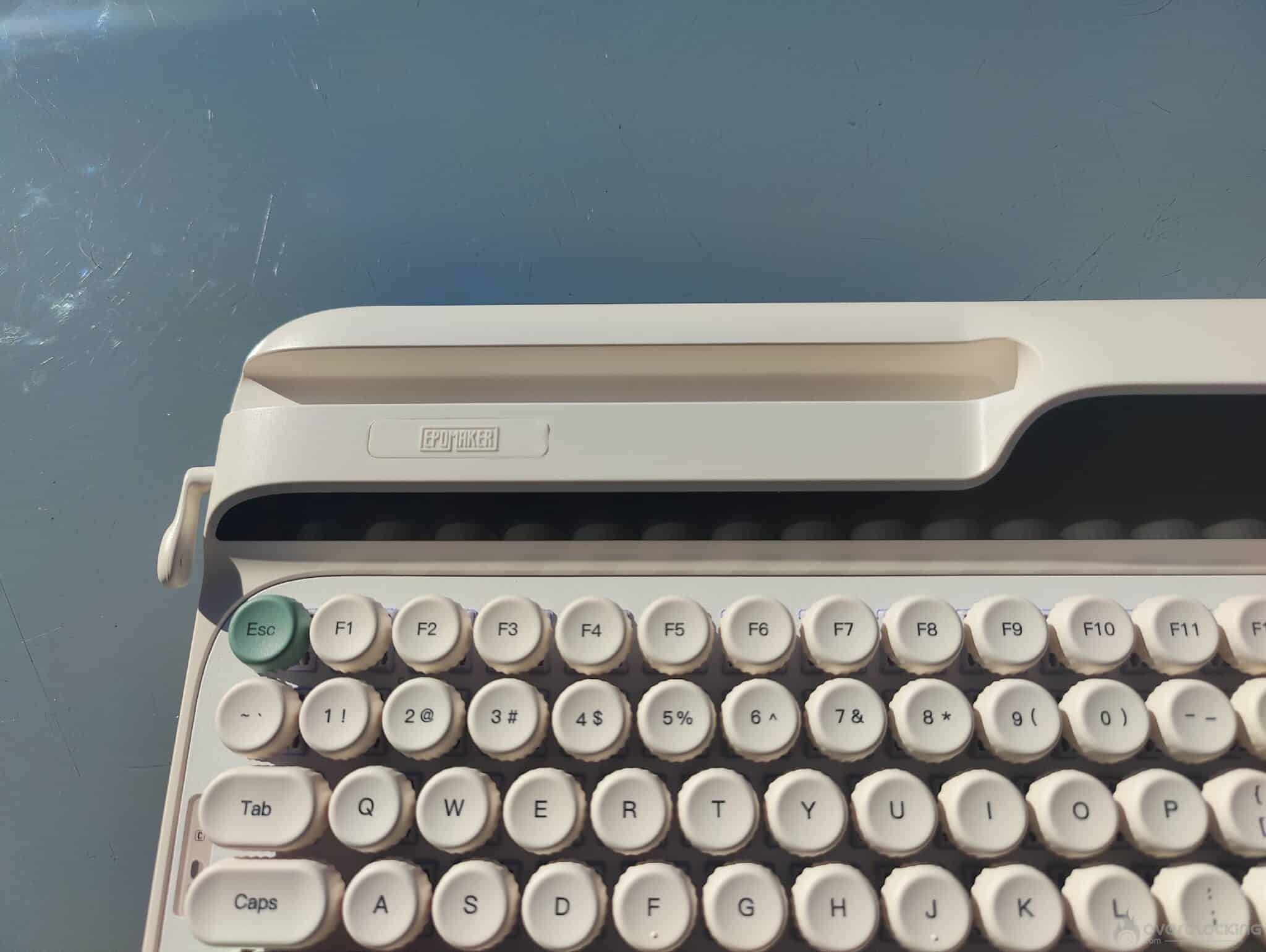 On the top left of the keyboard chassis, there is a fairly wide slot that allows you to easily slide in your phone or a small tablet. This gives you a direct view of your phone, for example to watch a video or reply to a message.
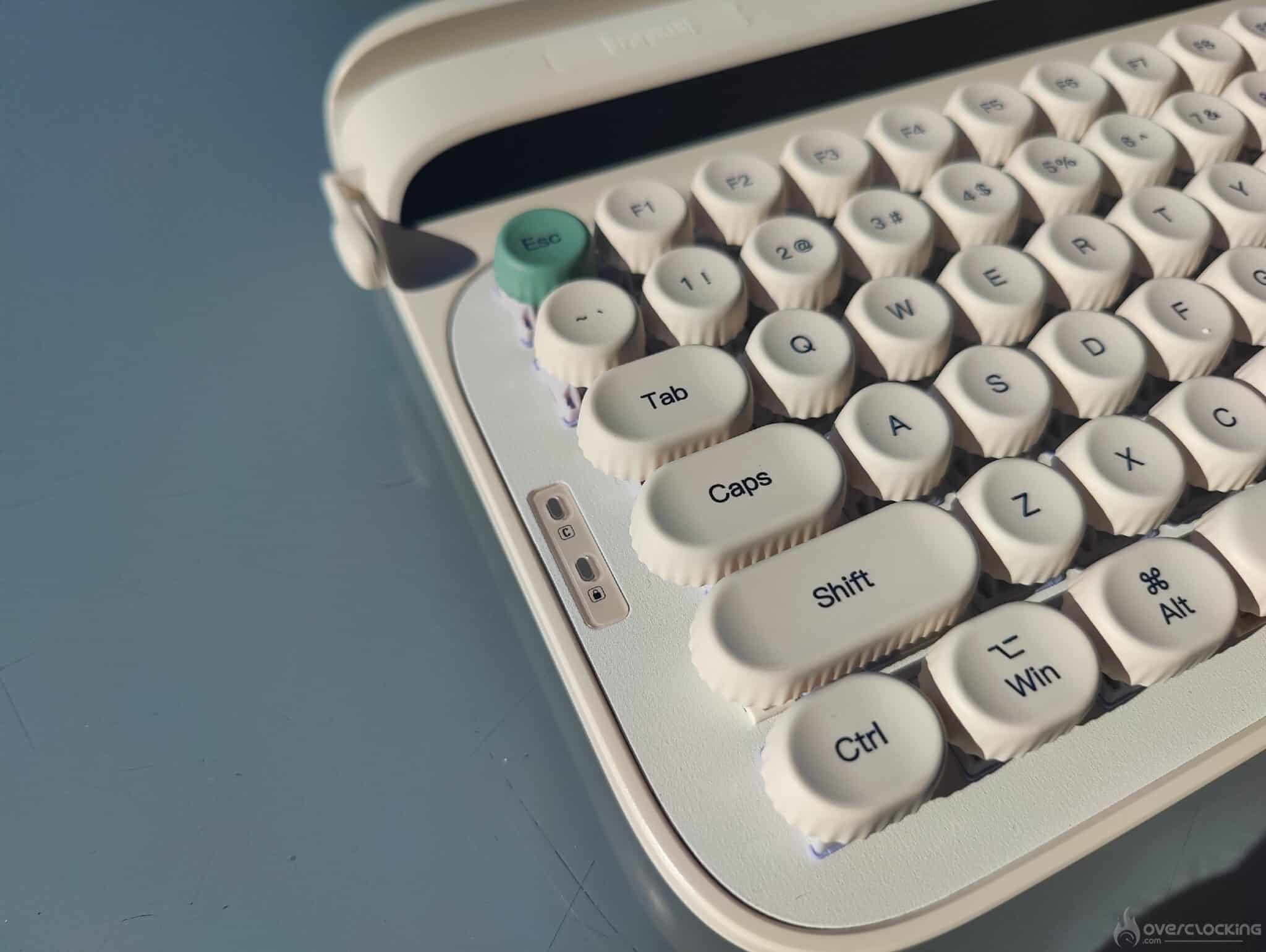 On the left side of the keyboard, there are two small white indicator LEDs. The first corresponds to the Caps Lock key. The second indicates that Fn mode is activated, which allows you to access the keyboard’s secondary functions (F1 to F12, shortcuts, etc.). This mode can be locked by pressing the Fn and Win keys simultaneously.
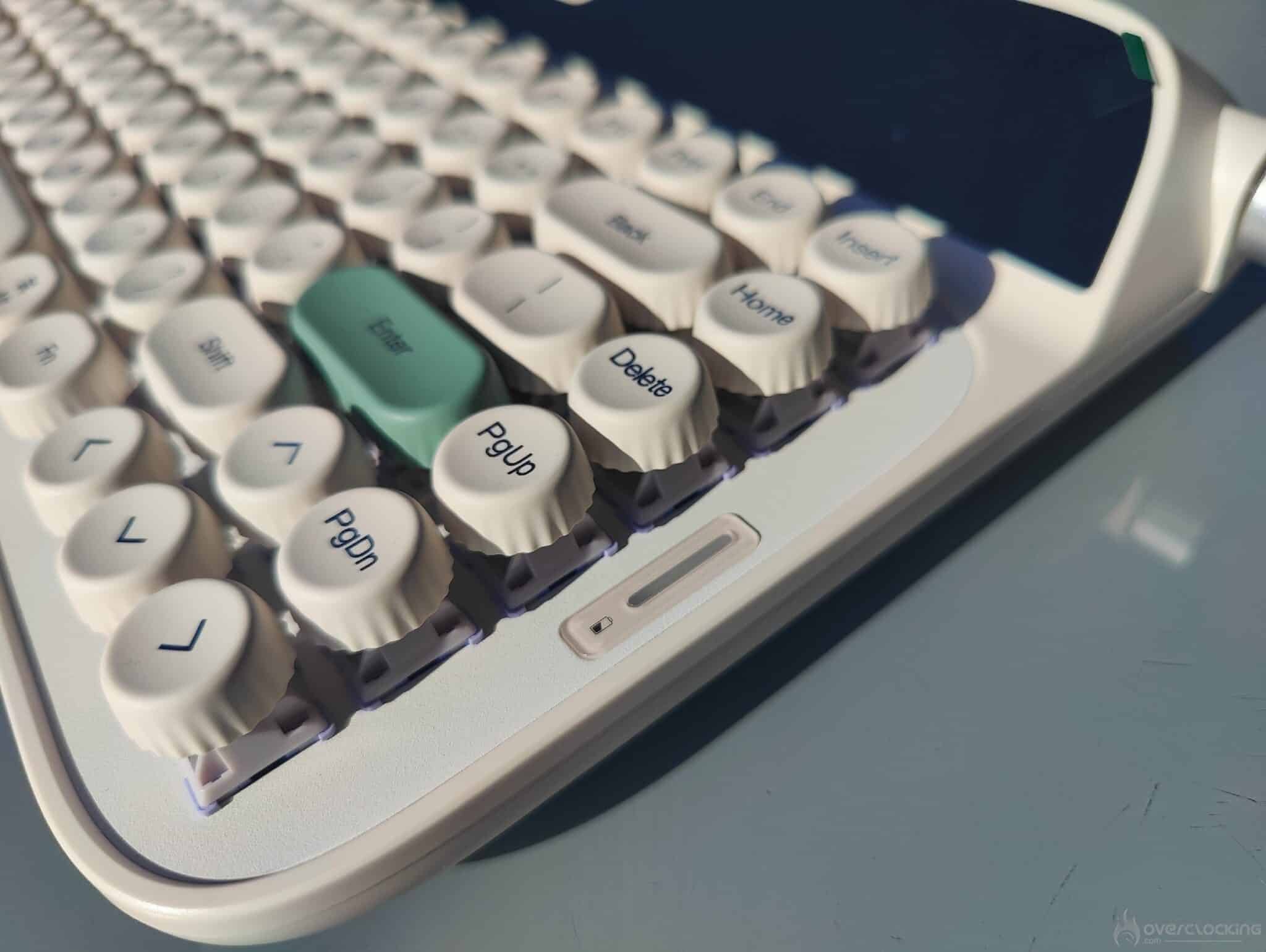 To the right of the keyboard, there is also a LED indicator for the keyboard’s battery status.
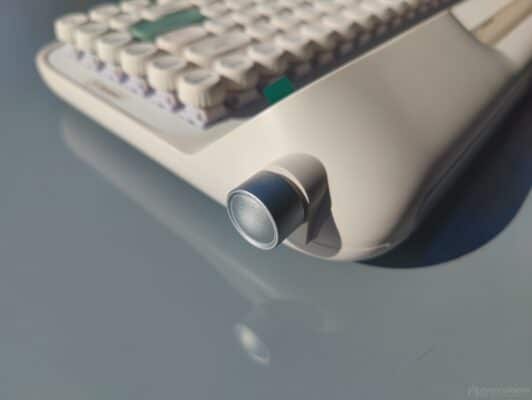
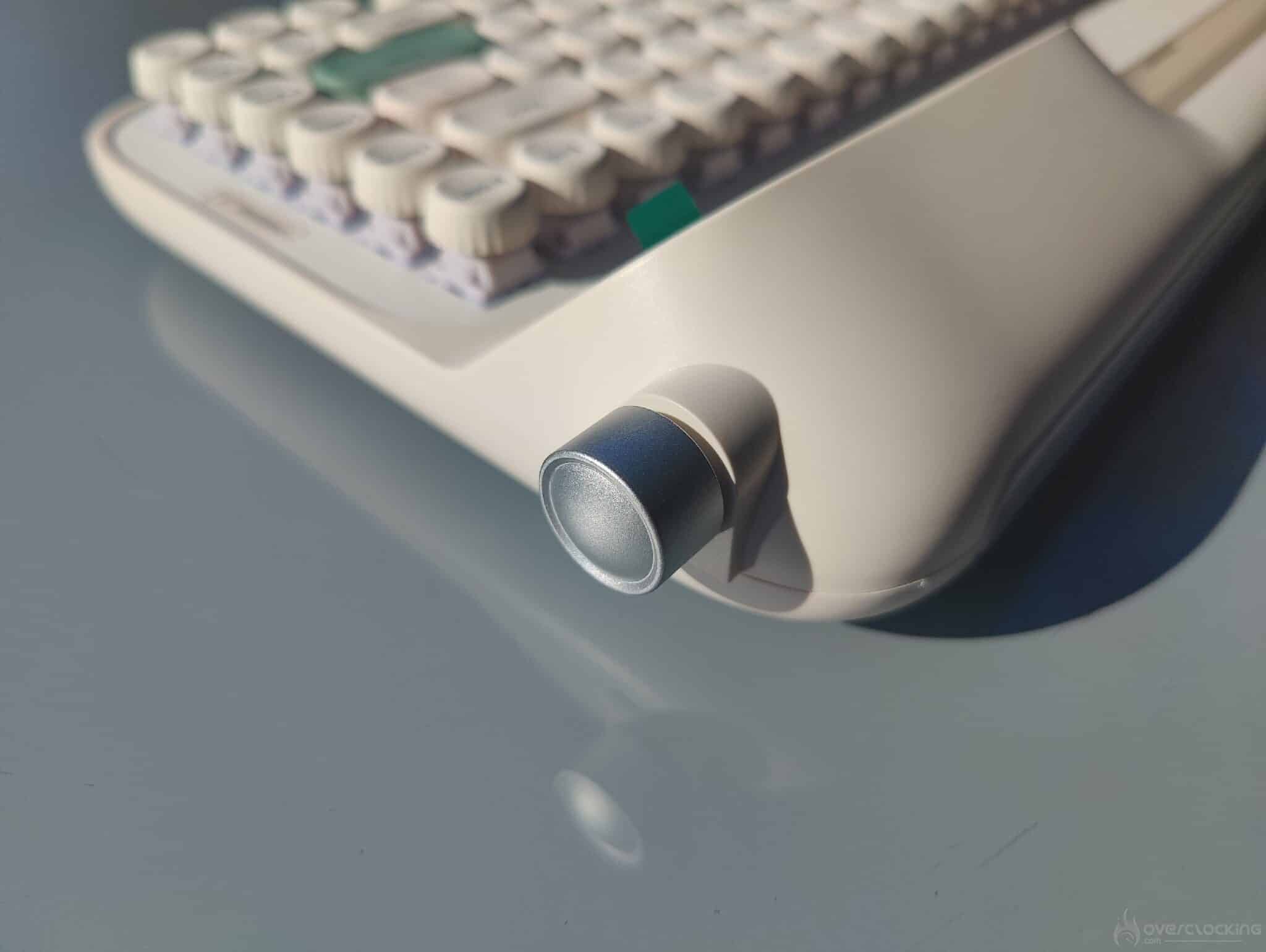
The volume wheel is metallic gray and stands out against the white chassis. It has a notched effect and feels good to use, giving it a high-quality feel.
 Two screens for the Glyph:

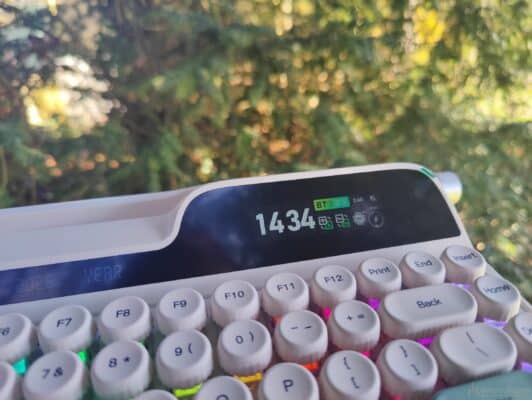
The keyboard has two screens built into the chassis. The first, located on the right, is quite large and displays the time by synchronizing with Windows.
You will also see information about the battery status, the keyboard’s operating mode (Windows or Mac, for example), and the processor temperature.
It is therefore a fairly comprehensive screen in terms of the information displayed. But it is not limited to that, as you can also display images or GIFs in color instead.
The second display, located on the left, is quite long. It displays the day, month, and year in a retro style.
As with the first screen, the information is synchronized with Windows.
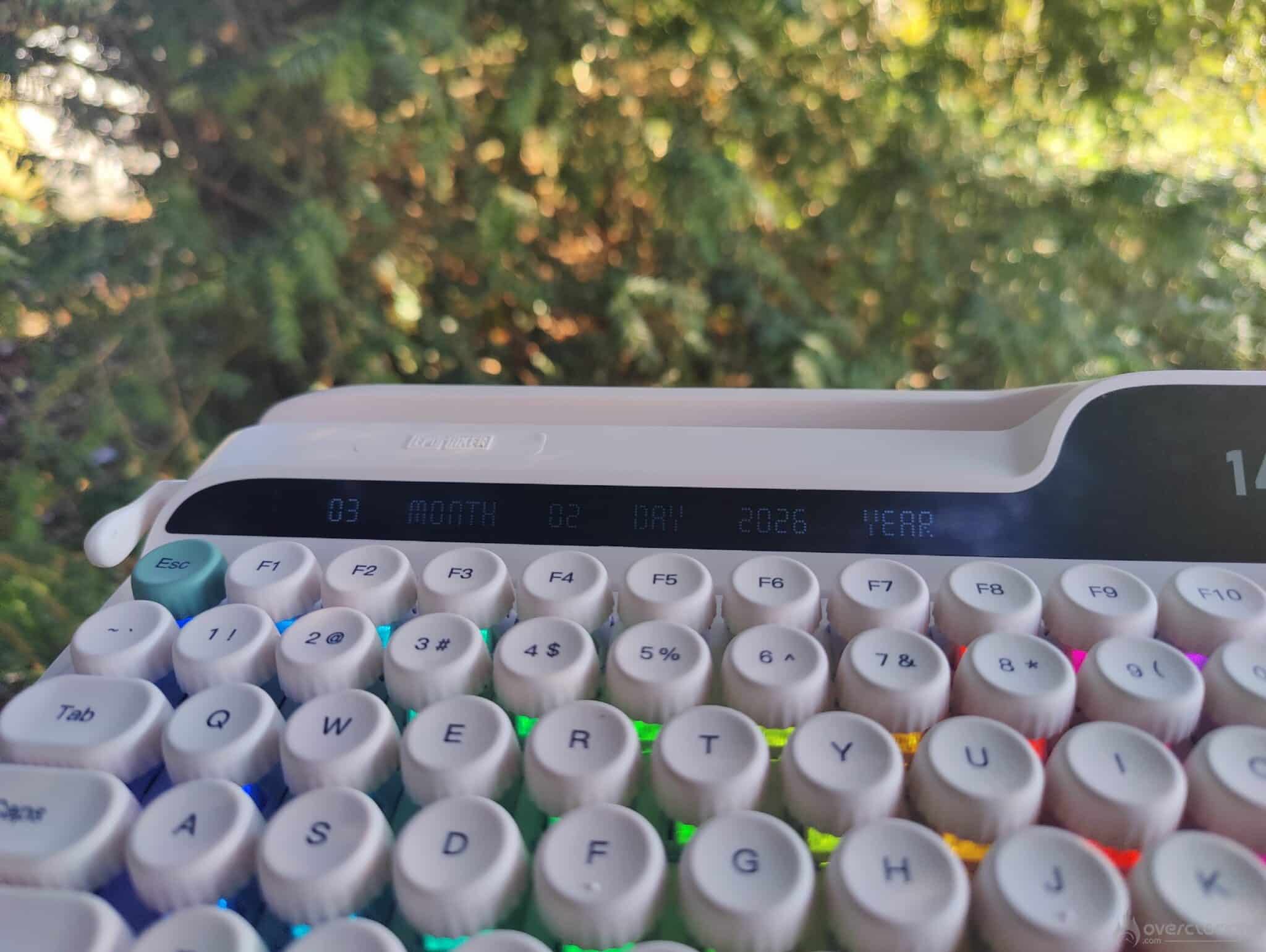
Both screens are of good quality and handle glare well if you are in a room with a lot of light. The first screen, which is used for monitoring and displaying GIFs or images, offers excellent colors, perfect for your cat GIFs.
Switches and keycaps:
First of all, there are factory-prelubricated EPOMAKER Wisteria linear V2 switches, which offer a fairly pleasant feel, with a creamy effect when typing and a clear response without being too pronounced. Wisteria switches are 5-pin switches.
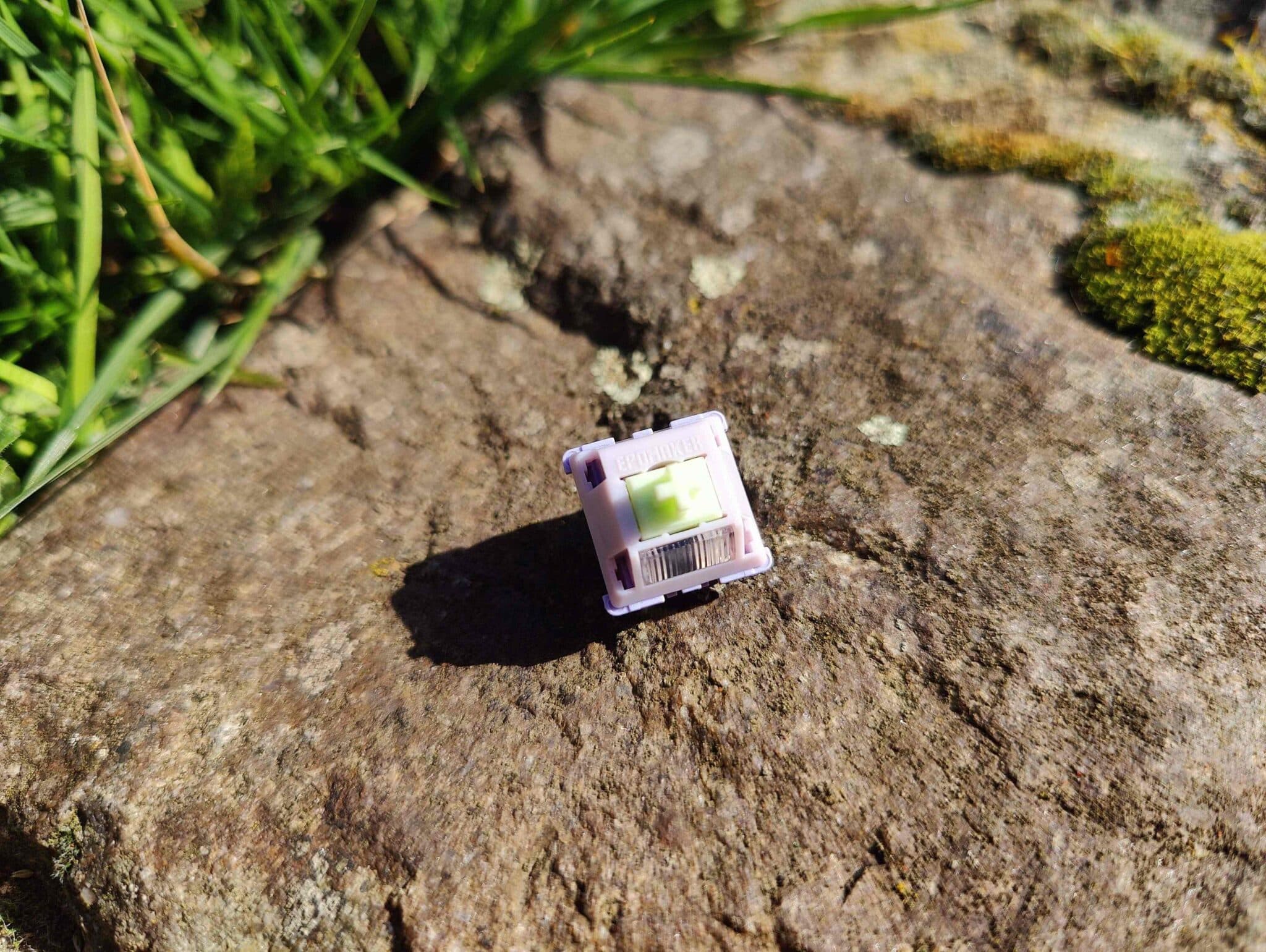
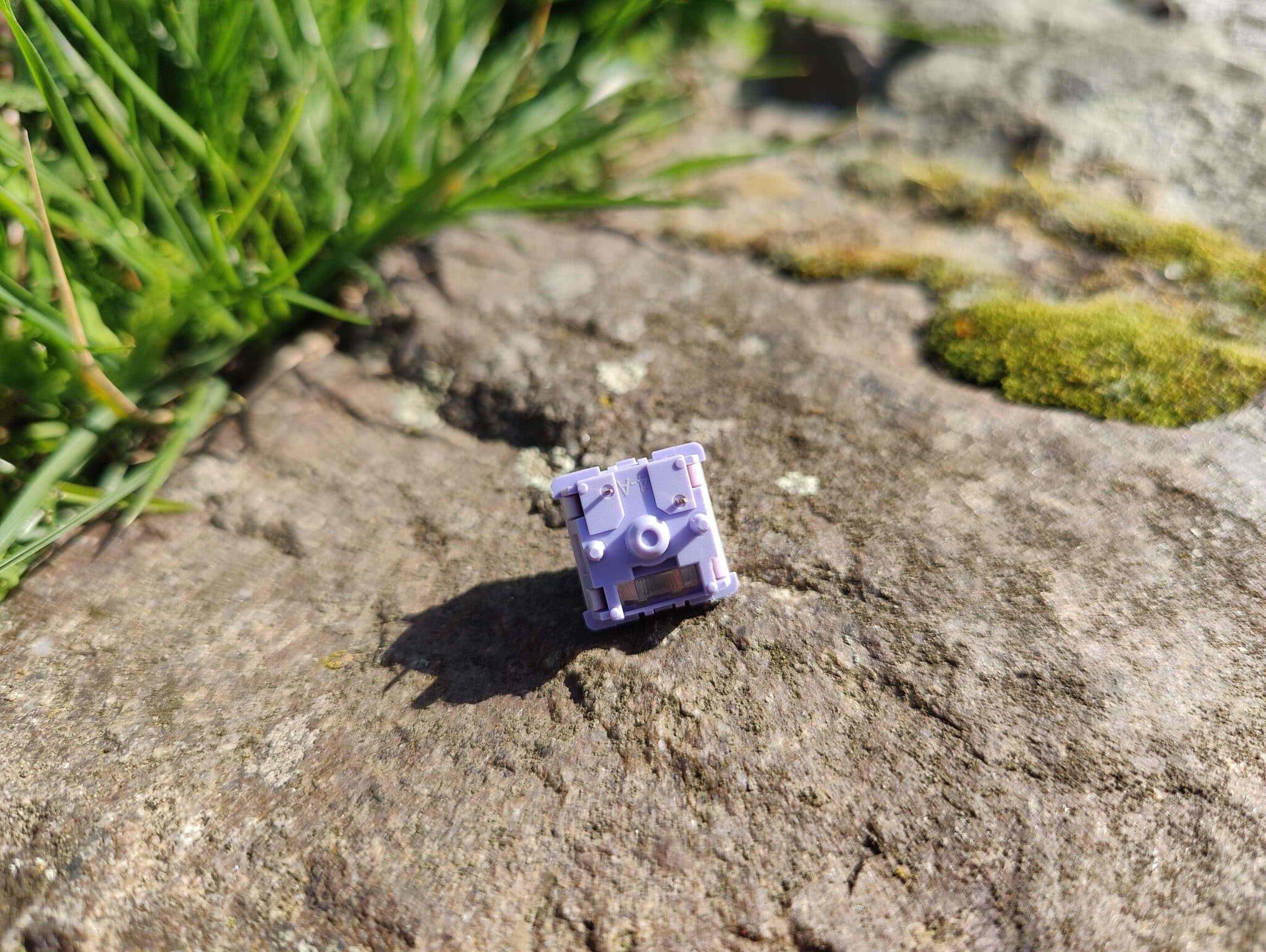
The switches and keycaps are quite stable when typing. The PBT keycaps are soft and smooth, offering real typing comfort.
The pre-lubricated stabilizers are also of good quality. There is no unwanted noise on the space bar, enter key, etc. It’s a well-designed product that doesn’t compromise comfort when typing, for example.
This keyboard excels in office use and lives up to its design. But even when used for gaming, it performs quite well in terms of comfort and ergonomics, even though the Glyph is clearly designed with office use in mind.
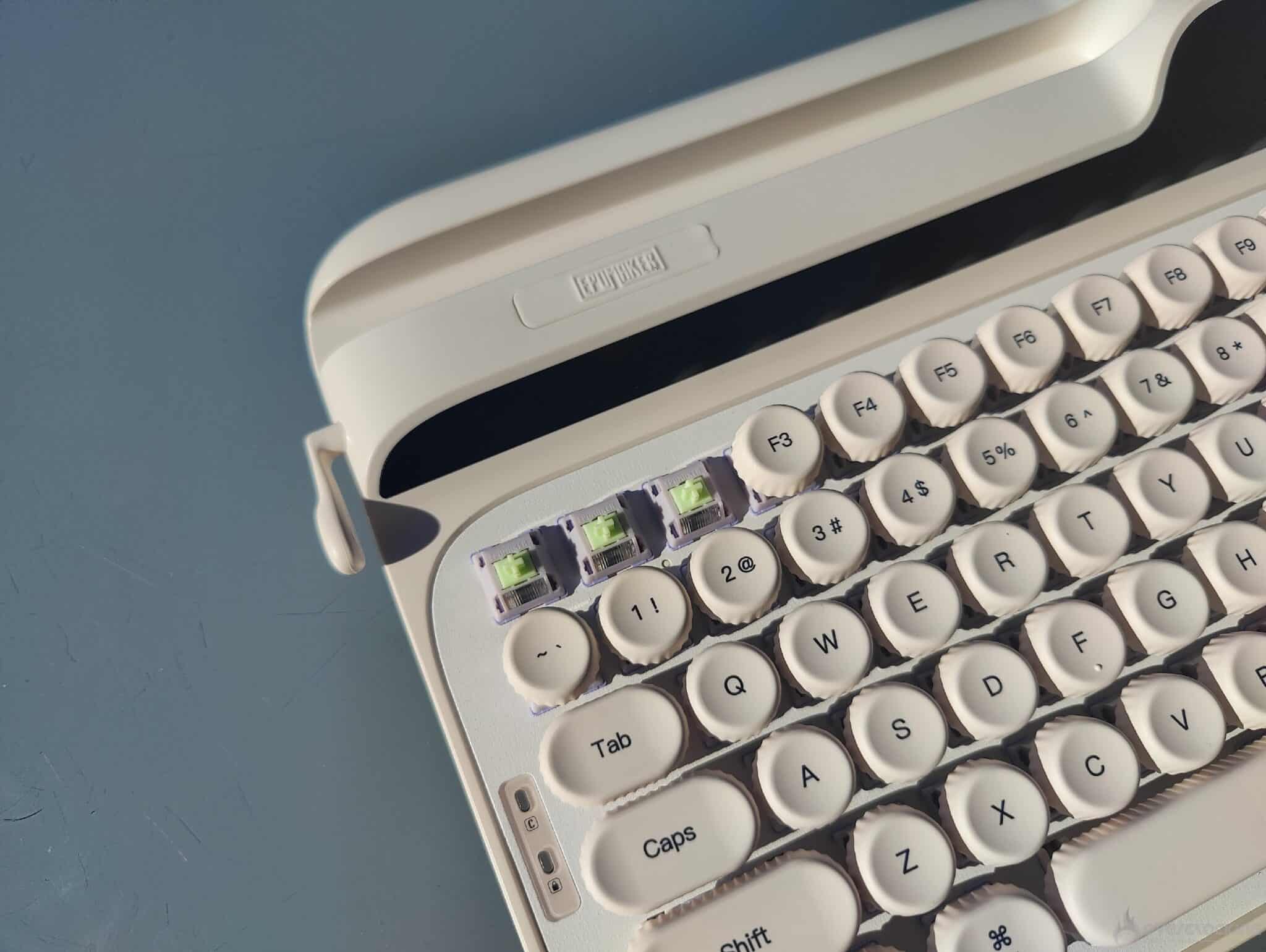 In terms of design, they remind me of Bordeaux‘s cannelés… but obviously, don’t try to eat them.
The sound of the Glyph:
The sound of the Glyph offers an excellent click, quite typical of the brand, with a rather clacky feel. This is due, first and foremost, to the pre-lubrication of the switches, but also to the quality of the chassis and internal insulation.
I found it quite nice to have a real sound identity, with a dry, regular sound that ultimately reminds me a little of the sound of a typewriter.
Working on the appearance is one thing, but where I think EPOMAKER has succeeded is in not neglecting the sound of the keyboard, which is now, in 2026, one of the most important things for consumers.
The Glyph’s RGB:
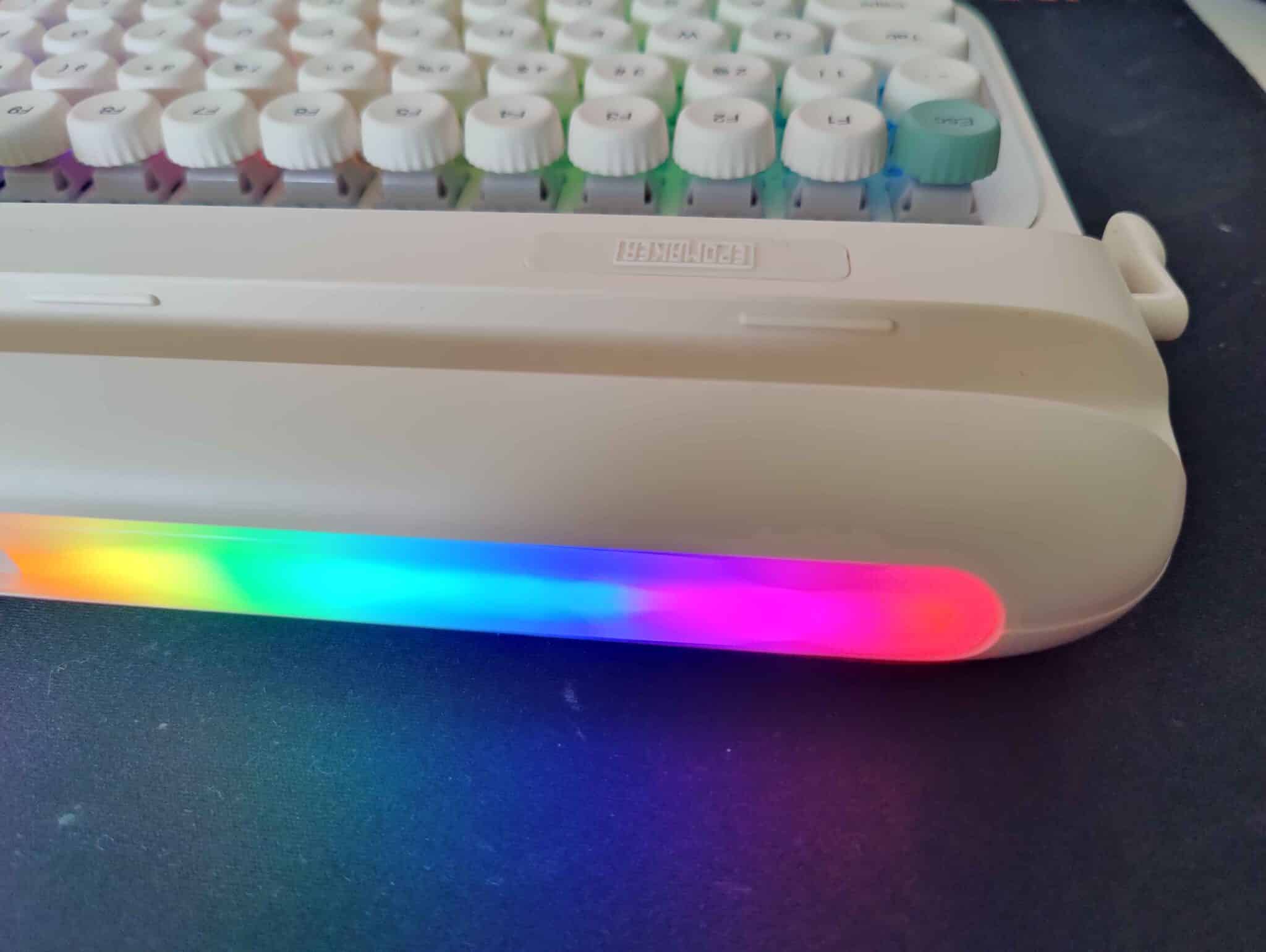
The Glyph’s RGB is quite nice, with good brightness and beautiful colors. The keyboard’s white chassis helps to diffuse the RGB well.
Ultimately, the solid keycaps that don’t let the RGB shine through aren’t a bad thing… They give the keyboard a more understated look, without too much RGB that could make it look cheap.
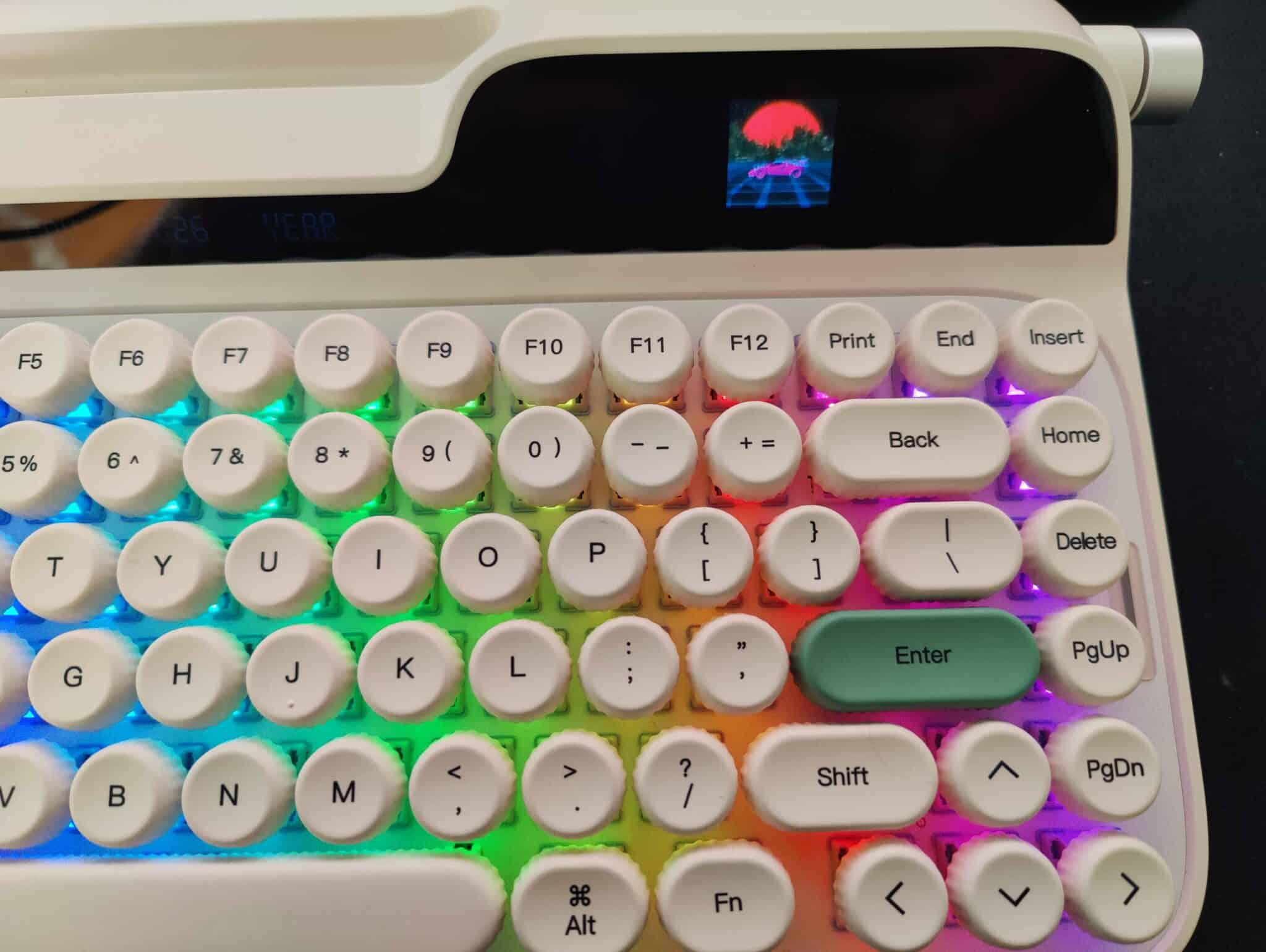 As for the rest of the RGB, there is a strip running along the entire length of the back of the keyboard. I thought it was a good idea to place it at the back to avoid having a bright flash in your eyes when using it at night or in a dark room.
Placing the RGB at the back also gives a more understated look to the whole chassis and avoids a cheap effect.
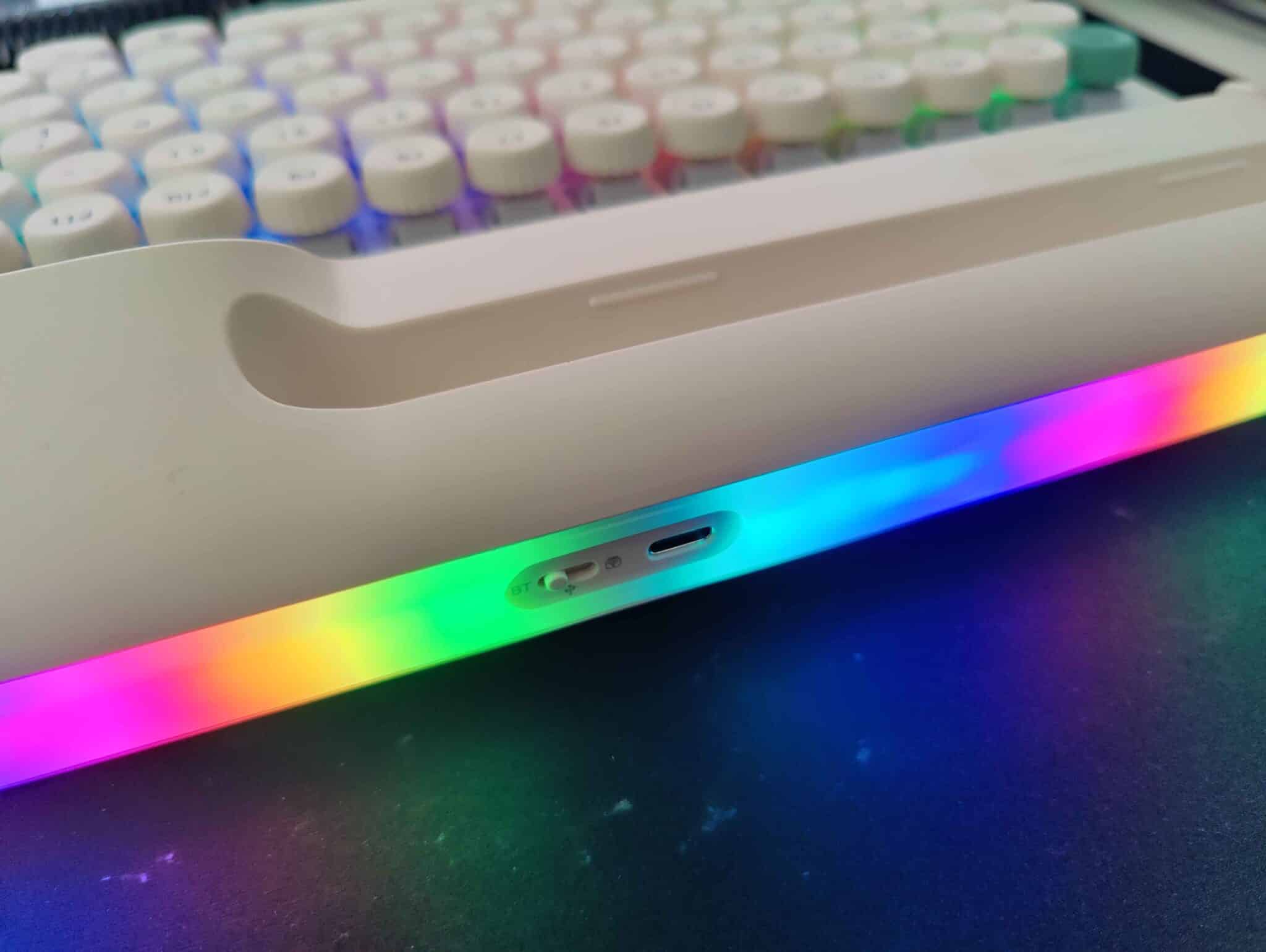
And a little feature:
EPOMAKER has added a small lever to the Glyph which, when pressed, creates a space, and when pulled towards you, refreshes your web page.
[nextpage title=”The software:”]
The Glyph software is well-designed and user-friendly, suitable for both novice and experienced users.
The software is currently only available in three languages: two Asian languages and English.
Keyboard settings:
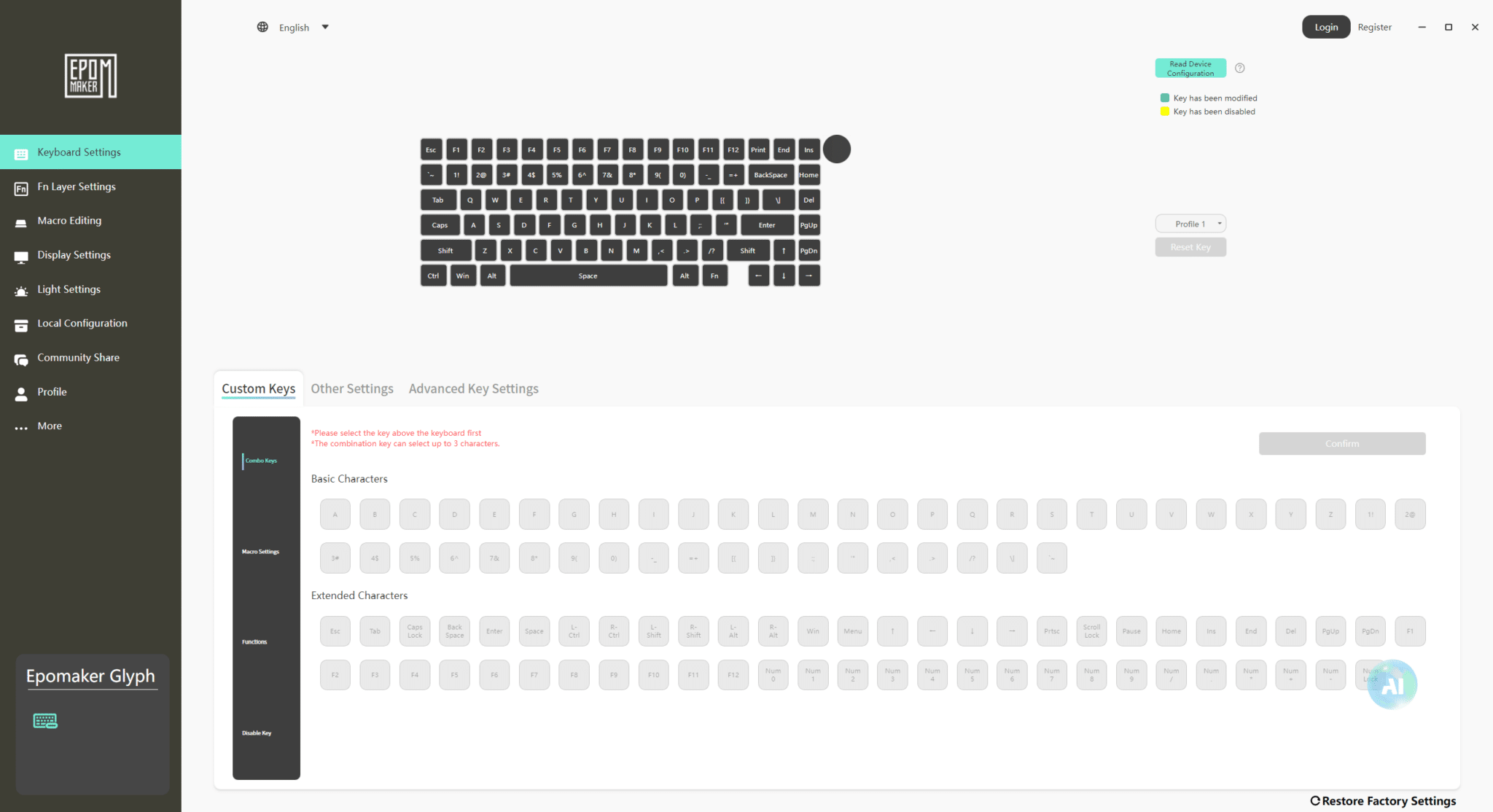 When you launch the software, you will be taken to the Keyboard Settings page, which allows you to change one key for another, set your macros, disable a key, and select the keyboard profiles that correspond to your key configuration.
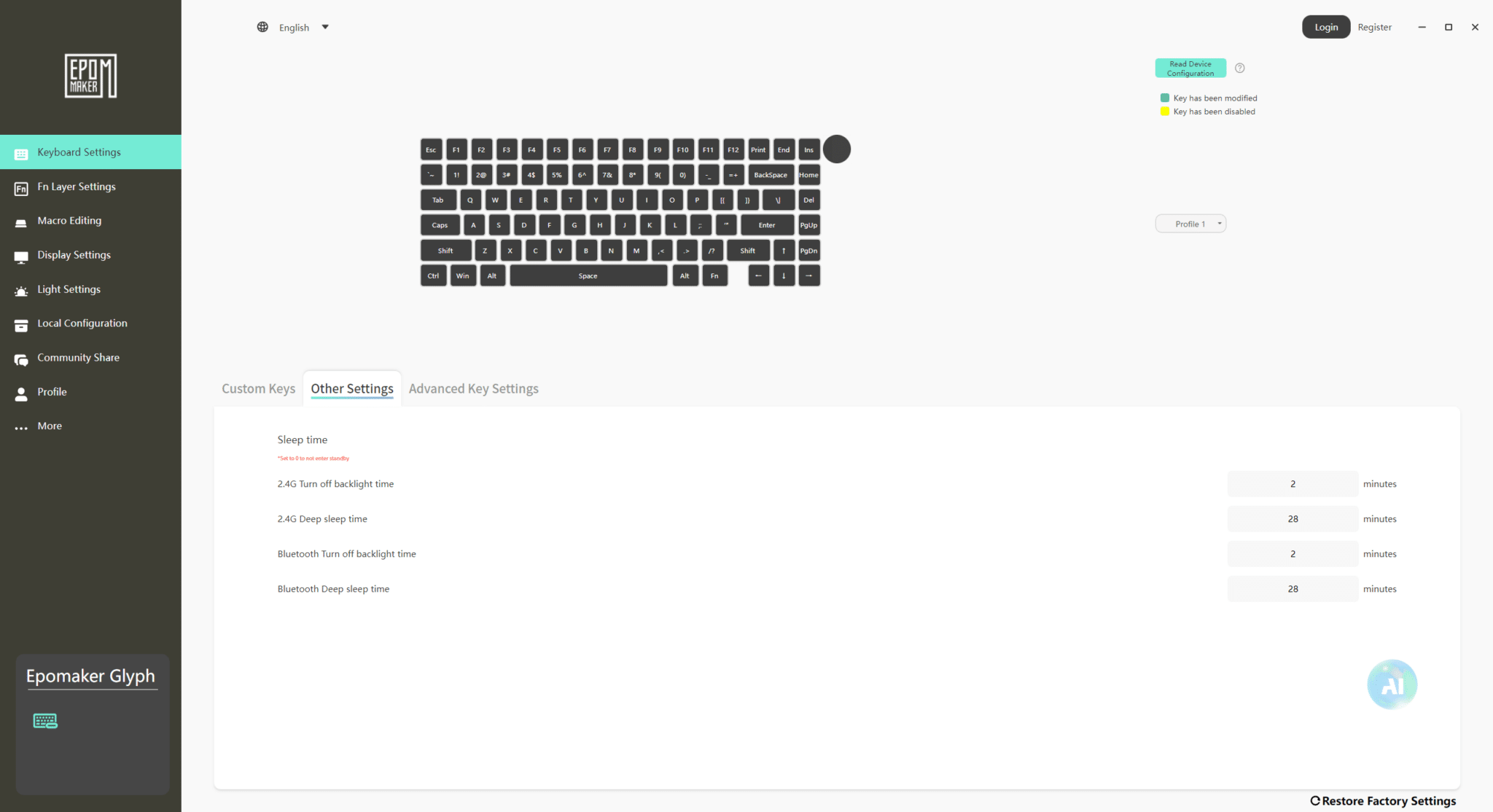 Then, in Other Settings, depending on the keyboard’s wireless connection mode, you can set when the connection stops in order to save battery life.
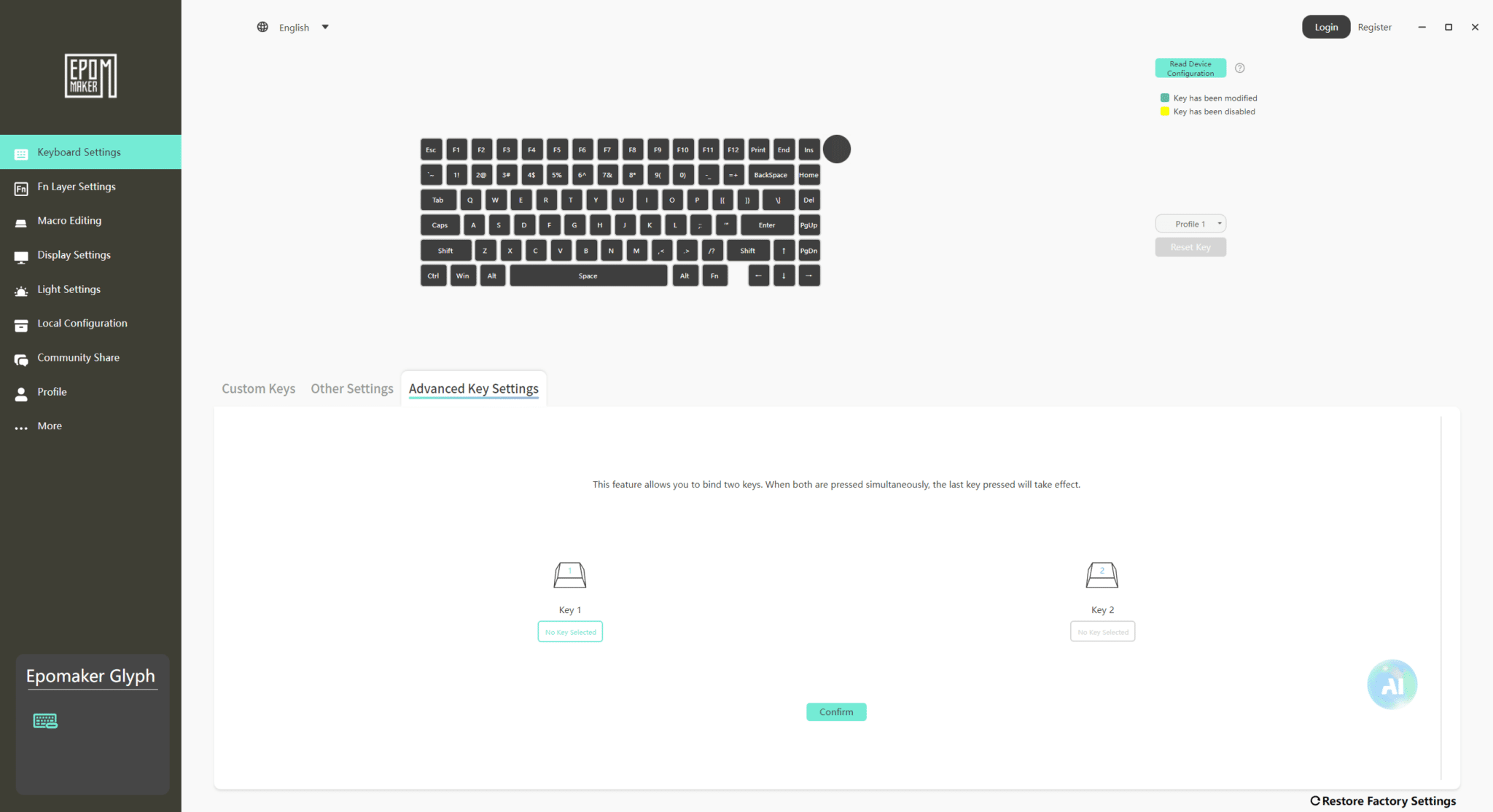 In the Advanced Key Settings tab, the software allows you to pair two keys together to manage their behavior when pressed simultaneously. The principle is simple: when two keys configured in this mode are pressed at the same time, the last key pressed is the one that is taken into account. This feature can be particularly useful in certain games, especially to avoid conflicts between two opposite directions or to prioritize one command over another.
To summarize, if you press both keys, the last direction will be used. This technology is mainly used in esports and is equivalent to what is known as Snap Tap.
Fn Layer settings:
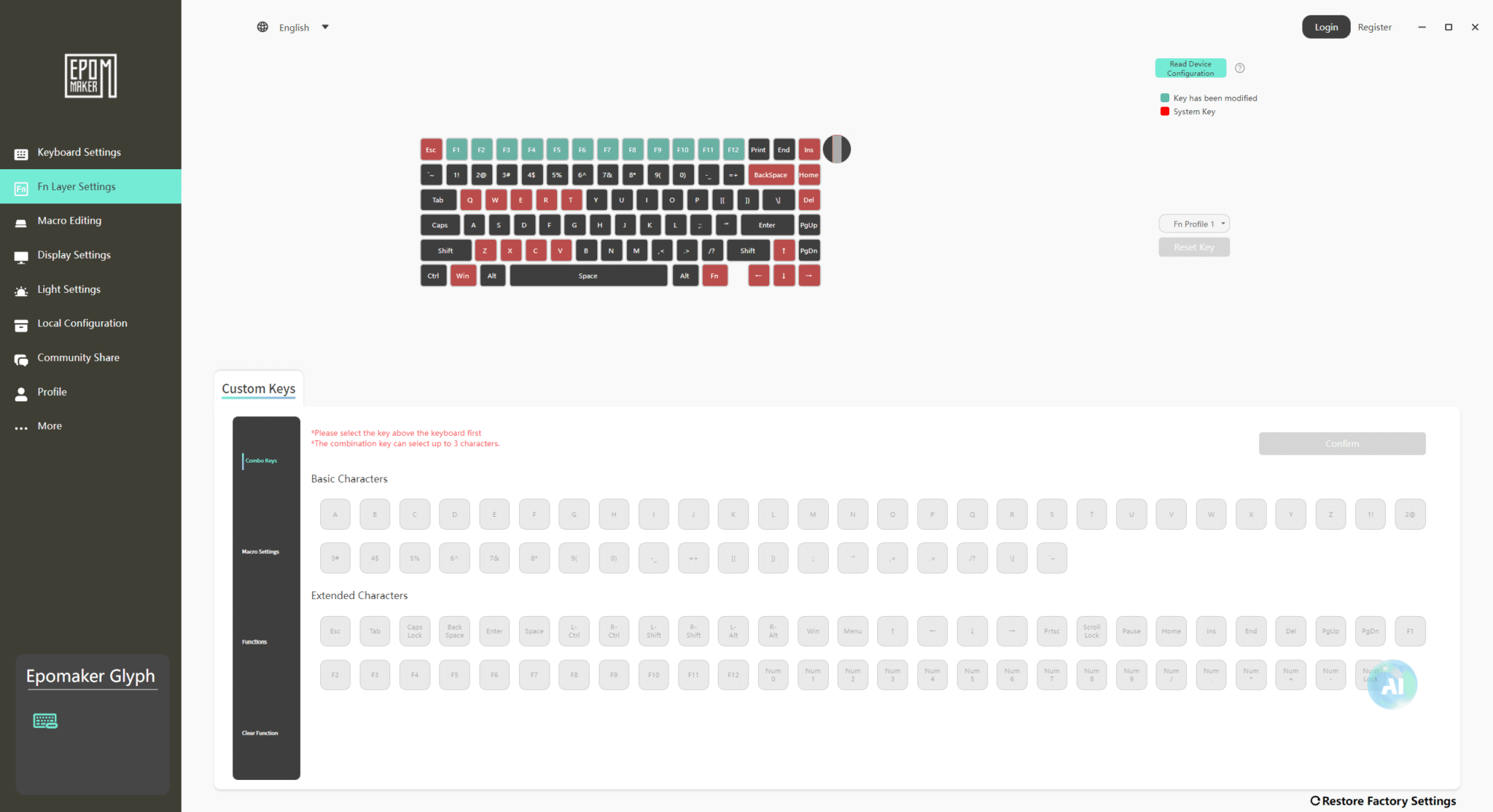 In this tab, you can change the key assignments and find the same options as in Keyboard Settings, but this time applied to the Fn (function) keys.
Macro:
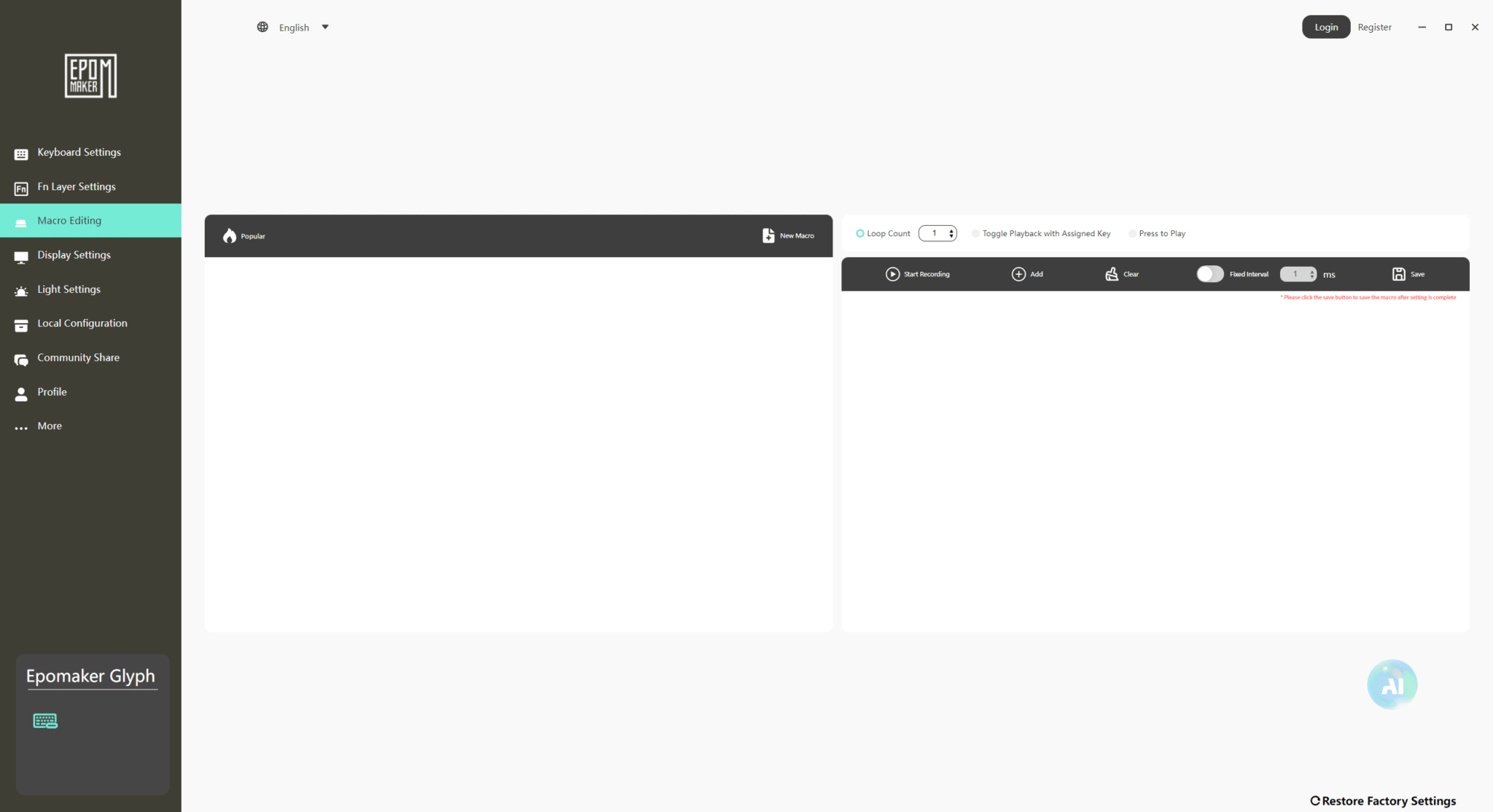 Here you will find your macro profiles and their settings.
Display Settings:
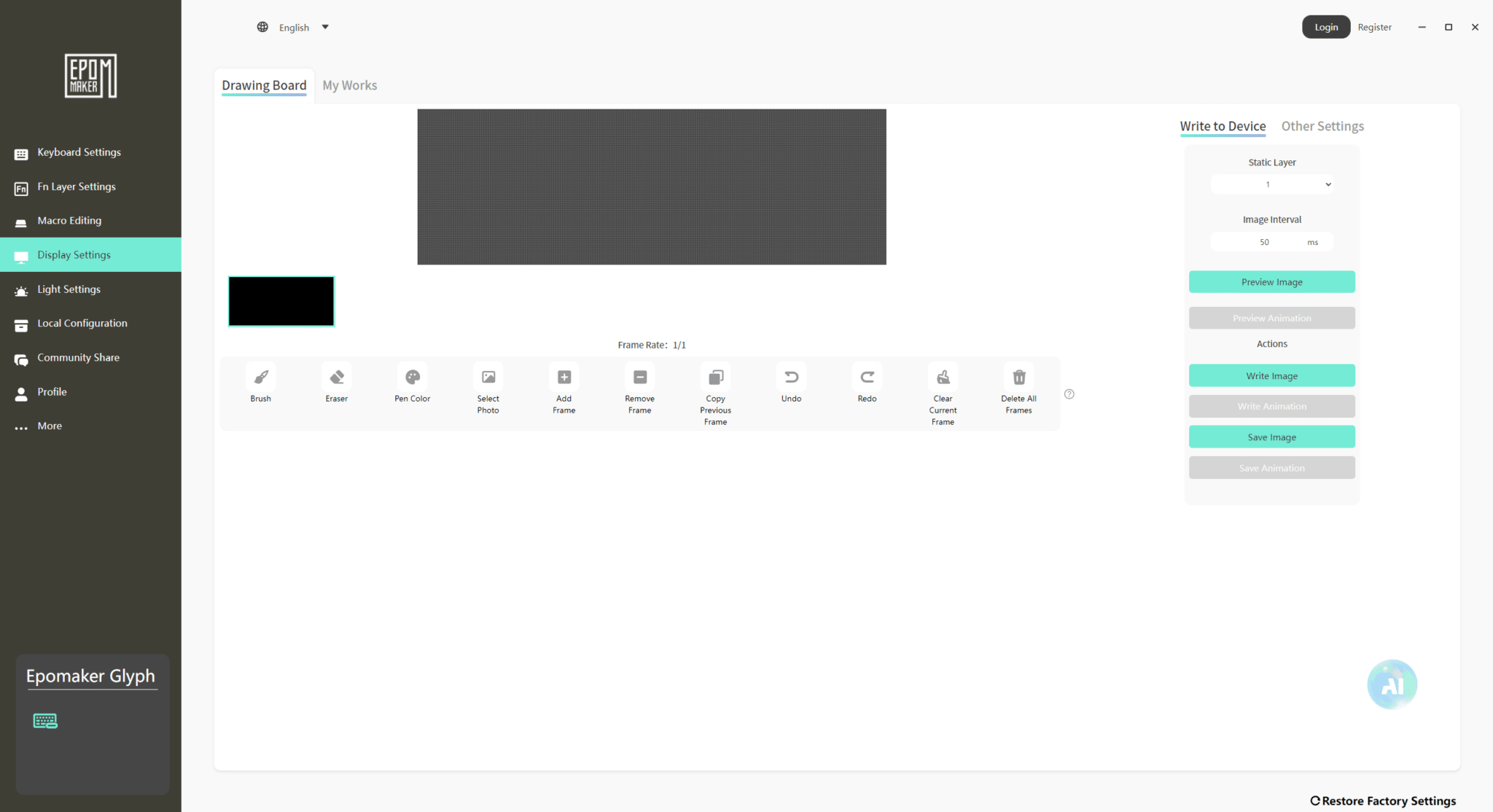 In Display Settings, you can customize the main screen located to the right of the keyboard. You can display GIFs, images, or other content of your choice.
In Other Settings, you can also synchronize certain information with Windows, such as the current date displayed on the left screen and the time on the right screen.
Light Settings:
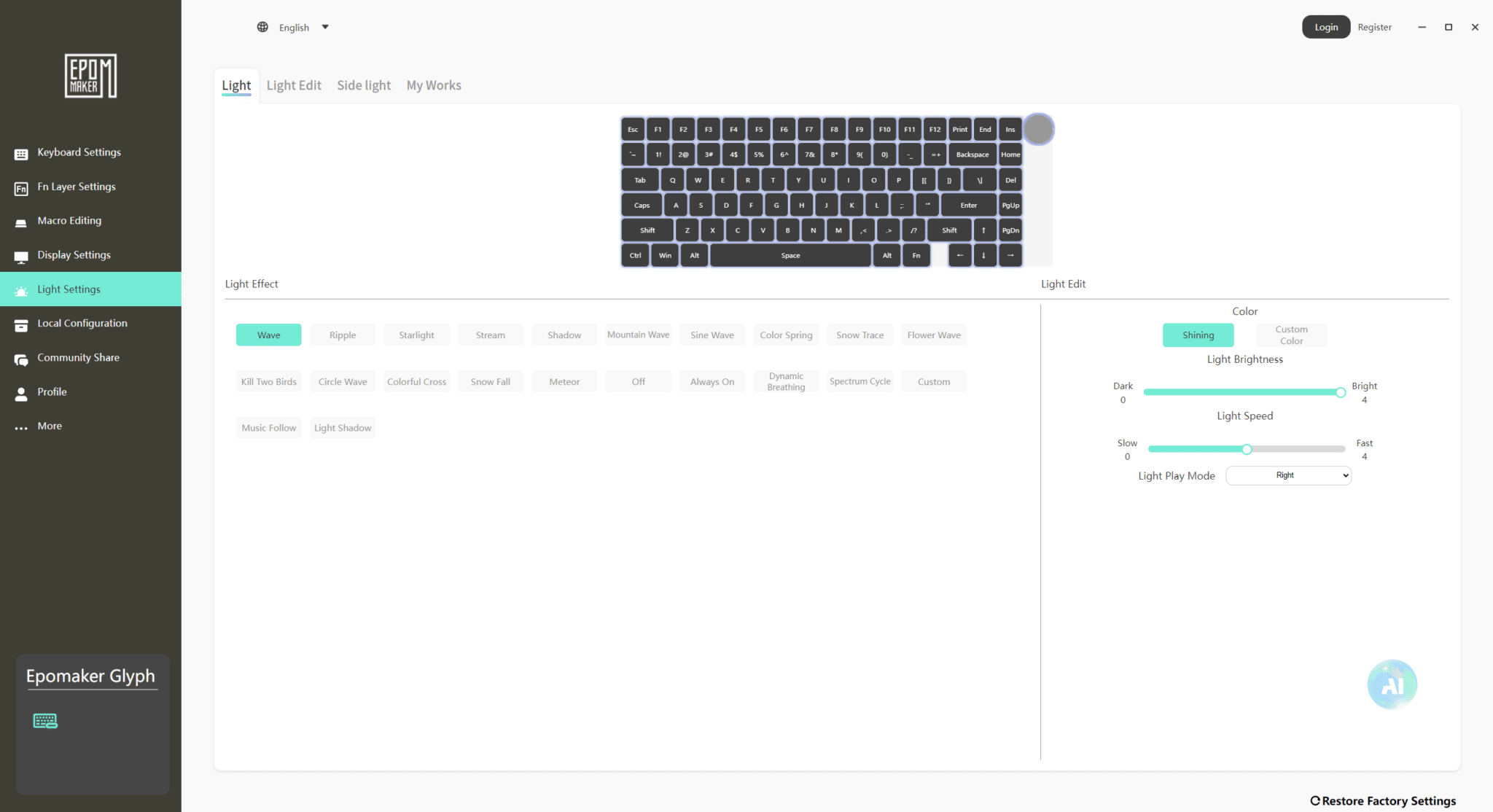 You can configure the different RGB modes, colors, and brightness of the lighting.
Community Share:
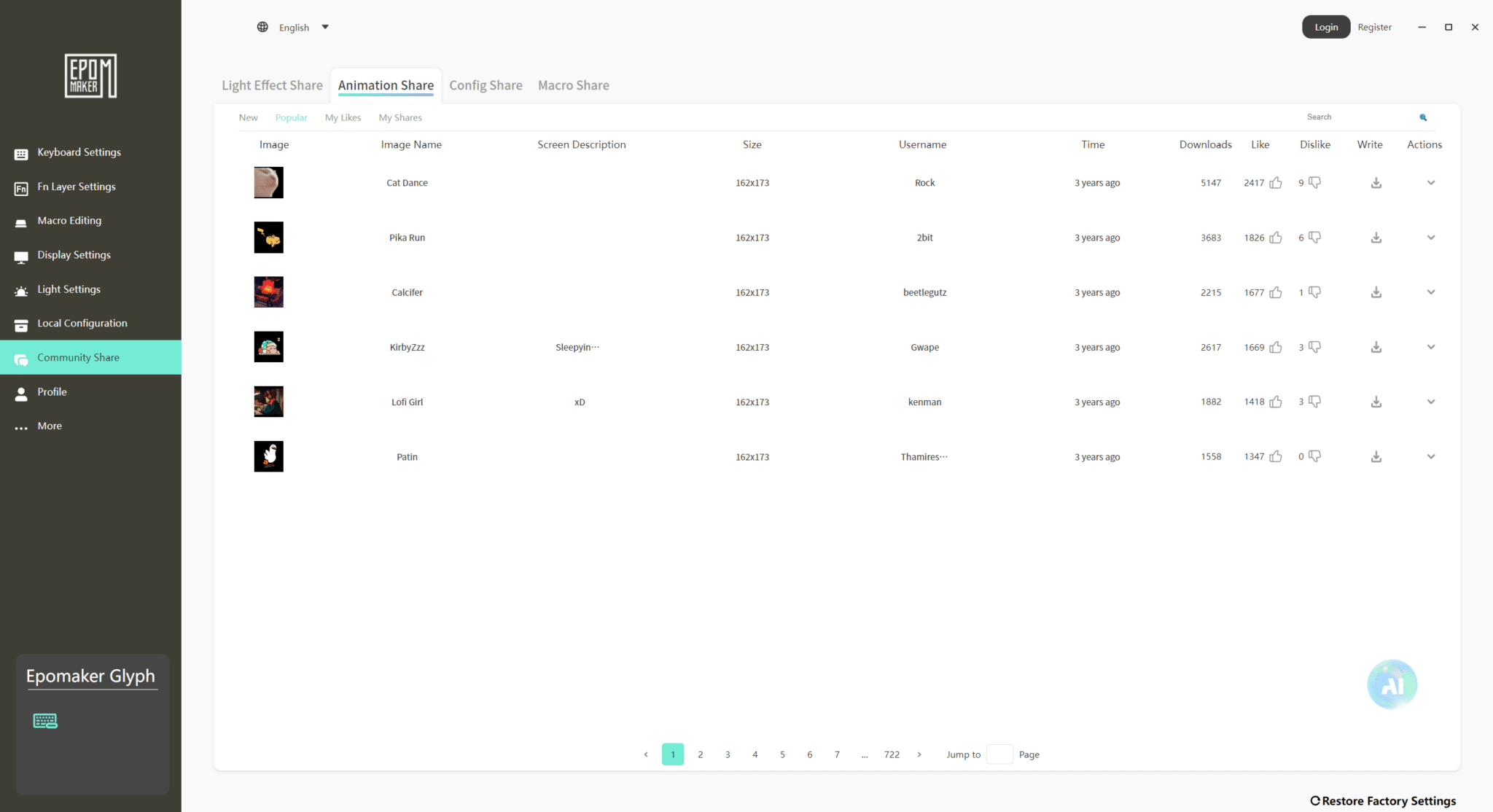 Community Share is a typical Epomaker feature that allows you to share configurations with the community. Users can download or share different profiles, such as RGB effects, GIFs for the keyboard display, and macro configurations. The Glyph is no exception and also benefits from this feature.
More:
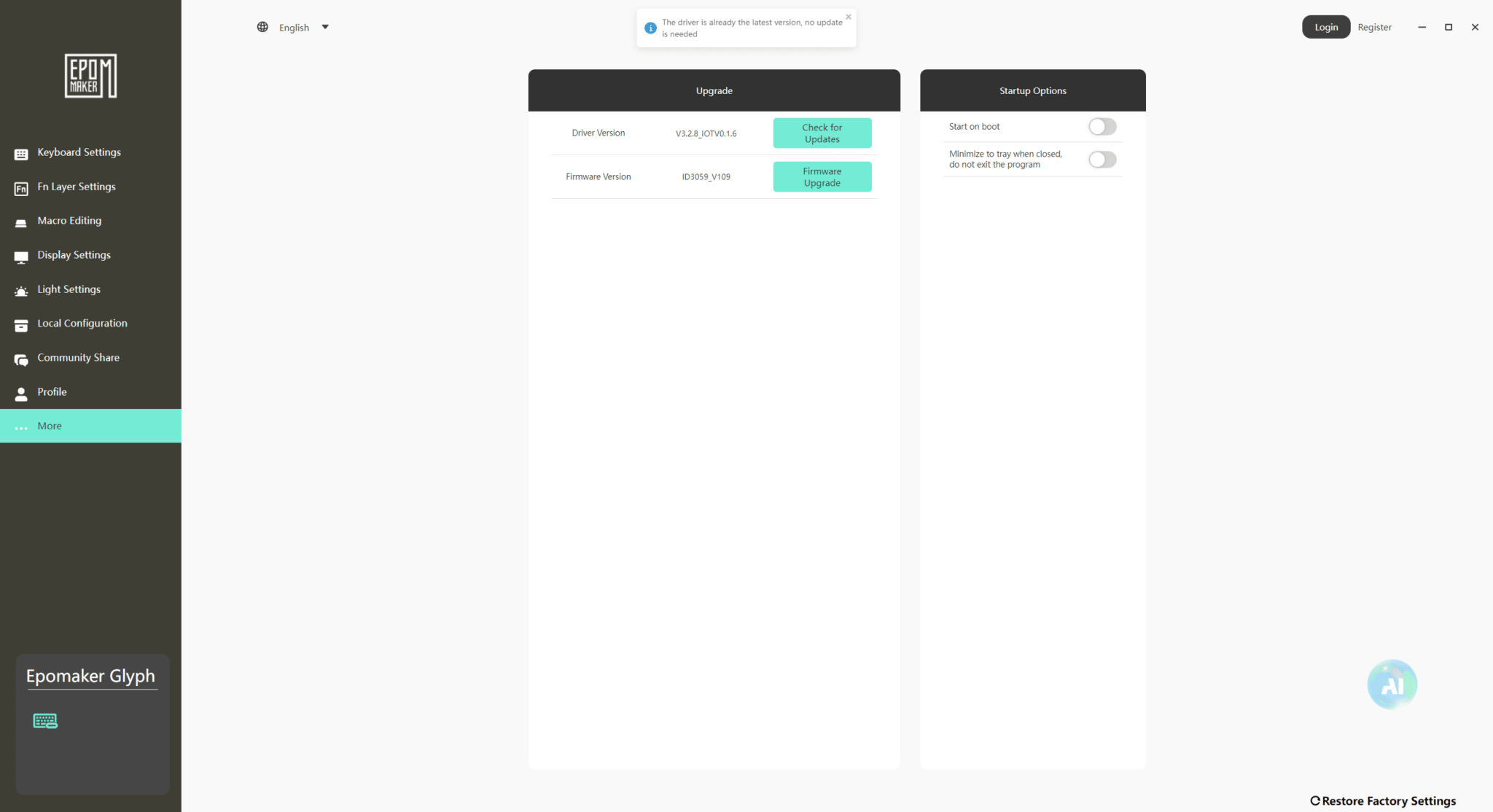 Finally, in the More tab, you will find the option to update the keyboard firmware and software driver. You can also choose whether the software should launch automatically when Windows starts and whether it should start in minimized mode.
[nextpage title=”Conclusion:”]
I was already extremely impressed by EPOMAKER in terms of value for money and finish during my initial tests, and I fell in love with the Magcore 87. But EPOMAKER has managed to surprise me again and make me fall in love with one of their keyboards.
For a price of $139, this keyboard, with its unusual, retro design, is not outrageous and is, on the contrary, rather well priced. You can tell that EPOMAKER wants to innovate and go further with its offerings with this Glyph.
For me, this keyboard is a success, both in its overall design and in the quality of the chassis, the keystroke, and the sound, not to mention its retro style inspired by typewriters.
EPOMAKER has therefore succeeded in its venture with the Glyph.
EPOMAKER’s goal was to create a keyboard that stands out from the crowd. Some may find it a bit niche, but for several years now, more and more people have been looking for unusual experiences and products in the world of keyboards. And for those who love retro, and there are many of them, this keyboard could well be the one for them.
We liked:
- The presence of pleasant, fluted PBT keys
- Factory-lubricated switches
- The two screens, including the main color screen with the ability to display GIFs
- The LED battery indicators
- The fact that it is hot-swappable
- The inclusion of a white-coated USB-C cable
- Understated and well-controlled RGB
- Excellent software (but limited in languages)
- Comfortable typing for mixed use
- Excellent sound feedback
We liked less:
- Nothing.

EPOMAKER has undoubtedly created one of the coolest retro keyboards of 2026, featuring all the best EPOMAKER has to offer in terms of finish, design, soundproofing, tactile feedback, and typing comfort.
If you want a product that excels in office use and will impress with its originality, look no further: the Glyph is for you!
Thanks again to Epomaker for providing the Glyph.