

Now that we’re in Elegoo’s good books, they’ve sent us a preview of one of their next-generation resin printers: the Saturn 4 Ultra. Yes, just 7 months after the introduction of the 3 Ultra. It’s fair to say that Elegoo’s got their hands full.
Received early, we had the chance to play with it for 15 days before presenting it to you. On the menu, Elegoo promises speed and simplicity. And that’s no mean feat for a resin printer. It’s available from today for €399. It’s an evolution of the current range, so let’s see what happens.

| Functionality | Specification |
| Technology | MSLA Stereo lithography |
| LED display | 10″ COB FCLS |
| Print volume | 218.88mm x 122.88mm x 220mm |
| XY resolution | 19×24μm |
| Layer thickness | 0.02-0.2mm |
| Z-axis accuracy | 0.02mm |
| Compatibility | ChituBox, Voxel Dance Tango |
| Control panel | 4-inch touch screen |
| Construction plate | Engraving pattern for better adhesion |
| Printing speed | Maximum 150mm/h |
| Dimensions (H x W x D) | 327.4mm x 329.2mm x 548mm |
| Demolding technology | Tilting |
| Weight | 14.5KG |
| Price | 399 € |
| Features | Extractor fan available |


[nextpage title=”New products”]
What’s new
If there’s one thing to remember about this printer, it’s this: you can print straight out of the box. No need to adjust your platter. This is a big advantage for 3D printing novices. One less parameter to control and adjust. Because more and more users are looking for a plug-and-play, rather than fiddling and multiple failed prints .
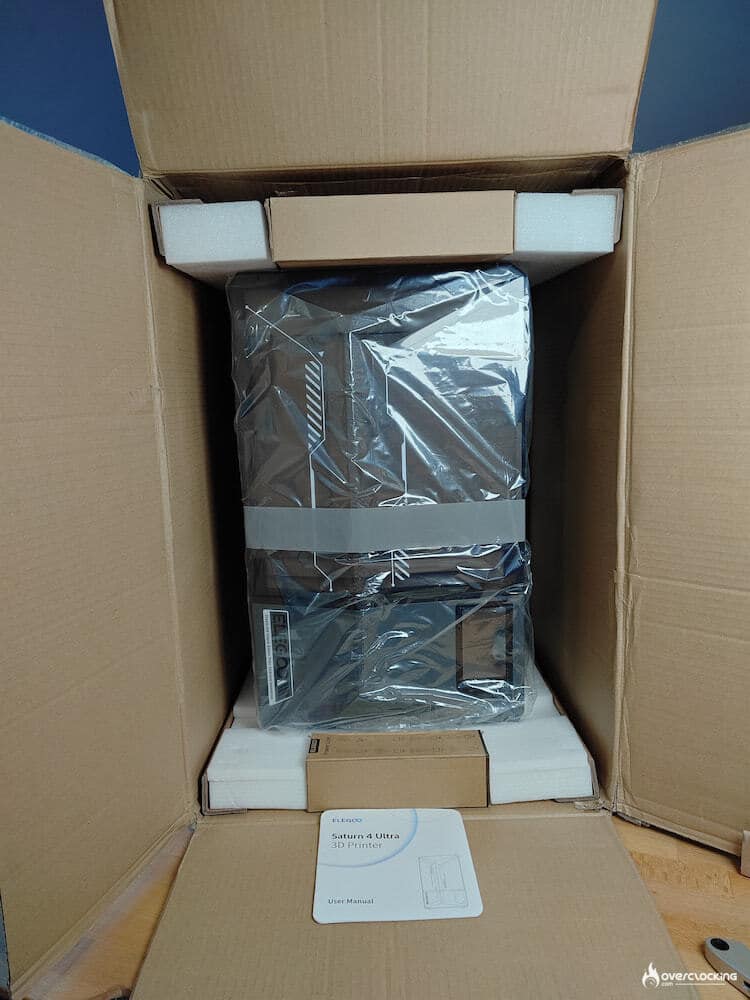
What’s more, Elegoo wants to go one step further with residue detection. We haven’t had the trouble, so it’s hard to judge, but the brand promises a system that avoids damaging the LCD screen in the event of residue at the bottom of the bin.


The printer also warns you when it’s time to add more resin to the tray, yet another addition to appease novice users.
If, like me, you occasionally have power problems, Elegoo has thought of you: the Saturn 4 Ultra will automatically pick up where you left off. Of course, we tested the functionality by simulating an unexpected power cut (yes, we pulled on the plug like savages) and on 2 attempts, one was successful, the other not completely (see photo).


Finally, we come to the new feature of the moment: artificial intelligence. Which will be accessible via Chitubox, apparently. Because, to be honest, we only got the information 2 days before the printer’s launch, so it couldn’t be tested. And by the way, we don’t even know on which version of Chitubox this feature will arrive.


But if there’s one thing that stood out for us… It’s not a technological advance, but simply the bib that comes with the printer and will help you avoid getting resin all over the place. The bib simply clips onto the tray when the printer is open. So you can detach prints, clean the platform… without getting resin all over the place. A revolution! And if you don’t feel like cleaning the bib, just put it in the sun while the resin hardens, and it’s easy to remove because the bib is so flexible. Clearly our favorite accessory.


[nextpage title=”Design”]
Design


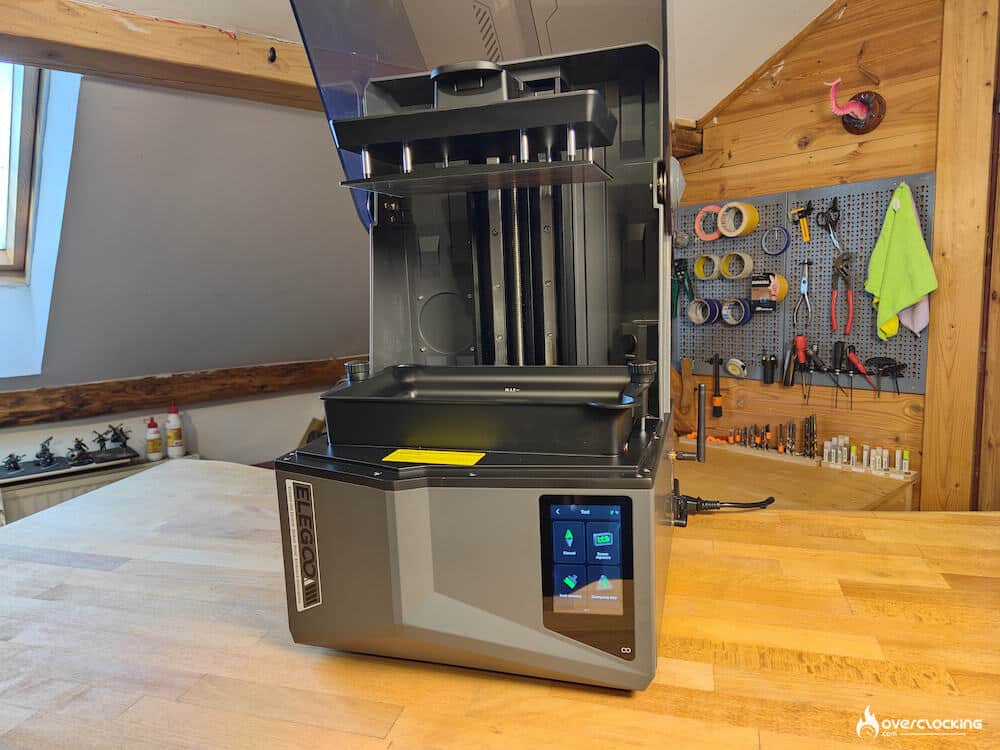
The Saturn 4 Ultra is particularly streamlined. A large black-tinted cover, an aluminum chassis and simple shapes make it very elegant. The switch, socket, USB port and Wi-Fi antenna are all on the right-hand side of the machine. A clear advantage for access, but the antenna spoils the Saturn 4 Ultra’s silhouette a little.
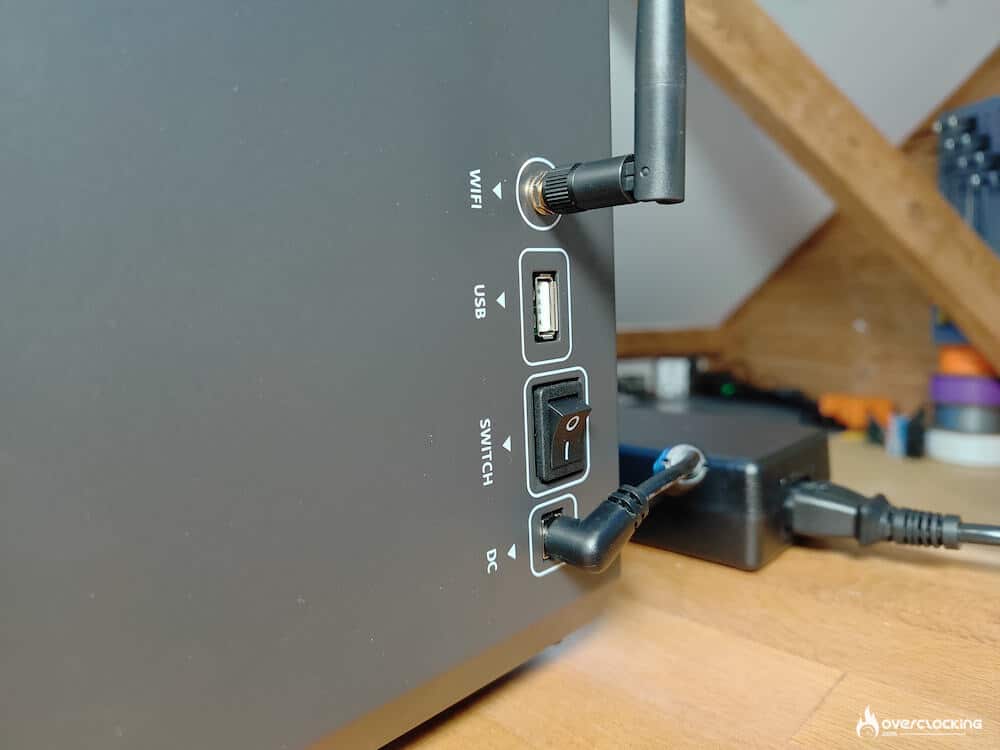
At the rear, Elegoo has provided an extraction, something we highly recommend, as resin and its fumes aren’t exactly good for your health.
The Saturn 4 Ultra loses the air purifier that the 3 had. But to be honest, with or without it… I can’t see or feel the difference. And apparently it has little or no impact on toxicity.
The Saturn 4 Ultra’s screen remains the same as the 12K screen, and the print volume also remains similar with the 3. This will allow you to use the same ACF films for your trays, but unfortunately you won’t be able to use the trays. Indeed, the new trays are clearly taller. Elegoo has redesigned the corners of the bin to allow resin to be added or poured without getting it all over the place. An improvement we particularly appreciate. If the bins have had to increase in height, this is clearly due to the tilt of the platform during printing. But there’s also a gain for the user, who can now have more than a liter in the tray for larger prints.


Inside, there’s also an “AI” camera. The quality isn’t great, with no LEDs for illumination, but above all, the angle of vision isn’t great, as it looks directly into the face through the cover, a little spy camera… But it comes with a cap if you don’t want to use it.
However, you will be able to make and share timelapses… And this idea is surely one of the good reasons why BamuLab has conquered Instagram, so why not steal it?


A few photos of other printer details.


And if you want the best tools for emptying resin from your bin, print this.

[nextpage title=”Control Panel and Software “]
Control Panel
Far from the very crude version we had on the Jupiter SE, this UI is refined. Functionality is also simple and easy to find. You’ll have access to all the files you send to the printer via Wi-Fi.
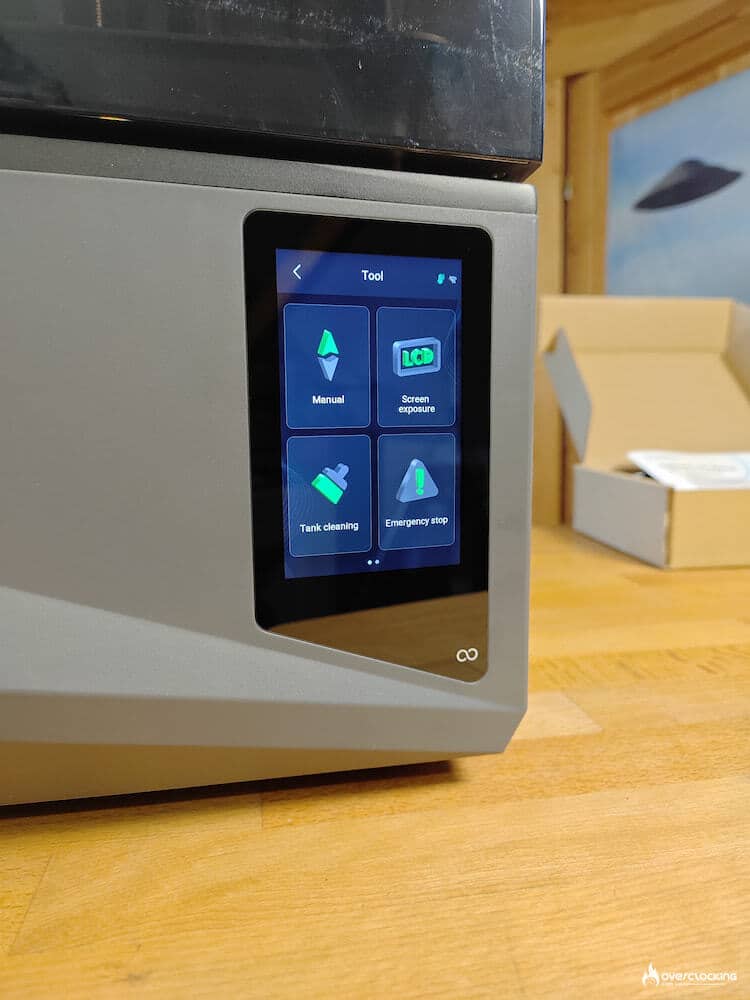
Each time it starts up, the printer calibrates itself and informs you if an update is available, rather than having to check by hand from time to time.


Software
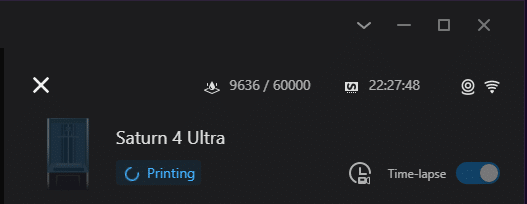
The Saturn 3 came with Voxeldance Tango, while the Saturn 4 has integrated Chitubox in depth. Having used both, I find the Chitubox slicer better (version 2 has just been released and we haven’t had time to test it). And its direct connection with printers via the Chitu Manager is brilliant. You can upload your files, inspect your projects via the camera, track the progress of your prints, and even keep an eye on tray wear.
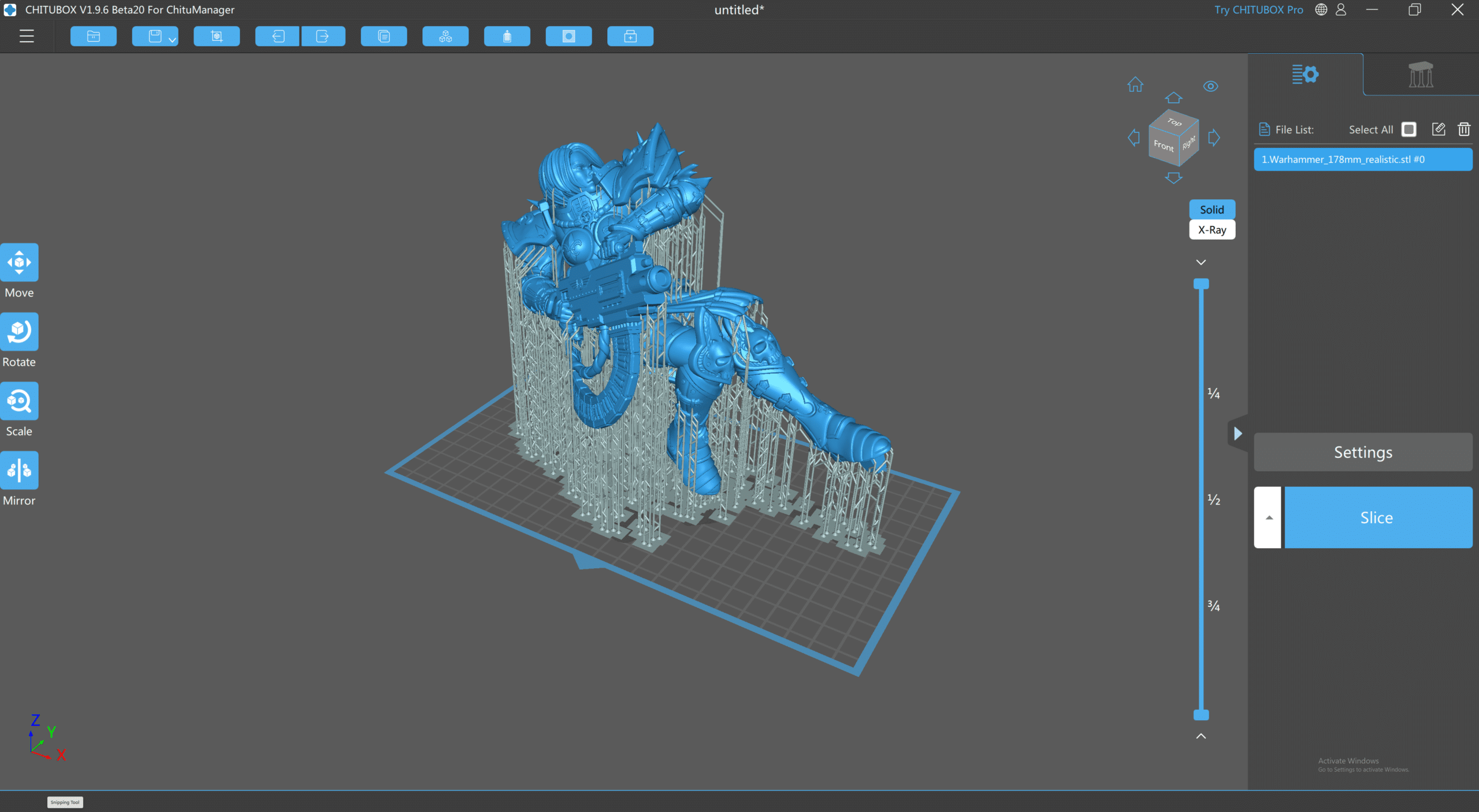


That’s probably why Elegoo now offers it with all its resin printers. But you can use Voxeldance Tango if you wish.
So we have a tray usage counter, so we know when to change the ACF film, but if you have several trays, the software doesn’t recognize or provide a way of switching between several counters. A feature that would be simple to implement.
[nextpage title=”Print quality & Speed”]
Print quality
During printing, it’s the Saturn 4 Ultra’s tray that tilts to detach the last printed layer. In fact, there is very little movement on the vertical Z axis. A new technology for Elegoo, which also seems to improve precision.
As a matter of habit, and because you want to test the printer as soon as it’s installed, you start printing the tower. And even before touching any parameters, the printout is clear.


Then the real precision test. Once again, we didn’t change the printer’s default settings.


Now for the fun part, take a look at the fine detail on our figures. It’s hard to tell they’re 3D prints, and the little line will fade with the first coat of primer.


Speed
When it comes to speed, the Saturn 4 Ultra is no better than its big sister. In fact, it retains the ACF film, which enables rapid demolding of each layer. And despite more complicated tray and tank movements, it continues to print 150 mm per hour on the Z (vertical) axis. It’s the best available today. Finally, you’ll be able to find a faster press, but at the expense of print quality and probably with a much shorter life for the film in the tray. In our tests, the Saturn 4 Ultra always came close to this printing speed, which was not the case with the Jupiter SE, which could reach this speed but with major compromises on layer thickness. Here we can clearly see that the new tray tilting system greatly reduces the time between layers.
[nextpage title=”Conclusion”]
Conclusion
The Elegoo Saturn 4 Ultra is yet another step towards making resin 3D printing more accessible and, above all, less of a mess to clean up. Because yes, what won us over right away wasn’t the AI features… it was the bib, and anyone with a resin printer will understand. And for the rest of you, imagine not having to wear gloves, and using half a roll of paper to clean up after each print.
Chitubox integration provides the other piece of the puzzle: once the printer is connected, there’s no need to use a USB key, no need to stand in front of the printer to make sure that printing is going well. Everything can be done via Chitu Manager.
But is it perfect? Not quite: there is always room for improvement. But if you’re going to invest in a resin printer, it’s highly recommended, whether you’re a beginner or an expert. The Saturn 4 Ultra is available for €399 directly from Elegoo’s website.
We liked:
- Design
- Chitu Manager integration
- Auto calibration
- The bib
- The price
Our least favorite :
- Camera position
ELEGOO Saturn 4 Ultra
 In the end, the Saturn 4 Ultra is clearly a high-performance printer. Its prints are of superb quality, it’s refreshingly easy to use, and that resolution? Magnificent. I have almost nothing negative to say. Indeed, anyone who buys one will probably not be disappointed. For us, it’s platinum.