

A few weeks ago, we presented Thermal Grizzly’s new Mycro Pro waterblock. There are two versions, one compatible with the AMD AM5 socket and the other with the Intel LGA 1851 socket. The good news is that we’ve just received a copy of the LGA 1851 version. We already had the opportunity to review the Mycro Direct-Die Pro version during the delid of the AMD Ryzen 9 9900X processor, which we carried out with the tools of… Thermal Grizzly, of course.
This is Thermal Grizzly’s “first” waterblock before the arrival of its top-of-the-range model, the DeltaMate, scheduled for this summer. The other blocks in the catalog are models for delid processors .

Thanks to Thermal Grizzly for sending us a copy, as well as the many DeltaMate tips, which we’ll be telling you more about very soon.
[nextpage title=”The Mycro Pro RGB LGA 1851 TG:”]
So it’s a copy compatible with socket LGA 1851 that we’ve received. The idea is to test it with the new range of Core Ultra 5 250K Plus and Core Ultra 7 270K Plus processors. They are, of course, backwards compatible. The AM5 Mycro Pro RGB can be used with AM4 motherboards, while the Intel 1851 Mycro Pro RGB is compatible with socket LGA1700. Pricing: the AM5 model is available at 139.90 euros, and the Intel 1851 version at 144.90 euros.
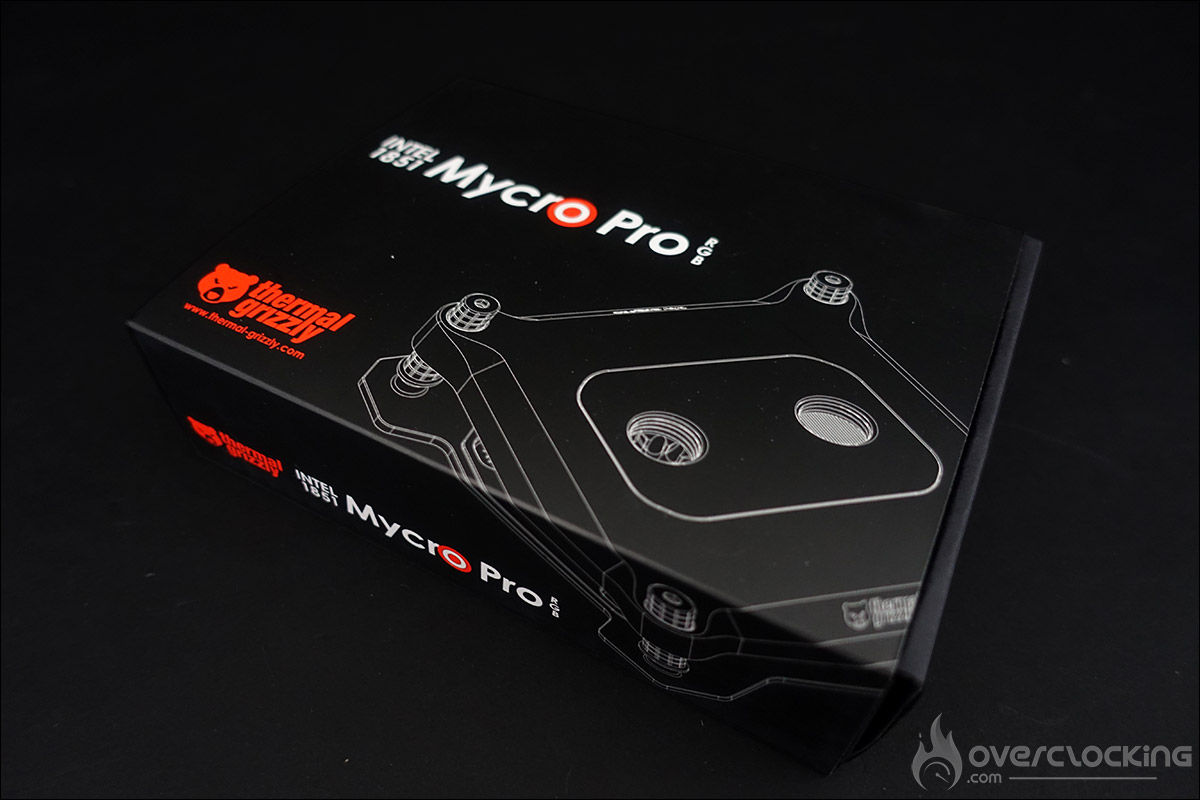
Mycro Pro RGB LGA 1851 packaging:
The packaging is in the same spirit as the rest of Thermal Grizzly’s products. We’re treated to a box in the brand’s colors. As usual, the bundle includes a 600 mbar pressure test protocol sheet for our example, ensuring that you receive a fully operational block right out of the box.
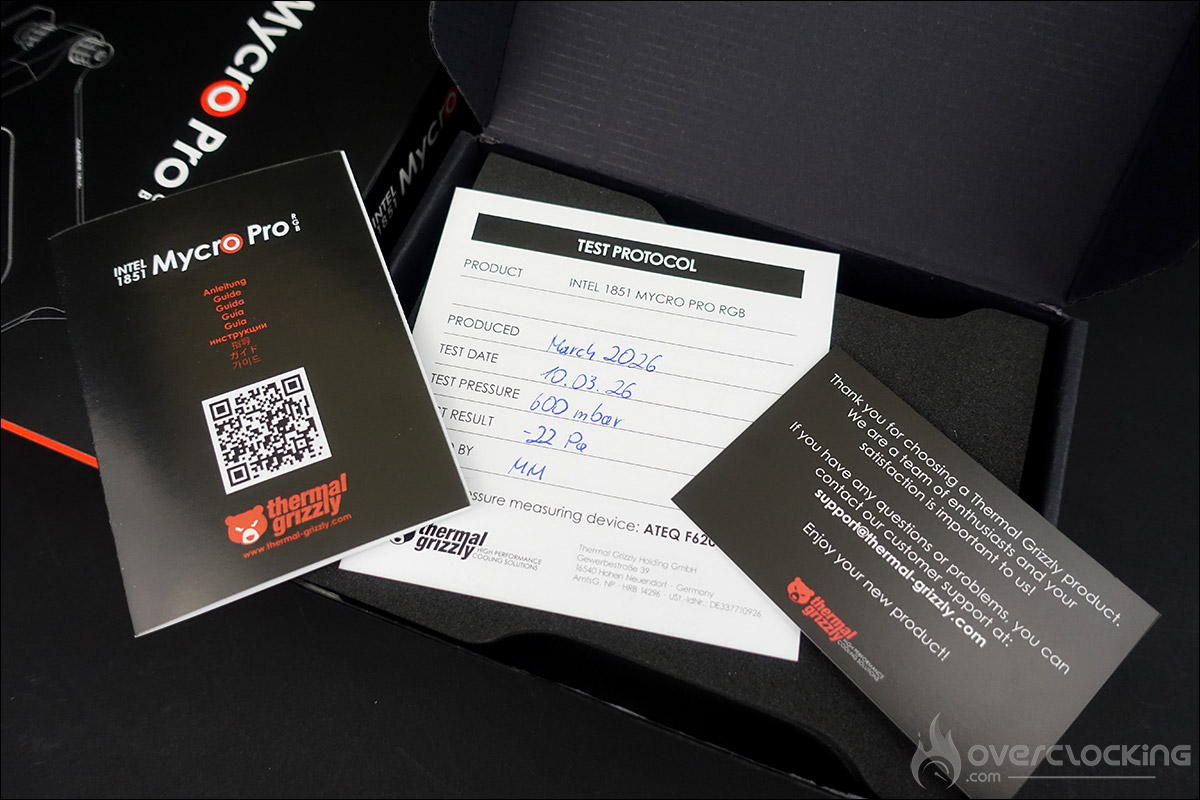
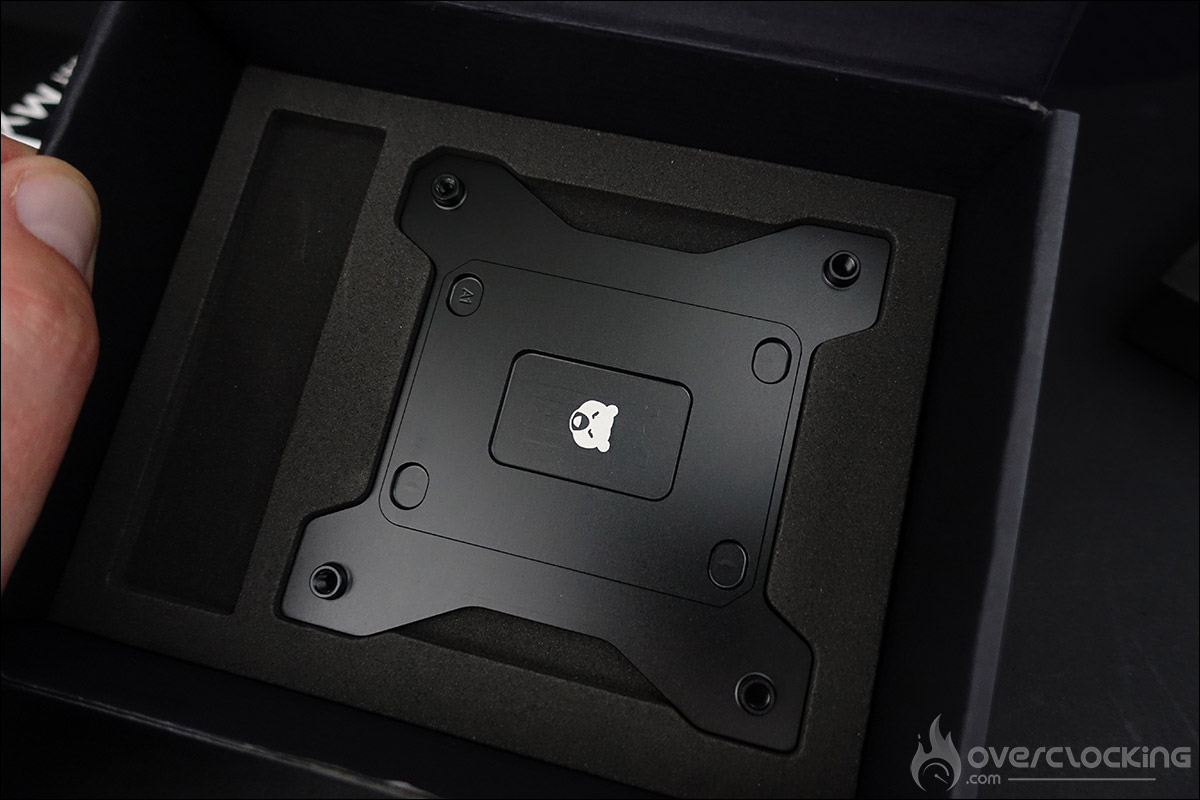
Also included is a thank-you card and a quick installation guide. Beneath the foam protection, we discover our waterblock and the various screws required for its installation. The final element is the backplate, mandatory for socket LGA 1851. The AMD AM5, on the other hand, requires no backplate.
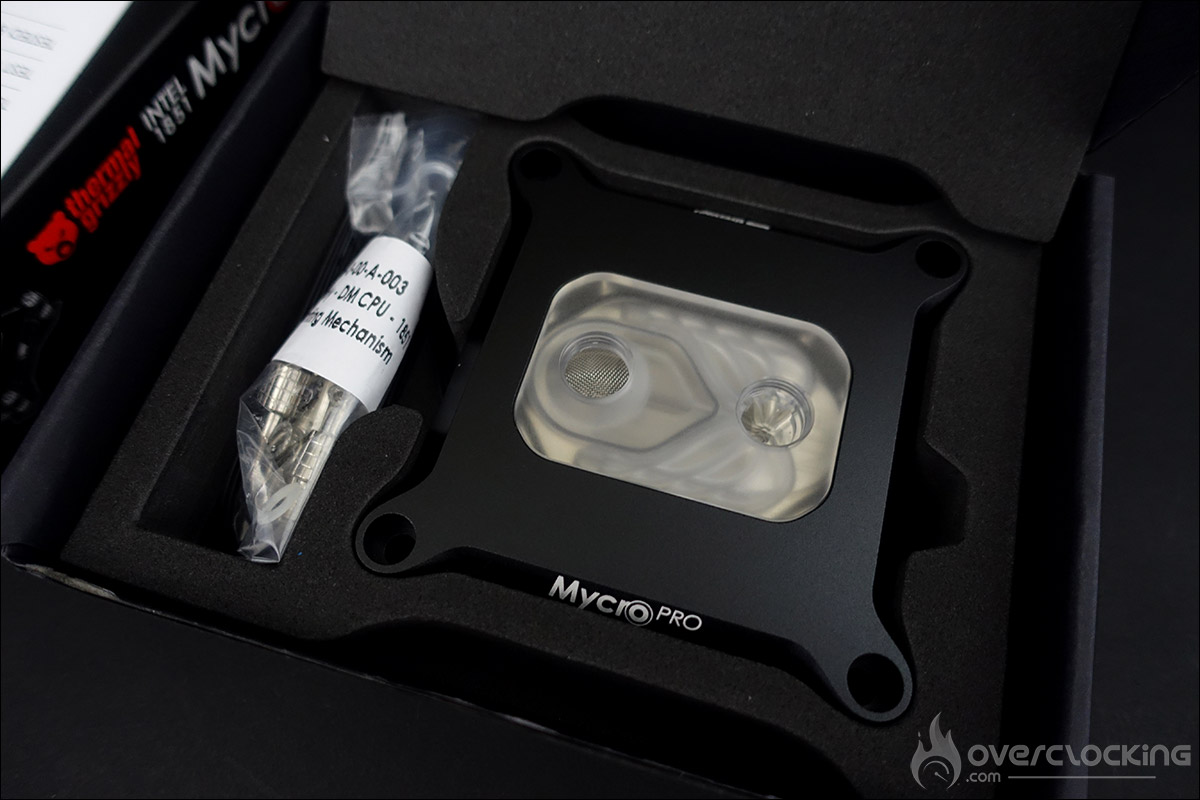
If we had to be a little picky, we’d have liked to see a small tube of Thermal Grizzly thermal paste included in the bundle.
Mycro Pro RGB LGA 1851 waterblock:
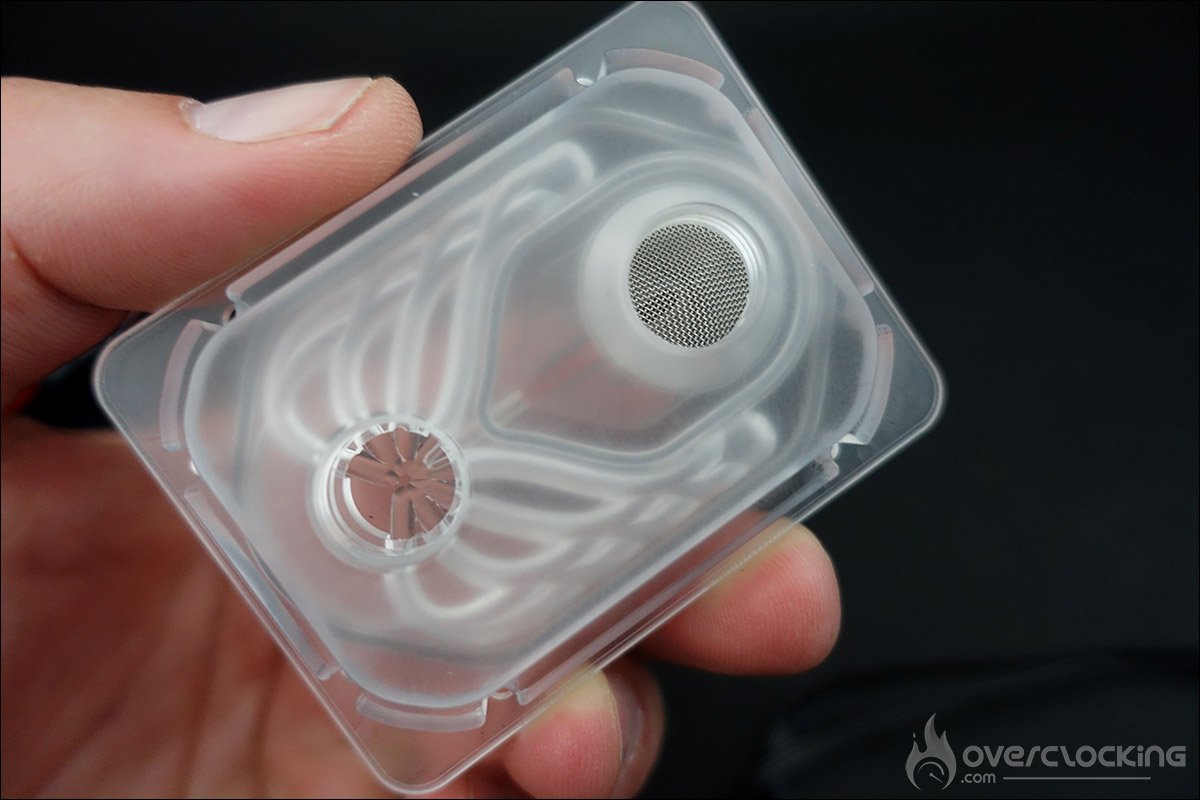
The more attentive will have noticed the presence of a filter at the waterblock inlet. Its purpose is to capture any particles that may be present in your liquid cooling loop. These could be small copper deposits from a new radiator, for example.
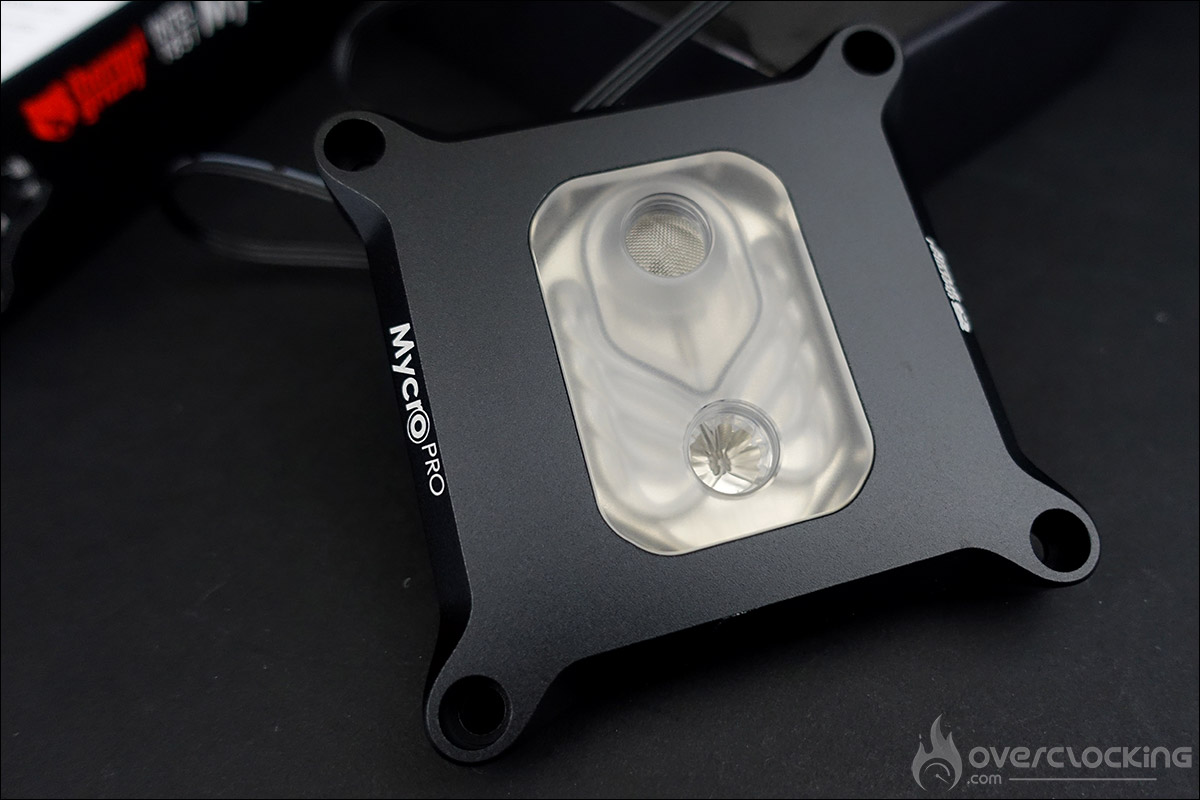
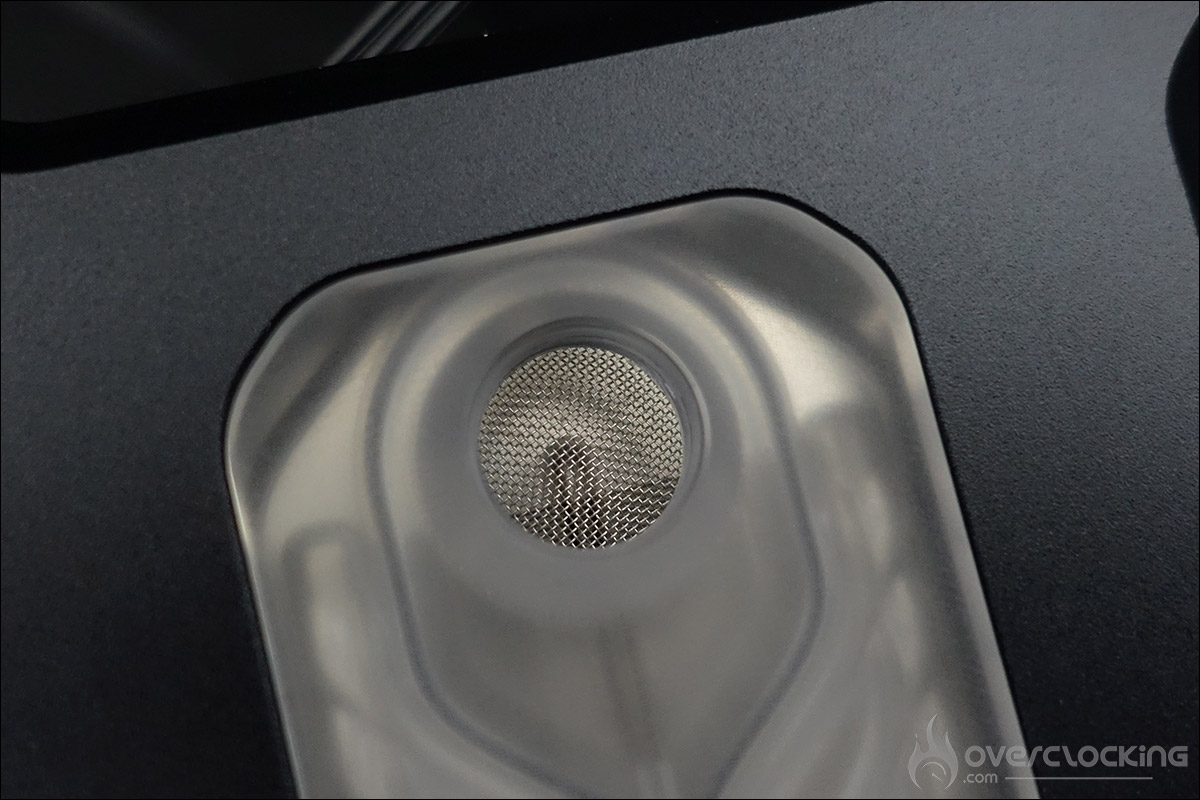
If deposits get stuck in the micro-fins, this will reduce the flow rate of your cooling loop, lower cooling performance and lead to higher CPU temperatures. The filter can of course be cleaned if necessary.
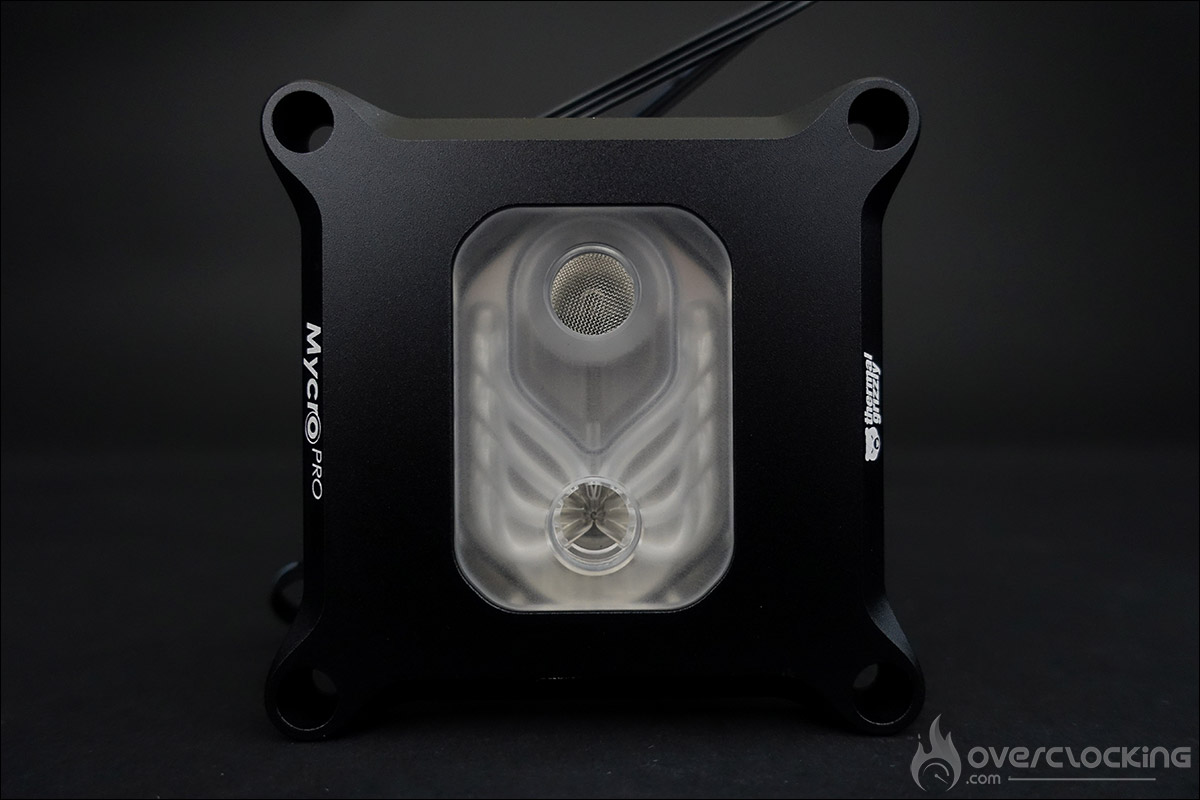
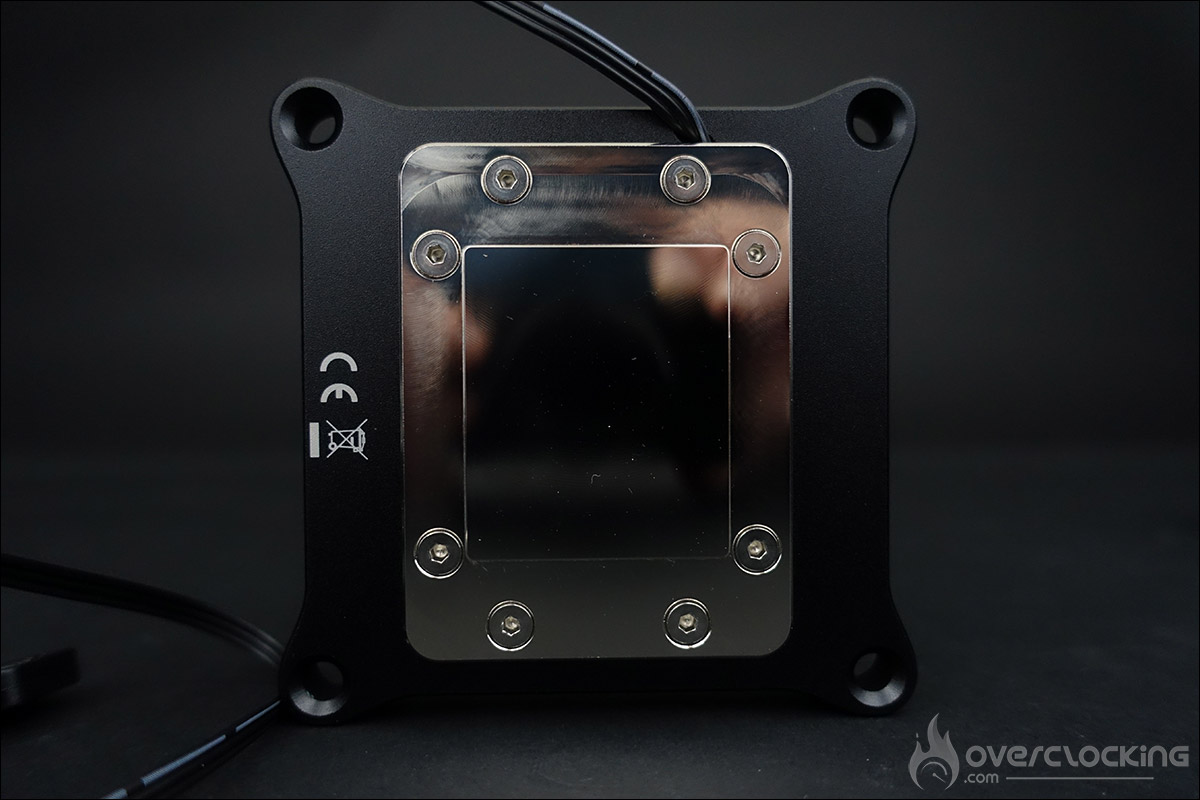
This new waterblock features a nickel-plated copper base fitted with micro-fins. In the case of Mycro Pro RGB coolers, the height of the fins is 0.2 mm. The AMD version has 68 fins, while the Intel model has 70. This high number of fins provides a very large surface area over which the coolant can dissipate heat quickly and efficiently.
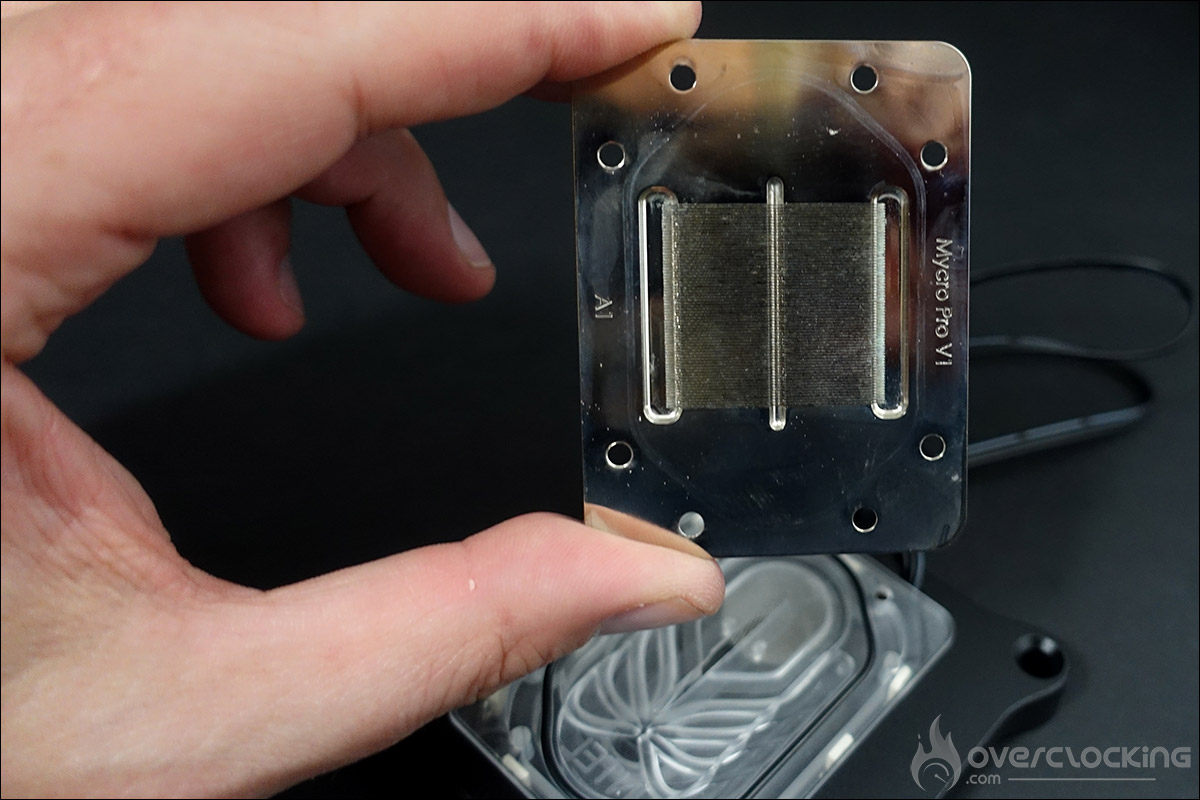
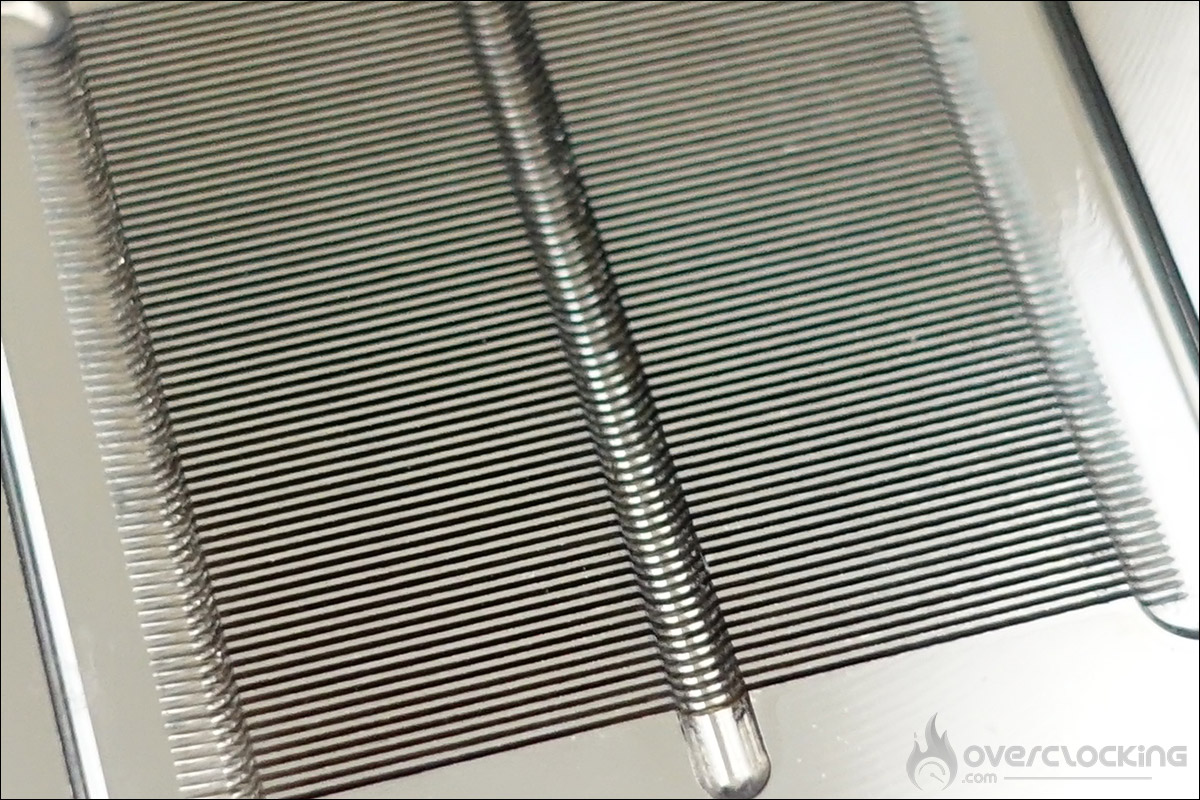
For the rest, there’s a tempered acrylic glass top and a flat acrylic jet for optimized flow. As you can see from the photos, the whole unit is machined from a single piece. The O-ring is there to ensure watertightness.
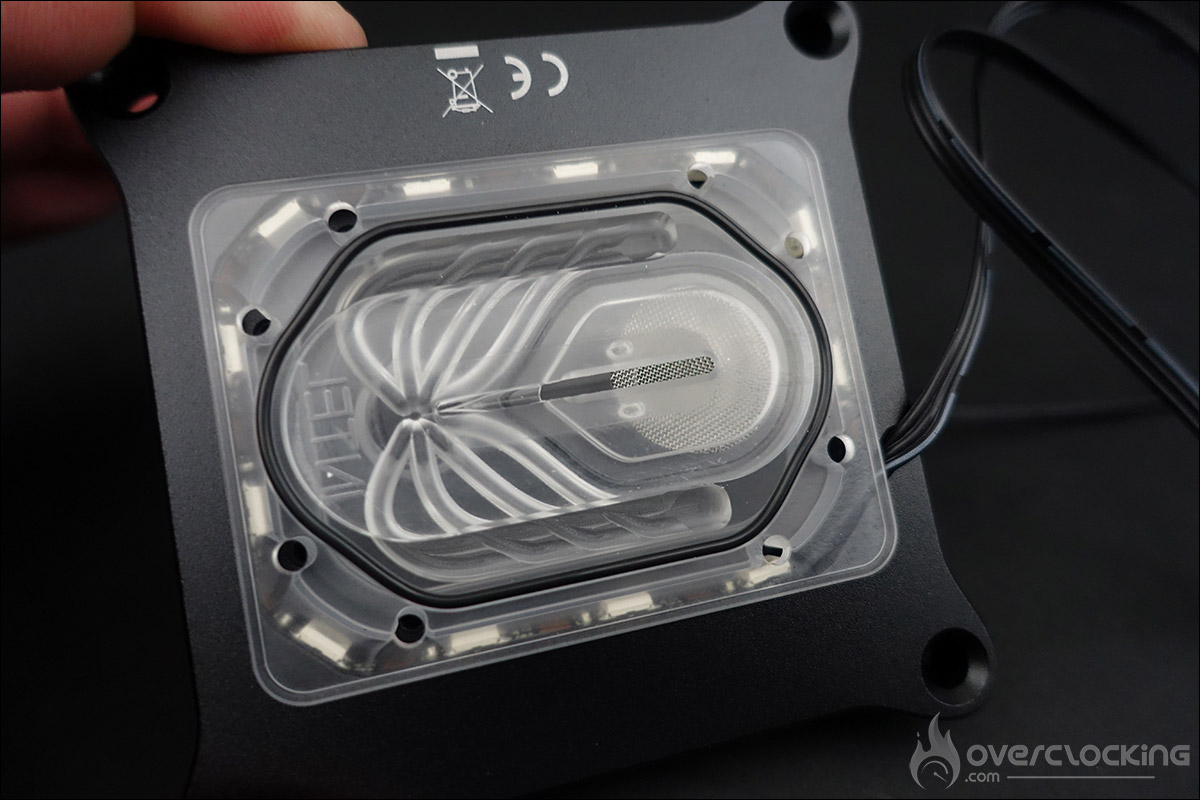
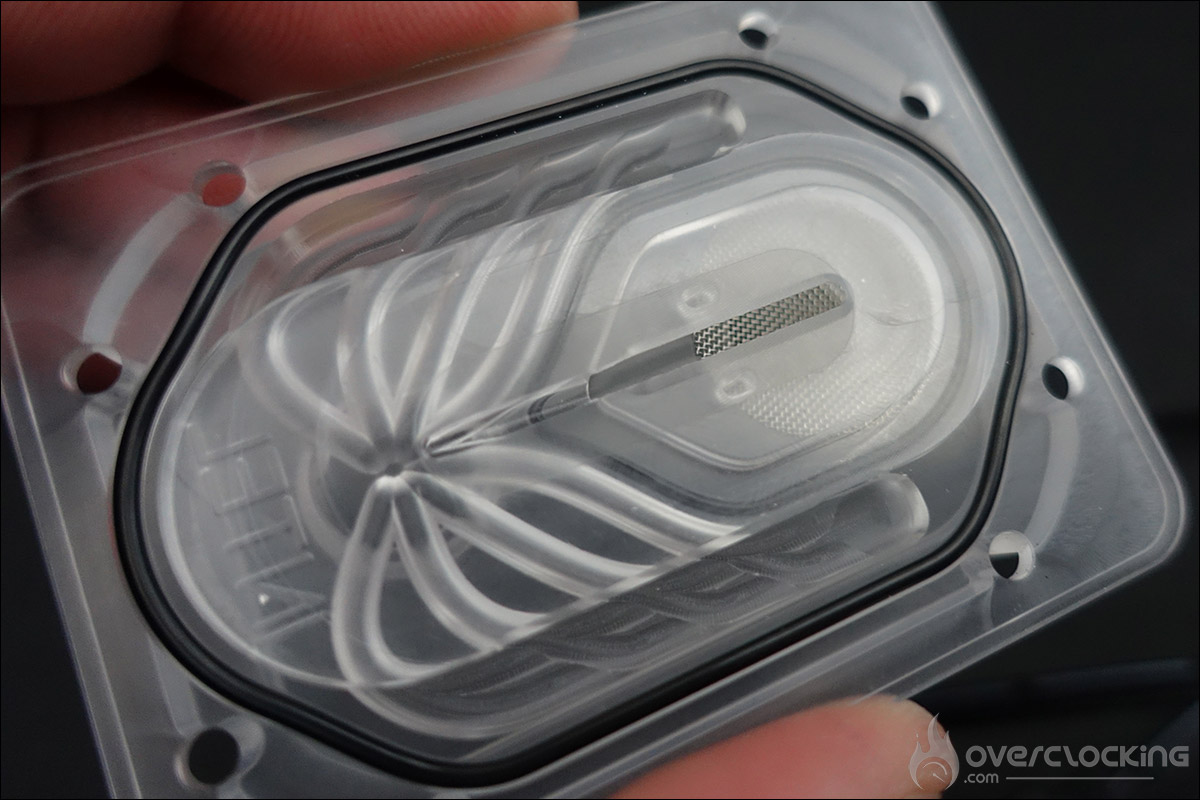
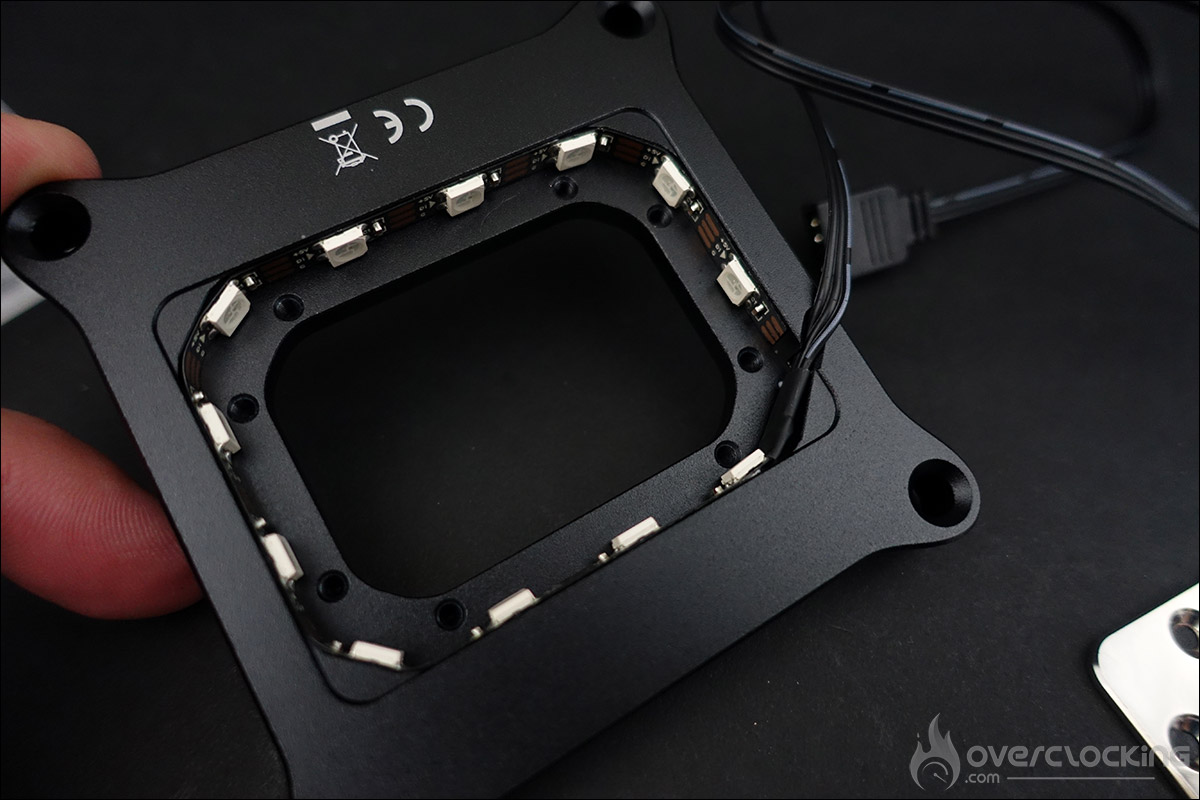
The waterblock contour is in black anodized aluminum. The various LEDs in the RGB strip are clearly visible. If you’re not a fan of backlighting, it can be easily removed. Inputs and outputs are, of course, G1/4″ compatible.
Thermal Grizzly’s Mycro Pro RGB LGA 1851 waterblock is now ready for testing. As mentioned, we’ll be testing it with Intel’s latest processors, the Core Ultra 5 250K Plus and Core Ultra 7 270K Plus. The motherboard used will be the ROG Maximus Z890 APEX.
Once again, thanks to Thermal Grizzly for sending us a copy, as well as the many DeltaMate tips, which we’ll be telling you more about shortly.