

RTX 50s are coming to notebooks. We were already able to introduce you to the huge product family from Asus and MSI during our visit to CES 2025. But now we’re going to be able to go into more detail, and the next few weeks will be punctuated by several new releases. The fact remains that with the RTX 50s, Nvidia has still not corrected a real problem with the readability of its range. While desktop GPUs can achieve significant TDP levels, size, weight and battery life restrictions limit the power of Nvidia’s notebook GPUs. However, these GPUs use the same name as their desktop counterparts. As a result, we end up calling ‘carrots’ ‘potatoes’ and vice versa.
Laptops: the name of the GPU is not a reliable indicator of performance.
Let’s understand the situation: Nvidia makes GPUs available to laptop manufacturers, taking the example of an RTX 5090. The manufacturer applies a TDP to this GPU depending on the use of its product, the cooling capacities of the chassis, the autonomy, etc. Depending on the manufacturer’s choice on this precise point, your RTX 50 mobile graphics card may display very different performance profiles. An RTX 5090 for a 65 W laptop will perform very differently from a 165 W version. And the problem? For the majority of end customers, it will still be an RTX 5090.
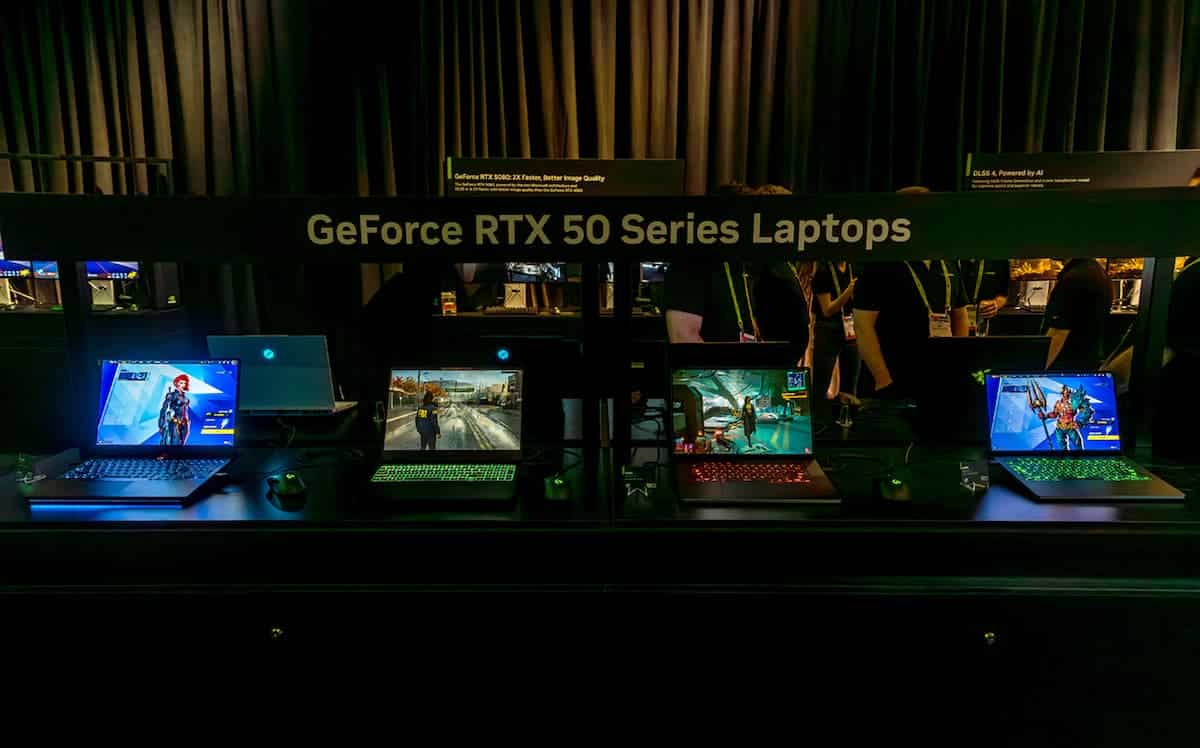
Nvidia is demanding, with varying degrees of insistence, that manufacturers communicate the TDP they apply to the GPU on each of the products in their range. Obviously, this results in a name that is largely indigestible in the eyes of the consumer. So, as with the previous RTX 40 range, we can see that the brands are not really rushing to communicate on the subject when we look at the product sheets for the new models.
The presence of the GPU name on the product sheet of your future laptop doesn’t reveal much about its overall performance. Unlike the desktop PC market, even if the RTX 50 GPUs used in your next laptop have the same model name, it’s highly likely that from one brand to another, from one range to another, these laptops won’t offer the same performance at all.
Usage (gaming or creative work, for example) and chassis design are therefore key factors. Bear in mind that RTX 50s come with different performance profiles. From 80 to 175 watts for the RTX 5080 or from 95 to 175 watts for the RTX 5090). And to make things even more complicated, it’s also possible to determine whether Dynamic Boost 2.0 should be used: in increments of 5 watts from 0 to 25 watts.
An overall test becomes an essential element if you want to have all the cards in your hand before your purchase. In games, for example, the RTX 5090 and 5080 can show performance differences of 23 and 36% respectively, depending on the machine tested.
| Model | tDP margin | Increase in performance within the tDP range |
|---|---|---|
| Notebook GPU RTX 5090 | 95 – 150 watts | 23 percent |
| RTX 5080 Notebook GPU | 80 – 150 watts | 36 percent |
| RTX 4090 Notebook GPU | 80 – 150 watts | 39 percent power |
| RTX 4080 Notebook GPU | 60 – 150 watts | 58 percent |