
[nextpage title=”Introduction”]Bambu Lab has just released the H2S, the H2D‘s little sister, so when the brand offered to send us the latter, we jumped at the chance. Released 6 months ago, the printer wasn’t unanimously acclaimed, but Bambu Lab never stops optimizing and improving its printers, so what’s it like today?
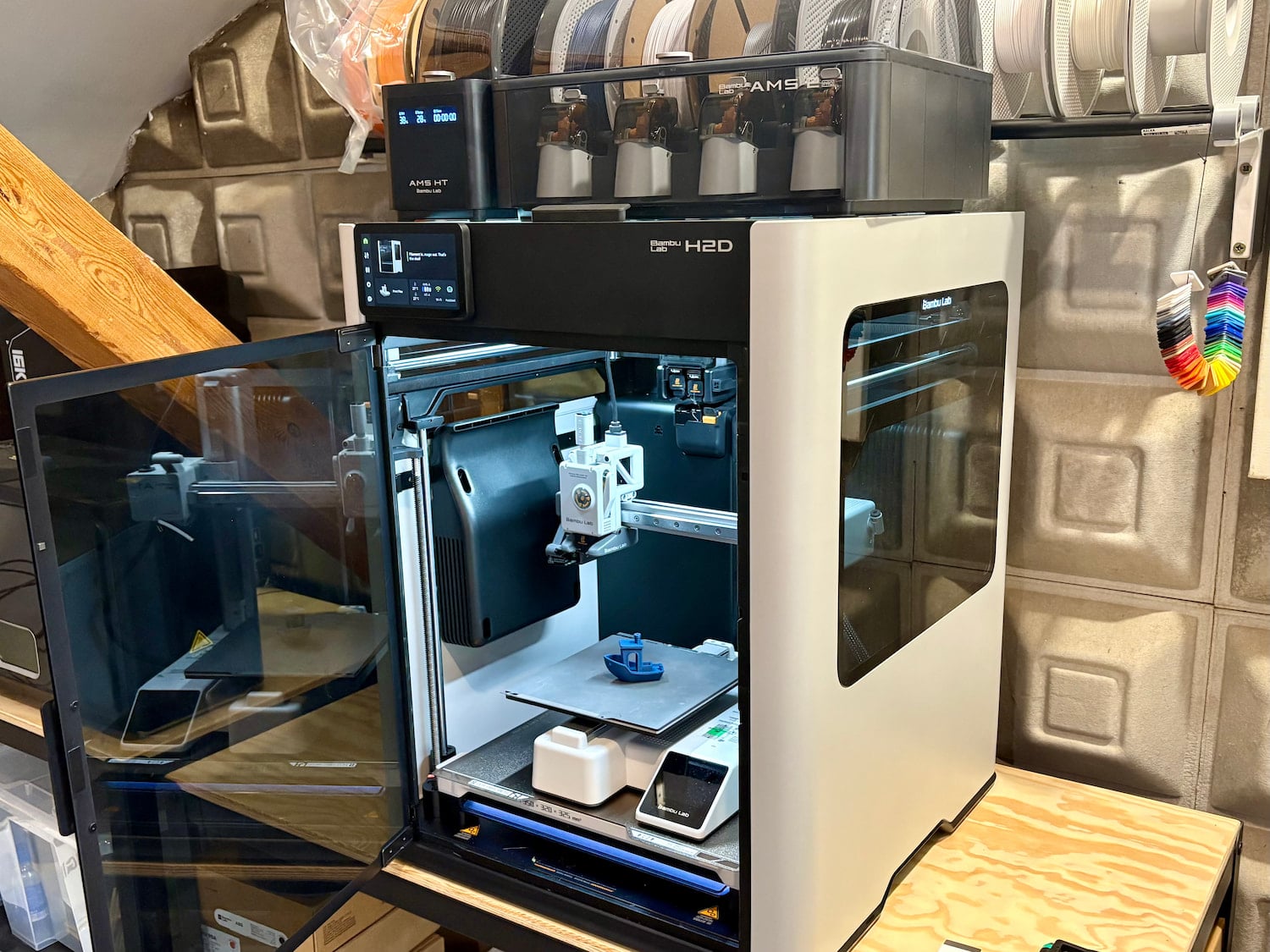
The Bambu Lab H2D is designed to be a small factory in its own right, capable of 3D printing, of course, but also laser engraving/cutting, drawing, etc. All this in an XL format measuring 325 x 320 x 325 mm.
The brand’s strength lies, of course, in its ease of use, with a simplistic software suite on PC or smartphone, and its free MakerWorld design catalog.
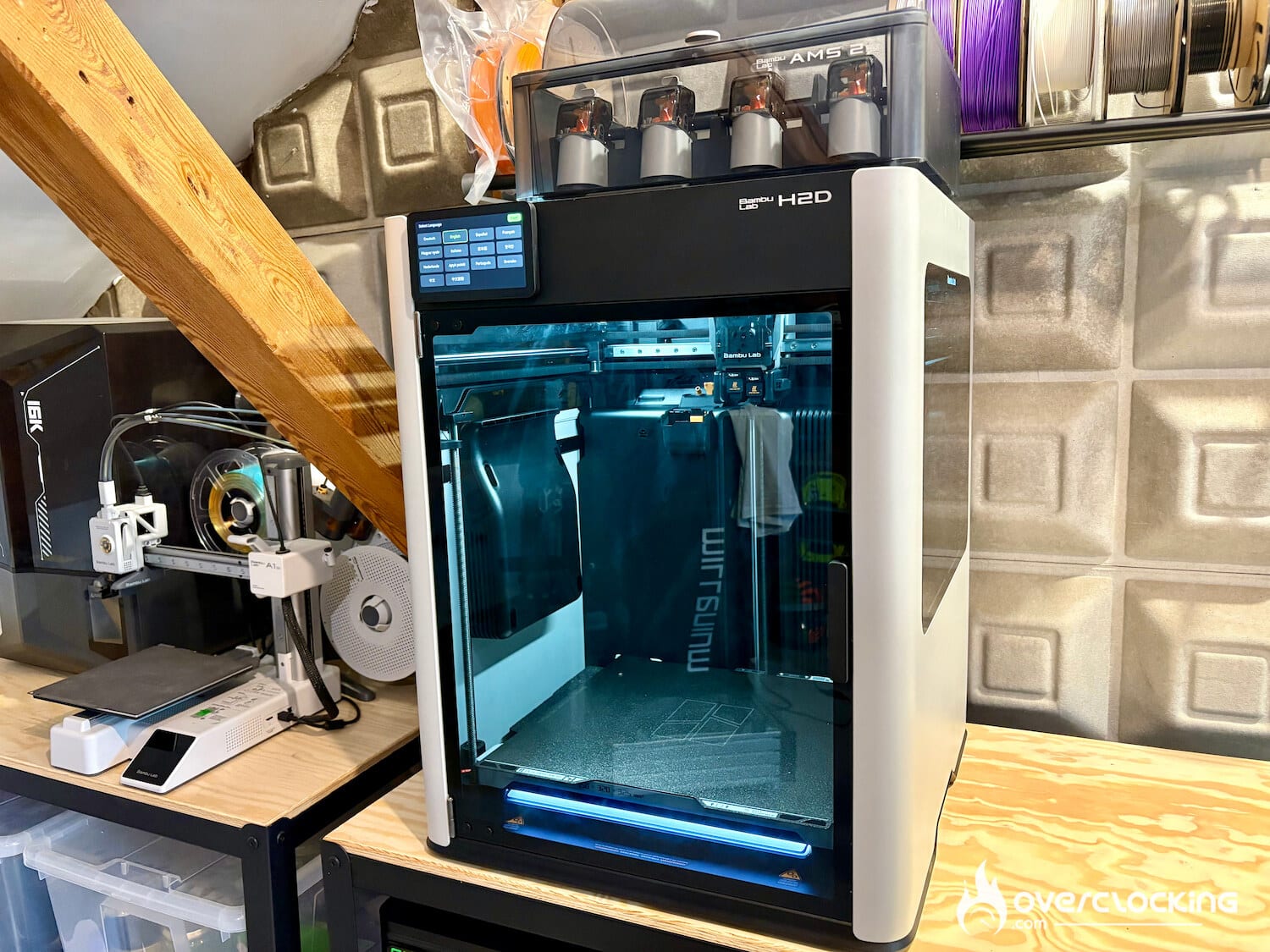
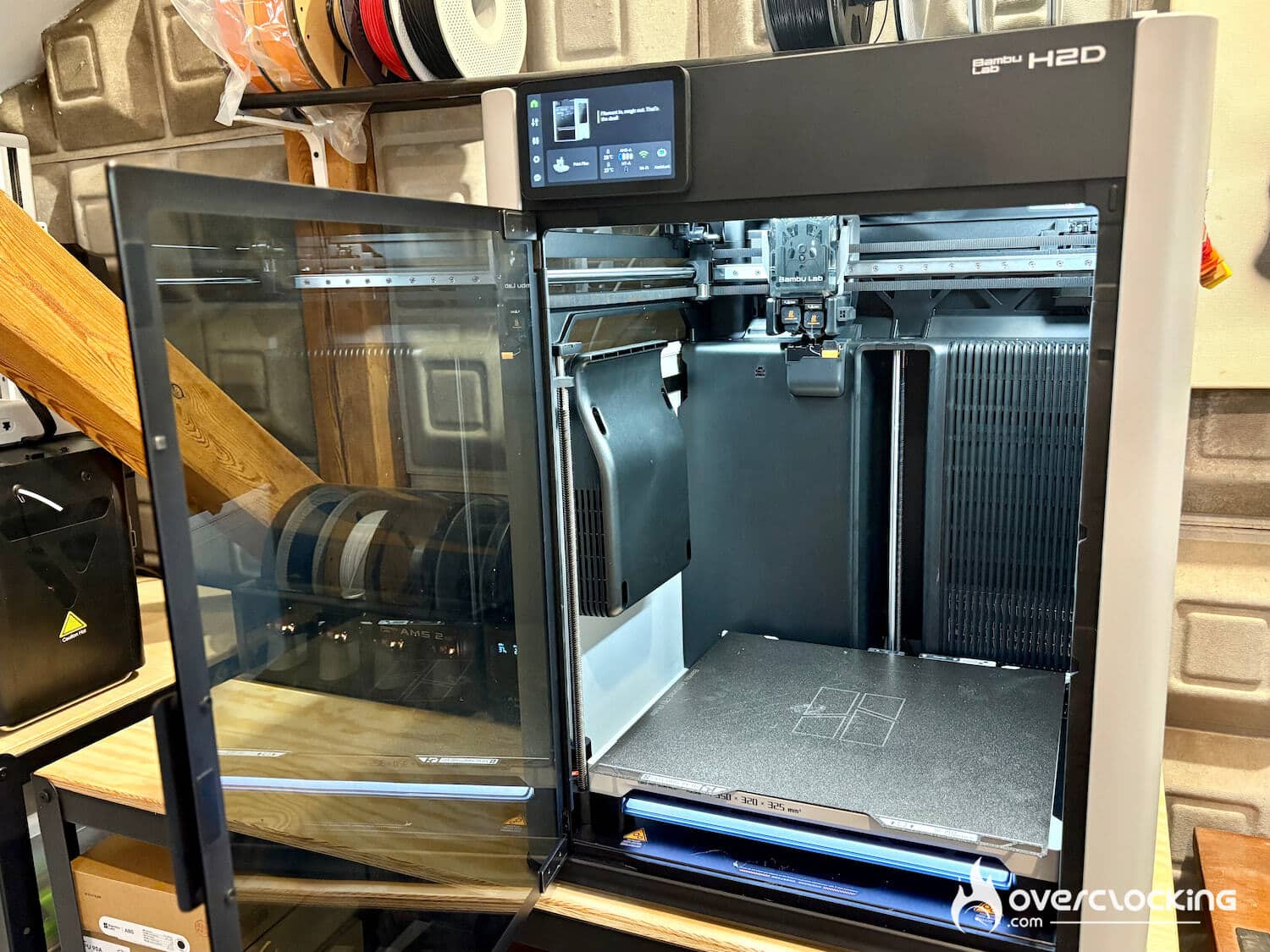
Specification
| Functionality | Specification |
|---|---|
| Technology | FDM |
| Print volume | 325 x 320 x 325 mm |
| Filament diameter | 1.75mm |
| Extruder diameter | 0.2 mm, 0.4 mm, 0.6 mm, 0.8 mm |
| Nozzle | Hardened steel |
| Max. extruder temperature | 350°C |
| Max. platen temperature | 120°C |
| Max. printing speed | 1000mm/s |
| Screen | 5″ touch screen, 720×1280 pixels |
| Compatibility | Bambu Studio, Bambu Suite, Bambu Handy, Prusaslicer, Cura |
| Dimensions (H x W x D) | 492mm x 514 mm x 626 mm |
| System | proprietary |
| Weight | 31KG |
| Price | 1899€ alone2199€ with AMS combo 2799€ with laser and AMS |
[nextpage title=”Mounting & Calibration”]
Unboxing
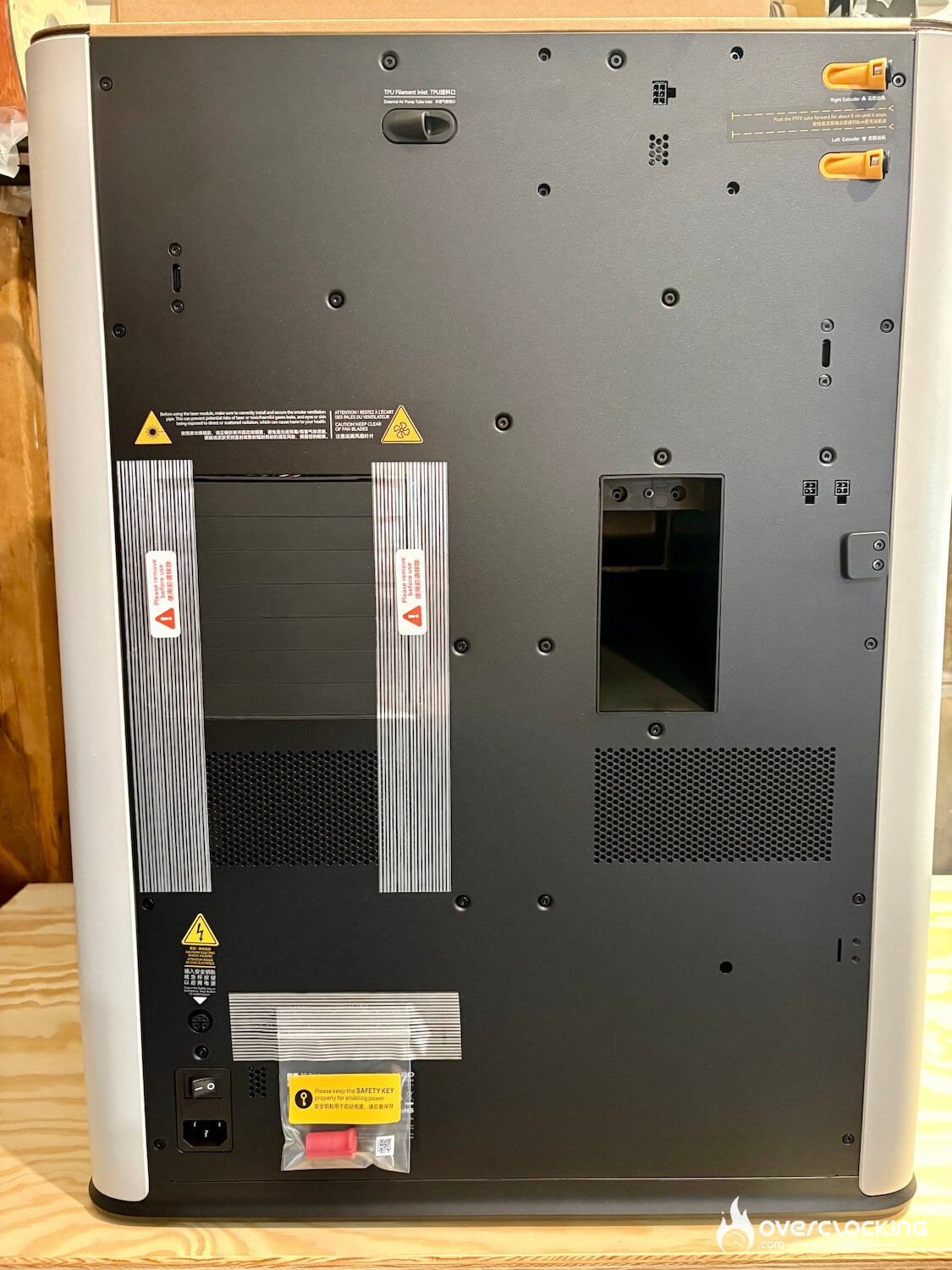
From the photos, you might think that this printer isn’t much bigger than an X1 or P1. But when it arrives, it’s on a pallet… The baby weighs 31kg on its own. For comparison, the A1 mini weighs 5.5kg. In fact, the A1 mini can easily fit inside the H2D.
Needless to say, the packaging is perfect and the instructions are clear. But you should still take a look at them to avoid making any mistakes before turning on the beast. Bambu Lab recommends keeping the box just in case, but given its size, we’re not sure that will suit everyone.
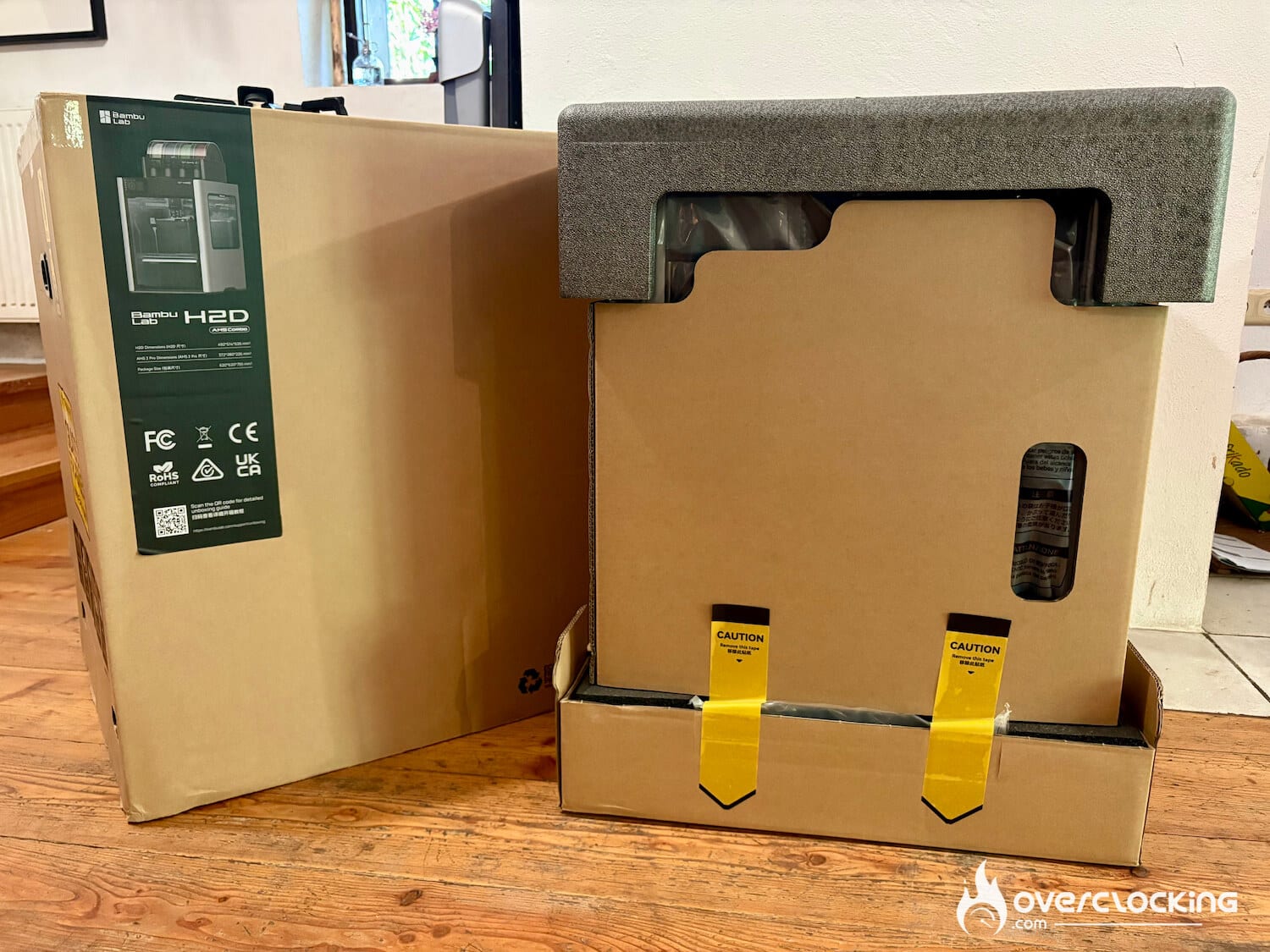
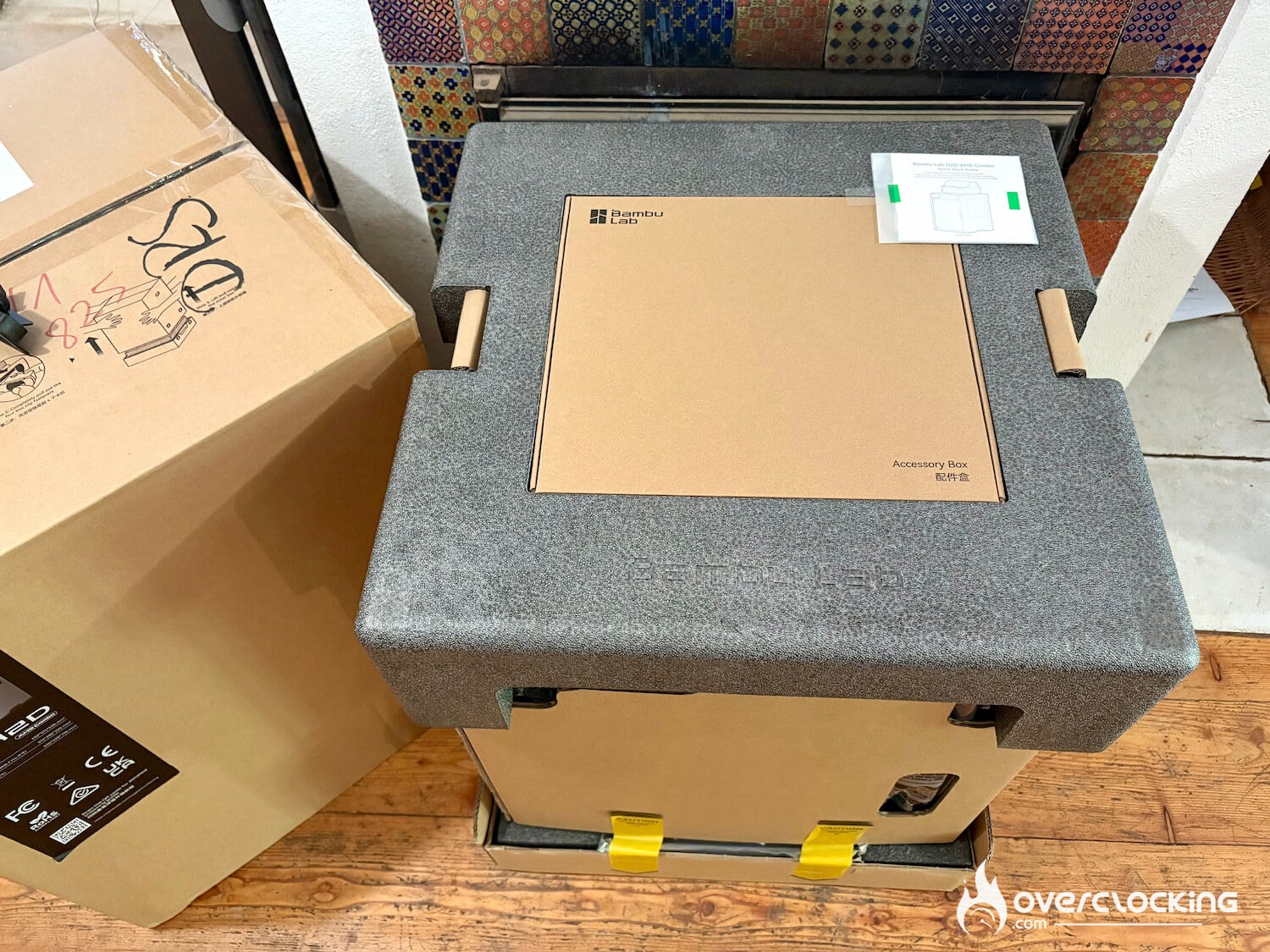
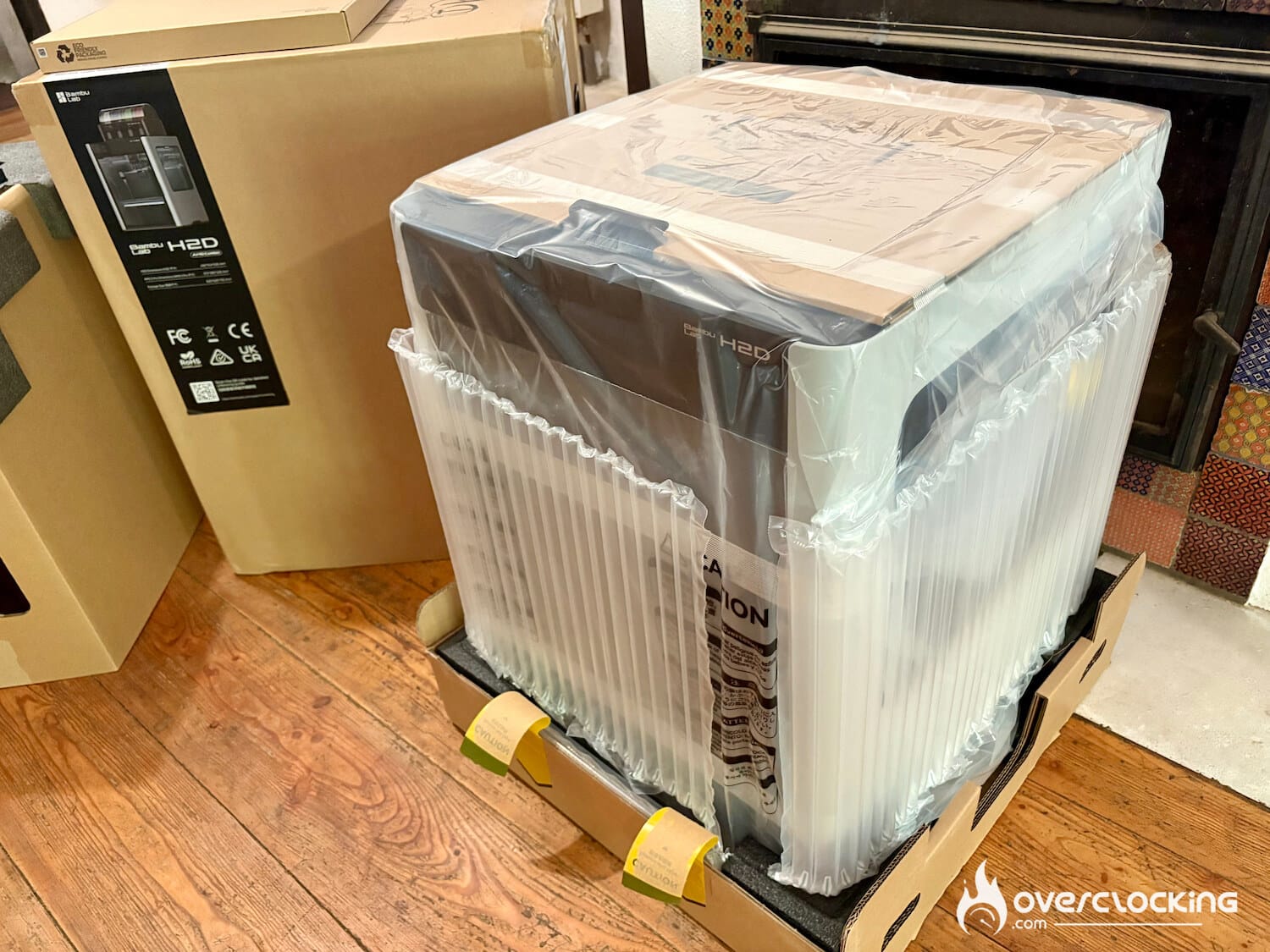
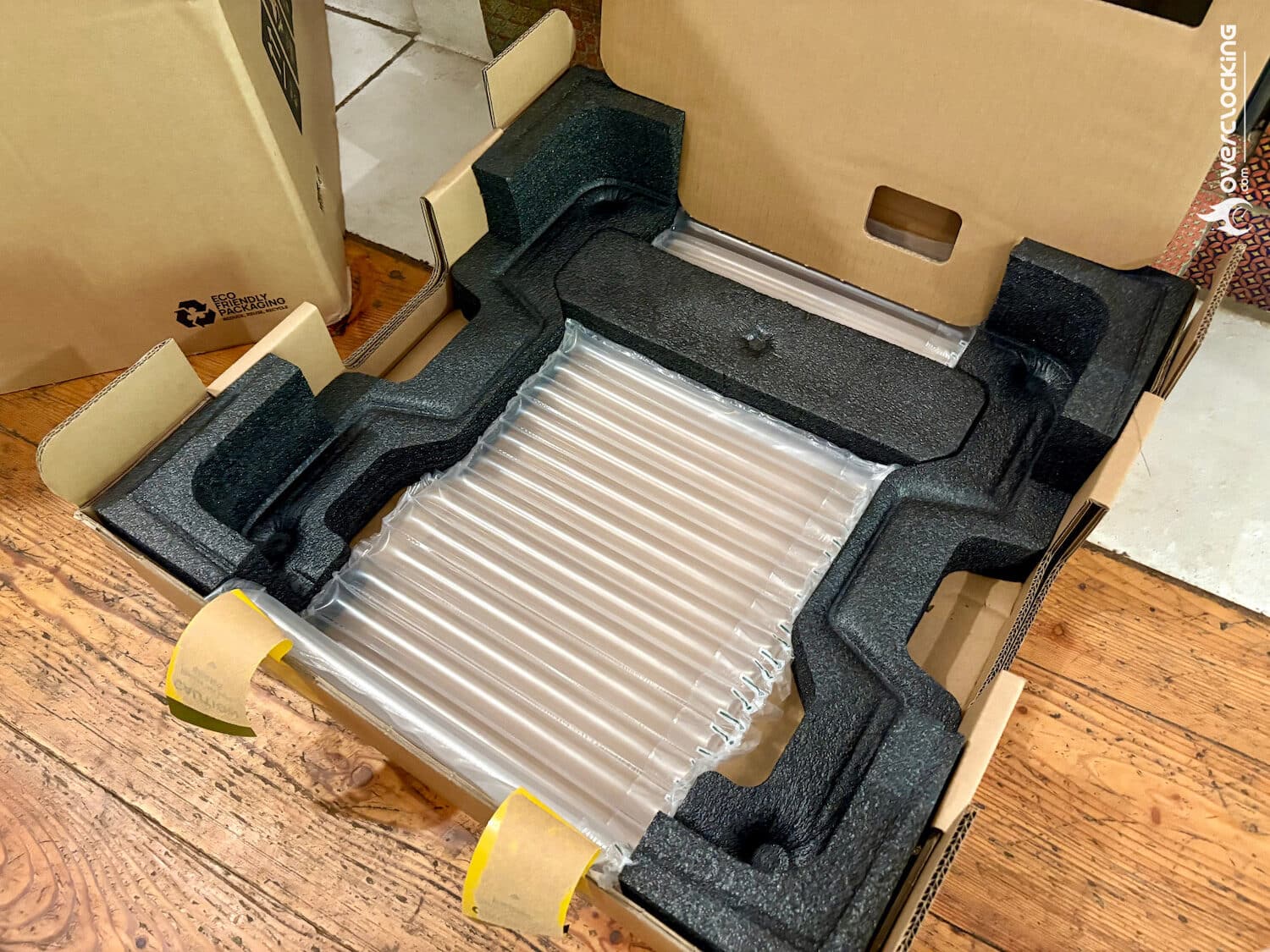
Assembly takes about 30 minutes with the AMS installation, and all tools are provided. It’s very straight forward, anyone can do it.
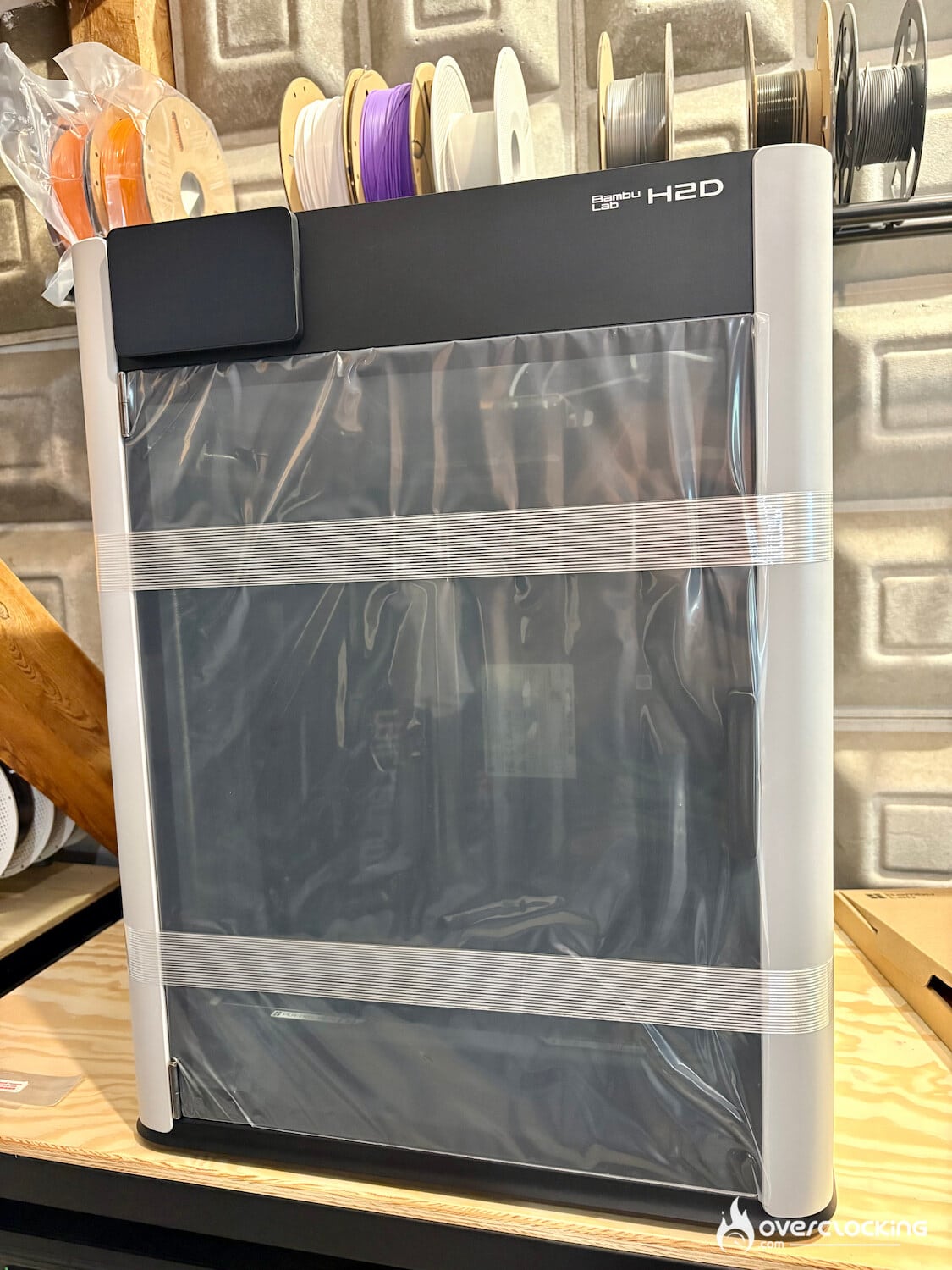
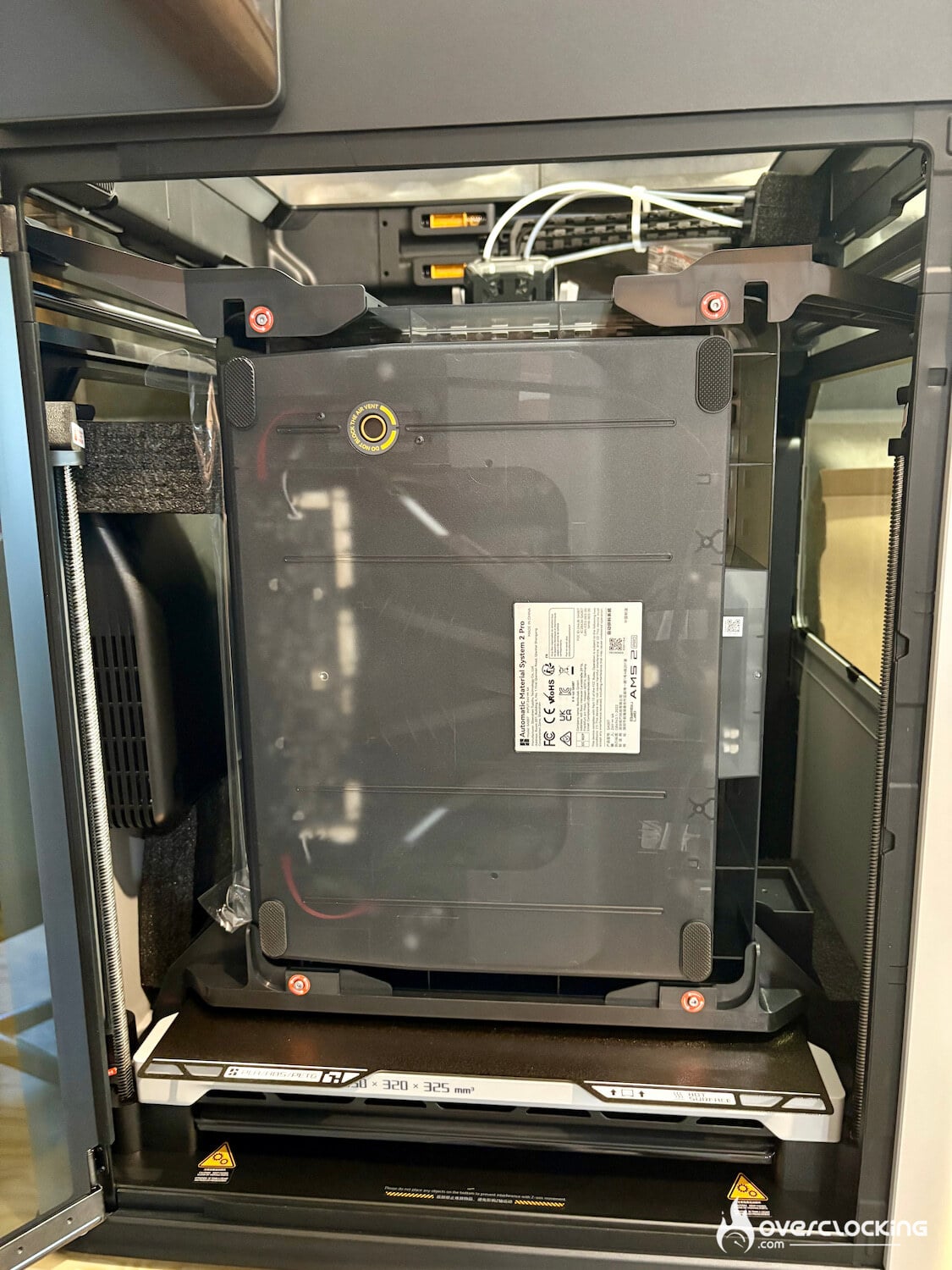
For our tests, Bambu Lab sent us a bunch of filament: I’ll let you be the judge.

Start-up
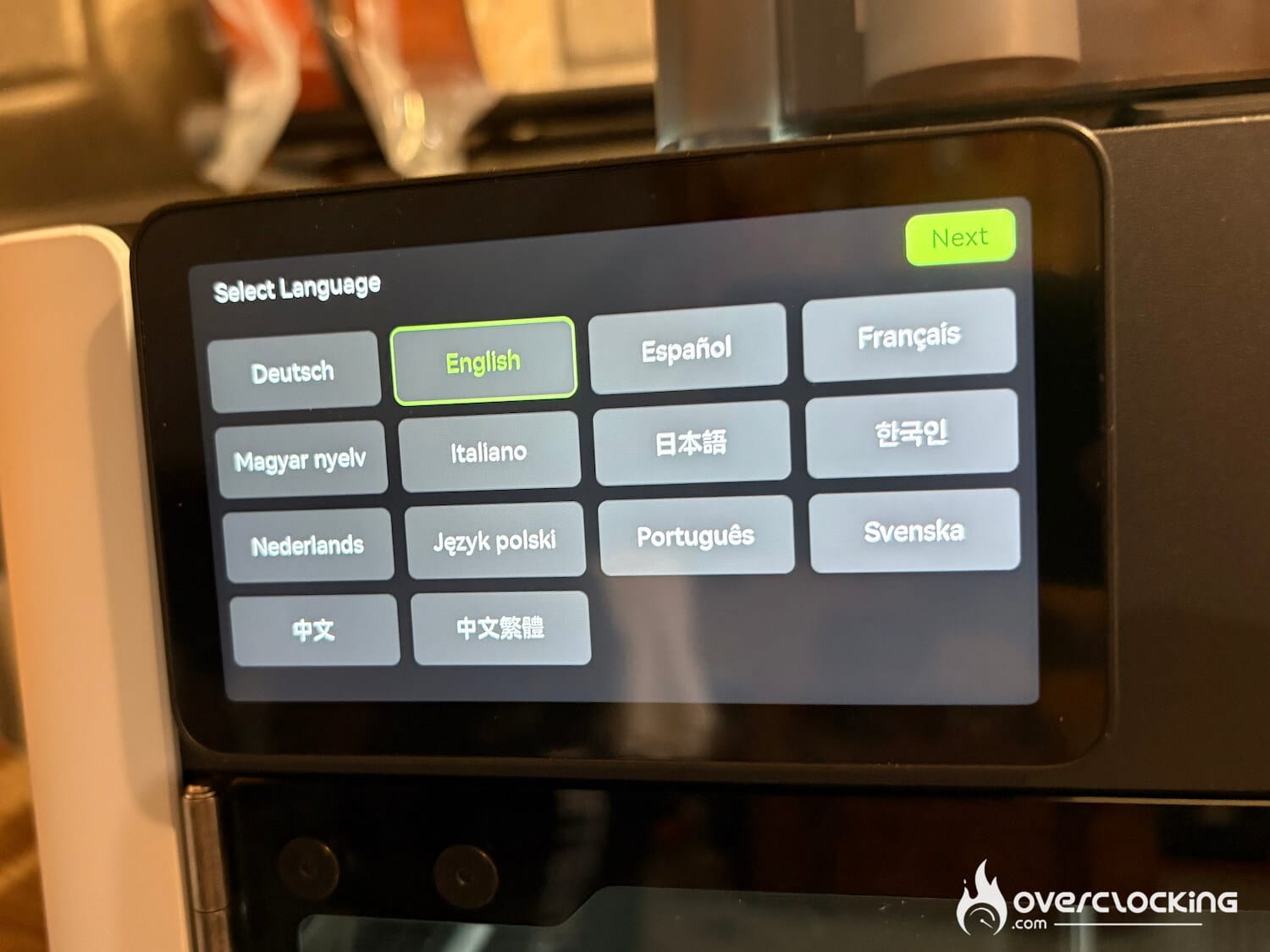
Once the machine is plugged in, you’ll be asked to select the language, the region and you can connect to Wi-Fi.Then calibration starts. As with the A1 mini, the printer performs all kinds of tests, including vibration compensation to improve print quality. You’ll need to run this calibration again if you move the printer
[nextpage title=”Design”]
H2D design
In terms of design, the Bambu Lab H2D is simple and sober. Materials are of the highest quality, with a chassis combining aluminum, steel, plastic and glass panels.
The chamber can be heated up to 65°C, a useful function for limiting deformation when printing technical materials such as ABS, PA, etc.


The H2D has 2 nozzles, so you can print two materials or two colors, or use a specific carrier material, which is more flexible than some single-nozzle printers. The hardened steel nozzles are designed for high temperatures (350°C), enabling printing with more demanding filaments.
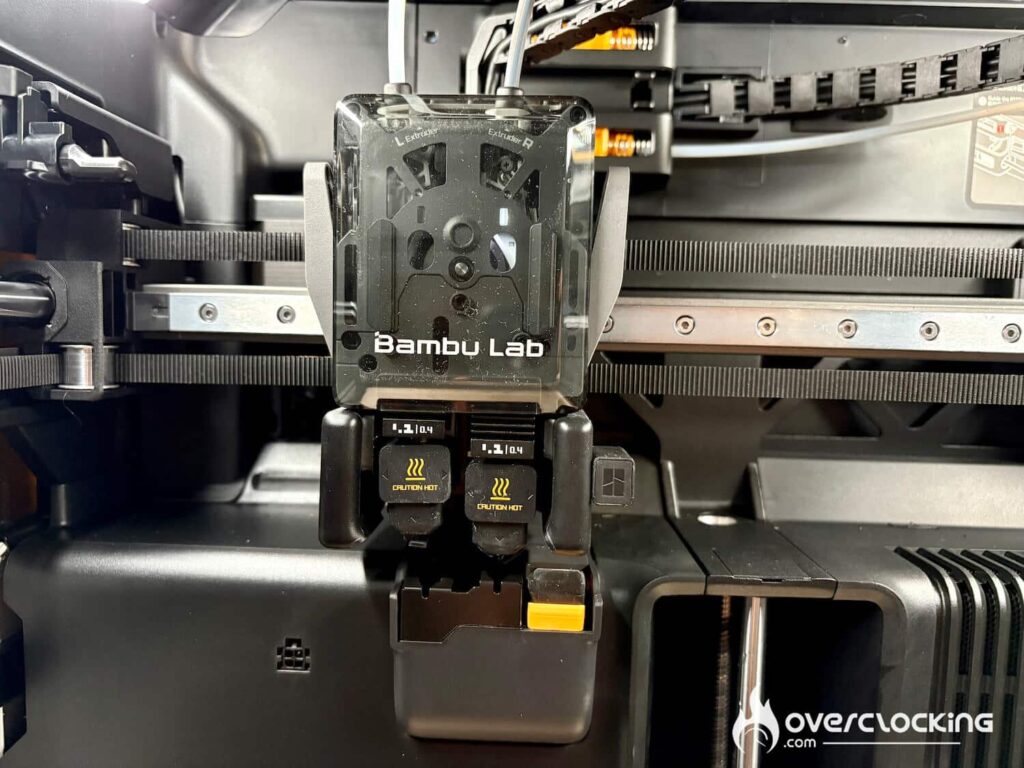
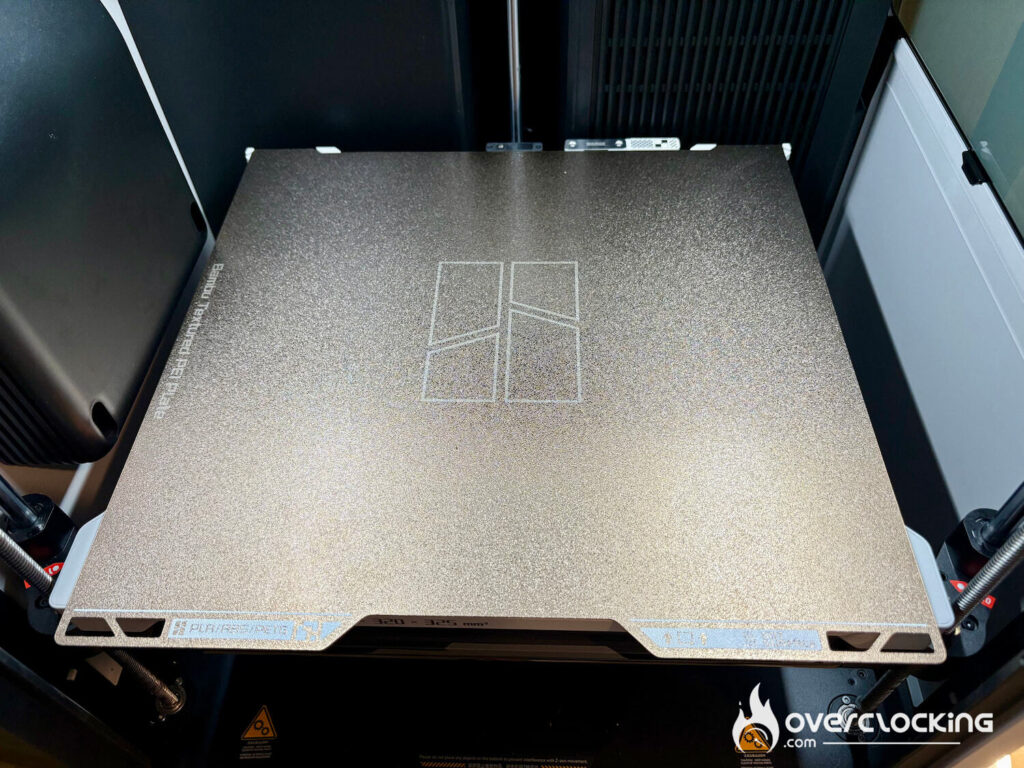
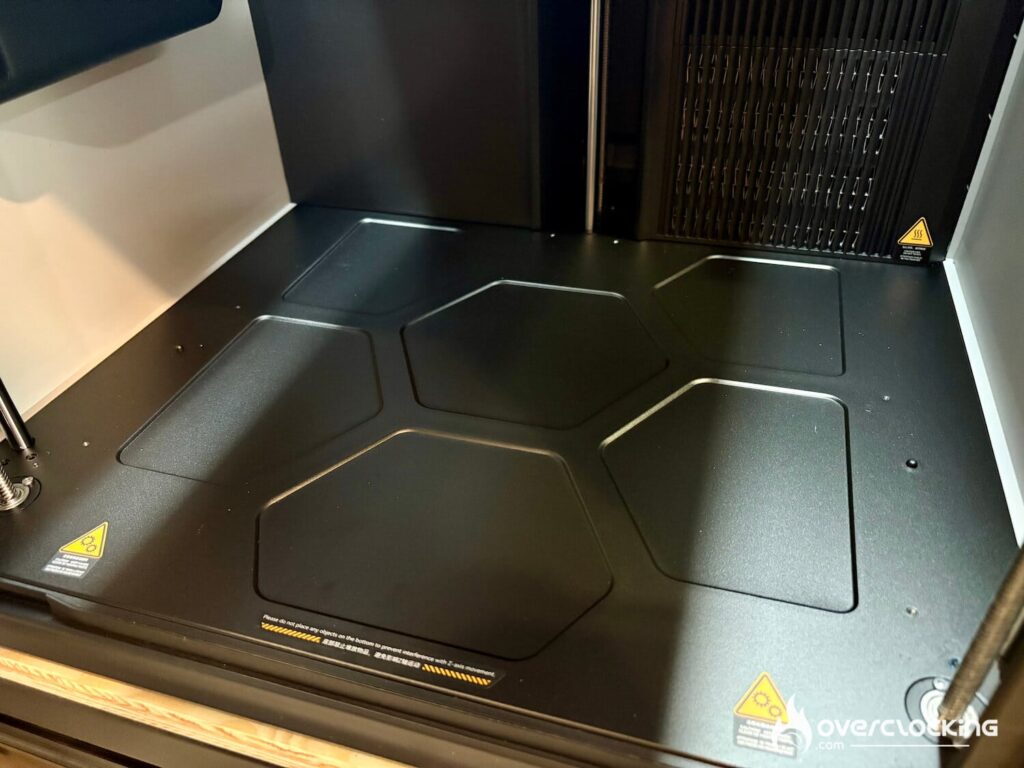
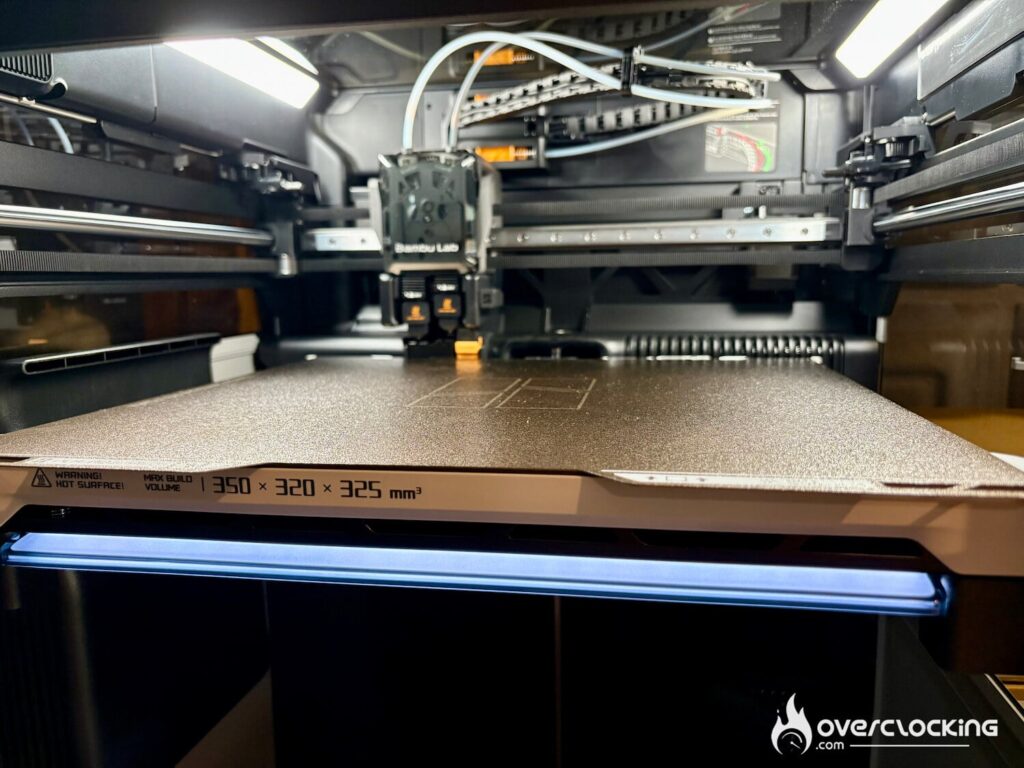
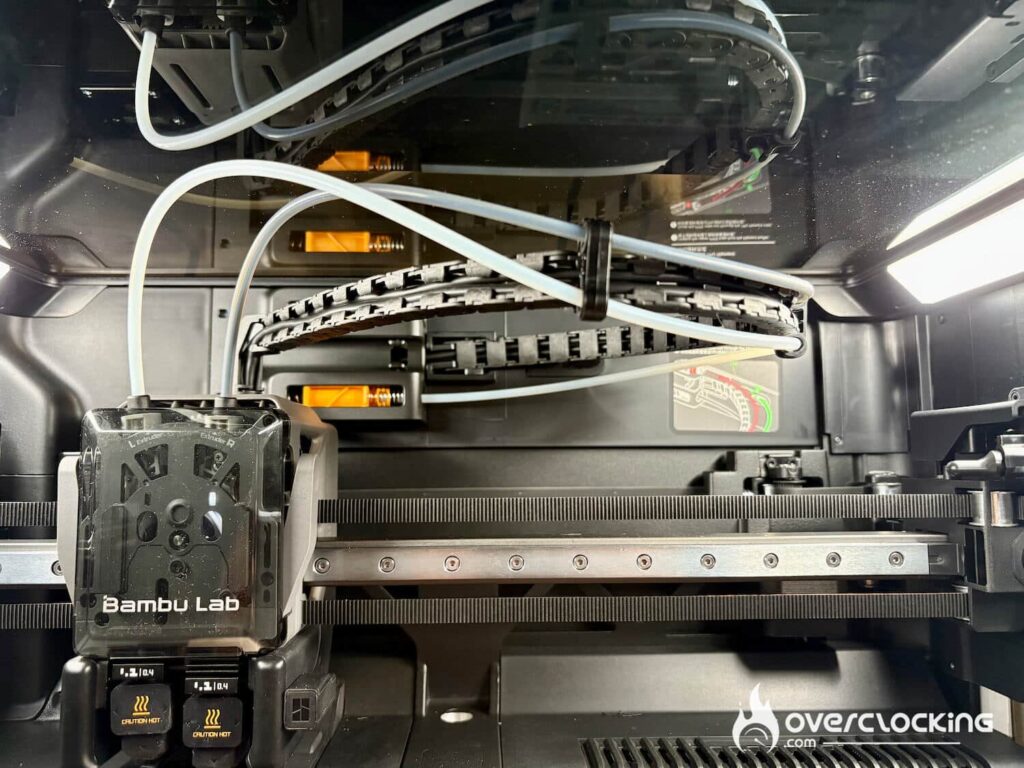
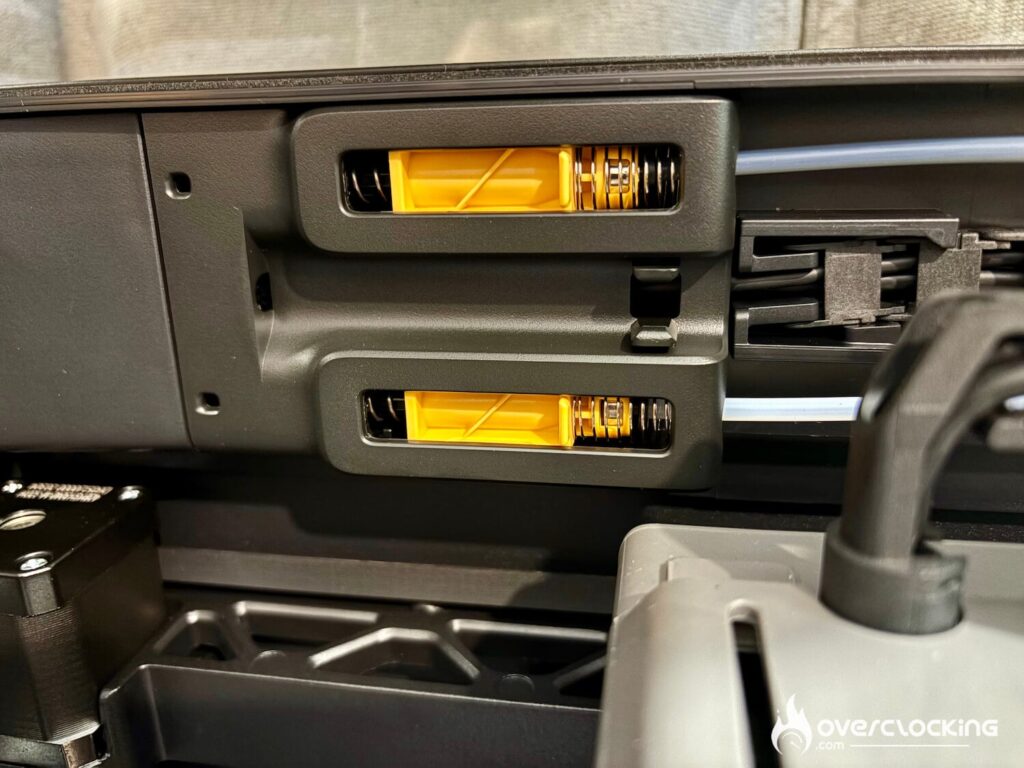
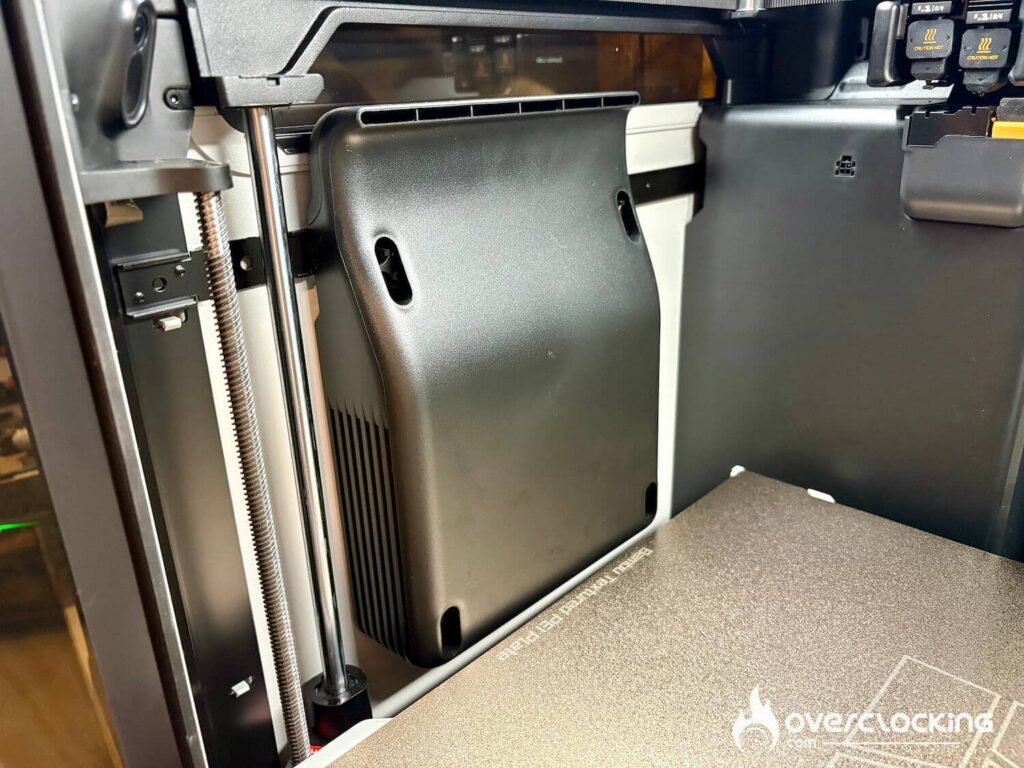
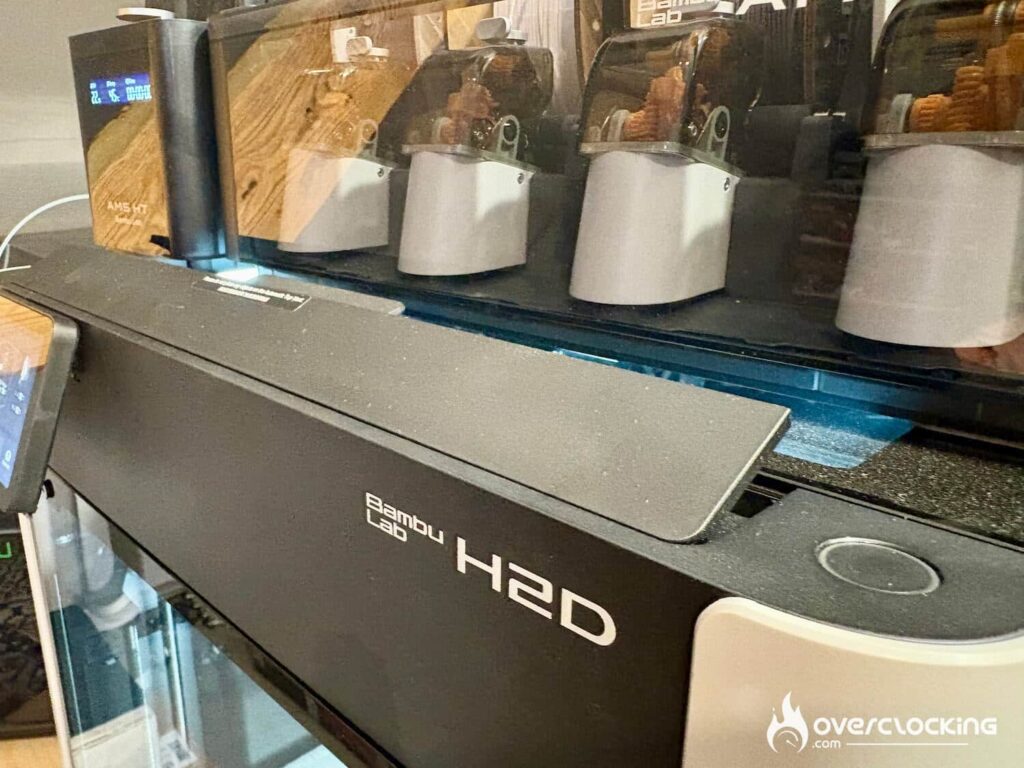
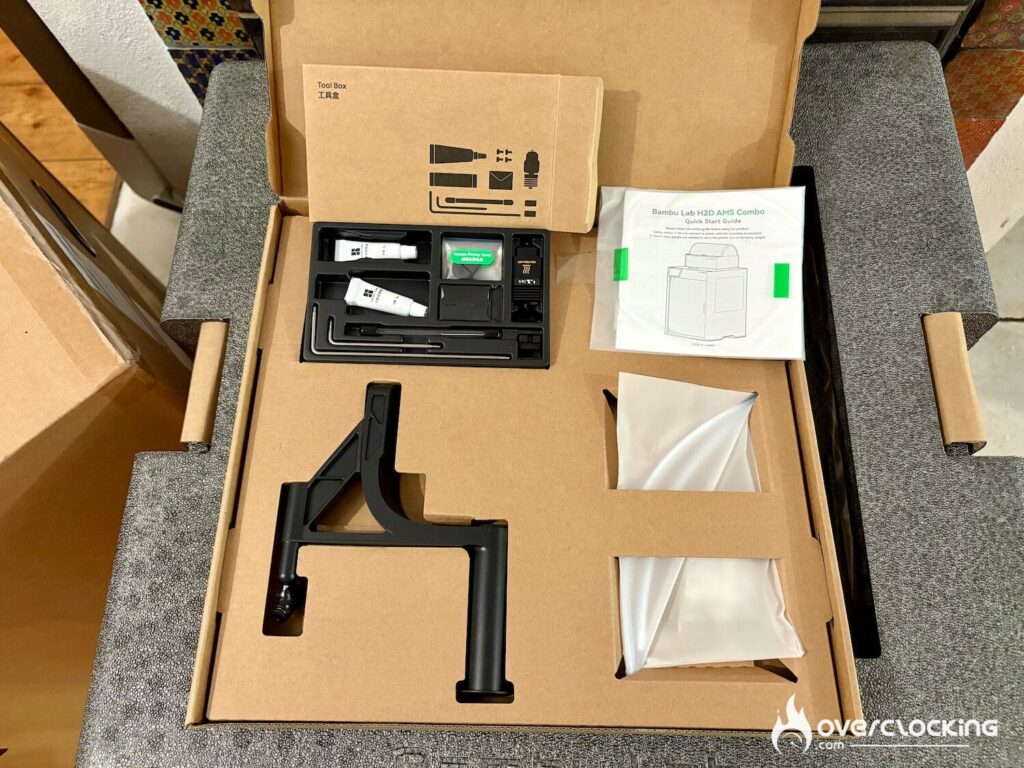
The H2D is a hybrid printer. Laser modules (10W or 40W) can be added for engraving or cutting, or a cutting/pen module. This type of modularity broadens the scope of action: it’s not just a 3D printer. We bought the cutting module because few tests have been done on it, and we wanted to know if it was up to the job


This printer is packed with sensors, cameras and LEDs. A bunch of gadgets to ensure that the user has no unpleasant surprises. The brand’s aim is to make this tool a true “click and print” product with no bad surprises hours into the prints.
AMS 2 Pro and AMS HT design
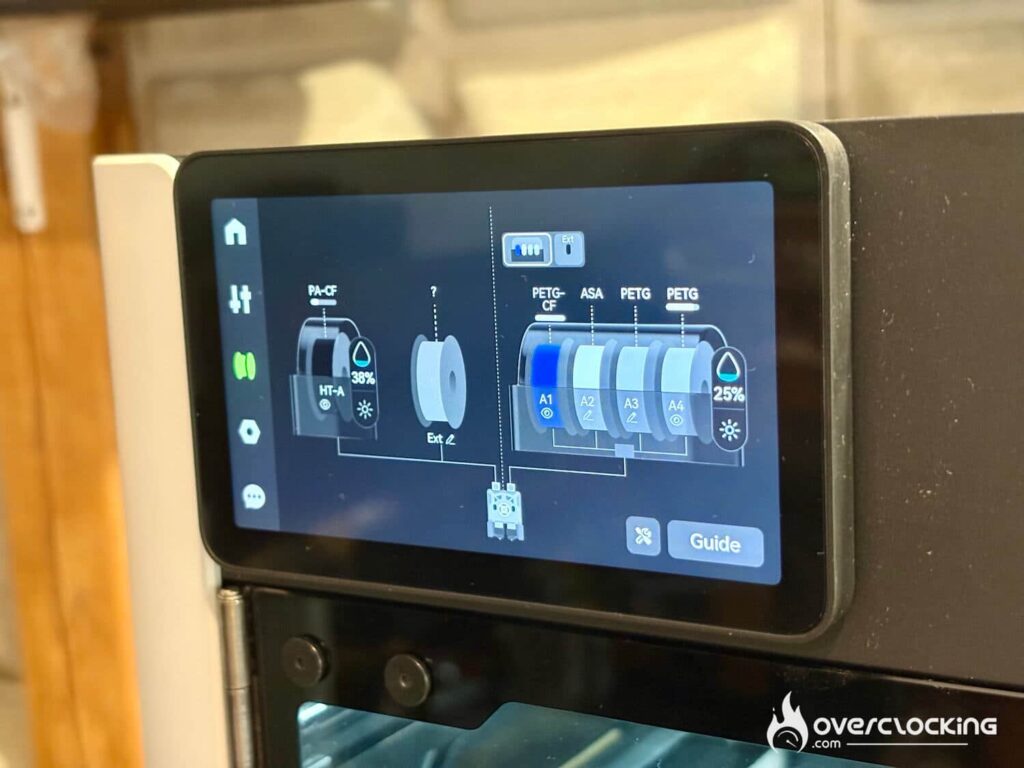
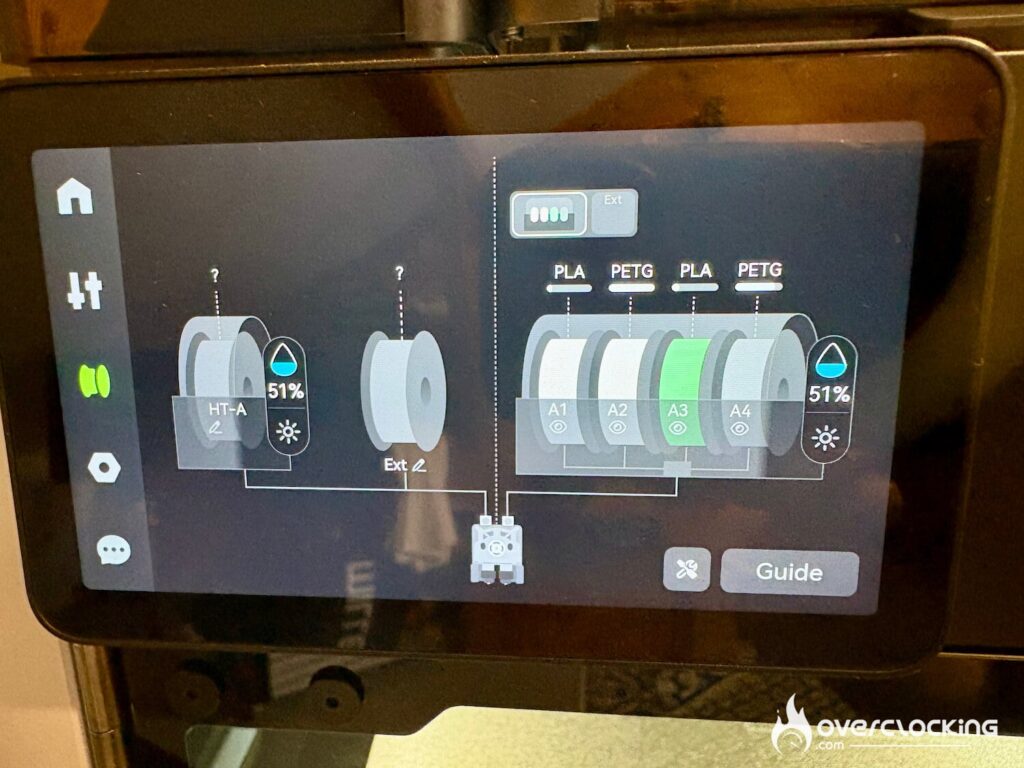
Turning now to the AMS 2 Pro, Bambu Lab now integrates a filament drying function directly into its AMS. This can be controlled directly via the printer’s screen, and it’s advisable to unplug the filament so that the spools can rotate during drying. But if you don’t, don’t worry, the printer detects that the filament is still engaged and won’t force the coils to turn. The printer also adapts drying to the type of filament. If you use special filaments such as ABS or PAHT-CF (reinforced with carbon fibers) or even TPU, it would be advisable to add the AMS HT, which only handles one spool, but can go up to 85°C. Both the AMS 2 Pro and AMS HT have an active aeration system to maintain optimum temperature.
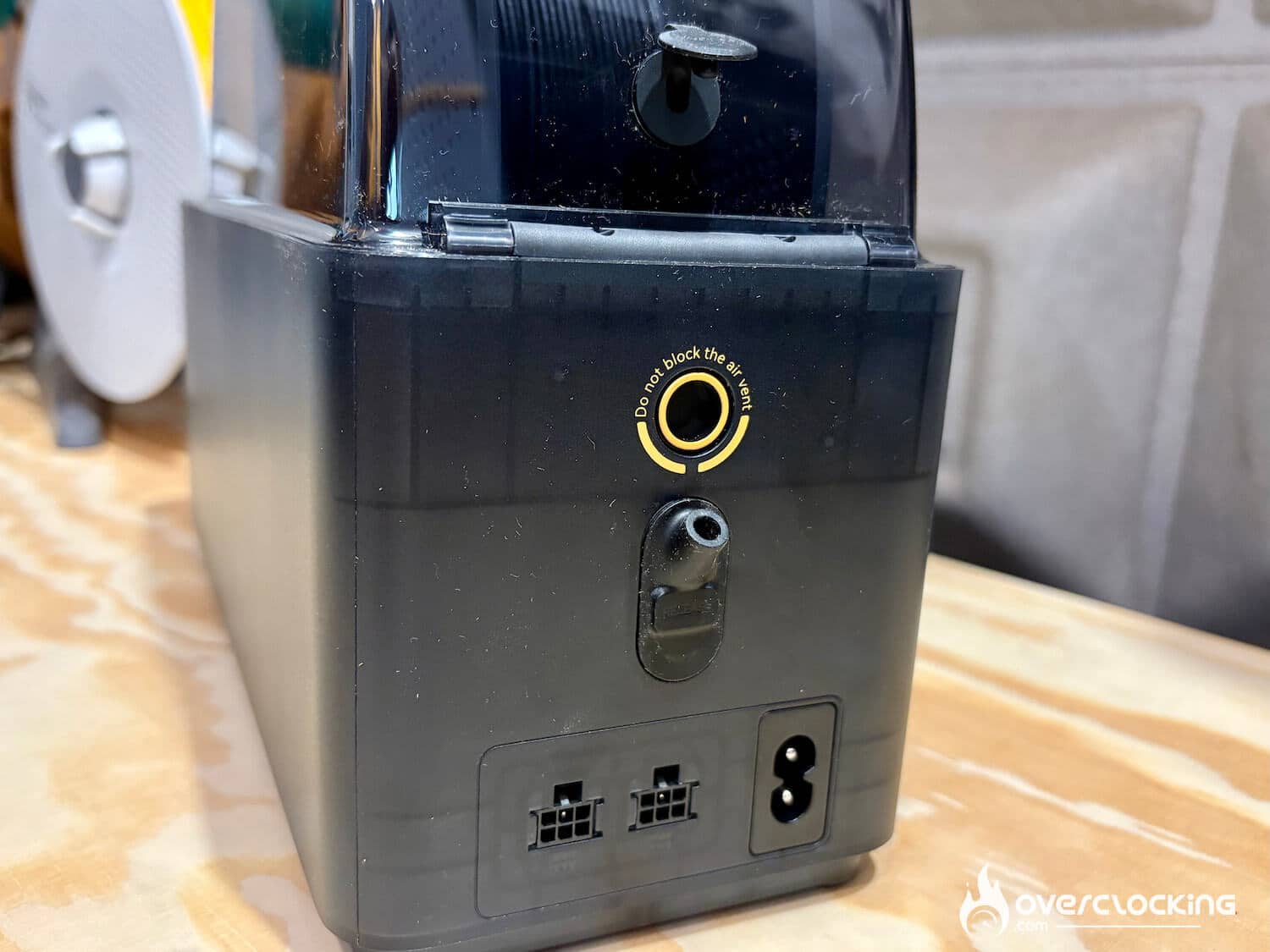
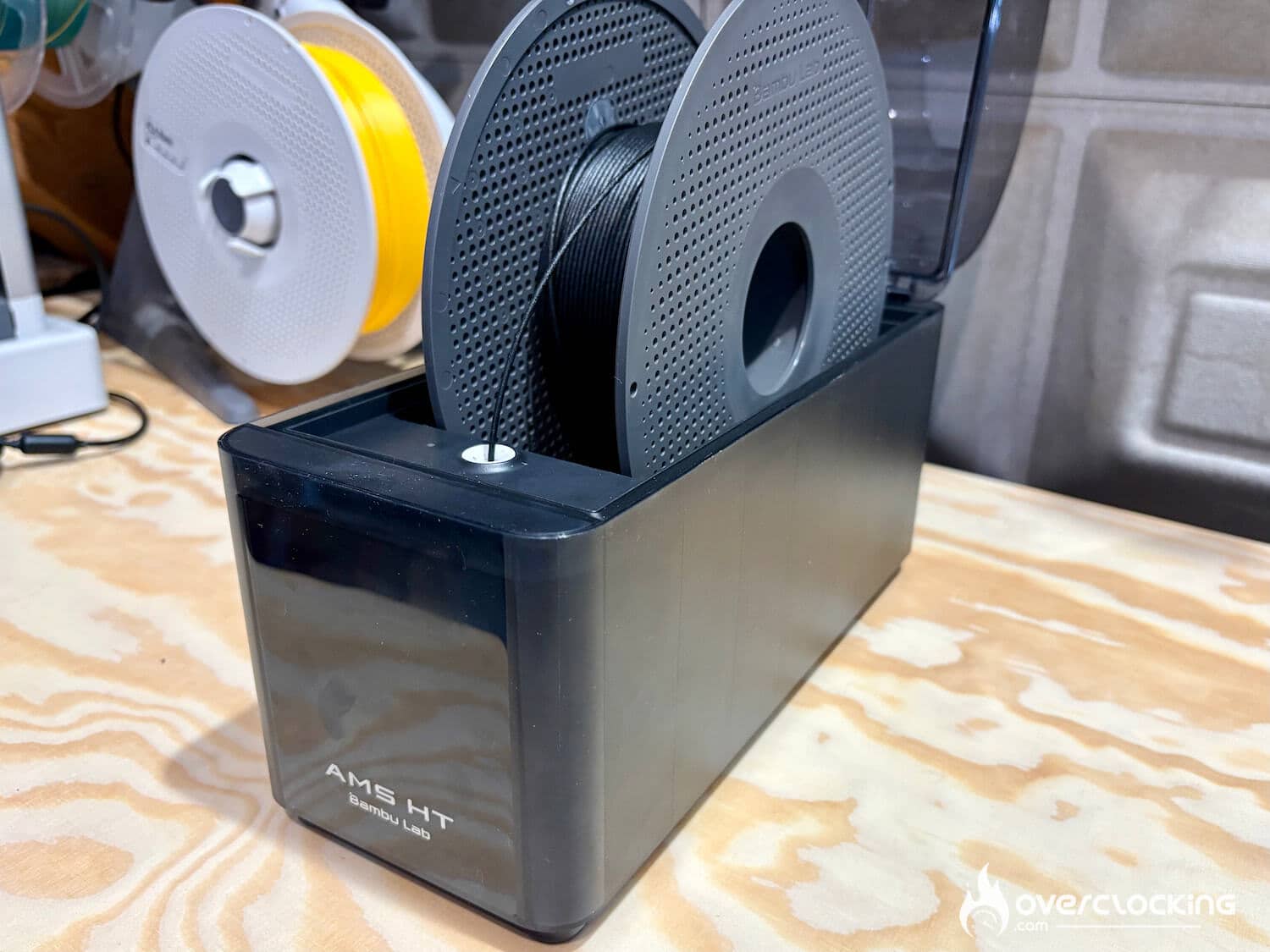
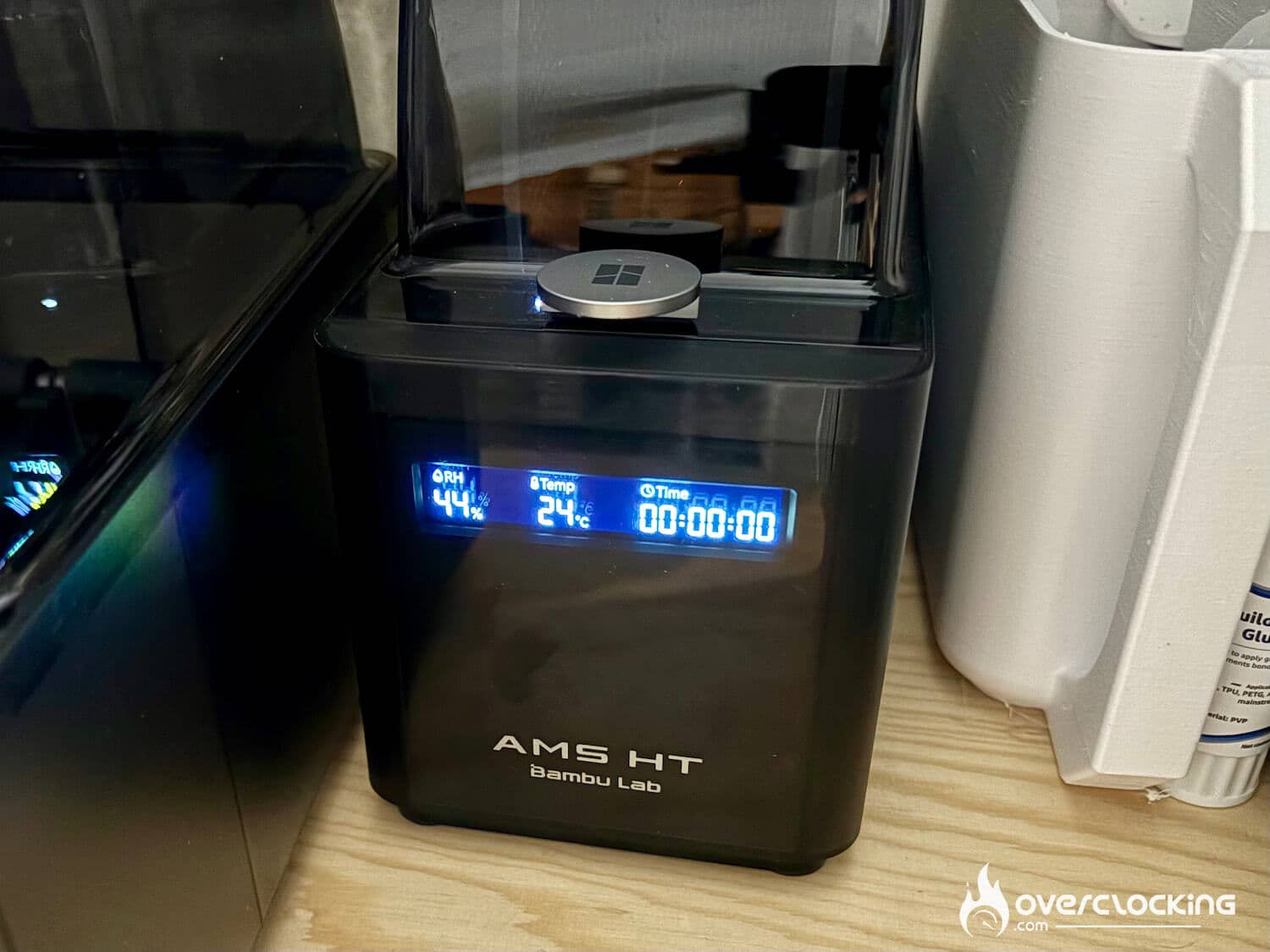
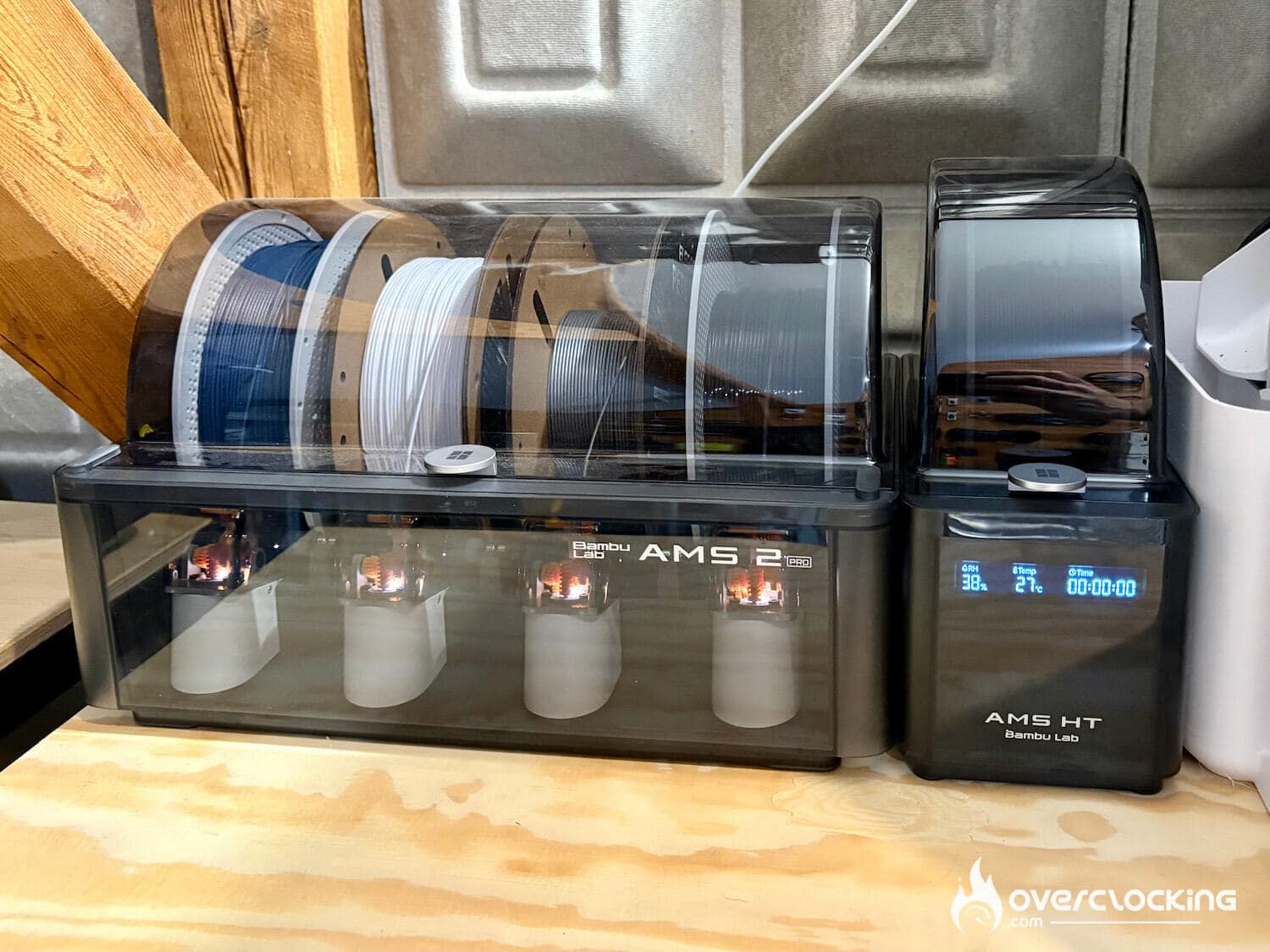
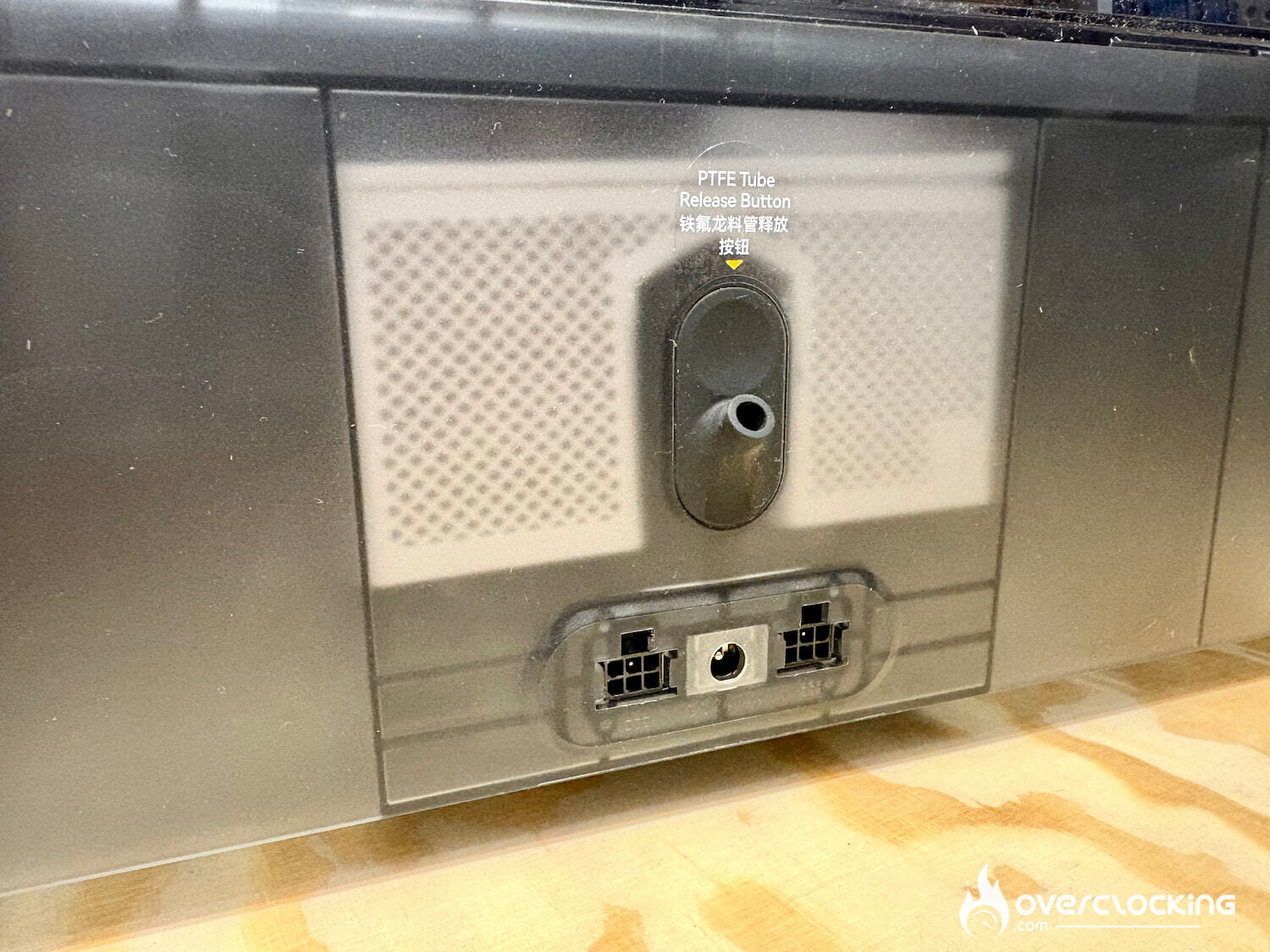
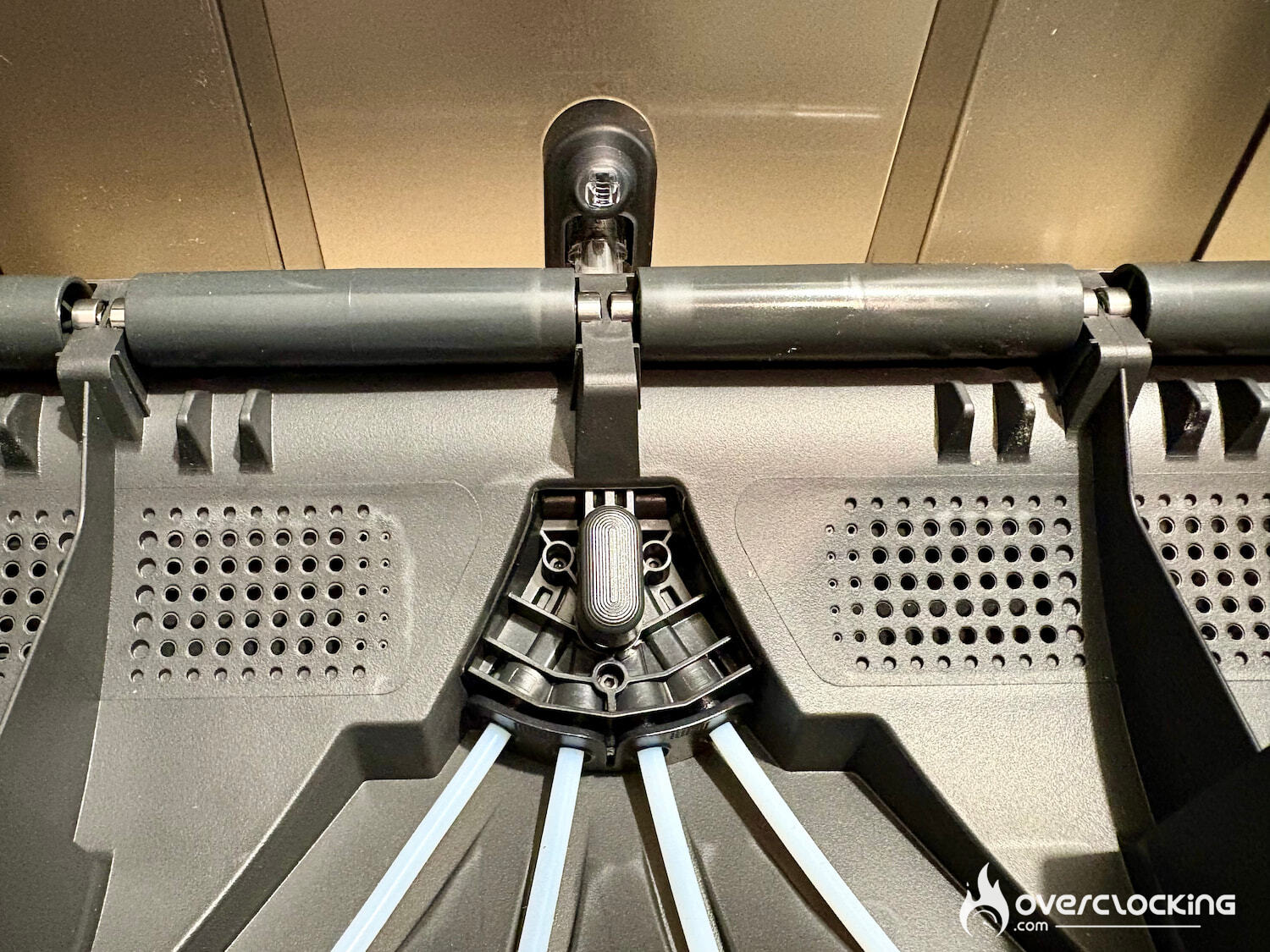
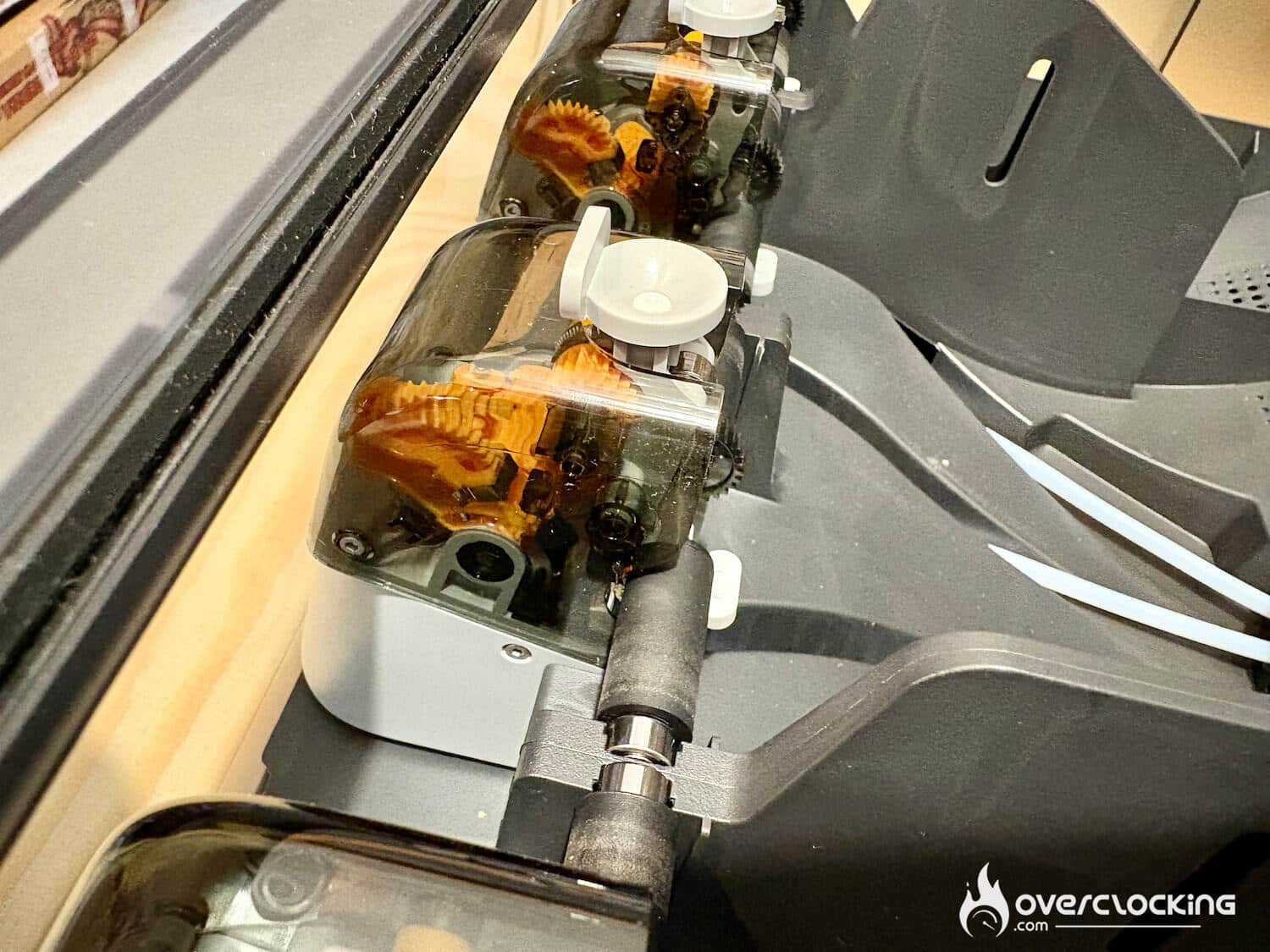
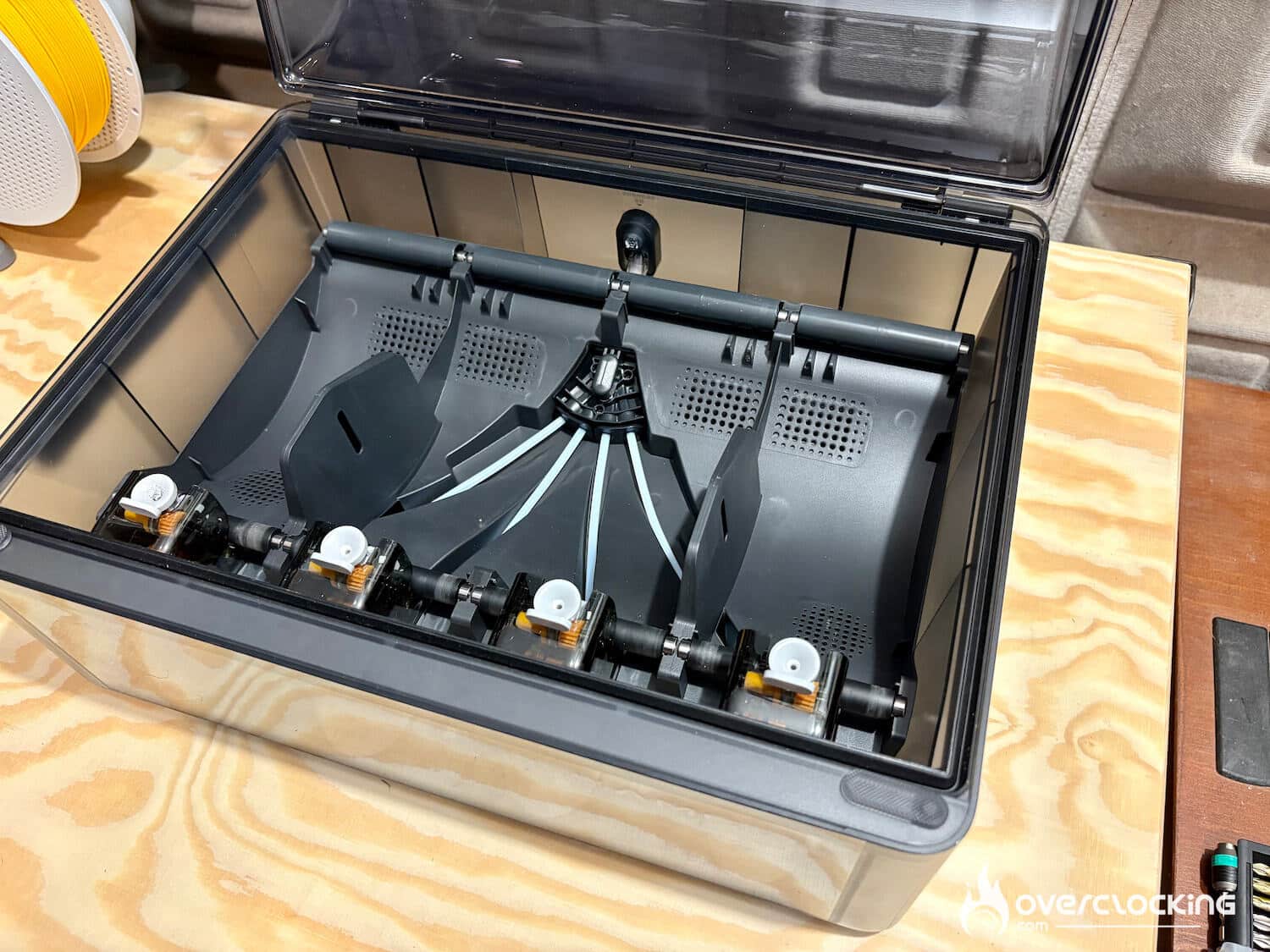
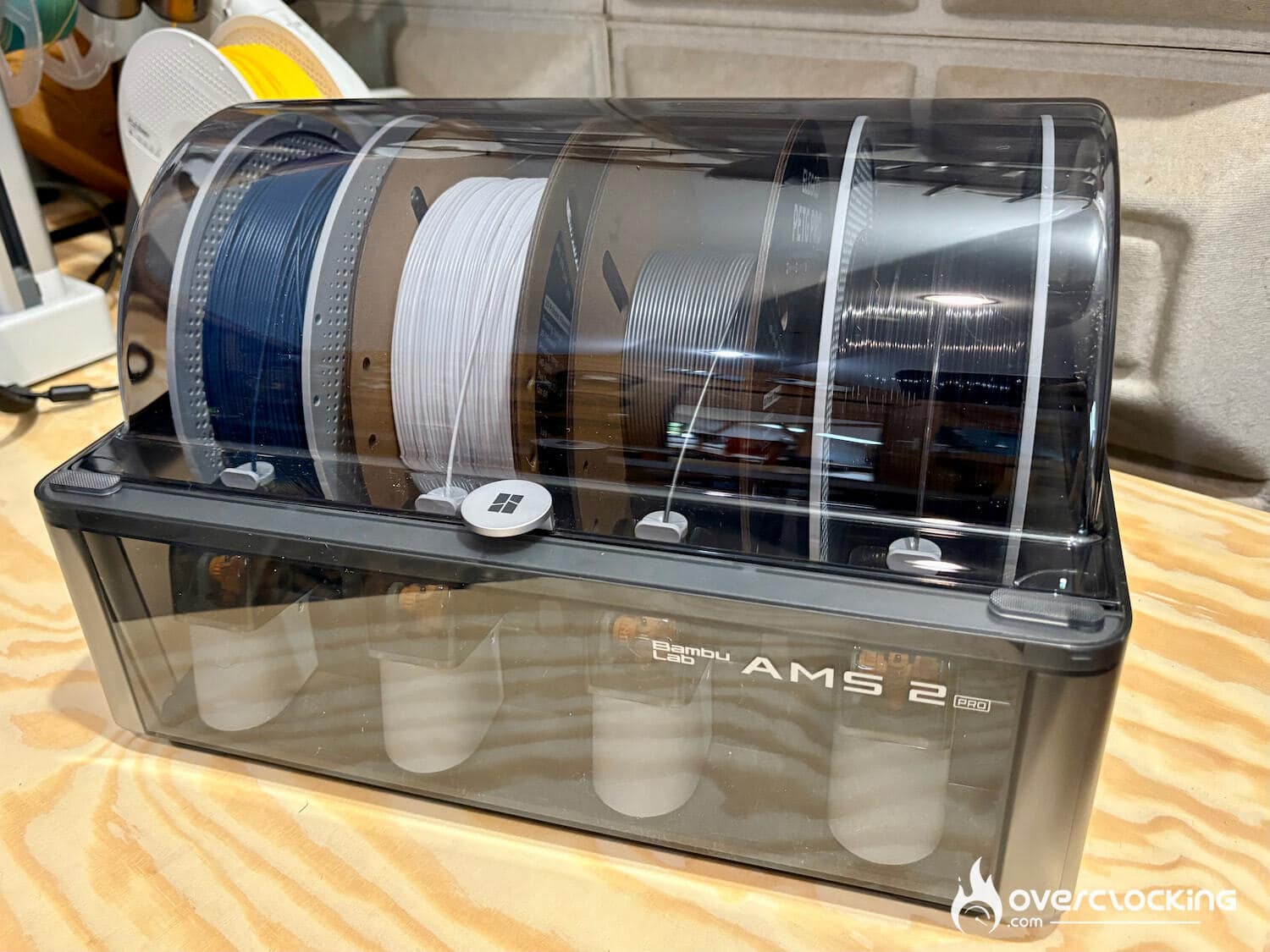
All Bambu Lab filament spools are RFID-chipped, enabling the printer and AMS to recognize the type and color of the brand’s filaments automatically. The spools are now also refillable, which reduces the cost and ecological impact of waste. Note that with previous AMSs, many complained of problems with cardboard spools, like the one from Elegoo for example. With this new version, we’ve never had a problem.
[nextpage title=”Software”]
Software
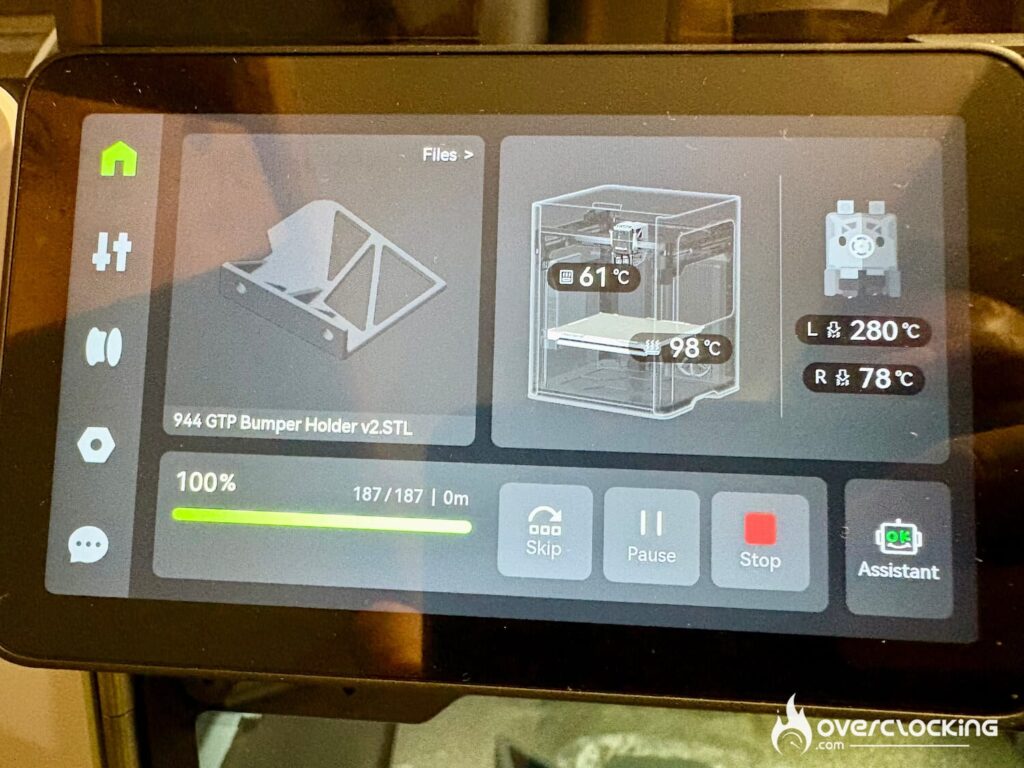
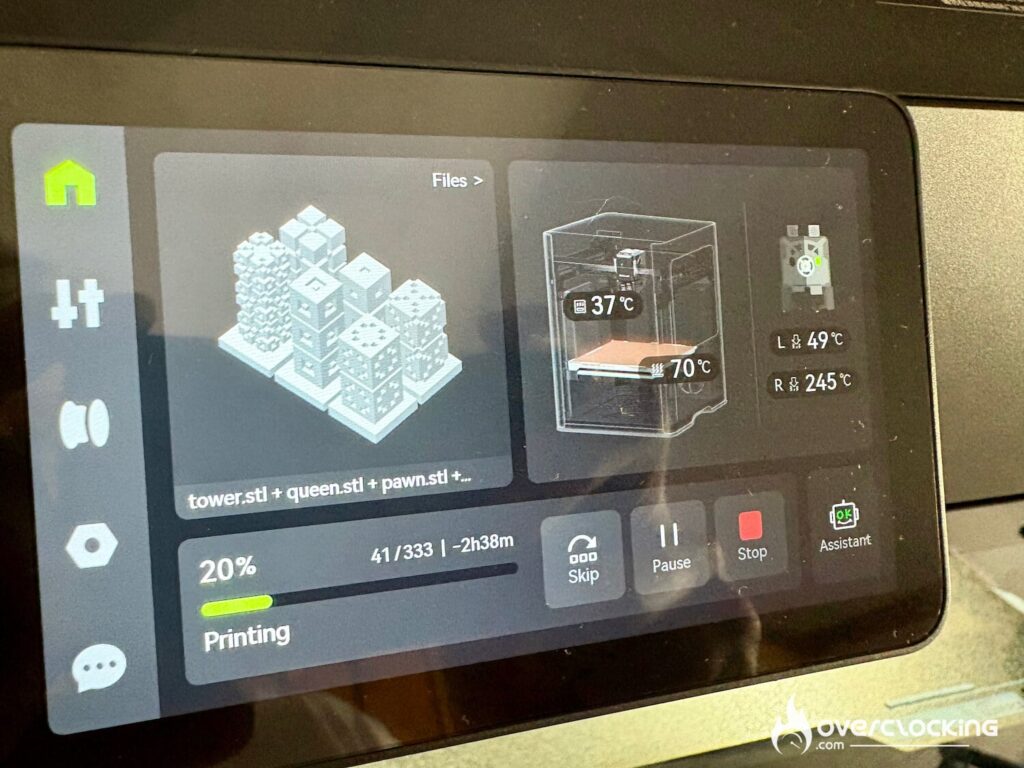
With the H2D, Bambu Lab lets us juggle between 3 software packages, depending on the application:
- Bambu Suite for the laser, cutting and pen-drawing module
- Bambu Studio for 3D printing via a PC and access to the camera for monitoring prints or timelapse.
- Bambu Handy on your smartphone, either for click and print via the MakerWorld library, or to monitor your prints.
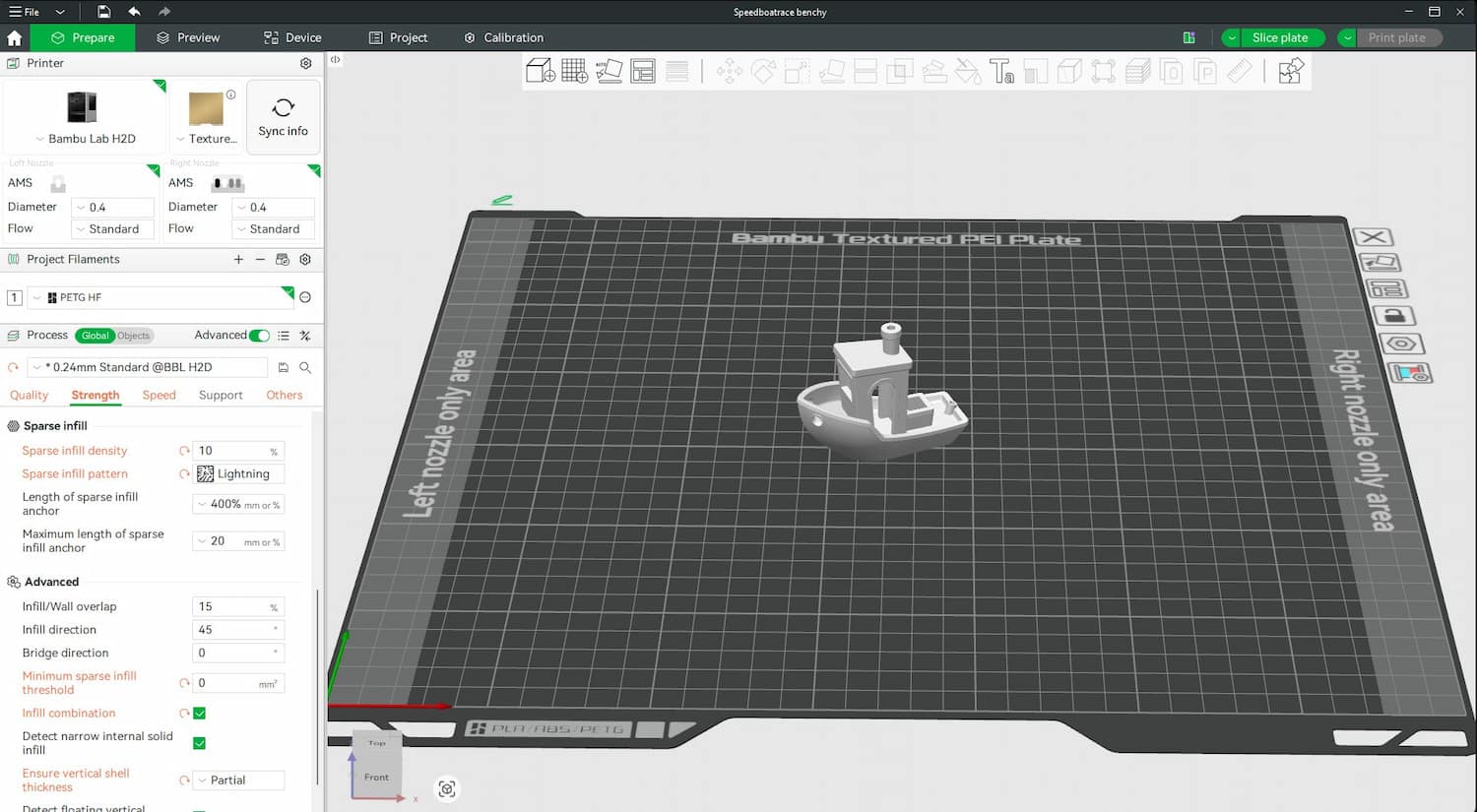
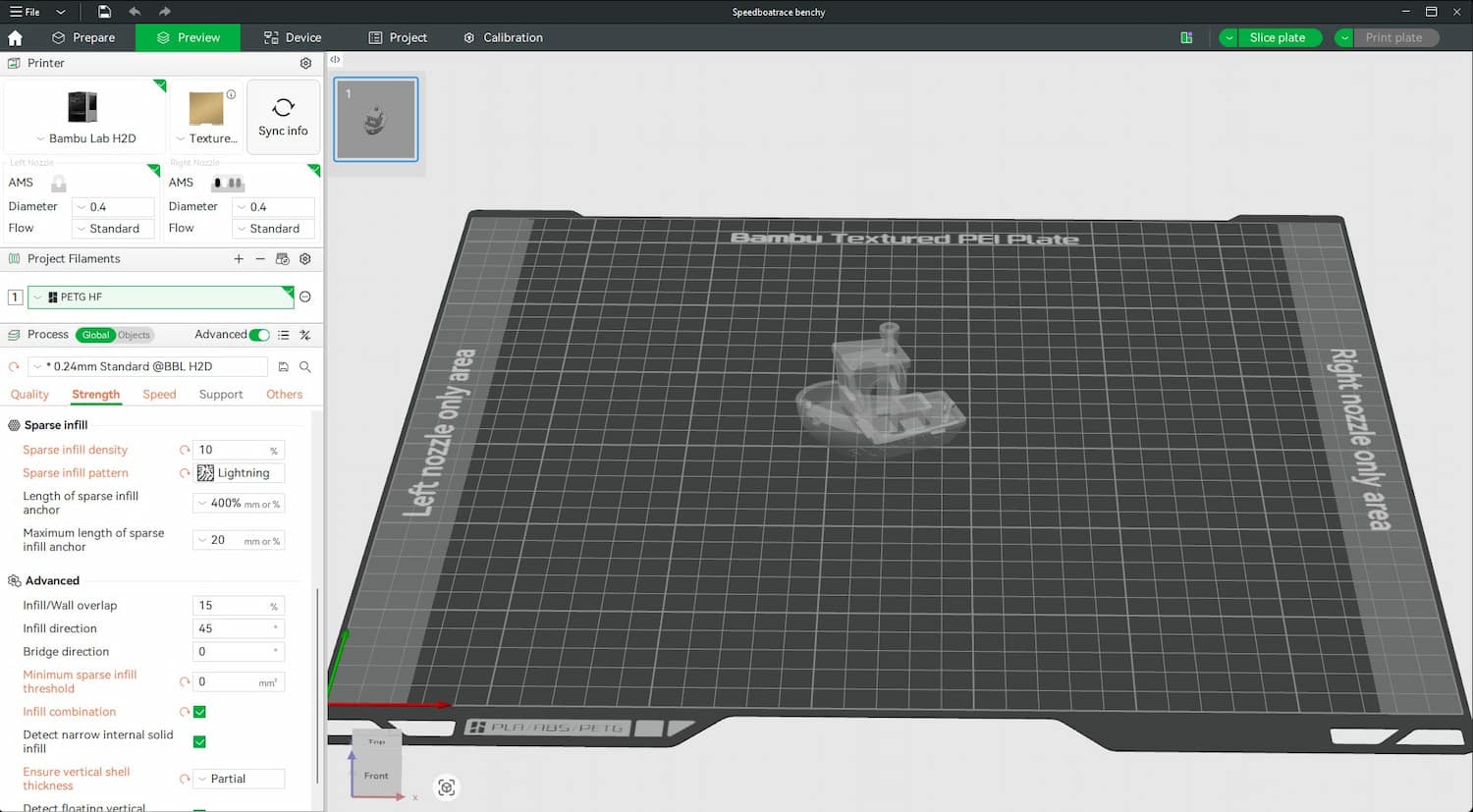
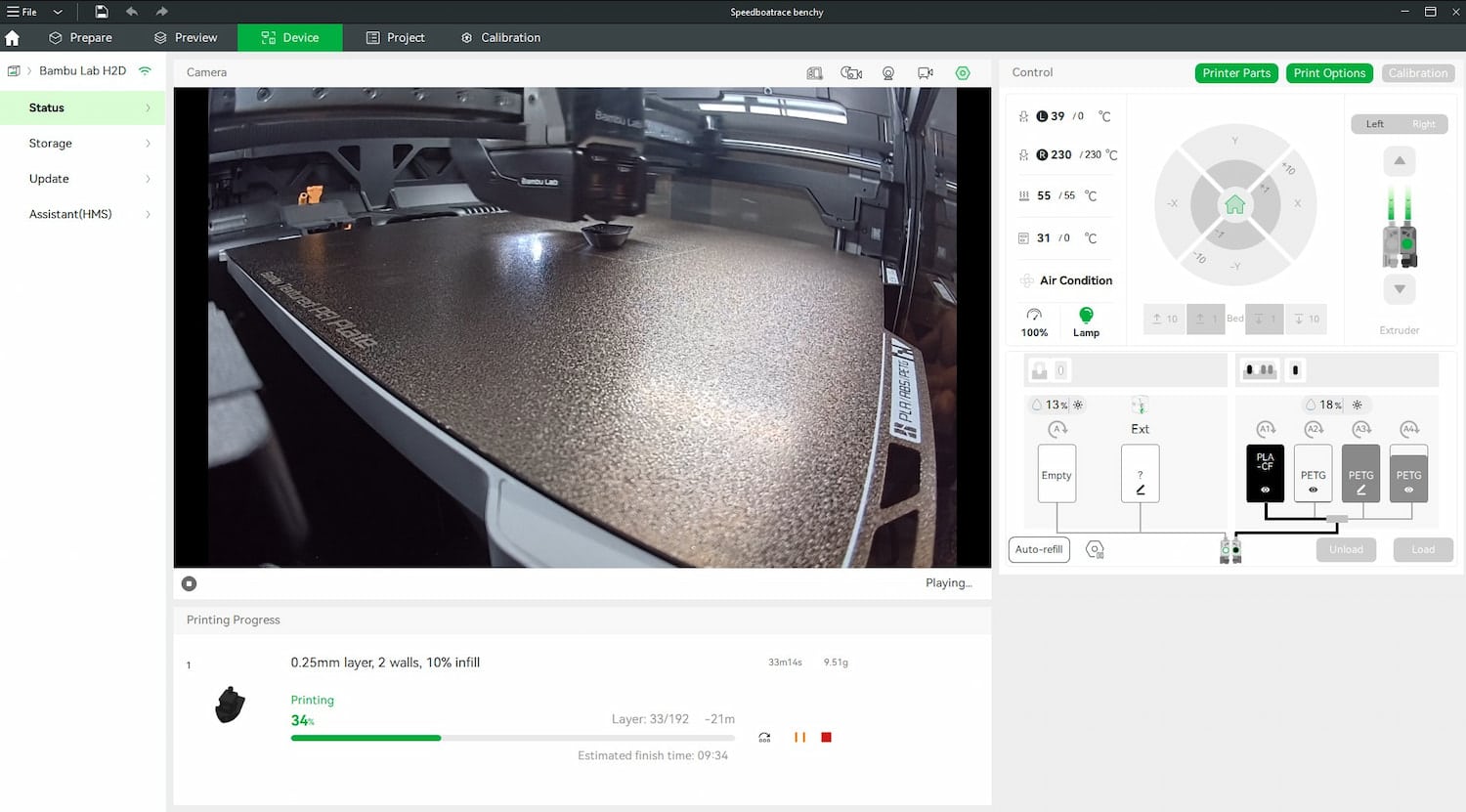
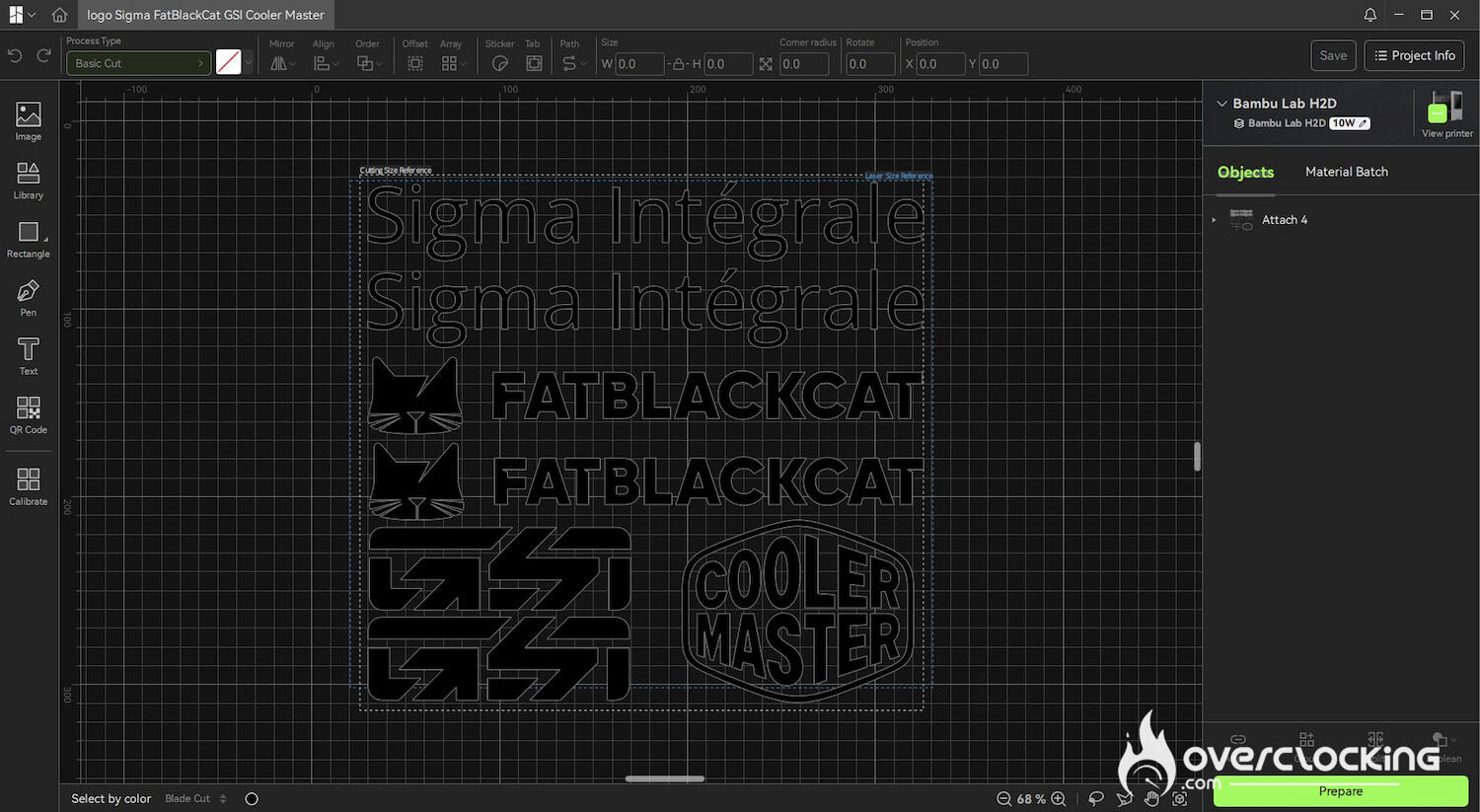
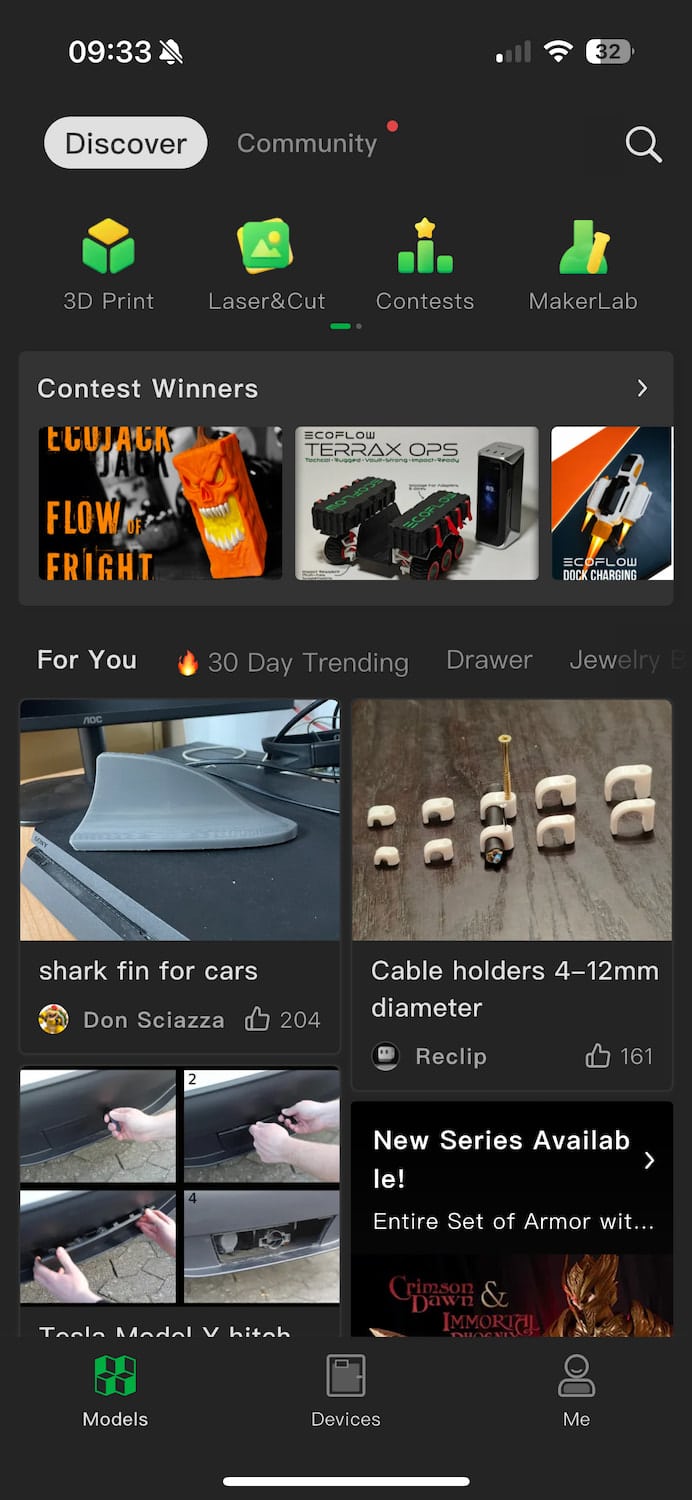
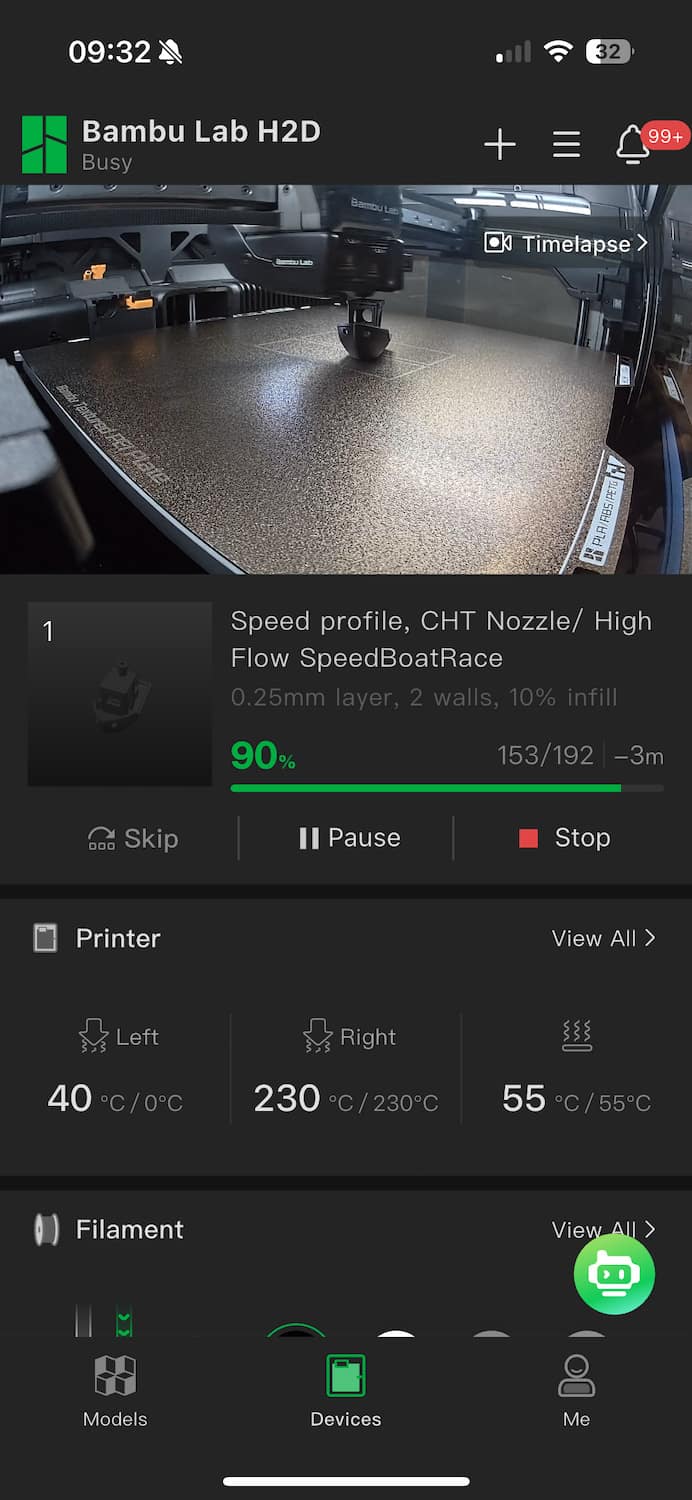
Software is often updated, as is the printer firmware. This improves filament settings, for example.
With the H2D, Bambu Lab is also catering to advanced and professional users. A LAN mode has been developed to manage a printer farm without going through the cloud, which has recently been the subject of much discussion.
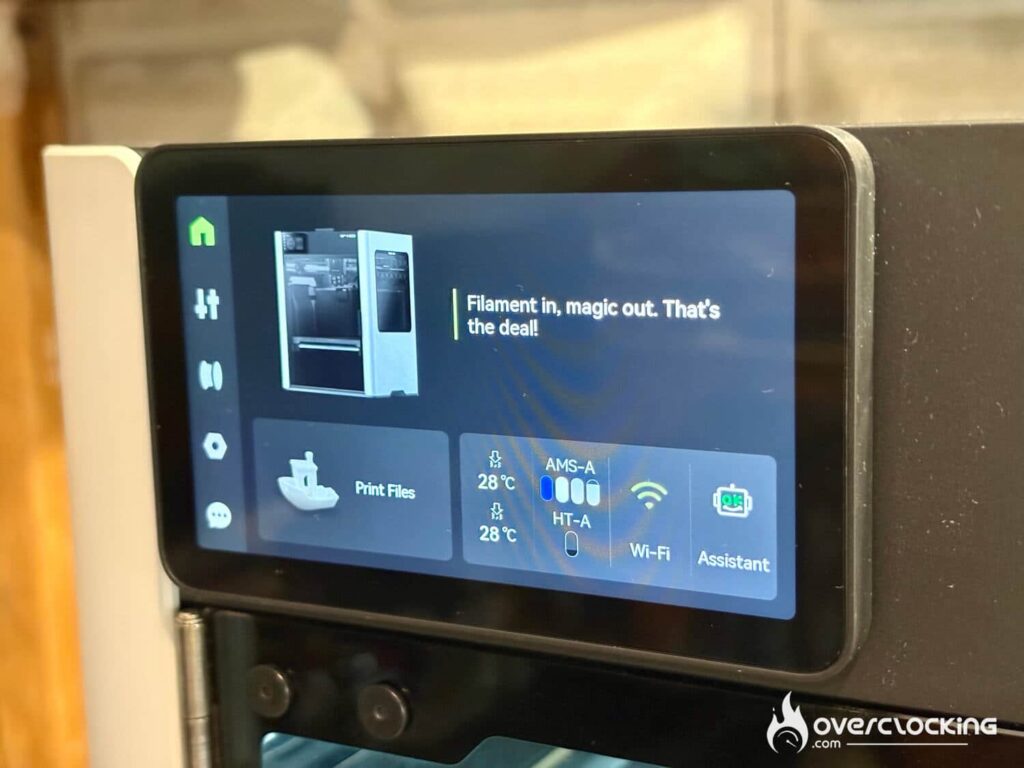
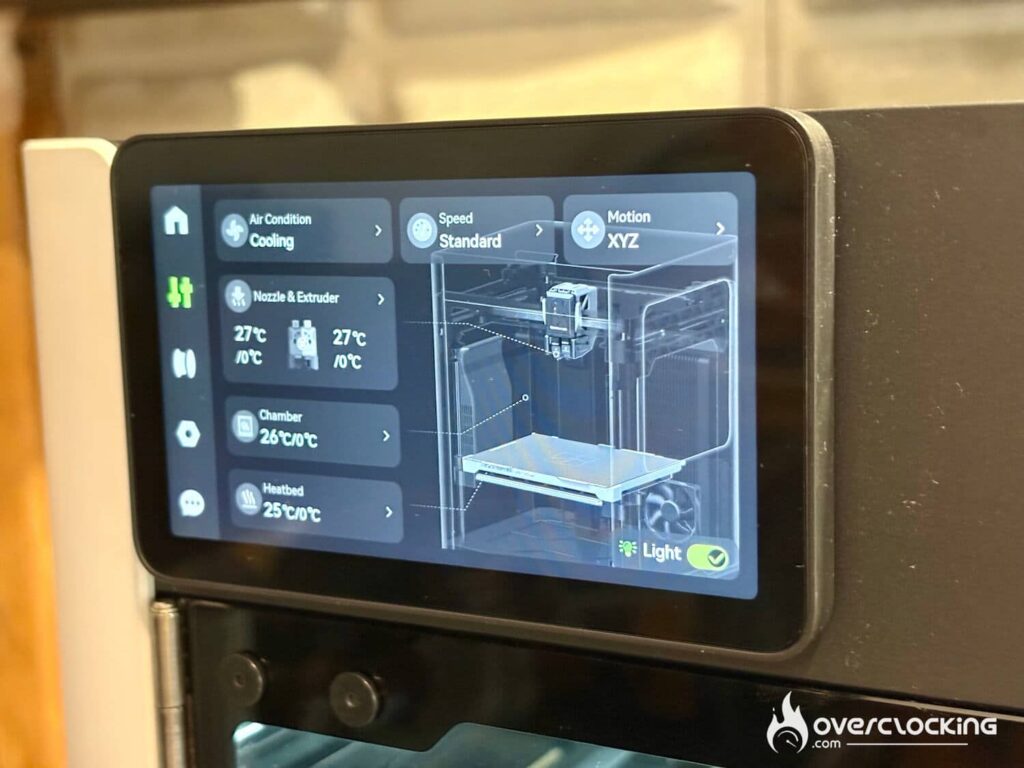
But if you don’t want to connect your printer to the network, you can use a USB flash drive to load your designs directly onto the printer.
One minor drawback we noticed is that if you want to make timelapse videos of your creations, you will need a USB flash drive. Although everything goes through the cloud, Bambu Lab has not yet taken the step of saving images and videos directly to our PCs via Bambu Studio.
[nextpage title=”Print quality”]
Print quality
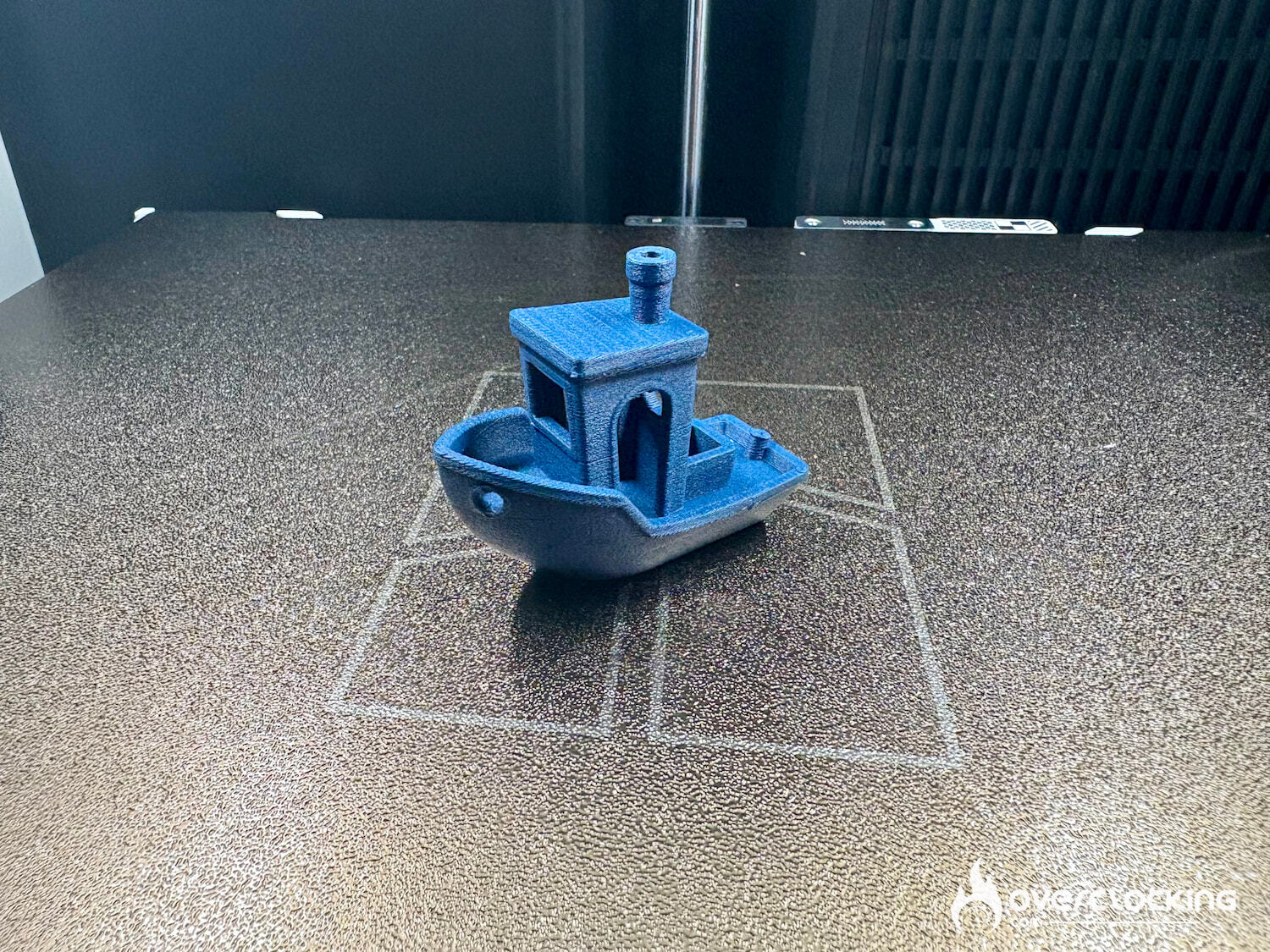
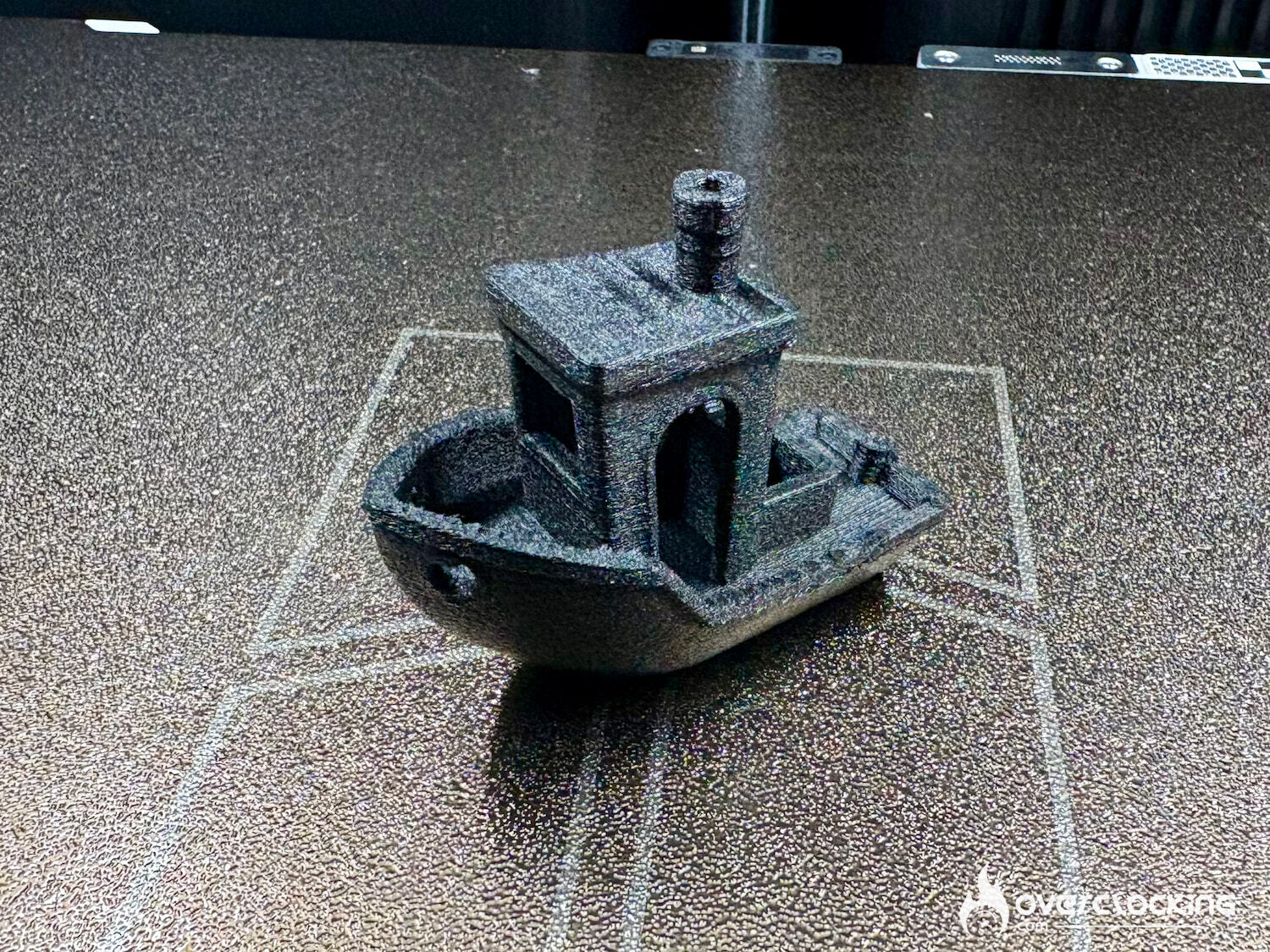
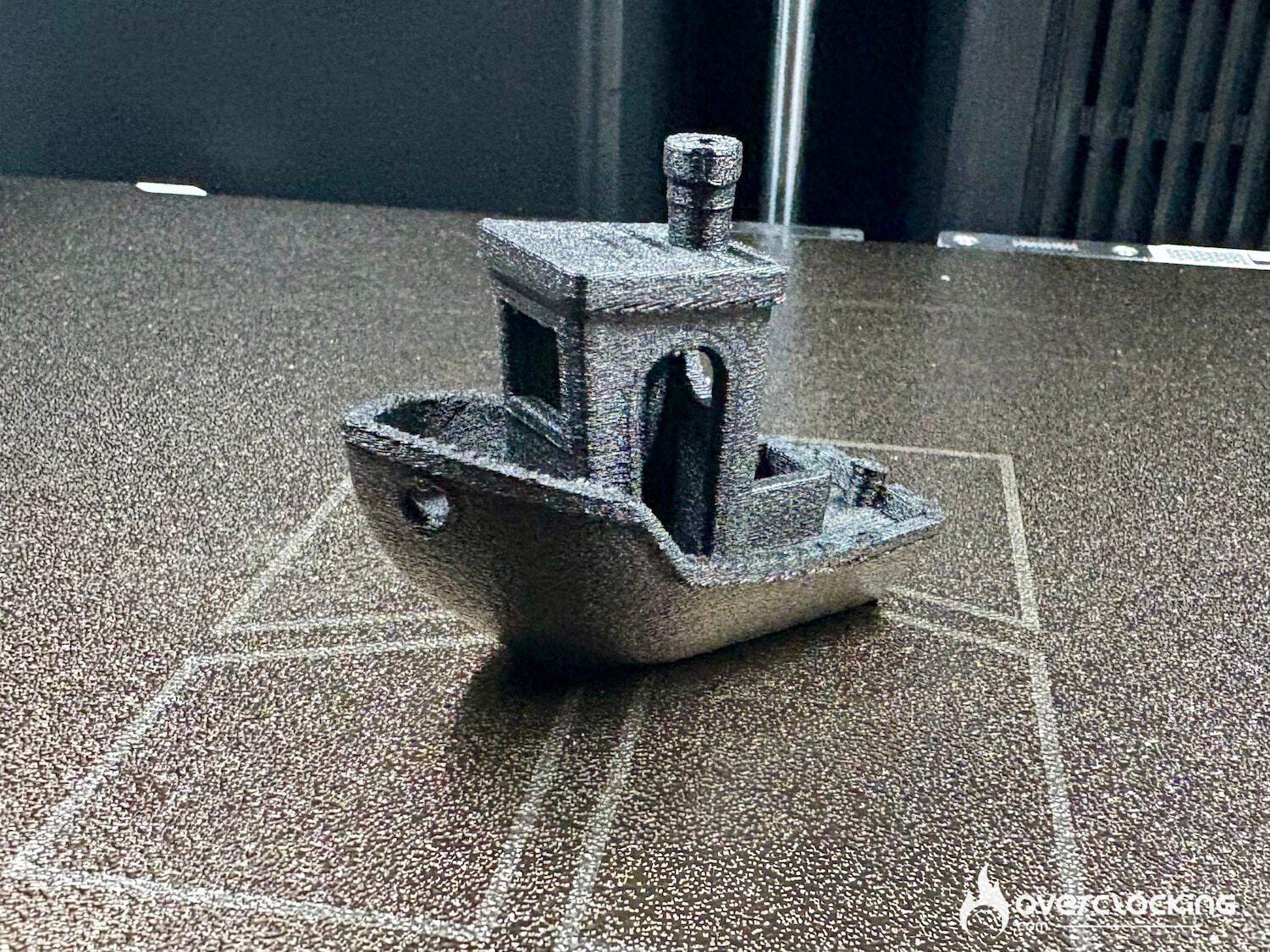
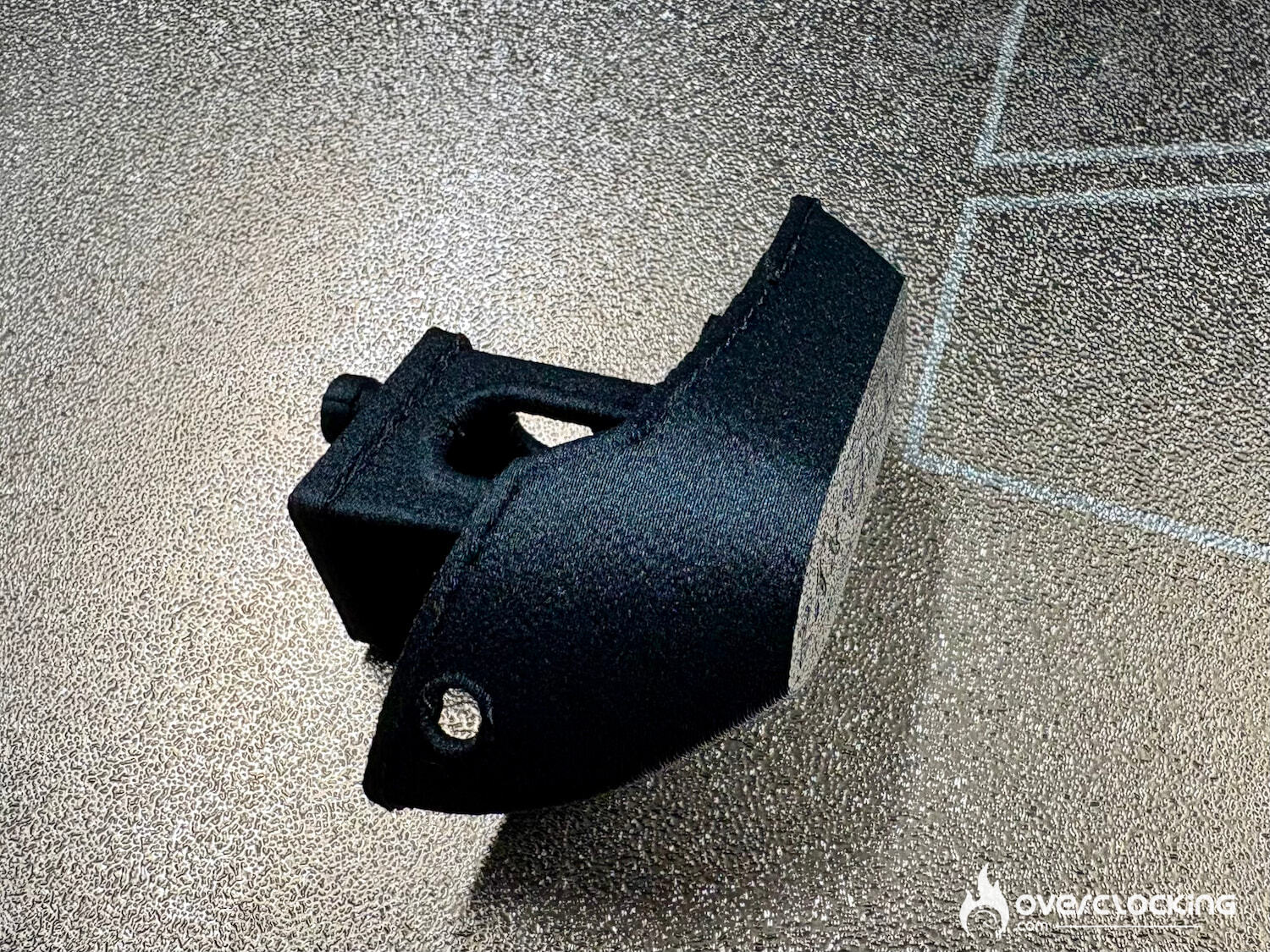
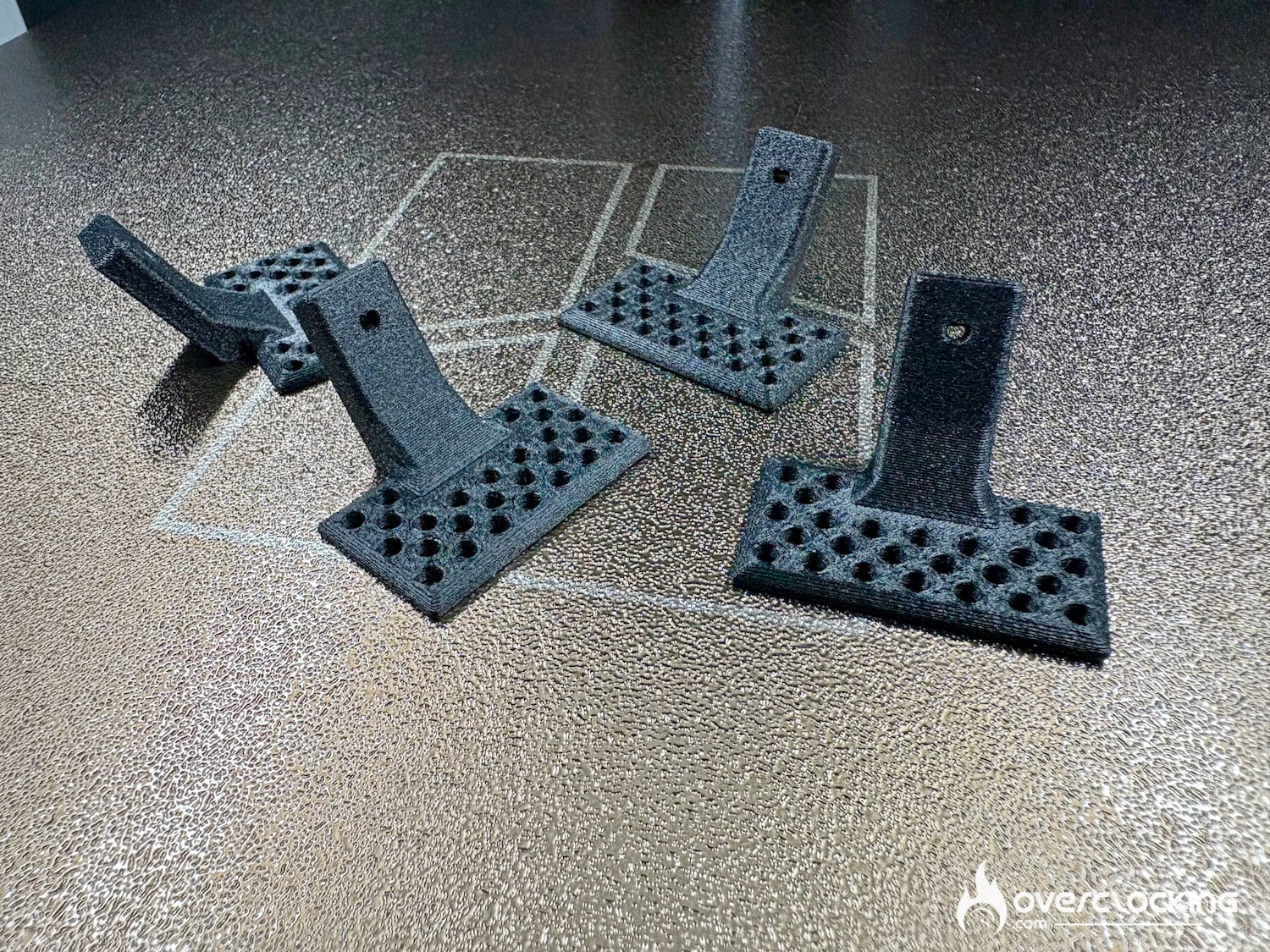
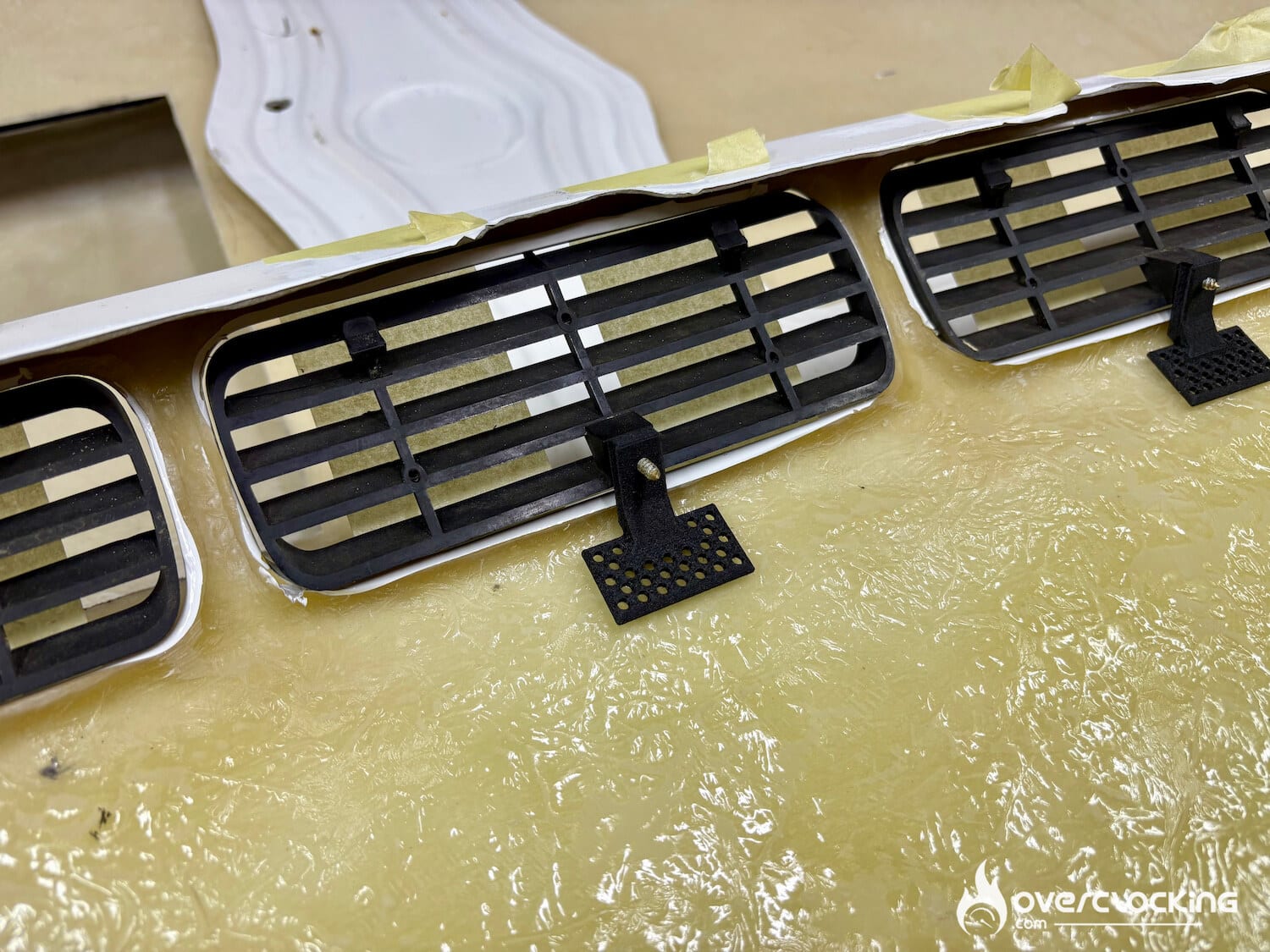
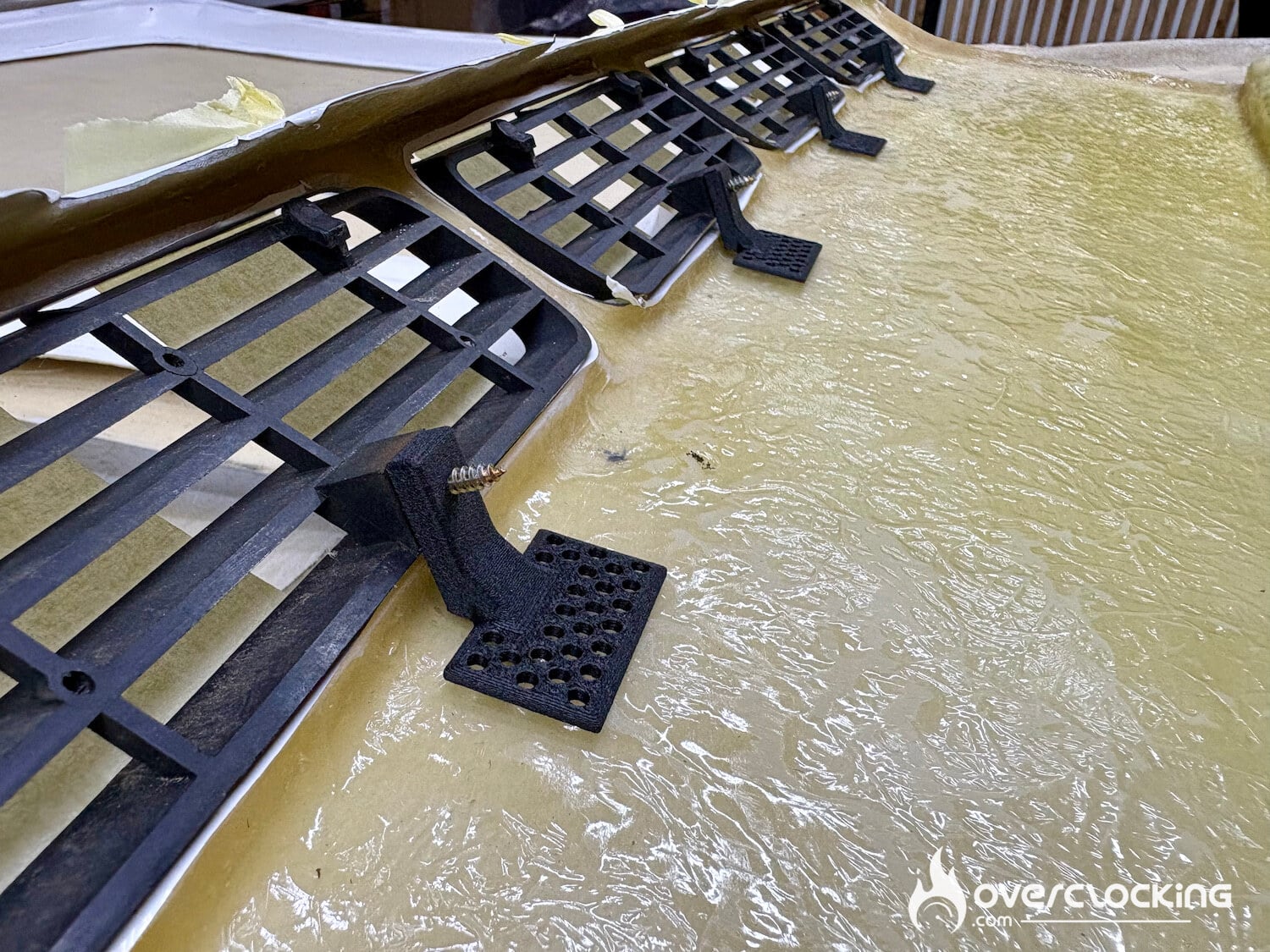
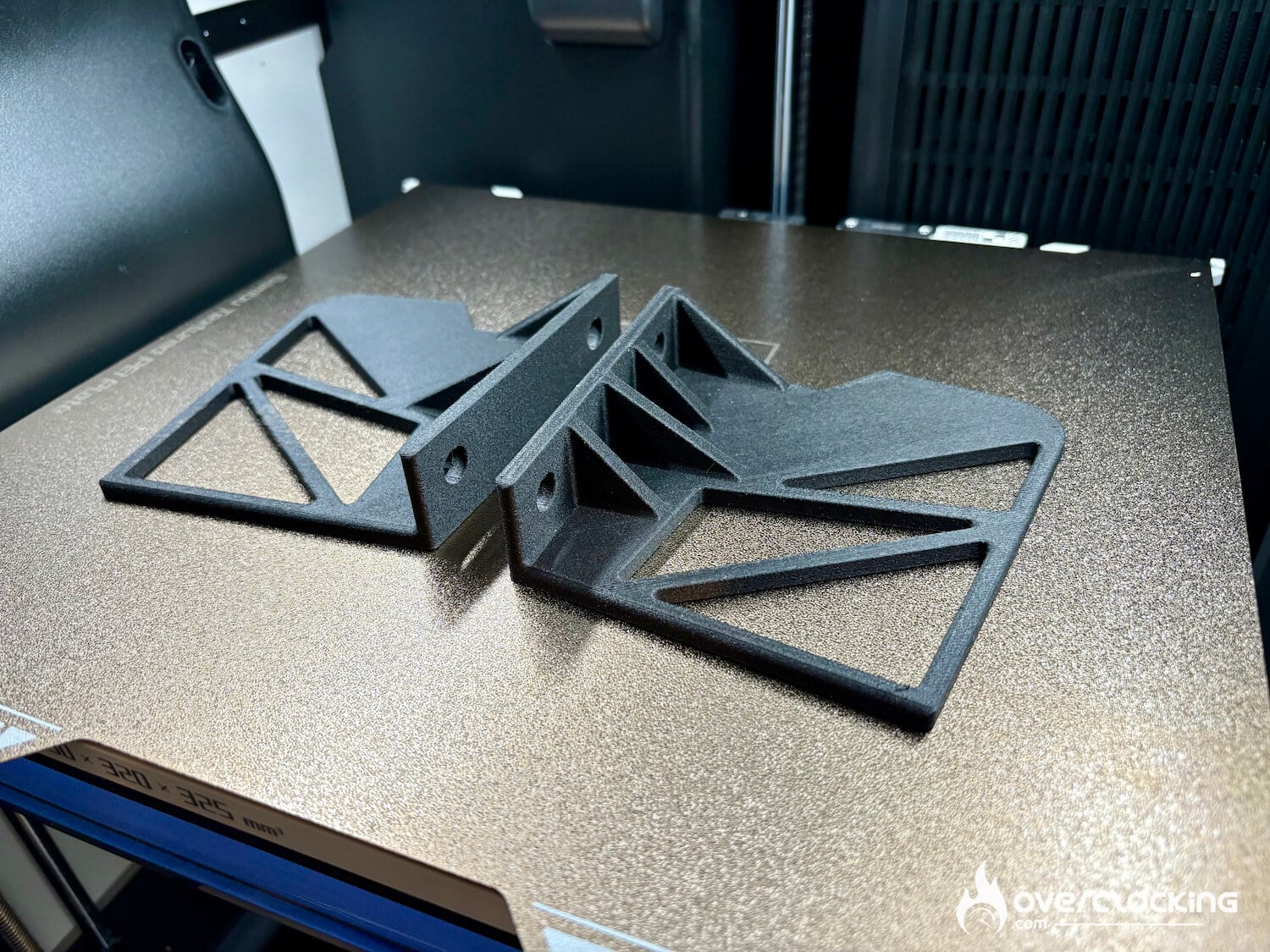
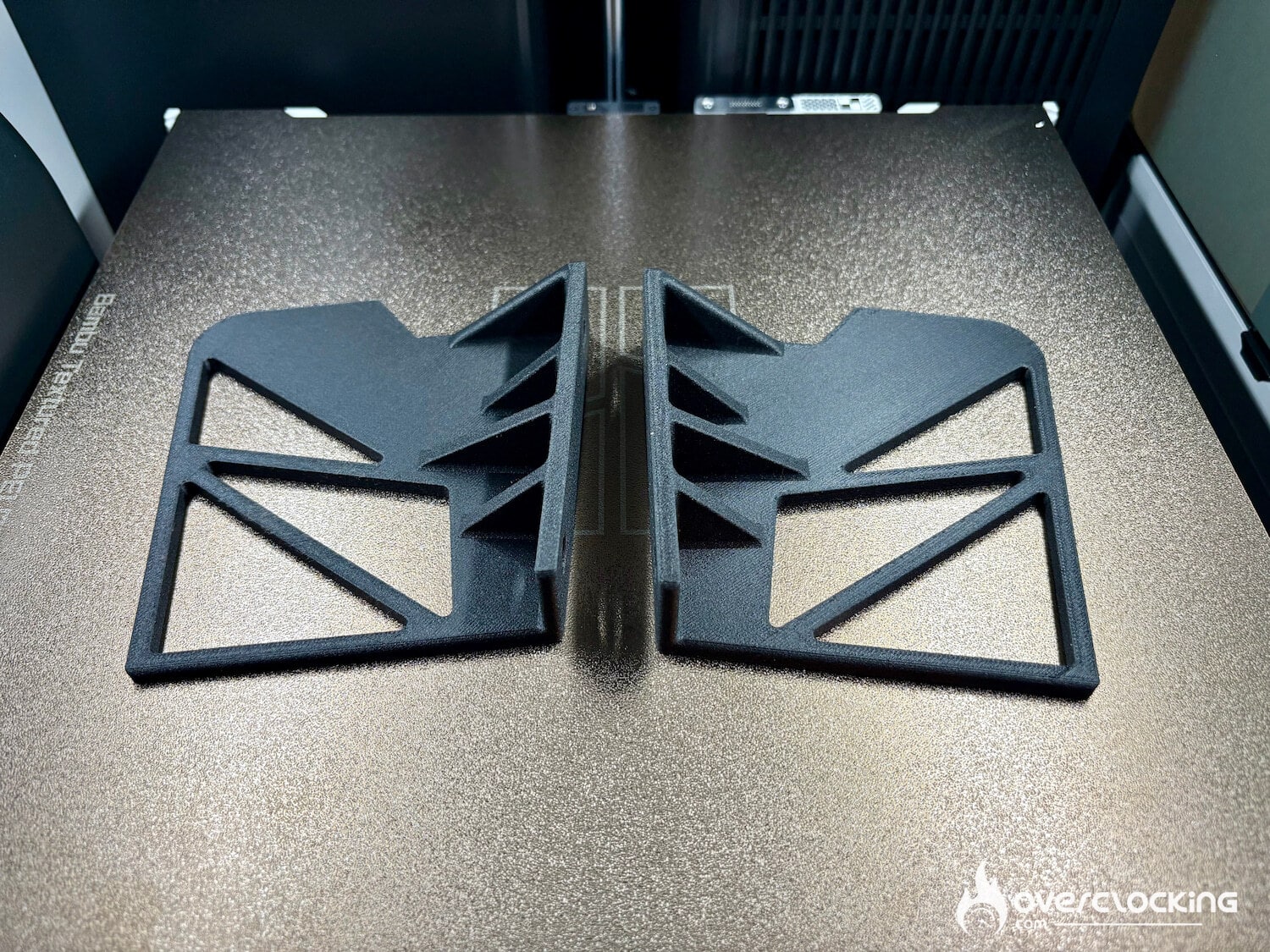
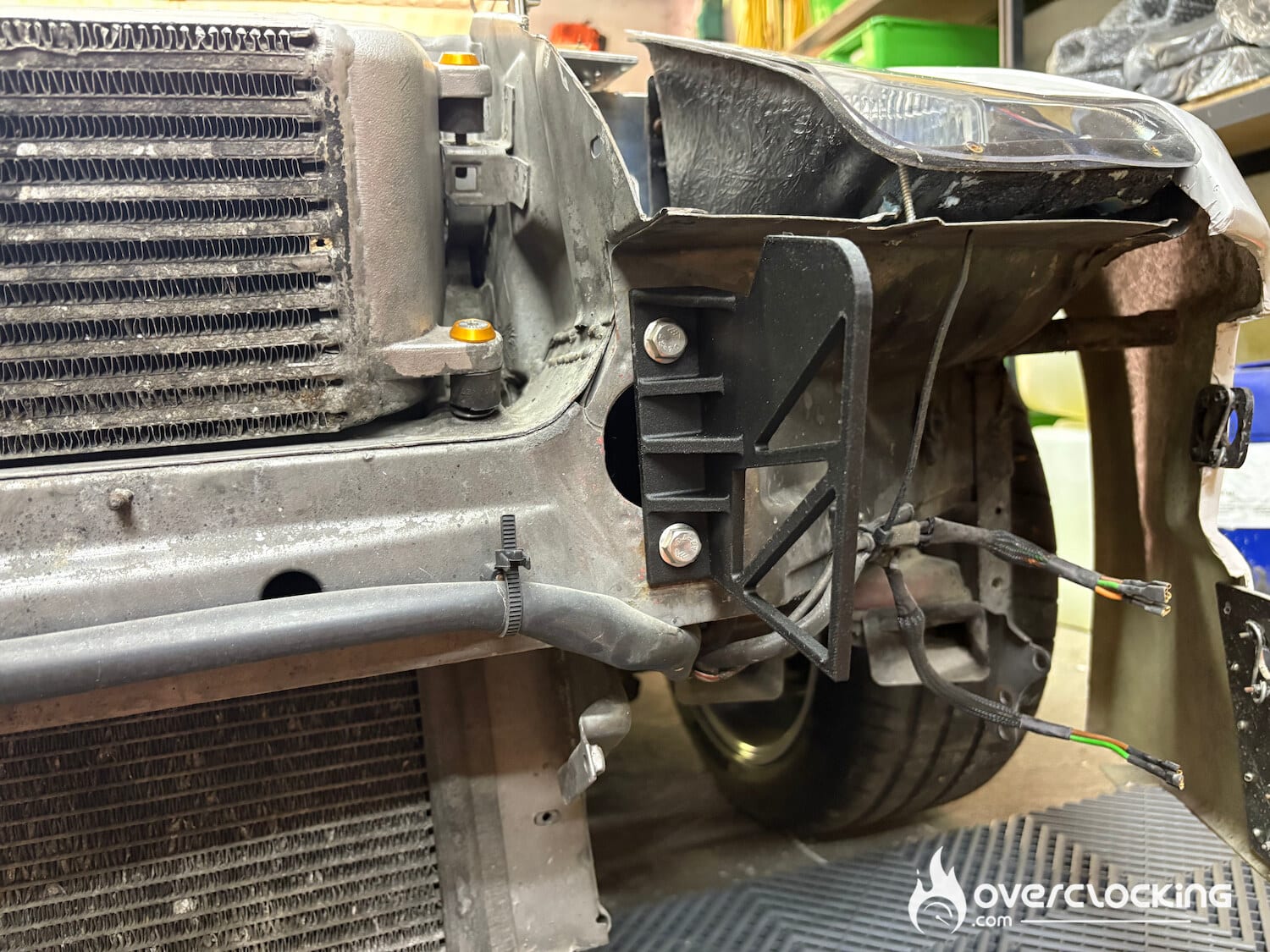
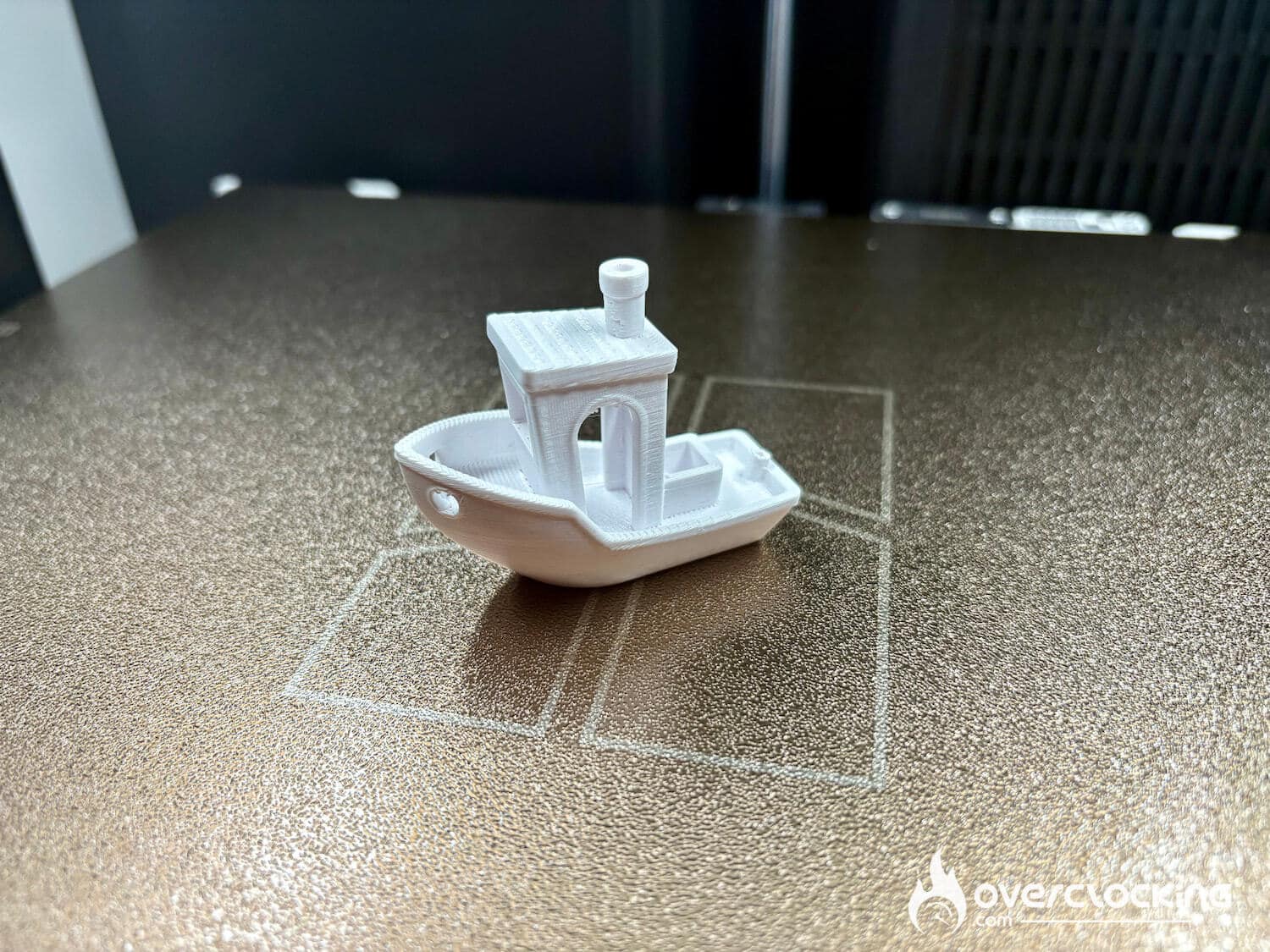
Using 3D printing on a daily basis, rather than only showing you Benchies, I wanted to present the type of parts designed and printed for my everyday needs.
With a printer like this, there’s no need to test PLA filaments, it’s too easy… So we asked for more challenging filaments: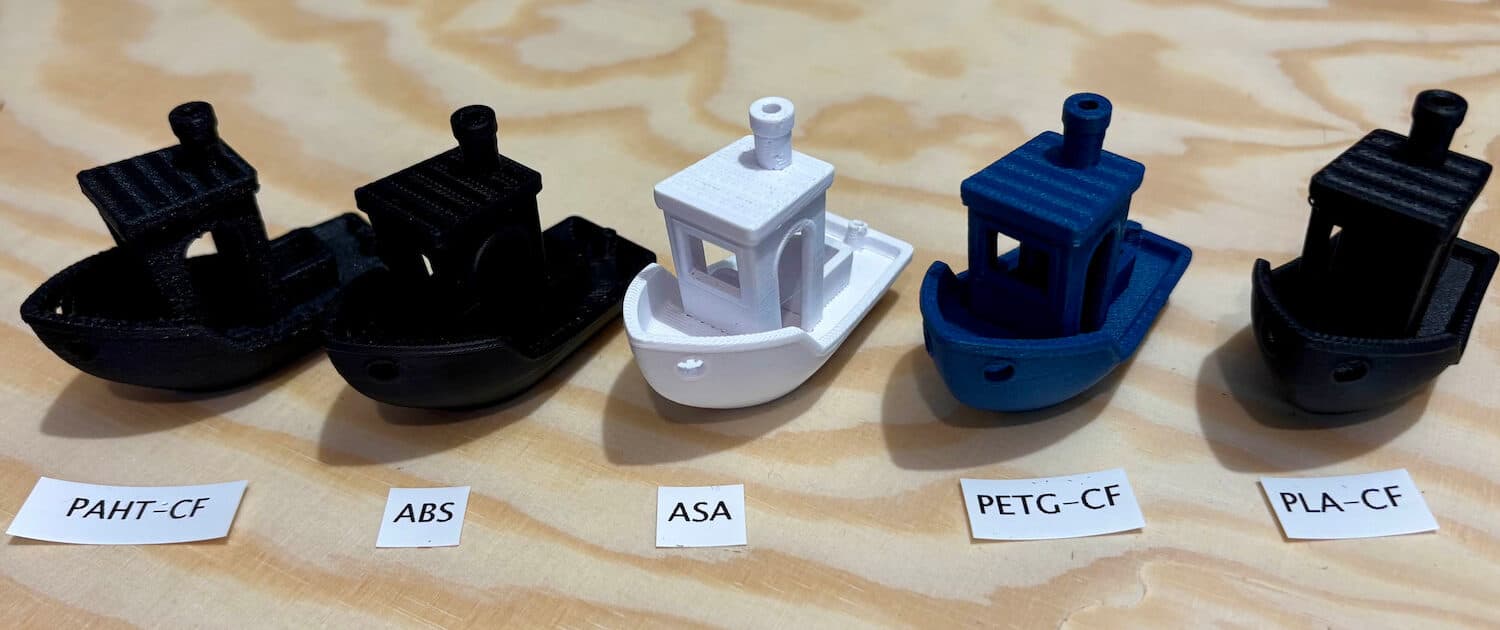
PLA-CF
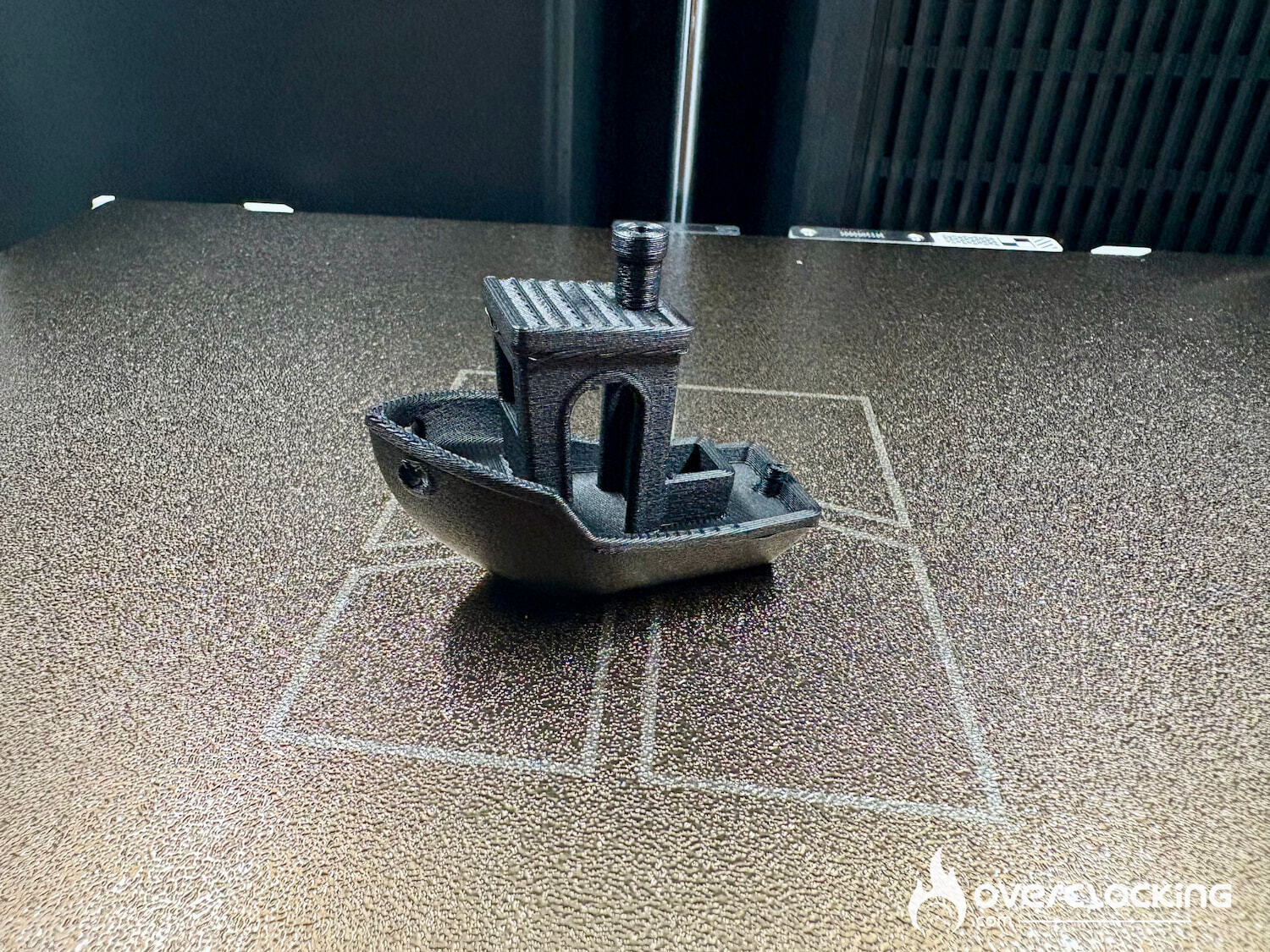
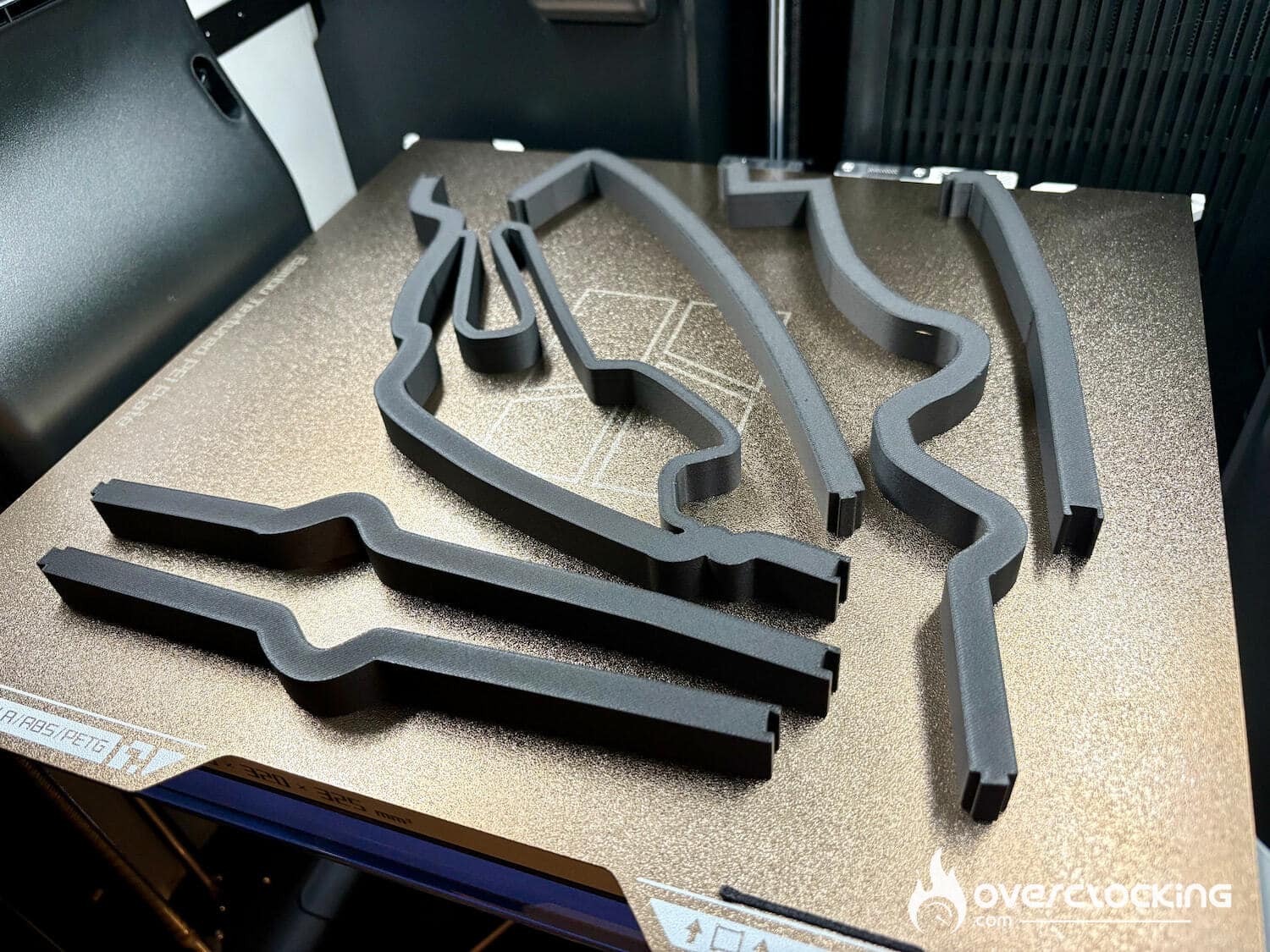
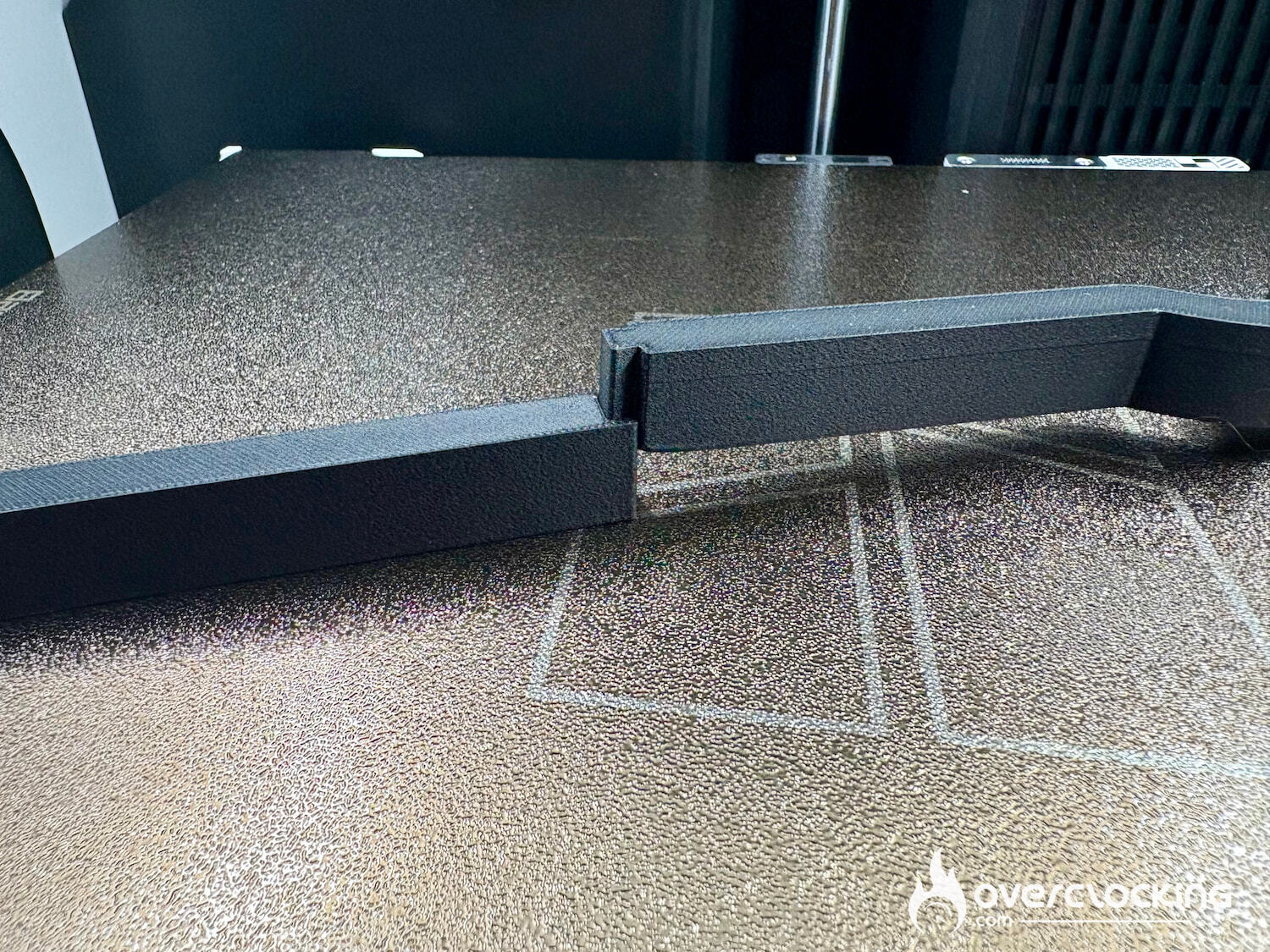
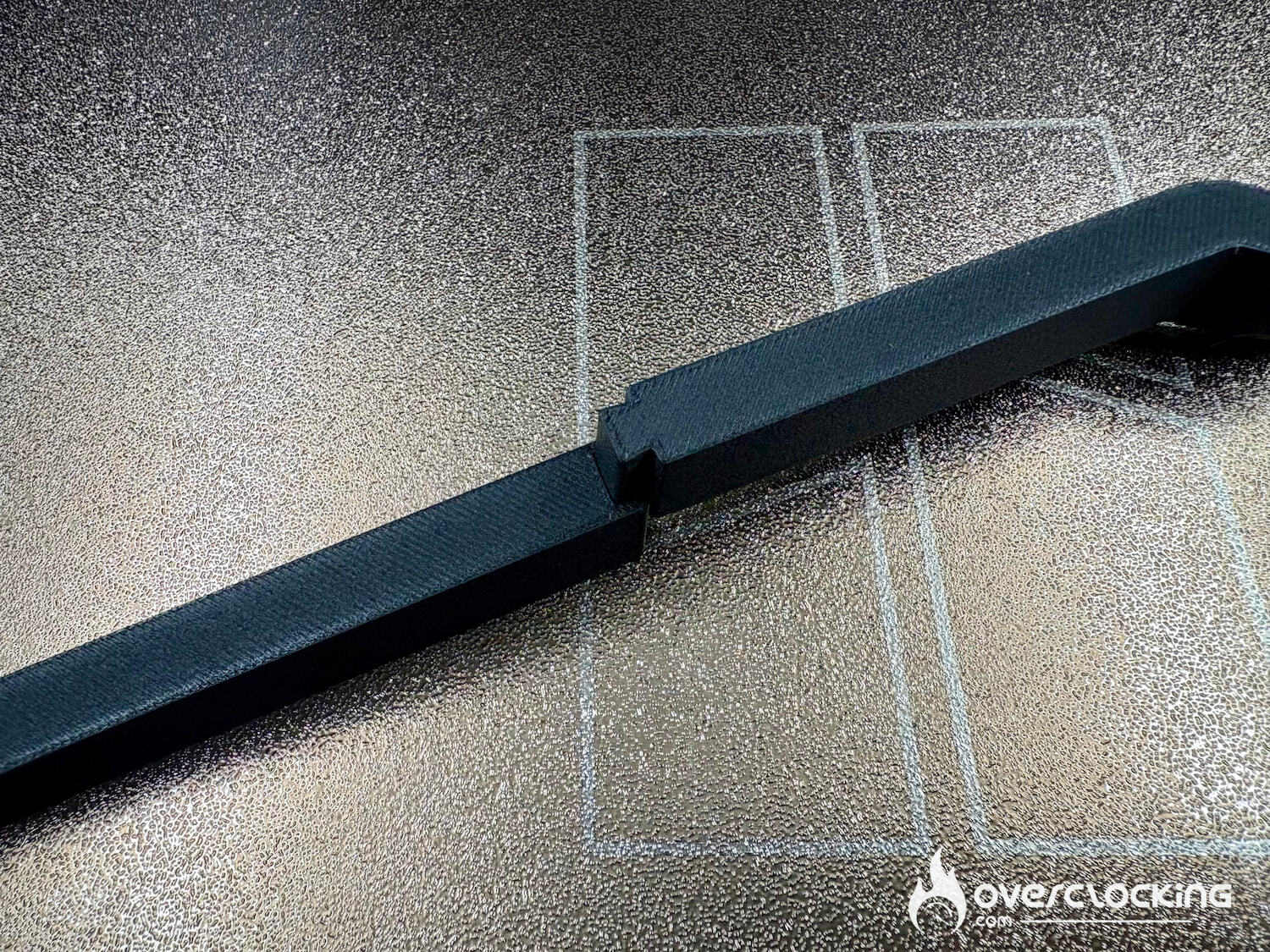
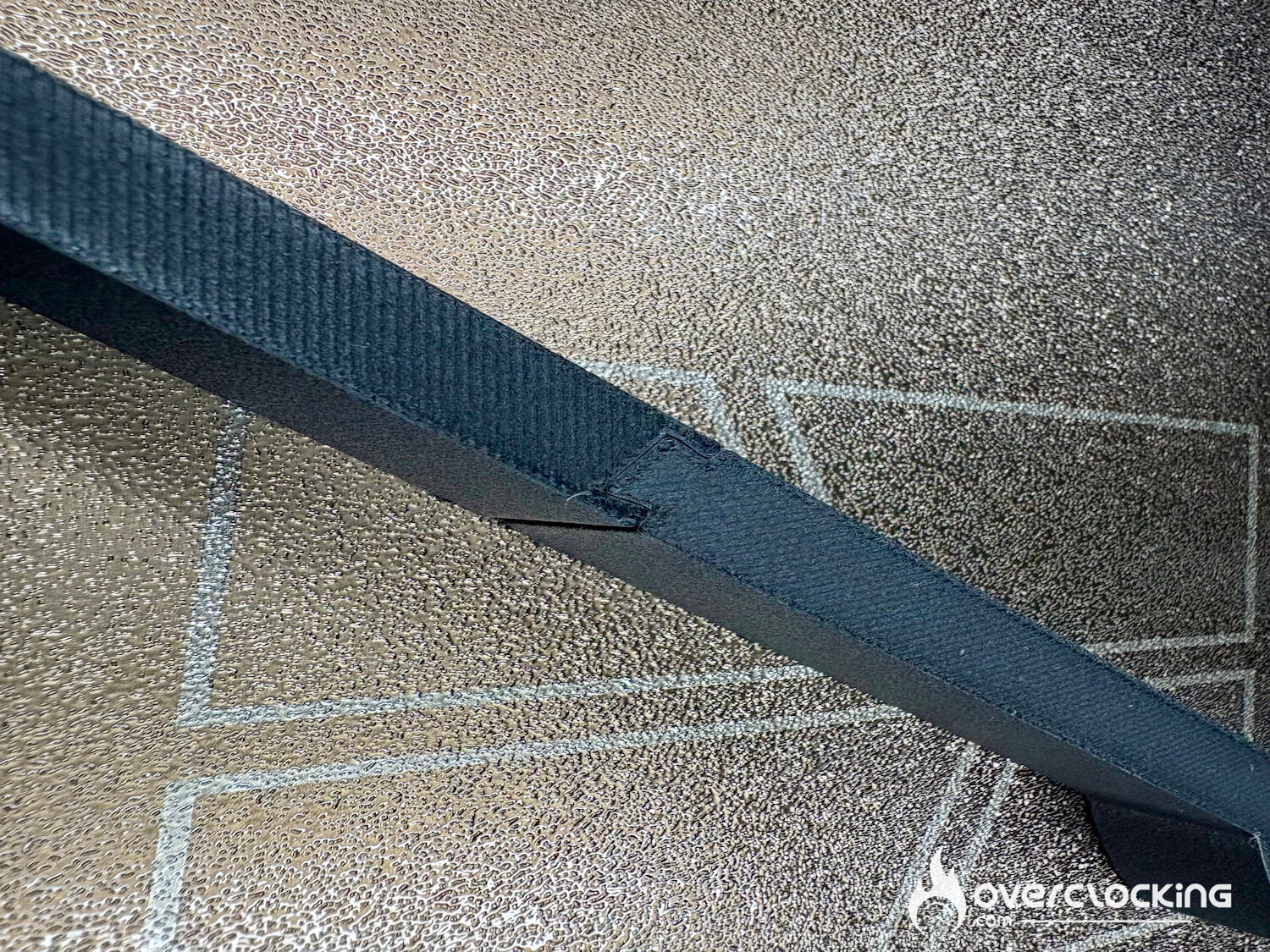
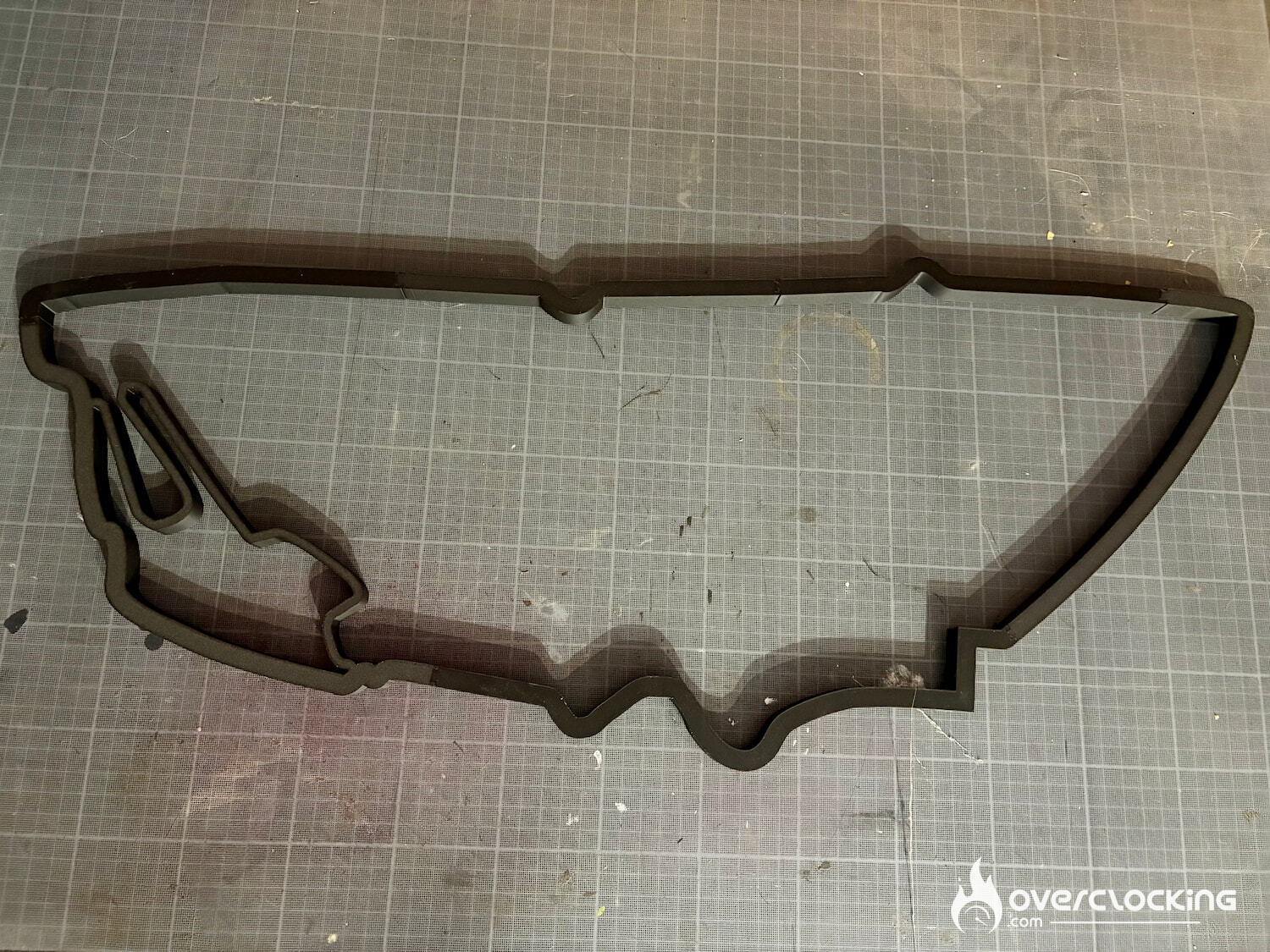
- PLA-CF is a PLA reinforced with carbon fibers. The finish is very good, and the parts fit together perfectly.
PLA-GLOW
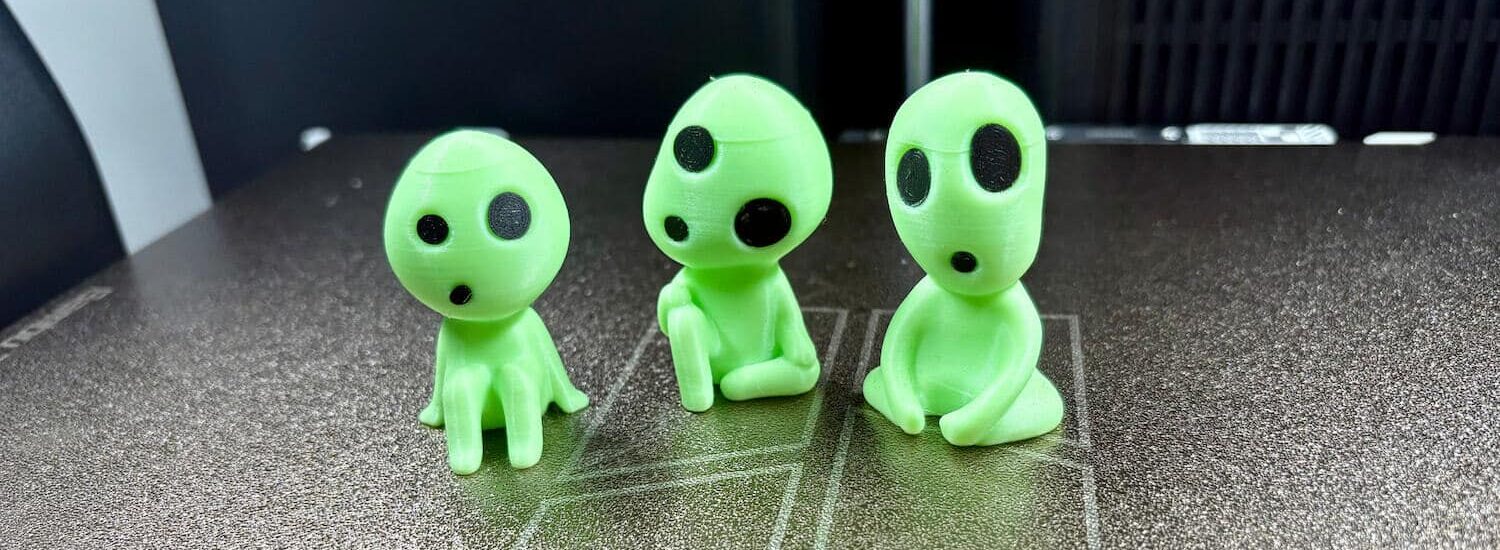
- PLA-GLOW is a luminescent PETG: the line at the top of the heads is the result of a 5-hour print break, when one of the figures came unstuck. Otherwise, the print is very good and the Kodamas have populated the house.
PETG-CF
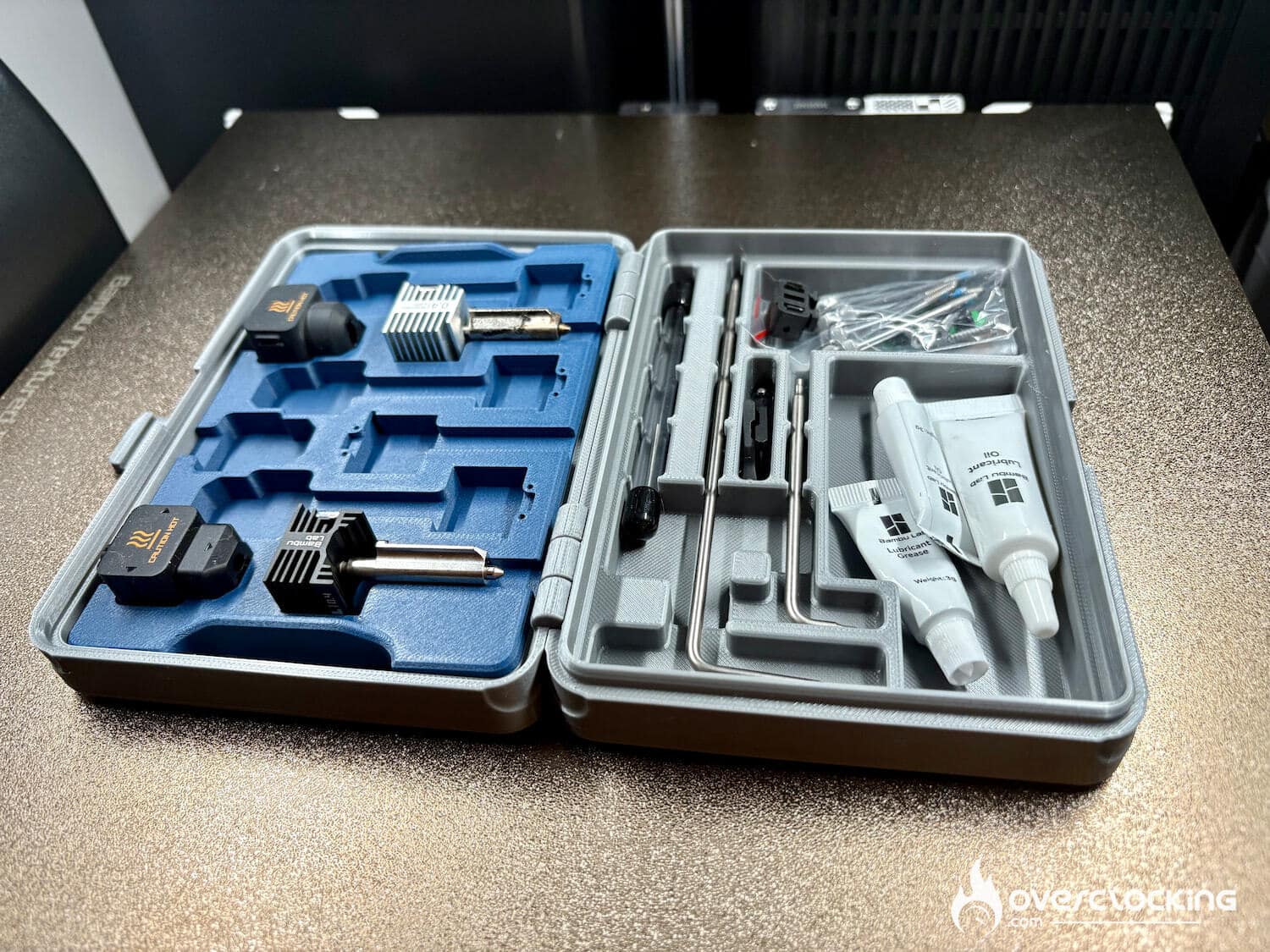
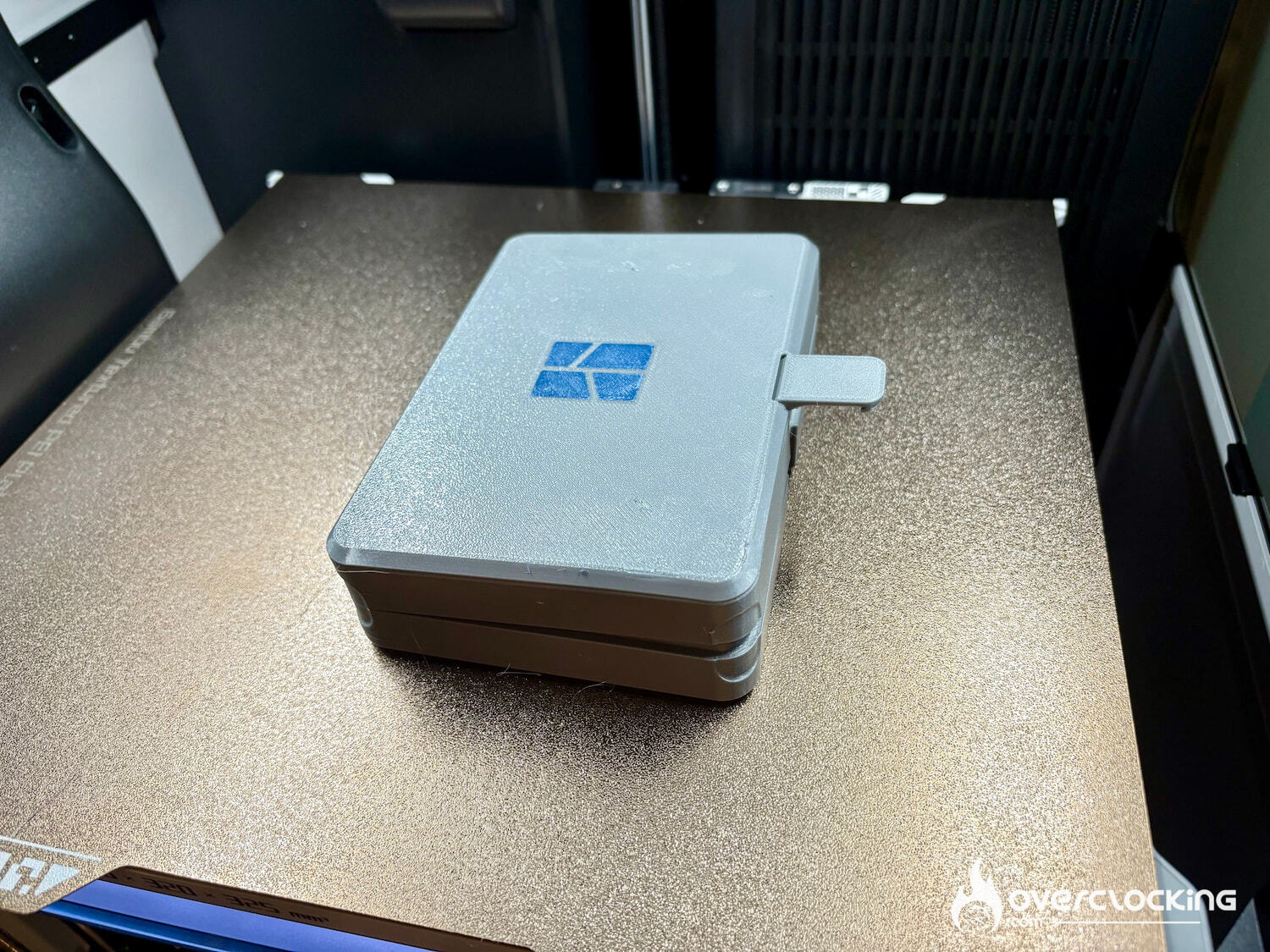
- PETG-CF is a PETG reinforced with carbon fibers. Absolutely nothing to complain about here.
PAHT-CF
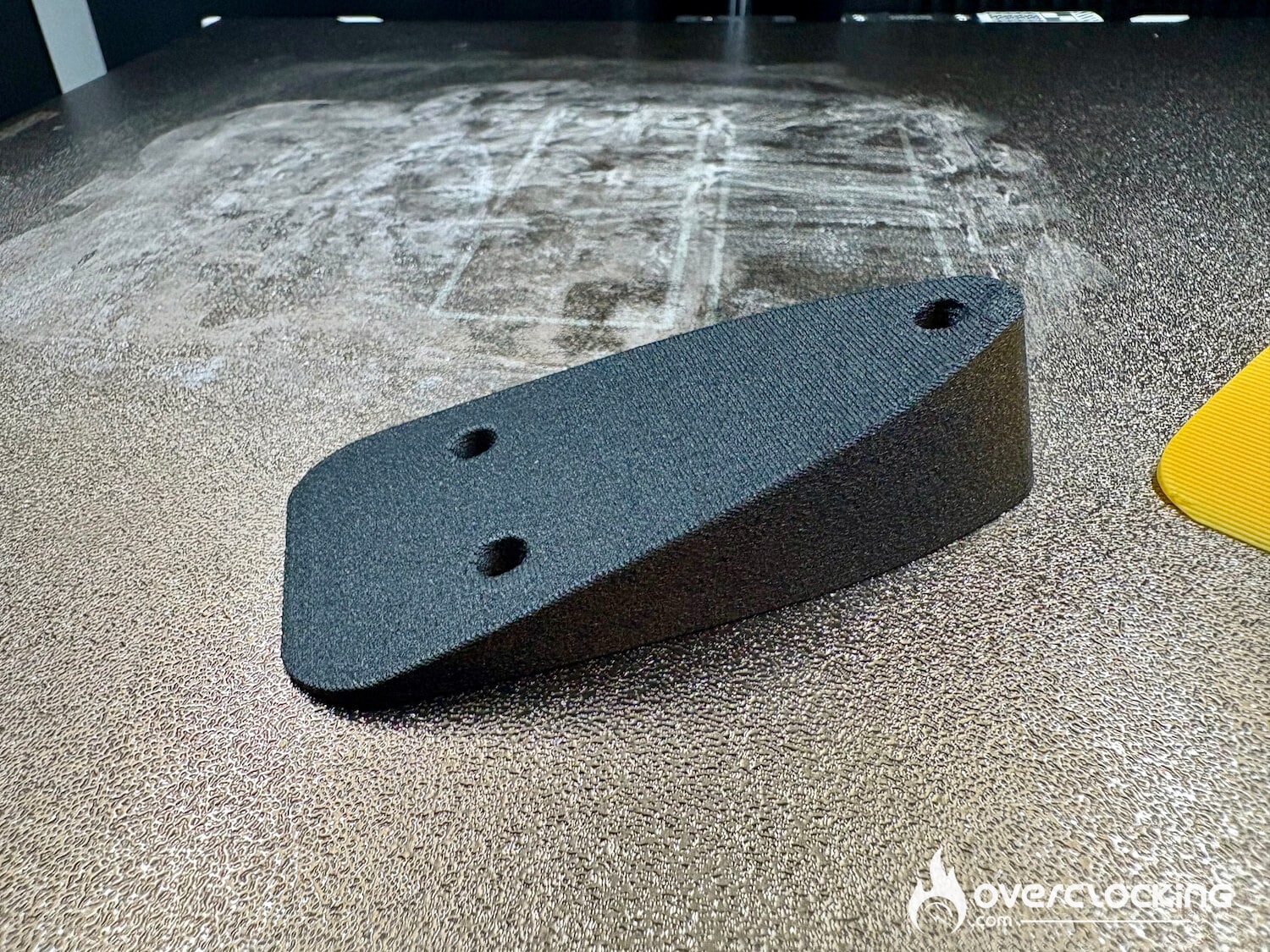
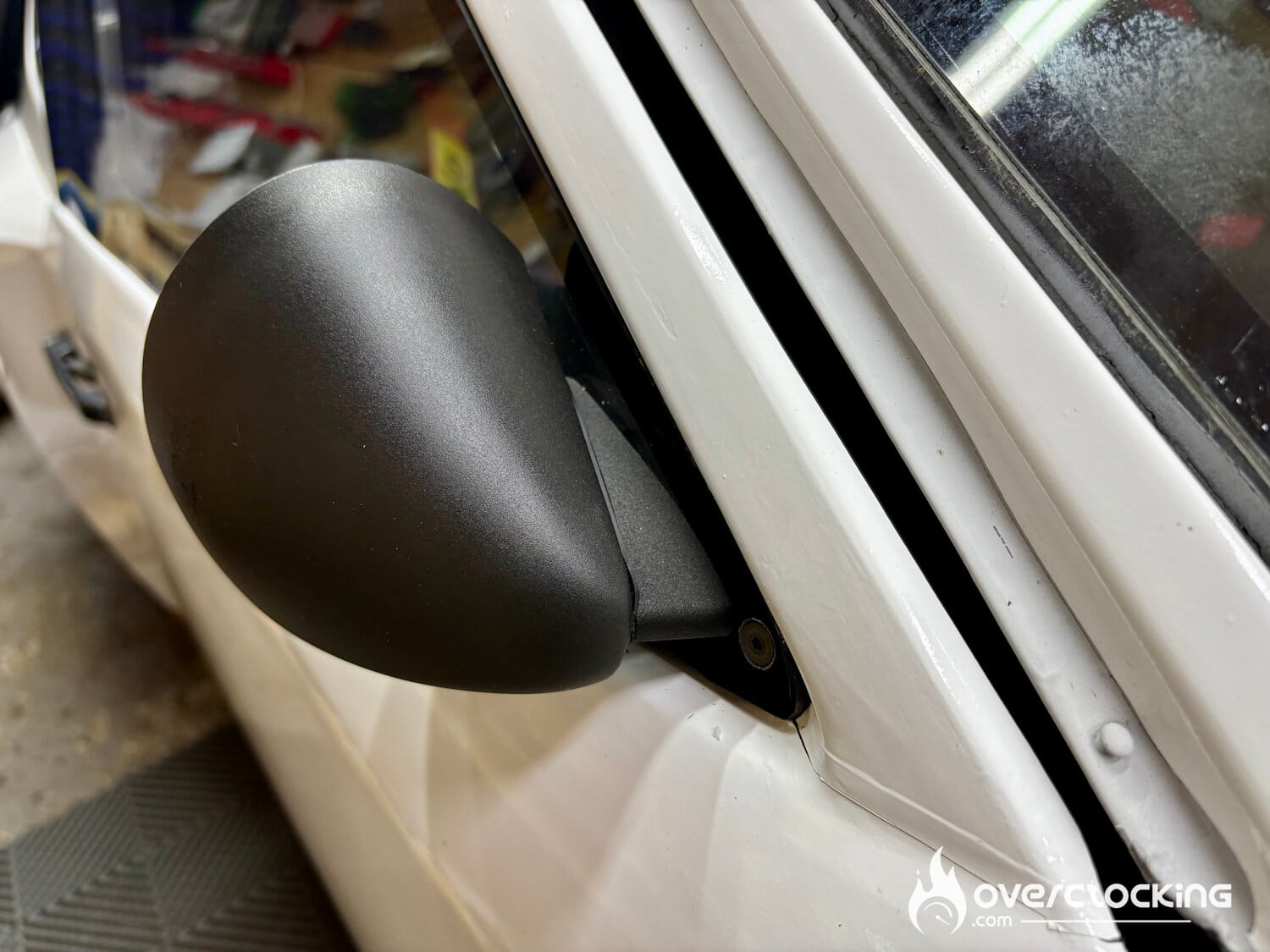
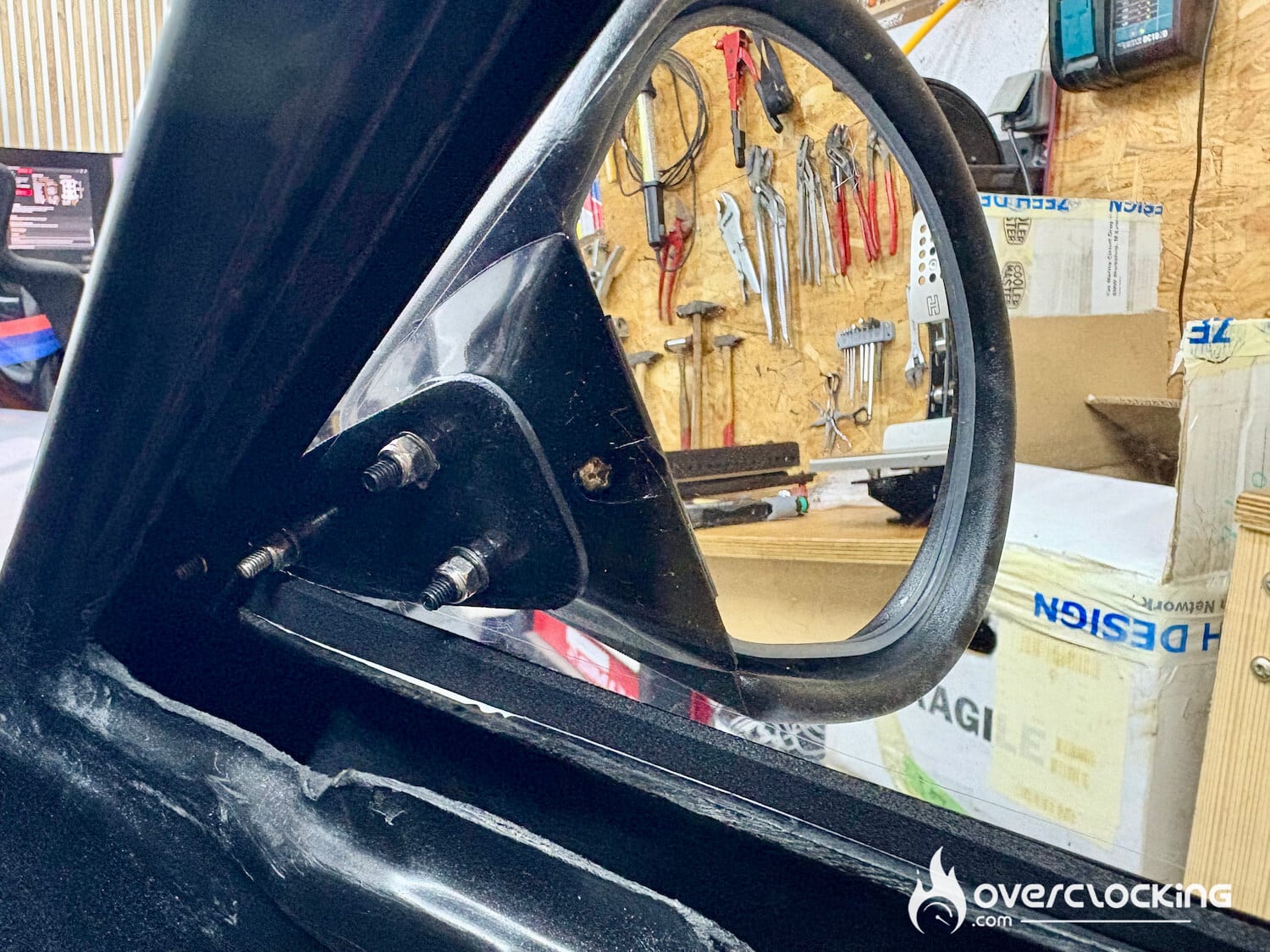
- PAHT-CF, a carbon-fiber reinforced PA12 with excellent mechanical and thermal properties. Perfect for making strong parts, and hard to tell that parts are made by a printer with the irregularities created by the fibers.
ASA
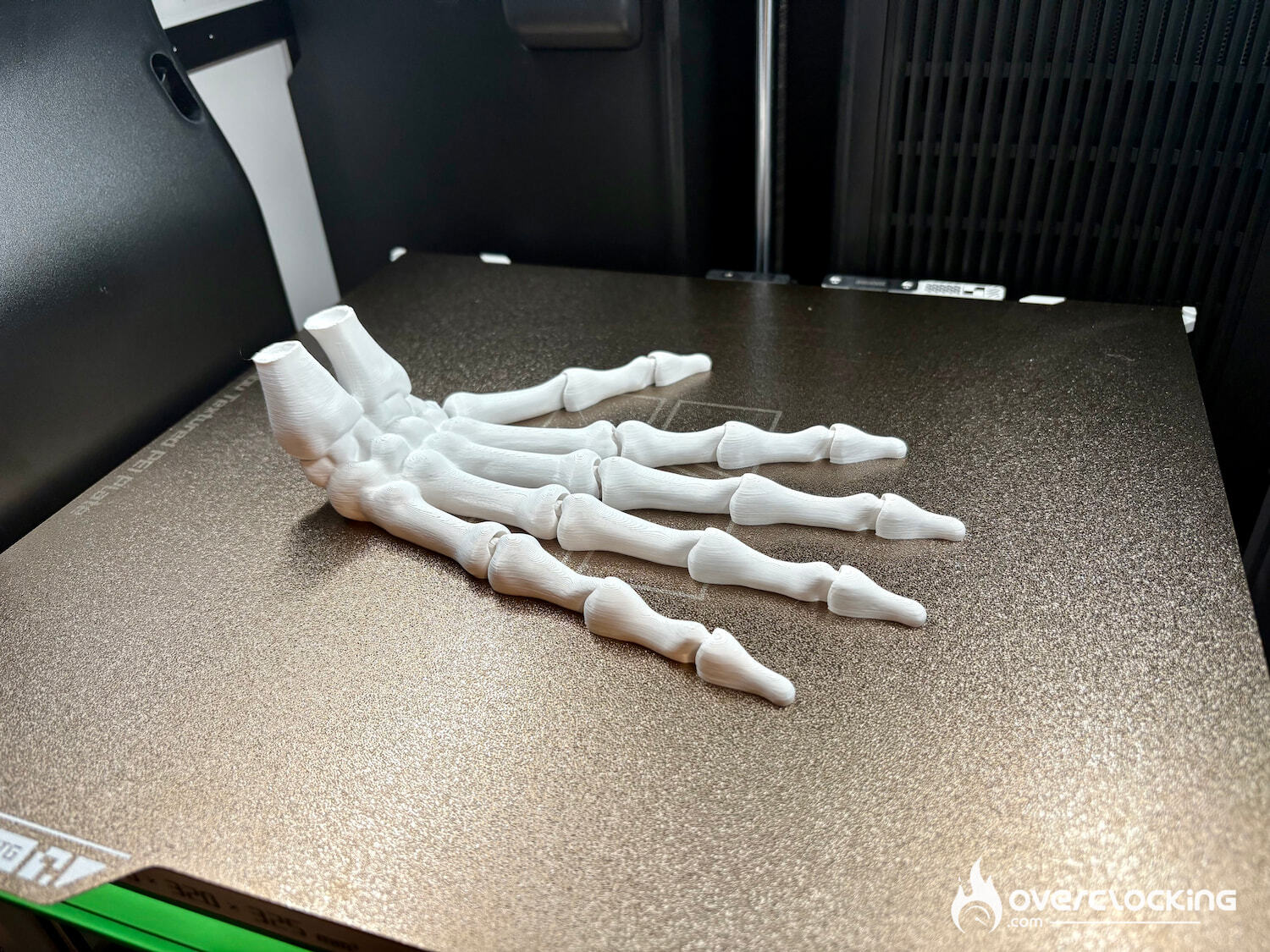
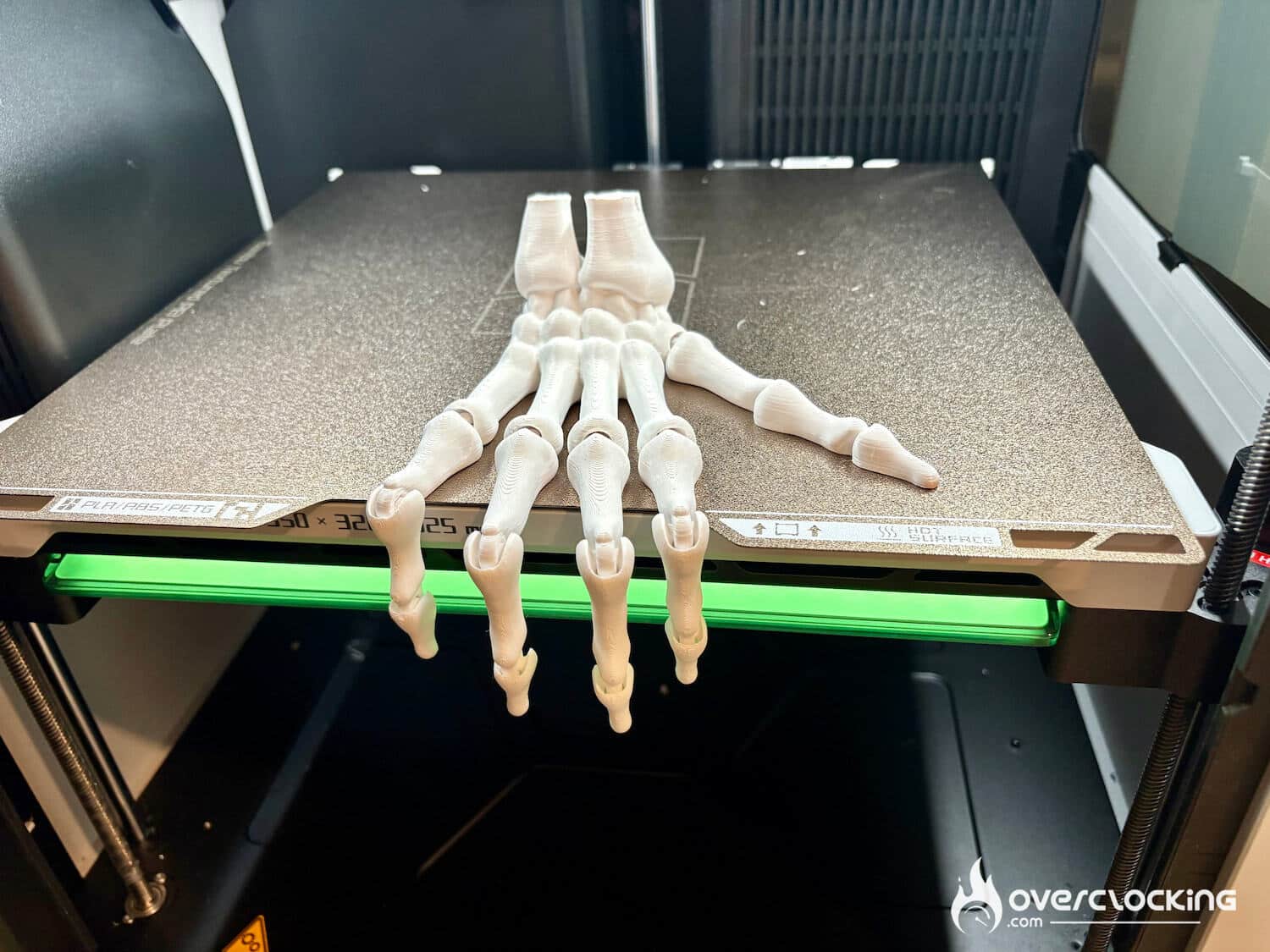
- ASA, hard to print without good chamber temperature control, with characteristics close to ABS. Here, I’m using an Elegoo filament with generic parameters, and the print is just perfect.
ABS
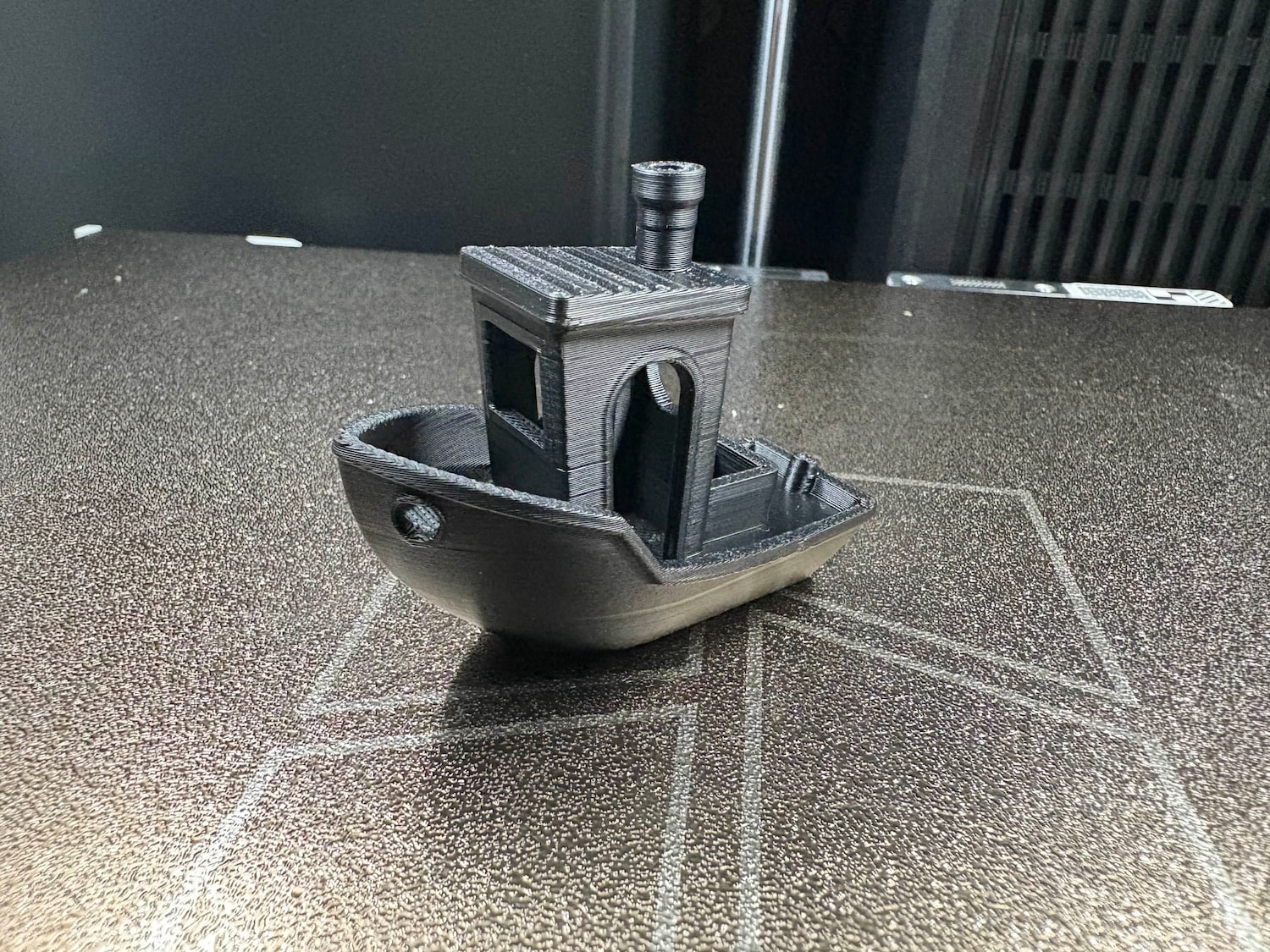
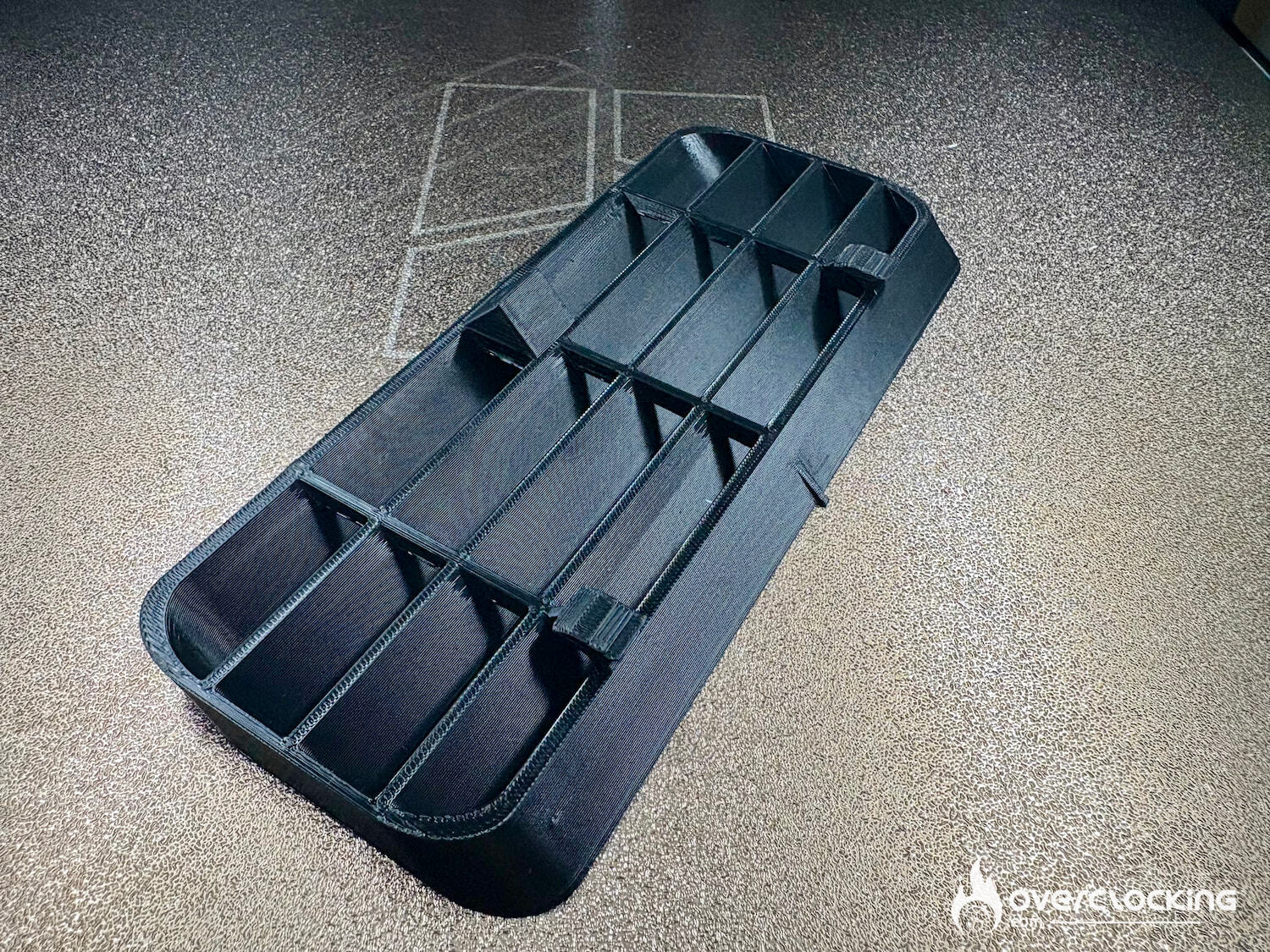
- ABS, one of the best-known plastics used in injection molding. Much stronger than PLA or PETG. But much more difficult to print. Probably the most impressive, the quality is remarkable, and the definition of ABS printing is even better than that of PLA-CF.
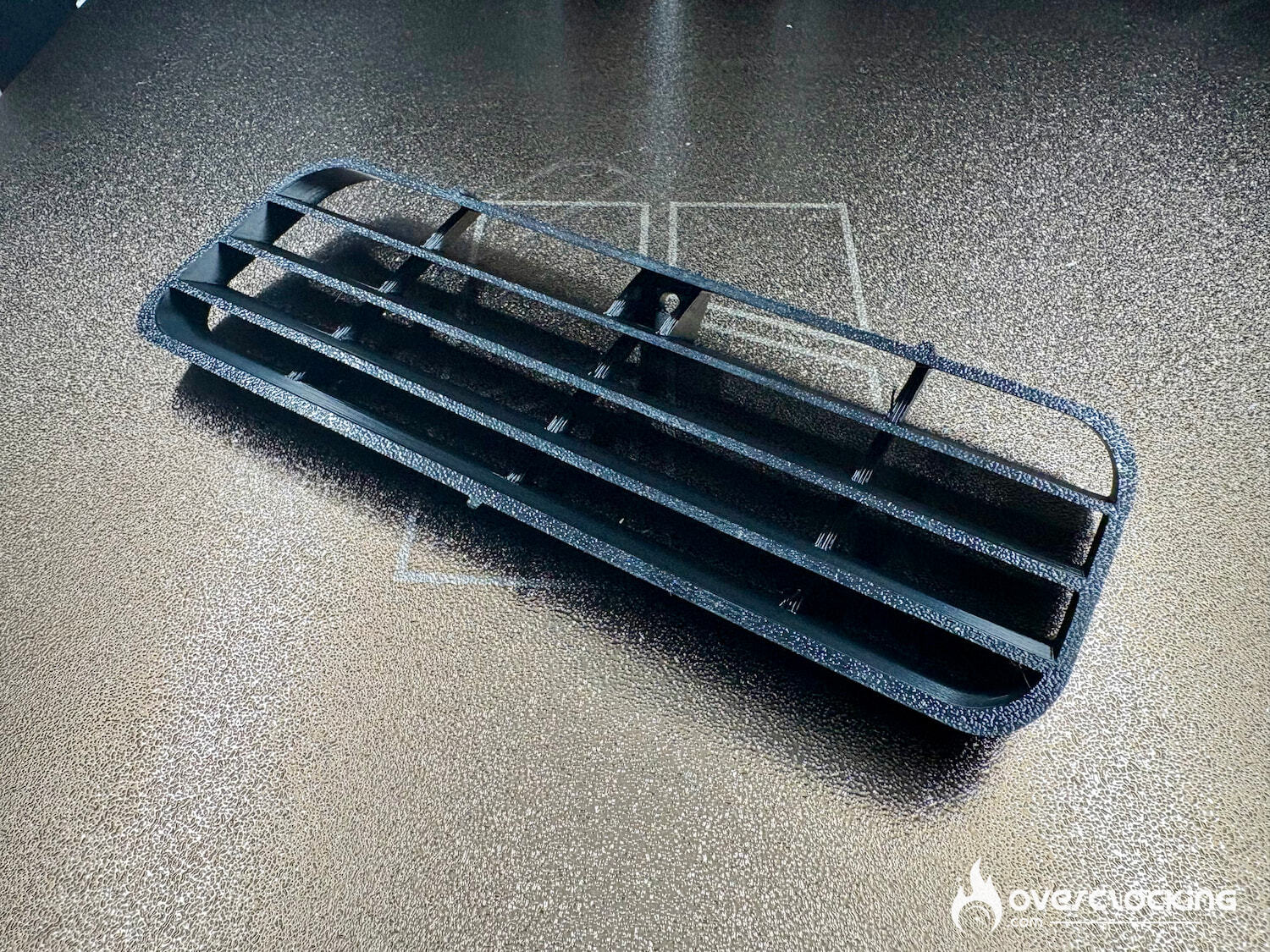
TPU
- TPU, this filament is flexible and surely the most difficult to print. And to make the test even more difficult, we did it on a high part. Not easy, but the part is usable.
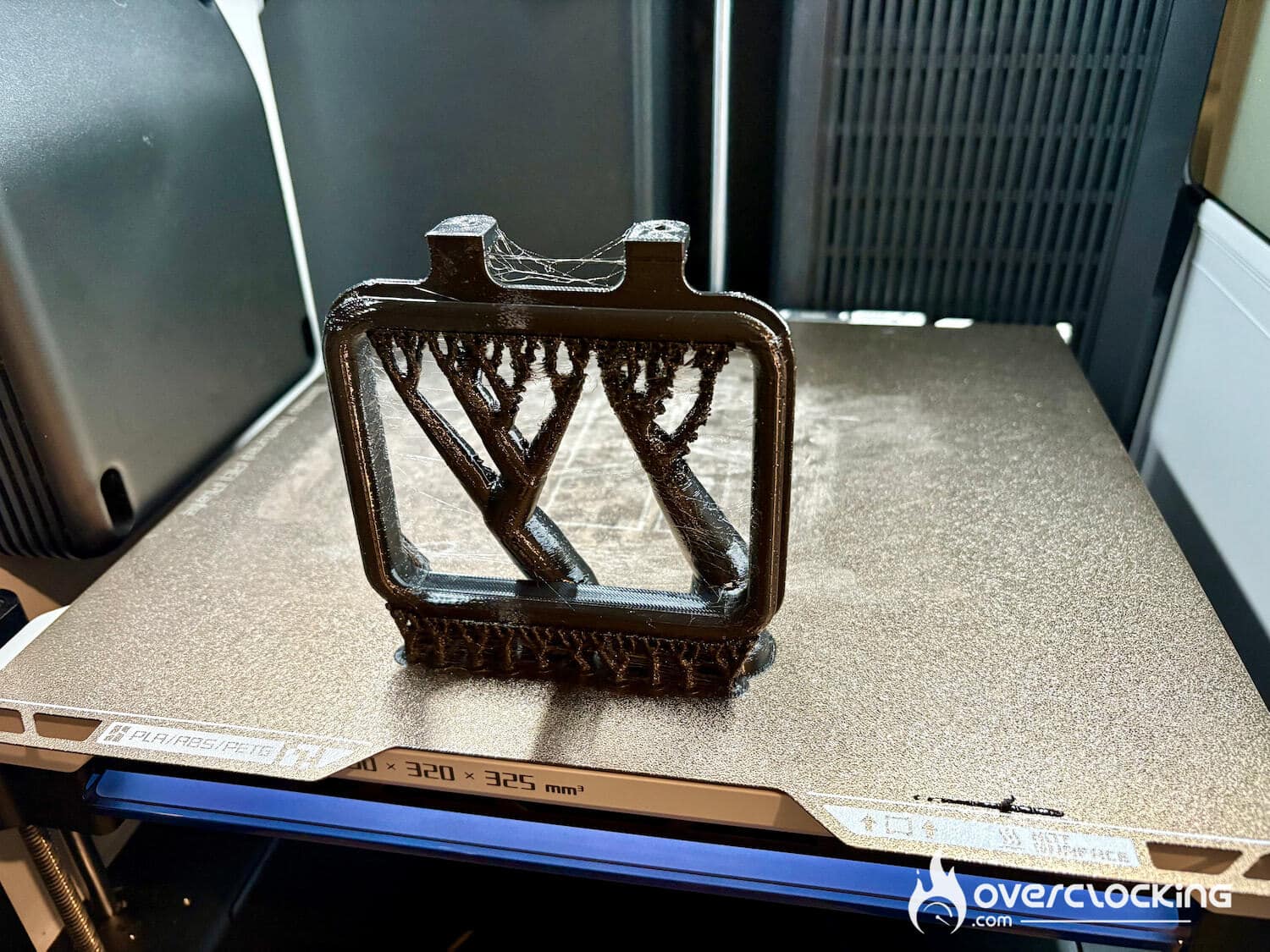
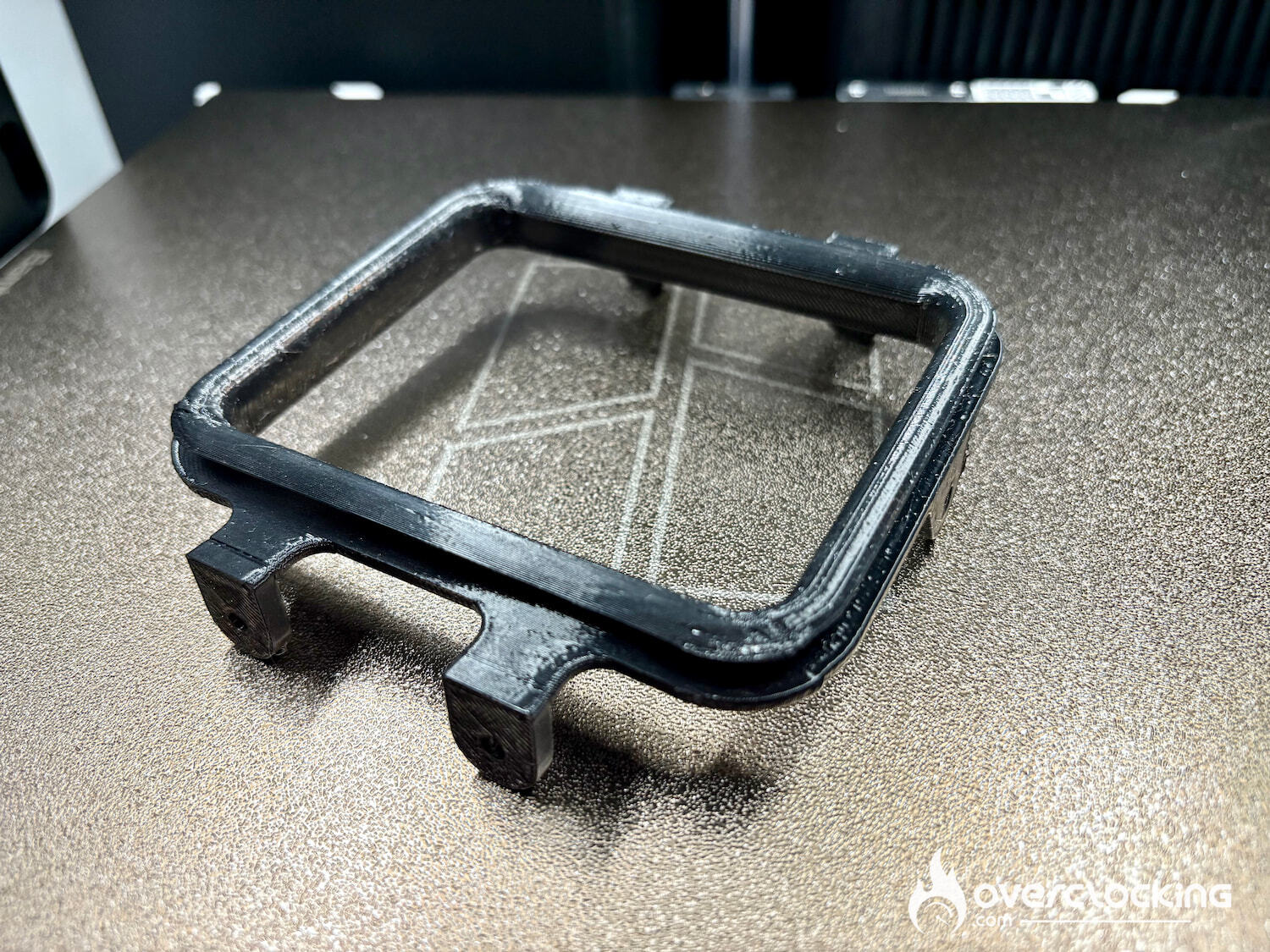
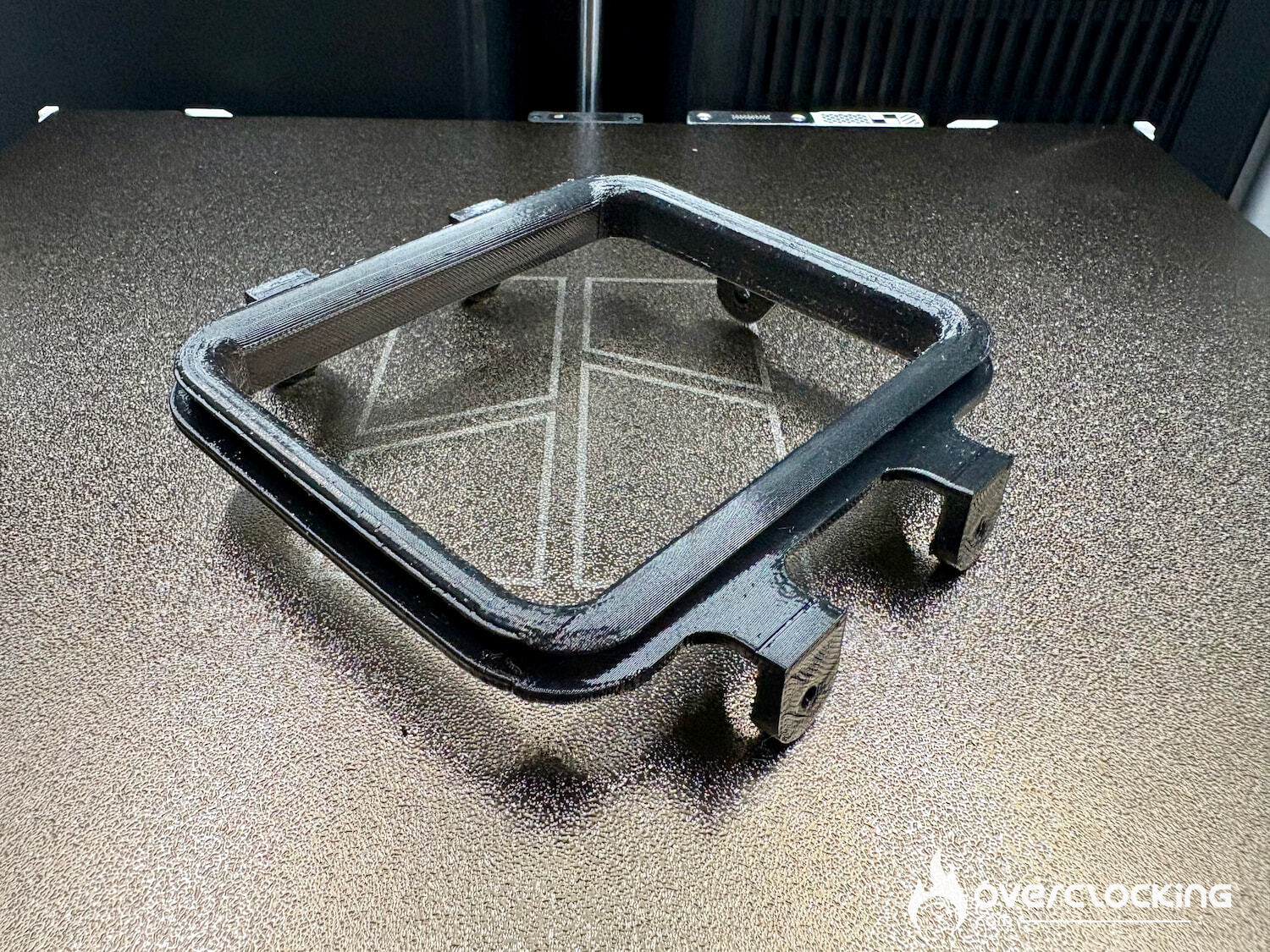
BONUS
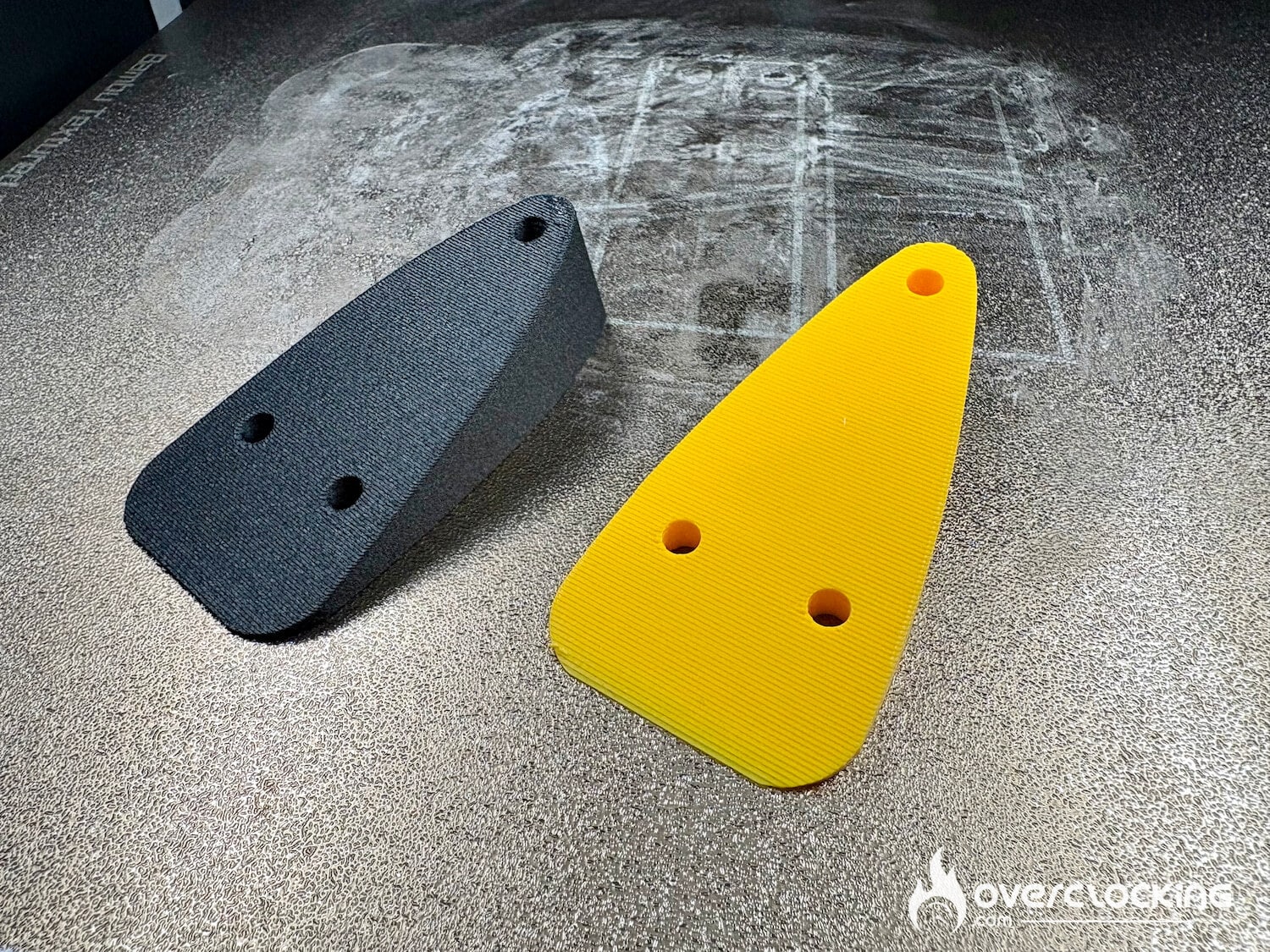
To go deeper into the process, I start with a design and always with a PLA print (less expensive). Once I’m happy with the dimensions of the part, I can print with a much more expensive filament (PAHT-CF in this case) to get my final part.
[nextpage title=”Cutting module”]
Cutting module
Rather than accumulating machines like a Cricut, why not just have the Bambu Lab H2D cutting module. For me, it’s an opportunity to make my own stickers, but you can also use the module to make t-shirt designs or drawings.
The Cutting Upgrade Kit costs 69€. Installation is straightforward, especially as Bambu Lab has a video ready and part of its wiki set up for…
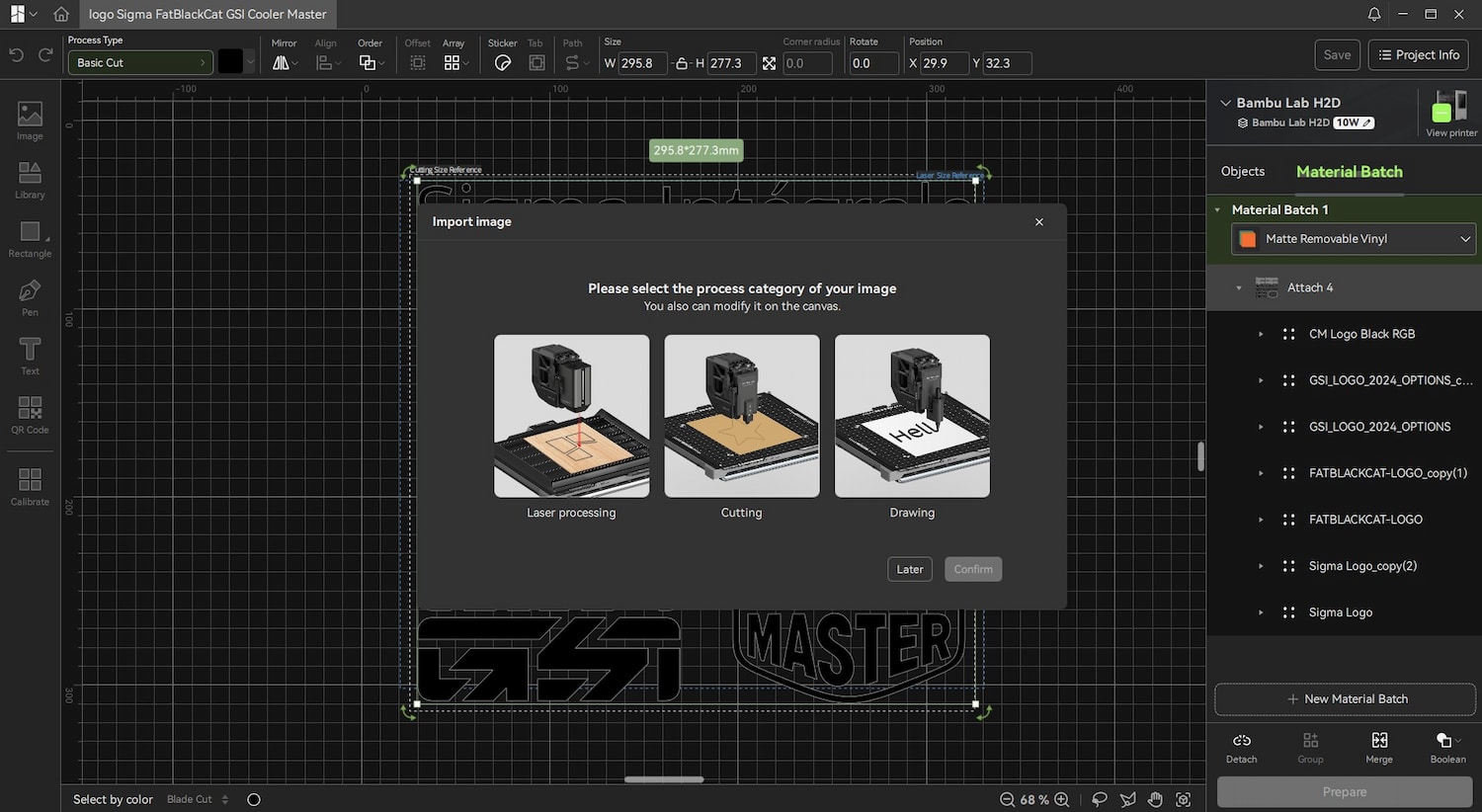
On Bambu Lab Suite, we drag and drop our designs, and the software asks whether you’re going to use laser, cutting or drawing.
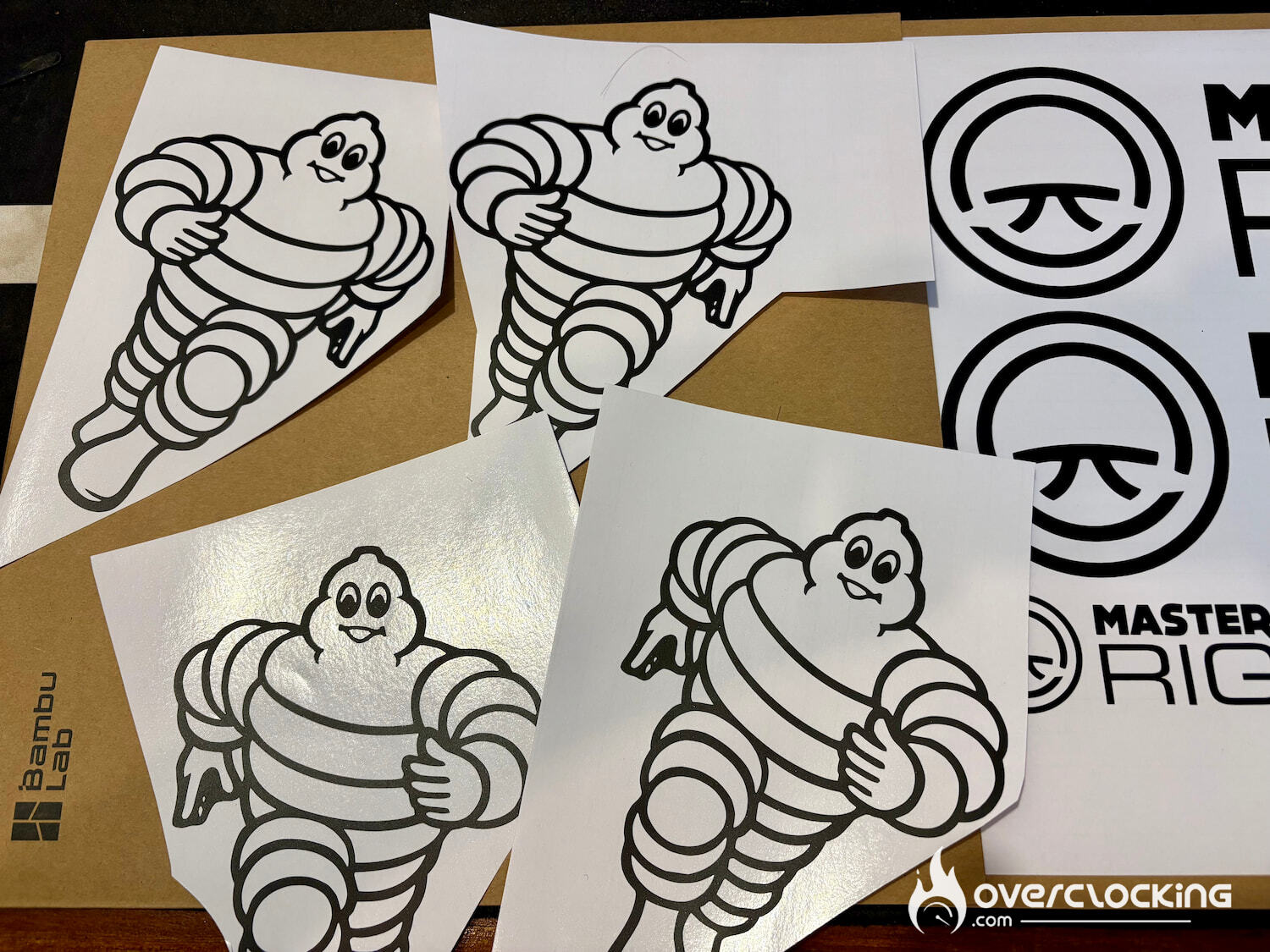
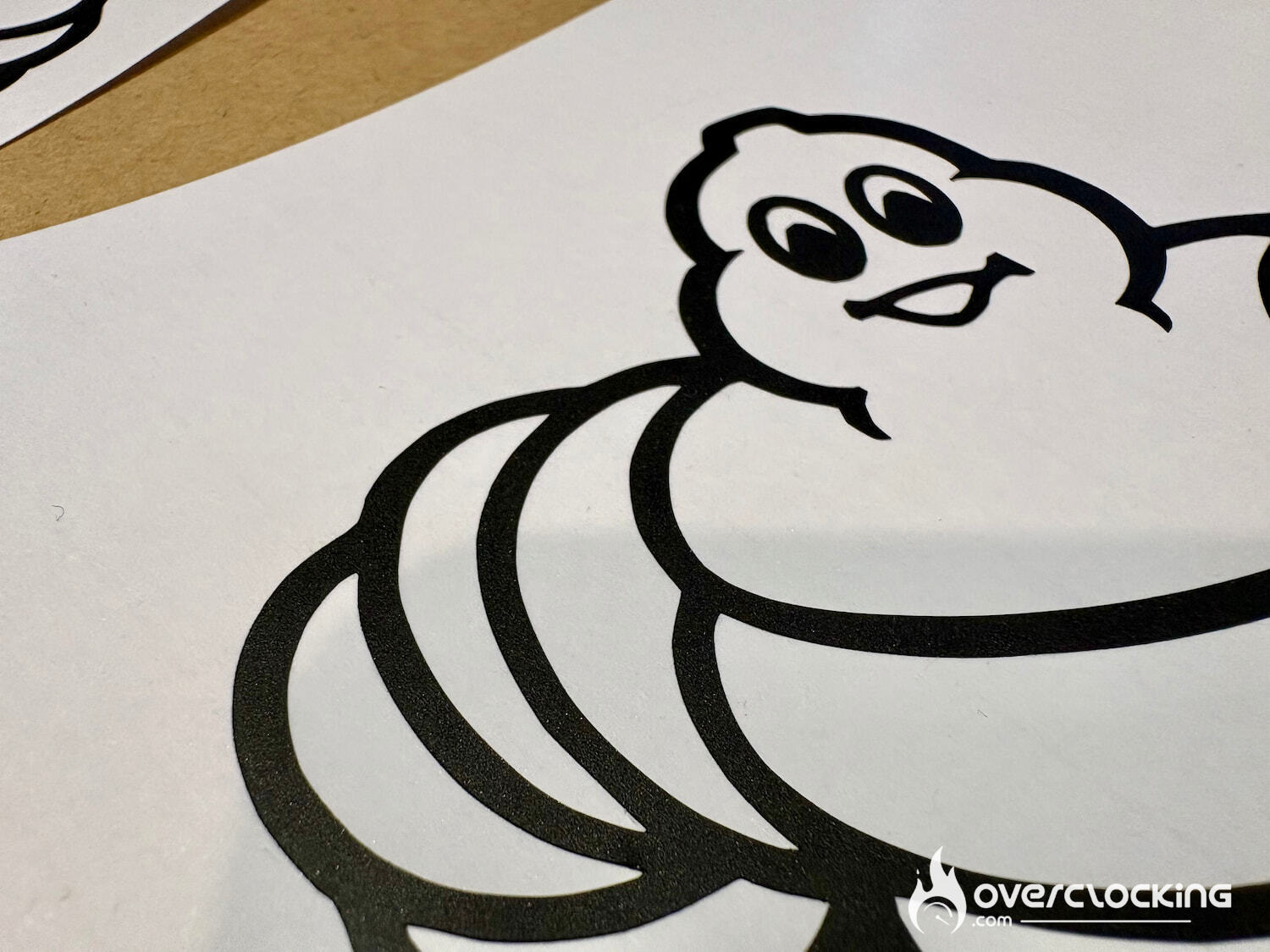
The results are second to none. The default settings only cut vinyl, even with car wrap vinyl. The only restrictions are, of course, the dimensions.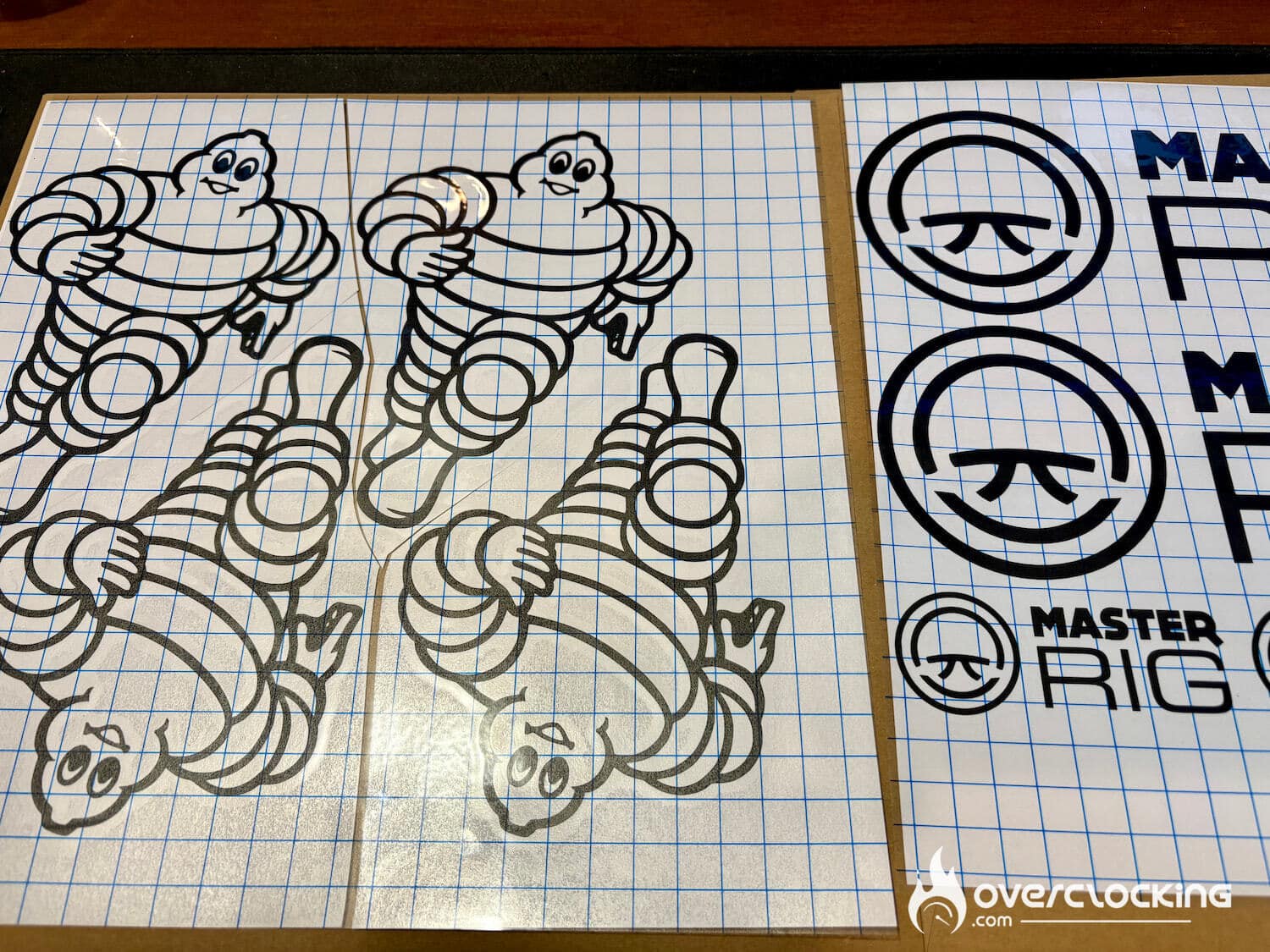
All that’s left to do is apply the transfer sheet.
[nextpage title=”Conclusion”]
Conclusion
Bambu Lab now offers one of the most comprehensive user experiences on the market with the H2D. Despite its technical complexity on paper (dual nozzle, hybrid modules), the approach remains plug and play: No more spending hours setting up a new filament. With built-in profiles for Bambu Lab filaments, everything is automatic. If you want to use other brands of filament, no problem, certain settings are available and very reliable. You just need to specify the type of filament when loading it.
You don’t need to be an engineer to exploit its full potential: if your model is on the MakerWorld platform, it’s really just a matter of click and print. And thanks to the dual nozzle and interchangeable modules (laser, cutting, pen), the H2D opens the door to much more than conventional 3D printing.
Where the H2D really shines is in the creation of large parts and with technical materials (ABS, PA, composites).
If the price doesn’t scare you, the Bambu Lab H2D costs €1,899 on its own, €2,199 with its AMS, and €2,799 with the laser module.
Too expensive? No problem, Bambu Lab has just released the H2S for €1,149, which only has one nozzle, but will soon have an add-on with nozzle change. It is just 100€ more than the X1C, which already makes it a bargain.

We liked :
- Perfect prints every time
- Product quality
- Simplicity on all fronts
- Complete software suite
- Spare parts available
- Versatility with laser/cutting modules
What we didn’t like :
- Price
Bambu Lab H2D

Of course, this jewel is far from the price of an A1 mini: we’re talking about a premium machine, designed for demanding creators and professionals. But given its simplicity of use, the H2D stands out as a versatile and professional tool, while remaining accessible to the passionate user who wants to go further. It’s clearly the best product on the market today.