

It’s been a bit of a surprise over the past few hours. We’ve just discovered the MSI MEG EM9, a benchmark stand capable of accommodating motherboards with rear-mounted connectors.
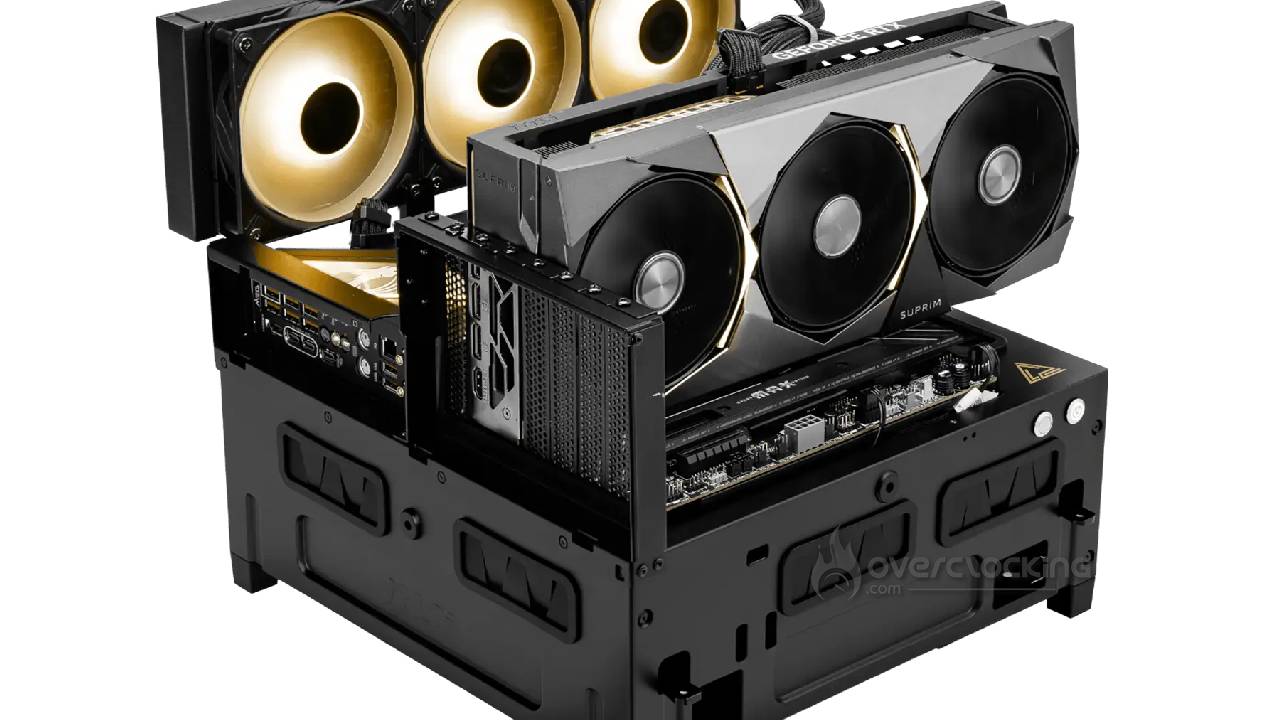
MSI has released… a bench stand!
As you might expect, it’s an open-frame chassis, designed for users who regularly swap out components. It’s therefore primarily aimed at testers, tinkerers, overclockers, and, more broadly, anyone who needs to quickly assemble and disassemble a system. It’s a much more limited offering than the InWin product we tested, but it should satisfy many users.
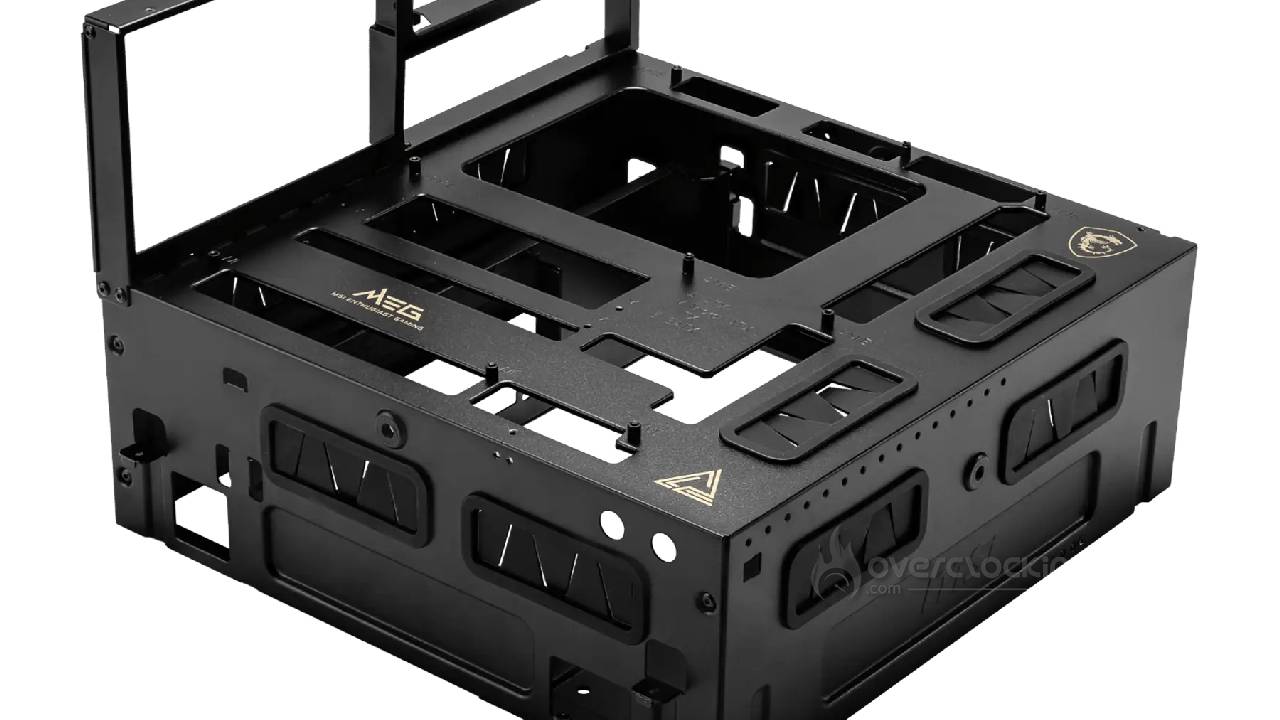
Changing a graphics card, upgrading memory, or replacing a cooling system becomes much faster as a result. The MEG EM9 supports motherboards ranging from Mini-ITX to E-ATX, with additional compatibility for ATX and Micro-ATX models that use rear connectors. MSI also includes built-in Power and Reset buttons, which are particularly handy on a test platform. For now, we only have the Taiwanese price for this model. There, the MEG EM9 is priced at 2,590 NT$, which is approximately 82 dollars or 70 euros after conversion. However, this is a pre-order, with shipments scheduled for late October. No official prices for Europe or the United States have been announced yet.
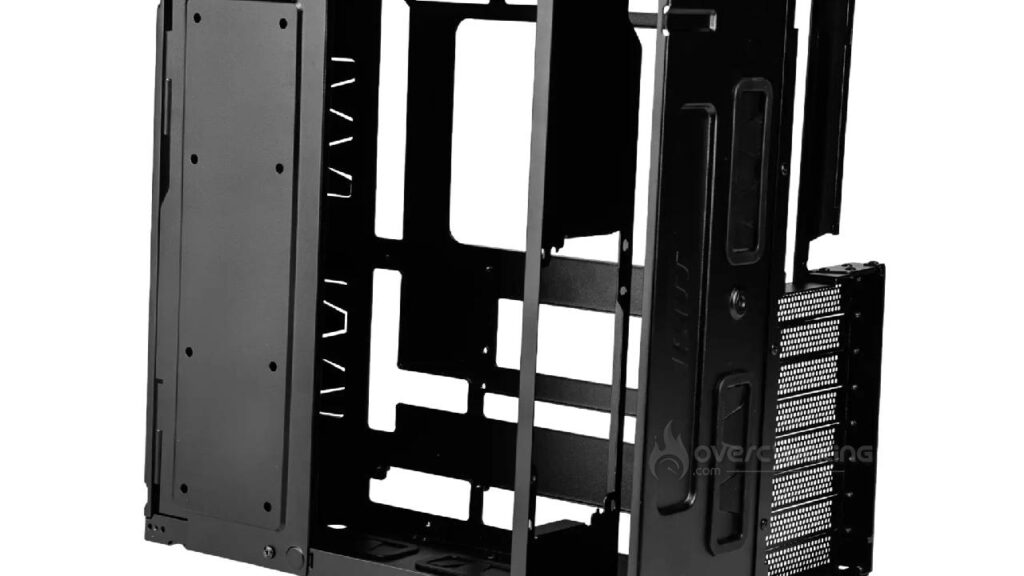
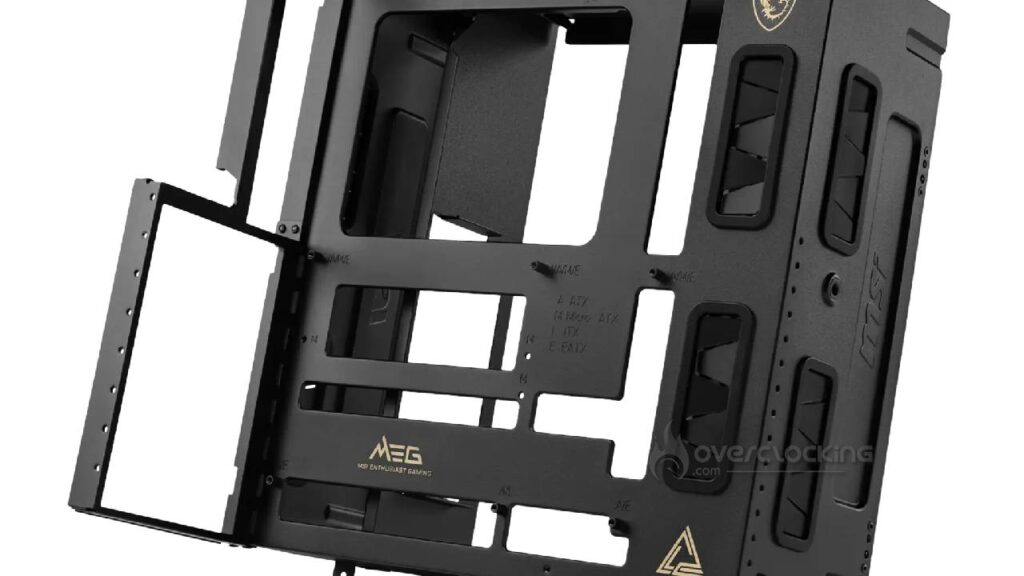
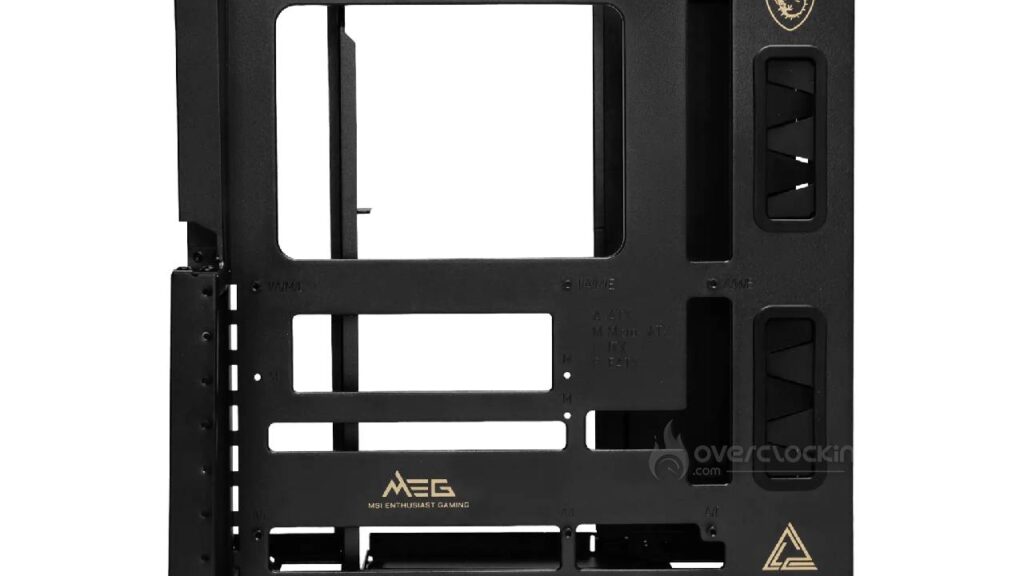
The MSI MEG EM9 prioritizes broad hardware compatibility above all else. Its dimensions are 336 × 358 × 239 mm, and it can accommodate an E-ATX motherboard measuring up to 280 × 305 mm. For motherboards with rear I/O connectors, MSI specifies support for ATX and Micro-ATX form factors. The manufacturer does not set any official limits on graphics card length or CPU cooler height. Additionally, eight horizontal expansion slots are available. Two 2.5-inch storage drive bays are also included.
| Specifications | MSI MEG EM9 |
|---|---|
| Type | Open benchmark table |
| Standard motherboards | E-ATX up to 280 × 305 mm, ATX, Micro-ATX, Mini-ITX |
| Motherboards with rear I/O | ATX and Micro-ATX |
| Expansion slots | 8 horizontal |
| Maximum GPU length | No announced limit |
| Maximum CPU cooler height | No announced limit |
| Storage | 2 × 2.5-inch |
| Power supply | ATX |
| Maximum power supply length | 200 mm |
| Top ventilation | 1 × 120 mm or 1 × 140 mm |
| Included fans | None |
| Compatible coolers | 120, 140, 240, 280, 360, and 420 mm |
| Built-in buttons | Power and Reset |
| Dimensions | 336 × 358 × 239 mm |
| Weight | Not disclosed; listed as “TBD” by MSI |
| List Price | NT$2,590, approximately $82 or €70 |
| Announced availability in Taiwan | Shipments expected in late October |
The cooling section is particularly interesting. The top mount supports radiators ranging from 120 to 420 mm, allowing for the installation of a large AIO or a water-cooling loop for testing purposes. It can also accommodate a 120- or 140-mm fan, though no fan is included. The ATX power supply can be up to 200 mm deep. However, it’s important to keep in mind that the lack of advertised limits for the graphics card and CPU cooler does not constitute a universal guarantee of compatibility. MSI itself notes that compatibility must be verified based on the dimensions and installation method of the various components.
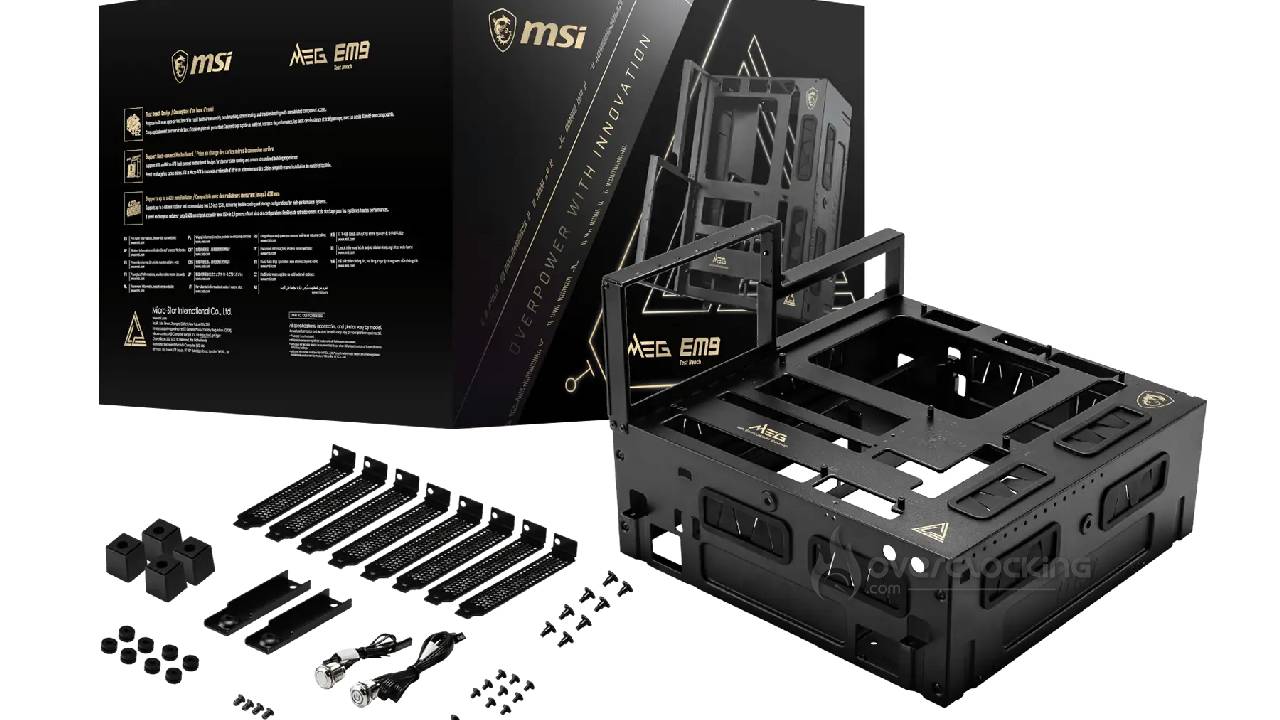
Ultimately, the MSI MEG EM9 is designed for a very specific use case, but it delivers a particularly well-rounded solution. For a gaming PC intended to remain assembled under a desk, a traditional case will obviously retain many advantages, particularly in terms of protection against dust, noise, and impacts. On the other hand, for a hardware lab, a workshop, an overclocking rig, or a setup where components are regularly swapped out, the MEG EM9 becomes a much more suitable choice. Its immediate access to hardware, E-ATX compatibility, eight expansion slots, and the ability to install a 420 mm radiator make it a sort of miniature workbench for PC components. At NT$2,590, the Taiwanese price also seems quite competitive given its features and the competition.