

Thermal Grizzly’s philosophy:
After receiving a sample of the Mycro Pro RGB LGA 1851 water block, Thermal Grizzly has just sent us some new components, including their latest water block, the DeltaMate Mycro Pro II for AM5. A huge thank you to Sasha for once again giving us the opportunity to showcase these products before their reviews are published. Thermal Grizzly offers two distinct approaches with the Mycro series and the Delta series. The Mycro series was developed primarily for enthusiasts whose goal is to achieve the best thermal performance combined with maximum efficiency. It features a high-performance micro-fin cold plate in one of the most compact CPU waterblocks on the market. While the brand states that cooling performance takes precedence over aesthetics, we find the Mycro Pro RGB LGA 1851 to be a resounding success.
Voir cette publication sur Instagram
The DeltaMate CPU water block is based on the same cooling architecture but takes a different approach. The DeltaMate series represents Thermal Grizzly’s high-end lineup, where blocks designed for ROG Astral GPUs have already been available for several months. While this series aims to deliver excellent thermal performance, it also places greater emphasis on industrial design, material quality, manufacturing, and the user experience. The brand’s goal with this series is to offer a fully unified water-cooling ecosystem, in which all components are designed around a common visual identity to create a cohesive, customized loop.
The DeltaMate Mycro Pro II AM5:
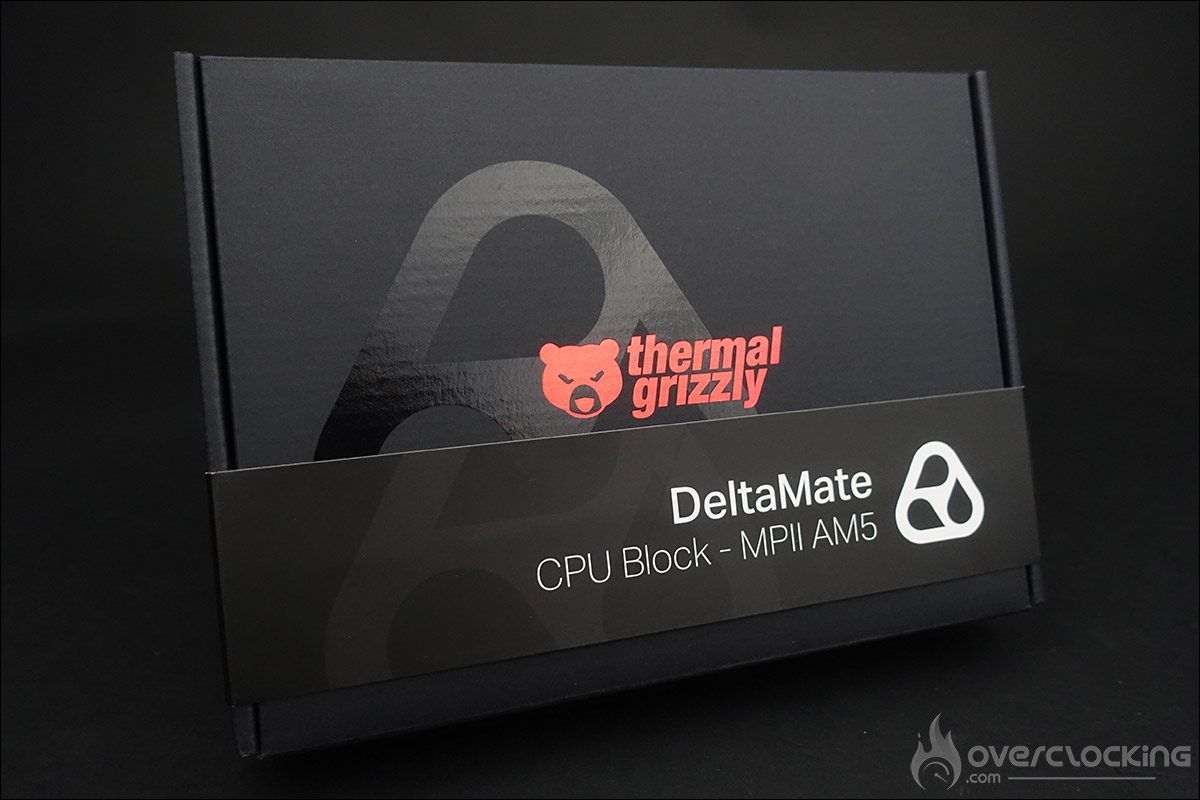
Announced several months ago and spotted again at Computex 2026, Thermal Grizzly’s DeltaMate Mycro Pro II AM5 water block is now officially available. You can purchase it on the brand’s website for 349.90 euros. We’ve just received a unit to show you the packaging of this new water block. It comes in a black box stamped with the Thermal Grizzly logo, featuring a cardboard sleeve that lists the details of the water block inside the box. The first items you’ll find are the installation manual—accessible via a QR code—a thank-you card, and the warranty for the pressure test conducted by the brand. You can also check out this page, which explains in detail how these tests are performed.
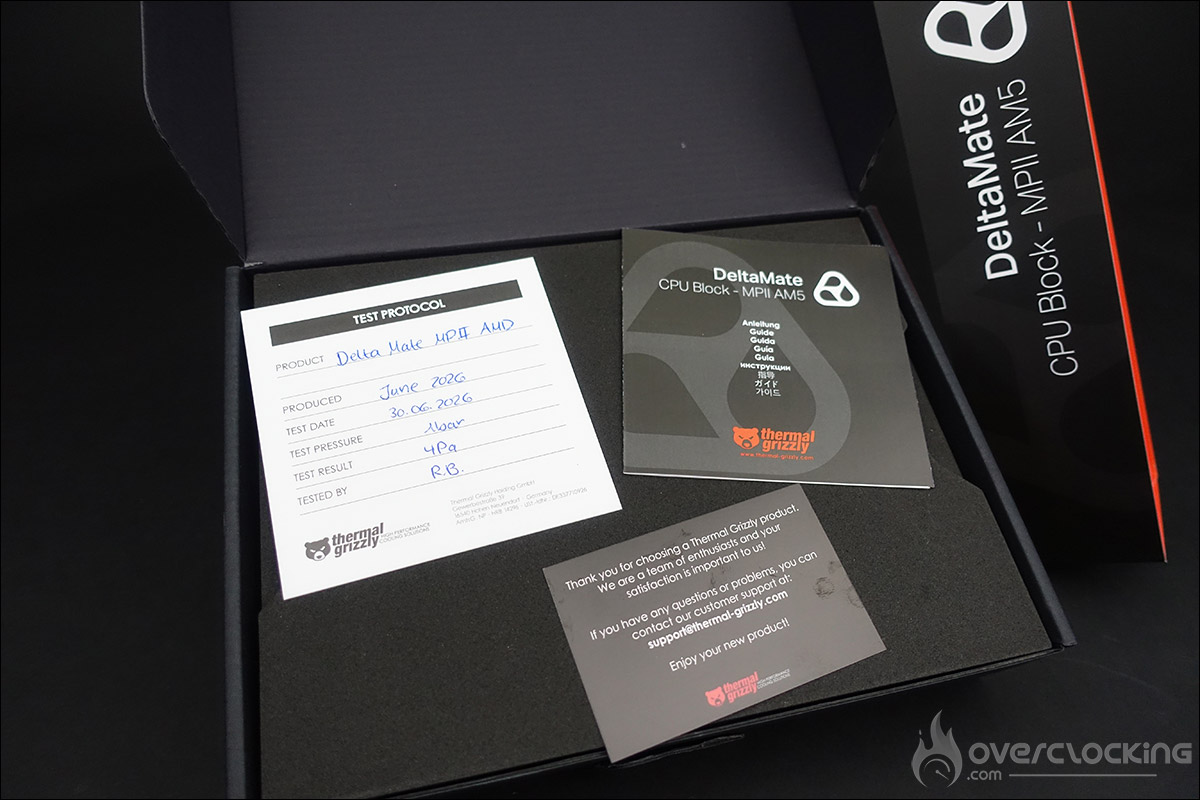
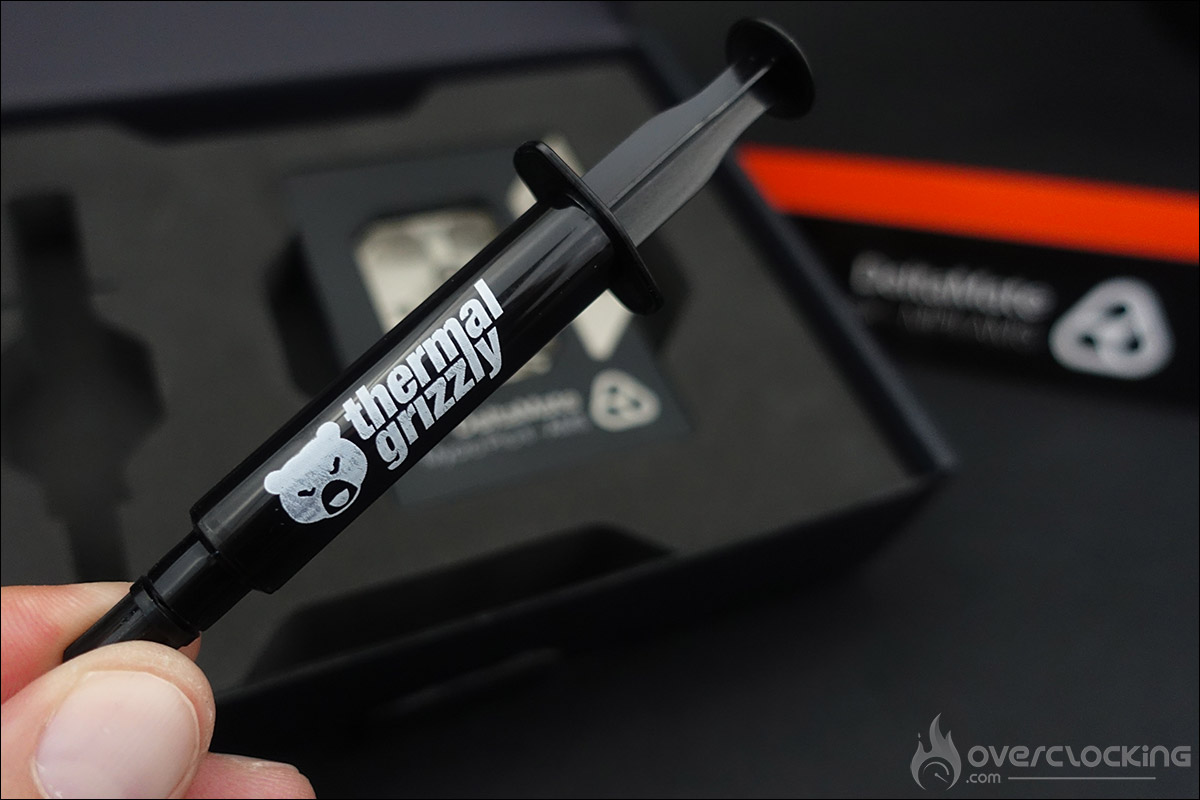
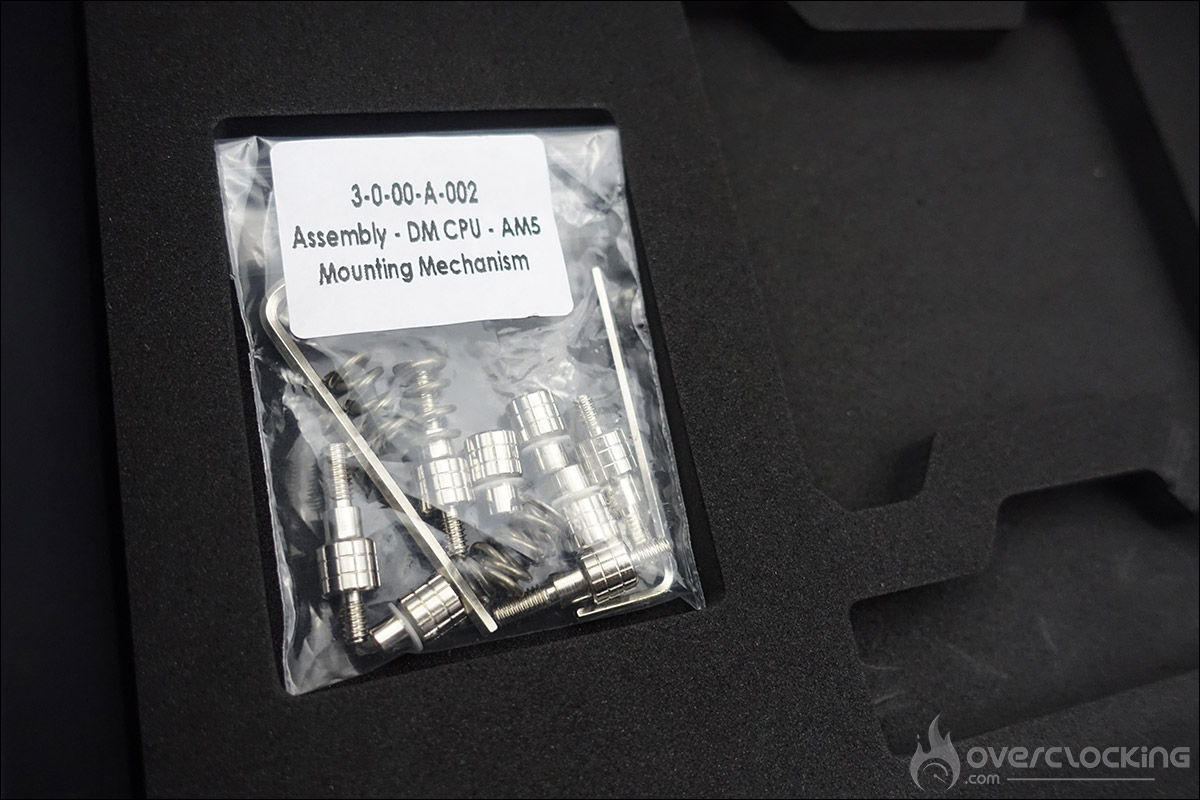
The layer below finally reveals the precious component itself, along with a 6g tube of Duronaut thermal paste. As you can see, your future DeltaMate Mycro Pro II AM5 unit is perfectly protected and will arrive at your doorstep in top condition. The bottom layer contains a bag with all the screws and tools needed to install it on your motherboard.
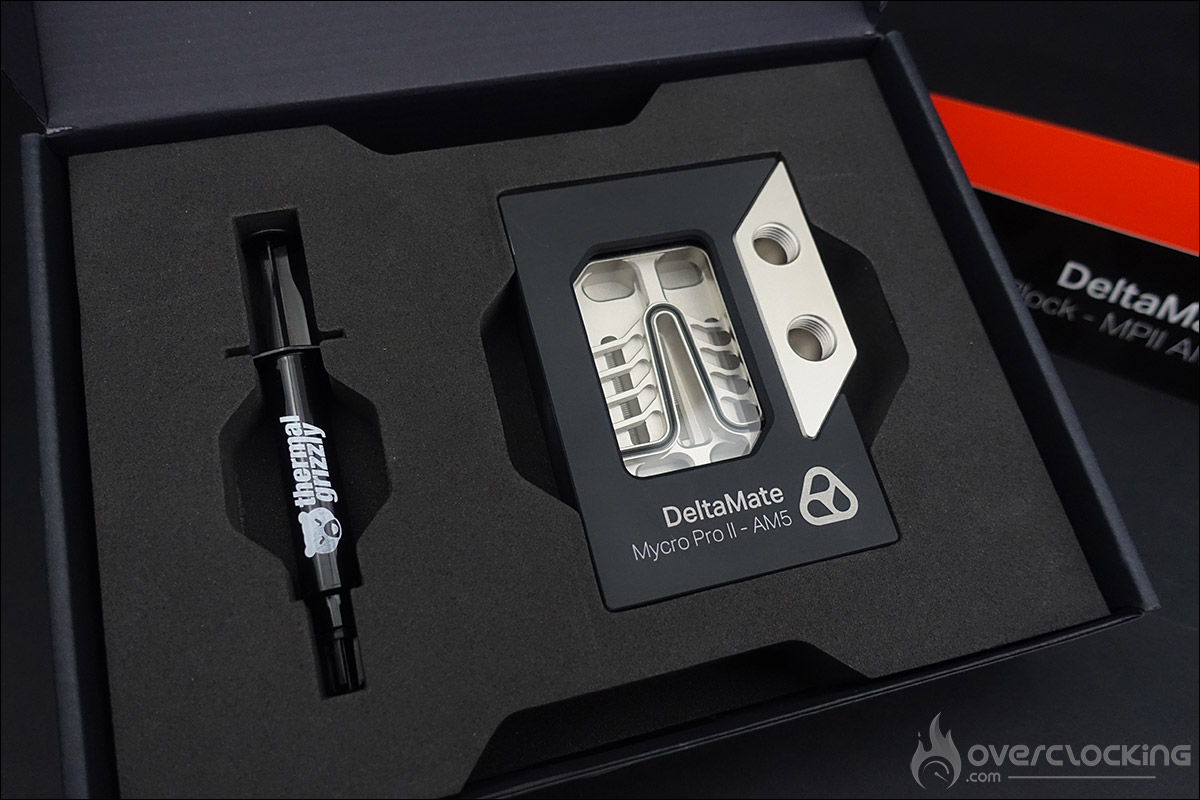
This new DeltaMate Mycro Pro II AM5 water block is the flagship product of the Thermal Grizzly lineup. It was designed using the finest materials to meet the demands of overclocking enthusiasts. It is currently available only for AM5 platforms (backward compatible with the AM4 socket), but a water block for the LGA-1851 socket is also in the works.
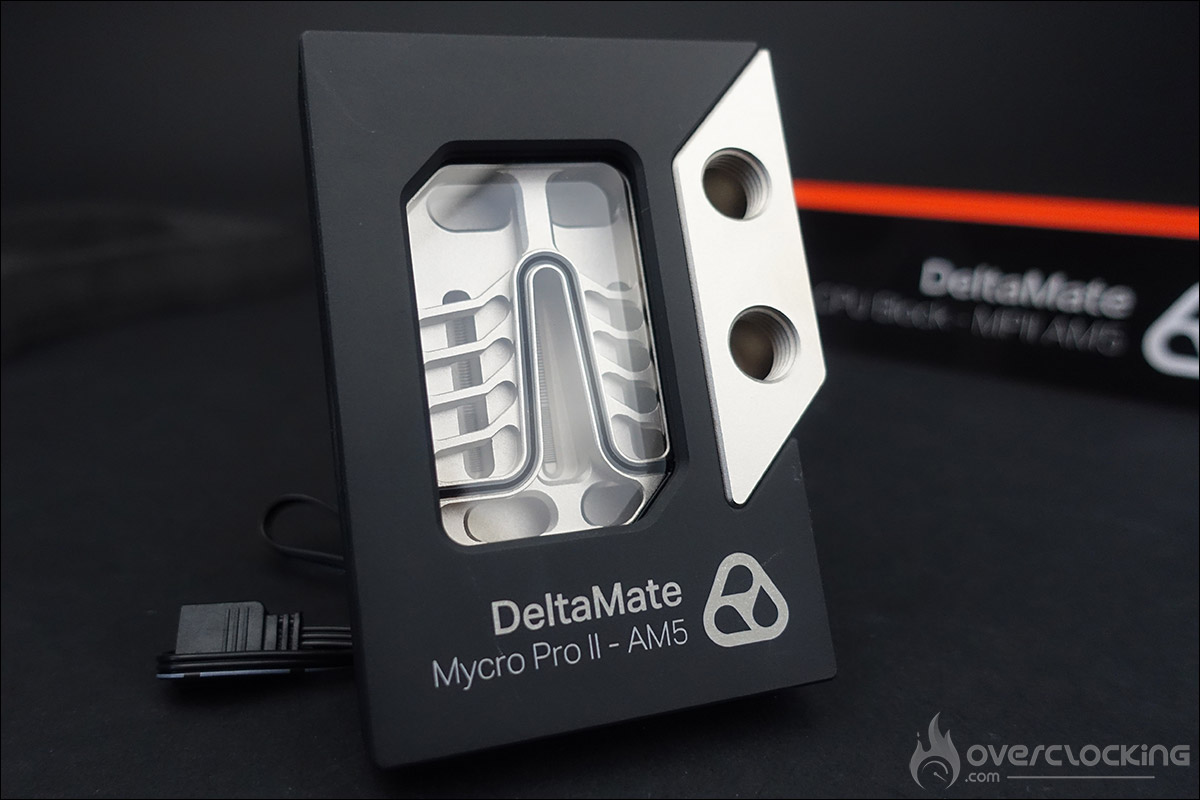
The water block features a magnetic cover that can be easily removed, designed to conceal all mounting screws. One of its unique features is that the coolant inlet and outlet are offset to the side rather than centered, as is the case with the vast majority of water blocks available on the market. The idea is to maintain the same design philosophy as the DeltaMate GPU water block. The coolant will, of course, enter through the lowest port. As you can see, there is only one possible orientation for this DeltaMate Mycro Pro II.
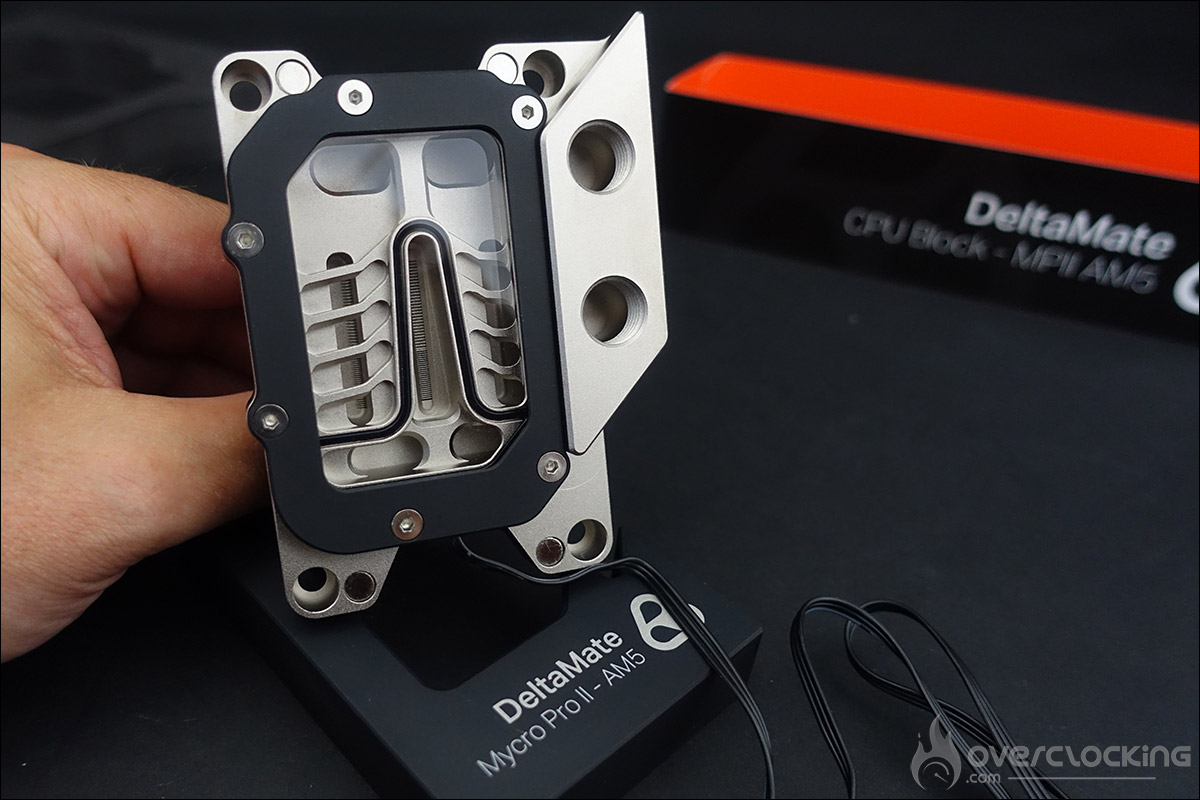
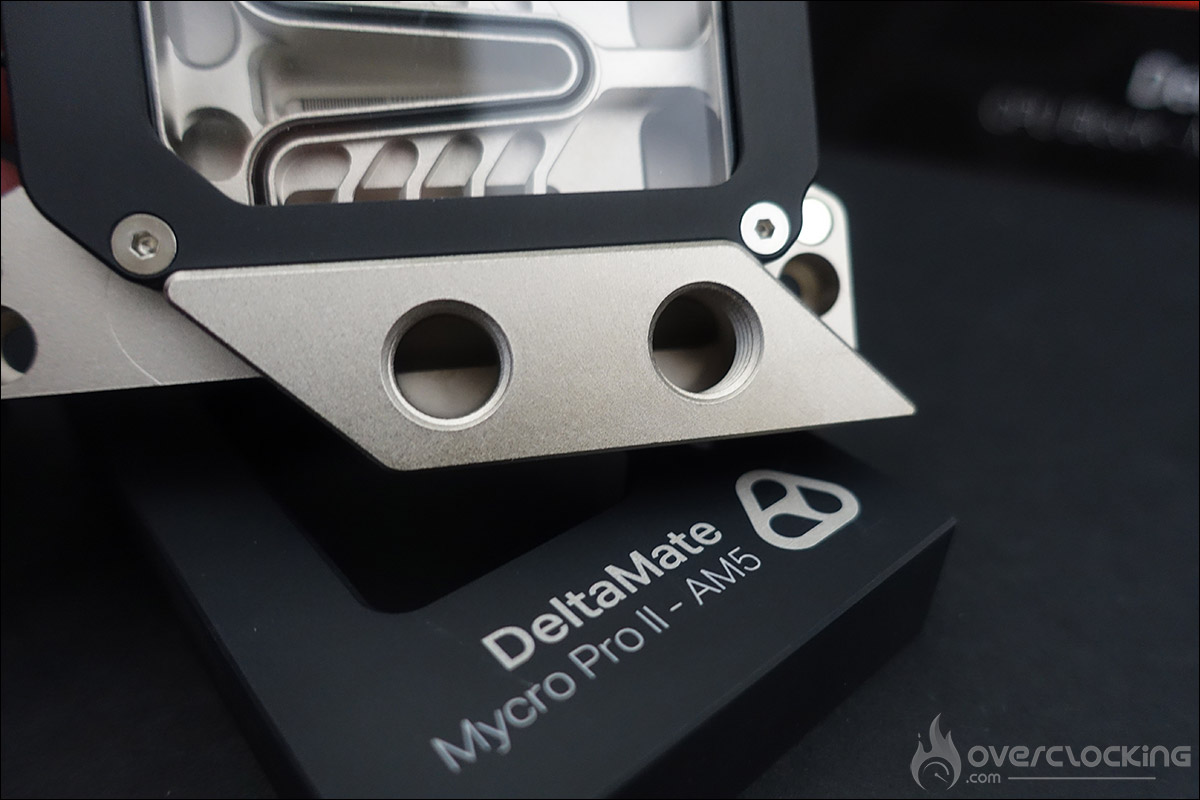
The DeltaMate Mycro Pro II features a hybrid design with a nickel-plated copper cold plate. This water block was designed to keep the CCDs of AMD processors cool. Thermal Grizzly has optimized cooling with no fewer than 25 micro-fins, each 0.2 mm wide, located in the area where your AMD processor’s CCDs are situated. This high number of fins provides a very large surface area over which the coolant can dissipate heat quickly and efficiently. As you can see in the photos above, the water block is much larger than the contact surface with the processor. That’s why, in the upper part of the block, there is another set of 29 micro-fins, each 0.4 mm wide, to optimize flow.
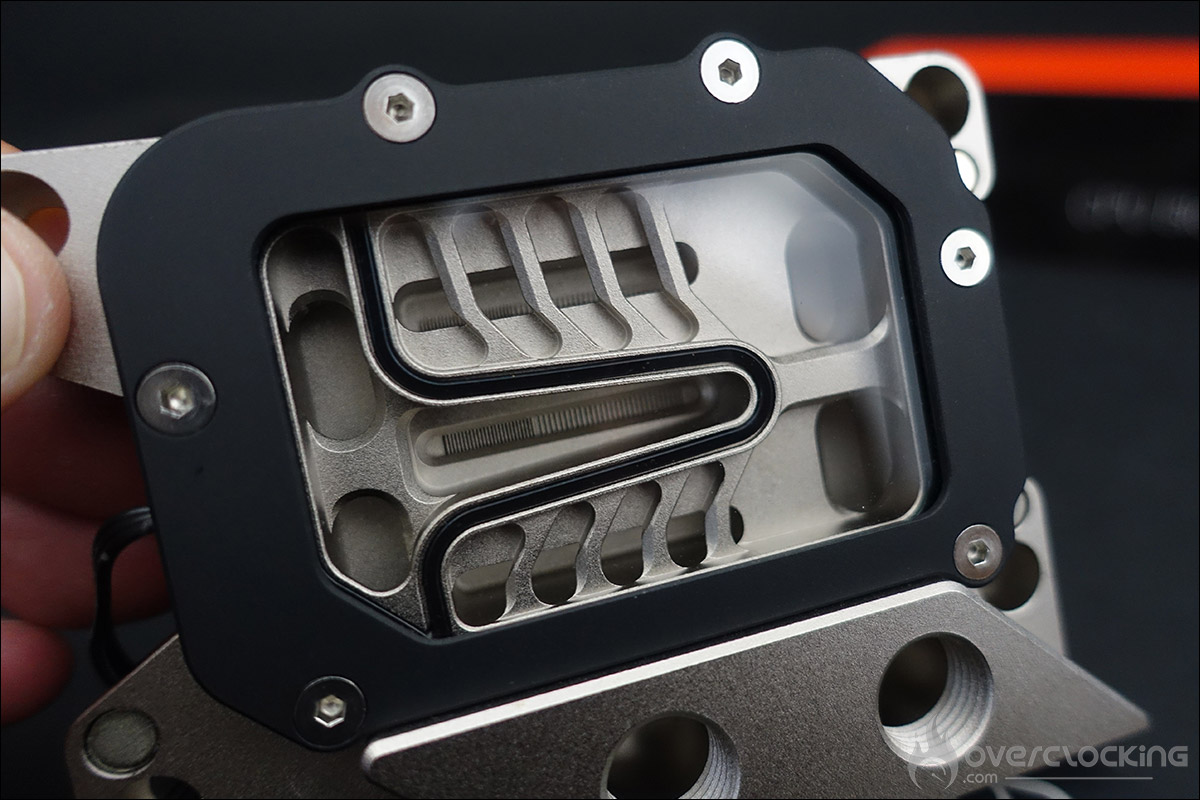
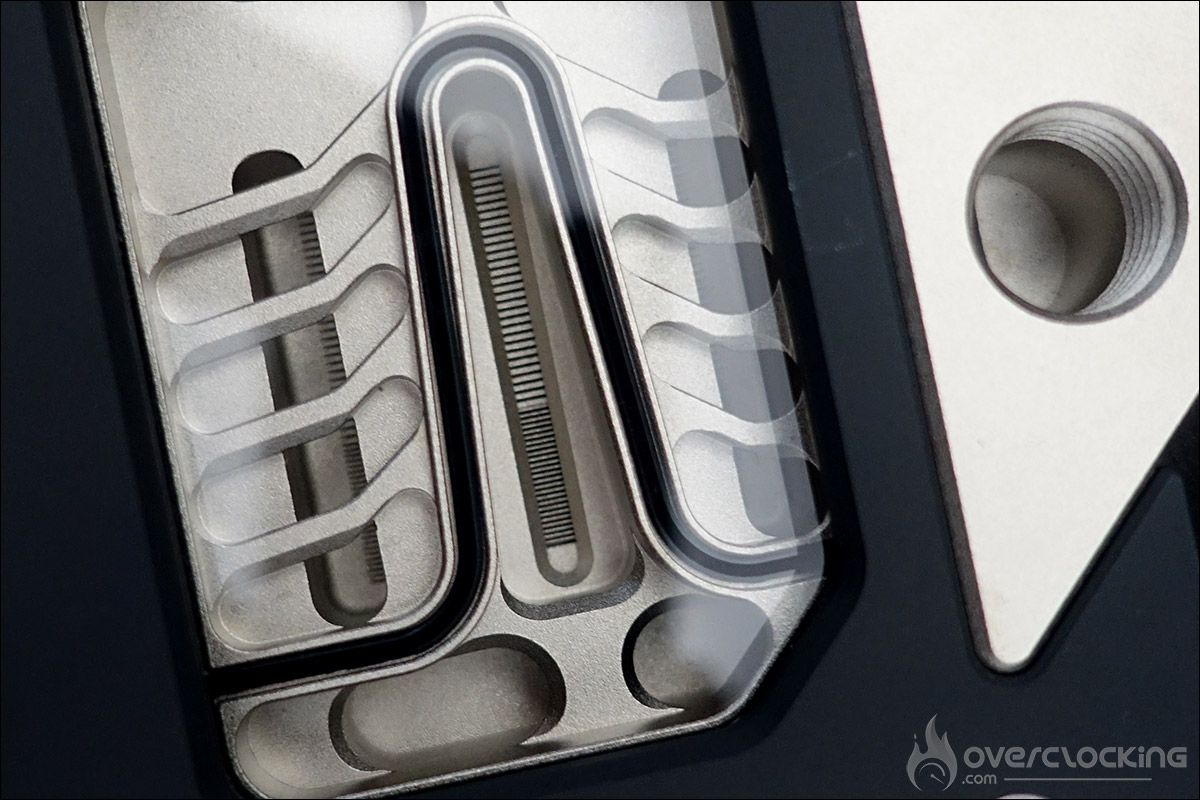
The photos clearly show the different parts and the design of the DeltaMate Mycro Pro II. The black anodized aluminum cover hides all the mounting screws, creating a very clean look that highlights the interior of the water block through a borosilicate glass window. This glass has a very low coefficient of thermal expansionand is highly resistant to thermal shock. The back panel, which will come into contact with your processor, is covered with a protective sticker that you must remember to remove during installation.
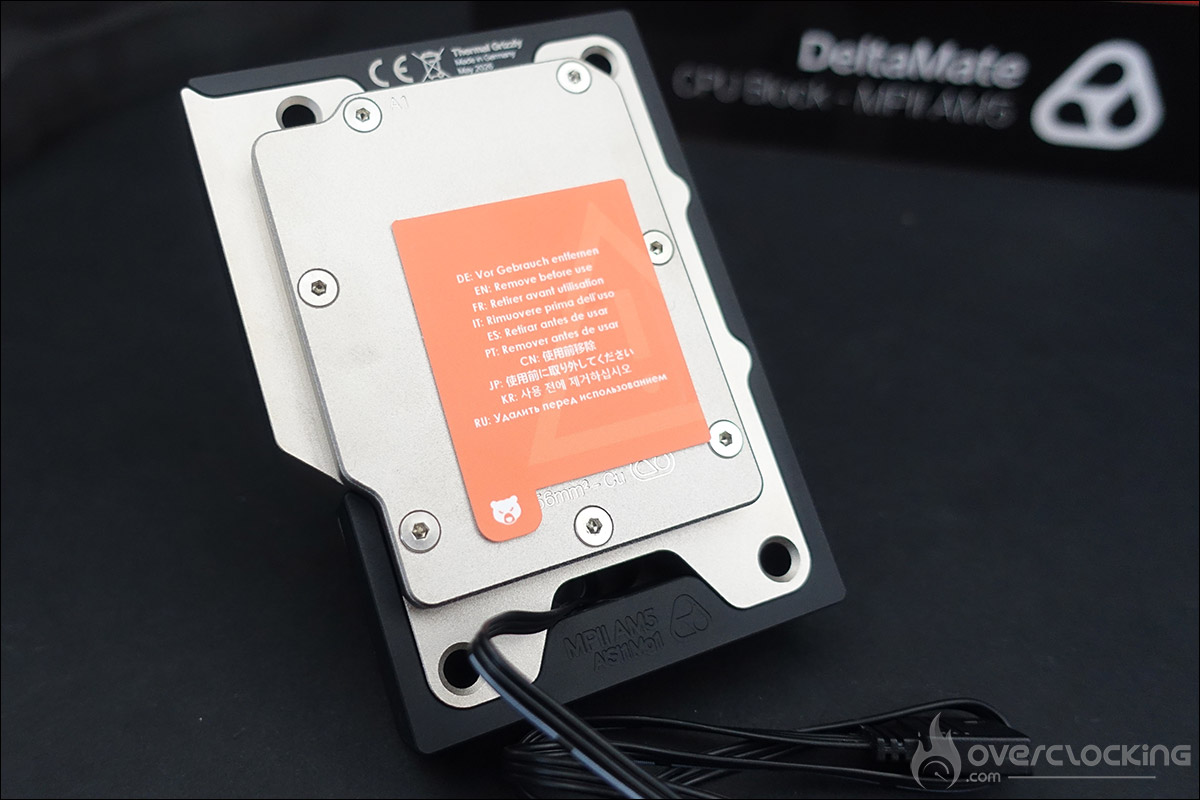
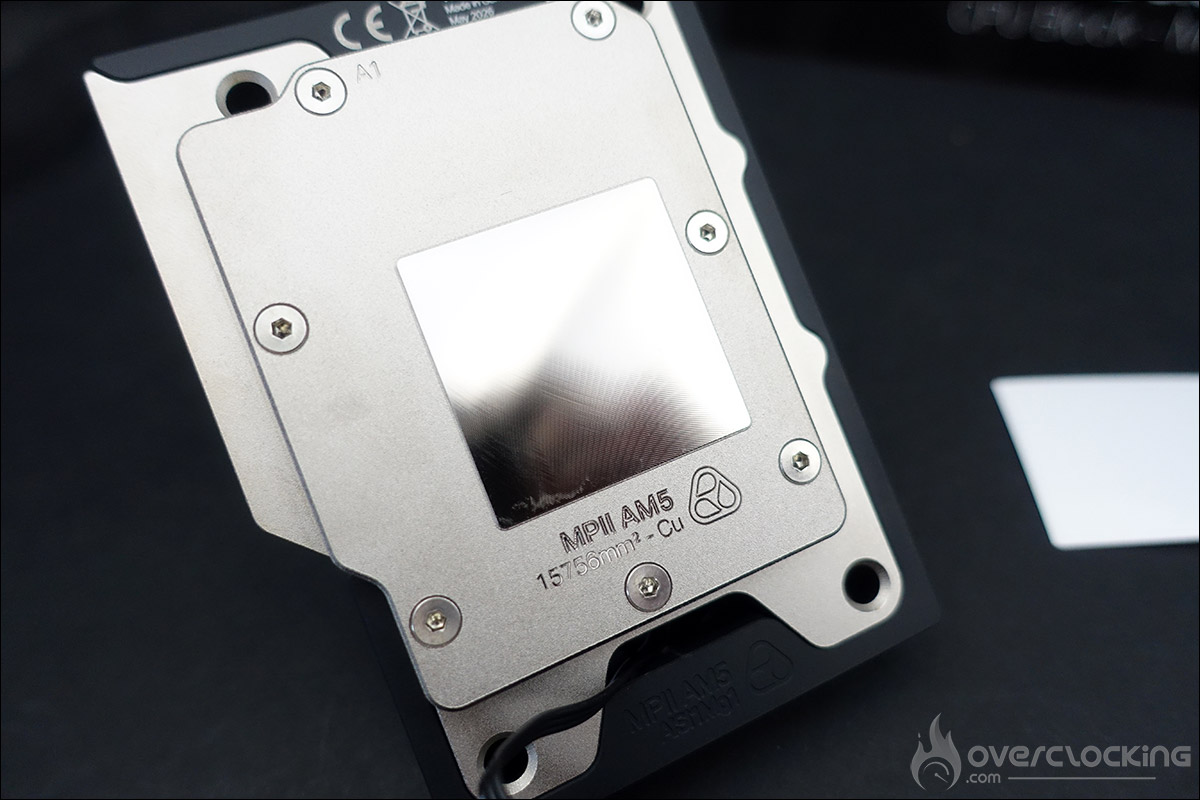
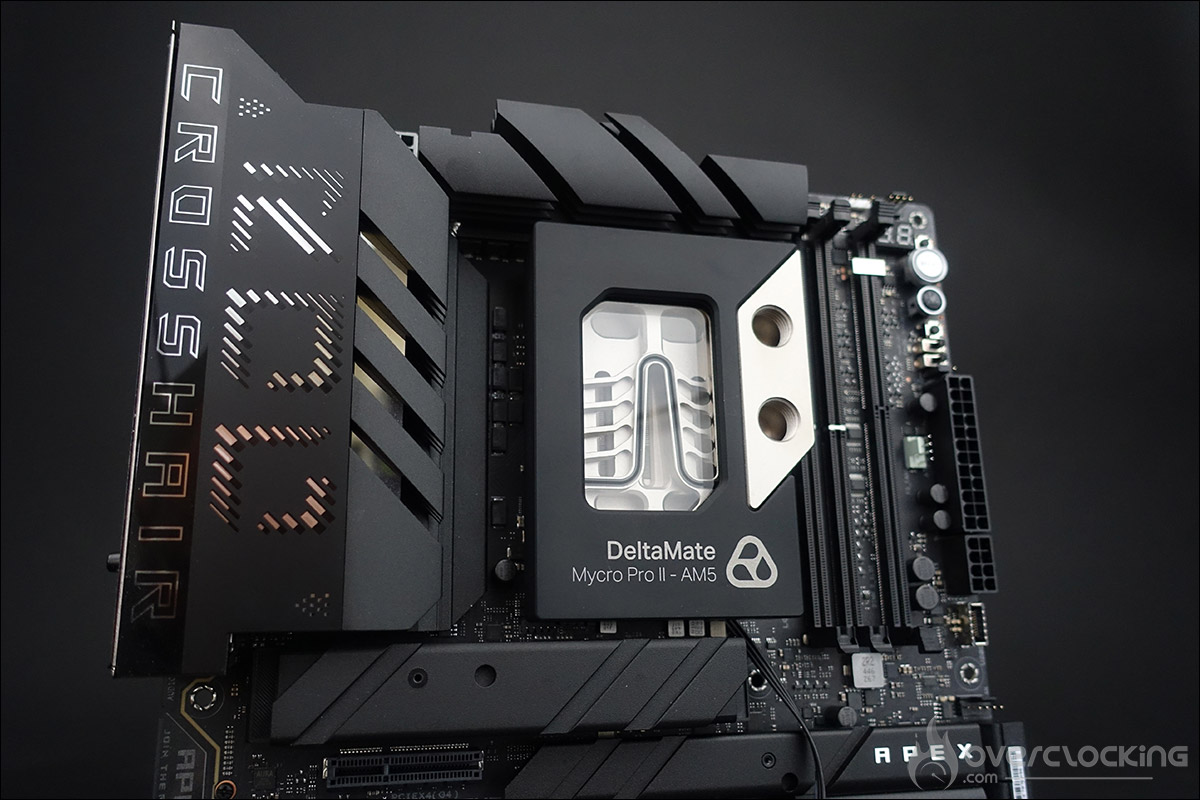
Backlighting enthusiasts can rest assured: a series of RGB LEDs highlights the water block ’s internal design via a 3-pin ARGB connector that plugs into your motherboard. We couldn’t resist doing a quick dry run to admire how it looks on our ROG Crosshair X870E APEX motherboard.

Check back next week to see how the two Thermal Grizzly water blocks perform!